




Intel Core i3 i5 i7 i9 Custom Gaming PC
Description
Intel Custom Gaming PC: Configure Your Build, Ginger6 Hand-Builds It
The Ginger6 Intel Custom Gaming PC is a configurator, not a fixed spec. The seven-step Custom Options form on this page walks you through every component decision: case, processor, motherboard, memory, GPU, storage, power, cooling, software, peripherals, warranty. Pick the parts that fit your monitor, your games, and your budget. We hand-build the machine in our Wolverhampton workshop on Intel current-generation platforms, stress-test the configured build for 24 hours under sustained load, and ship it on a 3-year warranty with lifetime UK phone support. Configuring custom Ginger PCs since 2001.
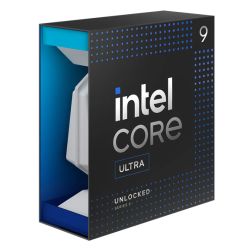
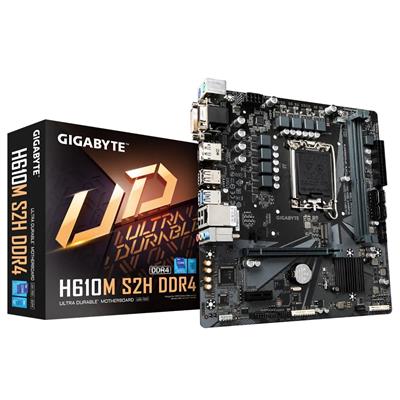
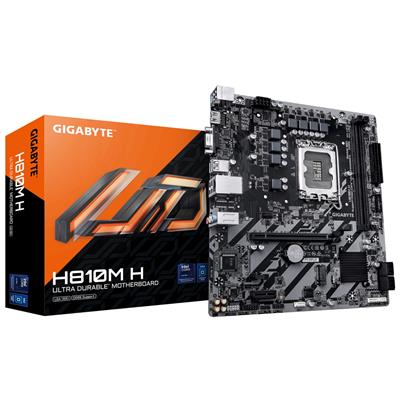
This is the broad Intel lane of the Ginger6 custom-built range. Step 1 of the configurator lands on the Gigabyte H610M K V2 (LGA 1700) with a Core i3 12100F, 16GB DDR5 5200MHz (2x8GB) Dual Channel, the Nvidia RTX 3050 6GB, and a 1TB Gen 4 NVMe SSD at £909.99 as the entry price. The configurator climbs the whole LGA 1700 stack from there: Core i5 12400F / 13400F / 14400F at the mid tier, Core i7 12700F / 13700F / 14700F for streaming and 1440p, Core i9 14900K at the top of the platform. The Step 1 motherboard dropdown also carries a Gigabyte H810M H DDR5 alternative that crosses the build over to LGA 1851 Core Ultra silicon if you want to skip the LGA 1700 platform entirely. Prefer to talk it through? Call Kevin on 01902 714533. He builds the machine, answers the phone, and gives a straight answer based on the games and the panel you have.
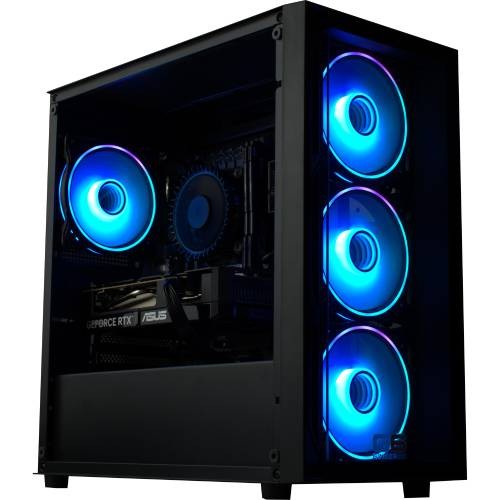
Two Intel platforms sit inside this single configurator. LGA 1700 is the broad Intel platform with the widest CPU choice in our Intel Custom range, spanning the entire 12th, 13th, and 14th generation Core i3 through Core i9 lineup with DDR5 memory and PCIe Gen 4. The default Gigabyte H610M K V2 (M-ATX) is the LGA 1700 entry chipset: 1GbE Realtek LAN, two DDR5 DIMM slots, an M.2 NVMe slot for the included 1TB Gen 4 SSD, and Wi-Fi connectivity supplied by an included 433Mbps USB Wi-Fi adapter. The Gigabyte H810M H DDR5 alternative motherboard at Step 1 swaps the build over to LGA 1851 Core Ultra silicon for buyers who prefer Intel current performance platform from the start. The Intel Custom Gaming PC sits inside our Custom PCs hub, the Intel Custom PCs sub-hub, and the wider Ginger6 gaming PC catalogue. Browse the Intel Core tiers at Core i3, Core i5, Core i7, and Core i9 if you would like to see the fixed-spec Intel range alongside the configurator.
The Intel Custom Gaming PC is the broad Intel configurator. If you want to focus on Intel current-generation DDR5 with Z790 chipset features and onboard Wi-Fi 6 from the board, the Ginger6 Intel Z790 DDR5 Custom Gaming PC is the right sibling. If you want a dedicated Core Ultra configurator on the LGA 1851 platform exclusively, the Intel Core Ultra Custom Gaming PC covers that lane. If you would prefer us to pick the spec, the fixed-spec G6 Storm x3 Intel Core i7 is the natural Intel fixed-spec reference at the mid tier, and the G6 ND800 Next Day ships next-working-day if you cannot wait for a build. If you prefer the AMD platform configurator, the AMD Custom Built Gaming PC is the cross-platform sibling.
Three Reasons to Configure Rather Than Buy a Fixed Spec
The Ginger6 Intel Custom Gaming PC configurator exists because no two buyers have the same monitor, the same games, or the same budget. A fixed-spec gaming PC is an opinion. A custom build is your decision.
You Pick the Spec, Ginger6 Builds It
Choose the CPU, the GPU, the RAM, the storage, the case, the cooler, the PSU, and the warranty. The Ginger6 workshop assembles the build to your decisions, not to a marketing-defined tier. The default options in each step are the most-asked starting points, but every dropdown changes price and lead time live as you configure.
Two Intel Platforms, One Configurator
The widest Intel configurator in our range. The default LGA 1700 platform spans 12th, 13th, and 14th gen Core i3, i5, i7, and i9 silicon with DDR5 memory and PCIe Gen 4, the broadest Intel CPU choice on the site. The H810M H alt motherboard at Step 1 crosses the build over to LGA 1851 Core Ultra if you want Intel current performance platform from the start. No need to pick a platform before you walk through the configurator.
24-Hour Test on the Configuration You Ordered
The 24-hour stress test runs on the exact configuration that ships, not a representative build. Thermal headroom, memory stability at the configured DDR5 speed in dual-channel mode, NVMe storage under sustained read/write, and the configured cooler holding sustained load on the CPU and GPU you picked: all logged before despatch. If you upgraded the cooling, the cooling is tested. If you upgraded the PSU, the PSU is tested under the larger draw of the configured GPU.
The Seven-Step Walk-Through
The Custom Options form on this product page is a seven-step build sheet. Every dropdown changes price and lead time live. The screenshots below walk through what each step contains and how to decide.
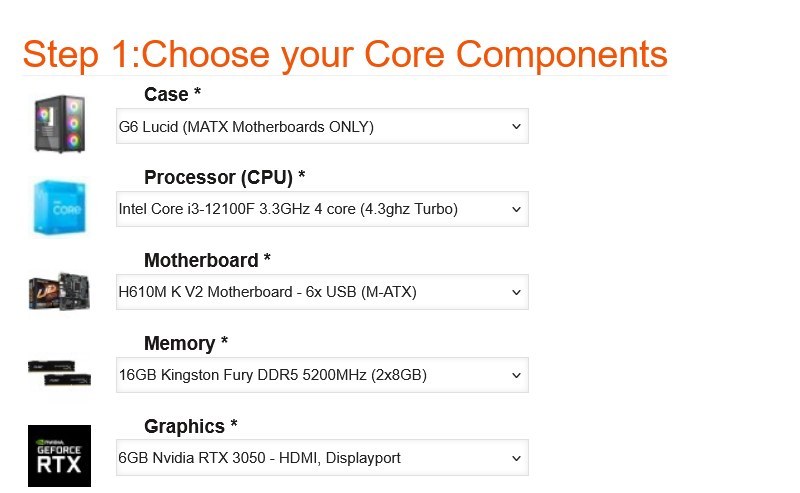
Step 1: Core Components
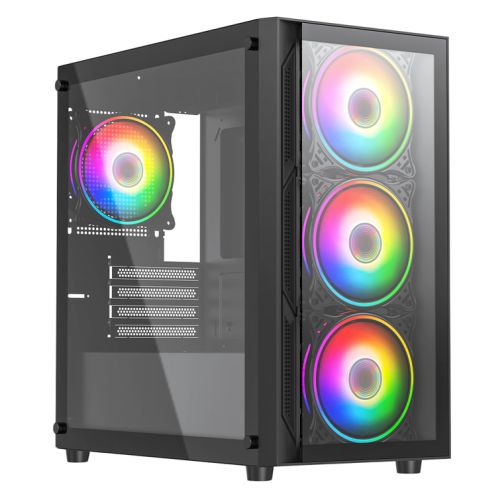
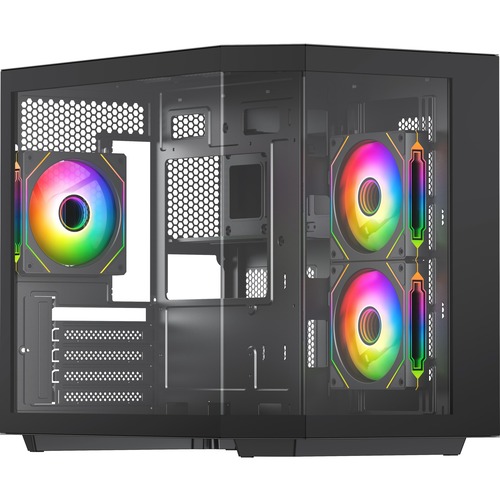
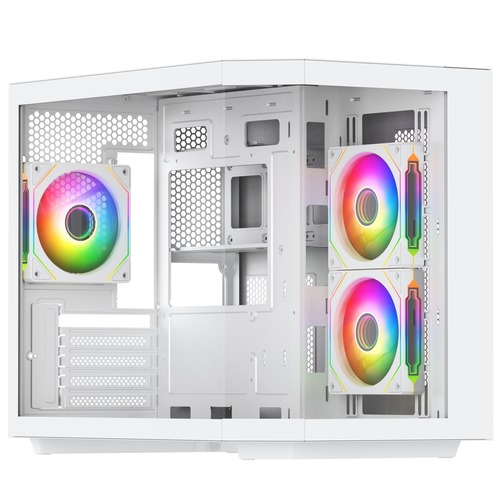
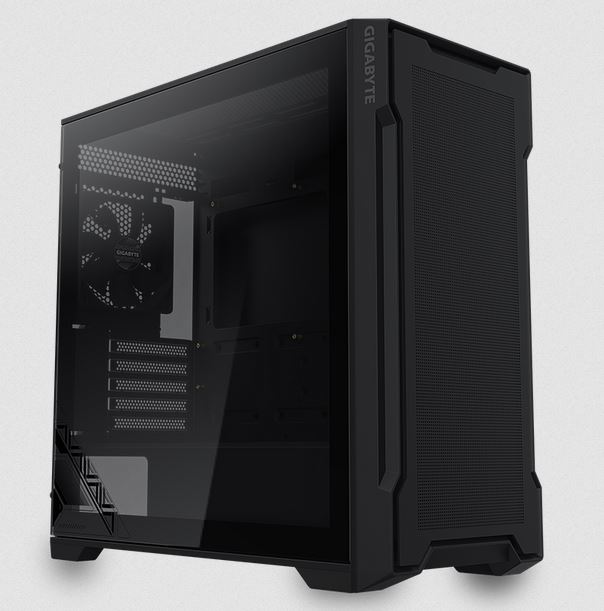
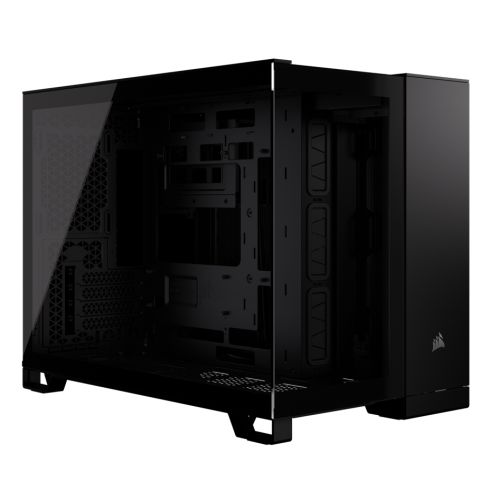
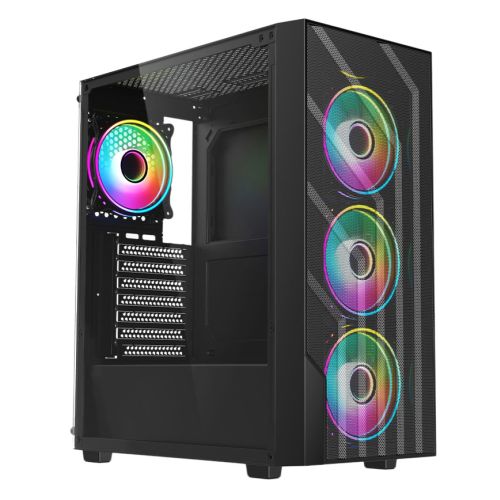
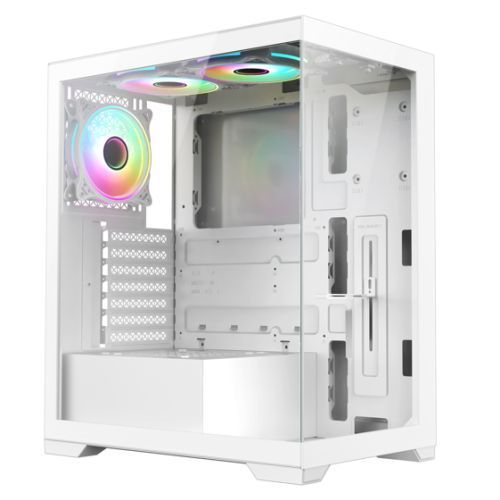
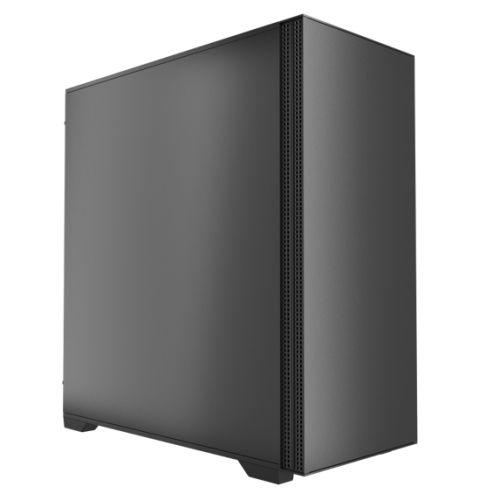
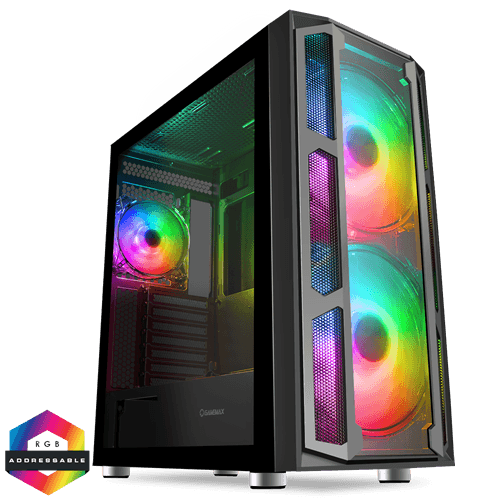
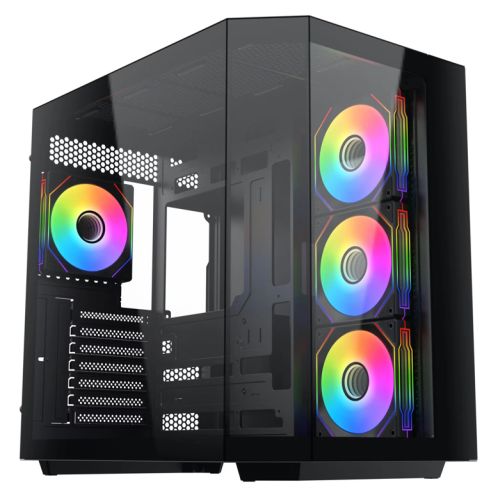
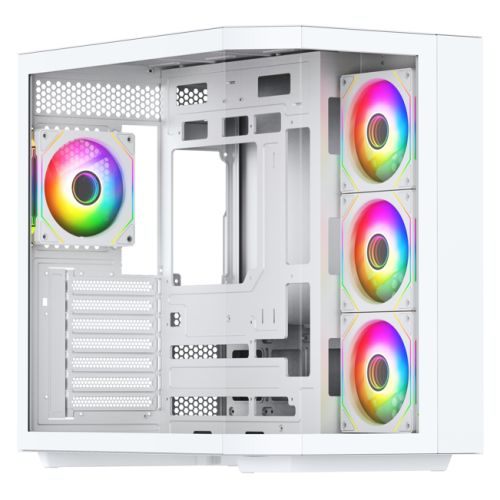
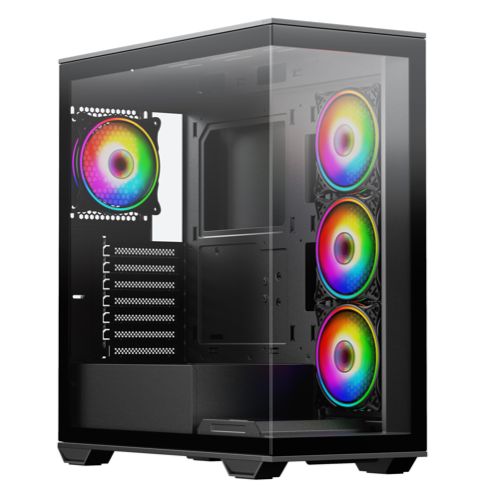
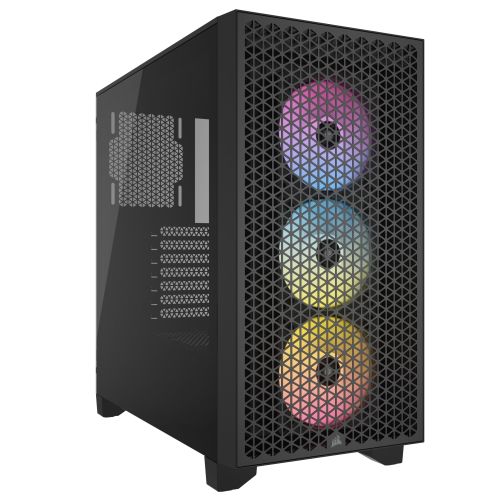
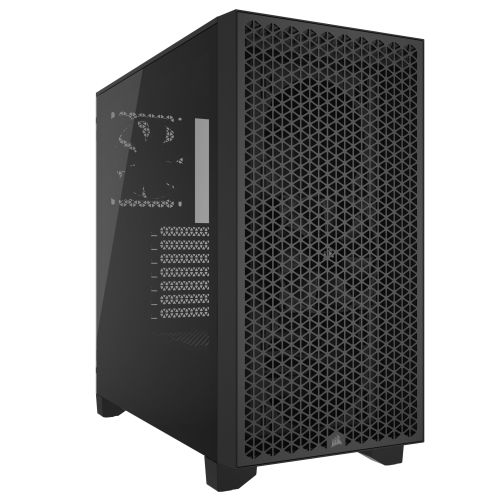
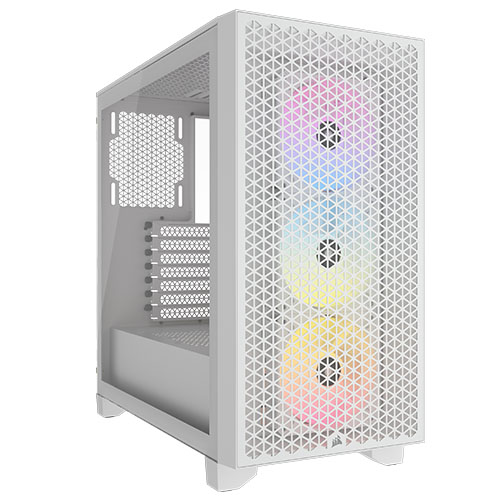
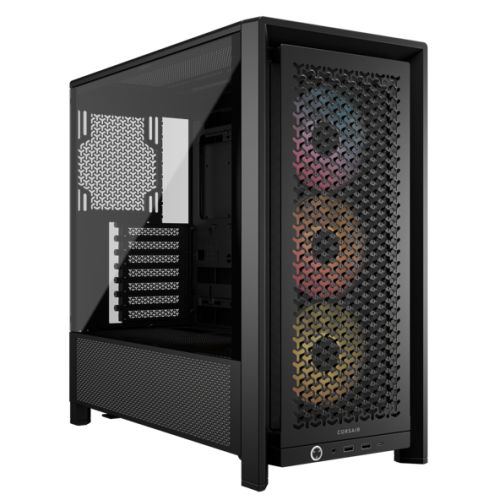
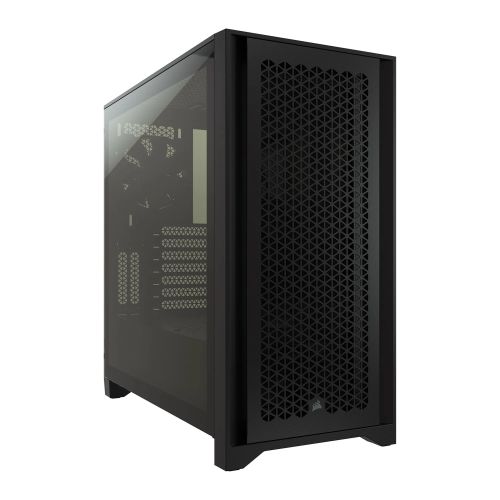
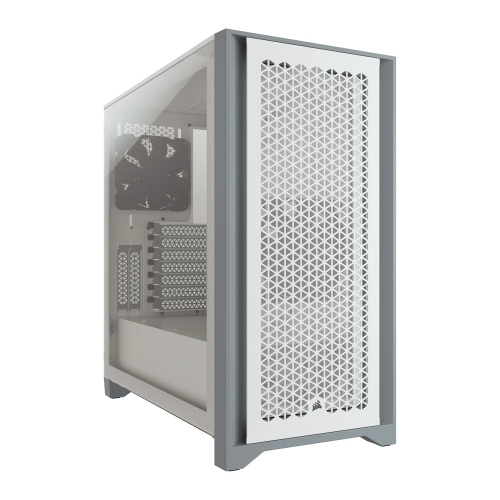
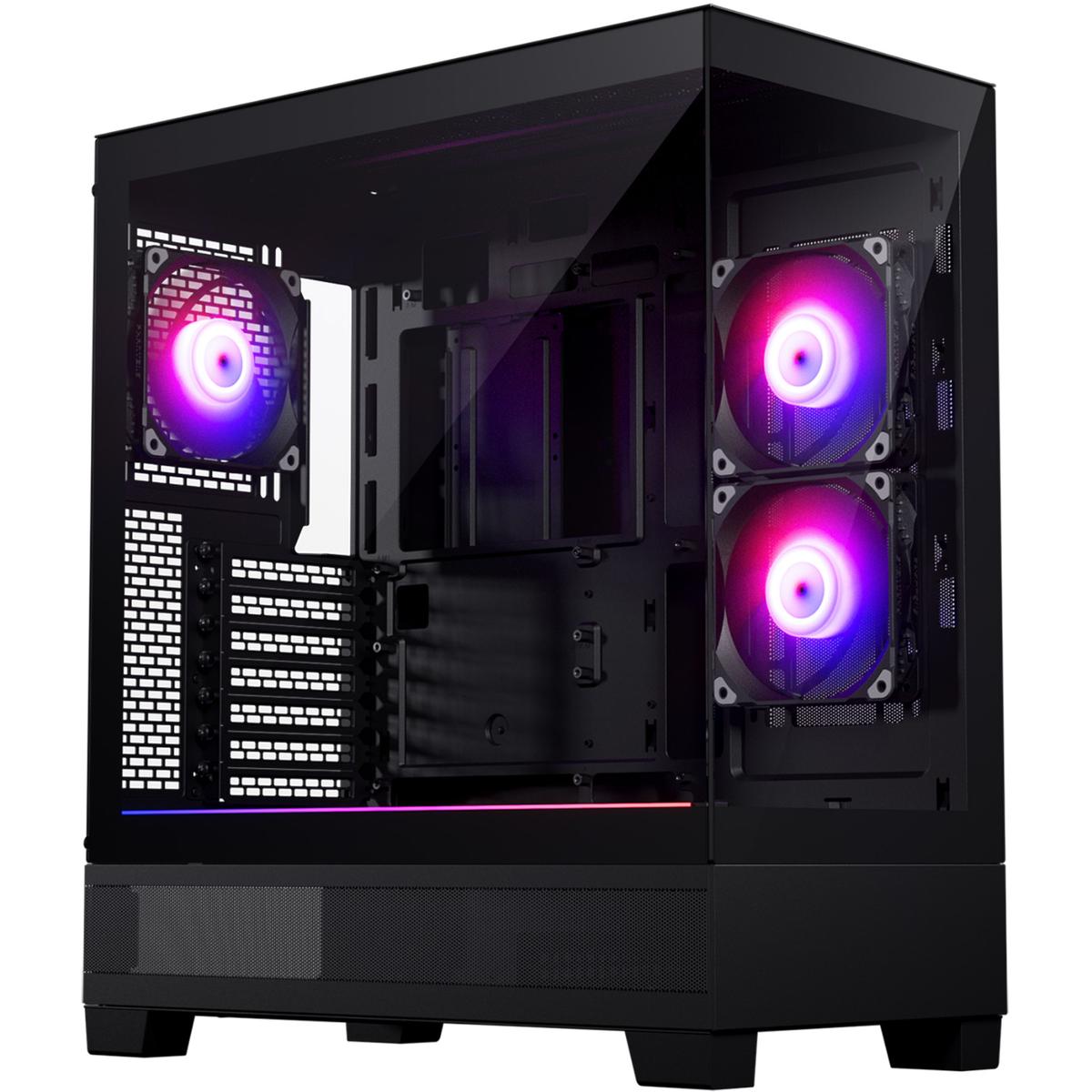
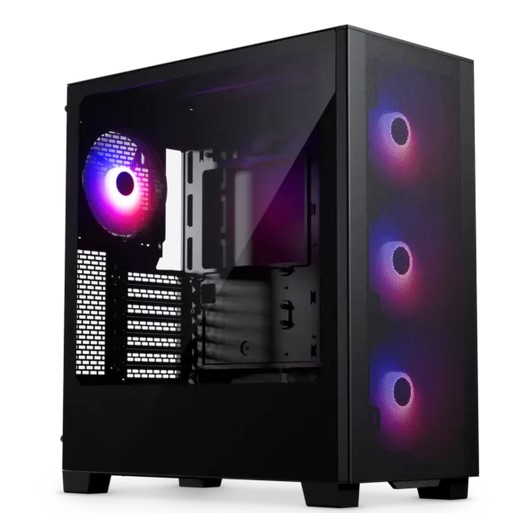
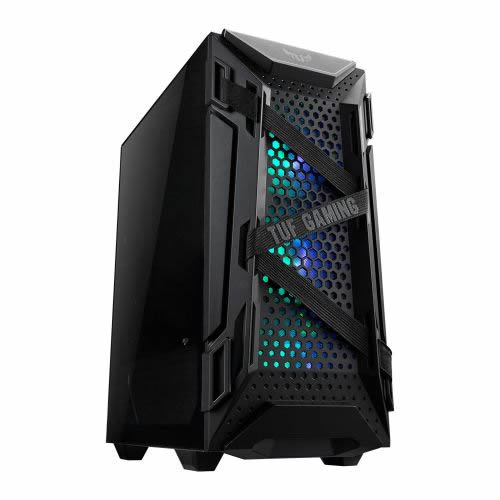
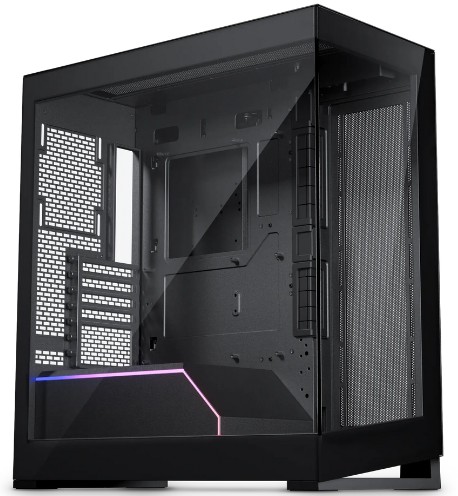
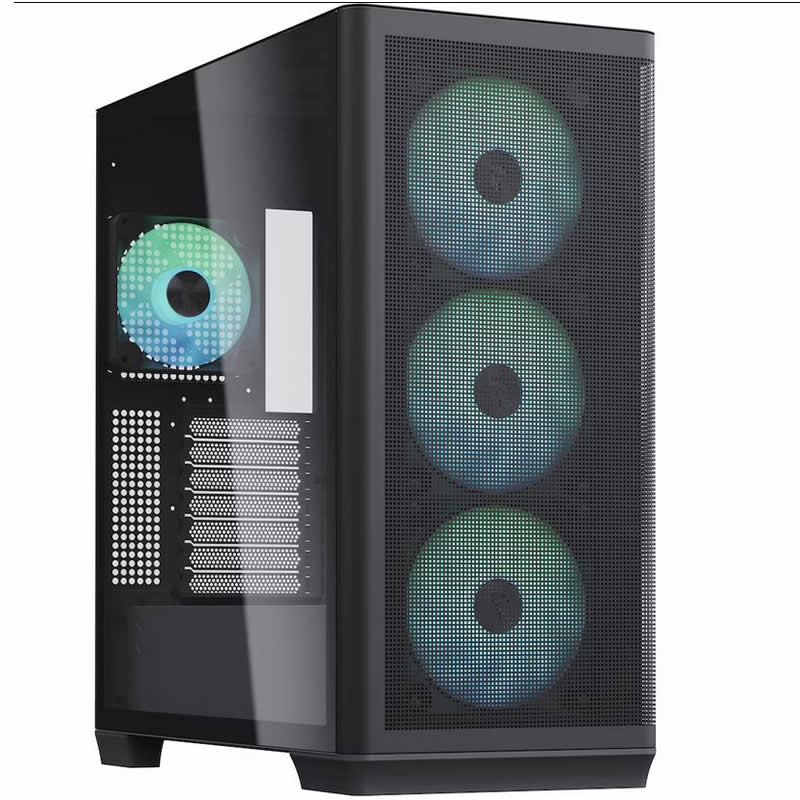
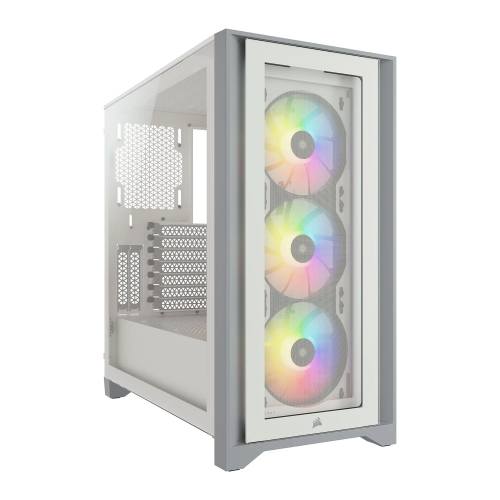
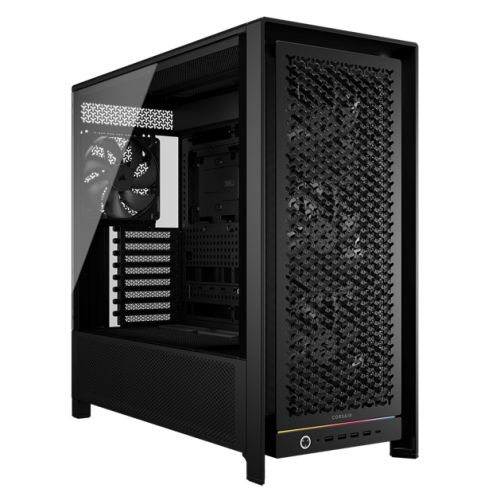
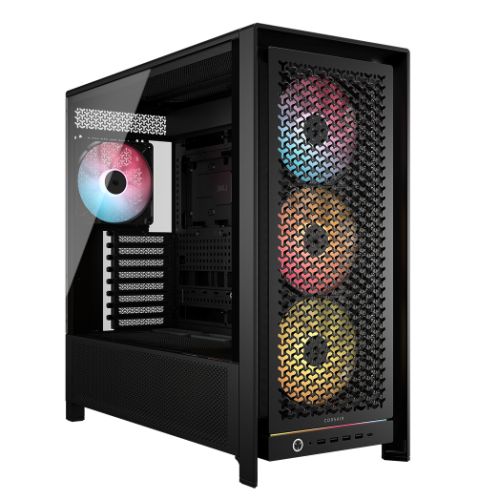
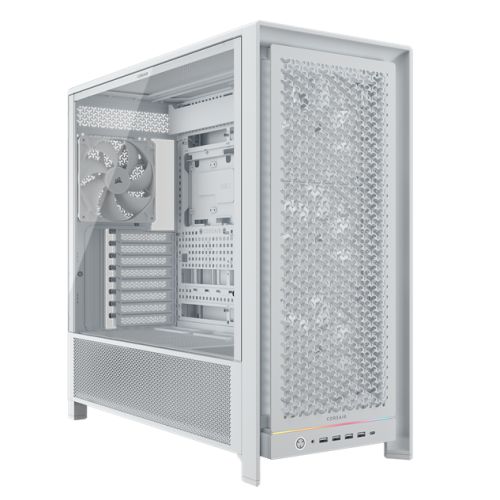
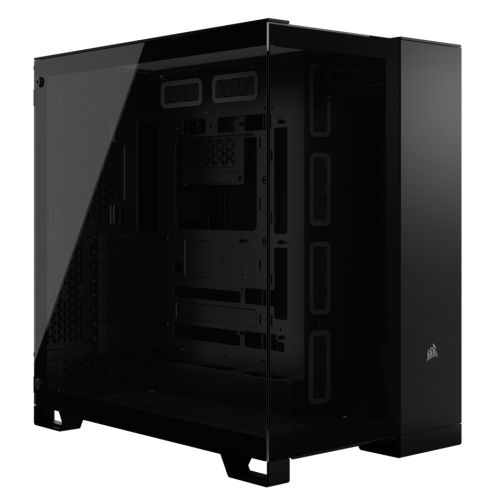
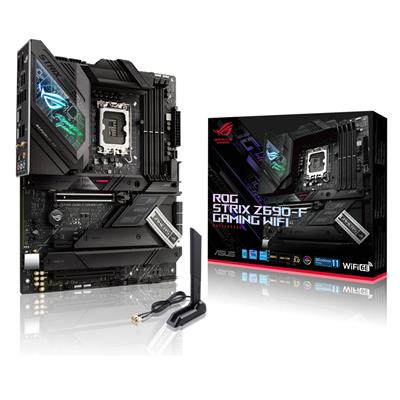
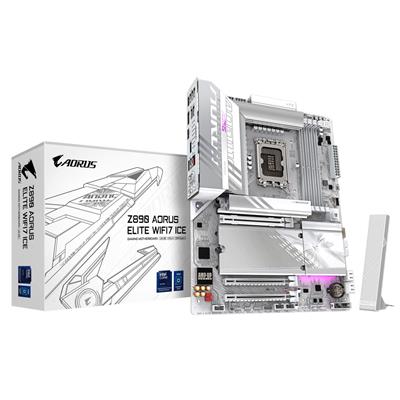
What this step decides: the five components that anchor the build. The Case, the Processor (CPU), the Motherboard, the Memory, and the Graphics card (GPU). Two motherboard rows sit at Step 1 on this configurator: the default H610M K V2 for LGA 1700 (12th, 13th, 14th gen Core i3 / i5 / i7 / i9), plus an alternative H810M H DDR5 row for LGA 1851 Core Ultra cross-over (+£24.00 step-up to swap platforms).
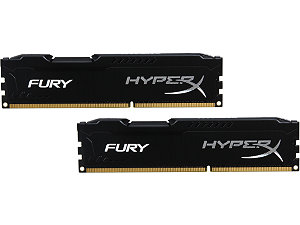
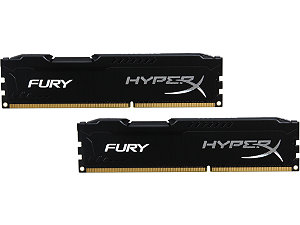
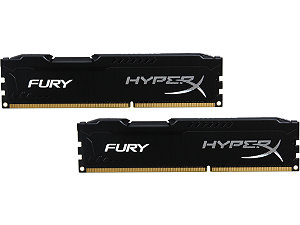
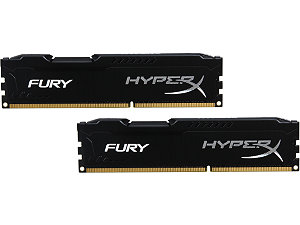
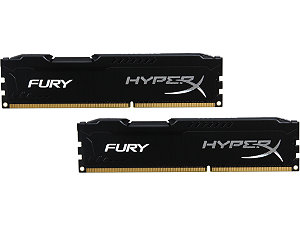
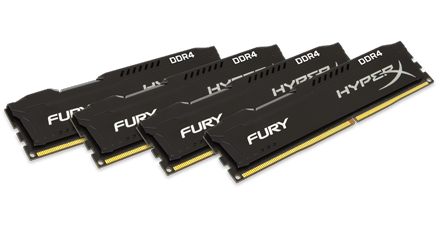
How to decide: match the CPU to the games and the workload. From Core i3 12100F at the entry tier for 1080p competitive esports, up through Core i5 12400F / 13400F / 14400F for 1080p Ultra AAA, Core i7 12700F / 13700F / 14700F for 1440p with streaming, Core i9 14900K for 4K or creator work. Match the GPU to the monitor (RTX 3050 / RX 7600 for 1080p, RTX 5060 Ti / RX 9060 XT for 1080p Ultra, RTX 5070 / RX 9070 for 1440p, RTX 5080 / RX 9070 XT for 4K). The default memory is 16GB DDR5 5200MHz (2x8GB) Dual Channel; step up to 32GB or 64GB if the workload calls for it. Every kit ships as a matched dual-channel pair, never a single stick.
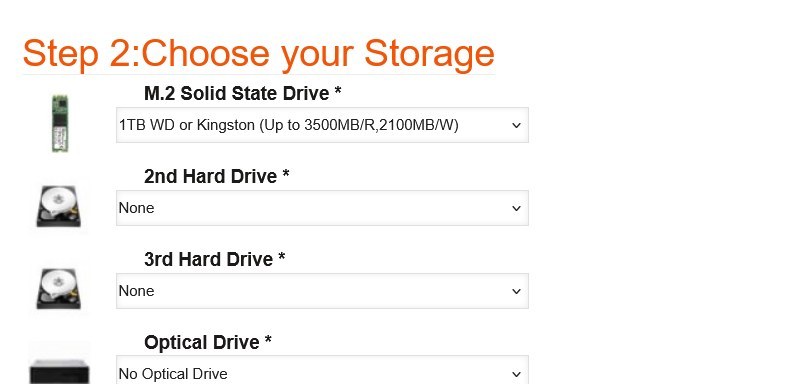
Step 2: Storage
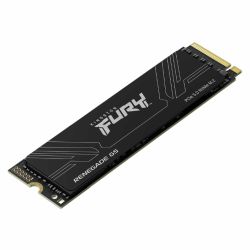
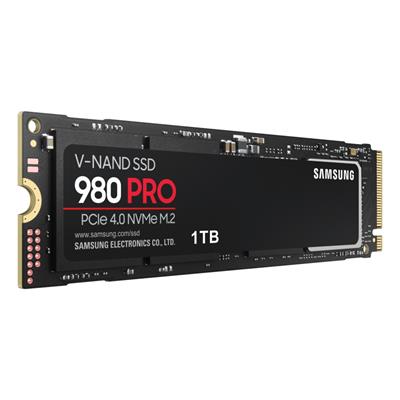
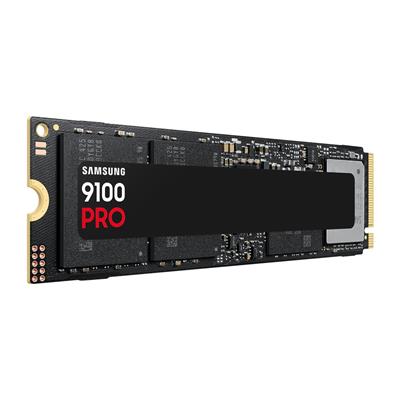
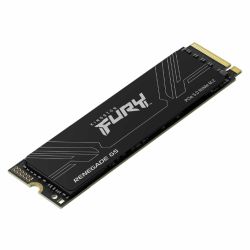
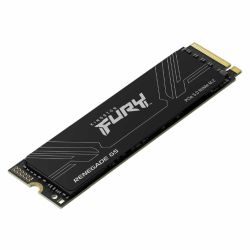
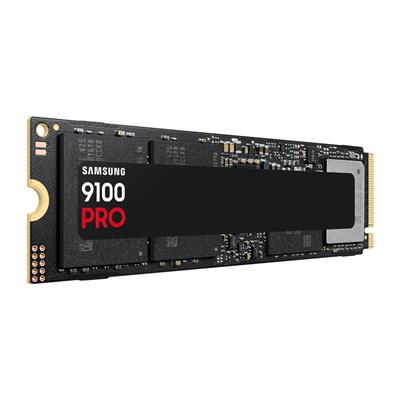
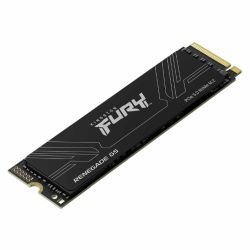
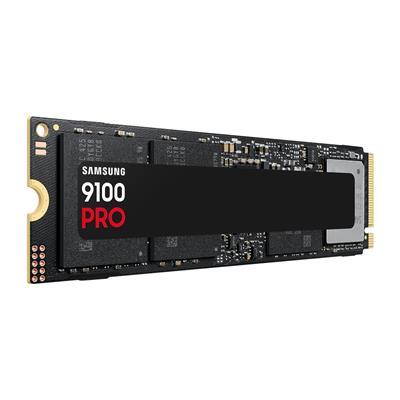
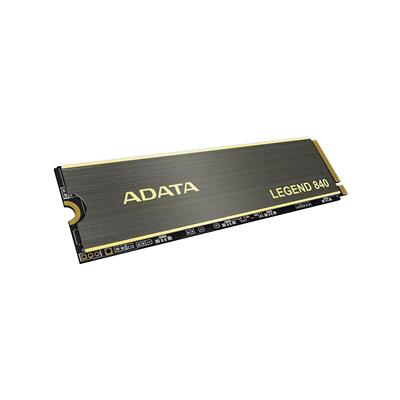
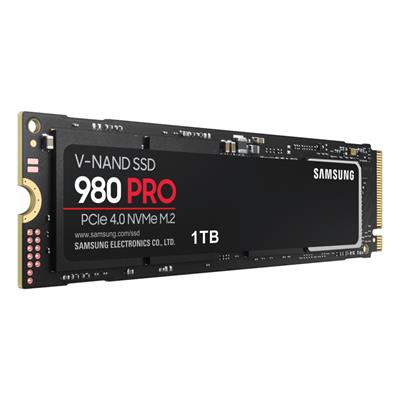
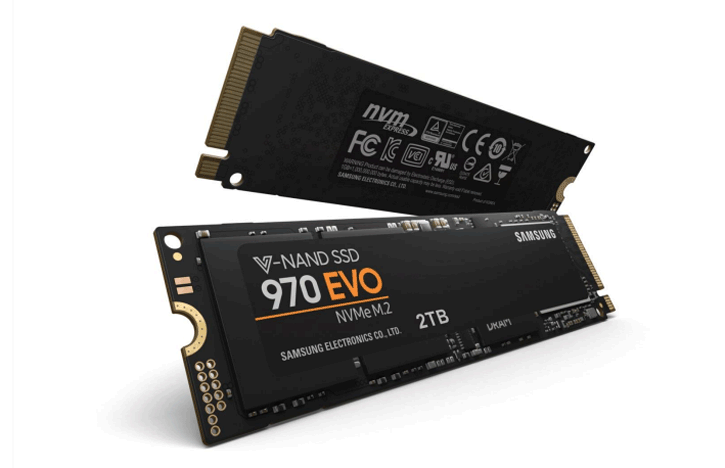
What this step decides: the primary M.2 NVMe boot drive (default 1TB Gen 4, up to 5000MB/R, 4200MB/W), up to four M.2 NVMe drives total, two additional hard drives, and the optical drive (default none).
How to decide: the default 1TB Gen 4 NVMe is sized for the OS, a generous handful of modern games, and project work. Step up to a 2TB or 4TB Gen 4 if you carry a larger Steam, Epic, or Game Pass library and prefer everything on fast storage. Add a 2TB or 4TB HDD as a second drive for cold storage if you have a back catalogue you do not need at NVMe speed. Skip the optical drive unless you are migrating a CD or DVD library.
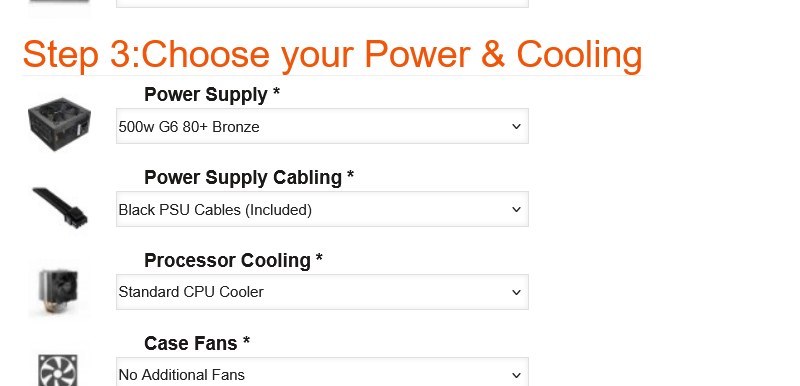
Step 3: Power and Cooling
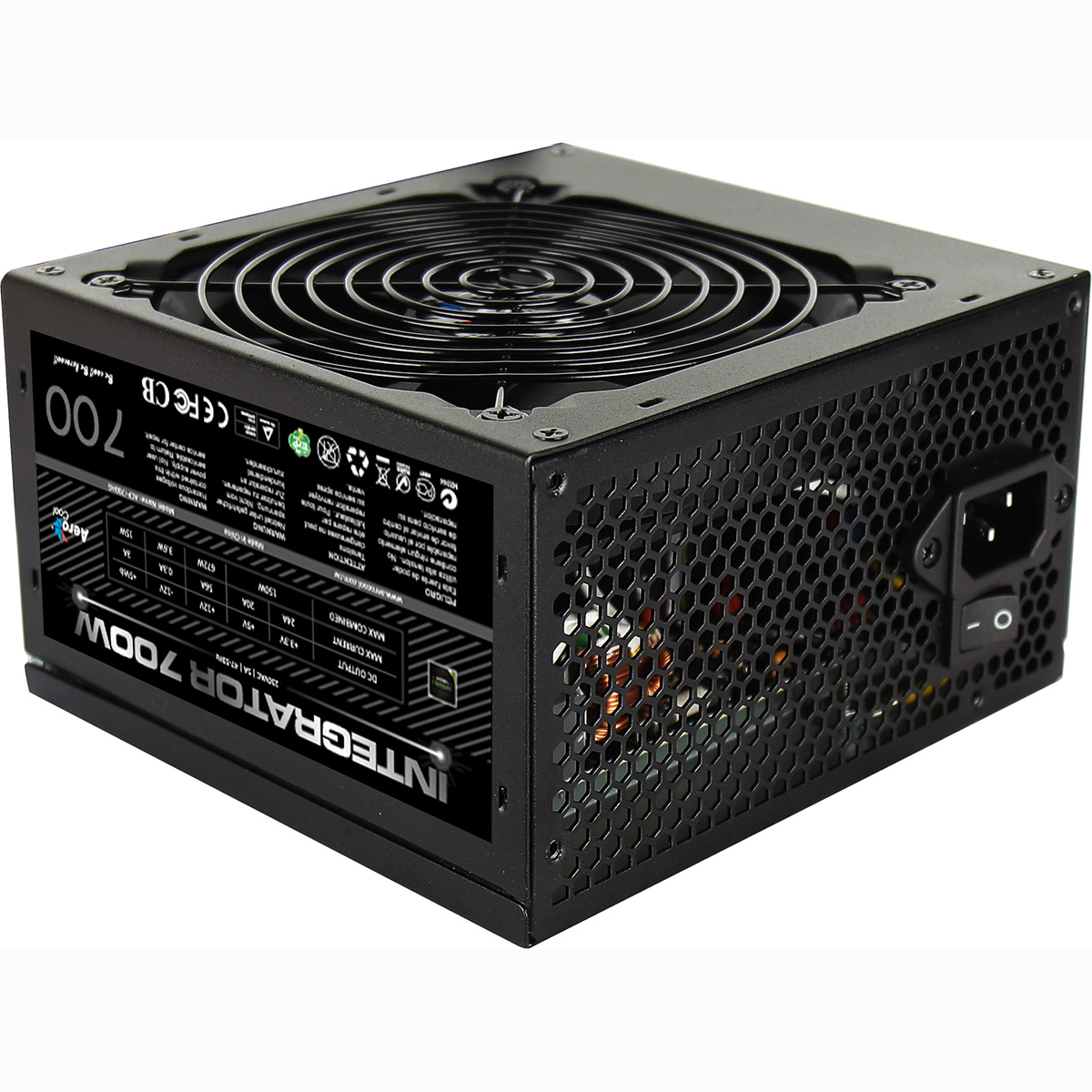
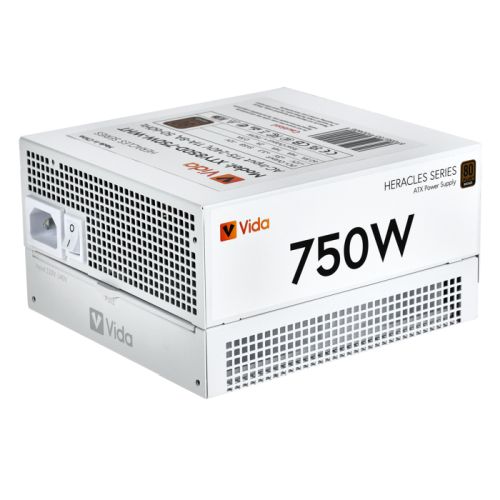
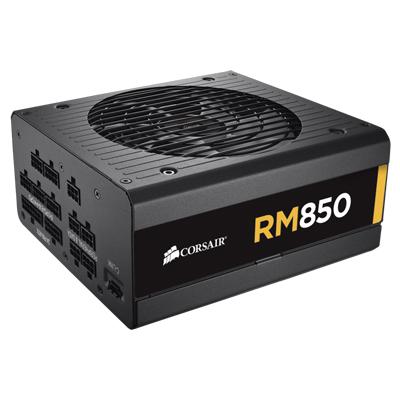
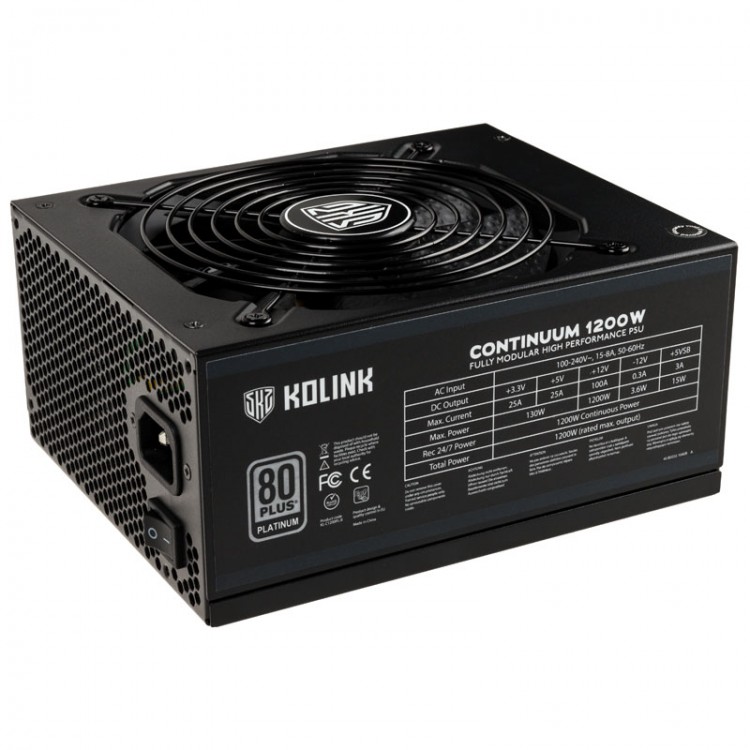
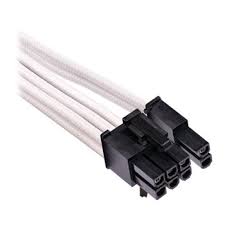
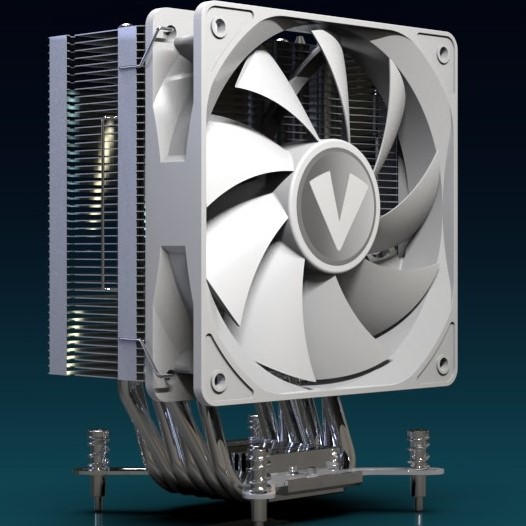
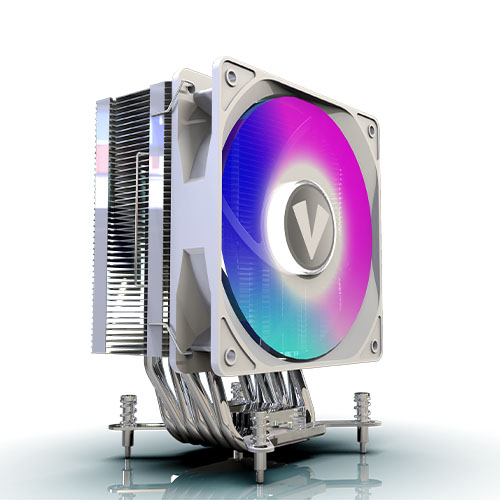
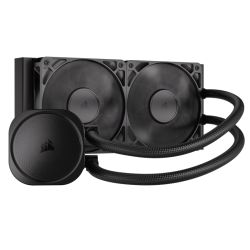
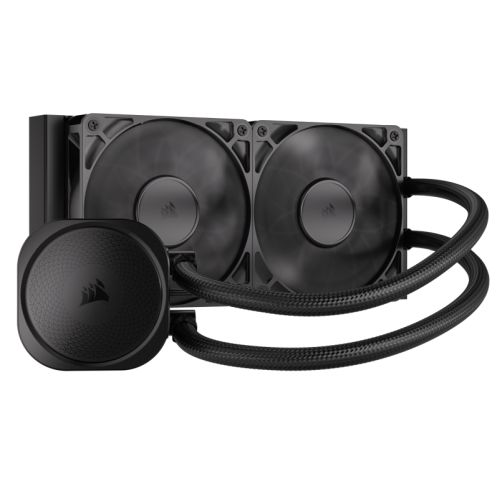
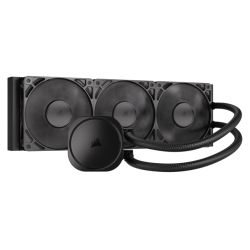
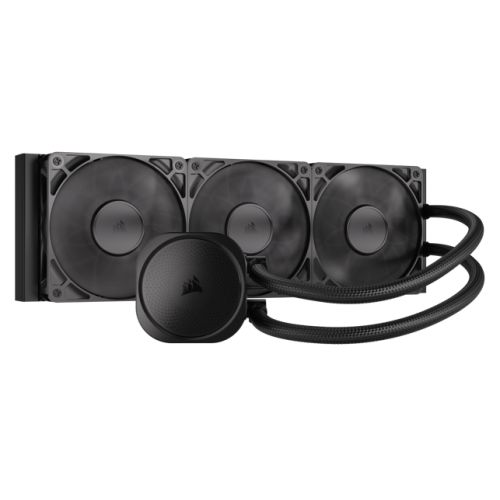
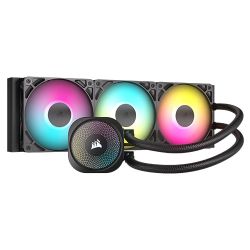
What this step decides: the Power Supply (default 500w 80+ Bronze), the PSU cable colour, the Processor Cooler (default stock Intel cooler), the Case Fans, and the Lighting profile.
How to decide: size the PSU to the GPU draw with headroom for future upgrades. The 500w 80+ Bronze fits the default RTX 3050 comfortably; step up to 750w Gold or 850w Gold if you stepped the GPU to an RTX 5070 / RTX 5080 or planned a future GPU swap. The stock Intel cooler handles a Core i3 or Core i5 at default boost; step up to a 240mm or 360mm AIO if you stepped to a Core i7 or Core i9, particularly the K-suffix CPUs that sustain longer boost windows. Lighting upgrades are aesthetic, not functional.

Step 4: Additional Cards
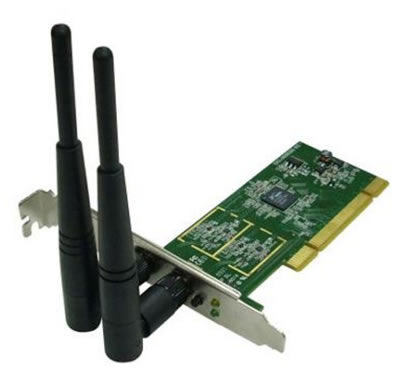
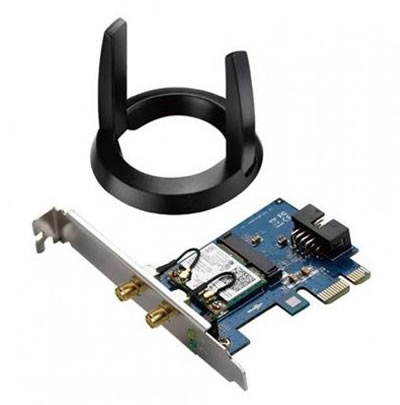
What this step decides: the Wi-Fi option, plus any add-in PCI-E card for the second slot. The default H610M K V2 motherboard has no onboard Wi-Fi or Bluetooth (per Gigabyte datasheet), so Step 4 carries an included 433Mbps USB Wi-Fi adapter as the default.
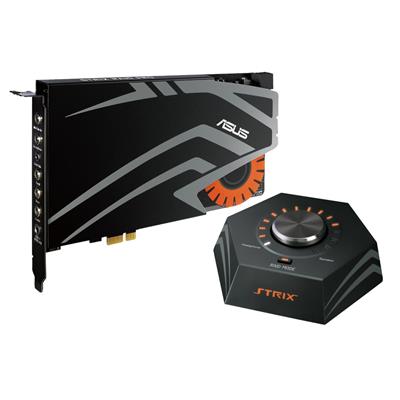
How to decide: the included 433Mbps USB Wi-Fi adapter ships with every build at no extra cost and connects to any 2.4GHz or 5GHz home network. Two upgrade paths if you want Bluetooth alongside Wi-Fi: choose a combo USB Wi-Fi plus Bluetooth adapter from the Step 4 dropdown (swap-out for the included one), or step the motherboard up at Step 1 to the H810M H DDR5 alternative for onboard wireless connectivity on the LGA 1851 platform. PCI-E Slot 2 (the lower slot) defaults to none and is reserved for users who need a sound card, a 10GbE add-in, or a capture card.
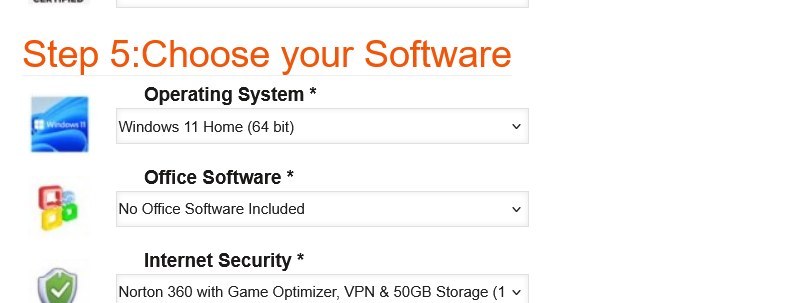
Step 5: Software
What this step decides: Operating System (default Windows 11 Home 64-bit; Windows 11 Pro available), Office Software (default none; Microsoft Office 2024 Home / Business / Professional options), and Internet Security (Norton 360 with Game Optimizer, VPN, and 50GB cloud storage included free for 1 year on 3 devices).
How to decide: Windows 11 Home covers gaming use cases completely. Step up to Pro if you need BitLocker drive encryption, Remote Desktop incoming connections, or domain join for a work-from-home setup. Add Office only if you do not already have a Microsoft 365 subscription. Keep the Norton 360 default for the free year of multi-device protection.
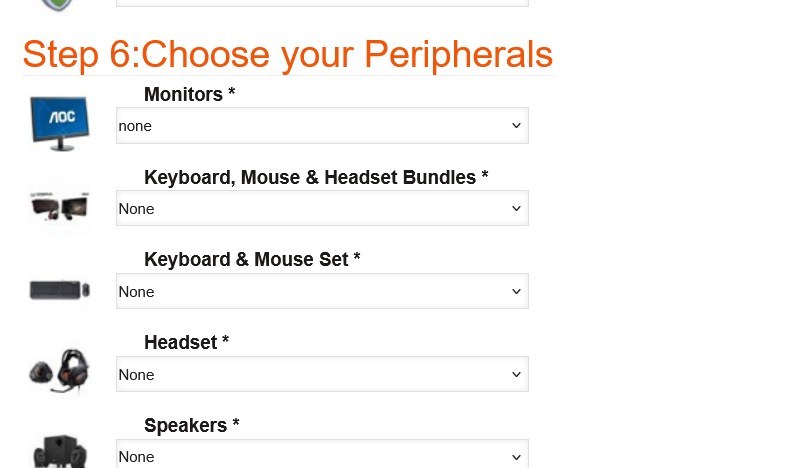
Step 6: Peripherals
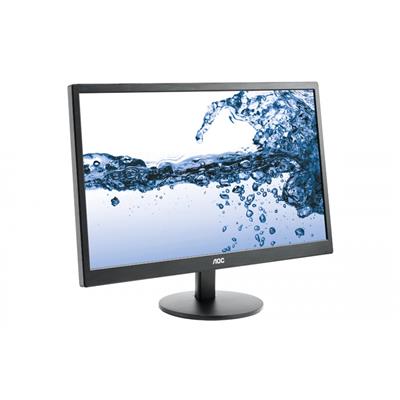
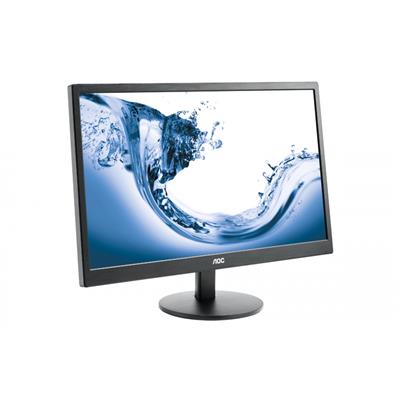
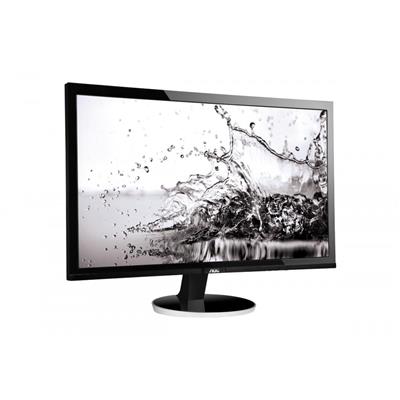
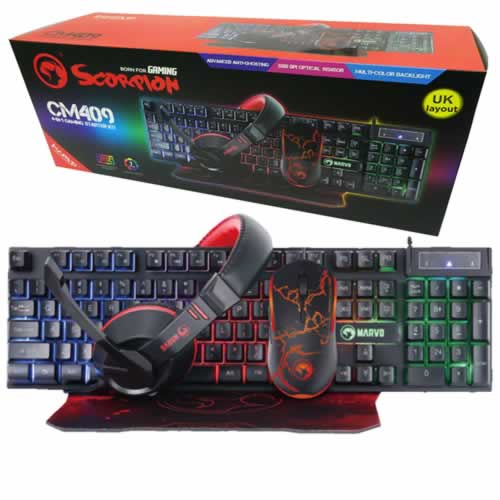
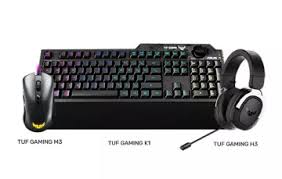
What this step decides: Monitor, Keyboard / Mouse / Headset bundles, individual peripherals (keyboard and mouse set, headset, speakers). Skip if you already have a setup. If you are buying a first PC, the bundles offer a complete desk solution at a single price.
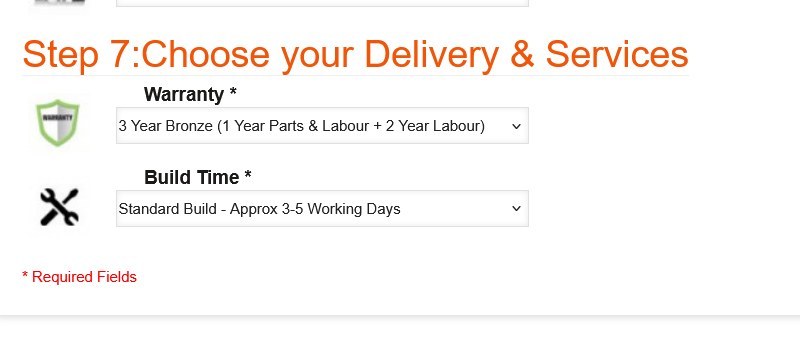
Step 7: Delivery and Services
What this step decides: the warranty level (default 3 Year Bronze; Silver and Gold options extend the parts cover and the return-to-base period) and the build time (default Standard 3-5 working days including the 24-hour stress test; Express options available).
How to decide: the default 3 Year Bronze covers most buyers. Silver or Gold is worth considering if the build sits in a busy household or office environment where additional cover gives peace of mind. Standard Build is the right pick unless you have a hard deadline.
When the configuration is right, the price at the top of the Custom Options form is the final price. Click Add to Cart to checkout, or call Kevin on 01902 714533 to talk through the build first.
Open the ConfiguratorFour Configurations for Four Buyer Profiles
If your situation matches one of these, the suggested configurator pick is the starting point. Adjust from there to your panel and your budget.
For CS2, Valorant, Apex Legends, Fortnite, Overwatch 2, and Rocket League on a 144Hz or 240Hz 1080p panel. The default H610M K V2 motherboard at Step 1 with a Core i5-class CPU and the Nvidia RTX 5060 lands the build at the right side of the price-to-frame curve for competitive 1080p. Keep 16GB DDR5 (2x8GB) Dual Channel, the 1TB Gen 4 NVMe at Step 2, the default 500w 80+ Bronze PSU at Step 3, and the included 433Mbps USB Wi-Fi adapter at Step 4.
For Cyberpunk 2077, Black Myth Wukong, Hogwarts Legacy, Baldur’s Gate 3, and the modern open-world rotation at 1080p Ultra. Step the CPU at Step 1 to a Core i5 or Core i7 for thread headroom on streaming and recording stacks, step the GPU to the RTX 5060 Ti 8GB, consider 32GB DDR5 (2x16GB) Dual Channel if you mod heavily or run multiple browser tabs while playing. The 500w 80+ Bronze still fits this combination; the 750w upgrade is the obvious step if you plan a future GPU swap.
For 1440p Ultra on the modern AAA rotation, with comfortable ray tracing and DLSS 4 or FSR 4 quality headroom. Step the CPU at Step 1 to a Core i7 K-suffix, step the GPU to the RTX 5070 12GB or the Radeon RX 9070 if you prefer the AMD GPU lane on the Intel CPU, step the memory to 32GB DDR5 (2x16GB) Dual Channel, step the PSU to 750w Gold at Step 3 for the larger draw, and consider a 240mm AIO at Step 3 if you plan extended creator or encoding workloads alongside gaming.
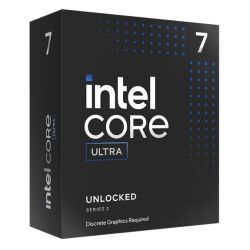
For 4K gaming, racing-sim rigs with multi-monitor, or creator workloads alongside gaming. Step the CPU at Step 1 to the Core i9 14900K (24 cores) on the default LGA 1700 platform, OR step the motherboard at Step 1 to the H810M H DDR5 alt for a Core Ultra LGA 1851 cross-over (Core Ultra 7 or Core Ultra 9 for the platform that brings an integrated NPU alongside gaming). Step the GPU to the RTX 5080 16GB or the Radeon RX 9070 XT, step the memory to 64GB DDR5 (2x32GB) Dual Channel, step the PSU to 1000w Gold at Step 3, step the cooling to a 360mm AIO. If your workload is creator-led rather than gaming-led, the AMD Custom Workstation configurator is the alternative if cross-platform options interest you.
Which Intel Configurator Fits Your Build?
Ginger6 runs three Intel custom configurators, each tuned to a different platform lane: broad Intel with LGA 1700 entry and a Core Ultra cross-over, Z790 DDR5 mid-to-top focus with Z890 cross-over, and dedicated LGA 1851 Core Ultra. Pick the one that matches your starting point and configure from there. All three share the same hand-built Wolverhampton workshop, the same 24-hour stress test, the same 3-year warranty, and the same lifetime UK phone support.
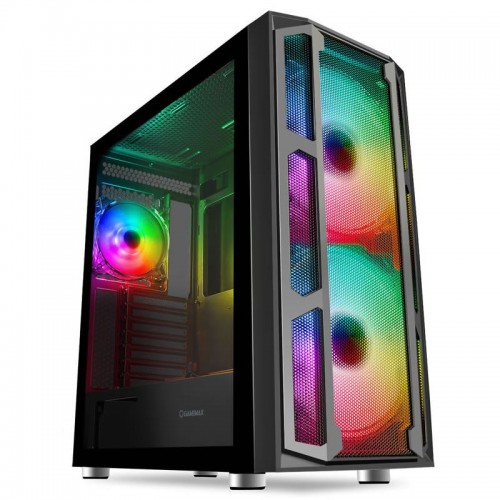
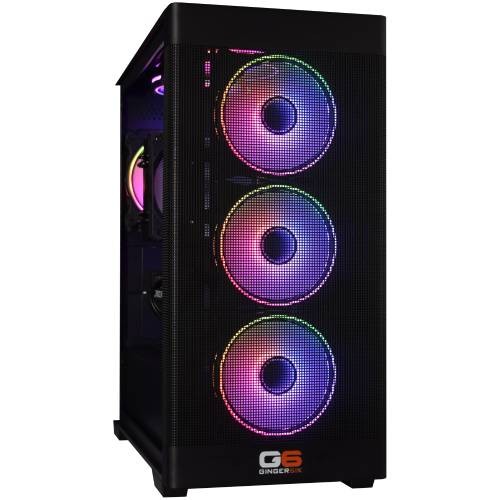
Not certain which configurator fits? Call Kevin on 01902 714533. Tell him the games or office workload, the monitor (or that there is no gaming monitor), and the budget. He will point you at the right configurator for your starting point.
Built by Hand in Wolverhampton
Every configured Intel Custom Gaming PC goes through the same three-stage workshop process. The 24-hour stress test is the gate that holds dispatch.
Before assembly begins, the configuration submitted via the seven-step form is reviewed against the games you play, the monitor resolution you own, and any creative work or streaming you run alongside gaming. If you have spoken to Kevin on the phone, the build sheet reflects that conversation. Components are verified against current stock, the chosen cooler mounting hardware is confirmed for the configured Intel CPU socket (LGA 1700 by default or LGA 1851 if you stepped the motherboard up to the H810M H alternative), and the build is queued in the workshop schedule. No shortcuts on stock substitution: the part you configured is the part in the build.
The build is assembled inside the case you selected at Step 1 of the configurator. The cooler is seated on the Intel CPU with the cold-plate contact verified, the configured case fans are wired and the airflow path checked, the configured GPU is seated with the anti-sag bracket where the card calls for one. Cable management routes the high-current GPU cable behind the cable shroud, supporting airflow inside the case, reducing dust build-up, and making future maintenance simpler. BIOS settings, DDR5 dual-channel mode at the configured speed, NVMe boot order, on-board firmware update, and the included 433Mbps USB Wi-Fi adapter driver are confirmed before the 24-hour test begins.
Every configured build runs sustained CPU plus GPU load for a full day before it ships. The test loop covers thermal behaviour under sustained boost, memory stability at the configured DDR5 speed in dual-channel mode, NVMe storage performance under sustained read/write, and frame-pacing behaviour in a representative modern AAA workload at the resolution your configuration is sized for. The chosen CPU is monitored for thermal headroom across all cores; the chosen GPU is held at sustained boost. Boost behaviour, fan curves, cooler thermal performance, and storage performance are all logged before despatch. Your build ships free to mainland UK addresses, fully insured and tracked.
- Thermal behaviour on the configured CPU and cooler combination
- Processor and graphics stability during extended use
- Memory stability at the configured DDR5 speed in dual-channel mode
- Storage performance and consistency on the configured M.2 NVMe drives
- BIOS and firmware stability at the configured microcode version
- Frame pacing in representative modern AAA at the configuration’s target resolution
What Custom-Build Buyers Say
Over 1,100 reviews on Trustpilot with a 93% five-star rating. The person who guides you through the configurator on the phone is the person who builds your Intel Custom Gaming PC and answers the phone after delivery. Read the reviews on Trustpilot directly, nothing here is curated.
I had no idea what I was doing or building for my son, but Ginger6 called and went over the order with me. They made it easy to understand and the PC arrived in perfect order. My son is thrilled, and I would recommend Ginger6 to anyone configuring a gaming PC.
Bought a gaming PC for my son’s Christmas present. The online order with mix and match products was easy and clear. Testing of all the components was thorough and the build arrived well-packed. Excellent service from start to finish.
Built to a very high standard with excellent cable management. Unbelievably quiet and without doubt the best PC I have ever purchased. First buy from Ginger6, definitely not my last. The 3-year warranty gives genuine peace of mind.
Questions About Configuring Your PC
Scroll down to the Custom Options section under this product page. The seven-step form walks you through the build in order: Step 1 Core Components (case, CPU, motherboard, memory, graphics), Step 2 Storage, Step 3 Power and Cooling, Step 4 Additional Cards (Wi-Fi and PCI-E), Step 5 Software, Step 6 Peripherals, and Step 7 Delivery and Services. Every dropdown updates the price and the lead time live as you change it. When you are happy with the configuration, click Add to Cart. If you would prefer to talk it through first, call Kevin on 01902 714533 and he will configure it with you on the phone.
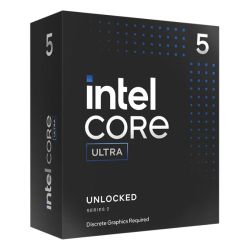
For competitive 1080p high-refresh gaming on a tight budget, a Core i3 or entry Core i5 at the default price point fits. For 1080p Ultra AAA with streaming alongside, step up to a Core i5 K-suffix or a Core i7. For 1440p AAA, a Core i7 K-suffix is the natural pick. For 4K, heavy modding, racing-sim, or creator workloads, step up to the Core i9 14900K (24 cores). If you would rather move to Intel current performance platform, step the motherboard at Step 1 to the H810M H DDR5 alternative and the CPU dropdown switches to the Core Ultra 5, Core Ultra 7, and Core Ultra 9 ladder on LGA 1851.
Match the GPU to the resolution and refresh rate of your monitor. For 1080p 144Hz competitive, the RTX 3050 or RTX 5060 are sized correctly. For 1080p Ultra AAA, the RTX 5060 Ti 8GB or the Radeon RX 9060 XT 8GB. For 1440p, the RTX 5070 or the RX 9070. For 4K or VR, the RTX 5080 or the RX 9070 XT. The full Nvidia and AMD Radeon ranges are in the Graphics dropdown at Step 1; the default 6GB Nvidia RTX 3050 is the entry-price starting point that anchors the £909.99 list price.
16GB DDR5 5200MHz (2x8GB) Dual Channel is the right entry capacity for modern AAA at 1080p. Step up to 32GB DDR5 (2x16GB) Dual Channel for 1440p AAA with streaming, browser, recording, and modded games alongside. Step up to 64GB DDR5 (2x32GB) Dual Channel for content creation, video editing, large simulators, or virtual machine workloads. Step up to 128GB DDR5 (2x64GB) Dual Channel for the heaviest creator workloads if your configured board supports the capacity. Every kit ships as a dual-channel pair, never as a single stick, so the memory controller runs at full bandwidth from boot.
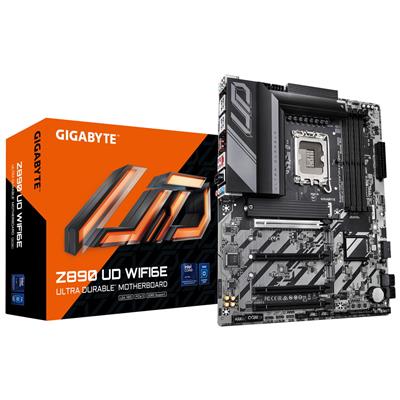
This configurator is the broad Intel lane. The default motherboard is the Gigabyte H610M K V2 (M-ATX, entry chipset), the CPU dropdown spans the full Core i3 through Core i9 range, and the build can cross over to LGA 1851 Core Ultra via the H810M H alt motherboard at Step 1. The Intel Z790 DDR5 Custom Gaming PC is the mid-to-top Intel configurator: the default motherboard is the Gigabyte Z790 D AX with onboard Wi-Fi 6 plus Bluetooth, the CPU dropdown starts at Core i5 (no Core i3), and the alt motherboard is the Z890 UD WIFI6E for the Core Ultra cross-over. Pick this configurator for the widest CPU breadth at the entry-to-mid price band. Pick the Z790 configurator if you want onboard wireless connectivity from the board and the Z-series feature set from the start.
Call Kevin on 01902 714533. Tell him three things: the games you play most often, your monitor resolution and refresh rate, and your approximate budget. He will configure the build to land on the right spec for your setup, talk through the trade-offs, and either confirm the configuration on the phone or email you a quote with the configurator URL preset to those choices. No charge for the conversation. No pressure to buy.
Step 7 of the configurator carries the Build Time option. Standard Build (the default) is approximately 3 to 5 working days from order to dispatch, which includes the 24-hour stress test under sustained load. Express Build options are available in the dropdown if you need a faster turnaround. Dispatch is via tracked next-working-day courier on free mainland UK delivery.
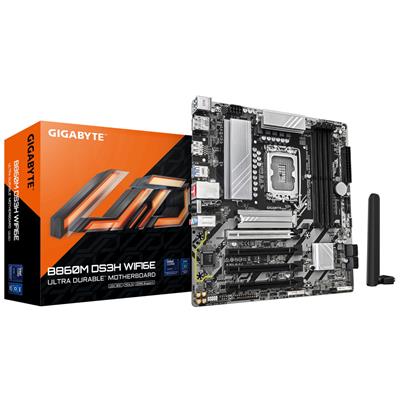
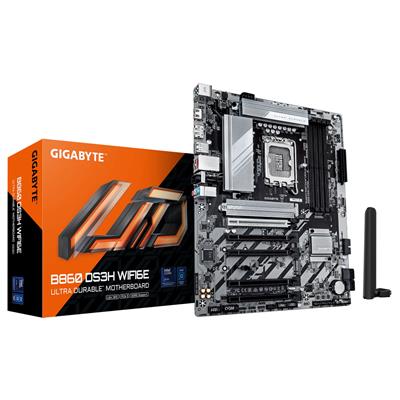
Two upgrade paths. At Step 4 of the configurator, choose a USB Wi-Fi adapter that includes Bluetooth in the dropdown (the default is the Wi-Fi-only 433Mbps adapter that ships included; the combo Wi-Fi plus Bluetooth options sit below it). Or step the motherboard up at Step 1 to the H810M H DDR5 alternative, then progress further to a B860 or Z890 board with onboard Wi-Fi 6 plus Bluetooth 5.3 on the LGA 1851 platform. Either path keeps the rest of the configured build identical.
Yes. 0% finance via PayPal Pay In 3 is available on configured orders above £500. The split is interest-free across three equal payments; eligibility is subject to PayPal’s checks at checkout. The 3-year warranty, the 24-hour stress test, the lifetime UK phone support, and the free mainland UK delivery all apply to finance orders the same way they apply to paid-in-full orders.
Ready to Configure Your Intel Custom Gaming PC?
Use the seven-step Custom Options form above or call Kevin on 01902 714533. He will help you configure the right spec for your monitor, your games, and your budget. Lifetime UK phone support, 3-year warranty, free mainland UK delivery, available on 0% finance via PayPal Pay In 3 for configured orders above £500. Ginger6 has been building custom PCs in Wolverhampton since 2001.
Custom Options





































































* Required Fields
Specifications
Additional Information
| Processor | Intel Core i3 12100F |
|---|---|
| Processor Type | Intel Core i3 |
| No of Cores | 4 |
| Max Core Speed | 4.30GHz |
| CPU Cooler | Intel Stock Cooler |
| Motherboard | Gigabyte H610M K V2 |
| Case | Vida Lucid |
| Power Supply | 500w G6 80+ Bronze PSU |
| Memory Size | 8GB |
| Solid State Drive Size | 1TB |
| Graphics | Nvidia RTX 3050 6GB |
| Graphics Card Connections | Displayport, DVI, HDMI |
| Audio | 8-Channel High Definition Audio |
| LAN | 10/100/1000 Gigabit LAN Port, 300mbps Wireless LAN |
| USB2 Ports | 2 |
| USB3 Ports | 2 |
| Operating System | Windows 11 Home 64 bit |
| Monitors | Optional (See Custom Options) |
| Warranty | 3 Year Bronze Warranty |
Reviews
-
Delivery was speedy Review by Stephen L
Value Quality Price Customer Service Delivery was speedy and computer is great. (Posted on 13/03/2023)
-
great product, great price Review by Rob
Value Quality Price Customer Service Firstly, fantastic performance for the price I paid, plays high end games at maxed out setting which is better than I expected! delivery was absurdly fast with It arriving the morning (8am) after my shipment confirmation email. Also, I was very surprised but impressed at how cool the thing stays.
Verdict: great product, great price, would buy again in the future for an upgrade. (Posted on 10/03/2023) -
G Review by Emma
Price Value Quality Customer Service Great (Posted on 27/12/2020)
-
Decent Review by Joe
Price Value Quality Customer Service Decent PC for the money (Posted on 09/11/2020)
-
Very Competitive and Helpful Review by iki
Quality Price Value Customer Service Speaking first with Kevin, I got the real sense that he knew exactly what I wanted and answered all my questions. Before purchasing I also spoke to Harry, who was again, amazing and walked me through everything.
Delivery was fast and final price of the PC was very competitive. (Posted on 24/10/2020) -
Thoroughly recommended. Review by Simon
Quality Price Value Customer Service Love the shop, I bought a budget gaming rig that Kevin recommended all the parts for and with a few upgrades in affordable stages the same rig now runs everything on maxed settings.
They're local, they're friendly and knowledgeable, they're reliable. Their builds are thoroughly tested and their deliveries arrive when expected. Thoroughly recommended. (Posted on 14/12/2018) -
Great computer Review by John
Quality Price Value Customer Service Great computer, delivered quickly and is working a treat. Shame there was no HDMI cable, but that was very quickly resolved. Thanks for the great advice during the design process and the very handy tips post delivery.
It is working a treat and is so fast the only problem I have is keeping up with it.
Thanks!! (Posted on 04/12/2018) -
Video work Review by Neil
Quality Price Value Customer Service I needed a specific kind of case for my needs, I'm not a gamer but I do a lot of work with video. Ginger6 were able to advise and make additions to a standard case for me. It was all done efficiently and quickly. This is the second PC that I have bought from them in a year and I'm very happy with their service. (Posted on 28/09/2018)
-
good job guys Review by Claire
Quality Price Value Customer Service Bought a gaming pc for our 16 year old autistic son as he's now in college. The machine is fantastic and delivery time was unbelievably fast.
good job guys (Posted on 01/11/2017) -
really worth the money Review by Sam
Quality Price Value Customer Service Came very quick and just plugged it and it set up automatically, was really worth the money (Posted on 30/10/2017)
-
really pleased Review by Ronald
Quality Price Value Customer Service I ordered a custom gaming pc and recived it within 7 working days. And I'm really pleased with the pc thanks a lot. Will definitely be ordering from them again.???? (Posted on 20/06/2017)
-
Yes.... Review by Robert
Price Value Quality Customer Service I was able to choose exactly what spec I wanted....great service....great PC (Posted on 05/05/2017)
-
absolutely fantastic Review by Harvey
Price Value Quality Customer Service CPU Cooler Fan was not clipped on to CPU heatsink, and this was visible through case window. As I was already intending to install my own hard drives, I had no qualms with opening the case and reattaching the fan.
This seemed, however, to be more of a design problem with the fan itself (manufacturer to blame) as the clip-on mechanism (Arctic Cooler 7) is very simple to detach - so I wouldn't blame Ginger6 for this.
Otherwise, absolutely fantastic! Prompt delivery, great cable management within case, all parts installed correctly and required CDs / manuals included too. Brilliant customer service: very quick to respond via email (provided you use the contact form on their site) and very polite and helpful via phone.
Solid 5/5 for Ginger6, would definitely recommend. (Posted on 30/12/2016) -
Recommended Review by Alan
Price Value Quality Customer Service I am really pleased with the service from Ginger 6. The customised PC arrived earlier than I expected and the quality of the build was first class. I would definitely use Ginger 6 again and I recommend them very highly. (Posted on 28/12/2016)
-
One happy son Review by dawn
Quality Price Value Customer Service bought this for my son for gaming, and he is over the moon.... (Posted on 26/08/2016)
-
good Review by john
Value Quality Price Customer Service good (Posted on 14/07/2016)