




AMD Home & Office Custom Built PC
Description
AMD Home and Office Custom Built PC: Configure It Yourself, Ginger6 Builds It
The Ginger6 AMD Home and Office Custom Built PC is a configurator, not a fixed spec. The seven-step Custom Options form on this page walks you through every component decision: case, processor, motherboard, memory, storage, graphics, power, software, peripherals, warranty. Pick the parts that fit the office software you run, the number of monitors on your desk, and your budget. We hand-build the machine in our Wolverhampton workshop, stress-test the configured build for 24 hours under sustained office workload, ship it on a 3-year warranty with lifetime UK phone support, and supply a full printed VAT invoice with every order. Configuring custom desktop PCs since 2001.
Step 1 of the configurator lands on the AMD Ryzen 5 5600G (6 cores, 12 threads, 4.4GHz, integrated Radeon Vega 7 graphics) on the Gigabyte A620M H entry motherboard, with 16GB DDR5 5200MHz (2x8GB) Dual Channel, a 500GB Gen 4 NVMe SSD, integrated graphics, and Windows 11 Home 64-bit at £759.99 as the entry price. The configurator climbs the AMD ladder from there: Ryzen 5 8500G (Zen 4 with Radeon 740M), Ryzen 5 7600, Ryzen 5 9600X, Ryzen 7 7700X, Ryzen 7 9700X, all the way to Ryzen 9 9950X (16 cores, 32 threads). Step the motherboard up at Step 1 to a B650-class or X670-class board for more I/O, more DIMM slots, more M.2 slots, onboard Wi-Fi 6 plus Bluetooth, and PCIe 5.0 support for future graphics cards and storage. Prefer to talk it through? Call Kevin on 01902 714533. He builds the machine, answers the phone, and gives a straight answer based on the office software you actually run.
This configurator is the AMD lane of the Ginger6 home/office custom-built range. If you specifically want the Intel platform with Core processors and Intel integrated graphics, the Intel Home and Office Custom Built PC configurator is the cross-platform sibling. If you would prefer Ginger6 to pick the spec for you, the fixed-spec Office range covers four price points: G6 Office i3 Desktop PC (i3 12100, £709.99), G6 Office AMD Desktop PC (Ryzen 5 8500G, £730.00), G6 Office i5 Desktop PC (i5 12400, £739.99), and G6 Office i7 Desktop PC (i7 12700, £880.00). The AMD Home and Office configurator sits inside our Custom PCs hub, the Home and Office PCs hub, and the basic office PCs sub-tier. If your work depends on a discrete professional graphics card (CAD, 3D rendering, video editing, Photoshop with heavy filters), the better starting point is the workstations range built around discrete professional GPUs from the ground up.
Three Reasons to Configure on AMD Rather Than Buy a Fixed Spec
The Ginger6 AMD Home and Office Custom Built PC configurator exists because no two offices have the same software stack, the same monitor setup, or the same budget. A fixed-spec office desktop is an opinion. A custom build on the AMD platform is your decision.
You Pick the AMD Spec, Ginger6 Builds It
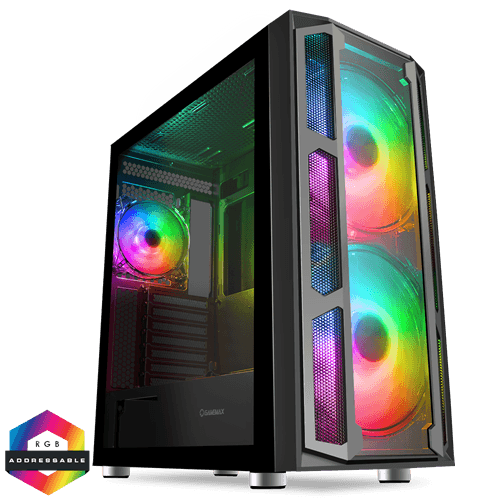
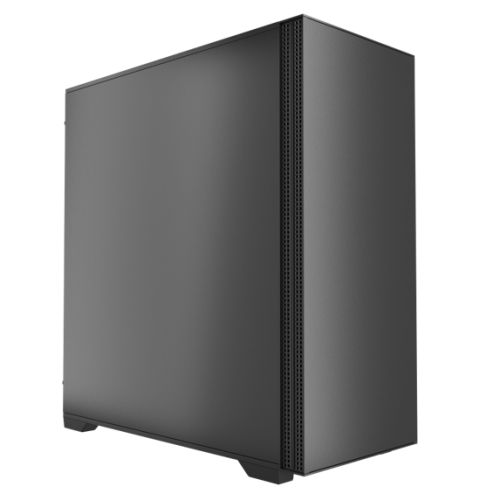
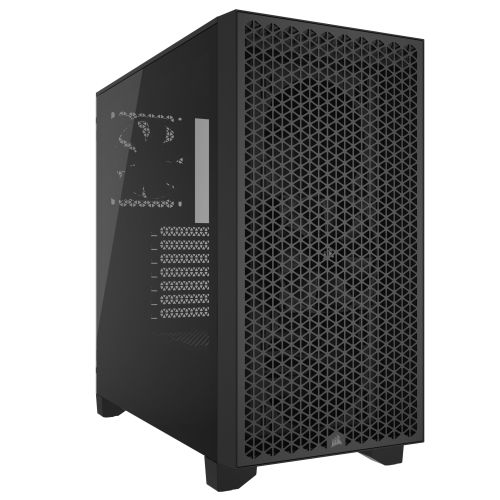
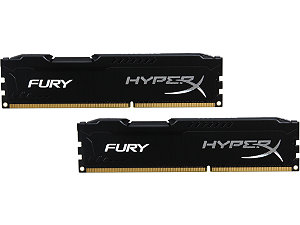
Choose the AMD CPU (Ryzen 5 entry up to Ryzen 9 16-core), the motherboard (A620 entry up to X670 with onboard Wi-Fi 6E plus Bluetooth), the RAM (16GB entry up to 128GB DDR5), the SSD (500GB entry up to multi-drive setups), graphics (integrated Radeon entry up to discrete Nvidia or AMD GPU), the case, the cooler, the PSU, and the warranty cover. The Ginger6 workshop assembles the build to your decisions, not to a marketing-defined tier. The default options at each step are the most-asked starting points; every dropdown changes price and lead time live as you configure.
AM5 Platform Headroom on a Long-Life Socket
The default AMD AM5 platform on this configurator is supported by AMD through to at least 2027 according to AMD’s public socket roadmap, so a desktop built on AM5 today has CPU upgrade headroom for the future. Every AM5 motherboard in the configurator carries DDR5 memory and PCIe 4.0 storage (PCIe 5.0 on B650E and X670E boards). The Radeon iGPU on the Ryzen G-series default chips drives two monitors at 4K 60Hz without a discrete card; if your work crosses into CAD or video editing, the Step 1 Graphics dropdown carries the Nvidia and AMD discrete range.
24-Hour Office-Workload Test on the Configuration You Ordered
The 24-hour stress test runs on the exact configuration that ships, not a representative build. Thermal headroom on the configured AMD CPU at sustained office load, memory stability at the configured DDR5 speed in dual-channel mode, NVMe storage performance under sustained read/write, integrated graphics output to dual displays held over the full test run: all logged before despatch. If you upgraded the cooling for a higher-end Ryzen 7 or Ryzen 9, the cooling is tested under that thermal envelope. Every order ships with a full printed VAT invoice.
Four Configurations for Four AMD Office Buyer Profiles
If your office matches one of these profiles, the suggested configurator pick is the AMD-platform starting point. Adjust from there to your software stack and your budget.
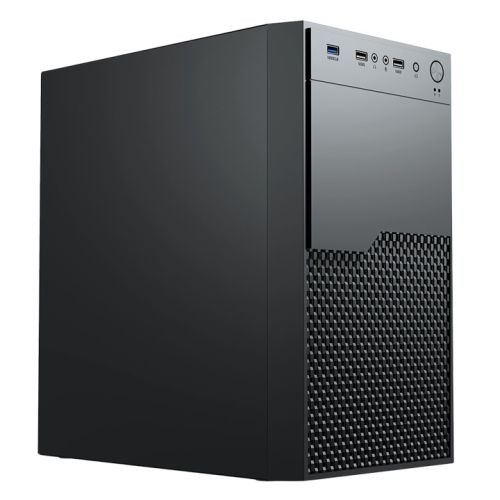
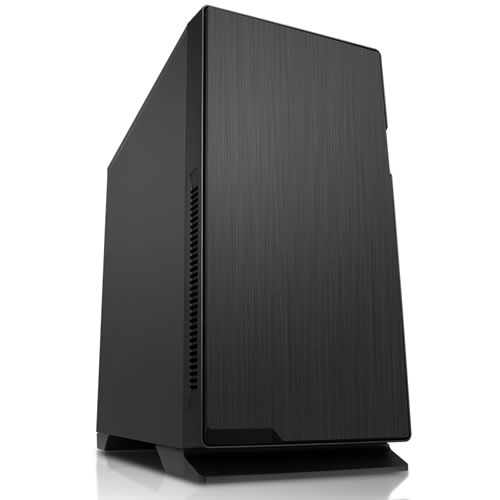
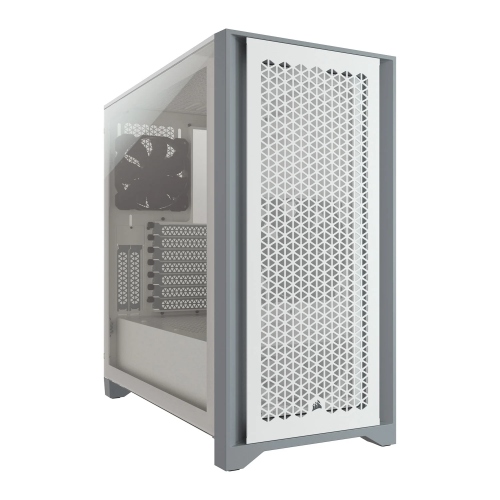
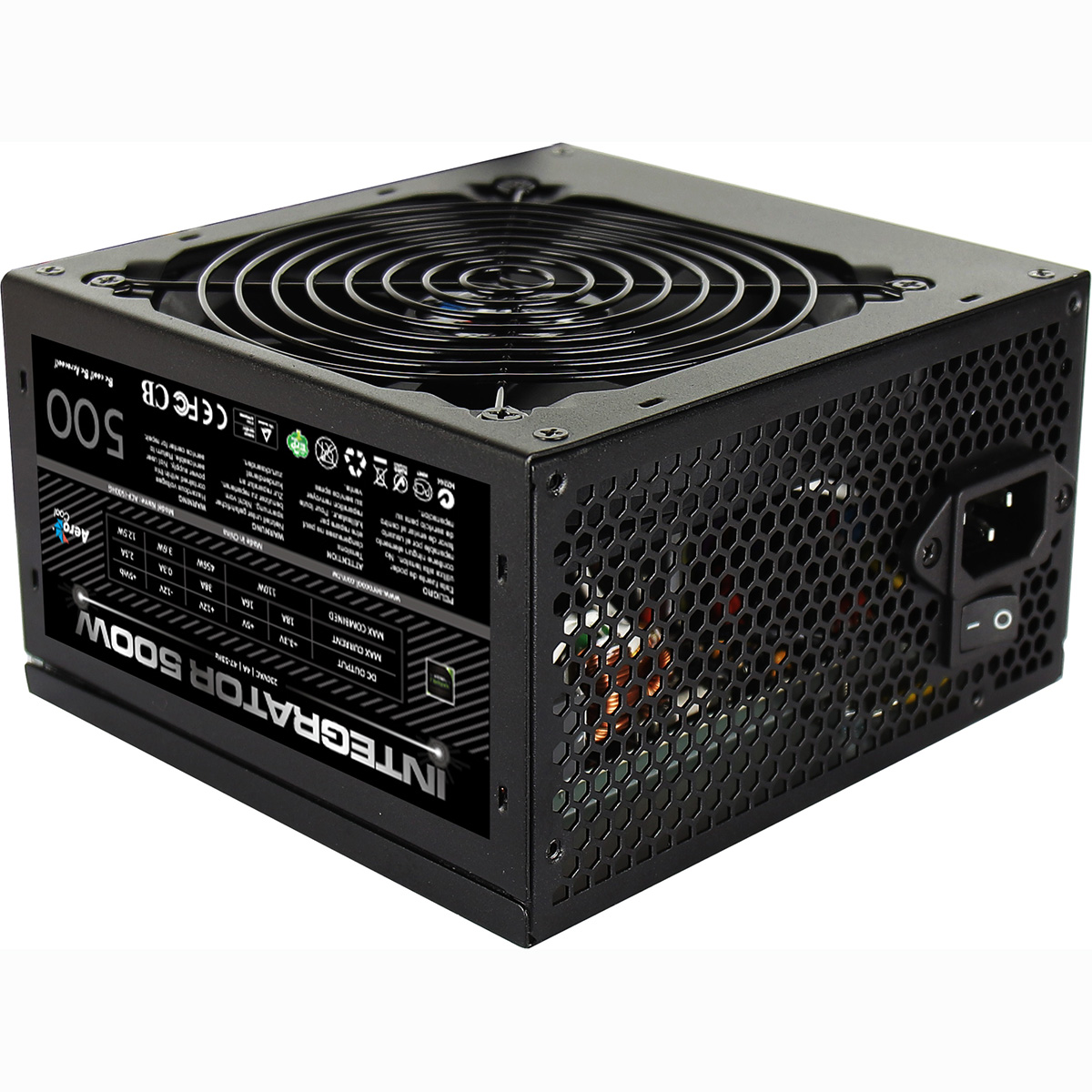
For a home-office desk running Microsoft 365, Outlook, a busy browser session, occasional Teams calls, and OneDrive sync on the AMD platform. Keep the default Ryzen 5 5600G (6 cores, integrated Radeon Vega 7), the Gigabyte A620M H motherboard, 16GB DDR5 (2x8GB) Dual Channel, the 500GB NVMe SSD, the Vida Enterprise case, and the 500W PSU. Functionally this lands very close to the fixed-spec G6 Office AMD Desktop PC; configure if you want a non-default tweak (more RAM, larger SSD, different case, or step the CPU up to the Ryzen 5 8500G with Radeon 740M for the newer iGPU).
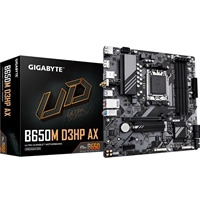
For a small-business desk running Microsoft 365 plus an accounts package plus Teams plus a busy browser session plus OneDrive sync plus the antivirus all loaded together. Step the CPU at Step 1 to the Ryzen 5 7600 (6 Zen 4 cores at 5.1GHz boost — no integrated graphics on this F-suffix chip, so step the Graphics dropdown to a basic discrete card OR pick the Ryzen 5 7600 standard variant with iGPU), step the motherboard to a Gigabyte B650M D3HP for onboard Wi-Fi 6 plus Bluetooth and four DIMM slots, step the RAM to 32GB DDR5 (2x16GB) Dual Channel, keep the 1TB default SSD. PCIe 5.0 support on B650 gives the build future-proofing for next-generation NVMe and graphics.
For a desk where the office software list runs to eight or more concurrent applications: Outlook, Teams, accounts, browser session with 30+ tabs, OneDrive sync, antivirus full-scan, the occasional PDF batch OCR, plus a Zoom call. Step the CPU at Step 1 to the Ryzen 7 7700X (8 cores, 16 threads at 5.4GHz boost), step the motherboard to a Gigabyte B650M D3HP or step up to an X670-class board for the extra PCIe lanes, step the RAM to 32GB DDR5 (2x16GB) Dual Channel, keep the 1TB SSD or step up to 2TB. AM5 Ryzen 7 handles the multi-application stack with comfortable thread headroom.
For a power-user office desk that crosses into creator-adjacent territory: multi-monitor setup, large multi-thousand-row spreadsheet recalculation, Photoshop or light video editing on the side, virtual machine workloads, or specialist software with stricter system requirements. Step the CPU at Step 1 to the Ryzen 9 9950X (16 cores, 32 threads at 5.7GHz boost), step the motherboard to a Gigabyte X670 board with onboard Wi-Fi 6E plus Bluetooth, step the RAM to 64GB DDR5 (2x32GB) Dual Channel, step the SSD to 2TB. If your workload needs a discrete GPU, the Step 1 Graphics dropdown carries the Nvidia and AMD range; for genuine workstation workloads consider stepping over to the workstations range instead.
Built by Hand in Wolverhampton
Every configured AMD Home and Office Custom Built PC goes through the same three-stage workshop process. The 24-hour stress test is the gate that holds dispatch.
Before assembly begins, the configuration submitted via the seven-step form is reviewed against the office software you actually run, the monitor count on your desk, and any creator-adjacent or specialist workload you mentioned. If you have spoken to Kevin on the phone, the build sheet reflects that conversation. Components are verified against current stock, the chosen cooler mounting hardware is confirmed for the configured AMD CPU socket (AM5 by default for current Ryzen, AM4 if you specifically picked a legacy Ryzen 5 5600G compatible board), and the build is queued in the workshop schedule. No shortcuts on stock substitution: the part you configured is the part in the build.
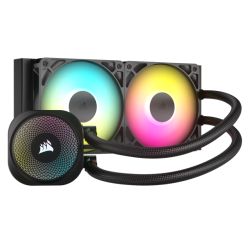
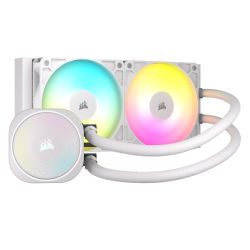
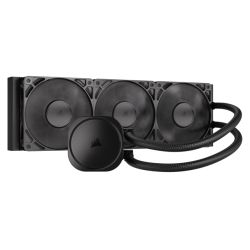
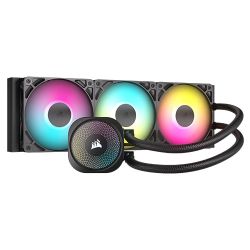
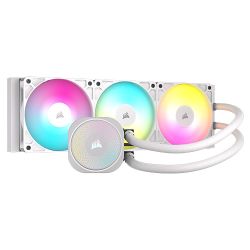
The build is assembled inside the case you selected at Step 1 of the configurator. The cooler is seated on the AMD CPU with the cold-plate contact verified (AMD Wraith stock cooler for entry-tier builds, third-party tower cooler or AIO for Ryzen 7 / Ryzen 9 step-ups), the configured case fans are wired and the airflow path checked, the integrated Radeon graphics outputs (HDMI + DisplayPort) are connected and verified for dual-monitor support. Cable management routes the PSU cabling behind the cable shroud for clean airflow inside the case. BIOS settings, DDR5 dual-channel mode at the configured speed, NVMe boot order, the on-board firmware update, and the onboard Wi-Fi + Bluetooth driver stack (if you stepped the motherboard up to a B650 or X670 board with onboard wireless) are confirmed before the 24-hour test begins. Windows 11 Home (or Pro if you stepped it up at Step 5) is installed, activated, and the latest critical updates applied so the desktop arrives ready to use.
Every configured build runs sustained CPU and storage load for a full day before it ships. The test loop is built around the office workload this configurator is sized for: multi-application concurrent stress holding the configured AMD CPU at sustained load while the M.2 NVMe SSD reads and writes against a working-file pattern, with the configured graphics output driving a dual-display configuration the whole time. The CPU is monitored for thermal headroom under the configured cooler. The memory is checked for stability at the configured DDR5 speed in dual-channel mode. The SSD is verified for sustained write performance. Boost behaviour, fan curves, and storage performance are all logged before despatch. If any component drifts off-spec during the test, the part is replaced and the test starts again. Your build ships free to mainland UK addresses, fully insured and tracked, with a full printed VAT invoice in the box.
- Thermal behaviour on the configured AMD CPU and cooler combination
- Processor and integrated Radeon graphics stability during extended multi-application use
- Memory stability at the configured DDR5 speed in dual-channel mode
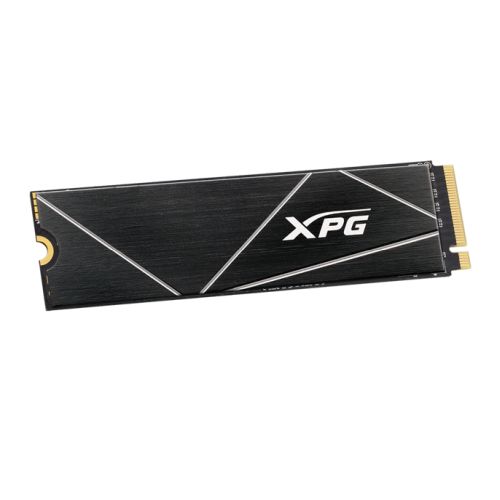
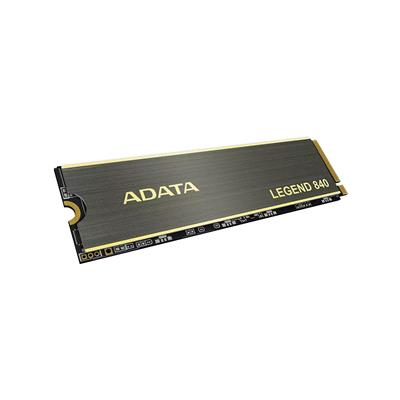
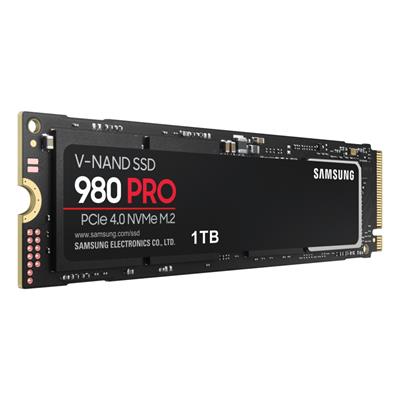
- Storage performance and consistency on the configured M.2 NVMe drives
- BIOS and firmware stability at the configured AGESA version
- Whole-system stability under sustained office workload over the 24-hour run
What Custom-Build Buyers Say
Over 1,100 reviews on Trustpilot with a 93% five-star rating. The person who guides you through the configurator on the phone is the person who builds your AMD Home and Office Custom Built PC and answers the phone after delivery. Read the reviews on Trustpilot directly, nothing here is curated.
Configured a Ryzen 7 build through the Ginger6 site for my home office. The advice on the phone was straightforward and helpful — Kevin recommended a B650 motherboard step-up for onboard Wi-Fi 6, which I would not have thought to do. Build arrived on time and the machine is rock solid. Highly recommended.
Custom AMD desktop built to my exact spec. Ginger6 made the configuration process simple and the build quality is excellent. The AM5 platform means I have CPU upgrade headroom for years to come. Quiet on my desk, boots in seconds, runs everything I need.
Ordered an AMD configured build for my small consultancy. The conversation with Kevin saved me money: he advised against over-speccing the GPU because I do not need a discrete card for my workflow. Honest advice, hand-built quality, and the VAT invoice arrived in the box.
Questions About Configuring Your AMD Office PC
Scroll down to the Custom Options section under this product page. The seven-step form walks you through the build in order: Step 1 Core Components (case, CPU, motherboard, RAM, graphics), Step 2 Storage, Step 3 Power and Cooling, Step 4 Additional Cards, Step 5 Software, Step 6 Peripherals, and Step 7 Delivery and Services. Every dropdown updates the price and the lead time live as you change it. When you are happy with the configuration, click Add to Cart. If you would prefer to talk it through first, call Kevin on 01902 714533 and he will configure it with you on the phone based on the software you actually run.
Three honest reasons. First, the AM5 socket is supported by AMD through to at least 2027 per AMD’s public socket roadmap, so a build today has CPU upgrade headroom for the future on the same motherboard. Second, AMD G-series chips (Ryzen 5 5600G, Ryzen 5 8500G, Ryzen 7 8700G) carry an integrated Radeon iGPU that is generationally newer than Intel UHD 730 on the equivalent Intel entry CPUs, which matters for hardware-accelerated video calls and modern Windows 11 UI rendering. Third, AMD Zen 4 and Zen 5 architectures have a power-efficiency advantage at sustained load compared with Intel Alder Lake, which translates to quieter operation on the same cooler. If your office is open to either platform, both are good choices; the AMD configurator is the right starting point for the AMD-platform preference.
Match the CPU to the number of always-open applications on your current desktop. Three or four (Outlook, browser, one productivity app): the default Ryzen 5 5600G (6 cores) or step up to Ryzen 5 8500G (Zen 4, newer iGPU) is enough. Five to seven (add Teams, accounts package, OneDrive sync, antivirus): step up to Ryzen 5 7600 or Ryzen 5 9600X (Zen 4/Zen 5, 6 cores at 5GHz+). Eight or more (heavy concurrent stack, regular PDF OCR batches, large spreadsheet recalculations): step up to Ryzen 7 7700X or Ryzen 7 9700X (8 cores, 16 threads). Multi-monitor with creator-adjacent workload (light video, Photoshop, virtual machines): step up to Ryzen 9 7900X or Ryzen 9 9950X (12-16 cores). The full AMD ladder is in the CPU dropdown at Step 1.
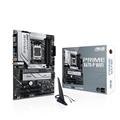
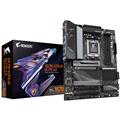
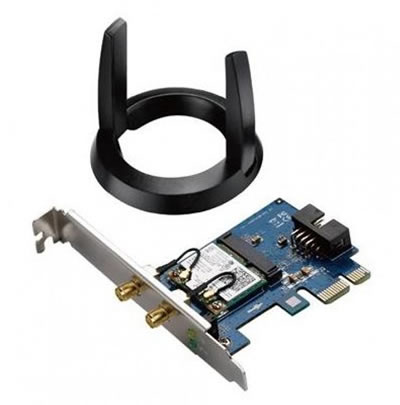
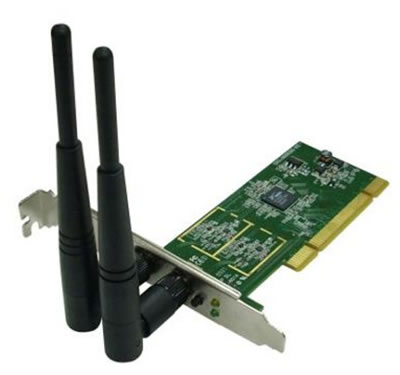
Step up if you want any of: onboard Wi-Fi 6 plus Bluetooth (the A620M H default has none — the desktop ships with a USB Wi-Fi dongle but you may prefer onboard wireless), four DIMM slots instead of two (matters if you plan to upgrade RAM past 64GB later), more M.2 NVMe slots (matters if you plan multi-drive storage), or PCIe 5.0 storage and graphics support (B650E and X670E boards). The Gigabyte B650M D3HP WIFI is the typical step-up choice for office workloads (onboard Wi-Fi 6 + Bluetooth, four DIMM slots, two M.2 slots); the X670 step is for power users on Ryzen 9 with creator-adjacent workloads needing the extra PCIe lanes.
For the standard office workload (Microsoft 365, browser, video calls, multi-monitor productivity), no. The integrated Radeon graphics on every G-series Ryzen CPU in this configurator (Vega 7 on Ryzen 5 5600G, Radeon 740M RDNA 3 on Ryzen 5 8500G, Radeon 780M on Ryzen 7 8700G) drive two monitors at 4K 60Hz via HDMI and DisplayPort, hardware-accelerate the Microsoft 365 interface, and play back 4K video on Teams calls without a discrete card. F-suffix Ryzen chips (Ryzen 5 7600, Ryzen 7 7700X, Ryzen 9 9950X, etc.) do not have integrated graphics — if you pick one of those, the Step 1 Graphics dropdown must carry a discrete card. If your work crosses into CAD (AutoCAD, SolidWorks), 3D modelling, video editing (Premiere, DaVinci Resolve), or Photoshop with heavy filters, the Step 1 Graphics dropdown carries the Nvidia and AMD discrete range.
Call Kevin on 01902 714533. Tell him three things: the office software you run most often (Microsoft 365, accounts package, CRM, specialist tools), the monitor count and resolution on your desk, and your approximate budget. He will configure the build to land on the right AMD spec for your office workload, talk through the trade-offs against the Intel sibling configurator, and either confirm the configuration on the phone or email you a quote with the configurator URL preset to those choices.
We supply a full printed VAT invoice with all orders.
Ready to Configure Your AMD Home and Office Custom Built PC?
Use the seven-step Custom Options form above or call Kevin on 01902 714533. He will help you configure the right AMD spec for your office software, your monitor setup, and your budget. Lifetime UK phone support, 3-year warranty, free mainland UK delivery, full printed VAT invoice with every order. Ginger6 has been building custom desktop PCs in Wolverhampton since 2001.
Custom Options






















































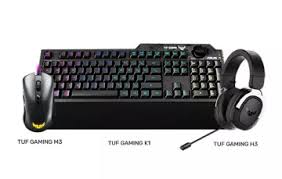


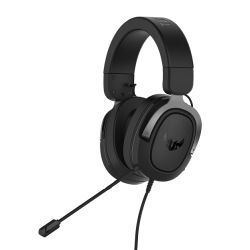


* Required Fields
Specifications
Additional Information
| Processor | AMD Ryzen 5 5600G |
|---|---|
| Processor Type | AMD Ryzen 5 |
| No of Cores | 6 |
| Max Core Speed | 4.40GHz |
| CPU Cooler | AMD Wraith Stock Cooler |
| Motherboard | Gigabyte A620M H |
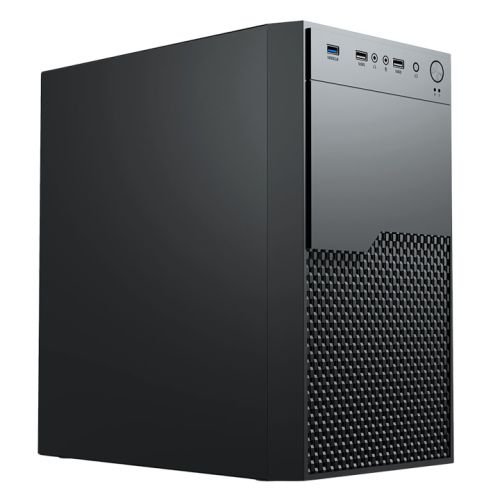
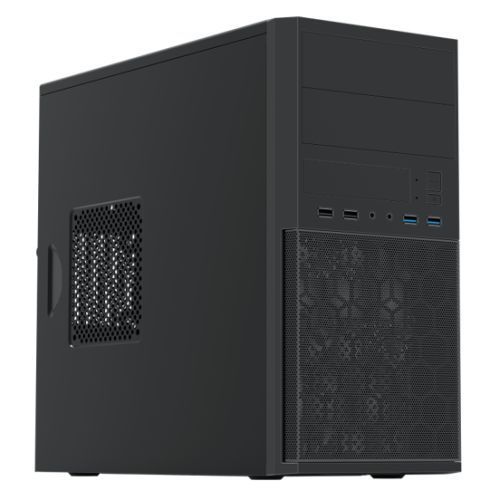
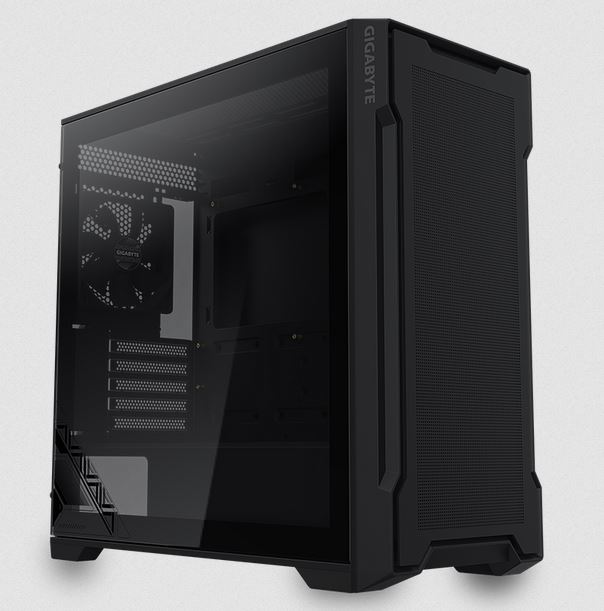
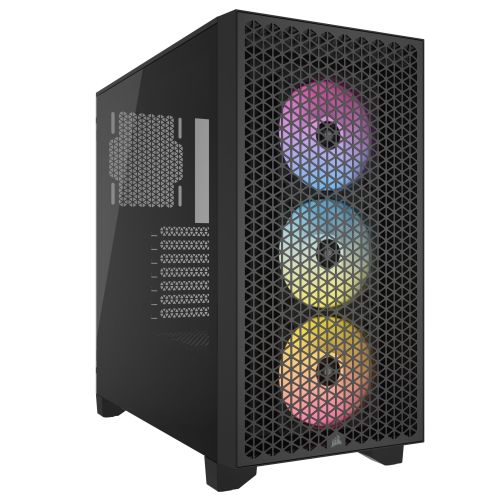
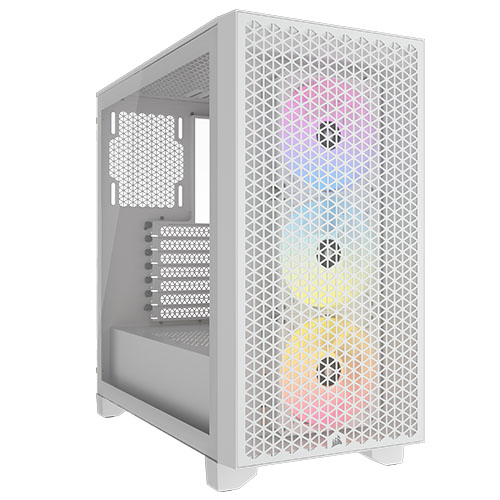
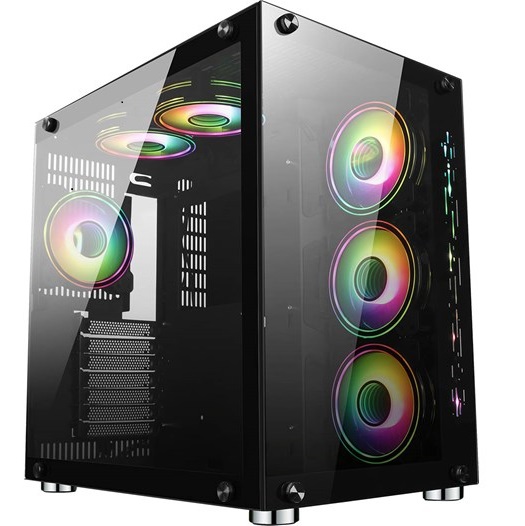
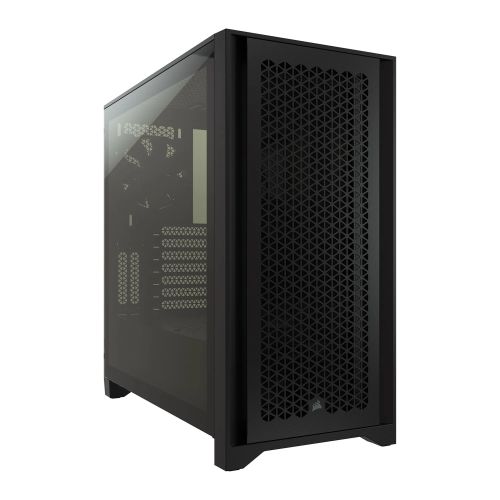
| Case | Vida Enterprise |
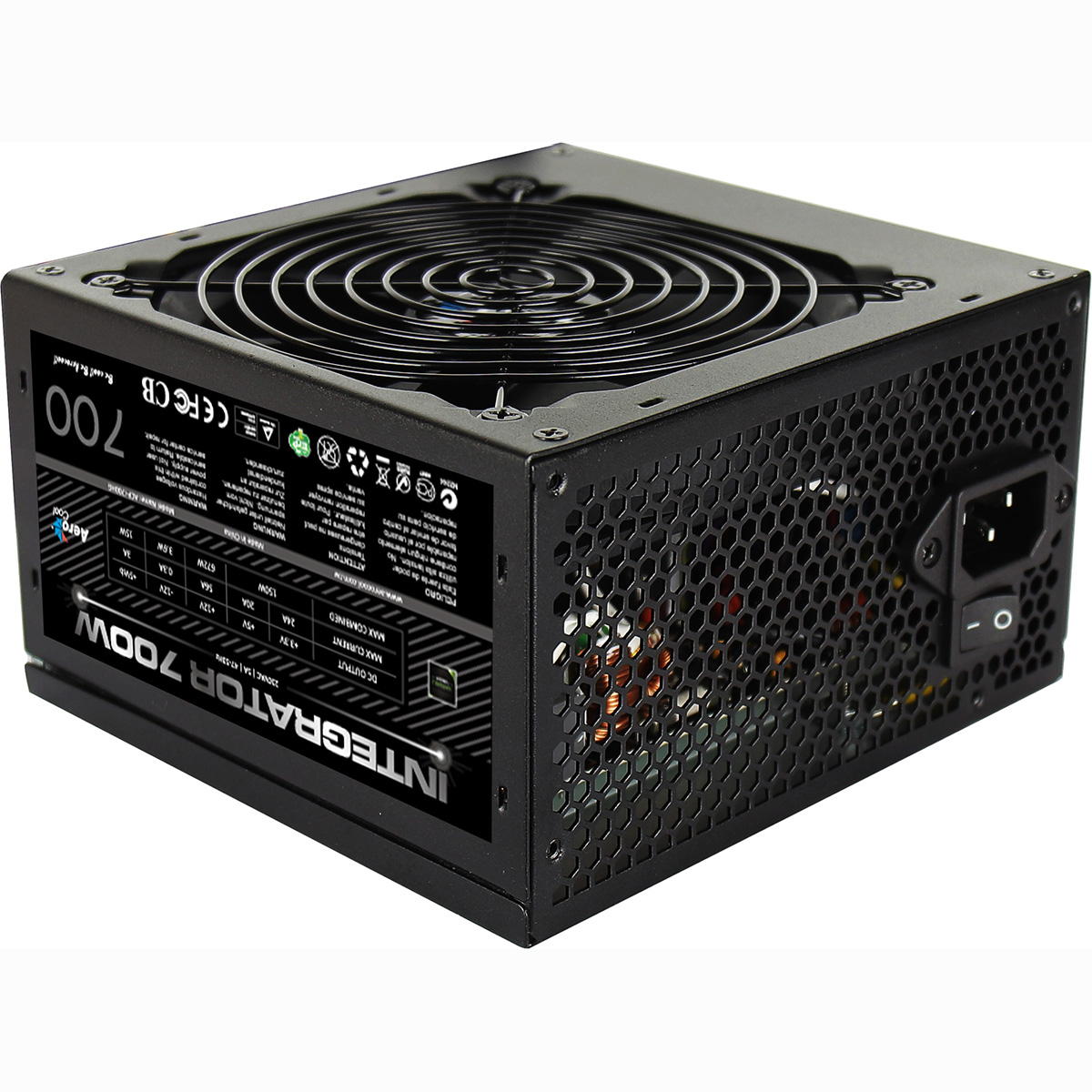
| Power Supply | 500w G6 ATX Lite PSU |
| Memory Size | 16GB |
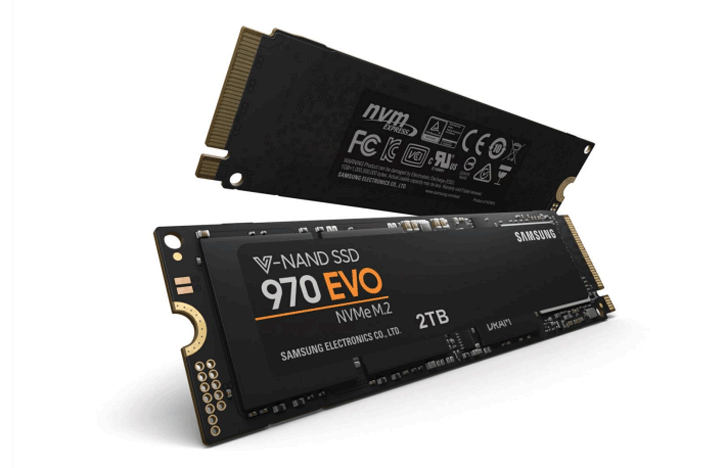
| Solid State Drive Size | 500GB |
| Graphics | Integrated Graphics |
| Graphics Card Connections | HDMI, VGA |
| Audio | 8-Channel High Definition Audio |
| LAN | 10/100/1000 Gigabit LAN Port, 300mbps Wireless LAN |
| USB2 Ports | 4 |
| USB3 Ports | 4 |
| Operating System | Windows 11 Home 64 bit |
| Monitors | Optional (See Custom Options) |
| Warranty | 3 Year Bronze Warranty |
Reviews
-
System delivered as and when expected Review by Frank Leach
Value Quality Price Customer Service System delivered as and when expected. Easy to contact and to receive advice as required. System looks to be exactly what I needed. (Posted on 06/12/2024)
-
Quite outstanding Review by Barry
Quality Price Value Customer Service Our local computer shop has sadly given up the ghost, and I loathe PCWorld, so I googled computer builders in my area, and the Ginger6 website stood out far above the others. I was most impressed by the breadth and clarity of the options for custom building. Having bought a computer, I was amazed that it was delivered in less than three days. The quality is superb - far better than I dared to hope. Any questions I had (including a very stupid one) were answered immediately. Quite outstanding! (Posted on 14/01/2019)
-
Fast Review by David
Quality Price Value Customer Service
I wanted to replace my 6 year old PC with Intel Celeron, hard disc and 2Gb memory running Windows Vista. I have bought a fairly basic Ginger6 machine with AMD processor, solid state drive, 8Gb memory and 64bit version of Linux Mint. For the £300 outlay I am absolutely delighted. Delivery was incredibly quick, everything works - only faster. (Posted on 05/12/2018) -
Great Review by Customer
Quality Price Value Customer Service Great price, great service/delivery, did the job! (Posted on 20/11/2018)
-
fantastic Review by Peter
Quality Price Value Customer Service I ordered late Thursday afternoon, and received the computer 3 working days later. Computers fantastic, customer service was very good also. (Posted on 07/01/2017)