




Gaming PCs Built for
Valorant
Valorant is CPU-bound at high frame rates. The right build is not about the most expensive GPU — it is about matching CPU speed to your monitor's refresh rate. From 144fps budget builds to 360fps competitive rigs, find the right spec below.
Browse the builds below or call Kevin on 01902 714533. Tell him your monitor's refresh rate, whether you stream, and your budget — he will confirm the right build for your setup.


Grid List
7 Item(s)
-
 AMD Ryzen 5 7500f RTX 3050 Gaming PC - G6 Fusion 600 X1
AMD Ryzen 5 7500f 6 core
a620M Motherboard
16GB+ DDR5 5200MHz
FAST 1TB M.2 NVMe SSD
6GB Nvidia RTX 3050 Graphics
300mbps Wifi
Windows 11 Home£1,019.99
£959.99
AMD Ryzen 5 7500f RTX 3050 Gaming PC - G6 Fusion 600 X1£1,019.99
£959.99
AMD Ryzen 5 7500f 6 core
a620M Motherboard
16GB+ DDR5 5200MHz
FAST 1TB M.2 NVMe SSD
6GB Nvidia RTX 3050 Graphics
300mbps Wifi
Windows 11 Home
-
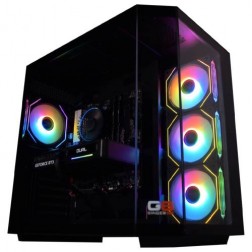 AMD Ryzen 7 8700f Nvidia RTX 5070 Gaming PC - G6 Fusion 800 X5
AMD Ryzen 7 8700f 8 core
A620M Motherboard
16GB+ DDR5 5200MHz
FAST 1TB M.2 NVMe SSD
12GB Nvidia RTX 5070 Graphics
300mbps Wifi
Windows 11 Home£1,579.99
£1,480.00
AMD Ryzen 7 8700f Nvidia RTX 5070 Gaming PC - G6 Fusion 800 X5£1,579.99
£1,480.00
AMD Ryzen 7 8700f 8 core
A620M Motherboard
16GB+ DDR5 5200MHz
FAST 1TB M.2 NVMe SSD
12GB Nvidia RTX 5070 Graphics
300mbps Wifi
Windows 11 Home
-
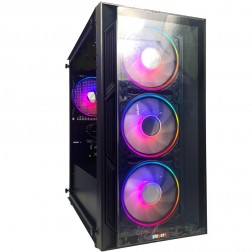 Intel Core i3 12100F RTX 3050 Gaming PC - G6 Vortex X1
Intel Core i3 12100F Quad core
H610M Motherboard
16GB+ DDR5 5200MHz Memory
1TB+ M.2 NVMe SSD
6GB Nvidia RTX 3050 Graphics
300mbps Wifi
Windows 11 Home£949.99
£889.99
Intel Core i3 12100F RTX 3050 Gaming PC - G6 Vortex X1£949.99
£889.99
Intel Core i3 12100F Quad core
H610M Motherboard
16GB+ DDR5 5200MHz Memory
1TB+ M.2 NVMe SSD
6GB Nvidia RTX 3050 Graphics
300mbps Wifi
Windows 11 Home
-
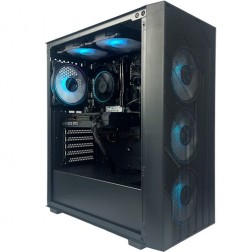 Intel Core i5 12400F Nvidia 6GB RTX 5050 Gaming PC - G6 Infinity X2
Intel Core i5 12400F 6 core
H610M Motherboard
16GB+ DDR5 5200MHz
1TB+ M.2 NVMe SSD
8GB Nvidia RTX 5050 Graphics
300mbps Wifi
Windows 11 Home£1,069.99
£1,009.99
Intel Core i5 12400F Nvidia 6GB RTX 5050 Gaming PC - G6 Infinity X2£1,069.99
£1,009.99
Intel Core i5 12400F 6 core
H610M Motherboard
16GB+ DDR5 5200MHz
1TB+ M.2 NVMe SSD
8GB Nvidia RTX 5050 Graphics
300mbps Wifi
Windows 11 Home
-
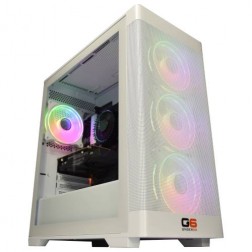 Intel Core i7 12700F Nvidia RTX 5060 Ti Gaming PC - G6 Storm X3
Intel Core i7 12700F 12 core
H610 Motherboard
16GB+ DDR5 5200MHz
1TB+ M.2 NVMe SSD
8GB Nvidia RTX 5060 Ti Graphics
300mbps Wifi
Windows 11 Home£1,420.00
£1,330.00
Intel Core i7 12700F Nvidia RTX 5060 Ti Gaming PC - G6 Storm X3£1,420.00
£1,330.00
Intel Core i7 12700F 12 core
H610 Motherboard
16GB+ DDR5 5200MHz
1TB+ M.2 NVMe SSD
8GB Nvidia RTX 5060 Ti Graphics
300mbps Wifi
Windows 11 Home
-
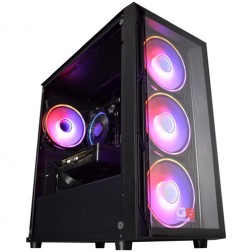 Intel Core i5 12400f RTX 5060 Pre Built Next Day Gaming PC - G6 ND 800
Intel Core i5 12400F 6 Core
H610 Motherboard
16GB DDR5 Memory
1TB M.2 NVMe SSD Drive
8GB Nvidia RTX 5060 Graphics
300MBPs Wifi
Windows 11 Home£1,121.95
£1,000.00
Intel Core i5 12400f RTX 5060 Pre Built Next Day Gaming PC - G6 ND 800£1,121.95
£1,000.00
Intel Core i5 12400F 6 Core
H610 Motherboard
16GB DDR5 Memory
1TB M.2 NVMe SSD Drive
8GB Nvidia RTX 5060 Graphics
300MBPs Wifi
Windows 11 Home
-
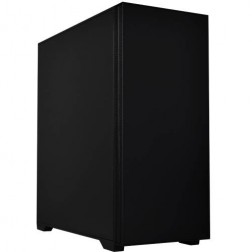 Intel Core i7 14700f RTX 5060 Ti Pre-Built Next Day PC - G6 ND 1500
Intel Core i7 14700f Twenty Core
Gigabyte B760M DS3H AX
32GB 5200mhz DDR5
1TB M.2 NVMe SSD Drive
16GB Nvidia RTX 5060 Ti Graphics
1733mbps Wifi & Bluetooth
Windows 11 Home£1,916.16
£1,750.00
Intel Core i7 14700f RTX 5060 Ti Pre-Built Next Day PC - G6 ND 1500£1,916.16
£1,750.00
Intel Core i7 14700f Twenty Core
Gigabyte B760M DS3H AX
32GB 5200mhz DDR5
1TB M.2 NVMe SSD Drive
16GB Nvidia RTX 5060 Ti Graphics
1733mbps Wifi & Bluetooth
Windows 11 Home
Grid List
7 Item(s)
What Does Valorant Need?
Valorant is CPU-bound at high frame rates. The CPU column here matters as much as the GPU column. A fast processor with a mid-range GPU consistently outperforms the reverse.
Figures are estimates based on available benchmark data. Actual performance varies by specific CPU pairing, RAM speed, and system configuration. Kevin will confirm expected performance for your setup before you order.
What Each Budget Delivers in Valorant
Four honest assessments. What each tier achieves, where it falls short, and whether the next tier up is worth the spend for the way you play.
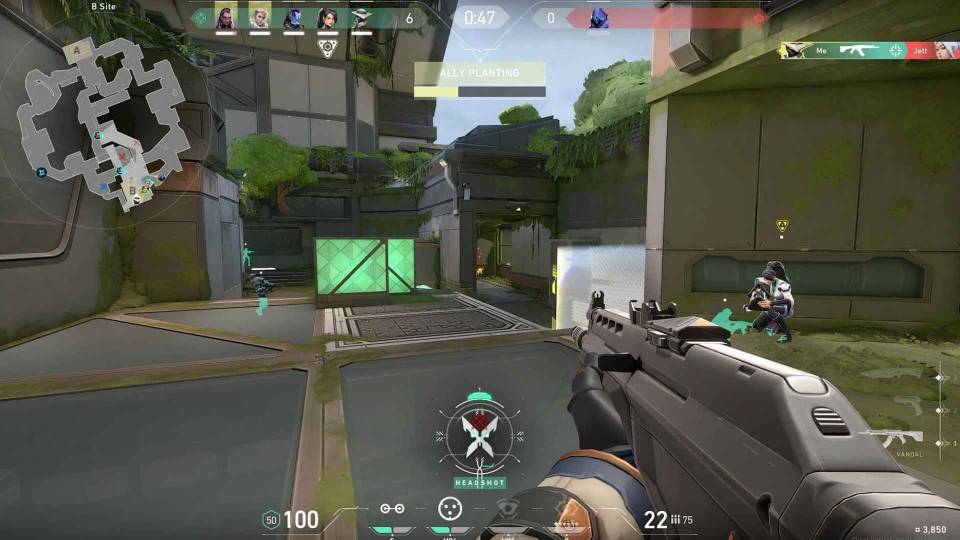
Solid 240fps at 1080p on low-medium settings. Consistent frame delivery on most maps, with occasional dips during smoke-heavy engagements and large team fights. A 144Hz monitor is well matched and will not be starved for frames. A 240Hz monitor gets close to its limit but frame delivery is not always consistent enough to fully exploit it. The GPU is not the bottleneck here — the CPU is. Moving to a faster Core i7 at this GPU level produces a more noticeable improvement than upgrading the GPU alone.
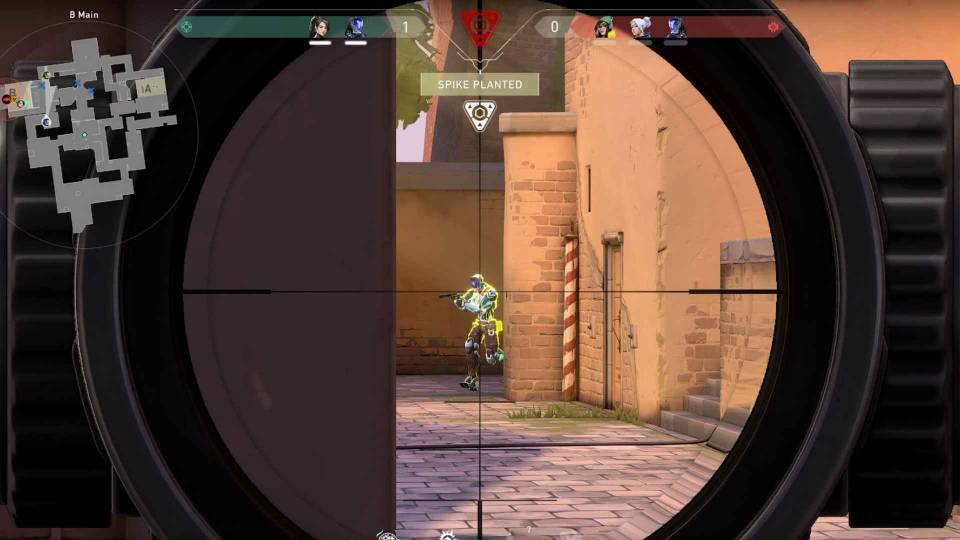
240fps+ with comfortable headroom at 1080p medium-high settings. Frame time consistency is noticeably better than budget — the difference is most visible in smoke-heavy rounds and Ultimate ability exchanges. A 240Hz monitor is fully matched and fed with margin to spare. This is the tier most competitive Valorant players land at when they upgrade from a laptop or ageing desktop. If you also stream while playing, the Core i7 handles encoding without pulling frames from the game. Worth the step up from budget if you own a 240Hz monitor or plan to get one.
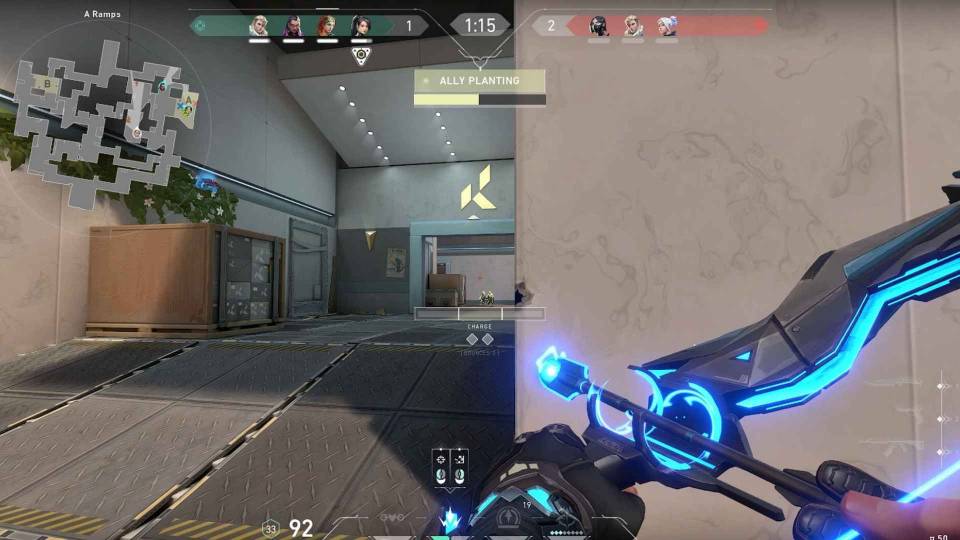
360fps+ at 1080p. The ceiling for most 360Hz monitors and the build that gets the most from them. Frame delivery is highly consistent — the CPU is no longer a limiting factor at any point in a match. This tier is overspecified for Valorant alone when viewed purely in game terms. It is justified if you also play GPU-heavy titles like Cyberpunk 2077 or Call of Duty: Warzone alongside your competitive play, where the RTX 5070 earns its keep at 1440p.
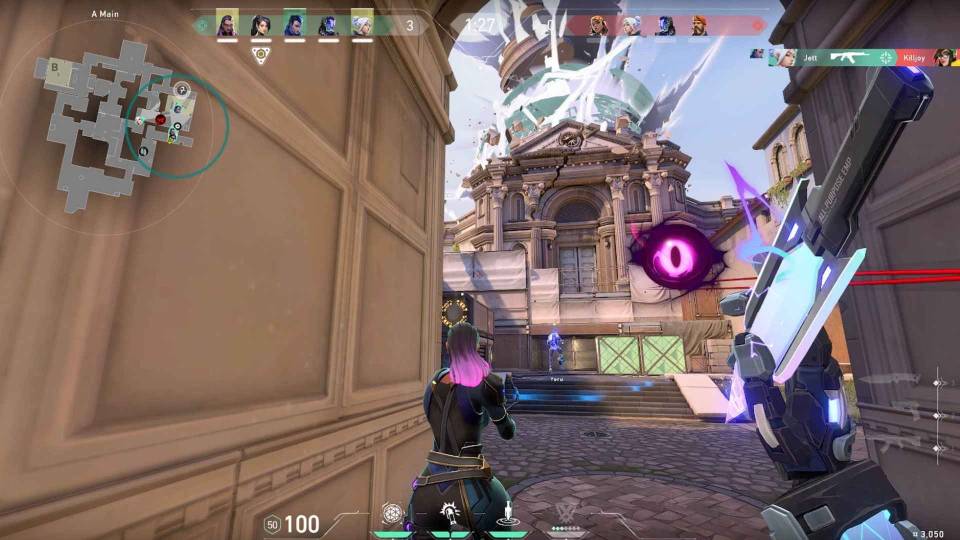
Beyond 360Hz. At this tier the build is overspecified for Valorant regardless of how competitively you play. The RTX 5080 produces no meaningful frame rate advantage over the RTX 5070 in Valorant because the GPU is not the bottleneck. This tier is the right choice if Valorant is one of several games you play — the RTX 5080 handles 4K ray tracing in Cyberpunk 2077, Battlefield 6 at 1440p ultra, and any other title you might want to run at maximum settings.
Why Valorant Is a CPU Game, Not a GPU Game
Valorant runs on a modified version of Unreal Engine 4, designed from the ground up for competitive play rather than visual spectacle. The engine renders frames quickly and with relatively low GPU overhead. At 1080p competitive settings, a mid-range GPU finishes drawing each frame faster than most CPUs can queue the next one. That is the definition of a CPU-bound game.
At 144fps, this bottleneck is manageable on a mid-range CPU. At 240fps, the CPU is being asked to deliver frames to the GPU at roughly one every 4 milliseconds. At 360fps, that interval drops to 2.8 milliseconds. The slightest variation in CPU frame delivery — caused by a slow single-core clock speed, thermal throttling, or background processes competing for CPU time — creates the frame time spikes that are visible as microstutter even when average fps looks fine.
Memory speed compounds this. Valorant responds to DDR5 memory speed in a way that few other games do at high frame rates. Faster RAM reduces the latency between the CPU and its data, which tightens frame delivery intervals. At 360fps targets, fast DDR5 is a relevant spec — not a marginal one.
Valorant's anti-cheat system, Vanguard, requires Windows 11 and TPM 2.0. Every Ginger6 build ships with Windows 11 pre-installed and TPM 2.0 enabled in the BIOS. There are no configuration steps before you can launch the game.
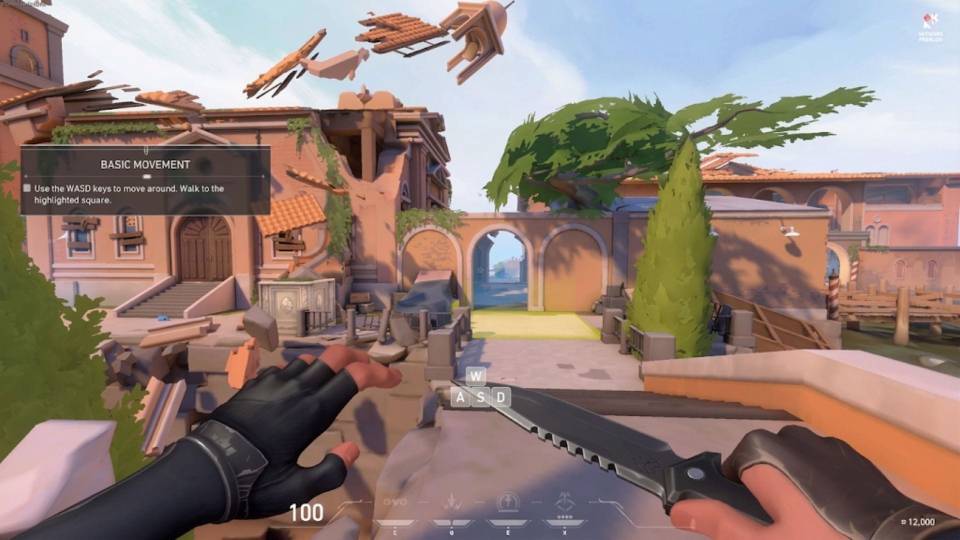
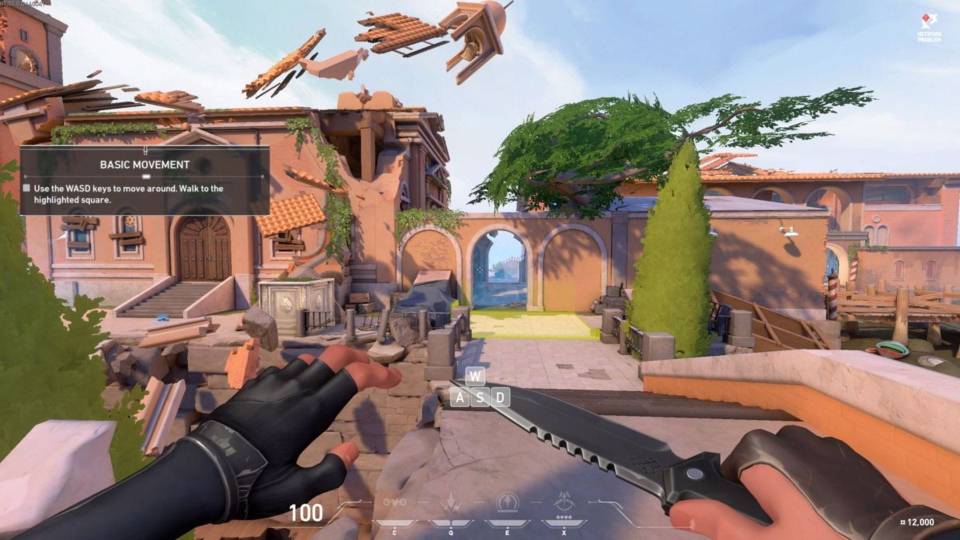
Resolution and visual settings matter less in Valorant than in almost any other modern title. Running low settings at 1080p does not look dramatically worse than medium — the art direction uses clean, readable visuals that hold up at low quality. The frame rate gain from dropping from medium to low settings is meaningful. That trade-off is different in Cyberpunk 2077 or Elden Ring, where visual settings represent a genuine fidelity difference.
Low vs Medium Settings — Is the Frame Rate Worth It?
In Valorant, lowering settings increases frame rate more than it reduces visual quality. The difference between medium and low is subtle. The frame rate gain is not. Drag to compare.
Three Types of Valorant Player
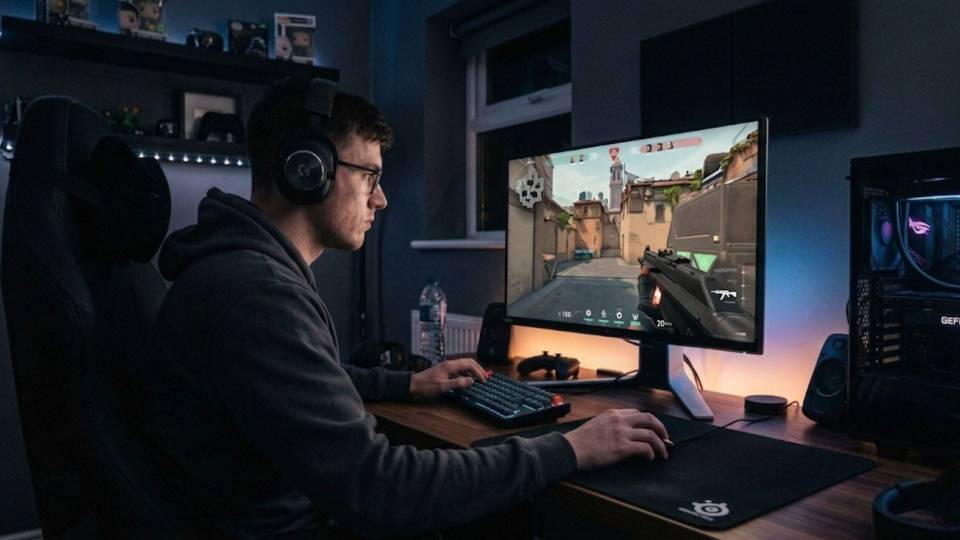
Already invested in a 240Hz monitor. Currently losing fps in dense engagements and seeing frame time inconsistency. The mid-range build — RTX 5060 Ti, Core i7 — is the direct fix. 240fps+ with consistent frame delivery on every map. Streaming occasionally means 32GB RAM is the right call.
.jpg)
Plays a few hours a week, increasingly wants to play ranked. Currently on a laptop or an older pre-built with visible performance limits. The budget build covers Valorant well and provides headroom for Fortnite, Apex Legends, and any open world titles played alongside competitive games. A 144Hz monitor is the right pairing at this tier.
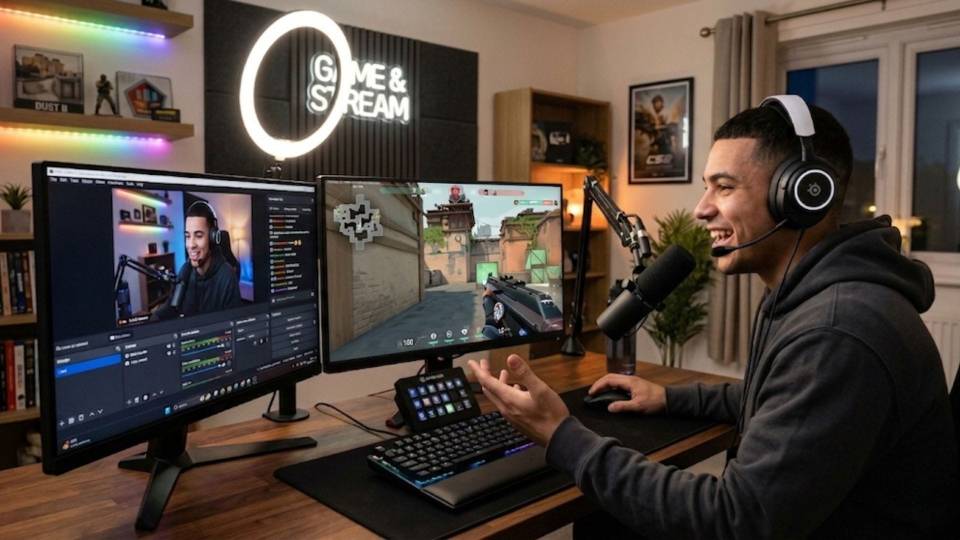
Needs CPU headroom for NVENC or x264 encoding running alongside the game without pulling frames. The high-end build — RTX 5070, fast Core i7 — handles Valorant at 360fps+ while encoding a 1080p stream without compromise. 32GB RAM is essential here. The GPU also means other titles streamed on the same setup look good at 1440p.
Call Kevin on 01902 714533 or email [email protected]. Tell him:
1. The games you play most often
2. Your monitor resolution and refresh rate
3. Whether you stream, record, or edit alongside gaming
4. Your approximate budget
No charge for the conversation. No pressure to buy.
Will This Build Cover Your Other Games?
Recommended Ginger6 Builds for Valorant
Three builds chosen for Valorant buyers. Each one is matched to a specific frame rate target and monitor setup.
RTX 5060 paired with a fast Core i5 or Ryzen 5. Delivers 200fps+ at 1080p competitive settings with consistent frame delivery. The right starting point for a 144Hz or 165Hz monitor, with enough headroom to feed a 240Hz panel on most maps.
RTX 5060 Ti with Core i7 or Ryzen 7. The most popular tier for competitive Valorant players upgrading from a laptop. 240fps+ with consistent frame times throughout a match. Handles streaming alongside gameplay without frame rate compromise.
RTX 5070 with fast Core i7 or Ryzen 7 X3D. Pushes 360fps+ with maximum frame time consistency. Justified for 360Hz monitor owners and for players who also run GPU-heavy titles alongside their competitive play at 1440p.
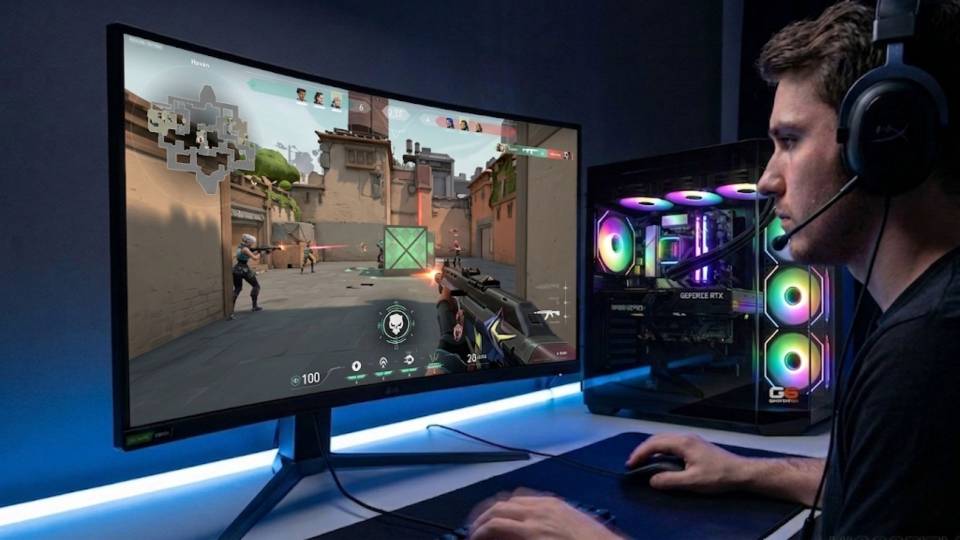
Built for Consistent Performance, Not Just Peak Numbers
Every Ginger6 build starts with component selection that matches your frame rate target. For a Valorant build, that means a CPU with the right single-core clock speed, DDR5 RAM rated for speed rather than just capacity, and storage fast enough to handle Vanguard's startup verification without slowing game launch.
Cable management is handled with the same attention as the component selection. Clean routing inside the case reduces restriction on airflow, which means cooler components running at higher sustained clock speeds. For a CPU-bound game like Valorant, a CPU that thermal throttles mid-match produces the same symptom as a slow CPU: inconsistent frame delivery at high frame rates.
BIOS settings, memory profiles, and firmware stability are confirmed before dispatch. XMP or EXPO memory profiles are enabled and verified for stability. Vanguard requires TPM 2.0, which is confirmed active before the system ships. Every build runs a 24-hour stress test covering thermal behaviour under load, processor and graphics stability during extended use, memory responsiveness and system stability, storage performance and consistency, and BIOS firmware stability.
Kevin backs every build with a 3-year warranty and is reachable on 01902 714533 if anything needs attention. Most issues are resolved over the phone. If a component needs replacement, it is handled without the bureaucracy of a large retailer.
What Do Ginger6 Customers Say?
Over 1,100 verified reviews with a 93% five-star rating.
The most consistent feedback from gaming buyers: builds that perform exactly as specified, honest advice on spec and tier, and support that continues after the machine arrives.
Read All Trustpilot ReviewsI recently had a custom gaming PC built and delivered by Ginger6, and I couldn't be more impressed. They took the time to understand my specifications and even made some great recommendations that really enhanced the final build. The cable management is immaculate, and they were so meticulous that even the screw heads were kept in perfect condition.
I emailed Kevin to be sure if what I put down to order was suitable, Kevin supported me to change a few things around and since having the PC for a few weeks it is absolutely amazing and a stunning looking PC. Also fast service and delivery too. I recommend Ginger6 as I will be upgrading from them in the future.
I would rate this PC builder as second to none, I have had no problems with my PC. As I am a sim-racer I therefore need ultra quick responses which you get. Simply tell Ginger6 what you wish from your PC and I give my word you will not be disappointed.
Common Questions About Valorant Gaming PCs
A mid-range build with an RTX 5060 Ti and Core i7 or Ryzen 7. The CPU is the critical component at 240fps — not the GPU. A fast Core i7 or Ryzen 7 with high single-core clock speed keeps frame delivery consistent through smoke-heavy rounds and Ultimate ability exchanges, which is where inconsistent frame delivery shows most in matches.
CPU, primarily. Valorant is one of the most CPU-bound games at high frame rates. The GPU renders each frame quickly at 1080p competitive settings — the CPU is the component that has to sustain delivery at 240 or 360 frames per second. At 144fps, a mid-range GPU is perfectly adequate. At 360fps, the CPU speed matters more than upgrading to a more expensive GPU.
16GB DDR5 is sufficient for Valorant in standalone gaming. If you stream while playing, 32GB gives the encoding process headroom without competing with the game for resources. DDR5 speed also matters in Valorant more than in most games — faster memory reduces frame time variance at high frame rates, which is measurable at 240fps and above.
Most competitive Valorant players use 1080p at low to medium settings. Lower resolution means lower GPU workload, which shifts the bottleneck entirely to the CPU — the right component to be stretching for maximum frame rate. Running low settings at 1080p does not look dramatically worse than medium in Valorant — the art direction uses clean, readable visuals that hold up at lower quality. The frame rate gain from dropping settings is meaningful.
Valorant does not support DLSS or FSR. It is a lightweight engine that already delivers high frame rates without upscaling. Upscaling technology is most useful in GPU-bound games at higher resolutions — Valorant is not designed to be either of those things. There is no benefit to choosing a specific GPU for its upscaling capabilities when buying for Valorant.
Frame rate drops in Valorant are most commonly caused by CPU bottlenecks, high background CPU load from Discord, a browser, or streaming software, or Vanguard anti-cheat consuming resources during loading screens. Thermal throttling — where the CPU reduces its clock speed to manage heat — also causes sudden dips. A slow CPU struggles to maintain consistent frame delivery at high frame rates even when the GPU is capable. All Ginger6 builds are tested for thermal stability under extended load before dispatch.
Yes. Valorant runs on modest hardware by modern standards. A budget Ginger6 build with an RTX 5060 and Core i5 or Ryzen 5 delivers 200fps+ at 1080p competitive settings — enough to feed a 144Hz or 165Hz monitor comfortably. A mid-range build is needed to consistently feed a 240Hz monitor at 240fps throughout a full match.
Match your monitor to your build tier. A 144Hz monitor pairs well with a budget build. A 240Hz monitor needs a mid-range build to be fully utilised. A 360Hz monitor requires a high-end build. The monitor and the PC must match — a 360Hz monitor fed by a budget build still cycles at 360Hz but only shows the frames the PC renders, which at budget tier is around 200fps. Tell Kevin your monitor when you call and he will confirm the right pairing.
A mid-range Valorant build handles most games at 1440p high settings — it is optimised for CPU performance rather than maximum GPU power, which suits CS2 and Fortnite well. For GPU-heavy games like Cyberpunk 2077 or Black Myth: Wukong at 4K ultra, a high-end or enthusiast build is better suited. If you play a mix of genres alongside Valorant, call Kevin — he will confirm whether a single build covers everything you play or whether a different tier makes more sense for your library.
Find the Right Build for Valorant
Browse the gaming PC range or call Kevin directly. Tell him your monitor's refresh rate, whether you stream, and your budget. He will confirm the right build for your setup.