




Gaming PCs Built for
Apex Legends
In Apex Legends, consistent frame delivery matters more than peak fps. The game's movement system punishes drops harder than any other competitive shooter. A build that averages 144fps but dips to 80 in Storm Point is not the same as one that holds 144 throughout. Find the right spec below.
Browse the builds below or call Kevin on 01902 714533. Tell him your monitor's refresh rate, the maps you play most, and your budget — he will confirm the right build.


Grid List
5 Item(s)
-

AMD Ryzen 7 8700f Nvidia 16GB RTX 5060 Ti Gaming PC - G6 Fusion 800 X4
AMD Ryzen 7 8700f 8 core
A620M Motherboard
16GB+ DDR5 5200MHz
FAST 1TB M.2 NVMe SSD
16GB Nvidia RTX 5060 Ti Graphics
433mbps Wifi
Windows 11 Home£1,941.90
£1,824.99
AMD Ryzen 7 8700f Nvidia 16GB RTX 5060 Ti Gaming PC - G6 Fusion 800 X4£1,941.90
£1,824.99
AMD Ryzen 7 8700f 8 core
A620M Motherboard
16GB+ DDR5 5200MHz
FAST 1TB M.2 NVMe SSD
16GB Nvidia RTX 5060 Ti Graphics
433mbps Wifi
Windows 11 Home
-
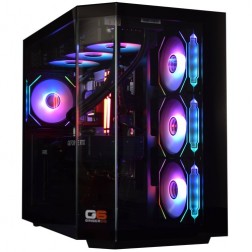
Intel Core Ultra 7 265KF RTX 5070 Ti Gaming PC - G6 Genesis U2
Intel Core Ultra 7 265Kf 20 core
B860 Motherboard
32GB+ DDR5 5200MHz Memory
FAST 1TB+ M.2 NVMe SSD
16GB Nvidia RTX 5070 Ti Graphics
FAST Wifi & Bluetooth
Windows 11 Home£2,926.86
£2,749.99
Intel Core Ultra 7 265KF RTX 5070 Ti Gaming PC - G6 Genesis U2£2,926.86
£2,749.99
Intel Core Ultra 7 265Kf 20 core
B860 Motherboard
32GB+ DDR5 5200MHz Memory
FAST 1TB+ M.2 NVMe SSD
16GB Nvidia RTX 5070 Ti Graphics
FAST Wifi & Bluetooth
Windows 11 Home
-
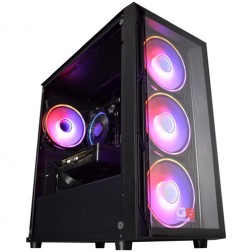
Intel Core i5 12400f RTX 5060 Pre Built Next Day Gaming PC - G6 ND 800
Intel Core i5 12400F 6 Core
H610 Motherboard
16GB DDR5 Memory
1TB M.2 NVMe SSD Drive
8GB Nvidia RTX 5060 Graphics
433MBPs Wifi
Windows 11 Home£1,403.58
£1,249.99
Intel Core i5 12400f RTX 5060 Pre Built Next Day Gaming PC - G6 ND 800£1,403.58
£1,249.99
Intel Core i5 12400F 6 Core
H610 Motherboard
16GB DDR5 Memory
1TB M.2 NVMe SSD Drive
8GB Nvidia RTX 5060 Graphics
433MBPs Wifi
Windows 11 Home
-
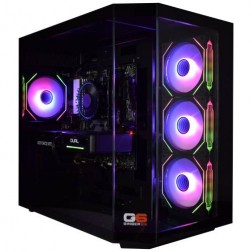
AMD Ryzen 9 7900 Nvidia RTX 5070 Ti Gaming PC - G6 Fusion 1200 X5
AMD Ryzen 9 7900 12 core
A620M Motherboard
16GB+ DDR5 5200MHz
FAST 1TB M.2 NVMe SSD
16GB Nvidia RTX 5070 Ti Graphics
433mbps Wifi
Windows 11 Home£2,639.47
£2,479.99
AMD Ryzen 9 7900 Nvidia RTX 5070 Ti Gaming PC - G6 Fusion 1200 X5£2,639.47
£2,479.99
AMD Ryzen 9 7900 12 core
A620M Motherboard
16GB+ DDR5 5200MHz
FAST 1TB M.2 NVMe SSD
16GB Nvidia RTX 5070 Ti Graphics
433mbps Wifi
Windows 11 Home
-
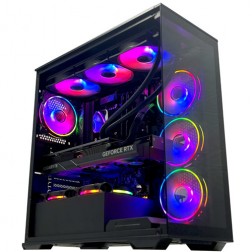
Intel Core i9 14900KF RTX 5080 Gaming PC - G6 Galactic U3
Intel Core i9 14900KF 24 core
Z790 Motherboard
32GB+ DDR5 5200MHz
FAST 1TB+ M.2 NVMe SSD
16GB Nvidia RTX 5080 Graphics
FAST Wifi & Bluetooth
Windows 11 Home£3,526.30
£3,309.99
Intel Core i9 14900KF RTX 5080 Gaming PC - G6 Galactic U3£3,526.30
£3,309.99
Intel Core i9 14900KF 24 core
Z790 Motherboard
32GB+ DDR5 5200MHz
FAST 1TB+ M.2 NVMe SSD
16GB Nvidia RTX 5080 Graphics
FAST Wifi & Bluetooth
Windows 11 Home
Grid List
5 Item(s)
What Does Apex Legends Need?
Apex is more balanced between GPU and CPU than CS2 or Valorant. The figures below are based on consistent frame delivery across all maps — not average performance on the easiest map.
Figures are estimates based on available benchmark data. Actual performance varies by CPU pairing, RAM speed, and system configuration. Kevin will confirm expected performance for your setup before you order.
What Each Budget Delivers in Apex Legends
Frame rate consistency on demanding maps is the benchmark here — not peak numbers on the easiest map.
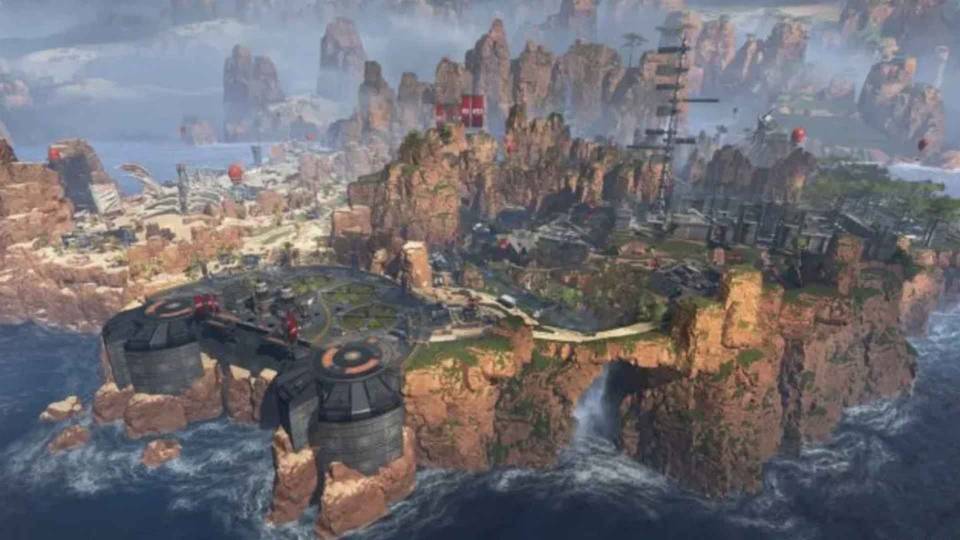
Consistent 144fps at 1080p high settings on Kings Canyon, Worlds Edge, and most of Broken Moon. Storm Point's open biomes with dense foliage and long draw distances can push this tier closer to 120fps in the most demanding zones — adjusting draw distance to medium resolves it without visible quality loss elsewhere. A 144Hz monitor is the right match. The GPU and CPU are well balanced at this tier for Apex specifically, with no obvious weak link.

240fps+ at 1080p with consistent delivery across all maps including Storm Point's open areas. The Core i7 absorbs ability-exchange CPU spikes that cause microstutter on Core i5 builds at the same target. A 240Hz monitor is fully utilised. The 12GB VRAM on the RTX 5060 Ti keeps texture quality stable at 1080p ultra and provides headroom for 1440p high settings. This is the tier most Apex players land at after experiencing frame drops on a budget build or laptop.

1440p high to ultra with 160fps to 200fps. DLSS Quality or FSR Quality extends headroom on demanding maps. The 16GB VRAM covers 1440p high textures without any streaming delays. This tier is the right choice for players moving from 1080p to 1440p, for those who also play Warzone or Fortnite at 1440p, and for anyone who wants a single build that covers the full competitive shooter library at 1440p without compromise.

200fps+ at 1440p ultra on every map. DLSS Multi Frame Generation pushes well beyond this on most maps. The enthusiast tier is overspecified for Apex alone — it is the right build if Apex sits alongside Cyberpunk 2077, Black Myth: Wukong, or Battlefield 6 at 1440p ultra in your game library, and you want all of them running at their best on a single machine.
Why Consistent Frame Delivery Matters More in Apex Than in Any Other Shooter
Apex Legends is built around movement. Sliding, bunny hopping, wall-climbing, and using movement-based abilities all require the game to respond to input at the moment the input is given. In a game like CS2 or Valorant, a frame drop during a static aim duel is an inconvenience. In Apex, a frame drop during a movement ability or a clutch rotation can mean the difference between a play working and it not. The game's design punishes inconsistent frame delivery more severely than any other title in this competitive shooters category.
The hardware demand is more balanced than Valorant or CS2. At competitive low settings, the CPU matters more — ability exchanges and large zone fights generate CPU load spikes that a slower processor struggles to absorb. At high to ultra settings at 1440p, the GPU becomes the primary bottleneck. This means the ideal Apex build does not shortchange either component the way a pure CS2 build can afford to shortchange the GPU.
Map choice matters more in Apex than in most shooters. Storm Point and Broken Moon have longer draw distances and higher foliage density than Worlds Edge or Kings Canyon. A build that holds 144fps comfortably on the game's tighter maps may dip significantly on Storm Point's open biomes on the same settings. Ginger6 build recommendations account for the demanding maps, not just the average.
DLSS and FSR both work in Apex and both provide genuine frame rate gains at 1440p. An RTX 5060 Ti covers Apex at 240fps at 1080p; stepping to an RTX 5070 opens 1440p high settings with consistent delivery. Unlike CS2 and Valorant, Apex benefits from upscaling at mid-range and above — the game's visual complexity at higher settings is enough that the GPU is genuinely loaded, and DLSS or FSR recovers meaningful headroom without visible quality loss at Quality mode.
1080p Medium vs 1440p High: What the Step Up Looks Like
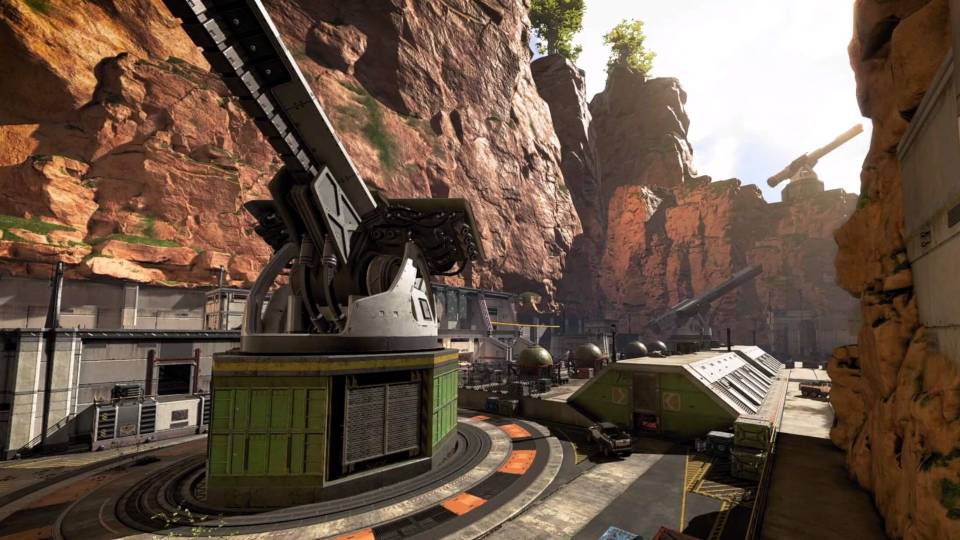
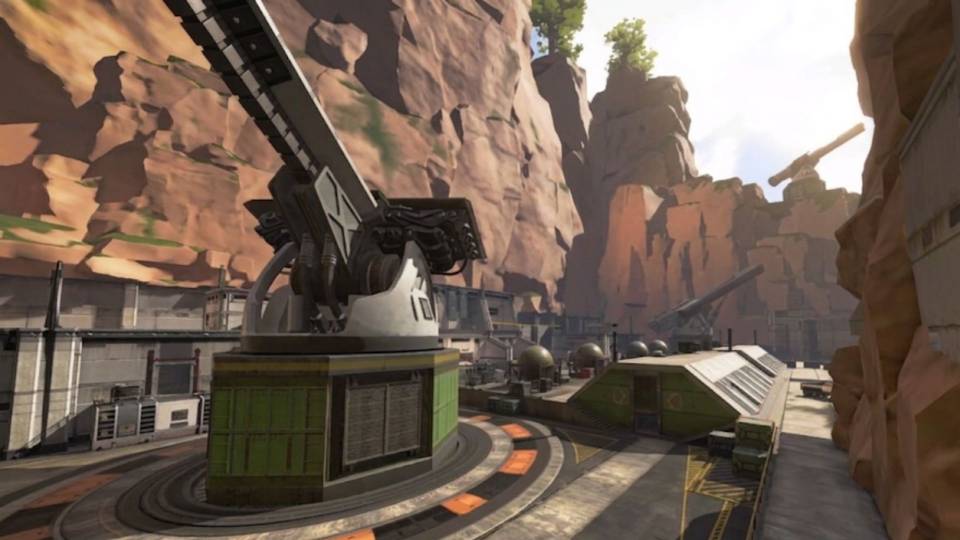
Drag to compare. The visual difference between 1080p medium and 1440p high in Apex is substantial — geometry detail, texture sharpness, and foliage quality all improve noticeably.
Three Types of Apex Legends Player
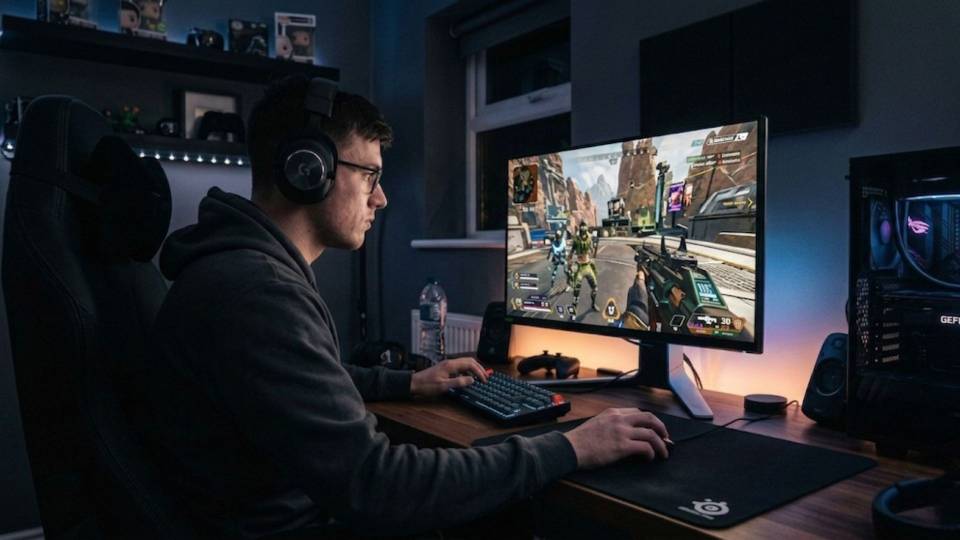
Plays Pathfinder, Octane, or Wraith. Movement abilities are central to how they play, and frame drops during a grapple or slide-jump are felt immediately. The mid-range build — RTX 5060 Ti, Core i7 — delivers 240fps with consistent frame times on every map including Storm Point. The Core i7 absorbs ability-exchange CPU spikes without dropping frames at critical moments.
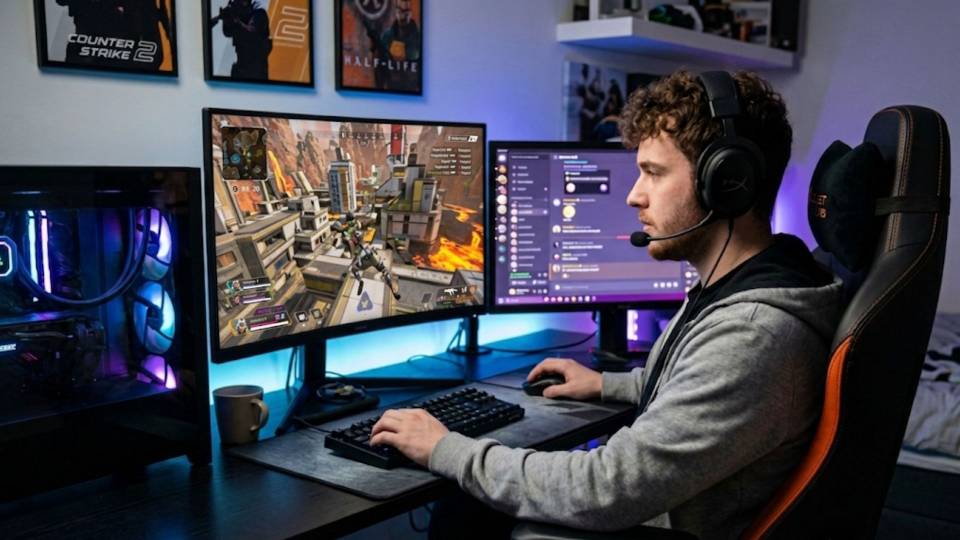
Plays a few sessions a week with friends. Performance matters but it is not the obsessive focus — stable 144fps and a good-looking game at high settings is the goal. The budget build covers Apex at 144fps on all maps with high settings. It also handles Fortnite at high settings and CS2 at 200fps, which covers the full range of what a squad of friends is likely to play on a given evening.
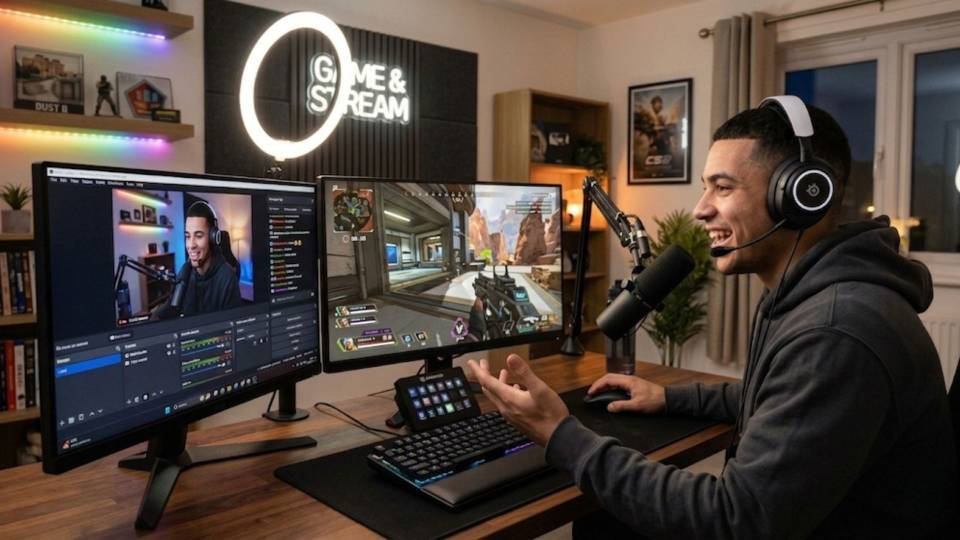
Playing ranked seriously, owns or plans to buy a 240Hz monitor. Currently experiencing frame drops in Storm Point's open areas and during multi-squad fights. The mid-range build is the direct fix — consistent 240fps across all maps with the Core i7 handling ability-exchange load without dipping. If streaming ranked sessions, 32GB RAM ensures the encoder does not compete with the game for resources.
Call Kevin on 01902 714533 or email [email protected]. Tell him:
1. The games you play most often
2. Your monitor resolution and refresh rate
3. Whether you stream, record, or edit alongside gaming
4. Your approximate budget
No charge for the conversation. No pressure to buy.
Will This Build Cover Your Other Games?
Recommended Ginger6 Builds for Apex Legends
Three builds matched to Apex Legends frame rate targets and monitor refresh rates. Each one is chosen for consistent delivery, not just peak numbers.
RTX 5060 with a fast Core i5 or Ryzen 5. Consistent 144fps at 1080p high settings on all maps. The right starting point for a 144Hz monitor and a squad of games including Apex, Fortnite, and CS2. Storm Point holds 144fps with draw distance on high.
RTX 5060 Ti with Core i7 or Ryzen 7. 240fps+ with consistent frame delivery across all maps including Storm Point. The Core i7 handles ability-exchange CPU spikes without dipping. Covers Fortnite at high settings and CS2 at 300fps+ on the same machine.
RTX 5070 Ti with fast Core i7 or Ryzen 7. 1440p high to ultra at 160fps to 200fps — consistent across every Apex map. DLSS or FSR Quality adds headroom on the most demanding zones. Also covers Warzone and Fortnite at 1440p high to ultra.
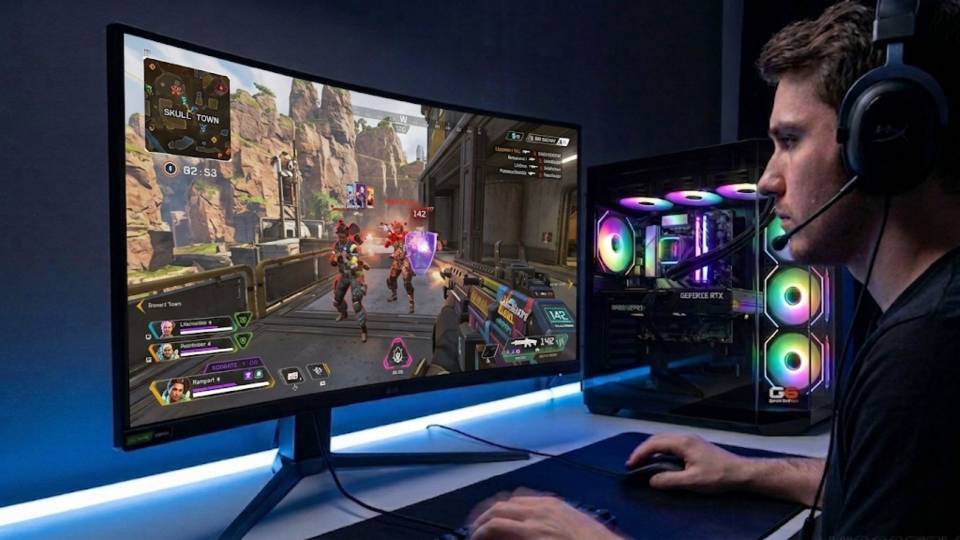
Built for the Frame Rate That Holds Through Every Map
An Apex Legends build that holds 144fps on Kings Canyon but dips to 90 on Storm Point is not a 144fps build — it is a build that averages 144fps. Kevin specs every Apex build against the most demanding maps, not the easiest ones. The GPU tier, CPU pairing, and RAM speed are all chosen to keep frame delivery consistent in the open biomes and multi-squad fights that stress the hardware most.
Cable management inside the case supports better airflow around both the CPU and GPU, which matters in Apex because the game generates sustained load across both components in a way that CS2 does not. Clean cable routing keeps temperatures lower under extended sessions, which means the GPU maintains its boost clock speed rather than reducing it to manage heat. A GPU that thermal throttles mid-game delivers inconsistent frame times — the symptom most Apex players describe as the game feeling "off" even when average fps looks acceptable.
BIOS settings, memory profiles, and firmware stability are confirmed before dispatch. XMP or EXPO DDR5 profiles are enabled and verified for stability. DLSS and FSR driver support is confirmed active where relevant to the GPU in the build. Every build runs a 24-hour stress test covering thermal behaviour under sustained GPU and CPU load, processor and graphics stability, memory responsiveness, storage performance, and BIOS firmware stability before leaving the workshop.
Kevin backs every Apex build with a 3-year warranty. If a game update changes performance characteristics or a new map raises hardware demands, a call to 01902 714533 gets you advice on settings — not a support queue.
What Do Ginger6 Customers Say?
Over 1,100 verified reviews with a 93% five-star rating.
Gaming buyers consistently report the same things: honest tier advice before purchase, builds that arrive performing as specified, and a team that picks up the phone when something needs attention.
Read All Trustpilot ReviewsI bought my first ever custom made PC about couple of weeks ago from here and it runs absolutely amazing, the quality and the care is next level.
Ordered a pc from Ginger6, was built extremely fast (4 days I believe) then delivered on next day delivery for the 5th day!! Pc is in excellent condition running as intended (and slightly better tbh). Very professional place and extremely happy with how everything turned out. Would order from these guys again!!
Inside looks super neat, runs very quiet and the fans keep the computer super cool. Haven't had a problem with it.
Common Questions About Apex Legends Gaming PCs
A budget build with an RTX 5060 and fast Core i5 or Ryzen 5 delivers consistent 144fps at 1080p high settings across most maps. Storm Point may require draw distance on high rather than ultra in its most open zones. A 144Hz monitor is the right match. Moving to a Core i7 at the same GPU tier improves consistency noticeably on demanding maps.
Apex's movement system means players are constantly in motion — sliding, using abilities, or tracking fast-moving targets. A frame drop during a grapple, slide-jump, or clutch fight interrupts input response in a way that is immediately felt. CS2 and Valorant are slower-paced in terms of movement, so the same frame drop is less punishing. Consistent frame delivery matters more in Apex than in any other game in this category.
Storm Point and Broken Moon are the most demanding. Both have large open areas with long sight lines and high foliage density that stress the GPU more than tighter maps like Worlds Edge or Kings Canyon. A build recommendation that only quotes Kings Canyon performance is not giving you the full picture. All Ginger6 Apex build recommendations are based on the most demanding maps.
Yes — both work and both provide genuine frame rate gains at 1440p and above. At 1080p on a mid-range build, neither is needed for most maps. At 1440p high to ultra on a high-end build, DLSS Quality on Nvidia cards or FSR Quality on AMD cards recovers 20 to 40 percent additional frame rate with minimal visible quality impact. Unlike CS2 and Valorant, Apex at higher settings genuinely loads the GPU enough for upscaling to make a difference.
8GB covers Apex at 1080p high to ultra without issues. At 1440p with textures on high, 12GB provides headroom to prevent texture streaming delays. Apex is less VRAM intensive than Warzone or Cyberpunk 2077, but 12GB at 1440p gives cleaner texture rendering on the game's most detailed map sections, particularly on Storm Point.
Both — more balanced than CS2 or Valorant. At competitive low settings the CPU is the primary bottleneck, as in CS2. At high to ultra settings at 1440p the GPU becomes the bottleneck. The ideal Apex build does not shortchange either component. A fast Core i7 paired with an RTX 5060 Ti covers both use cases for most buyers.
Yes. A mid-range Apex build covers CS2 at 240fps+ and Fortnite at high settings comfortably. The GPU and CPU balance that Apex requires covers both those games with headroom. For Fortnite at Epic settings, the high-end tier is the better choice — but any mid-range Apex build handles Fortnite well at high settings and delivers a clear visual improvement over a budget build.
144Hz is a significant step up from 60Hz in Apex — the movement system makes the difference immediately visible. 240Hz is worth the investment for players who play ranked seriously, as tracking a sliding or ability-using opponent at 240fps is measurably easier. Match the monitor to the build: 144Hz with a budget build, 240Hz with a mid-range build. A 360Hz monitor is not meaningfully beneficial in Apex compared to CS2 or Valorant.
Find the Right Build for Apex Legends
Browse the gaming PC range or call Kevin directly. Tell him your monitor's refresh rate, which maps you play most, and your budget. He will confirm the right build for consistent performance on all of them.