




Gaming PCs Built for Palworld
Palworld is an early access open world game with a balanced CPU and GPU demand. Exploration loads the open world on the CPU. Base building with many active Pals pushes single-core performance hard. GPU fidelity at higher settings makes the mid-range tier the practical sweet spot. Find the right build for how you play.
Browse the builds below or call Kevin on 01902 714533. Tell him whether you play solo or co-op, your monitor resolution, and your budget — he will confirm the right build for your setup.


Grid List
4 Item(s)
-
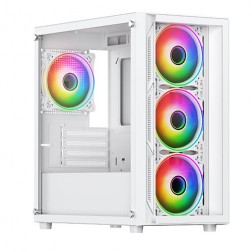
Intel Core i5 12400F Nvidia RTX 5060 Gaming PC - G6 Infinity X3
Intel Core i5 12400F 6 core
H610M Motherboard
16GB+ DDR5 5200MHz
1TB+ M.2 NVMe SSD
8GB Nvidia RTX 5060 Graphics
433mbps Wifi
Windows 11 Home£1,405.14
£1,319.99
Intel Core i5 12400F Nvidia RTX 5060 Gaming PC - G6 Infinity X3£1,405.14
£1,319.99
Intel Core i5 12400F 6 core
H610M Motherboard
16GB+ DDR5 5200MHz
1TB+ M.2 NVMe SSD
8GB Nvidia RTX 5060 Graphics
433mbps Wifi
Windows 11 Home
-
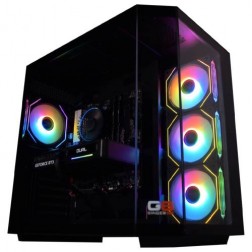
AMD Ryzen 7 8700f Nvidia RTX 5070 Gaming PC - G6 Fusion 800 X5
AMD Ryzen 7 8700f 8 core
A620M Motherboard
16GB+ DDR5 5200MHz
FAST 1TB M.2 NVMe SSD
12GB Nvidia RTX 5070 Graphics
433mbps Wifi
Windows 11 Home£2,019.90
£1,899.99
AMD Ryzen 7 8700f Nvidia RTX 5070 Gaming PC - G6 Fusion 800 X5£2,019.90
£1,899.99
AMD Ryzen 7 8700f 8 core
A620M Motherboard
16GB+ DDR5 5200MHz
FAST 1TB M.2 NVMe SSD
12GB Nvidia RTX 5070 Graphics
433mbps Wifi
Windows 11 Home
-

AMD Ryzen 7 8700f RTX 5060 Ti Gaming PC - G6 Fusion 800 X3
AMD Ryzen 7 8700f 8 core
A620M Motherboard
16GB+ DDR5 5200MHz
FAST 1TB M.2 NVMe SSD
8GB Nvidia RTX 5060 Ti Graphics
433mbps Wifi
Windows 11 Home£1,659.81
£1,559.99
AMD Ryzen 7 8700f RTX 5060 Ti Gaming PC - G6 Fusion 800 X3£1,659.81
£1,559.99
AMD Ryzen 7 8700f 8 core
A620M Motherboard
16GB+ DDR5 5200MHz
FAST 1TB M.2 NVMe SSD
8GB Nvidia RTX 5060 Ti Graphics
433mbps Wifi
Windows 11 Home
-
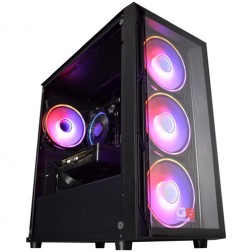
Intel Core i5 12400f RTX 5060 Pre Built Next Day Gaming PC - G6 ND 800
Intel Core i5 12400F 6 Core
H610 Motherboard
16GB DDR5 Memory
1TB M.2 NVMe SSD Drive
8GB Nvidia RTX 5060 Graphics
433MBPs Wifi
Windows 11 Home£1,403.58
£1,249.99
Intel Core i5 12400f RTX 5060 Pre Built Next Day Gaming PC - G6 ND 800£1,403.58
£1,249.99
Intel Core i5 12400F 6 Core
H610 Motherboard
16GB DDR5 Memory
1TB M.2 NVMe SSD Drive
8GB Nvidia RTX 5060 Graphics
433MBPs Wifi
Windows 11 Home
Grid List
4 Item(s)
What Does Palworld Actually Need?
Performance in Palworld varies significantly by activity. Open world exploration is more GPU-influenced. Base management with many active Pals shifts the load to the CPU. Co-op adds network and simulation overhead to both.
Palworld is an early access title. Performance figures are estimates based on available data as at and are subject to change as optimisation updates are released. Kevin will confirm expected performance for your setup before you order.
What Each Budget Delivers in Palworld
Four honest assessments. Because Palworld is in early access, performance at each tier is subject to change as updates improve optimisation. These are the current figures as at .

Palworld at 1080p medium to high settings runs comfortably in solo open world exploration at this tier. Frame rates in the open world are generally stable. Large base environments with many active Pals produce noticeable frame drops, particularly when Pals are performing multiple simultaneous tasks. Co-op sessions are manageable but frame consistency is lower than solo play. DLSS or FSR enabled at 1080p recovers frame rates where drops occur. If you play primarily solo in the open world and keep base Pal counts moderate, the budget build covers the experience well.
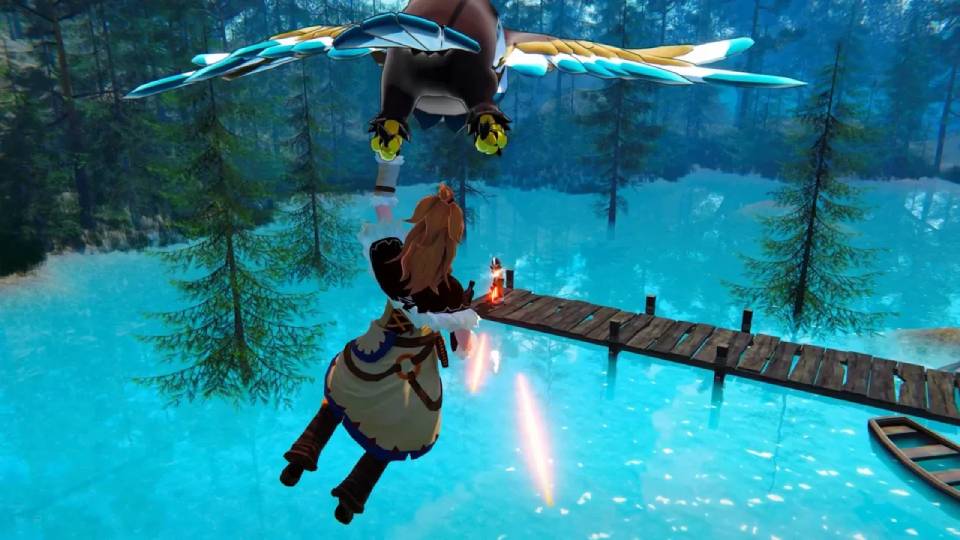
The most practical build for Palworld across all activities. 1440p high to ultra settings run cleanly during open world exploration. Base management with large Pal populations is noticeably smoother than at budget tier — the Core i7 or Ryzen 7 handles the AI simulation load without the frame drops that affect slower CPUs. Co-op sessions with multiple players are stable. DLSS or FSR at 1440p adds further headroom. If you build large bases, play co-op regularly, or plan to push visual settings, this is the tier where Palworld works without the compromises that affect the budget build.

1440p ultra settings without upscaling. 4K at high settings with DLSS or FSR enabled. The high-end build offers more than Palworld currently demands in its early access state — it is better justified if Palworld is one of several titles run on the machine. As the game's optimisation improves through development, a high-end build will handle updates that increase visual complexity or simulation scale without needing a hardware refresh. For Palworld alone at present, the mid-range tier delivers most of what this tier achieves.

4K native rendering at ultra settings. In an early access game with ongoing optimisation, an enthusiast build is ahead of what Palworld requires and will remain ahead through any visual improvements the developers introduce. It is the right choice only if Palworld shares a machine with GPU-intensive titles at 4K — Cyberpunk 2077, Black Myth: Wukong, or upcoming releases. For Palworld alone, the GPU cost is not matched by the in-game experience the game currently delivers at this tier.
Why Palworld Performance Is Variable
Palworld is an early access title, and that fact shapes everything about hardware recommendations for it. Optimisation updates released during development can materially change performance at any tier. The figures on this page represent the game as it performs at the time of writing — they will improve as development continues, and a machine that runs Palworld at high settings today will run it at higher settings after future updates without any hardware change.
The hardware demand varies considerably by activity within the same session. Open world exploration loads streaming terrain, vegetation, weather, and distant Pal spawns — a workload that is split between the CPU and GPU in roughly equal measure. Moving into a large base with many Pals performing simultaneous tasks shifts that balance significantly toward the CPU. Each active Pal runs its own AI state machine, and with 20 or more Pals working concurrently, a slow single-core CPU produces frame drops that a faster GPU cannot compensate for. Players who build large, active bases consistently report better performance improvement from a CPU upgrade than from a GPU upgrade.
Co-op multiplayer introduces a third variable: server performance and network overhead. Playing on a high-quality dedicated server reduces the host machine's simulation load compared to running a locally hosted session. Performance in co-op is inherently less predictable than solo play because it depends on factors outside the hardware specification.
Both DLSS and FSR are supported in Palworld, and enabling either at Quality mode recovers meaningful frame rates at 1440p and 4K without a visible reduction in image quality at normal play distances. For a game in active development, upscaling provides a useful buffer — it means the build runs well now and absorbs the increased rendering demands that higher visual settings in future updates may introduce.
Medium vs Ultra Settings — The Visual Difference
The same open world scene at medium 1080p versus ultra 1440p. The fidelity gain from stepping up a tier is visible in foliage density, lighting, and draw distance. Drag to compare.


Three Types of Palworld Player
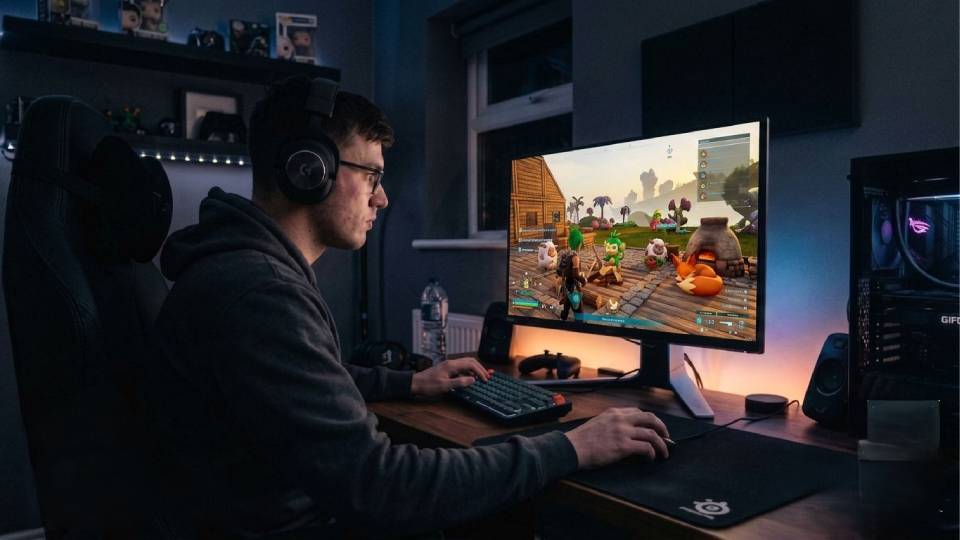
Plays solo, focuses on exploration and catching Pals rather than building the largest possible base. Keeps Pal counts at a manageable level. The budget build covers this play style at 1080p high settings without performance issues. Frame drops in the open world are infrequent at this activity level and with a moderate base population.
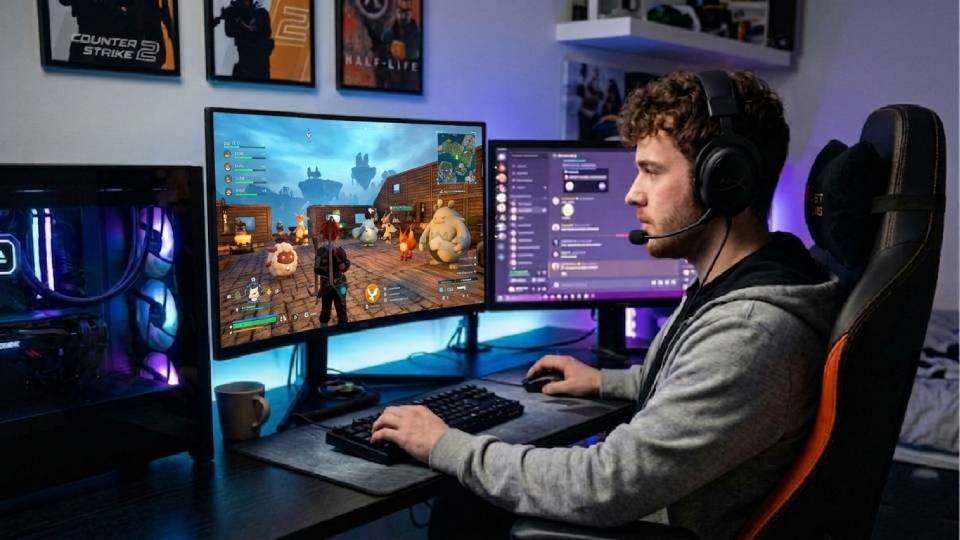
Builds large, productive bases with 20 or more Pals performing tasks simultaneously. Knows from experience that frame drops near a busy base are a CPU issue. The mid-range build with a Core i7 or Ryzen 7 handles the AI simulation overhead of large active bases without the drops that affect slower processors. 1440p high settings are comfortable outside and inside the base.
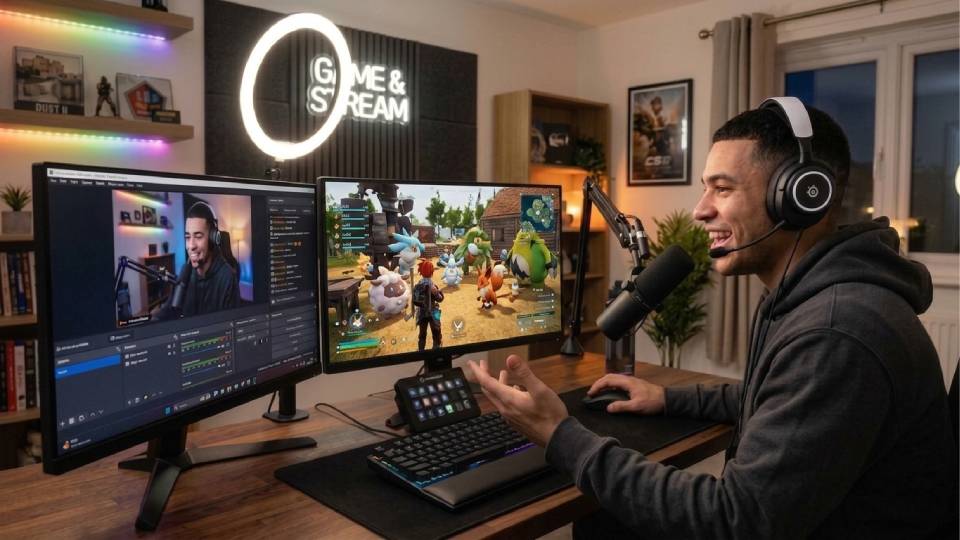
Plays primarily with friends on shared servers. Co-op performance is influenced by server quality and network conditions as well as local hardware. The mid-range build provides enough CPU headroom to handle the added simulation and network overhead of multiplayer consistently. DLSS or FSR enabled maintains smooth performance during large group activities where frame rates are most variable.
Call Kevin on 01902 714533 or email [email protected]. Tell him:
1. The games you play most often
2. Your monitor resolution and refresh rate
3. Whether you stream, record, or edit alongside gaming
4. Your approximate budget
No charge for the conversation. No pressure to buy.
Will This Build Cover Your Other Games?
Recommended Ginger6 Builds for Palworld
Three builds matched to how you play Palworld — solo exploration, large base building, or co-op group sessions.
Core i5 or Ryzen 5 with 16GB DDR5 and an RTX 5060. Handles Palworld at 1080p high settings during solo open world play. Frame rates are stable during exploration. Large base environments with dense Pal activity produce drops — DLSS helps, but a faster CPU is the better fix for heavy base users.
Core i7 or Ryzen 7 with 16GB DDR5 and an RTX 5060 Ti. 1440p high to ultra settings across all activity types. Large bases with active Pal populations run smoothly. Co-op sessions are stable. DLSS or FSR at 1440p adds headroom as future updates increase visual demands. The practical build for serious Palworld players who build and co-op regularly.
Fast Core i7 or Ryzen 7 X3D with 16GB DDR5 and an RTX 5070 Ti. 1440p ultra without upscaling, 4K high with DLSS or FSR. Ahead of what Palworld currently requires — justified if you also play GPU-intensive titles or want headroom as the game's visual complexity grows through development.
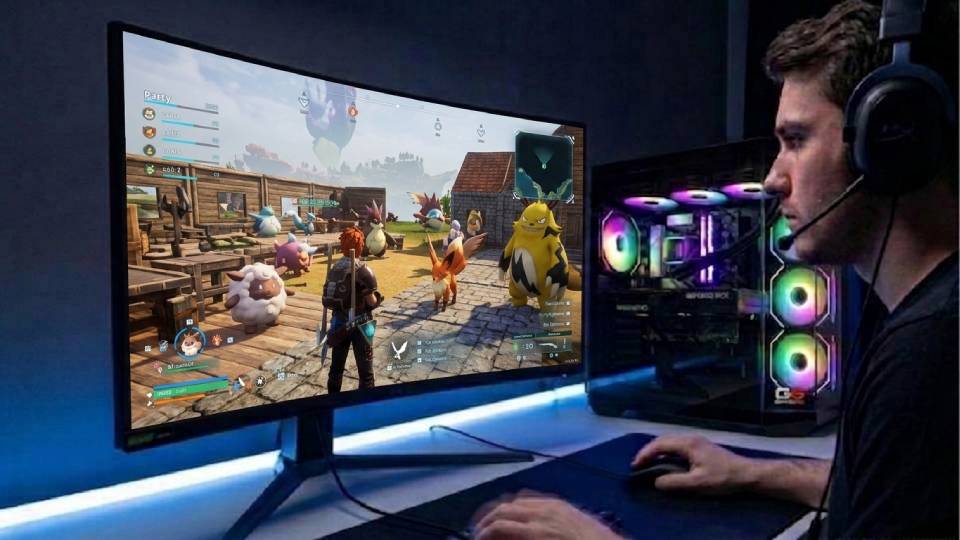
Built to Handle What the Game Demands Today and Tomorrow
Building a PC for an early access title involves a calculation that does not apply to finished games: the hardware needs to cover current performance demands, and it needs headroom for the visual improvements that development updates will introduce. Ginger6 builds are specified with that trajectory in mind. A mid-range build that runs Palworld well today is also the build that handles the increased rendering and simulation demands of future major updates without needing a hardware upgrade before the game has reached version 1.0.
Cable management inside the case is handled with the same attention as the component selection. Base building sessions in Palworld can run for several hours with the CPU under sustained load from Pal AI simulation. Clean airflow routing keeps the CPU cooler at its boost clock throughout, preventing the thermal throttling that reduces sustained performance during long sessions — a different failure mode to the one-off benchmark, but the one that matters to a player three hours into a base overhaul.
Before dispatch, BIOS settings, memory profiles, and firmware stability are confirmed. XMP and EXPO DDR5 profiles are enabled and verified stable. The 24-hour stress test covers thermal behaviour under load, processor and graphics stability during extended use, memory responsiveness, storage performance, and BIOS firmware stability across the complete system — not just component-level checks in isolation.
Kevin is reachable on 01902 714533 and backs every build with a 3-year warranty. For an early access game, that continuity matters — if a major Palworld update changes the game's performance characteristics significantly, Kevin is the person to call before deciding whether a hardware change is needed or whether a settings adjustment resolves the issue. The conversation is free.
What Do Ginger6 Customers Say?
Over 1,100 verified reviews with a 93% five-star rating.
Gaming buyers consistently report builds that perform as specified and support from Kevin that continues after the machine arrives. That matters when the game you are playing is still in development.
Read All Trustpilot ReviewsWow, what a PC. This Ryzen 7 1800x/Strix GTX 1060 6Gb is a beast.
Fantastic service, easy website to use. Had a gaming machine built to my own spec. Build looked fantastic, really neat and tidy. One internal component needed sorting and the issue was fixed the same evening. After sale service was great and that is a key thing with a new build. The phone was answered on second or third ring when I called.
Purchased a gaming PC for my teenage son. Superb value, advice and service. I was recommended to Ginger6 by a friend and I am now recommending to my friends.
Common Questions About Palworld Gaming PCs
A mid-range build with an RTX 5060 Ti or RX 9070 and a Core i7 or Ryzen 7 handles Palworld at 1440p high to ultra settings comfortably. With DLSS or FSR enabled at Quality mode, frame rates are smooth across all activity types including large base environments. The CPU specification matters as much as the GPU for Palworld — base management with many active Pals is CPU-bound, and a fast Core i7 or Ryzen 7 handles that load without the drops that affect slower processors.
Active Pals in a base each run their own AI state machine on CPU threads. With 20 or more Pals performing simultaneous tasks, the CPU load increases significantly. A slow single-core processor cannot sustain the simulation update rate for all active Pals at once, producing frame drops that the GPU has no role in. The fix is a faster CPU — a Core i7 or Ryzen 7 rather than a Core i5. Reducing the number of active Pals in the base also reduces the CPU load directly.
Yes, almost certainly. Palworld is in active early access development and the developers have stated that performance optimisation is an ongoing priority. Early access games typically improve meaningfully through their development cycle. A build that runs Palworld well at current optimisation levels will run it better — often at higher settings — after future patches. This is one reason to build with some headroom rather than the exact minimum: it absorbs future improvements without needing a hardware refresh.
Yes. Palworld supports both DLSS on NVIDIA RTX hardware and FSR on AMD Radeon hardware. Enabling either at Quality mode at 1440p recovers meaningful frame rate with minimal visible quality reduction. For a game in active development where visual quality may increase through updates, upscaling provides a useful performance buffer. It means the build handles current visual demands and has room to accommodate higher rendering complexity in future versions.
16GB DDR5 is sufficient for Palworld at current build. The game does not place the kind of RAM pressure on the system that Cities Skylines or large Minecraft modpacks do. If you run Discord, a browser, and OBS alongside Palworld — for streaming or co-op communication — 32GB provides comfortable headroom. 16GB is adequate for the game itself in solo and co-op play without heavy background applications running simultaneously.
Running a dedicated server and the game client simultaneously on the same machine significantly increases CPU and RAM demand. It is technically possible on a high-end build but is not the recommended approach for smooth co-op performance. A separate server machine — or a rented cloud server — produces better co-op results than a combined host-client setup. If you plan to host co-op sessions for a group, call Kevin on 01902 714533 — he can advise on the best configuration for your specific setup and group size.
Palworld is one title in what is usually a broader game library. A mid-range gaming PC built for Palworld also covers Valheim, Minecraft, open world RPGs, and most competitive shooters at 1440p. Early access titles benefit from being played on hardware with some headroom — the mid-range build that handles Palworld well today will continue to handle it well as the game develops. If Palworld is your primary game, the budget build covers solo play adequately. If you have a broader library and play co-op, the mid-range tier is the more practical investment.
A mid-range Palworld build covers the full sandbox category well. The same CPU and GPU combination that handles Palworld at 1440p also covers Valheim in both vanilla and modded modes and Minecraft with shader packs at 1440p. The build is also capable for most open world RPGs and action titles at 1440p high settings. Call Kevin with your specific game list if you want him to confirm a single build covers everything you play.
Find the Right Build for Palworld
Browse the gaming PC range or call Kevin directly. Tell him whether you play solo or co-op, your monitor resolution, and your budget. He will confirm the right build for your setup.