




Gaming PCs Built for
CS2
CS2 demands more from your processor than almost any other competitive shooter. The right build leads with CPU speed, pairs fast NVMe storage for map loading, and matches the GPU to your monitor's refresh rate target. Find the right spec below.
Browse the builds below or call Kevin on 01902 714533. Tell him your monitor's refresh rate, whether you play Valorant or Fortnite alongside CS2, and your budget — he will confirm the right build.

Grid List
5 Item(s)
-

AMD Ryzen 7 8700f Nvidia 16GB RTX 5060 Ti Gaming PC - G6 Fusion 800 X4
AMD Ryzen 7 8700f 8 core
A620M Motherboard
16GB+ DDR5 5200MHz
FAST 1TB M.2 NVMe SSD
16GB Nvidia RTX 5060 Ti Graphics
433mbps Wifi
Windows 11 Home£1,941.90
£1,824.99
AMD Ryzen 7 8700f Nvidia 16GB RTX 5060 Ti Gaming PC - G6 Fusion 800 X4£1,941.90
£1,824.99
AMD Ryzen 7 8700f 8 core
A620M Motherboard
16GB+ DDR5 5200MHz
FAST 1TB M.2 NVMe SSD
16GB Nvidia RTX 5060 Ti Graphics
433mbps Wifi
Windows 11 Home
-
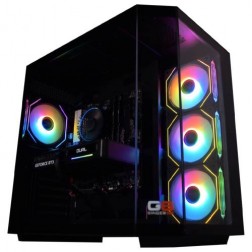
AMD Ryzen 7 8700f Nvidia RTX 5070 Gaming PC - G6 Fusion 800 X5
AMD Ryzen 7 8700f 8 core
A620M Motherboard
16GB+ DDR5 5200MHz
FAST 1TB M.2 NVMe SSD
12GB Nvidia RTX 5070 Graphics
433mbps Wifi
Windows 11 Home£2,019.90
£1,899.99
AMD Ryzen 7 8700f Nvidia RTX 5070 Gaming PC - G6 Fusion 800 X5£2,019.90
£1,899.99
AMD Ryzen 7 8700f 8 core
A620M Motherboard
16GB+ DDR5 5200MHz
FAST 1TB M.2 NVMe SSD
12GB Nvidia RTX 5070 Graphics
433mbps Wifi
Windows 11 Home
-
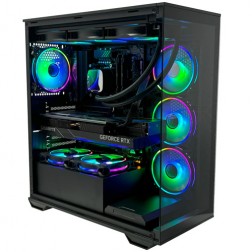
Intel Core Ultra 7 265KF RTX 5080 Gaming PC - G6 Galactic U2
Intel Core Ultra 7 265Kf 20 core
Z890 Motherboard
32GB+ DDR5 5200MHz
FAST 1TB+ M.2 NVMe SSD
16GB Nvidia RTX 5080 Graphics
FAST Wifi & Bluetooth
Windows 11 Home£3,287.72
£3,089.99
Intel Core Ultra 7 265KF RTX 5080 Gaming PC - G6 Galactic U2£3,287.72
£3,089.99
Intel Core Ultra 7 265Kf 20 core
Z890 Motherboard
32GB+ DDR5 5200MHz
FAST 1TB+ M.2 NVMe SSD
16GB Nvidia RTX 5080 Graphics
FAST Wifi & Bluetooth
Windows 11 Home
-
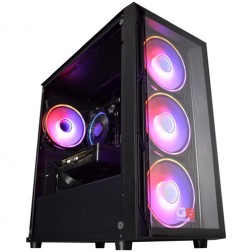
Intel Core i5 12400f RTX 5060 Pre Built Next Day Gaming PC - G6 ND 800
Intel Core i5 12400F 6 Core
H610 Motherboard
16GB DDR5 Memory
1TB M.2 NVMe SSD Drive
8GB Nvidia RTX 5060 Graphics
433MBPs Wifi
Windows 11 Home£1,403.58
£1,249.99
Intel Core i5 12400f RTX 5060 Pre Built Next Day Gaming PC - G6 ND 800£1,403.58
£1,249.99
Intel Core i5 12400F 6 Core
H610 Motherboard
16GB DDR5 Memory
1TB M.2 NVMe SSD Drive
8GB Nvidia RTX 5060 Graphics
433MBPs Wifi
Windows 11 Home
-
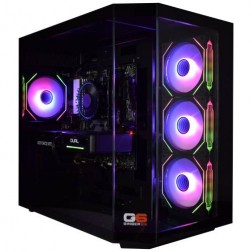
AMD Ryzen 9 7900 Nvidia RTX 5070 Ti Gaming PC - G6 Fusion 1200 X5
AMD Ryzen 9 7900 12 core
A620M Motherboard
16GB+ DDR5 5200MHz
FAST 1TB M.2 NVMe SSD
16GB Nvidia RTX 5070 Ti Graphics
433mbps Wifi
Windows 11 Home£2,639.47
£2,479.99
AMD Ryzen 9 7900 Nvidia RTX 5070 Ti Gaming PC - G6 Fusion 1200 X5£2,639.47
£2,479.99
AMD Ryzen 9 7900 12 core
A620M Motherboard
16GB+ DDR5 5200MHz
FAST 1TB M.2 NVMe SSD
16GB Nvidia RTX 5070 Ti Graphics
433mbps Wifi
Windows 11 Home
Grid List
5 Item(s)
What Does CS2 Actually Need?
CS2 has a higher performance floor than Valorant. Both are CPU-bound, but CS2 asks more from the processor at equivalent fps targets. Storage speed also matters — NVMe loads maps noticeably faster than SATA.
Figures are estimates based on available benchmark data. Actual performance varies by CPU pairing, RAM speed, and system configuration. Kevin will confirm expected performance for your setup before you order.
What Each Budget Delivers in CS2
Four honest assessments. What each tier achieves in CS2, where it falls short, and whether the next tier up changes anything meaningful for the way you play.
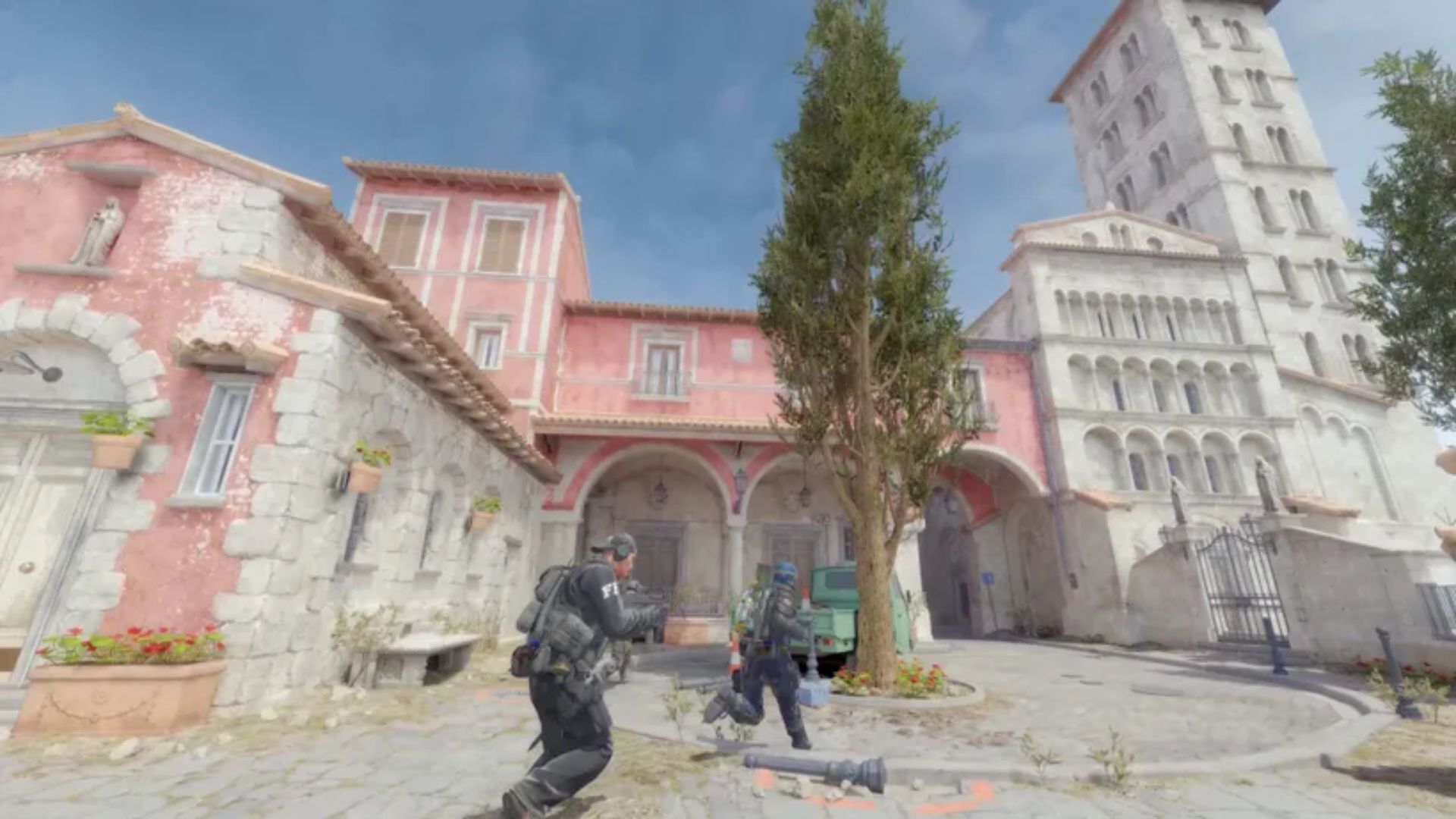
Solid 144fps to 200fps at 1080p competitive settings. Frame delivery holds on most maps, though smoke-grenade-heavy rounds can introduce occasional variance on a standard Core i5. A fast Core i5 or Ryzen 5 X3D at this GPU tier is the right pairing — the GPU is not what limits you here. A 144Hz monitor is the correct match. Moving to a 240Hz panel is possible, but you will not consistently feed it at this tier during demanding rounds.
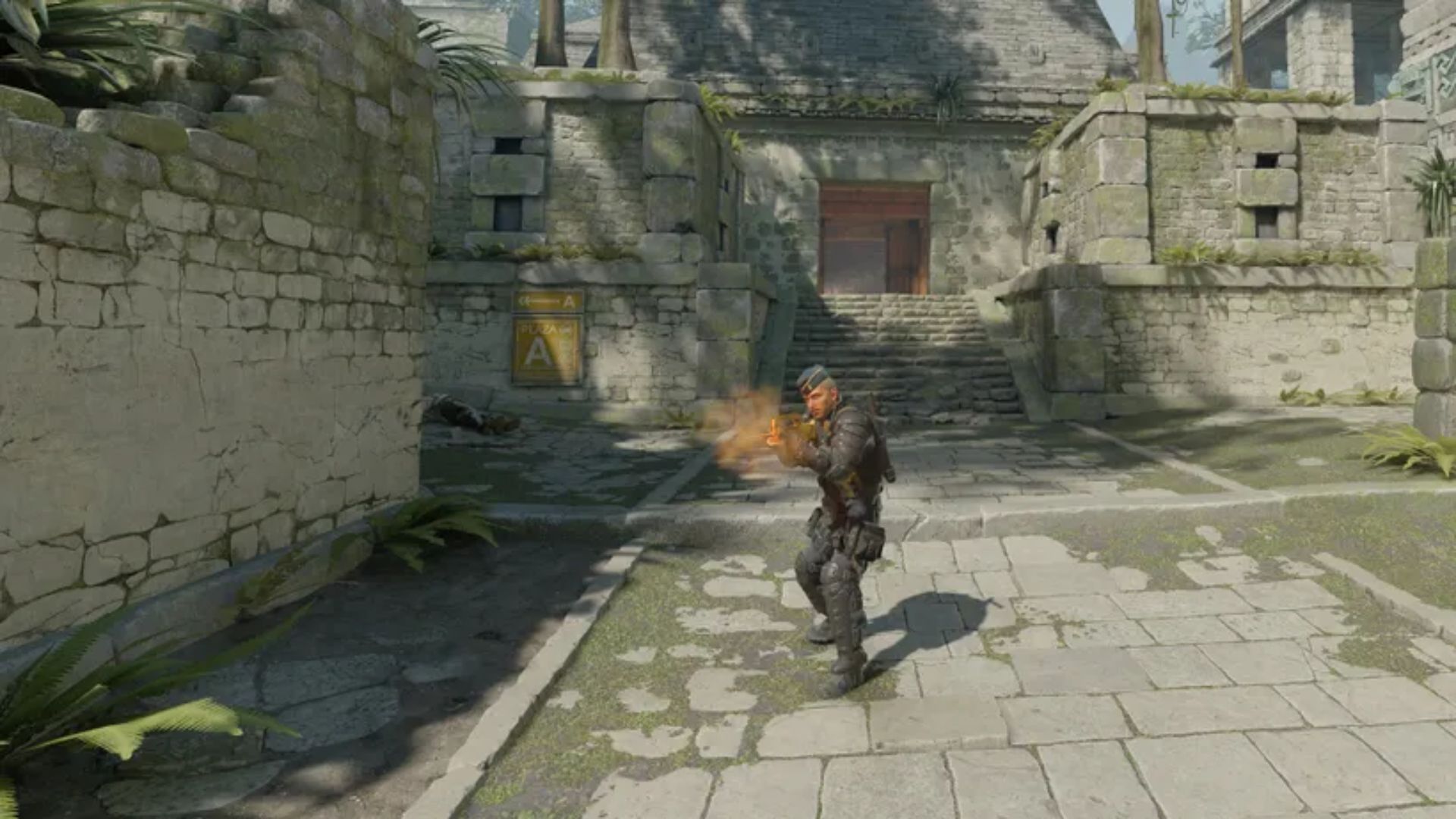
240fps+ with consistent frame delivery at 1080p. The Core i7 handles CS2's Source 2 engine overhead comfortably — smoke grenades, flashbangs, and five-player engagements no longer cause the dips that appear on a Core i5 at the same fps target. A 240Hz monitor is fully matched. This is the tier most competitive CS2 players land at when upgrading from an older pre-built or laptop. Streaming alongside play is possible — the Core i7 handles encoding without pulling frames from the game.
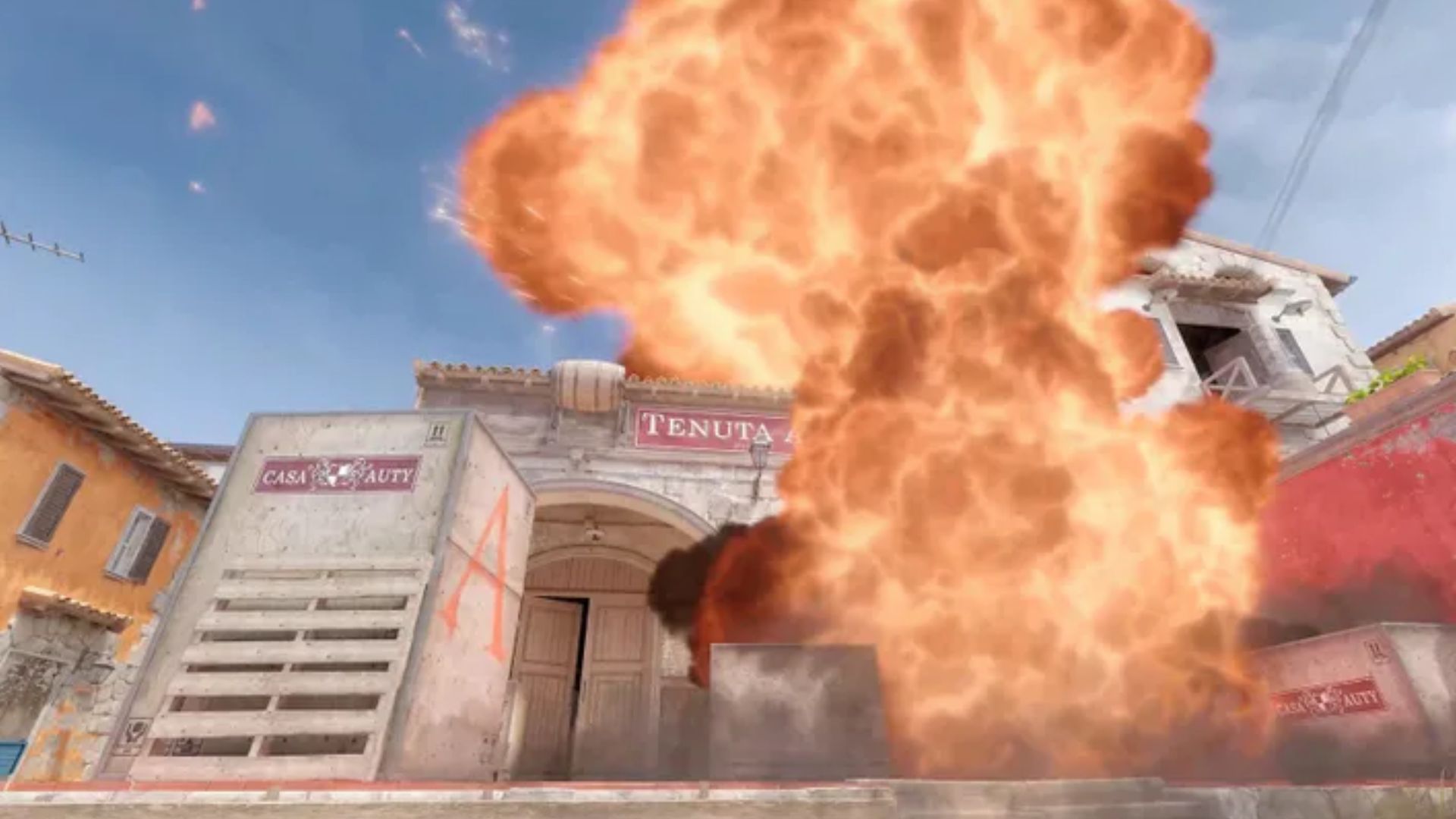
360fps+ at 1080p. Frame time consistency is high throughout every map and round type. A Ryzen 7 X3D at this tier delivers the best frame delivery in CS2 at 360fps — the 3D cache reduces the frame time spikes that appear in clutch-round scenarios even on fast conventional processors. The RTX 5070 earns its place beyond CS2: it handles Fortnite, Apex, and Warzone at 1440p high to ultra settings, making this the right tier if you switch between competitive and GPU-heavy titles.
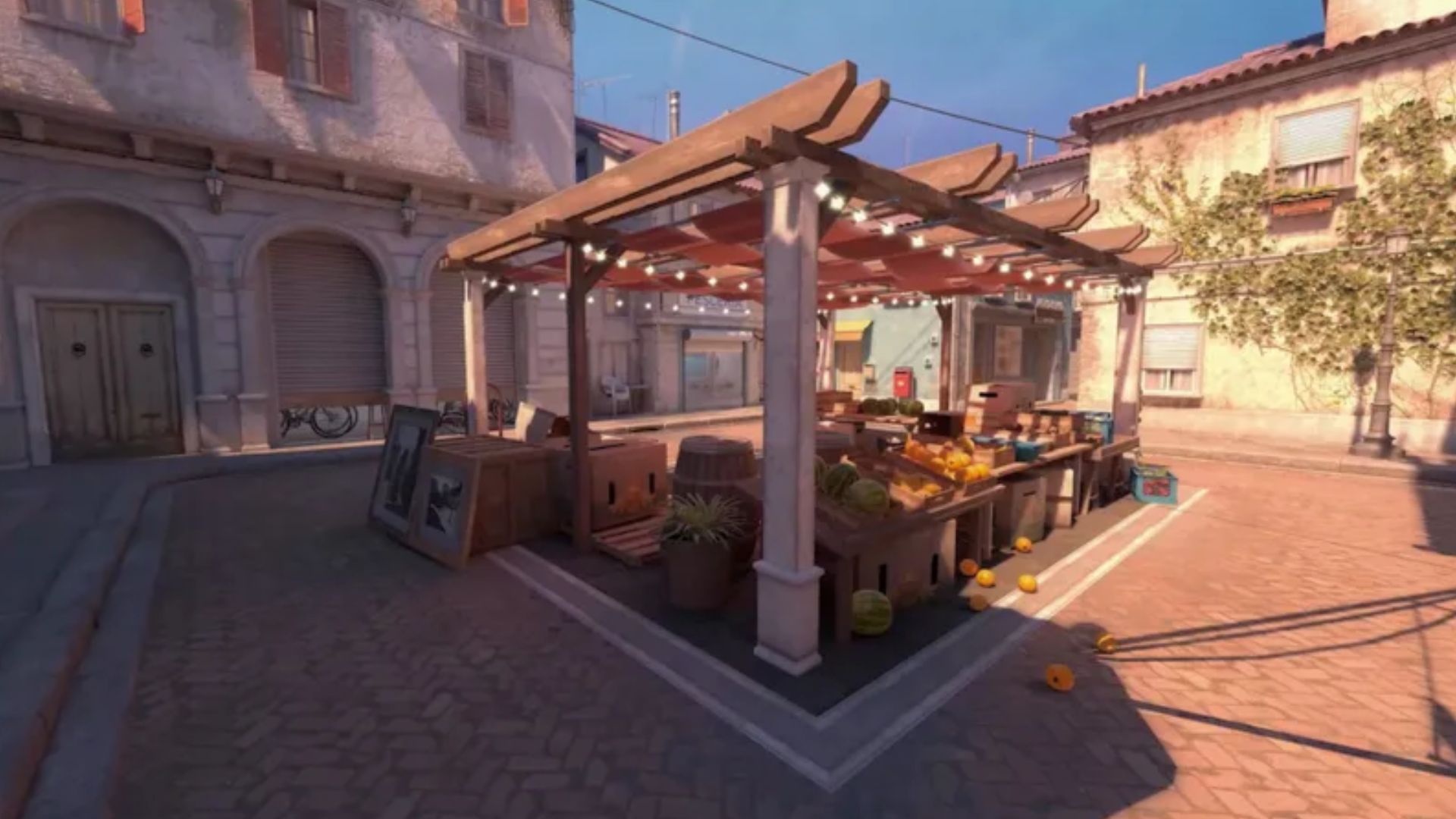
Beyond 360Hz. The incremental CS2 performance gain over the high-end tier is real but modest — the game has a performance ceiling that no hardware can remove entirely. The enthusiast tier is justified if you play Cyberpunk 2077, Black Myth: Wukong, or Call of Duty: Warzone at 1440p ultra or 4K alongside your CS2 sessions, and you want a single build that covers both without compromise.
CS2 Asks More of Your Processor Than Any Other Competitive Shooter
Counter-Strike 2 runs on Valve's Source 2 engine — a significant rebuild from the CS:GO engine that delivers better visuals, more complex smoke simulation, and physically accurate grenade behaviour. These improvements come with a cost. Source 2 places higher demands on the processor than CS:GO did, and those demands are most visible at the frame rate targets competitive players chase. Reaching 240fps in CS2 requires a faster CPU than reaching 240fps in Valorant running on a far lighter engine. CS2 is the most processor-intensive game in the competitive shooters category.
The smoke grenade change is the most tangible example. In CS:GO, smoke was a texture. In CS2, smoke is volumetric — it responds to gunfire, grenades, and player movement. It fills spaces dynamically and interacts with bullet physics. Every smoke on screen is a real-time simulation, and each one adds CPU workload. In a high-round match with multiple smokes deployed simultaneously, this overhead is measurable. A processor that handles the base game comfortably can still produce frame time spikes in smoke-heavy rounds if it lacks the single-core performance to absorb that overhead.
Storage speed matters in CS2 in a way that is easy to overlook. Map loading times are longer on SATA SSDs compared to NVMe drives. In competitive play, being the last player loaded into a round is not only inconvenient — it means you are making decisions about positioning without having seen the map for the first three to five seconds. All Ginger6 builds include NVMe storage as standard. It is not an upgrade; it is the baseline.
AMD's 3D cache processors — the Ryzen 7 X3D series in particular — produce the most consistent frame delivery in CS2 at 360fps. The large L3 cache reduces the latency spikes that occur when the processor fetches game data under clutch-round conditions. For buyers targeting 360Hz, this is the processor architecture to pair with an RTX 5060 Ti or RTX 5070.
Competitive Low vs High Settings: What Are You Trading?
Drag to compare. Most competitive CS2 players use low settings regardless of hardware. The visual difference is smaller than you might expect.
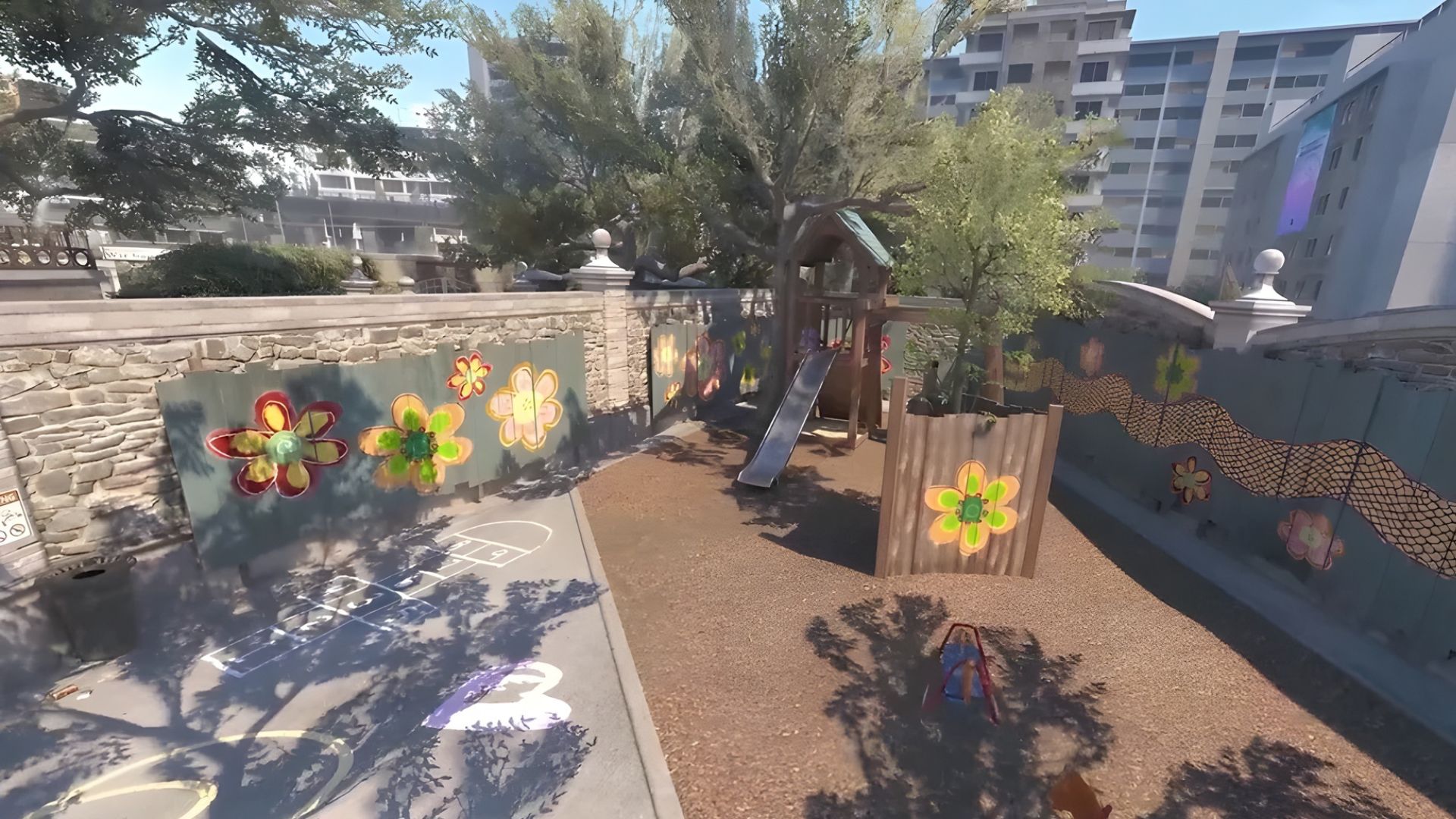
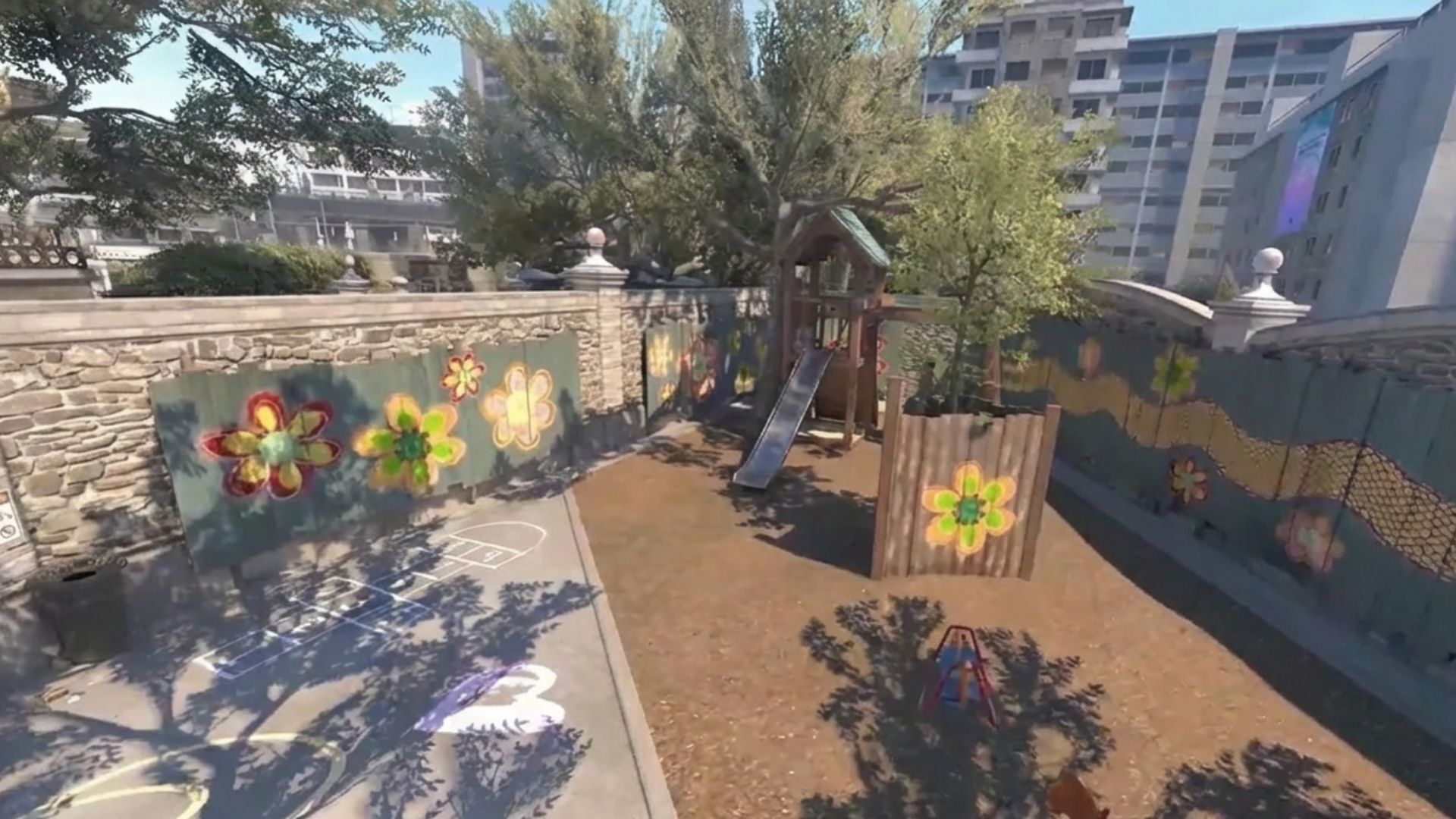
Both configurations captured at 1080p on the same mid-range build. The visual difference between low and high settings in CS2 is smaller than in Fortnite or Apex Legends. Most competitive players prioritise frame rate over visual quality.
Three Types of CS2 Buyer
.jpg)
Already owns or plans to buy a 240Hz monitor. Currently experiencing frame drops in smoke-heavy rounds and inconsistent frame delivery during clutch situations. The mid-range build — RTX 5060 Ti, Core i7 or Ryzen 7 — is the direct fix. 240fps+ with consistent frame times throughout every map. If the upgrade path includes a 360Hz panel later, the same build handles that transition without needing a processor change.
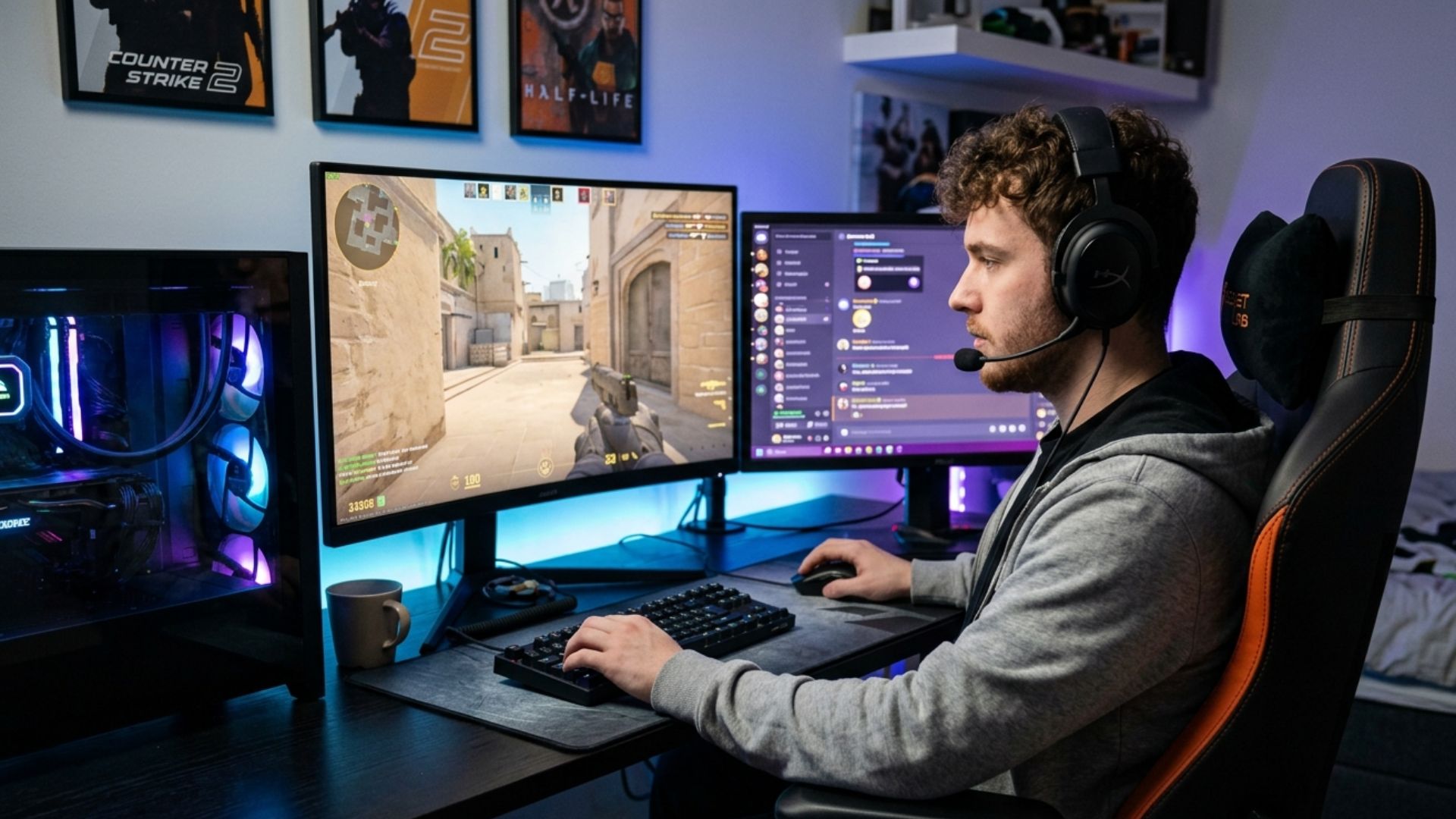
Plays a few hours a week, increasingly wants to play ranked but the current hardware is a barrier. The budget build covers CS2 at 144fps to 200fps reliably, loads maps quickly via NVMe, and provides enough headroom for Fortnite and Apex Legends at high settings. A 144Hz monitor is the right pairing at this tier. The step up to mid-range is worth making if a 240Hz monitor is already on the desk.
.jpg)
Needs CPU headroom for NVENC or x264 encoding without pulling frames from the game. CS2's higher CPU demand compared to Valorant means the Core i7 is not optional here — a Core i5 with encoding overhead running simultaneously produces inconsistent frame delivery. The high-end build — RTX 5070, fast Core i7 or Ryzen 7 X3D — delivers 360fps+ in CS2 while encoding a 1080p stream cleanly. 32GB RAM is essential for this configuration.
Call Kevin on 01902 714533 or email [email protected]. Tell him:
1. The games you play most often
2. Your monitor resolution and refresh rate
3. Whether you stream, record, or edit alongside gaming
4. Your approximate budget
No charge for the conversation. No pressure to buy.
Will This Build Cover Your Other Games?
Recommended Ginger6 Builds for CS2
Three builds chosen for CS2 buyers. Each one is matched to a specific frame rate target and monitor refresh rate.
RTX 5060 paired with a fast Core i5 or Ryzen 5 X3D. Delivers reliable 144fps to 200fps at 1080p competitive settings with NVMe storage for fast map loading. The right starting point for a 144Hz monitor, with enough CPU headroom for Valorant and Apex Legends on the same system.
RTX 5060 Ti with Core i7 or Ryzen 7. Delivers 240fps+ with consistent frame delivery through smoke grenades and clutch rounds. The most popular CS2 upgrade for players moving from a laptop or pre-built — covers Valorant, Fortnite, and Apex Legends on the same machine at 1440p high settings.
RTX 5070 with fast Core i7 or Ryzen 7 X3D. Pushes 360fps+ in CS2 with the frame time consistency a 360Hz monitor requires. The Ryzen 7 X3D's 3D cache is the strongest choice for CS2 at this fps level. Handles Warzone, Fortnite, and Apex Legends at 1440p ultra without compromise.
.jpg)
Built for the Frame Rate CS2 Demands at the Top of a Round
Every Ginger6 CS2 build starts with processor selection matched to the frame rate target. For a 240fps build, that means a Core i7 or Ryzen 7 with the single-core clock speed to sustain delivery through smoke grenades and late-round engagements. For a 360fps build, a Ryzen 7 X3D is the correct pairing — its 3D cache architecture is directly relevant to CS2's engine workload.
Cable management inside the case is not cosmetic work. Clean routing reduces restriction on airflow paths, which means the CPU cooler operates at lower temperatures under sustained load. A CS2 session can run for three to four hours — a processor that thermal throttles mid-session produces the same symptom as a slow processor: frame time spikes at exactly the moment you cannot afford them.
BIOS settings, memory profiles, and firmware stability are confirmed before dispatch. XMP or EXPO DDR5 profiles are enabled and verified for stability under gaming load. NVMe storage is configured correctly — CS2 map loading relies on sequential read performance, and an incorrectly configured NVMe drive does not deliver its rated speed. Every build runs a 24-hour stress test covering thermal behaviour, processor and graphics stability, memory responsiveness, storage performance, and BIOS firmware stability before leaving the workshop.
Kevin backs every CS2 build with a 3-year warranty. If a component needs attention after delivery, the support is a phone call away — not a support ticket queue. Call 01902 714533.
What Do Ginger6 Customers Say?
Over 1,100 verified reviews with a 93% five-star rating.
The most consistent feedback from gaming buyers: builds that perform exactly as specified, honest advice before purchase, and support that is available after the machine arrives.
Read All Trustpilot ReviewsI've always used and recommended PC Specialist, but after this experience, Ginger6 is my new go-to. The build quality, speed of delivery were absolutely spot on. Delivery was fast, the PC was built cleanly and securely packaged, and it runs like a dream, quiet, powerful, and flawless straight out of the box. Ginger6 is now the only company I'll recommend for custom PCs.
Fantastic service, easy website to use. Had a gaming machine built to my own spec. Build looked fantastic, really neat and tidy. One internal component needed sorting and the issue was fixed the same evening. After sale service was great and that is a key thing with a new build. The phone was answered on second or third ring when I called. Emails answered quickly. Altogether really satisfied.
I emailed Kevin to be sure if what I put down to order was suitable, Kevin supported me to change a few things around and since having the PC for a few weeks it is absolutely amazing and a stunning looking PC. Also fast service and delivery too. I recommend Ginger6 as I will be upgrading from them in the future.
Common Questions About CS2 Gaming PCs
A mid-range build with an RTX 5060 Ti and Core i7 or Ryzen 7. CS2 is CPU-bound at high frame rates — the processor is the critical component. A fast Core i7 or Ryzen 7 keeps frame delivery consistent through smoke grenades and late-round engagements. Fast NVMe storage also reduces map loading times compared to SATA drives.
Yes. CS2 has a higher performance floor than Valorant. Both are CPU-bound at high frame rates, but CS2's Source 2 engine — with volumetric smoke simulation and more complex physics — demands more from the processor at equivalent fps targets. CS2 also benefits from NVMe storage for map loading in a way Valorant does not.
Yes — more so than in Valorant. CS2 map loading is noticeably faster on NVMe drives compared to SATA SSDs. In competitive play, being last into the map costs you the first few seconds of positioning time. All Ginger6 builds include NVMe storage as standard — it is not an upgrade option, it is the baseline for every build.
At 360fps targets, yes. AMD's 3D cache architecture reduces the frame time spikes that appear in clutch-round scenarios — the large L3 cache means the processor fetches game data faster under heavy load. For buyers targeting 240fps, a conventional Core i7 or Ryzen 7 is sufficient and the price difference is not justified by the performance gain at that fps level.
16GB DDR5 is sufficient for standalone CS2 gaming. If you stream while playing, 32GB ensures the encoding process has its own headroom without pulling resources from the game. DDR5 speed matters — faster memory reduces frame time variance at high fps targets, and CS2 benefits from this in the same way Valorant does.
No. CS2 does not support DLSS or FSR. It is a well-optimised engine designed to deliver high frame rates without upscaling. Upscaling technology adds no meaningful benefit at the frame rate targets CS2 players use. This differs from GPU-heavy games like Fortnite or Cyberpunk 2077 where DLSS makes a significant difference.
CS2's volumetric smoke simulation places CPU load that scales with the number of smoke grenades on screen simultaneously. A processor without the single-core clock speed to absorb that overhead produces frame time spikes specifically during smoke-heavy rounds. This is the most common CS2 complaint for builds with older or slower processors. A Core i7 or Ryzen 7 at mid-range spec eliminates it under normal competitive conditions.
Yes. A mid-range CS2 build handles Valorant comfortably — the hardware demands are almost identical and Valorant is slightly less demanding at equivalent fps targets. Fortnite at Epic quality settings benefits from more GPU power than CS2 requires, but the same mid-range build performs well at high settings. For Epic settings Fortnite alongside competitive CS2, the high-end tier is the right choice.
Find the Right Build for CS2
Browse the gaming PC range or call Kevin directly. Tell him your monitor's refresh rate, whether you stream, and your budget. He will confirm the right build for your setup.