




Gaming PCs Built for
7 Days to Die
7 Days to Die is different to most survival games: the hardware that matters most is not the GPU — it is the CPU and RAM. Exploration and building play smoothly on mid-range hardware. Horde night, with hundreds of zombies converging simultaneously, is where the processor and memory define your experience.
Browse the builds below or call Kevin on 01902 714533. Tell him your world size, zombie count setting, whether you host multiplayer, and your budget — he will confirm the right build for horde night and beyond.

Grid List
4 Item(s)
-
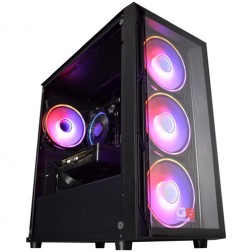
Intel Core i5 12400f RTX 5060 Pre Built Next Day Gaming PC - G6 ND 800
Intel Core i5 12400F 6 Core
H610 Motherboard
16GB DDR5 Memory
1TB M.2 NVMe SSD Drive
8GB Nvidia RTX 5060 Graphics
433MBPs Wifi
Windows 11 Home£1,403.58
£1,249.99
Intel Core i5 12400f RTX 5060 Pre Built Next Day Gaming PC - G6 ND 800£1,403.58
£1,249.99
Intel Core i5 12400F 6 Core
H610 Motherboard
16GB DDR5 Memory
1TB M.2 NVMe SSD Drive
8GB Nvidia RTX 5060 Graphics
433MBPs Wifi
Windows 11 Home
-
Intel Core i7 14700f RTX 5060 Ti Pre-Built Next Day PC - G6 ND 1500
Intel Core i7 14700f Twenty Core
Gigabyte B760M DS3H AX
32GB 5200mhz DDR5
1TB M.2 NVMe SSD Drive
16GB Nvidia RTX 5060 Ti Graphics
1733mbps Wifi & Bluetooth
Windows 11 Home£2,384.94
£2,079.99
Intel Core i7 14700f RTX 5060 Ti Pre-Built Next Day PC - G6 ND 1500£2,384.94
£2,079.99
Intel Core i7 14700f Twenty Core
Gigabyte B760M DS3H AX
32GB 5200mhz DDR5
1TB M.2 NVMe SSD Drive
16GB Nvidia RTX 5060 Ti Graphics
1733mbps Wifi & Bluetooth
Windows 11 Home
-

Intel Core i9 12900KF RTX 5060 Ti Gaming PC - G6 Typhoon X2
Intel Core i9 12900KF 16 core
H610M Motherboard
16GB+ DDR5 5200MHz Memory
FAST 1TB+ M.2 NVMe SSD
8GB Nvidia RTX 5060 Ti Graphics
433mbps Wifi
Windows 11 Home£1,834.22
£1,724.99
Intel Core i9 12900KF RTX 5060 Ti Gaming PC - G6 Typhoon X2£1,834.22
£1,724.99
Intel Core i9 12900KF 16 core
H610M Motherboard
16GB+ DDR5 5200MHz Memory
FAST 1TB+ M.2 NVMe SSD
8GB Nvidia RTX 5060 Ti Graphics
433mbps Wifi
Windows 11 Home
-

AMD Ryzen 9 7900 RTX 5060 Ti 16GB Gaming PC - G6 Fusion 1200 X1
AMD Ryzen 9 7900 12 core
A620M Motherboard
16GB+ DDR5 5200MHz
FAST 1TB M.2 NVMe SSD
16GB Nvidia RTX 5060 Ti Graphics
433mbps Wifi
Windows 11 Home£2,014.44
£1,894.99
AMD Ryzen 9 7900 RTX 5060 Ti 16GB Gaming PC - G6 Fusion 1200 X1£2,014.44
£1,894.99
AMD Ryzen 9 7900 12 core
A620M Motherboard
16GB+ DDR5 5200MHz
FAST 1TB M.2 NVMe SSD
16GB Nvidia RTX 5060 Ti Graphics
433mbps Wifi
Windows 11 Home
Grid List
4 Item(s)
What Does 7 Days to Die Need?
Hardware requirements vary significantly between gameplay modes. Exploration is gentle on hardware. Horde night with maximum zombie density is a different situation entirely.
Performance figures are indicative for current patch. Horde night performance varies with zombie count settings, world size, and number of players. Call Kevin on 01902 714533 to confirm the right build for your setup.
What Each Tier Delivers on Horde Night
Exploration is smooth at every tier. The difference between tiers shows on horde night — when zombie counts rise and the CPU becomes the deciding factor.
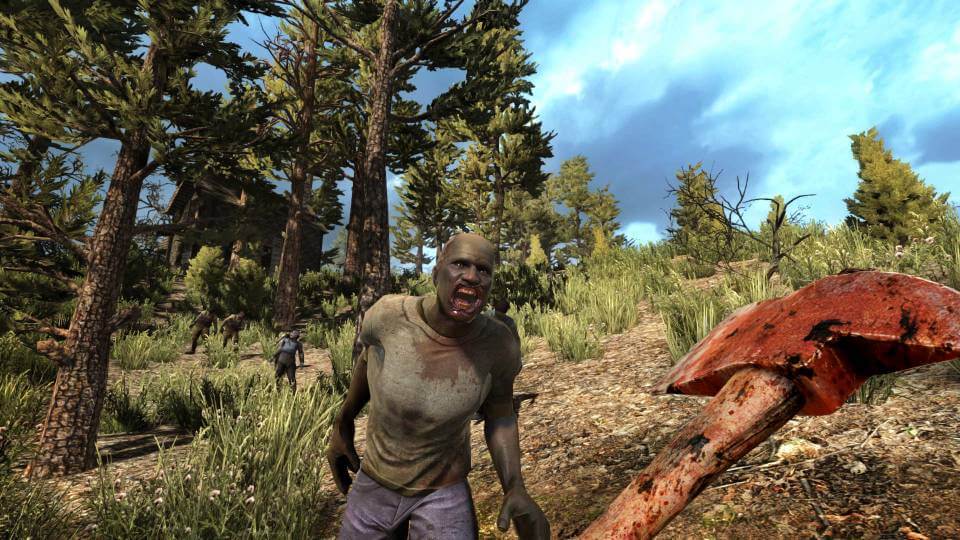
The GPU Is Not the Problem. The CPU Is.
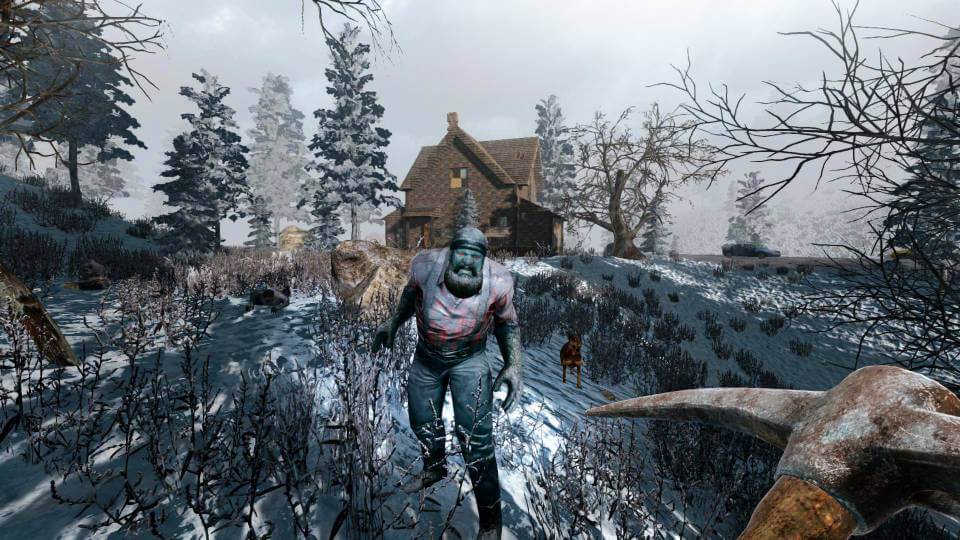
Most players who experience poor performance in 7 Days to Die assume they need a better GPU. In most cases, they need a better CPU. The game's voxel world — every block destructible, every surface modifiable — places continuous simulation load on the processor throughout a session. That load is manageable during exploration. It becomes extreme on horde night.
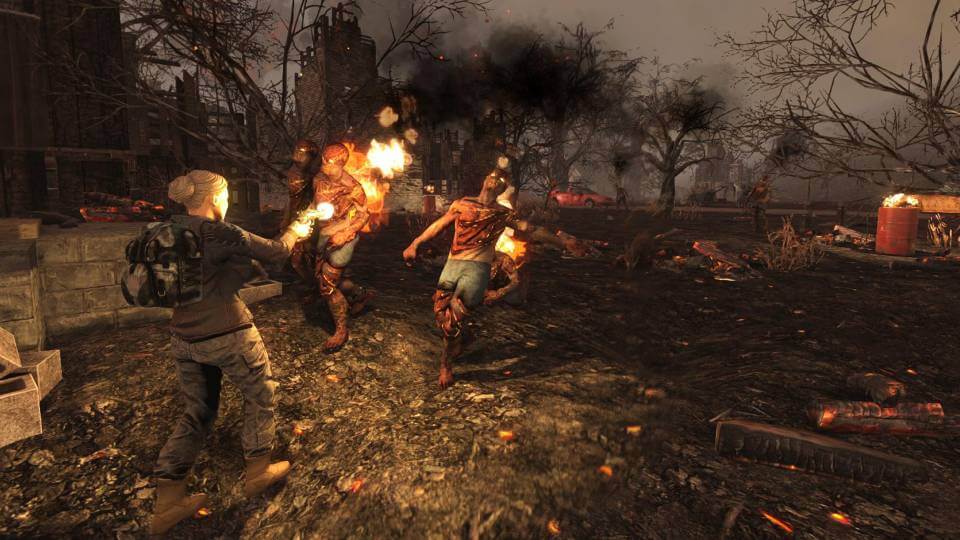
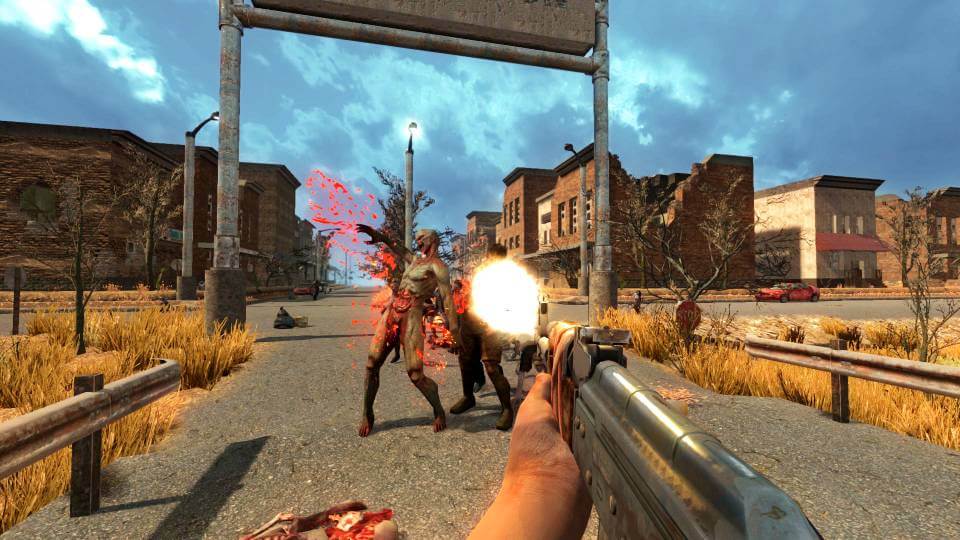
A blood moon event spawns dozens to hundreds of zombies depending on your count settings. Each zombie runs independent pathfinding to navigate around your defences, respond to player position, and interact with destructible blocks. The physics system calculates what happens when zombies attack structures — blocks fall, supports collapse, and geometry updates continuously. All of this runs on the CPU. The GPU, rendering the scene these zombies inhabit, typically finishes its work before the CPU does. This is why a high-end GPU paired with a slow CPU produces horde night stutters that a mid-range GPU with a fast CPU avoids.
Among the titles in the Ginger6 survival and horror category, 7 Days to Die is the most CPU-intensive during peak load. The major 1.0 update in 2024 brought meaningful optimisation improvements to the engine — performance at equivalent settings is better than it was on previous versions. Specific frame rate figures are verified against current patch benchmarks before deployment. If you want a performance estimate for your specific zombie count and world size settings, call Kevin on 01902 714533 — he will confirm what the build you are considering can handle.
Medium Settings vs High Settings
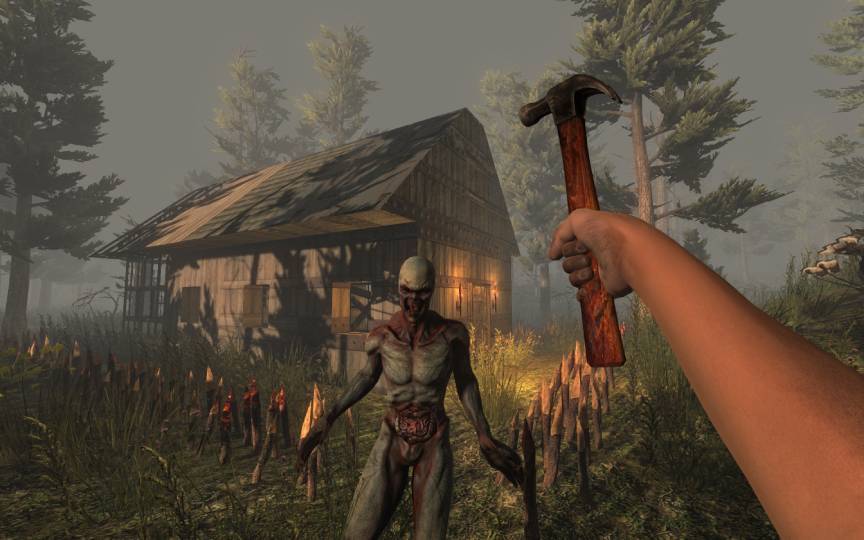
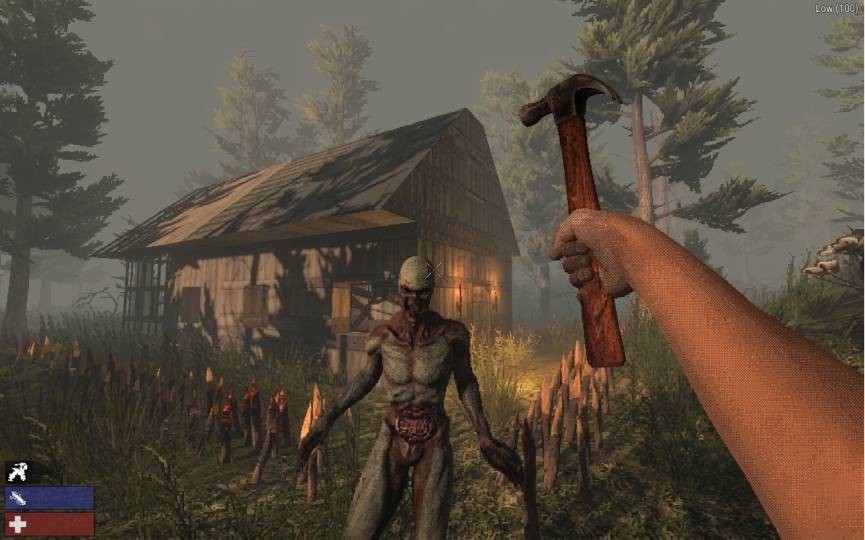
Drag the slider to compare 7 Days to Die at medium and high settings. The visual step is most visible in terrain detail and lighting quality during daytime exploration.
Three Types of 7 Days to Die Player
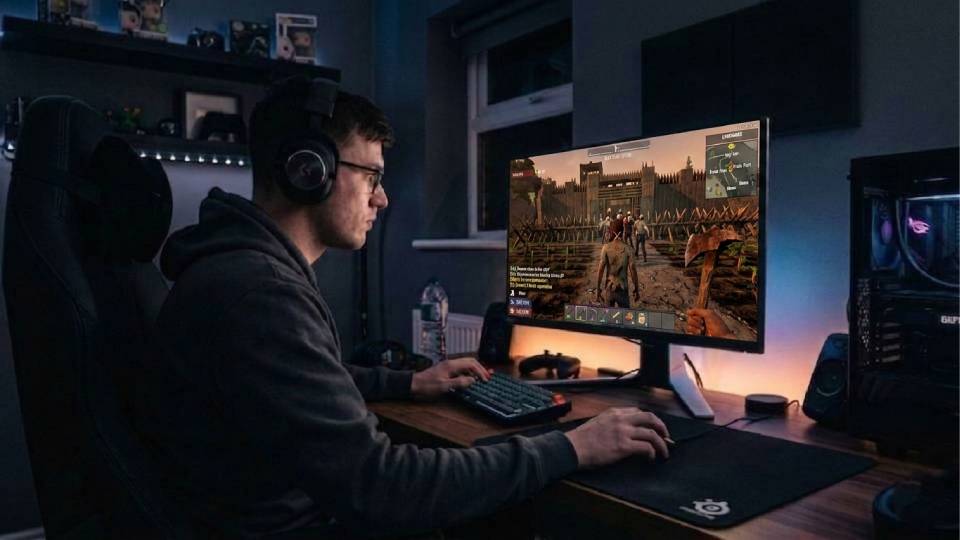
Plays solo with standard zombie count settings. Invests significant time in base construction and exploration. Horde night is a challenge to survive, not an exercise in pushing hardware limits. The entry or mid-range tier covers this playstyle well. 32GB RAM is the key upgrade — it prevents memory pressure during larger horde events and when the base block count grows.
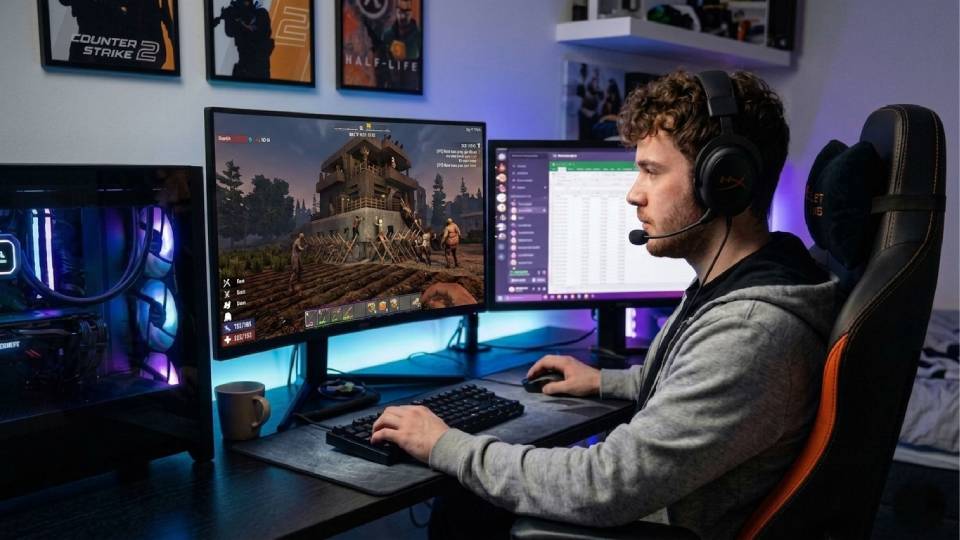
Runs high or maximum zombie density settings. Previous hardware has shown frame drops or stutters during blood moon events, particularly during peak zombie pathfinding load. The mid-range to high-end build with a fast multi-core CPU is the correct fix. GPU spec matters less than CPU clock speed and core count at maximum zombie density. 32GB RAM is not optional at this configuration.
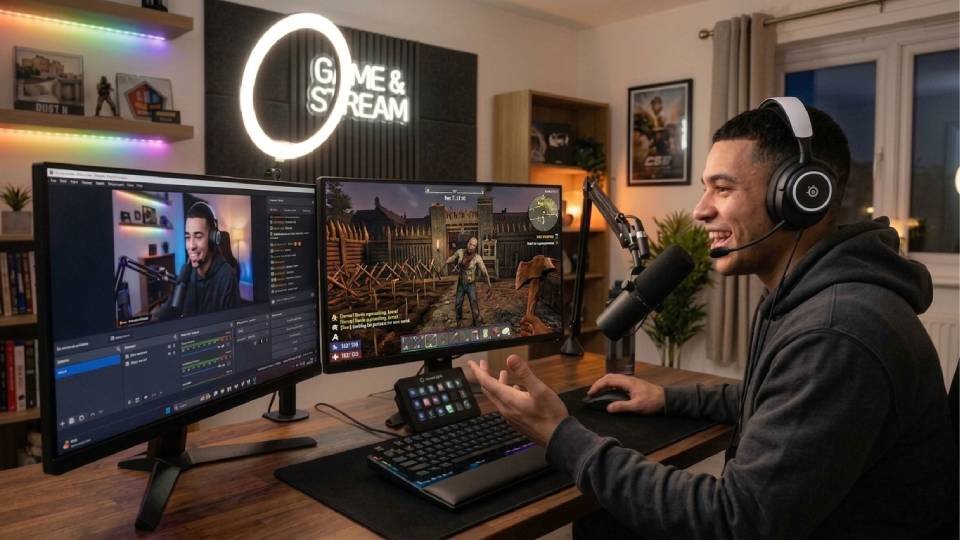
Hosts a group of two to four players as a listen server. Hosting adds CPU load on top of normal gameplay — the host machine runs game simulation for all connected players while also rendering its own view. 32GB RAM is essential. A fast multi-core CPU is the single most important component for a stable hosted session during horde night at any zombie count setting.
Call Kevin on 01902 714533 or email [email protected]. Tell him:
1. The games you play most often
2. Your monitor resolution and refresh rate
3. Whether you stream, record, or edit alongside gaming
4. Your approximate budget
No charge for the conversation. No pressure to buy.
Will This Build Cover Your Other Games?
Recommended for 7 Days to Die
Three builds — each described in terms of what it delivers on horde night, not just exploration. Hand-assembled in Wolverhampton, stress-tested for 24 hours, 3-year warranty included.
Handles exploration, building, and standard zombie count horde nights at 1080p. 32GB RAM at this tier removes the memory pressure that causes stutters during peak entity counts. The honest starting point for players who do not run maximum settings.
Standard to high zombie density horde nights at stable frame rates. The CPU at this tier handles pathfinding and physics for large zombie groups without the frame drops that mark an underpowered build during blood moon. 32GB RAM included. The right build for most 7 Days to Die players.
Maximum zombie density settings and multiplayer hosting without CPU becoming the limiting factor on horde night. 1440p at high settings during exploration. The build for players who have exhausted what a mid-range CPU can handle and want horde night to be a tactical challenge, not a hardware one.
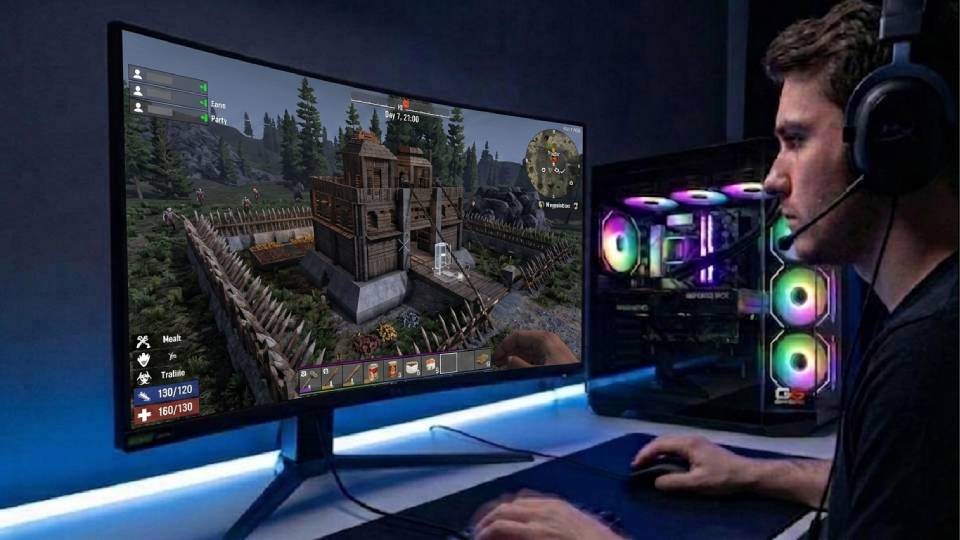
Built for Horde Night, Not Just Exploration
7 Days to Die has a specific CPU requirement that is easy to underestimate when reading a generic spec sheet. The processor needs to sustain high load during the most demanding moments in the game — horde night — while simultaneously managing physics, block destruction, and pathfinding for a large number of entities. A CPU that performs well in lightly threaded tasks may not sustain that load consistently. Ginger6 selects CPUs for their sustained multi-core performance, not just peak benchmark figures.
Cable management inside the case supports airflow and reduces thermal resistance. For a CPU running near its power limit during horde night, sustained cooling matters — a processor that thermal throttles mid-event produces frame drops that are indistinguishable from having a slower CPU. Clean cable routing also reduces dust accumulation around components, which maintains thermal performance over the long term and makes maintenance straightforward when it is needed.
BIOS settings, XMP memory profiles, and firmware stability are confirmed before dispatch. 32GB DDR5 at its rated speed is essential for horde night stability — a memory configuration that is nominally correct but running at JEDEC rather than XMP speeds adds latency that shows in peak load scenarios. Every Ginger6 build runs a 24-hour stress test covering thermal behaviour under sustained processor and GPU load, memory responsiveness, storage consistency, and firmware stability. For a game where peak load can last 30 minutes at a time every seven in-game days, the stress test directly reflects real-world gameplay conditions.
Kevin is on 01902 714533 for any questions before or after purchase. A 3-year warranty covers every build. For a game you invest significant time in, the support structure matters as much as the hardware spec.
What Do Ginger6 Customers Say?
Over 1,100 verified reviews. 93% five-star.
Buyers consistently note the same things: builds that perform as specified from day one, pre-purchase advice that saves them from the wrong hardware choice, and after-sale support that is actually reachable.
Read All Trustpilot Reviews"Fantastic service, easy website to use. Had a gaming machine built to my own spec. Build looked fantastic, really neat and tidy. After sale service was great and that is a key thing with a new build. The phone was answered on second or third ring when I called. Altogether really satisfied."
"I chose Ginger6 to build me a gaming pc and was given such a fantastic service from start to finish. They were never too busy to answer any questions or give me advice on my build. The Delivery time was fast and the PC was packaged really well. The build looks fantastic and runs like a dream."
"Inside looks super neat, runs very quiet and the fans keep the computer super cool. Haven't had a problem with it."
7 Days to Die PC Questions Answered
Horde night stutters are almost always a CPU limitation, not a GPU limitation. The game runs independent pathfinding calculations for each zombie simultaneously — on a standard horde night at 64 zombies, the processor is managing 64 separate navigation tasks in addition to physics, block destruction, and world state. If the CPU cannot sustain that load, frames drop regardless of how powerful the GPU is. Upgrading the CPU and ensuring 32GB RAM is installed and running at XMP speed resolves most horde night performance issues. Call Kevin on 01902 714533 to confirm whether your current build is CPU-limited or to find the right upgrade path.
32GB is the practical recommendation for standard to high zombie count settings. 16GB can handle standard zombie counts in solo play, but shows memory pressure during large horde nights — particularly on large maps with a high base block count. If you host multiplayer sessions or run maximum zombie density settings, 32GB is not optional. All mid-range and above Ginger6 builds for this game ship with 32GB DDR5 as standard.
A fast multi-core CPU is the priority. 7 Days to Die uses multiple cores for zombie simulation and world processing — a CPU with strong single-core performance and a high core count handles horde night better than one with high clock speed but fewer cores. The Intel Core i7-14700K and AMD Ryzen 7 7700X are solid mid-range choices. For maximum zombie density settings or multiplayer hosting, the Core i9-14900K or Ryzen 9 7950X3D provides the additional core headroom that eliminates CPU-related horde night stutters.
The 1.0 update in 2024 brought meaningful engine optimisations that improved performance in several areas compared to earlier versions. Horde night performance in particular benefited from improved threading and zombie simulation efficiency. Frame rates at equivalent zombie count settings are generally better than pre-1.0 benchmarks suggest. All specific performance figures on this page are verified against the current patch before deployment — pre-1.0 figures from older reviews and forum posts are not a reliable reference for current game performance.
Exploration and building phases run well on budget hardware. Standard zombie count horde nights are manageable on an entry-level build with 32GB RAM and a capable mid-range CPU — the 32GB RAM is the critical upgrade even at the entry tier. Maximum zombie density settings and multiplayer hosting at budget spec will show CPU limitations on horde night. If horde night performance at high settings is your priority, a mid-range build is the honest minimum. The entry tier is the right choice for players who primarily explore and build with standard settings.
Sons of the Forest is primarily GPU-demanding — dense foliage rendering and dynamic lighting push the graphics card. 7 Days to Die is primarily CPU-demanding during horde night — the GPU is relatively lightly loaded compared to the processor. A build well-suited to Sons of the Forest at 1440p will run 7 Days to Die at standard settings without GPU concerns, but the CPU and RAM specification matters more for 7 Days to Die horde night stability. The two games are complementary in this regard — a mid-range build with a fast CPU covers both without the GPU in 7 Days to Die or the CPU in Sons of the Forest becoming a bottleneck.
Every Ginger6 build includes a 3-year warranty as standard. Kevin handles all warranty queries directly on 01902 714533 — no call centre, no automated response. If something needs attention after the machine arrives, it is dealt with promptly. For a game where a CPU running near its sustained load limit is an ongoing condition, knowing the hardware is backed properly is part of the purchase decision.
The PC version of 7 Days to Die receives ongoing updates directly from the developers — the 1.0 release in 2024 was a major milestone in the game's development. The console version has historically lagged behind in updates and content. On PC with a capable build, the game runs at settings and frame rates that console hardware cannot match during horde night, and the modding community adds significant additional content. If you are moving from console to PC for this game specifically, the mid-range build is the most appropriate starting point for a meaningful upgrade in horde night performance.
Ready to Survive Blood Moon Night on Proper Hardware?
Browse the gaming PC range or call Kevin directly. Tell him your zombie count settings, whether you host multiplayer, and your budget. He will confirm the right build for horde night. No charge. No pressure.