





Gaming PCs Built for
Cyberpunk 2077
Cyberpunk 2077 runs three distinct rendering modes: rasterisation, ray tracing, and path tracing. Each demands a different tier. DLSS 4 is essential above 1080p with ray tracing. VRAM is the hidden constraint at 4K. The right build depends on which mode you want to run and at which resolution.
Browse the builds below or call Kevin on 01902 714533. Tell him your target resolution, whether you want ray tracing or path tracing, and your budget — he will confirm the right build for Cyberpunk 2077.


Grid List
8 Item(s)
-
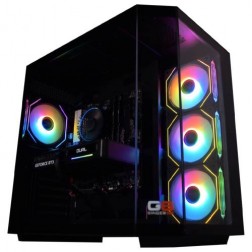
AMD Ryzen 7 8700f Nvidia RTX 5070 Gaming PC - G6 Fusion 800 X5
AMD Ryzen 7 8700f 8 core
A620M Motherboard
16GB+ DDR5 5200MHz
FAST 1TB M.2 NVMe SSD
12GB Nvidia RTX 5070 Graphics
433mbps Wifi
Windows 11 Home£2,019.90
£1,899.99
AMD Ryzen 7 8700f Nvidia RTX 5070 Gaming PC - G6 Fusion 800 X5£2,019.90
£1,899.99
AMD Ryzen 7 8700f 8 core
A620M Motherboard
16GB+ DDR5 5200MHz
FAST 1TB M.2 NVMe SSD
12GB Nvidia RTX 5070 Graphics
433mbps Wifi
Windows 11 Home
-

AMD Ryzen 7 8700f Nvidia RTX 5060 Gaming PC - G6 Fusion 800 X2
AMD Ryzen 7 8700f 8 core
A620M Motherboard
16GB+ DDR5 5200MHz
FAST 1TB M.2 NVMe SSD
8GB Nvidia RTX 5060 Graphics
433mbps Wifi
Windows 11 Home£1,557.63
£1,464.99
AMD Ryzen 7 8700f Nvidia RTX 5060 Gaming PC - G6 Fusion 800 X2£1,557.63
£1,464.99
AMD Ryzen 7 8700f 8 core
A620M Motherboard
16GB+ DDR5 5200MHz
FAST 1TB M.2 NVMe SSD
8GB Nvidia RTX 5060 Graphics
433mbps Wifi
Windows 11 Home
-
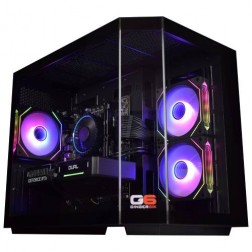
Intel Core i7 12700F RX 9060 XT 16GB Gaming PC - G6 Storm X4
Intel Core i7 12700F 12 core
H610 Motherboard
16GB+ DDR5 5200MHz
1TB+ M.2 NVMe SSD
16GB Radeon RX 9060 XT Graphics
433mbps Wifi
Windows 11 Home£1,792.03
£1,684.99
Intel Core i7 12700F RX 9060 XT 16GB Gaming PC - G6 Storm X4£1,792.03
£1,684.99
Intel Core i7 12700F 12 core
H610 Motherboard
16GB+ DDR5 5200MHz
1TB+ M.2 NVMe SSD
16GB Radeon RX 9060 XT Graphics
433mbps Wifi
Windows 11 Home
-
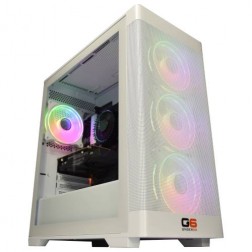
Intel Core i7 12700F RTX 5060 Ti Gaming PC - G6 Storm X3
Intel Core i7 12700F 12 core
H610 Motherboard
16GB+ DDR5 5200MHz
1TB+ M.2 NVMe SSD
8GB Nvidia RTX 5060 Ti Graphics
433mbps Wifi
Windows 11 Home£1,726.51
£1,624.99
Intel Core i7 12700F RTX 5060 Ti Gaming PC - G6 Storm X3£1,726.51
£1,624.99
Intel Core i7 12700F 12 core
H610 Motherboard
16GB+ DDR5 5200MHz
1TB+ M.2 NVMe SSD
8GB Nvidia RTX 5060 Ti Graphics
433mbps Wifi
Windows 11 Home
-
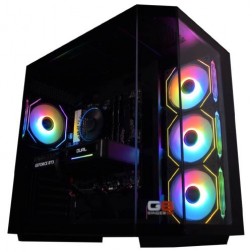
Intel Core i7 12700F RTX 5060 Ti 16GB Gaming PC - G6 Storm X5
Intel Core i7 12700F 12 core
H610 Motherboard
16GB+ DDR5 5200MHz
1TB+ M.2 NVMe SSD
16GB Nvidia RTX 5060 Ti Graphics
433mbps Wifi
Windows 11 Home£2,007.05
£1,884.99
Intel Core i7 12700F RTX 5060 Ti 16GB Gaming PC - G6 Storm X5£2,007.05
£1,884.99
Intel Core i7 12700F 12 core
H610 Motherboard
16GB+ DDR5 5200MHz
1TB+ M.2 NVMe SSD
16GB Nvidia RTX 5060 Ti Graphics
433mbps Wifi
Windows 11 Home
-
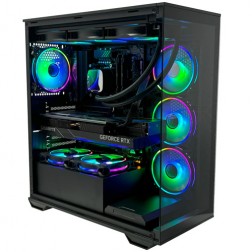
Intel Core Ultra 7 265KF RTX 5080 Gaming PC - G6 Galactic U2
Intel Core Ultra 7 265Kf 20 core
Z890 Motherboard
32GB+ DDR5 5200MHz
FAST 1TB+ M.2 NVMe SSD
16GB Nvidia RTX 5080 Graphics
FAST Wifi & Bluetooth
Windows 11 Home£3,287.72
£3,089.99
Intel Core Ultra 7 265KF RTX 5080 Gaming PC - G6 Galactic U2£3,287.72
£3,089.99
Intel Core Ultra 7 265Kf 20 core
Z890 Motherboard
32GB+ DDR5 5200MHz
FAST 1TB+ M.2 NVMe SSD
16GB Nvidia RTX 5080 Graphics
FAST Wifi & Bluetooth
Windows 11 Home
-
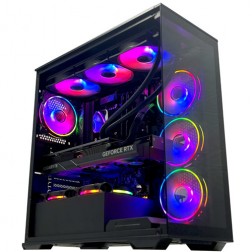
Intel Core i9 14900KF RTX 5080 Gaming PC - G6 Galactic U3
Intel Core i9 14900KF 24 core
Z790 Motherboard
32GB+ DDR5 5200MHz
FAST 1TB+ M.2 NVMe SSD
16GB Nvidia RTX 5080 Graphics
FAST Wifi & Bluetooth
Windows 11 Home£3,526.30
£3,309.99
Intel Core i9 14900KF RTX 5080 Gaming PC - G6 Galactic U3£3,526.30
£3,309.99
Intel Core i9 14900KF 24 core
Z790 Motherboard
32GB+ DDR5 5200MHz
FAST 1TB+ M.2 NVMe SSD
16GB Nvidia RTX 5080 Graphics
FAST Wifi & Bluetooth
Windows 11 Home
-
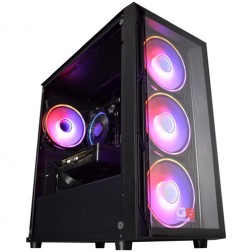
Intel Core i5 12400f RTX 5060 Pre Built Next Day Gaming PC - G6 ND 800
Intel Core i5 12400F 6 Core
H610 Motherboard
16GB DDR5 Memory
1TB M.2 NVMe SSD Drive
8GB Nvidia RTX 5060 Graphics
433MBPs Wifi
Windows 11 Home£1,403.58
£1,249.99
Intel Core i5 12400f RTX 5060 Pre Built Next Day Gaming PC - G6 ND 800£1,403.58
£1,249.99
Intel Core i5 12400F 6 Core
H610 Motherboard
16GB DDR5 Memory
1TB M.2 NVMe SSD Drive
8GB Nvidia RTX 5060 Graphics
433MBPs Wifi
Windows 11 Home
Grid List
8 Item(s)
What Does Cyberpunk 2077 Actually Need?
Three rendering modes, three different hardware requirements. The jump from rasterisation to ray tracing is manageable. The jump to path tracing at 4K is a different category of demand — VRAM is the constraint, not just GPU speed.
Figures are estimates based on available benchmark data as at . Actual performance varies by specific CPU pairing, RAM speed, and settings configuration. Kevin will confirm expected performance for your setup before you order.
What Each Budget Delivers in Cyberpunk 2077
Four honest assessments across three rendering modes. The gap between tiers in Cyberpunk 2077 is wider than in most games — path tracing is a fundamentally different visual experience from rasterisation, not just an incremental improvement.
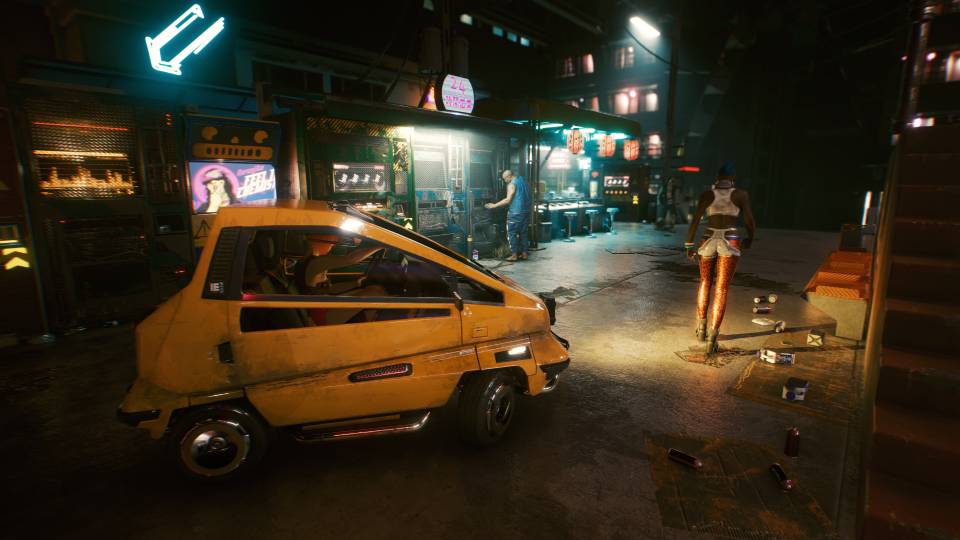
Cyberpunk 2077 at 1080p high settings with ray tracing off delivers a strong visual experience that the majority of players find entirely satisfying. Stable 60fps+ across Night City, including crowded market areas and rain effects that stress the GPU in denser scenes. DLSS and FSR are not required at this mode and resolution. The game's art direction and lighting at rasterisation ultra are genuinely impressive without ray tracing. The step up to ray tracing requires a meaningfully stronger GPU — if ray tracing is the goal, start at mid-range.
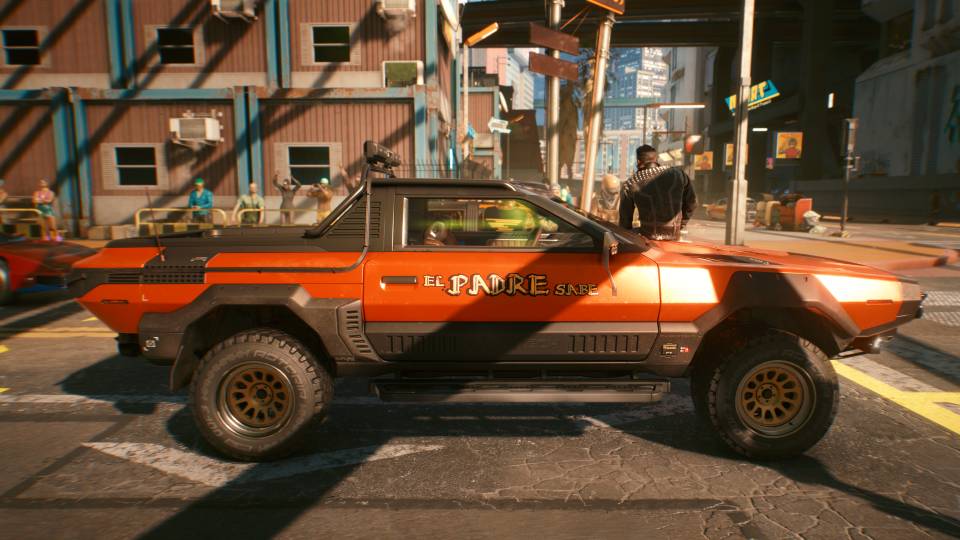
1440p ultra with ray tracing high and DLSS Quality engaged delivers the full Cyberpunk 2077 visual experience for most buyers. Reflections, shadows, and ambient occlusion work as the developers intended. DLSS Quality at 1440p is indistinguishable from native resolution in motion — the frame rate and visual quality trade-off is well resolved. Stable 60fps+ in the majority of scenes, with occasional dips in Pacifica and the downtown core during complex lighting events. This is the tier where Cyberpunk looks as intended without the hardware investment of path tracing.
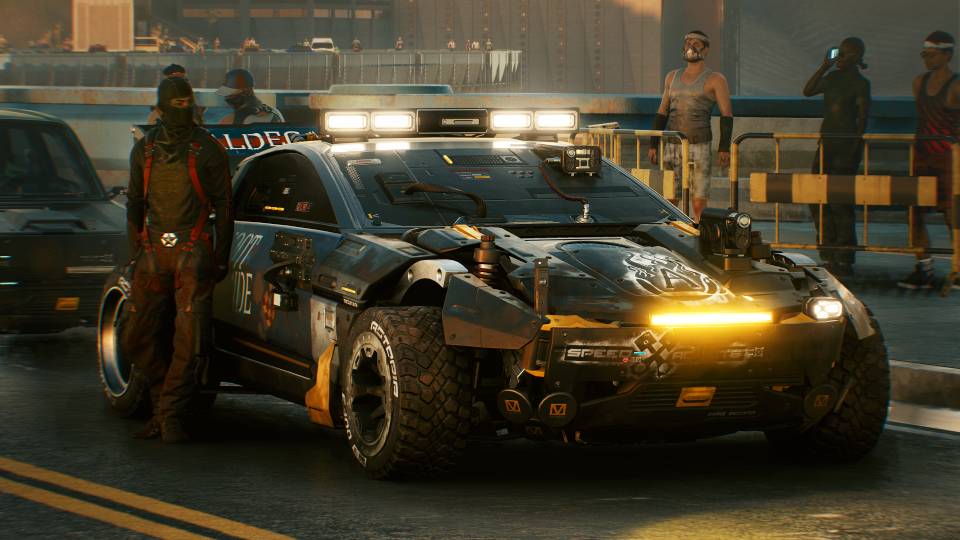
4K with ray tracing ultra and DLSS Quality. Night City at 4K on a high-refresh monitor with ray tracing on is one of the most visually striking experiences available on PC. The RTX 5080's 16GB VRAM handles 4K texture budgets without streaming hitches. Path tracing is achievable at Performance DLSS mode, with visible frame rate impact at Quality. If path tracing is a goal rather than an occasional setting, the enthusiast tier is the more honest recommendation — the RTX 5080 runs path tracing but does so with frame rate compromises at Quality DLSS.
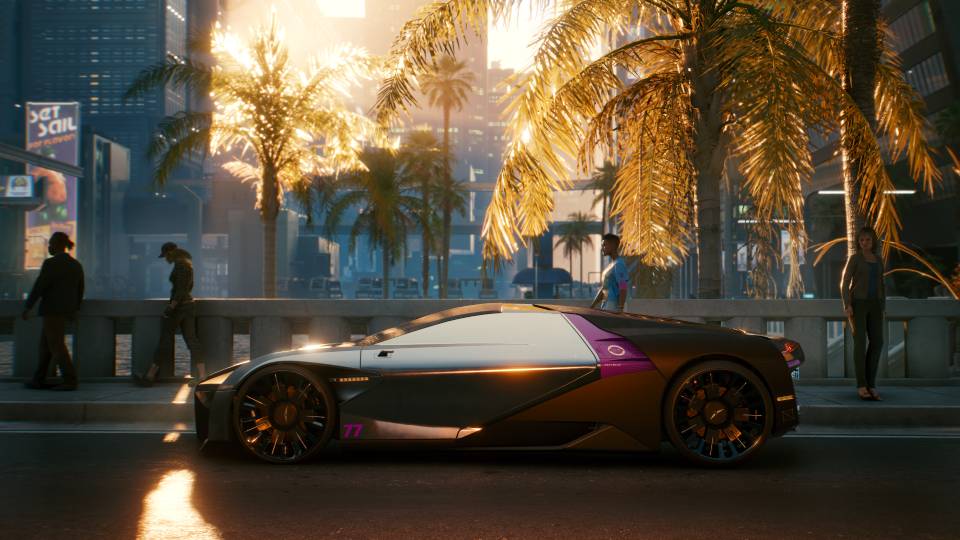
4K path tracing with DLSS 4 Quality is the benchmark for what PC gaming currently looks like at maximum. Every light source, reflection, and shadow is computed in real time. At DLSS 4 Quality the image quality is exceptional — the reconstruction quality of DLSS 4 makes the frame rate cost manageable. This is the most demanding consumer workload available and the RTX 5090 is the only card that handles it without sustained frame rate compromise. A significant investment — justified by a 4K monitor, a serious commitment to Cyberpunk 2077, and a game library that uses the GPU's full capability elsewhere.
Three Games in One Engine
Cyberpunk 2077 is unusual in that the rendering mode you choose determines the hardware tier you actually need. Rasterisation, ray tracing, and path tracing are not three points on a single scale — they are three fundamentally different workloads running on the same game engine. Choosing the wrong tier for your hardware means either leaving performance headroom unused or running a mode the GPU cannot sustain.
Ray tracing in Cyberpunk 2077 is not a cosmetic toggle. It replaces the game's screen-space reflections and shadow calculations with physically accurate versions, which changes how Night City reads as a space — particularly in rain, in neon-lit interiors, and in the underground market districts. The GPU overhead is significant because the calculations are done per pixel, per frame, in real time. A GPU that handles rasterisation ultra at 80fps will deliver approximately 40fps at ray tracing ultra native at 1440p. DLSS bridges that gap — at Quality mode and 1440p, the reconstructed image is difficult to distinguish from native, and the frame rate recovers to usable territory.
Path tracing pushes further. Every light interaction in the scene is computed with a single unified system rather than separate approximations for reflections, shadows, and ambient occlusion. The result is the most accurate real-time lighting available on PC. The hardware cost at 4K native is beyond what any current card handles smoothly — DLSS 4 is not optional at path tracing, it is the technology that makes the mode practical. VRAM becomes the secondary constraint: 16GB is the minimum at 4K to prevent the texture streaming stalls that ruin the effect.
If you want a demanding open world game with excellent visual quality at a fraction of the GPU cost, Elden Ring is well-optimised and GPU-bound in a straightforward way — no VRAM thresholds, no rendering mode decisions, no upscaling dependency. Cyberpunk 2077 is a different proposition: the most demanding consumer GPU workload currently available, with a visual ceiling that justifies the investment if that ceiling is the goal.
See the Difference Modes Make
Drag the slider to compare 1440p ultra rasterisation against 4K path tracing with DLSS 4. The same scene, same location, same time of day — different rendering modes.
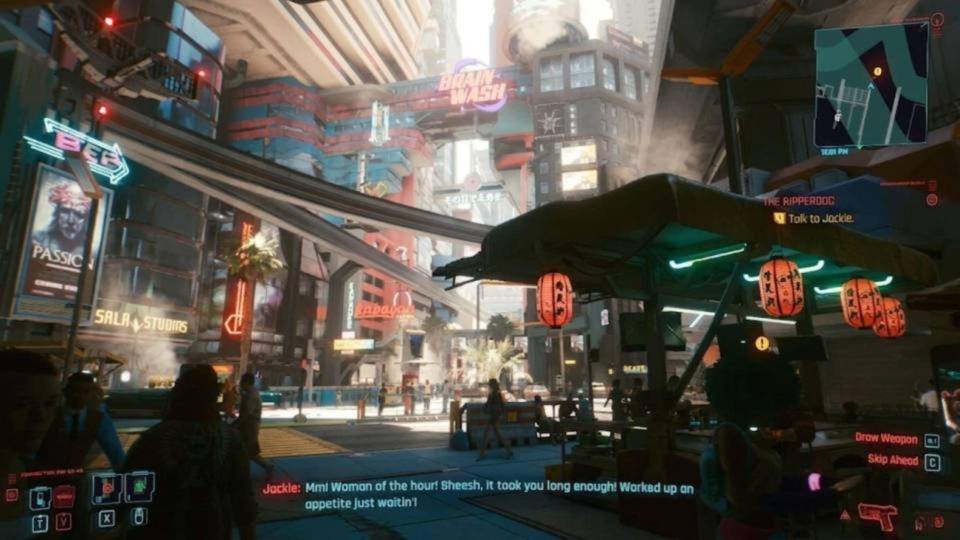
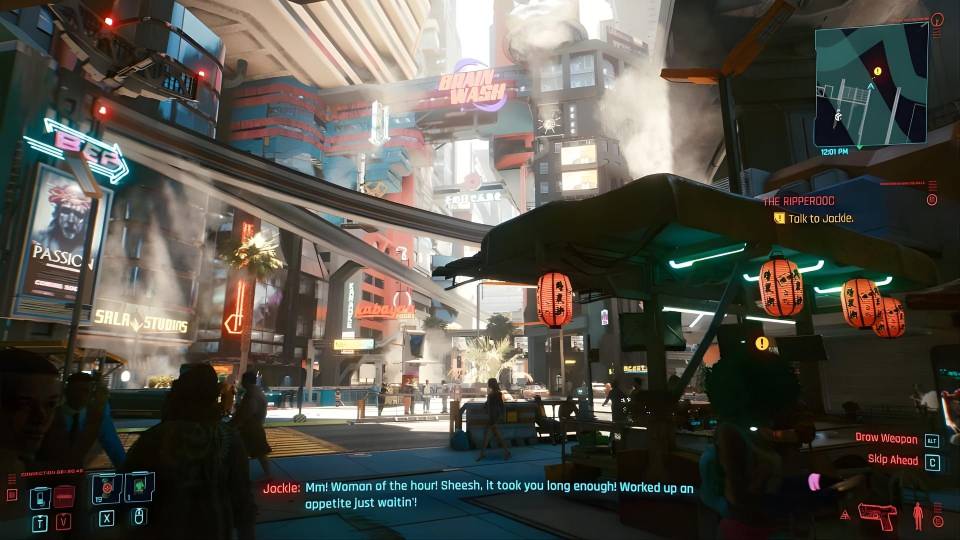
Which Cyberpunk 2077 Player Are You?
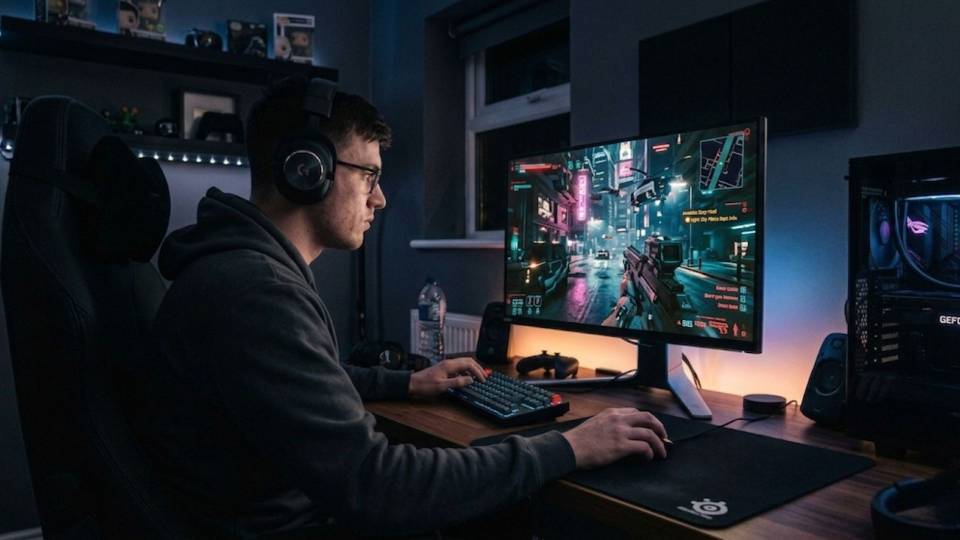
Not interested in Cyberpunk 2077 at rasterisation. The full visual experience — reflections, shadows, volumetric lighting — is the point. The mid-range tier covers 1440p ray tracing well. If the target is 4K with ray tracing rather than path tracing, the high-end tier is the more honest choice. Path tracing at 4K is a separate and significant step.
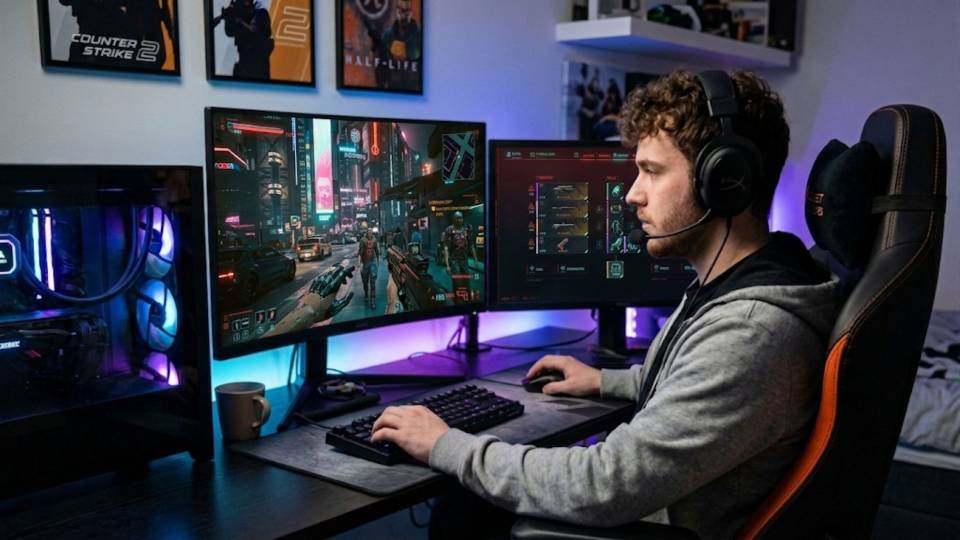
Played Cyberpunk 2077 at or near launch on older hardware or at reduced settings. The Phantom Liberty expansion and patch 2.x substantially changed the game — many players find it worth revisiting with hardware that does it justice. The mid-range tier at 1440p with ray tracing is a significant leap from an ageing GPU at rasterisation. Entry-level buyers in this group often find the game looks better than expected at 1080p ultra without ray tracing.
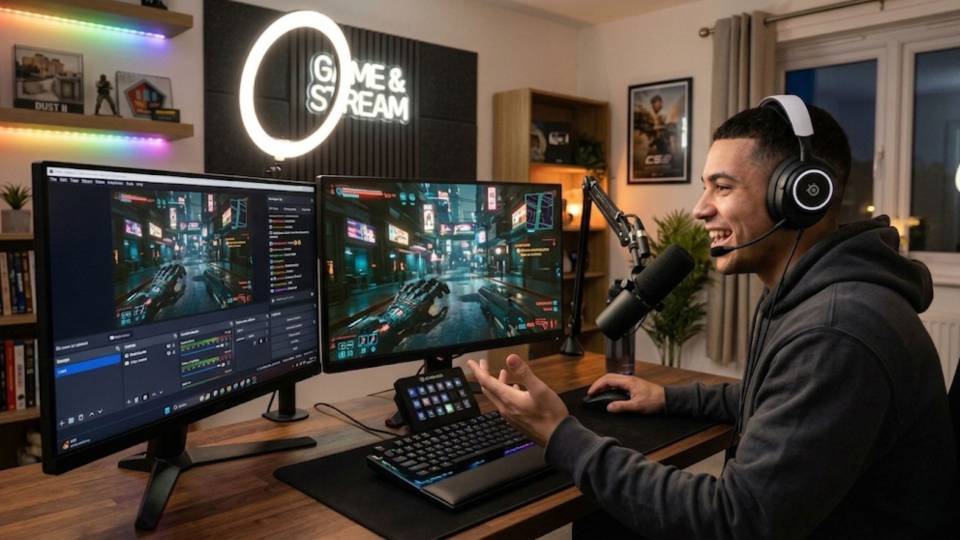
Plays Cyberpunk 2077 as one of several GPU-demanding games. The tier decision here is driven by the most demanding game in the library rather than Cyberpunk alone. A build that handles Cyberpunk at 1440p ray tracing also handles Hogwarts Legacy and Elden Ring at 4K with no compromises. Call Kevin with the full list — he can confirm which tier covers everything without overspecifying.
Call Kevin on 01902 714533 or email [email protected]. Tell him:
1. The games you play most often
2. Your monitor resolution and refresh rate
3. Whether you stream, record, or edit alongside gaming
4. Your approximate budget
No charge for the conversation. No pressure to buy.
How Cyberpunk 2077 Compares to Similar Titles
Recommended Builds for Cyberpunk 2077
Three builds matched to the three rendering modes — each confirmed for the workload it runs.
RTX 5060 or RX 9060 XT paired with a Core i5 or Ryzen 5. Handles Cyberpunk 2077 at 1080p high to ultra settings with ray tracing off at stable 60fps+ throughout Night City. FSR and DLSS are available but not required at this mode and resolution.
RTX 5070 with a Core i7 or Ryzen 7. The full Cyberpunk 2077 visual experience — reflections, volumetric lighting, and shadow fidelity as the developers intended. DLSS Quality at 1440p produces a result indistinguishable from native. The most popular build tier for Cyberpunk buyers who want the complete experience.
RTX 5080 or RTX 5090 with 16GB+ VRAM and a Core i9 or Ryzen 9. 4K with ray tracing ultra and DLSS 4 Quality. For path tracing at a stable 60fps+ at 4K, the RTX 5090 is the honest recommendation. The RTX 5080 covers 4K ray tracing ultra comfortably and path tracing at Performance DLSS mode.
Not sure which tier matches your setup? Call Kevin on 01902 714533 and tell him your target resolution and rendering mode. He will confirm the right build. No pressure to buy.
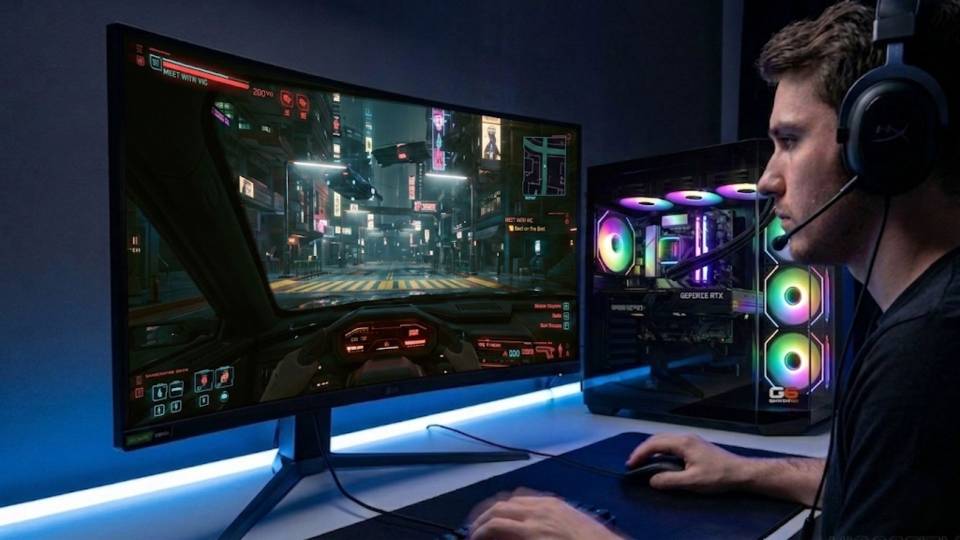
Built for Sustained GPU Load
Cyberpunk 2077 keeps the GPU at high utilisation throughout a session — not just in demanding sequences. Night City's open environment means the GPU rarely gets a full recovery period between loads. For a Cyberpunk 2077 build, thermal management is not an afterthought. It is built around the assumption that the GPU will run at sustained load for hours.
Cable management inside the case is done to support airflow, not cosmetics. Restricted airflow in a high-end build with a 300W+ GPU raises temperatures that reduce sustained clock speeds — which shows up as frame time variance in exactly the scenes where Cyberpunk 2077 is already at its most demanding. Kevin routes cables away from intake fans and GPU exhaust paths before the case is closed.
BIOS settings, memory profiles, and firmware stability are confirmed before dispatch. XMP or EXPO memory profiles are enabled and verified for stability under load. For path tracing at 4K, DLSS requires the frame generation settings in Cyberpunk to be accessible — GPU drivers and Windows version are confirmed compatible before the system ships. Every build runs a 24-hour stress test covering thermal behaviour under load, GPU and processor stability during extended use, memory responsiveness and system stability, storage performance and consistency, and BIOS firmware stability.
Kevin backs every Cyberpunk 2077 build with a 3-year warranty. At the high-end and enthusiast tiers, that warranty covers a significant investment — if a component needs attention at any point in the three years, it is handled directly without the delays of a large retailer's returns process. Kevin is reachable on 01902 714533 for questions before and after purchase.
What Do Ginger6 Customers Say?
Over 1,100 verified reviews with a 93% five-star rating.
The most consistent feedback from GPU-led build buyers: specs that perform as stated, honest advice on which tier covers the games they actually play, and support that does not end at the doorstep.
Read All Trustpilot Reviews"I recently had a custom gaming PC built and delivered by Ginger6, and I couldn't be more impressed. From start to finish, the experience was outstanding. They took the time to understand my specifications and even made some great recommendations that really enhanced the final build. The cable management is immaculate. The PC runs like a dream."
"I emailed Kevin to be sure if what I put down to order was suitable, Kevin supported me to change a few things around and since having the PC for a few weeks it is absolutely amazing and a stunning looking PC. Also fast service and delivery. I recommend Ginger6 as I will be upgrading from them in the future."
"I would rate this PC builder as second to none. I have had no problems with my PC. Simply tell Ginger6 what you wish from your PC and I give my word you will not be disappointed."
Cyberpunk 2077 Hardware Questions
An RTX 5070 or RX 9070 XT is the practical recommendation for 1440p with ray tracing high or ultra and DLSS or FSR Quality engaged. Either card delivers stable 60fps+ in the majority of Night City scenes at that setting combination. Native 1440p without DLSS at ray tracing ultra is not a target worth pursuing — the frame rate cost is significant and DLSS Quality at 1440p is visually equivalent to native in motion. An RTX 5060 Ti handles 1440p ray tracing at medium or high settings with DLSS, but ultra quality requires the step up.
16GB VRAM is the practical minimum for path tracing at 4K. Below 16GB, the game begins streaming textures from system RAM rather than VRAM, which causes visible frame time spikes during scene transitions and in dense areas of Night City. An RTX 5090 with 24GB VRAM removes this constraint entirely and provides the headroom needed for DLSS 4 frame generation to operate without the compressed VRAM budget causing issues. At 1440p with ray tracing, 12GB is sufficient.
At 1080p rasterisation with ray tracing off, native resolution is perfectly fine and DLSS is not required. At 1440p with ray tracing, DLSS Quality is the recommended approach — the frame rate recovery is substantial and the image quality difference from native is not visible in motion. At 4K with path tracing, DLSS is not optional — even the fastest current GPU cannot sustain 60fps at path tracing ultra natively at 4K. DLSS 4 on the RTX 5000 series is markedly better than earlier DLSS versions — Quality mode at 1440p is an honest comparison to native 1440p.
Path tracing is a unified lighting system that computes every light interaction — reflections, shadows, and global illumination — with a single algorithm rather than separate approximations. In Cyberpunk 2077, the effect is most visible in Night City's neon-lit interiors, rainy streets, and underground market districts where layered light sources interact. Ray tracing high and ultra already deliver excellent fidelity. Path tracing is the ceiling — whether it is worth the GPU investment depends on whether the visual improvement justifies the hardware cost for you specifically. Kevin can show you benchmark comparisons if you are deciding between the modes.
The GPU is the primary bottleneck in Cyberpunk 2077 for almost all players. The CPU contributes to frame time consistency in the most crowded areas of Night City — busy pedestrian districts and market areas generate significant draw calls — but an entry-level Core i5 or Ryzen 5 paired with an RTX 5070 does not produce meaningful frame rate limitations compared to a Core i9 in the same pairing. The GPU is where the budget should sit in Cyberpunk 2077. Unlike Valorant or Starfield, a faster CPU alone does not change the Cyberpunk 2077 experience in a way that is visible.
Yes, and Cyberpunk 2077 at rasterisation ultra is a genuinely attractive game — the art direction, the lighting design of Night City, and the level of environmental detail are all impressive without ray tracing. Many players choose rasterisation not because the hardware forces it but because the frame rate stability it offers at 1440p or 4K is preferable to the compromises involved in sustaining frame rate with ray tracing. A mid-range build at 1440p ultra rasterisation delivers 80fps+ consistently throughout the game, which is a strong result. Ray tracing adds visual quality — it does not fix anything that is broken without it.
Ray tracing changes the visual character of Cyberpunk 2077 more than in most games because Night City is specifically designed with layered, reflective surfaces and complex light sources. Puddles, glass storefronts, chrome vehicles, and neon signs all read differently with ray tracing on. Whether the visual difference justifies the GPU cost depends on your starting point. If you are buying a new GPU primarily for Cyberpunk 2077 and want the full experience, sizing for ray tracing at 1440p is the most defensible choice. If Cyberpunk is one of several games in a wider library, the same tier covers them all at high settings.
Yes — a mid-range build for Cyberpunk 2077 at 1440p ray tracing is among the stronger configurations available and covers every other open world and RPG title at 1440p ultra or 4K high settings. Elden Ring, GTA 5, Hogwarts Legacy, and Baldur's Gate 3 all run comfortably within the GPU and VRAM headroom. Black Myth: Wukong at 4K ultra is the one title that genuinely stretches this tier — DLSS helps, but it is a demanding title even for an RTX 5070. If the library is primarily GPU-demanding open world games, tell Kevin the full list and he will confirm the tier that covers everything.
Find the Right Build for Cyberpunk 2077
Browse the gaming PC range or call Kevin directly. Tell him your target resolution, whether you want ray tracing or path tracing, and your budget. He will confirm the right build for Night City.