




Gaming PC for Fortnite
Built for High FPS
Fortnite is the only competitive shooter that genuinely tests both your GPU and your CPU. At competitive low settings it behaves like CS2 — CPU-bound and frame-rate focused. At Epic quality it becomes a demanding GPU title where DLSS makes a real difference. Find the right build for the way you play.
Browse the builds below or call Kevin on 01902 714533. Tell him whether you play competitive or casual, your monitor's refresh rate, and your budget — he will confirm the right build.


Grid List
5 Item(s)
-
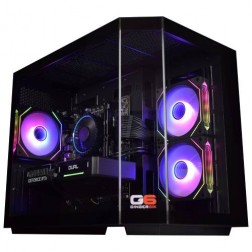
Intel Core i7 12700F RX 9060 XT 16GB Gaming PC - G6 Storm X4
Intel Core i7 12700F 12 core
H610 Motherboard
16GB+ DDR5 5200MHz
1TB+ M.2 NVMe SSD
16GB Radeon RX 9060 XT Graphics
433mbps Wifi
Windows 11 Home£1,792.03
£1,684.99
Intel Core i7 12700F RX 9060 XT 16GB Gaming PC - G6 Storm X4£1,792.03
£1,684.99
Intel Core i7 12700F 12 core
H610 Motherboard
16GB+ DDR5 5200MHz
1TB+ M.2 NVMe SSD
16GB Radeon RX 9060 XT Graphics
433mbps Wifi
Windows 11 Home
-

AMD Ryzen 7 8700f Nvidia 16GB RTX 5060 Ti Gaming PC - G6 Fusion 800 X4
AMD Ryzen 7 8700f 8 core
A620M Motherboard
16GB+ DDR5 5200MHz
FAST 1TB M.2 NVMe SSD
16GB Nvidia RTX 5060 Ti Graphics
433mbps Wifi
Windows 11 Home£1,941.90
£1,824.99
AMD Ryzen 7 8700f Nvidia 16GB RTX 5060 Ti Gaming PC - G6 Fusion 800 X4£1,941.90
£1,824.99
AMD Ryzen 7 8700f 8 core
A620M Motherboard
16GB+ DDR5 5200MHz
FAST 1TB M.2 NVMe SSD
16GB Nvidia RTX 5060 Ti Graphics
433mbps Wifi
Windows 11 Home
-
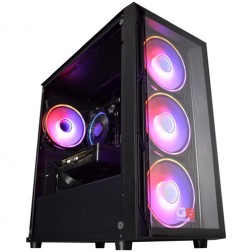
Intel Core i5 12400f RTX 5060 Pre Built Next Day Gaming PC - G6 ND 800
Intel Core i5 12400F 6 Core
H610 Motherboard
16GB DDR5 Memory
1TB M.2 NVMe SSD Drive
8GB Nvidia RTX 5060 Graphics
433MBPs Wifi
Windows 11 Home£1,403.58
£1,249.99
Intel Core i5 12400f RTX 5060 Pre Built Next Day Gaming PC - G6 ND 800£1,403.58
£1,249.99
Intel Core i5 12400F 6 Core
H610 Motherboard
16GB DDR5 Memory
1TB M.2 NVMe SSD Drive
8GB Nvidia RTX 5060 Graphics
433MBPs Wifi
Windows 11 Home
-
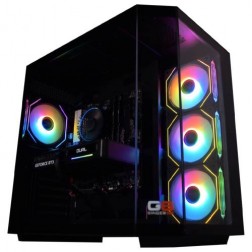
AMD Ryzen 7 8700f Nvidia RTX 5070 Gaming PC - G6 Fusion 800 X5
AMD Ryzen 7 8700f 8 core
A620M Motherboard
16GB+ DDR5 5200MHz
FAST 1TB M.2 NVMe SSD
12GB Nvidia RTX 5070 Graphics
433mbps Wifi
Windows 11 Home£2,019.90
£1,899.99
AMD Ryzen 7 8700f Nvidia RTX 5070 Gaming PC - G6 Fusion 800 X5£2,019.90
£1,899.99
AMD Ryzen 7 8700f 8 core
A620M Motherboard
16GB+ DDR5 5200MHz
FAST 1TB M.2 NVMe SSD
12GB Nvidia RTX 5070 Graphics
433mbps Wifi
Windows 11 Home
-
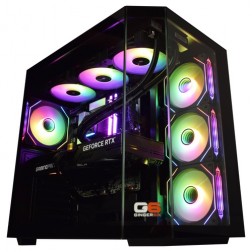
Intel Core Ultra 9 285KF RTX 5070 Ti Gaming PC - G6 Genesis U3
Intel Core Ultra 9 285K 24 core
B860 Motherboard
32GB+ DDR5 5200MHz Memory
FAST 1TB+ M.2 NVMe SSD
16GB Nvidia RTX 5070 Ti Graphics
FAST Wifi & Bluetooth
Windows 11 Home£3,293.46
£3,094.99
Intel Core Ultra 9 285KF RTX 5070 Ti Gaming PC - G6 Genesis U3£3,293.46
£3,094.99
Intel Core Ultra 9 285K 24 core
B860 Motherboard
32GB+ DDR5 5200MHz Memory
FAST 1TB+ M.2 NVMe SSD
16GB Nvidia RTX 5070 Ti Graphics
FAST Wifi & Bluetooth
Windows 11 Home
Grid List
5 Item(s)
What Does Fortnite Need?
The answer depends on how you play. Competitive low settings is CPU-led. Epic quality settings is GPU-led. Most buyers land somewhere between the two — this grid covers both ends and the middle.
Figures are estimates based on available benchmark data. Actual performance varies by CPU pairing, RAM speed, and system configuration. Kevin will confirm expected performance for your setup before you order.
What Each Budget Delivers in Fortnite
Four honest assessments. The right answer depends on whether you are chasing frame rate, visual quality, or both.

Competitive low settings at 1080p delivers 180fps to 240fps with consistent frame delivery on a Core i7. A 144Hz or 165Hz monitor is the right pairing — the GPU can push past that on low settings but frame consistency at 240Hz requires the CPU headroom a Core i7 provides. At medium settings the GPU begins contributing meaningfully and 100fps to 140fps at 1080p medium is achievable. Epic settings at this tier produce 60fps to 80fps at 1080p — playable, but not the target for this build. This tier suits players who primarily play competitively and want a clean upgrade from a laptop.
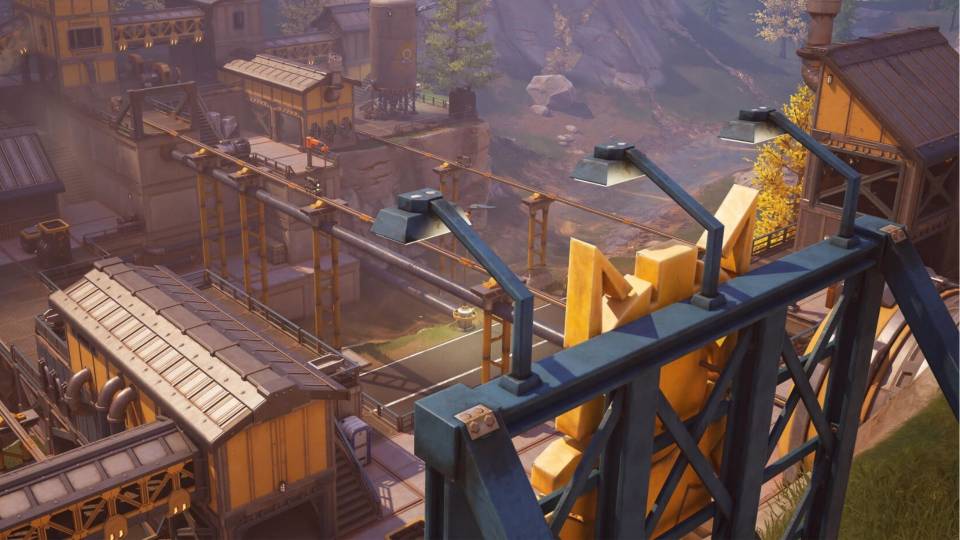
The most versatile Fortnite tier. At competitive low settings, 240fps+ with a Core i7 is consistent. At high settings, 140fps to 180fps at 1080p gives a 144Hz monitor plenty to work with. At Epic settings with DLSS Performance mode, 100fps to 120fps at 1080p is achievable — the game looks substantially better than at high settings and the frame rate remains comfortable. This tier works for both the competitive player and the casual player who wants Epic visuals occasionally. If you play CS2 or Apex alongside Fortnite, this build covers both at their respective targets.
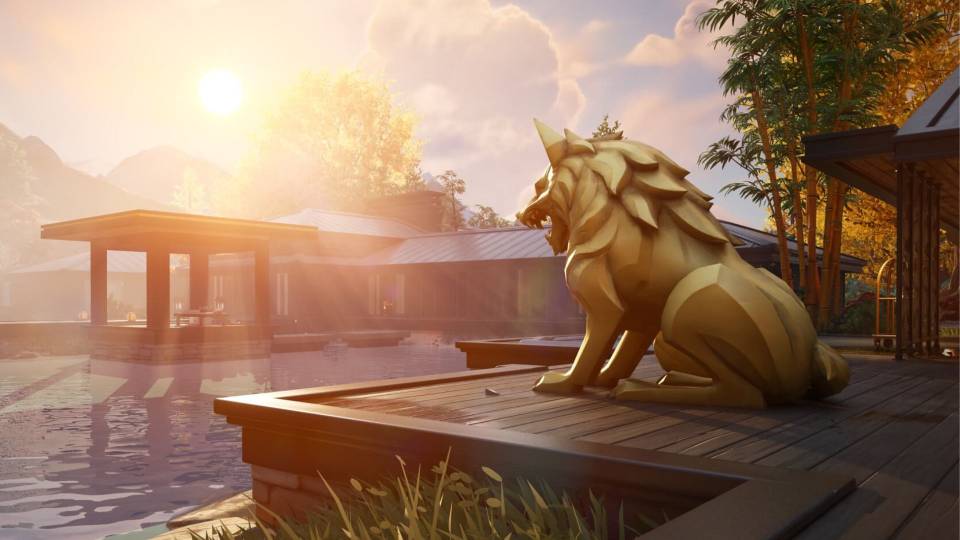
Epic settings at 1440p with DLSS Quality mode delivers 140fps to 180fps — the RTX 5070 Ti with Multi Frame Generation enabled pushes beyond that on most maps. This is the tier for players who want the full Fortnite visual experience without the compromise of Performance mode. Nanite geometry, Lumen global illumination, and volumetric cloud rendering all look as the developers intended at this spec level. The same build covers Warzone at 1440p ultra and handles most open world titles at 1440p high to ultra settings. If Fortnite at its best is the target, this is the entry point.

4K Epic with smooth frame rates. DLSS Multi Frame Generation on an RTX 5080 with a fast Core i9 delivers 60fps to 90fps at native 4K detail. At 1440p Epic without DLSS, this build is effectively uncapped for Fortnite's engine output. Justified primarily if 4K gaming across multiple titles is the target — Fortnite alone does not require this level of hardware. If you also play Cyberpunk 2077 or Black Myth: Wukong at 4K, the enthusiast tier covers them without compromise.
Minimum Requirements and What They Miss
Epic publishes a minimum spec. It describes a PC that launches Fortnite, not one that plays it competitively.
What Epic Lists
The published minimum targets low settings at modest frame rates. It is a floor for the game running, not a target for buying a machine.
What Competitive Play Needs
Consistent high frame rates matter more than peak numbers. A stable 240fps beats a spiky 300fps in a build fight.
Where Buyers Get Caught
Machines bought to the published minimum age badly. One season update or settings change is enough to push them under.
Choosing a Graphics Card to Play Fortnite
Fortnite scales across a wide range of hardware, so the card you need depends on how you play.
Performance Mode
Low settings at very high frame rates lean on the processor more than the card. A mid range graphics card is plenty here.
High Settings 1440p
Most buyers land here. Enough card to run high settings at 1440p without dropping below your monitor refresh rate.
Lumen and Ray Tracing
Epic quality with hardware ray tracing is a different workload entirely, and it is where the money goes.
Why Fortnite Needs a Different Conversation Than CS2 or Valorant
Fortnite is genuinely unusual among competitive shooters in that the right hardware spec depends almost entirely on how you play. A buyer who competes at low settings targeting 240fps needs a fast CPU and a mid-range GPU — the same hardware profile as a CS2 player. A buyer who plays casually at Epic quality targeting 60fps to 100fps needs a capable GPU, DLSS enabled, and 12GB or more of VRAM. These are different machines. No other popular competitive shooter splits its buyer base this cleanly between CPU-bound and GPU-bound use cases.
The reason is Unreal Engine 5. Epic Games rebuilt Fortnite on UE5 for Chapter 4, introducing Nanite virtualised geometry and Lumen global illumination as optional rendering features. At Epic settings, these are active — and they are GPU-intensive in a way the older Fortnite engine was not. Nanite draws geometry at pixel-level detail without the polygon count compromises of traditional mesh rendering. Lumen calculates dynamic lighting and reflections in real time. Both systems scale with GPU power in a way that older lighting and geometry pipelines did not. At competitive settings, both are disabled. At Epic, they are the primary reason the GPU becomes the bottleneck.
DLSS 4 with Multi Frame Generation changes the calculation at Epic settings meaningfully. On an RTX 5060 Ti at 1080p Epic, DLSS Quality mode typically adds 40 to 60 percent more frames versus native rendering. This is the technology closing the gap between Epic quality and competitive frame rates — not a processing shortcut, but a legitimate frame rate multiplier for buyers who want both fidelity and smooth gameplay.
Chapter updates add complexity over time. Each major Fortnite update has historically introduced new biomes, weather systems, and visual effects that raise GPU demands. A build spec'd for Chapter 3 Epic may need DLSS enabled to maintain the same frame rate at Chapter 5 Epic. All Ginger6 Fortnite builds are matched against current chapter demands, not legacy requirements.
Competitive Low vs Epic Quality: A Bigger Difference Than CS2
Drag to compare. The visual gap between competitive low and Epic in Fortnite is substantially larger than in CS2 or Valorant — Nanite geometry and Lumen lighting transform the look of the game.


Both configurations captured at 1080p on the same mid-range build. The visual difference between low and Epic in Fortnite is substantially greater than in CS2 or Valorant. Epic settings enable Nanite geometry and Lumen lighting — neither is active at low or medium settings.
Four Types of Fortnite Buyer

Plays ranked or arena mode. Runs competitive low settings and wants 240fps consistently. Has or plans to buy a 240Hz monitor. The mid-range build — RTX 5060 Ti, Core i7 — is the direct match. Frame delivery is consistent across builds and box fights. If streaming is part of the plan, the CPU handles NVENC encoding alongside gameplay without frame loss.
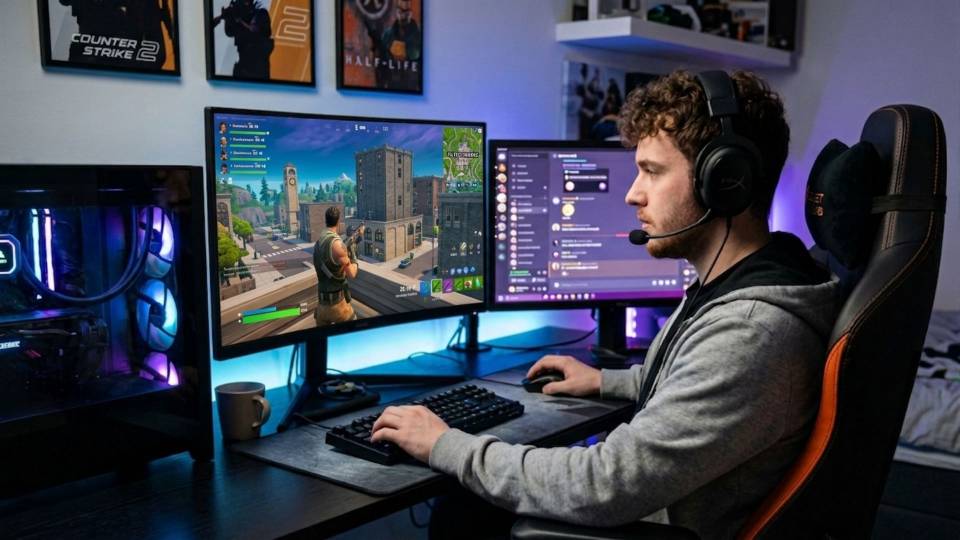
Plays for enjoyment rather than rank. Wants Epic visuals and does not need 240fps. The high-end build — RTX 5070 Ti, Core i7 — delivers Epic quality at 1440p with DLSS enabled at 140fps to 180fps. Nanite and Lumen both active. Creative mode islands run smoothly. This buyer often also plays open world titles like Cyberpunk or Elden Ring on the same machine, where the RTX 5070 Ti delivers excellent 1440p performance.
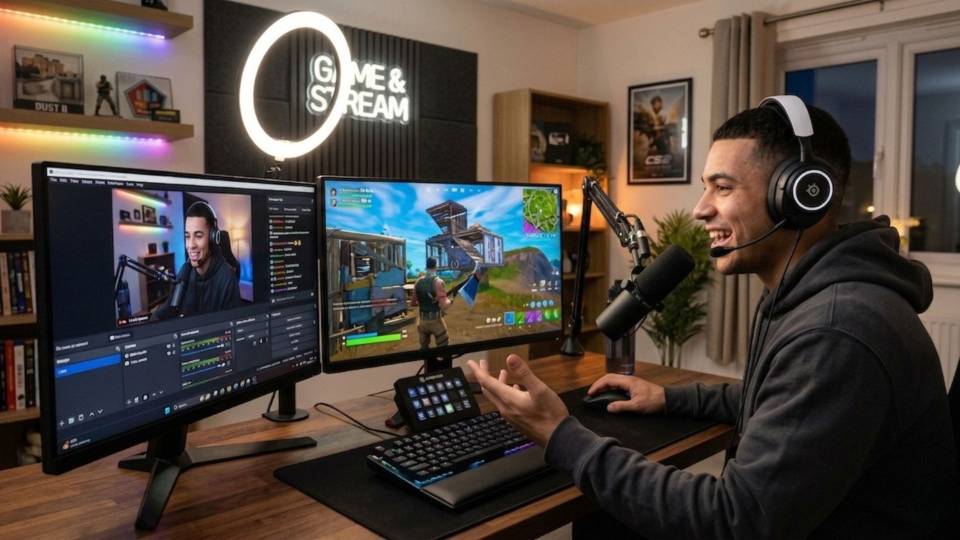
Fortnite is the most common first PC game for younger players moving from console or laptop. The budget build covers Fortnite at high settings with 100fps to 140fps at 1080p — a substantial improvement on console or a basic laptop. Kevin will advise on the right spec for the child's age and playing style during a short call. No technical knowledge needed. The 3-year warranty and direct support line mean there is always someone to call if something needs attention.
Call Kevin on 01902 714533 or email [email protected]. Tell him:
1. The games you play most often
2. Your monitor resolution and refresh rate
3. Whether you stream, record, or edit alongside gaming
4. Your approximate budget
No charge for the conversation. No pressure to buy.
Will This Gaming PC Cover Your Other Games?
Recommended Ginger6 Gaming PC Builds for Fortnite
Three builds chosen to cover both Fortnite buyer groups — competitive frame rate and Epic visual quality.
RTX 5060 paired with a Core i7. Delivers consistent 200fps+ at 1080p competitive low settings. The right starting point for a 144Hz or 165Hz monitor. Handles Valorant, CS2, and Apex Legends on the same system. A 240Hz monitor is possible at this tier on most maps at low settings.
RTX 5060 Ti with Core i7. Handles both play styles — 240fps at competitive settings and 100fps to 120fps at Epic with DLSS Performance mode at 1080p. The most popular Fortnite upgrade for players moving from console or laptop who want to keep options open between competitive and casual play.
RTX 5070 Ti with fast Core i7 or Ryzen 7. Epic settings at 1440p with DLSS Quality mode delivering 140fps to 180fps — Nanite and Lumen both active. The build for players who want Fortnite at its best visually without sacrificing frame rate. Handles Warzone, Apex, and open world titles at 1440p ultra.
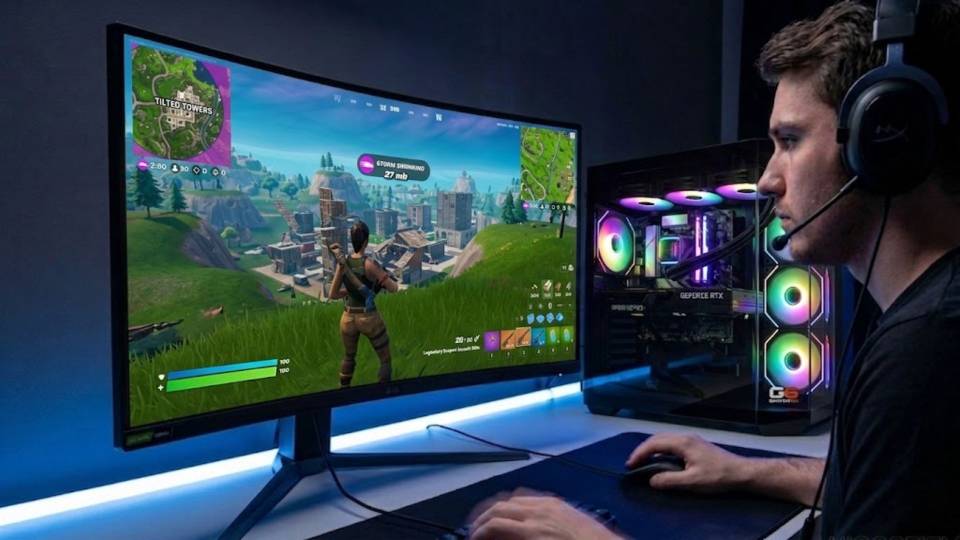
Built for Both the Competitive Round and the Epic-Quality Session
A Fortnite build that is only spec'd for competitive low settings is a straightforward CPU selection exercise. A Fortnite build that needs to handle Epic quality at 1440p adds a GPU selection question that does not arise with CS2 or Valorant. When Kevin confirms a Fortnite spec, the first question is always which of the two use cases drives the choice — or whether the build needs to cover both.
Cable management inside the case supports better airflow around both the CPU cooler and the GPU. At Epic settings, the GPU is under sustained load in a way that competitive low settings does not produce. Restricted airflow in a poorly routed case raises GPU temperatures, which reduces sustained clock speeds. A Ginger6 build routes cables to maintain the airflow path the case was designed around — not just to look tidy through the side panel.
BIOS settings, memory profiles, and firmware stability are confirmed before dispatch. XMP or EXPO DDR5 profiles are verified under gaming load. DLSS requires driver stability — the Nvidia driver is installed, verified, and confirmed working before the system ships. Every build runs a 24-hour stress test covering thermal behaviour under Epic-settings GPU load, processor stability, memory responsiveness, storage performance, and BIOS firmware stability.
Kevin backs every build with a 3-year warranty. If a chapter update changes performance characteristics and you want advice on settings, that is a phone call — not a support ticket. Call 01902 714533.
What Do Ginger6 Customers Say?
Over 1,100 verified reviews with a 93% five-star rating.
The most consistent feedback: honest pre-purchase advice on which tier fits the budget, builds that arrive performing exactly as specified, and a direct line to Kevin if anything needs attention after delivery.
Read All Trustpilot ReviewsJust received my third computer from ginger 6 and I could not be any happier, from the initial call to tweak a few things and the updates up until shipping. This computer is a beast and have been tweaking path of exile 2 gaming settings to the max! Thanks to all the ginger 6 team!
Built to a very high standard with excellent cable management. Unbelievably quiet and without doubt the best pc I have ever purchased. Boots up in 20 seconds. 10/10.
Can't recommend Ginger6 highly enough. Kevin was brilliant at answering my questions and recommending the best machine for my budget and purpose. It was exactly one week between ordering and delivery. The computer was for my son and is now the envy of all his friends.
Frequently Asked Questions
At 1080p Epic settings, an RTX 5060 Ti with Core i7 delivers 100fps to 130fps with DLSS Performance mode. At 1440p Epic with DLSS Quality mode, an RTX 5070 Ti raises that to 140fps to 180fps. DLSS 4 with Multi Frame Generation makes a substantial difference at Epic settings — it is the technology that closes the gap between Epic quality and playable frame rates on mid-range and high-end hardware.
A mid-range build with an RTX 5060 Ti and Core i7 handles competitive low settings at 240fps+ at 1080p. At competitive settings, Fortnite behaves like CS2 — CPU-bound, with the GPU underloaded. A fast Core i7 is the key component. DLSS adds no benefit at low settings because the GPU is not the bottleneck.
Yes — at Epic quality settings and higher resolutions, DLSS is a significant frame rate multiplier. DLSS Quality mode at 1440p typically adds 40 to 60 percent more frames over native rendering. DLSS Multi Frame Generation on RTX 50-series GPUs pushes this further. At competitive low settings, DLSS is not useful — the GPU is not the component limiting frame rate at that configuration.
Both, depending on settings. At competitive low settings targeting 240fps, the CPU is the primary bottleneck. At Epic quality settings targeting 60fps to 144fps, the GPU becomes the bottleneck. This is what makes Fortnite unusual among competitive shooters — the right hardware spec genuinely differs between the competitive and casual buyer. Tell Kevin which use case is the priority and he will match the spec accordingly.
Creative mode places lower GPU demand than a full Battle Royale match — fewer players, smaller active map areas, and less foliage rendering. CPU and RAM matter more in Creative, where complex island logic can stress the processor. 16GB DDR5 covers Creative well. A mid-range build handles both Creative and Battle Royale without compromise.
Yes. Each major chapter update has historically raised GPU demands — new biomes, weather systems, and visual effects add workload at Epic settings. A build that ran Chapter 3 at Epic smoothly may need DLSS enabled to maintain the same frame rate at Chapter 5 Epic. All Ginger6 Fortnite builds are spec'd against current chapter demands, not legacy requirements.
Yes. A mid-range Fortnite build covers CS2 and Valorant comfortably — both are less GPU-demanding than Fortnite at equivalent settings. A build spec'd for Fortnite high to Epic quality also handles Apex Legends at high settings and most open world titles at 1440p medium to high. Fortnite is one of the more GPU-demanding competitive shooters, so a Fortnite build tends to overcover the others.
Match the monitor to the play style and build tier. Competitive players targeting 240fps need a 240Hz 1080p monitor and a mid-range build. Players targeting Epic quality at 1440p need a 1440p 144Hz or 165Hz monitor and a high-end build. A 4K monitor is justified at the enthusiast tier where the RTX 5080 can drive 4K Epic with DLSS. Kevin will confirm the right monitor pairing for your build during a call.
Find the Right Gaming PC for Fortnite
Browse the gaming PC range or call Kevin directly. Tell him whether you play competitive or casual, your monitor's refresh rate, and your budget. He will confirm the right build for the way you play.