




Intel Core i7 12700F Nvidia RTX 5060 Gaming PC - G6 Storm X1
Description
G6 Storm X1: The i7 Sweet Spot at 1080p
The G6 Storm X1 pairs Intel’s 12-core Core i7 12700F (8 Performance cores + 4 Efficiency cores, 4.90 GHz Turbo) with the Nvidia RTX 5060 8GB for 1080p high-refresh gaming. The 12700F is the i7 most 1080p gaming buyers should be looking at: a mature 12-core part on the settled LGA1700 platform, with the cache and thread count that modern gaming engines reward, at a price structurally below the 14th-gen K-series tier. Hand-built in Wolverhampton against the same workshop process Ginger6 has run since 2001, the G6 Storm X1 ships fully tested with a 3-year warranty and lifetime UK phone support.
The Storm range is built around one CPU: the i7 12700F. What changes from G6 Storm X1 up or down the ladder is the GPU, the case, and the PSU sized to match. That is the range design: the i7 thread count and cache stay constant, the GPU you actually need decides the build. Step up to the G6 Storm X2 with the AMD Radeon RX 9060 XT 8GB for the AMD path at this price band, or the G6 Storm X3 with the RTX 5060 Ti 8GB when your monitor or rotation rewards more shader throughput. Not certain which Storm is the right one for your monitor and the games you play? Call Kevin on 01902 714533. He builds the machine, answers the phone, and gives a straight answer based on your setup, not a sales tier.
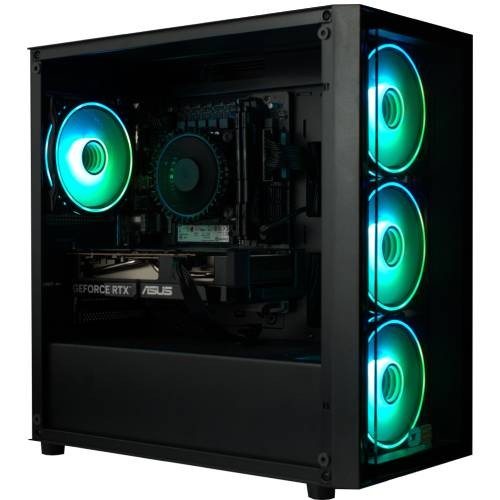
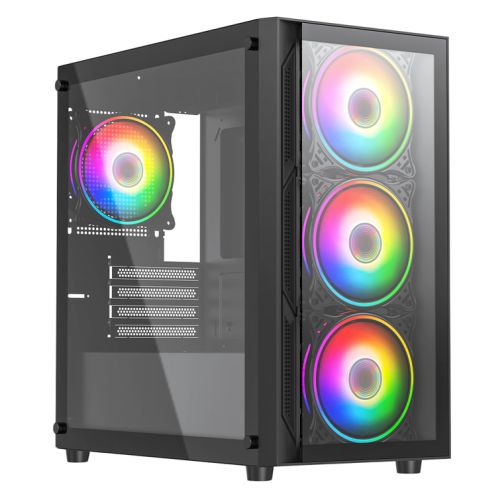
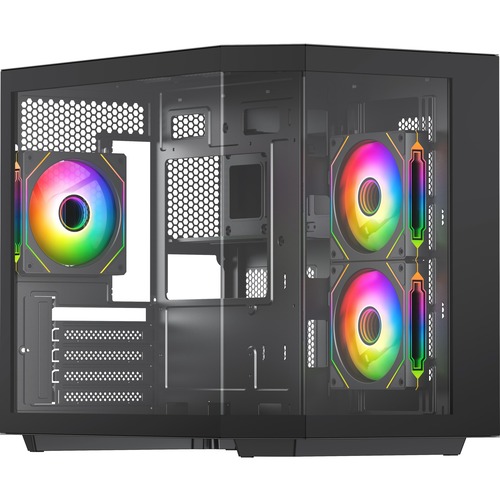
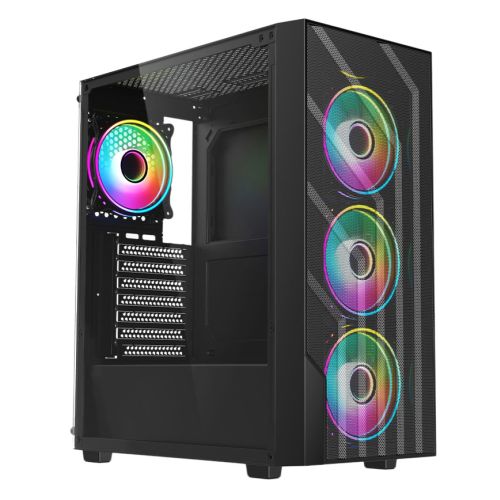
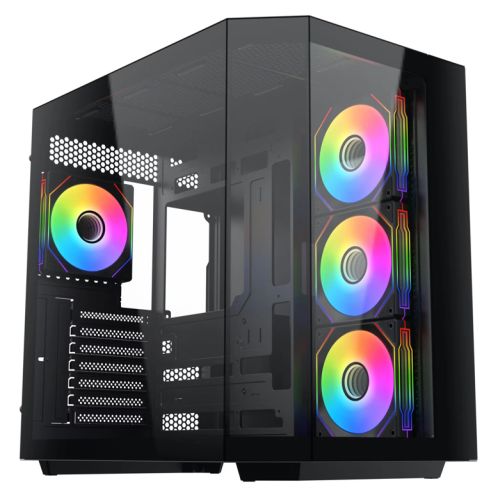
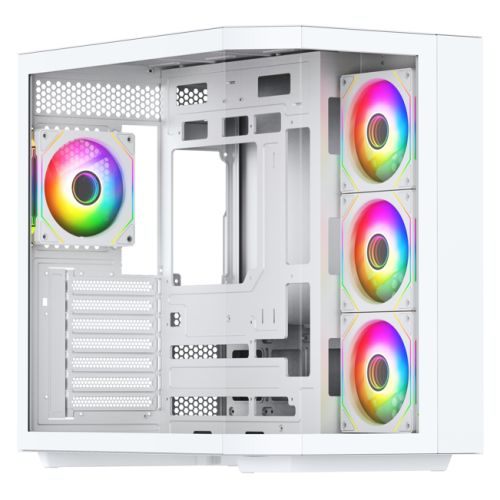
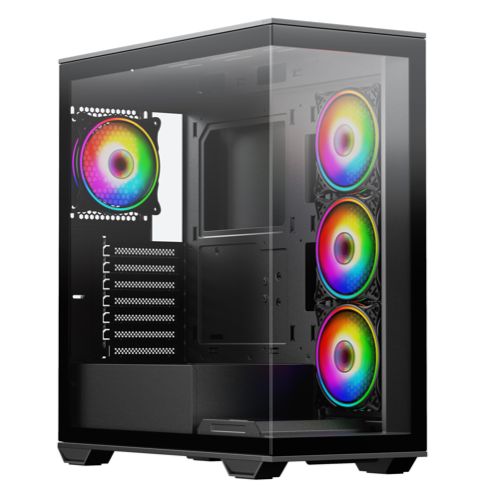
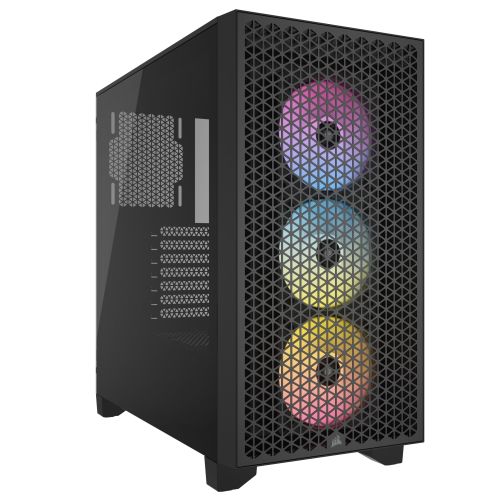
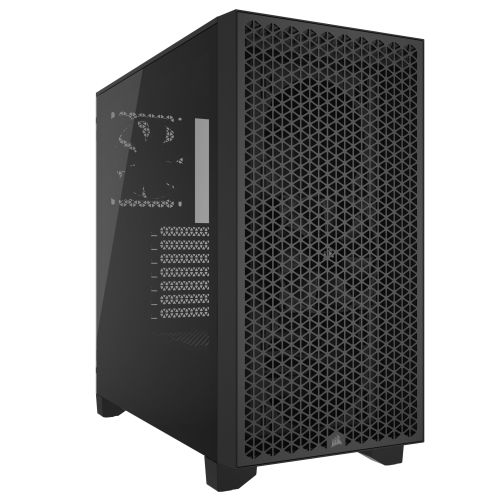
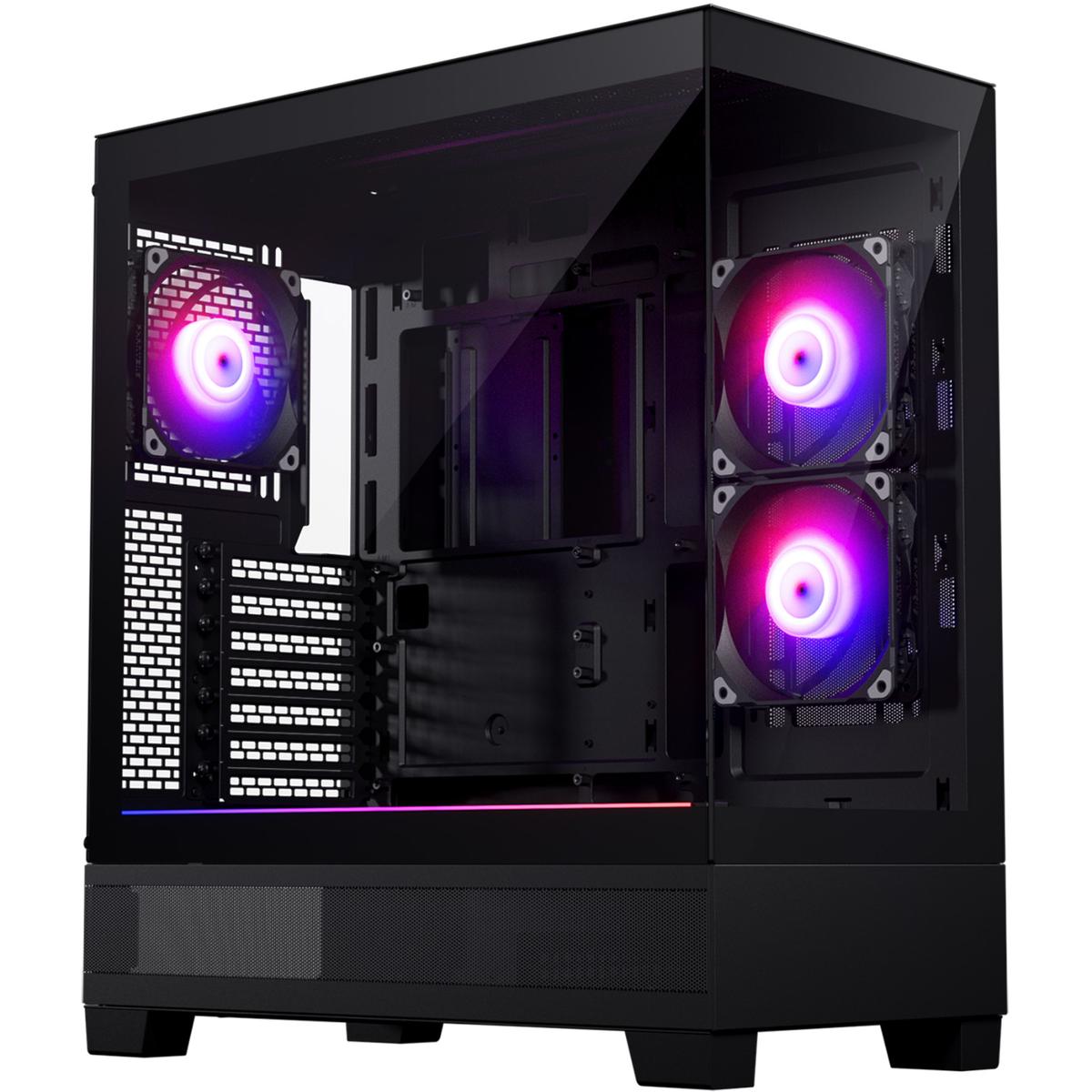
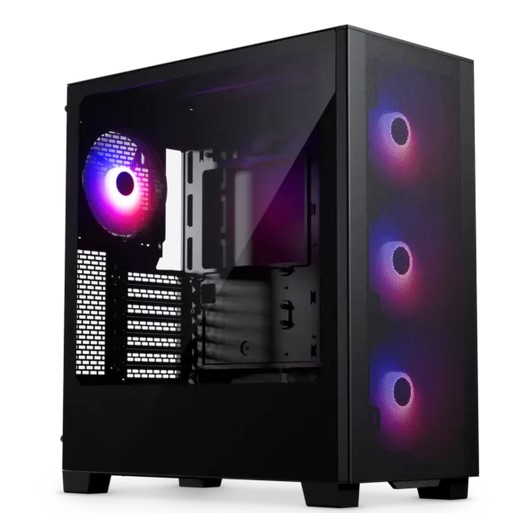
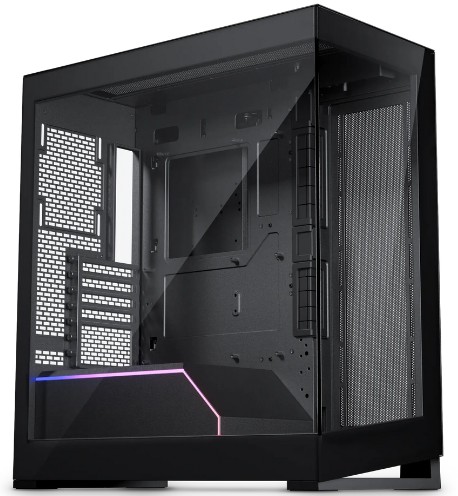
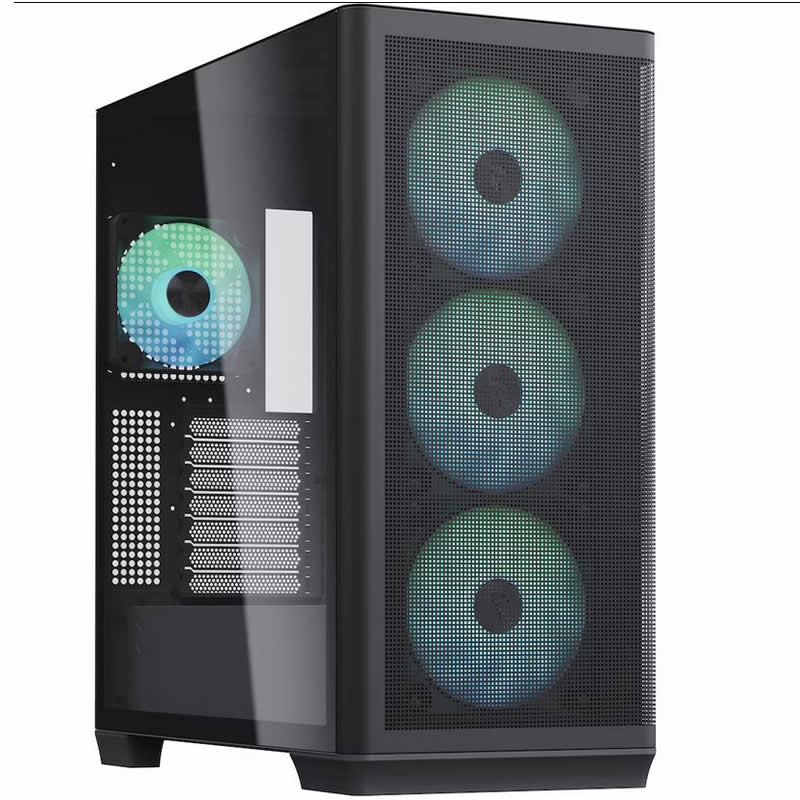
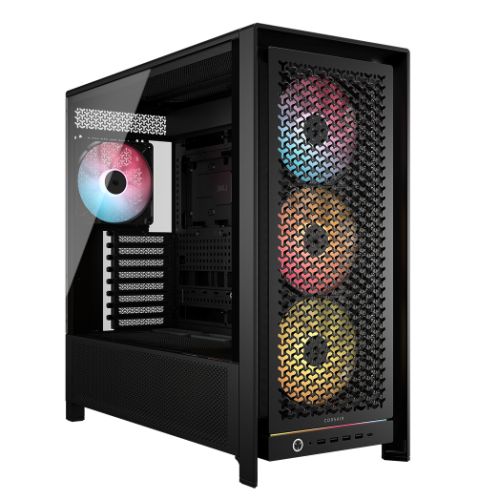
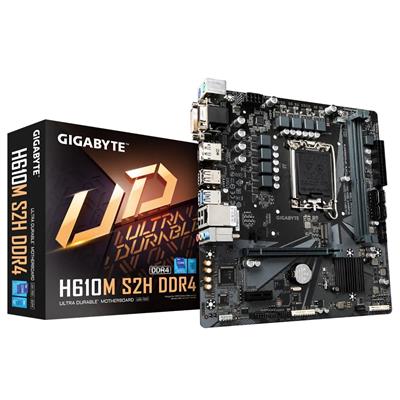
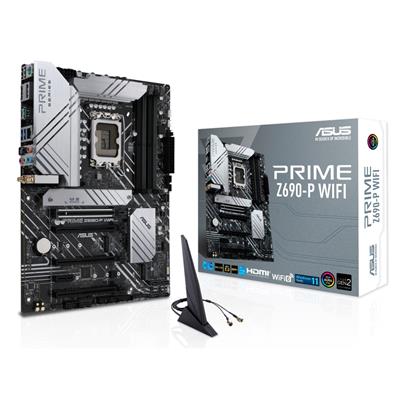
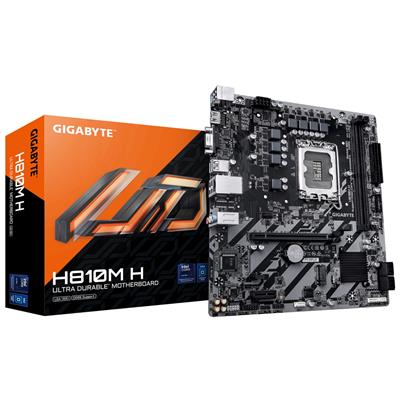
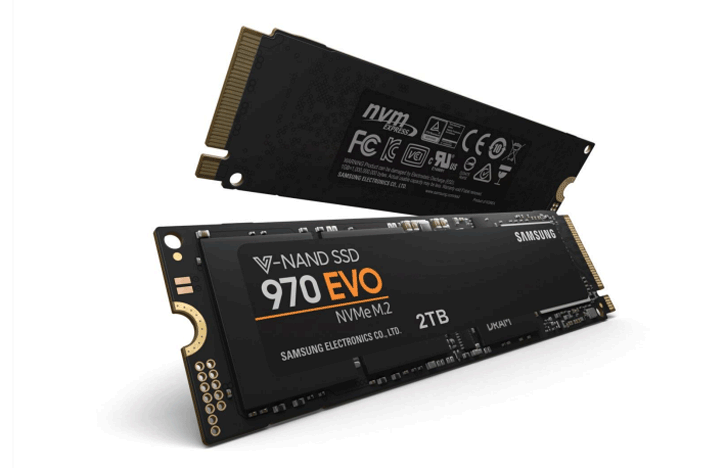
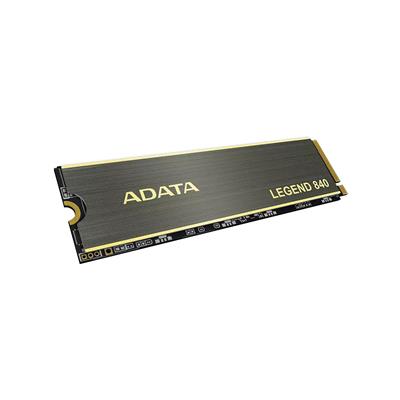
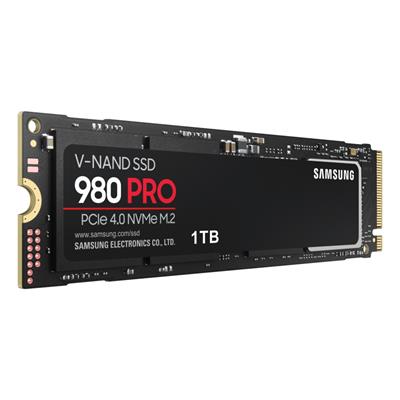
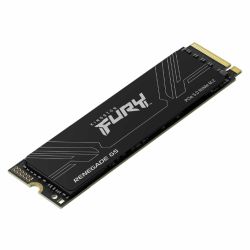
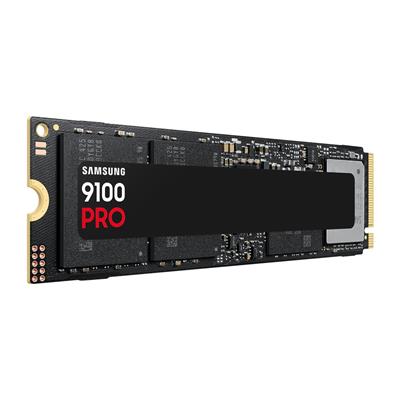
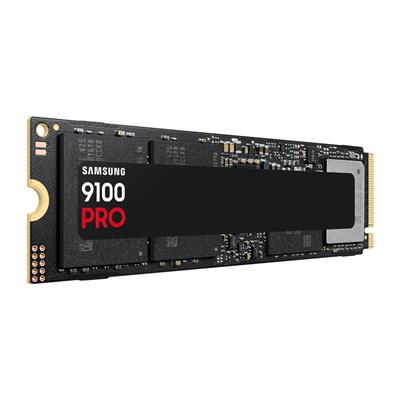
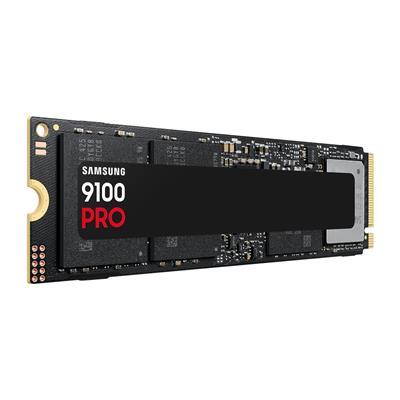
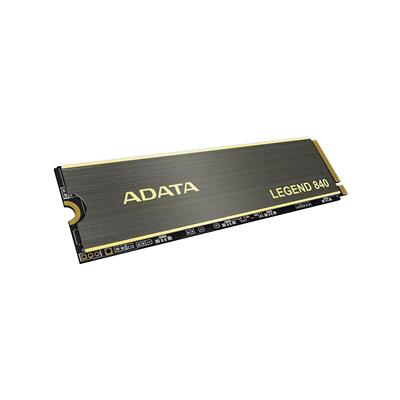
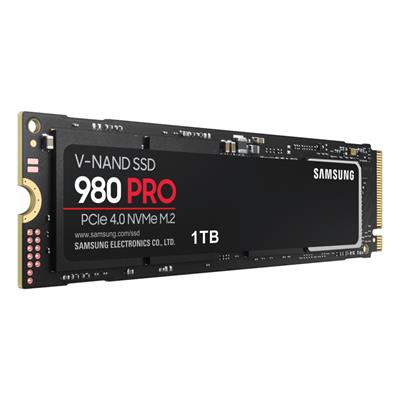
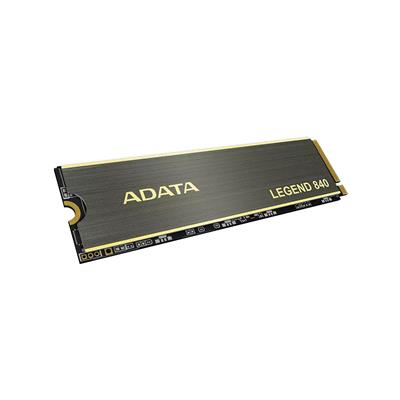
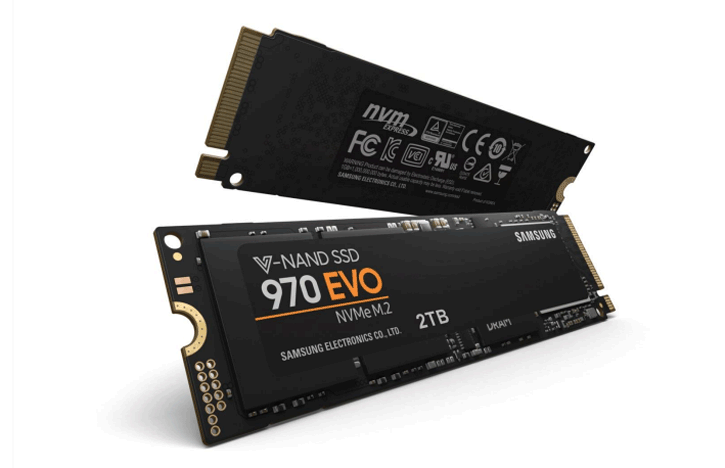
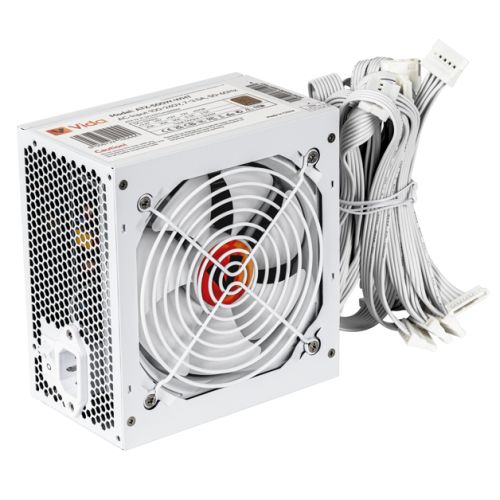
Inside the Vida Lucid mid-tower, the 12700F runs under the Intel stock cooler, sized for the 65W base power and the sustained gaming load this build is sold for (a 1-4 core gaming workload sits comfortably below the cooler's sustained-load ceiling). ARGB case fans on the Vida Lucid front and rear handle case airflow. The Gigabyte H610M K V2 carries the LGA1700 socket with the H610M chipset, two DDR5 DIMM slots populated with 16GB DDR5 5200MHz (2x8GB) Dual Channel memory in dual-channel mode, an M.2 NVMe slot for the included 1TB Gen 4 SSD, 1GbE Realtek LAN, and Wi-Fi connectivity supplied by an included 300Mbps USB Wi-Fi adapter. Power comes from the 650w G6 80+ Bronze PSU, sized with sustained-load headroom above the 12700F plus RTX 5060 combination. The G6 Storm X1 sits inside our £1200 gaming PC tier and the wider Intel gaming PC range, specifically the Intel Core i7 gaming PC range. Browse the full Ginger6 gaming PC catalogue, the RTX 5060 gaming PC range, or the 1080p gaming PC range for context. Looking at the AMD X3D path at this price tier? The G6 Apex 1 with the Ryzen 5 7500X3D and the same RTX 5060 is the natural sibling decision.
The G6 Storm X1 is suited to competitive shooters like Fortnite, CS2, and Modern Warfare, to open world and RPG games like Hogwarts Legacy and Fable, and to simulation titles like the Golf Simulator rotation at 1080p, plus the wider Ginger6 catalogue for any title not named here.
What’s Inside the G6 Storm X1
Every component selected for 1080p high-refresh gaming on the i7 12700F platform. Dual-channel DDR5 in the canonical 2x8GB kit, NVMe Gen 4 storage, ARGB case fans on the Vida Lucid, and the PSU sized with the headroom the RTX 5060 actually needs under load.
The i7 + RTX 5060 1080p Sweet Spot
Three reasons the G6 Storm X1 is the build that lands on this spec.
i7 Cache, i7 Threads, i7 Turbo
The 12700F carries 25MB of Intel Smart Cache and the 4.90 GHz P-core Turbo that modern gaming engines reward. 12 total cores (8P + 4E) cover the gaming thread, the streaming stack, the chat, the launcher, and the patch download at the same time. The 1080p game runs on the P-cores, everything else lives on the E-cores, the simulator does not notice.
Sized for 1080p With No Bottleneck
The 12700F is comfortably ahead of the RTX 5060 at 1080p, which is exactly what you want at this resolution. The CPU never throttles the GPU, frame pacing stays clean, and 1% lows in competitive shooters and esports titles stay well above the average refresh rate of a high-Hz 1080p panel. Headroom that reads as smoothness, not as idle silicon.
Mature 12th-Gen Platform, Structurally Lower Price
The 12700F lands the i7 cache and thread count at a price the RTX 5060 can justify. The silicon is mature, the BIOS is settled, the LGA1700 socket has the upgrade path, and the H610M board is the right entry chipset for a gaming buyer who is not chasing extreme overclocks or onboard Wi-Fi 6. The 14th-gen K-series tier buys a small gaming uplift on a structurally more expensive platform.
What the G6 Storm X1 Plays
Four workloads the RTX 5060 8GB on the i7 12700F is sized for at 1080p.
Cyberpunk 2077, Black Myth Wukong, Hogwarts Legacy, and the latest open-world releases sit at 1080p Ultra with comfortable frame rates on the RTX 5060. DLSS 4 quality lifts the demanding scenes higher still. The 12700F leaves the GPU as the only ceiling at this resolution.
Counter-Strike 2, Valorant, Apex Legends, Fortnite, and the rest of the competitive rotation run with frame rates well above any high-refresh 1080p panel. 1% lows stay clean because the 12700F carries the network thread, the voice stack, and the recording engine on the E-cores while the P-cores own the game.
OBS NVENC encoding on the RTX 5060, browser, chat, voice, recording, and the game thread can all run at the same time without the 12700F blinking. The 8 Performance cores own the game; the 4 Efficiency cores carry the background workload. For YouTube, Twitch, and Discord-stream-with-friends use, the i7 12700F has the headroom you bought it for.
Fourth-generation NVIDIA RT cores on the RTX 5060 carry hardware ray-traced lighting in the modern AAA rotation. DLSS 4 quality upscaling and DLSS 4 Multi Frame Generation are the difference between a playable RT scene and a comfortable one. Where path tracing is available, the RTX 5060 runs it where DLSS 4 frame-generation is engaged; native path tracing without upscaling is the workload for the RTX 5070 Ti tier above.
The G6 Storm X1, Photographed Front to Back
Hand-built in Wolverhampton in the Vida Lucid with ARGB case fans and the Nvidia RTX 5060 8GB. Every cable managed, every component seated correctly, photographed in the workshop after the 24-hour stress test passes.
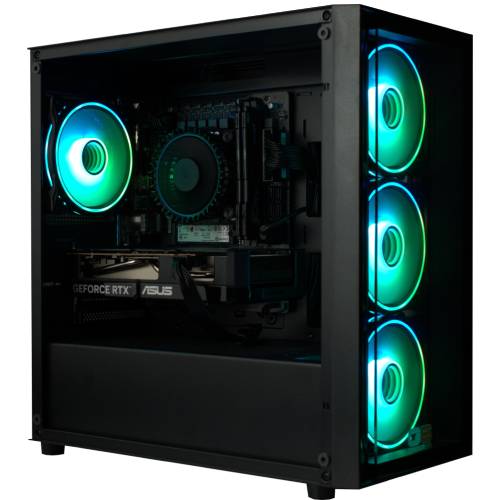
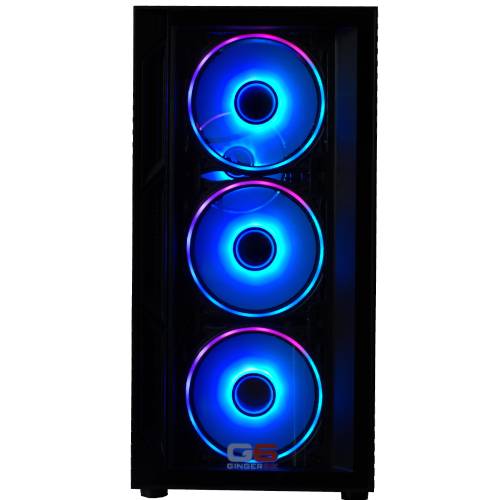
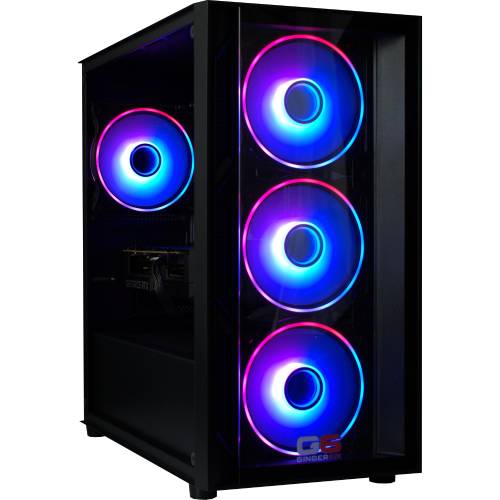
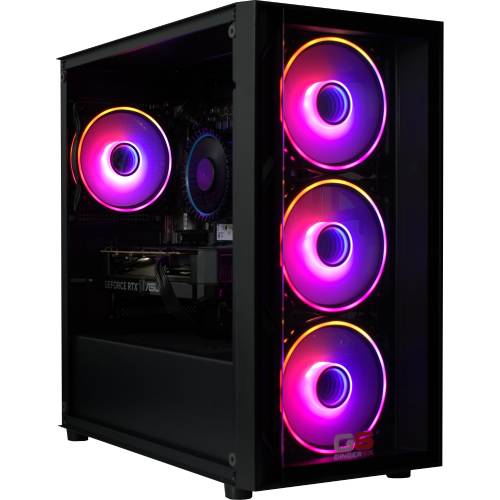
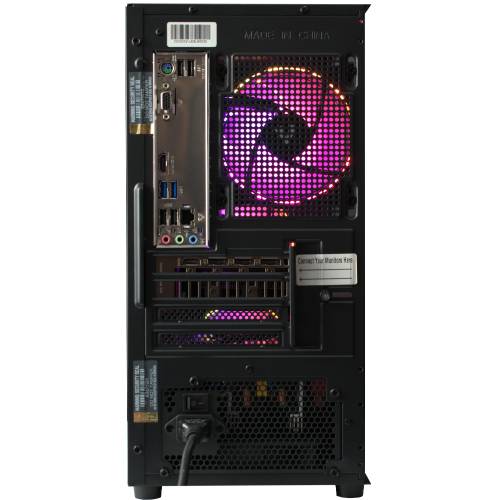
Every machine photographed in the workshop after the 24-hour stress test passes. Browse the full workshop process.
Where the Storm X1 Sits in the i7 Stack
The Storm X1 is the entry point of the Storm range, but it is the i7 entry point of the range, not the i5 step up. The same 12-core 12700F that powers the £1549 Storm X6 sits inside this £1239 build. The only thing that changes as you move up the ladder is the GPU and the supporting PSU and case sized to match. The decision to put the i7 across the whole range was deliberate: the CPU thread count and cache that 1080p and 1440p gaming benefits from do not change because you bought a different GPU. The Storm range sits one step above the Infinity range’s i5 12400F (6 cores) and one step below the Typhoon range’s i9 12900KF (16 cores) on the same LGA1700 platform.
At 1080p high-refresh, the RTX 5060 is the GPU that lands on the right side of the price-to-frame curve. Modern AAA at 1080p Ultra holds well above 60 fps; the competitive rotation runs into the high hundreds. The 8GB VRAM is sized correctly for 1080p. If your monitor is 1440p or you want more shader throughput, the Storm X3 with the RTX 5060 Ti 8GB is the natural step up, and from there the X5 with the 16GB version is the 1440p comfort buy.
The 12700F is also the chip that earns its keep when you start adding workloads alongside the game. Background recording, OBS encoding on the GPU, browser, voice chat, and a heavier launcher all sit on the E-cores while the P-cores own the gaming thread. That is the i7 entry-level value most buyers underrate, and the reason we put the i7 across the whole Storm range rather than dropping to the i5 12400F for the entry SKU. Every Storm X1 is hand-built in Wolverhampton with cable management routed for sustained airflow inside the Vida Lucid, BIOS and firmware tuned before the 24-hour test begins, and shipped with lifetime UK phone support so Kevin is reachable when you need him.
Tell Kevin:
- The games you play most often
- Your monitor resolution and refresh rate
- Whether you stream, record, or edit alongside gaming
- Your approximate budget
No charge for the conversation. No pressure to buy.
Who the G6 Storm X1 Is For
Four buyer profiles where the G6 Storm X1 is the right answer. If your situation matches one of these, the build fits.
You play CS2, Valorant, Apex Legends, Fortnite, Overwatch 2, or Rocket League on a fast 1080p panel (144 Hz, 240 Hz, or higher), and you want frame rates that comfortably exceed your refresh ceiling with 1% lows tight enough to never drop below it. The RTX 5060 on the i7 12700F is well-sized for 1080p; the 12-core thread count means Discord, OBS, browser, and patch downloads sit on the E-cores out of the way of the P-cores carrying the game.
You play modern AAA at 1080p Ultra: Cyberpunk 2077, Black Myth Wukong, Hogwarts Legacy, Baldur’s Gate 3, the latest open-world releases. You want the 12700F’s 12 cores feeding the engine for the modded GTA V scene, the heavily-scripted RPG load, or the simulation-adjacent strategy title. At 1080p Ultra the RTX 5060 holds well above 60 fps in most titles, with DLSS 4 quality lifting the demanding scenes higher.
You want an Intel i7 build because you want the 12-core thread count, the i7 cache, and the LGA1700 upgrade path, but you do not want to pay 14th-gen K-series prices for a marginal gaming uplift. The Storm X1 is the entry into the i7 platform on the Storm range; the same 12700F that ships in the £1549 X6 is in this £1239 build. The upgrade path is open: GPU swap later, second drive, 32GB DDR5 dual-channel kit, all without changing the CPU.
The Storm X1 and the Apex 1 both pair the RTX 5060 with a different CPU lever at a similar price band. The Storm X1 carries the Intel i7 12700F (12 cores) for thread headroom in the streaming and multitasking workload. The Apex 1 carries the AMD Ryzen 5 7500X3D (6 cores) with 3D V-Cache, which leans on cache rather than thread count and rewards CPU-bound, cache-sensitive titles (CS2, MSFS, simulator-adjacent strategy, esports rotation at high refresh). Both are excellent at this price band; the choice is workload, not winner.
What Our Customers Say
Over 1,100 reviews on Trustpilot with a 93% five-star rating. The person who advises on your spec is the person who builds your G6 Storm X1 and answers the phone after delivery. Read the reviews on Trustpilot directly, nothing here is curated.
Brilliant build quality and customer service. Kevin guided me through the spec on the phone and the PC arrived faster than I expected, packaged to a really high standard. Boots in seconds, runs my games perfectly. Could not be happier with the experience.
Absolutely brilliant service from start to finish. The PC is beautifully built, runs cool and quiet, and the value compared to the big chains is hard to beat. Will be recommending Ginger6 to anyone who asks.
The build quality is excellent, cabling tidy, all components seated properly, runs silently under load. Stress test paperwork came in the box, and Kevin called me the day before delivery to check the address. That level of care is rare.
Built by Hand in Wolverhampton
Every G6 Storm X1 goes through the same three-stage workshop process. The 24-hour stress test is the gate that holds dispatch.
Before assembly begins, the configuration is reviewed against the games you play, the monitor you own, and any creative work or streaming you run alongside gaming. If you have spoken to Kevin, the build sheet reflects that conversation. Components are verified against current stock, the Intel stock cooler mounting hardware is confirmed for the LGA1700 socket on the Vida Lucid, and the build is queued in the workshop schedule. No shortcuts on stock substitution: the part on the order is the part in the build.
The G6 Storm X1 is assembled inside the Vida Lucid. The Intel stock cooler is seated on the 12700F with the cold-plate contact verified, and the ARGB case fans on the front and rear are configured for direct intake to the cooler stack. The RTX 5060 is seated with the anti-sag bracket. Cable management routes the high-current GPU cable behind the cable shroud, away from the front intake, which supports better airflow inside the case, reduces dust build-up around components, and makes future maintenance simpler. BIOS settings, DDR5 5200MHz dual-channel mode, NVMe boot order, the on-board firmware update, and the included 300Mbps USB Wi-Fi adapter driver are all confirmed before the 24-hour test begins. This is a pre-dispatch step, not part of the 24-hour test itself.
Every G6 Storm X1 runs sustained CPU plus GPU load for a full day before it ships. The test loop covers thermal behaviour under sustained boost, memory stability under DDR5 5200MHz dual-channel timing, NVMe storage performance under sustained read/write, and frame-pacing behaviour in modern AAA at 1080p Ultra. The 12700F is monitored for thermal headroom across all 12 cores; the RTX 5060 is held at sustained boost. Boost behaviour, fan curves, stock-cooler thermal performance, and storage performance are all logged before despatch. Your G6 Storm X1 ships free to mainland UK addresses, fully insured and tracked.
- Thermal behaviour under sustained load
- Processor and graphics stability during extended use
- Memory responsiveness and system stability
- Storage performance and consistency
- BIOS and firmware stability
- Frame pacing in modern AAA at 1080p Ultra
Where the G6 Storm X1 Sits in the Range
Five sibling tiers around the G6 Storm X1 in the Storm range, from the £1239 1080p starter to the £1549 1440p range topper. The G6 Storm X1, the page you are on, sits at the 1080p high-refresh, ray-tracing toggle position. Every Storm ships with the same i7 12700F (12-core), the same 16GB DDR5 5200MHz dual-channel kit, the same 1TB M.2 NVMe SSD, and the same Wolverhampton 24-hour stress test.
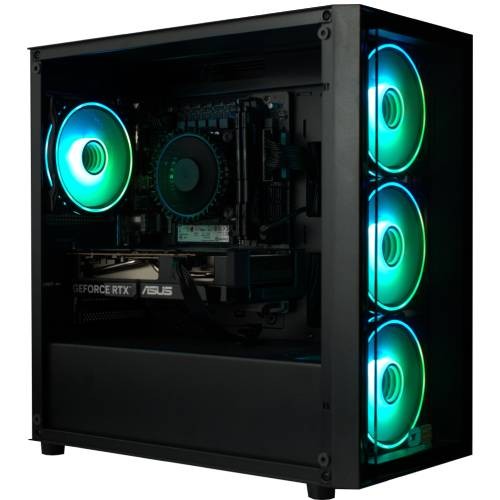
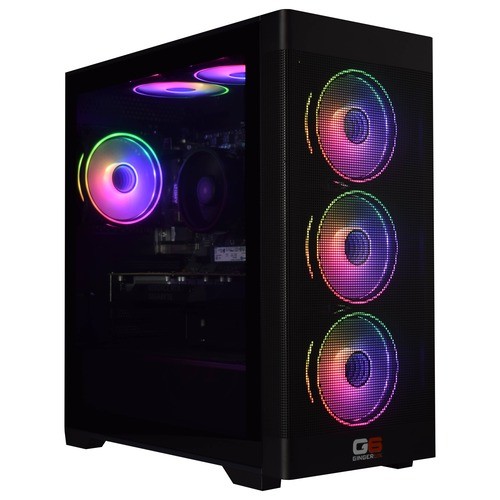
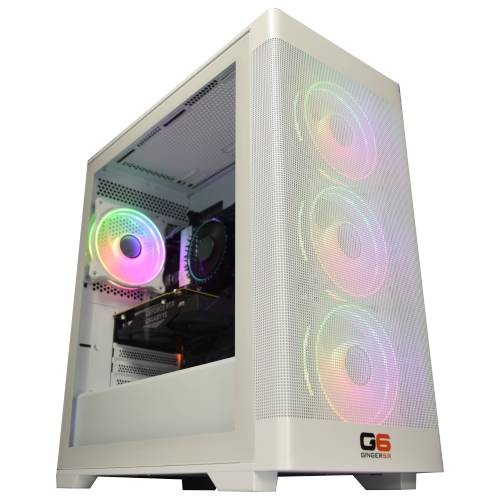
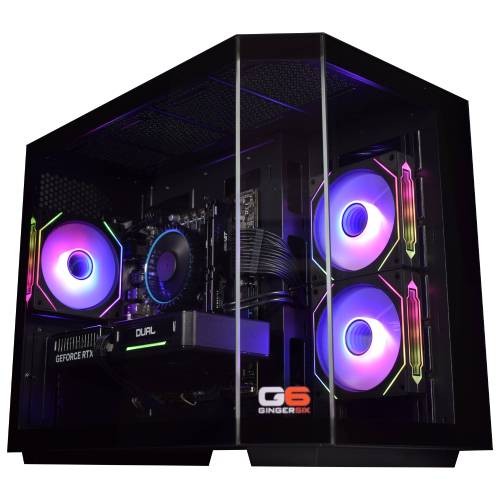

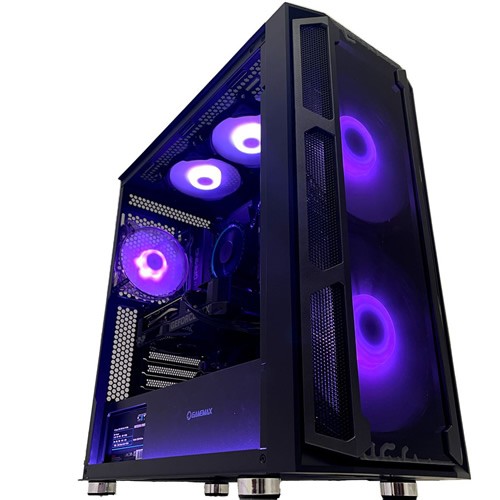
Browse the full Intel i7 gaming PC range for every i7 build in the workshop, or jump back to the complete gaming PC catalogue for the full picture.
Questions About the G6 Storm X1
The G6 Storm X1 sits at £1239.99 as configured: i7 12700F, RTX 5060 8GB, 16GB DDR5 5200MHz dual-channel, 1TB Gen 4 NVMe SSD, Windows 11 Home, 3-year warranty, free UK mainland delivery. That price reflects the i7 sweet spot at 1080p high-refresh: enough CPU for 12-core thread headroom alongside gaming, enough GPU for modern AAA at 1080p Ultra with comfortable ray-tracing performance, and enough warranty cover to make the build viable as a 3-to-5 year machine without budget anxiety. Hand-built in Wolverhampton, stress-tested for 24 hours, supported by lifetime UK phone support.
Yes. The RTX 5060 on the i7 12700F holds modern AAA at 1080p Ultra comfortably above 60 fps in most titles, and DLSS 4 quality lifts the demanding scenes higher. For competitive titles like CS2, Valorant, Apex, and Fortnite, frame rates sit well into the high hundreds at 1080p. The 8GB of GDDR7 on the RTX 5060 is sized correctly for the 1080p target this build is sold for.
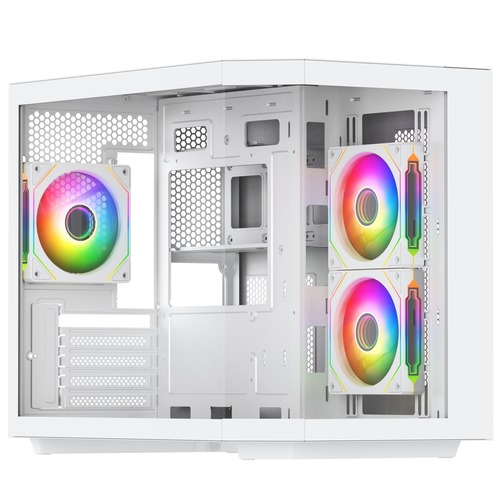
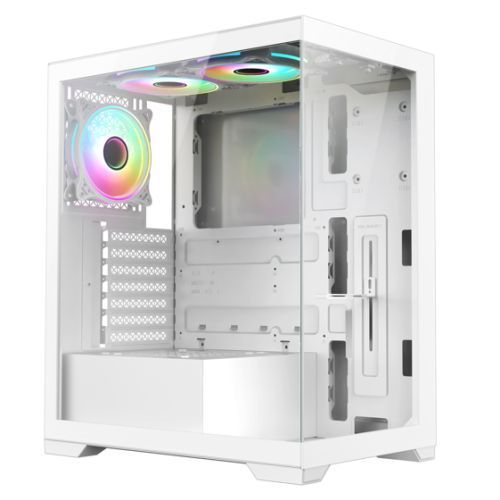
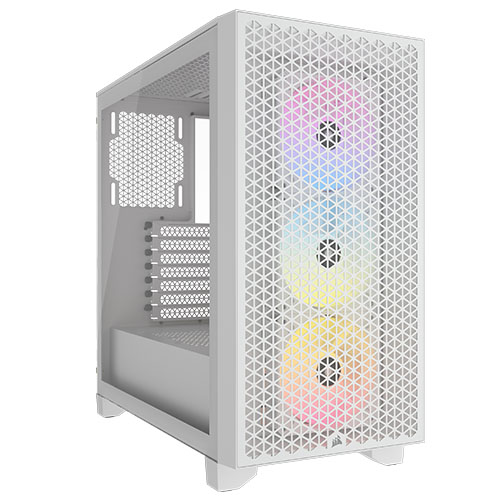
The X1 carries the RTX 5060 8GB, the X3 carries the RTX 5060 Ti 8GB. Both share the i7 12700F, the Gigabyte H610M K V2 board, the Intel stock cooler, the 650w G6 80+ Bronze PSU, the 16GB DDR5 5200MHz (2x8GB) Dual Channel kit, and the 1TB Gen 4 NVMe drive. The X1 sits in the Vida Lucid; the X3 sits in the Vida Zephyr White. The X1 is the i7 entry build for 1080p high-refresh; the X3 step-up is the buy for 1080p Ultra with more headroom for ray tracing in the AAA rotation, or a budget 1440p target.
The 12700F is the i7 most 1080p and 1440p gaming buyers should be looking at. Three years on from launch, it is still a 12-core part with 20 threads, 4.90 GHz P-core Turbo, 25MB Smart Cache, and the P-core/E-core hybrid layout the 14th-gen i7 still uses. In modern gaming workloads the gap between the 12700F and the 14th-gen 14700K is smaller than the price gap suggests, and the F variant (no integrated graphics, locked multiplier) lands the build at a price the RTX 5060 can justify. For buyers who specifically want the 14th-gen 14700KF on a Z790 platform, the Galactic range is the natural step across.
For modern AAA at the resolution this build is sold for, yes. 16GB DDR5 5200MHz arrives as a 2x8GB dual-channel kit (the canonical Ginger6 form, never a single stick) so the memory controller runs at full bandwidth from boot. The H610M K V2 board has two DDR5 DIMM slots supporting up to 64GB total; if your workload scales into video editing or heavier creator work, a like-for-like step up to 32GB (2x16GB) dual-channel is the obvious first move. The dual-channel kit pattern is preserved on every upgrade path Ginger6 quotes.
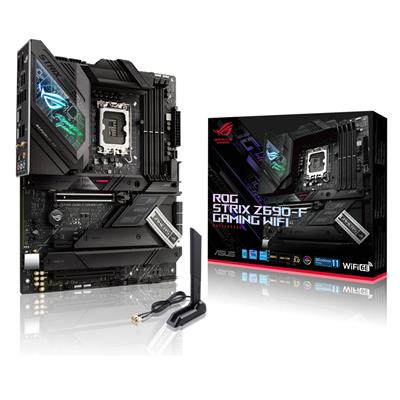
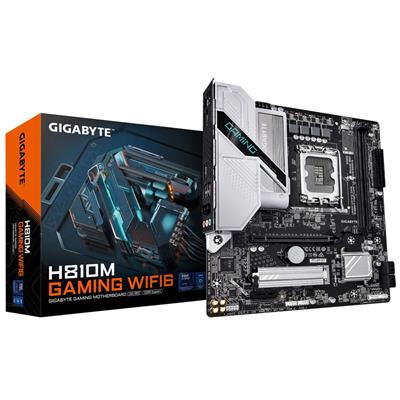
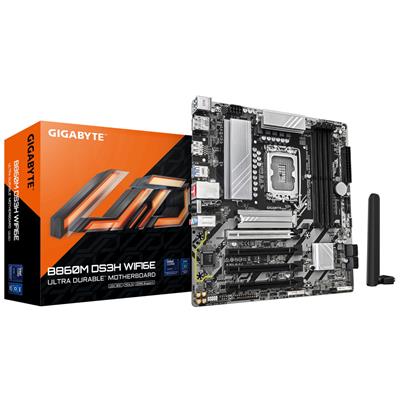
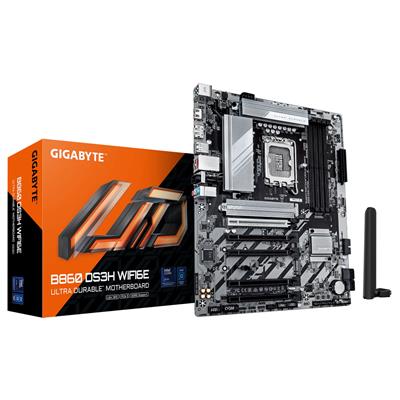
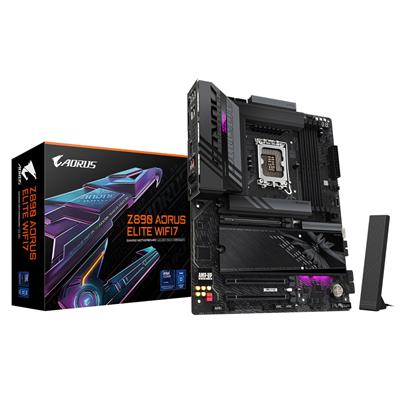
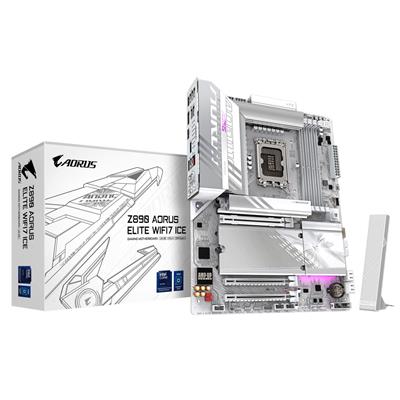
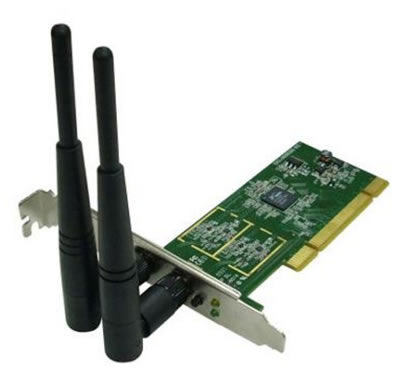
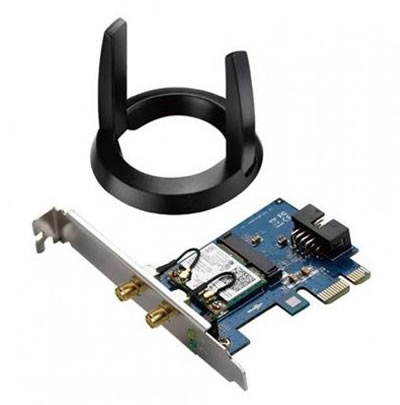
Two upgrade paths. Add a USB Wi-Fi adapter that includes Bluetooth at checkout, or step the motherboard up in the configurator to a B760M-class board with onboard Wi-Fi 6 and Bluetooth 5.3. Either path keeps the rest of the build identical.
Yes. The LGA1700 socket supports current-generation Intel chips; the Gigabyte H610M K V2 has two DDR5 DIMM slots supporting up to 64GB, the M.2 slot for the boot drive, a SATA upgrade path for secondary storage, and the 650w G6 80+ Bronze PSU has the headroom for a one-tier GPU upgrade in future. A 2TB Gen 4 NVMe drive is the obvious first upgrade as your library grows. Call Kevin when you are ready to upgrade, and he will quote the parts and the labour for a workshop installation if you would prefer not to swap them yourself.
Ready to Configure Your G6 Storm X1?
Use the options above or call Kevin on 01902 714533. He will help you configure the right spec for your monitor, your gaming rotation, and your budget. Lifetime UK phone support, 3-year warranty, free mainland UK delivery, available on 0% finance via PayPal Pay In 3 for orders above £500.
Custom Options
£1,309.99
£1,240.00







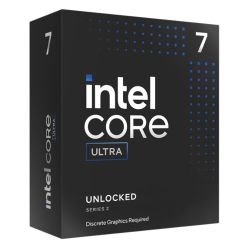


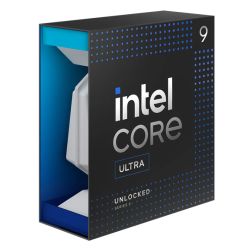


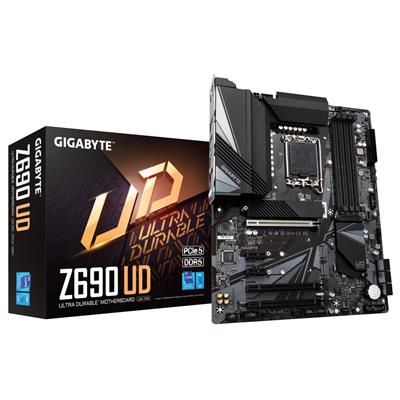























































* Required Fields
Specifications
Additional Information
| Processor | Intel Core i7 12700F |
|---|---|
| Processor Type | Intel Core i7 |
| No of Cores | 12 |
| Max Core Speed | 4.90GHz |
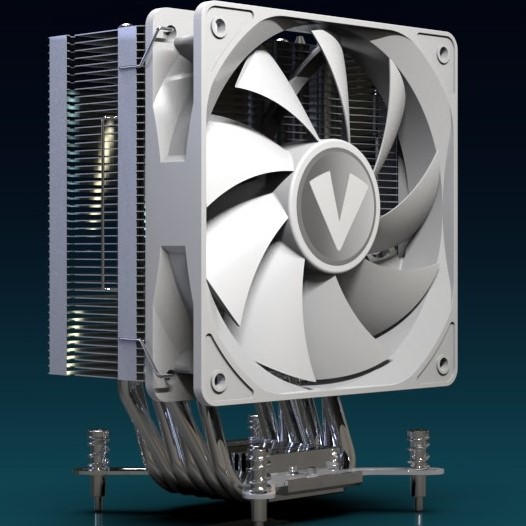
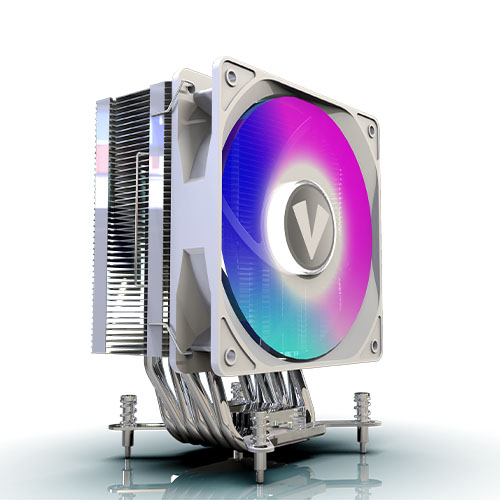
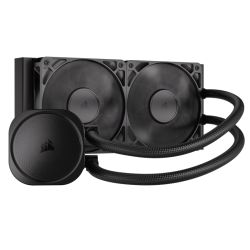
| CPU Cooler | Intel Stock Cooler |
| Motherboard | Gigabyte H610M K V2 |
| Case | Vida Lucid |
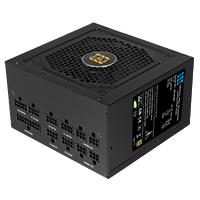
| Power Supply | 650w G6 80+ Bronze PSU |
| Memory Size | 16GB |
| Solid State Drive Size | 1TB |
| Graphics | Nvidia RTX 5060 8GB |
| Graphics Card Connections | Displayport, HDMI |
| Audio | 8-Channel High Definition Audio |
| LAN | 10/100/1000 Gigabit LAN Port, 300mbps Wireless LAN |
| Ethernet | Realtek GbE 1 Gbps |
| Wi-Fi | 433Mbps USB Wifi Adapter |
| Bluetooth | None |
| Connections | Rear: 2x USB 3.2 Gen1, 4x USB 2.0 |
| Front Panel Connections | 1x USB-A 3.x, 2x USB-A 2.0, HD Audio + HD Mic |
| USB2 Ports | 6 |
| USB3 Ports | 3 |
| USB-C Ports | 0 |
| Operating System | Windows 11 Home |
| Monitors | Optional (See Custom Options) |
| Warranty | 3 Year Bronze Warranty |
Reviews
-
Very Helpful and Recommended Review by Luke
Value Quality Price Customer Service I contacted 6 different PC companies/stores to help me buy a custom PC and Ginger6 was by far the best. They gave me the best advice and spent the time helping me get my custom PC right. Highly recommended! (Posted on 13/02/2026)
-
Great service as always. Review by John Rees
Quality Price Value Customer Service I have purchased from them before. I received the great advice and help to decide what I needed. The build is impeccable and delivery as expected. Very happy to keep recommending them. (Posted on 05/12/2024)
-
Excellent product Review by Paul
Value Quality Price Customer Service Excellent product ordered my PC Monday and it arrived Friday. very easy to set up. would use ginger again and would recommend to friends. (Posted on 27/03/2023)
-
brilliant gaming pc Review by Jon
Price Value Quality Customer Service this is a brilliant gaming pc plays any game on 32inch screen
good value as well (Posted on 08/03/2023) -
Couldn't recommend a better company for a tailored PC build Review by Chris
Value Quality Price Customer Service I wanted to find a company that could put together a decent PC for video editing but did not want to go crazy with the specifications as this would only be for 1080p work. I spoke to the staff a couple of times regarding tailoring to my specification and once a build was decided on placed my order. The PC was built within the time they said it would be and delivered the next day once is had all been tested. Having worked within the IT/PC sectors for many years I was pleased to see the PC was put together very well and only the necessary software loaded. I have had the PC for over a week now and been using it every day and everything seems as it should be.
It's a bit like when you finally find that local mechanic for your car that you know you can trust with both your property and your money. I am very happy with their help over the phone and the final product they have shipped.
Would definitely recommend using Ginger6 if you are looking for a tailored PC specification without the ridiculous uplift on prices just because it is a 'gaming pc'.
Highly Recommended (Posted on 15/05/2021) -
Great website Review by Kaan Yavuzel
Value Quality Price Customer Service Great website. They built my PC to exact specs.
Great customer service. They ring you immediately if there are any issues and get back to you if your have any questions. Definitely would recommend and will use them in the future if I need another PC. (Posted on 16/12/2020) -
Great Review by Ian Clark
Quality Price Value Customer Service Good advice, prompt delivery and great prices.
Had slight issue when setting up but a couple of e mails and everything was sorted. (Posted on 19/03/2018) -
A+++++++ Review by Graham
Value Quality Price Customer Service PC arrived very fast and when i wanted to amend the order kevin was most helpful - would recommend this company to anyone a++++++ (Posted on 07/01/2017)