




Gaming PCs for
Gears of War: E-Day
Gears of War: E-Day launches 6 October 2026 on PC and Xbox. The Coalition has built it on Unreal Engine 5, and the published minimum requirement is the detail that matters: a hardware ray tracing capable GPU is required, not optional. If your machine runs a GTX card, this game will not start. Beyond that gate the requirements are undemanding, so the tiers below are set in current Ginger6 hardware and every one of them clears the published recommended spec.
Browse the builds below or call Kevin on 01902 714533. Tell him your target resolution, the other games you play, and your budget. He will confirm the right build, including whether your current GPU clears the ray tracing requirement.


Grid List
4 Item(s)
-
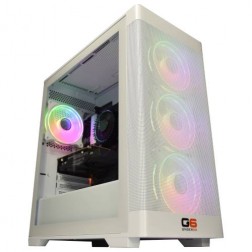
Intel Core i7 12700F RTX 5060 Ti Gaming PC - G6 Storm X3
Intel Core i7 12700F 12 core
H610 Motherboard
16GB+ DDR5 5200MHz
1TB+ M.2 NVMe SSD
8GB Nvidia RTX 5060 Ti Graphics
433mbps Wifi
Windows 11 Home£1,726.51
£1,624.99
Intel Core i7 12700F RTX 5060 Ti Gaming PC - G6 Storm X3£1,726.51
£1,624.99
Intel Core i7 12700F 12 core
H610 Motherboard
16GB+ DDR5 5200MHz
1TB+ M.2 NVMe SSD
8GB Nvidia RTX 5060 Ti Graphics
433mbps Wifi
Windows 11 Home
-
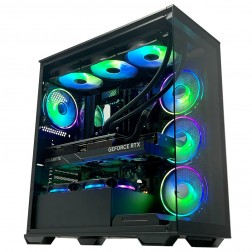
AMD Ryzen 7 7800X3D RTX 5070 Gaming PC - G6 Apex 3 Nvidia
AMD Ryzen 7 7800X3D 8 core
B650 Motherboard
32GB+ DDR5 5200MHz
FAST 1TB M.2 NVMe SSD
12GB Nvidia RTX 5070 Graphics
FAST Wifi & Bluetooth
Windows 11 Home£2,431.63
£2,284.99
AMD Ryzen 7 7800X3D RTX 5070 Gaming PC - G6 Apex 3 Nvidia£2,431.63
£2,284.99
AMD Ryzen 7 7800X3D 8 core
B650 Motherboard
32GB+ DDR5 5200MHz
FAST 1TB M.2 NVMe SSD
12GB Nvidia RTX 5070 Graphics
FAST Wifi & Bluetooth
Windows 11 Home
-
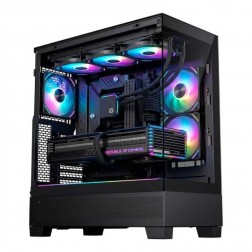
AMD Ryzen 7 9800X3D RTX 5070 Ti Gaming PC - G6 Apex 4
AMD Ryzen 7 9800X3D 8 core
B650 Motherboard
32GB+ DDR5 5200MHz
FAST 1TB M.2 NVMe SSD
16GB Nvidia RTX 5070 Ti Graphics
FAST Wifi & Bluetooth
Windows 11 Home£3,109.70
£2,919.99
AMD Ryzen 7 9800X3D RTX 5070 Ti Gaming PC - G6 Apex 4£3,109.70
£2,919.99
AMD Ryzen 7 9800X3D 8 core
B650 Motherboard
32GB+ DDR5 5200MHz
FAST 1TB M.2 NVMe SSD
16GB Nvidia RTX 5070 Ti Graphics
FAST Wifi & Bluetooth
Windows 11 Home
-
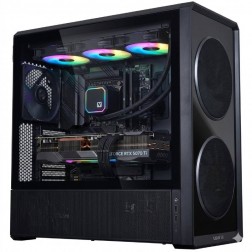
AMD Ryzen 9 9950X3D RTX 5080 Gaming PC - G6 Apex 5
AMD Ryzen 9 9950X3D 16 core
X870 Motherboard
32GB+ DDR5 5200MHz
FAST 1TB M.2 NVMe SSD
12GB Nvidia RTX 5080 Graphics
FAST Wifi & Bluetooth
Windows 11 Home£3,740.91
£3,514.99
AMD Ryzen 9 9950X3D RTX 5080 Gaming PC - G6 Apex 5£3,740.91
£3,514.99
AMD Ryzen 9 9950X3D 16 core
X870 Motherboard
32GB+ DDR5 5200MHz
FAST 1TB M.2 NVMe SSD
12GB Nvidia RTX 5080 Graphics
FAST Wifi & Bluetooth
Windows 11 Home
Grid List
4 Item(s)
What Gears of War: E-Day Actually Requires
The Coalition has published the official requirements and, beyond one hard gate, they are undemanding. Rather than repeat hardware we no longer build with, the tiers below are set in current parts, and every one of them clears the published recommended spec. The gate is worth reading twice: a hardware ray tracing capable GPU is required and an SSD is required, so a GTX-era machine does not qualify on either count.
Entry — 1080p / 60fps
RTX 5050 / RX 7600
Core i5 12400F / Ryzen 5 8400F
16GB DDR5, 115GB on SSD
Well clear of the published minimum, which is a low floor set on much older hardware. Every card at this tier and above does hardware ray tracing, which the game requires rather than recommends, and every Ginger6 build ships on an NVMe SSD.
Recommended — 1440p / 60fps
RTX 5060 Ti / RX 9060 XT
Core i7 12700F / Ryzen 7 7800X3D
16GB DDR5, 115GB on SSD
A clear step above the published recommended tier rather than sitting on it, which is the difference between holding 60fps in a quiet corridor and holding it in the firefight. Note that the recommended spec also asks for Windows 11 build 25H2 or newer.
High — 1440p Ultra
RTX 5070 / RX 9070
Ryzen 7 7800X3D / Core Ultra 7
16GB to 32GB DDR5
1440p at ultra settings with ray tracing on. Gears multiplayer rewards consistent frame times more than peak numbers, and an X3D processor is what holds those flat when the screen fills up.
Maximum — 4K
RTX 5070 Ti / RTX 5080
Core Ultra 9 / Ryzen 9 X3D
32GB DDR5 (2x16GB) Dual Channel
4K, where The Coalition publishes no figure at all. Unreal Engine 5 with ray tracing at 4K is a sustained load rather than a spiked one, so 16GB of VRAM and a 32GB memory kit give you room a launch-day recommended spec never accounts for.
All four tiers are Ginger6 guidance, set in current hardware and checked against The Coalition's published requirements, last read 1 October 2026 after The Coalition revised them on 28 September. Figures will be re-checked against real benchmarks after the 6 October 2026 launch.
What Each Tier Delivers in E-Day
Anchored to The Coalition's published requirements, then stepped up for frame rate stability. Figures above the recommended spec are Ginger6 guidance and will be verified against real benchmarks after launch.
1080p and 1440p at high settings. An RTX 5060 Ti with a Core i7 12700F and 16GB DDR5 5200MHz (2x8GB) Dual Channel. This is the first build in the range that sits clearly above The Coalition's published recommended tier rather than on it, which is what a cover shooter wants.

1440p ultra with ray tracing on. An RTX 5070 with a Ryzen 7 7800X3D and 32GB DDR5 5200MHz (2x16GB) Dual Channel. The X3D cache earns its place in multiplayer, where the processor decides your frame times rather than the card.
1440p ultra and entry 4K. An RTX 5070 Ti with a Ryzen 7 9800X3D and 32GB DDR5 5200MHz (2x16GB) Dual Channel. The 16GB frame buffer is the figure that matters once ray tracing and higher-resolution textures are both running.
4K with ray tracing. An RTX 5080 with a Ryzen 9 9950X3D and 32GB DDR5 5200MHz (2x16GB) Dual Channel. The tier for a 4K display you intend to keep, with headroom for the content updates a Gears release typically runs for years.
Why the Ray Tracing Requirement Is the Headline
Most system requirement lists tell you what runs well. This one tells you what runs at all. The Coalition has made hardware ray tracing a requirement rather than an option, which means the game checks for it and a card without it does not launch the game. That is a short list of casualties, but a real one: every GTX 10 and GTX 16 series card, and every integrated graphics solution, is out.
The reason is Unreal Engine 5's lighting. The Coalition has built E-Day on UE5 and leaned on hardware-accelerated ray tracing for global illumination rather than shipping a rasterised fallback path. Maintaining two lighting systems costs studios time and produces two sets of bugs, so more of them are choosing one. Doom: The Dark Ages made the same call. E-Day is the second high-profile title to do it, and it will not be the last.
Beyond that gate, the requirements are reasonable. The recommended tier asks for 16GB of memory and a mid-range card, which every build in the Ginger6 range clears. The Coalition has a good record on PC: the Gears 4 and 5 releases were among the better optimised of their generation, with a proper settings menu and a built-in benchmark. There is no reason to expect worse here.
The practical advice is the same as it always is: buy a step above the recommended spec rather than at it. Gears is a cover shooter with a serious multiplayer following, and multiplayer is where frame time consistency decides whether a firefight feels fair. A machine sitting exactly on the recommended line will hold 60fps in a quiet corridor and drop it in the moment that matters.
Every build carries a 3-year warranty and Kevin's direct support. If you are unsure whether the card you already own does hardware ray tracing, call and read him the model number. That conversation costs nothing and takes about a minute.
What Ray Traced Action Visuals Look Like Across Hardware Tiers
Gears of War: E-Day is not released yet. This slider shows the visual range between medium and ultra settings in a comparable Unreal Engine 5 action title at 1440p. The gap is mostly in the lighting, which is exactly where the ray tracing requirement is spent.
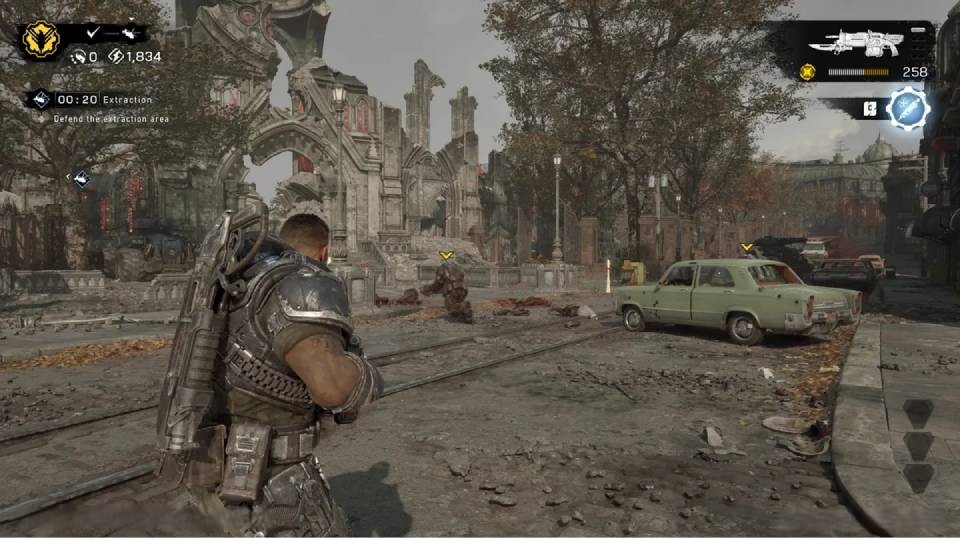
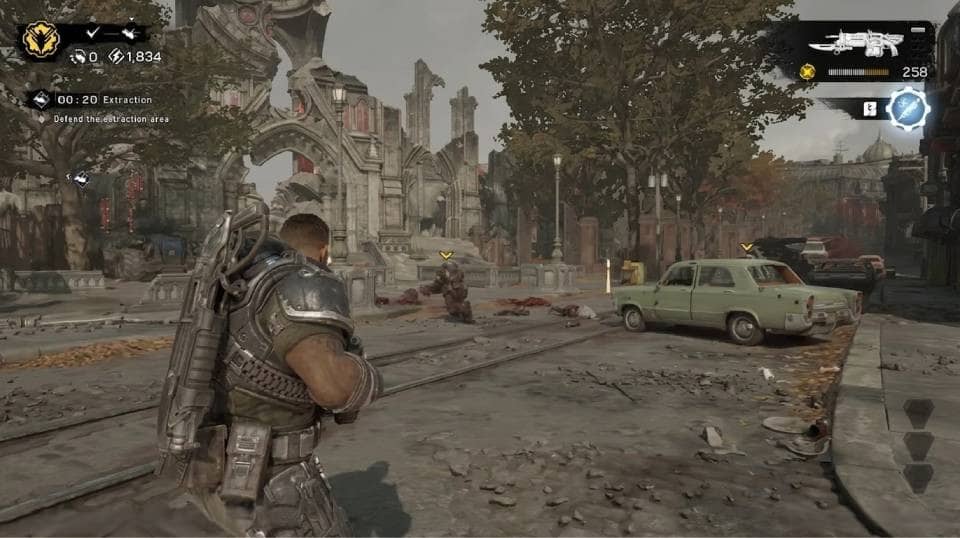
Images show a comparable Unreal Engine 5 action title. Gears of War: E-Day screenshots will replace these placeholders on launch.
Three Types of E-Day Buyer
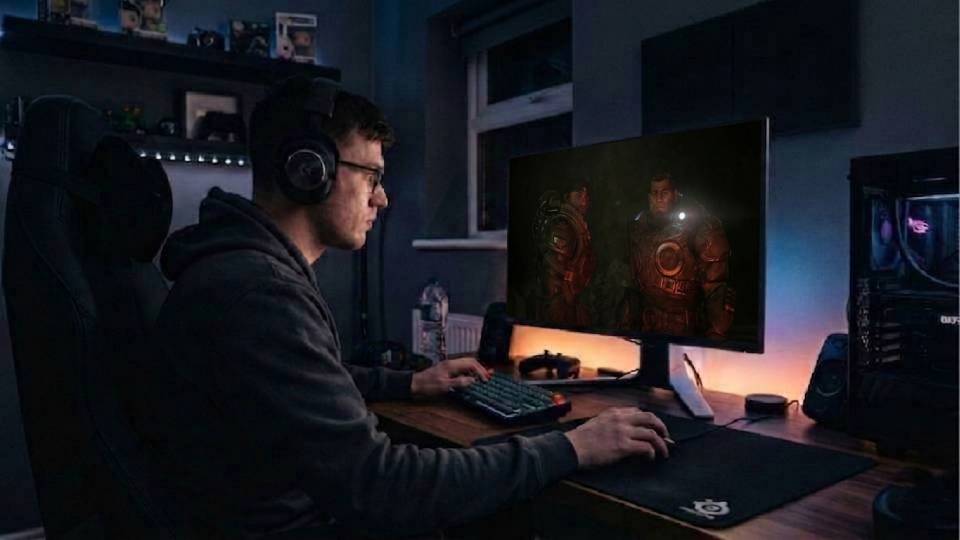
If you are on a GTX-era card, E-Day will not start. That is not a settings problem you can turn your way out of. Every current Ginger6 build clears the gate, and the builds on this page start at £1624.99. Call Kevin and read him your card model if you are not sure.
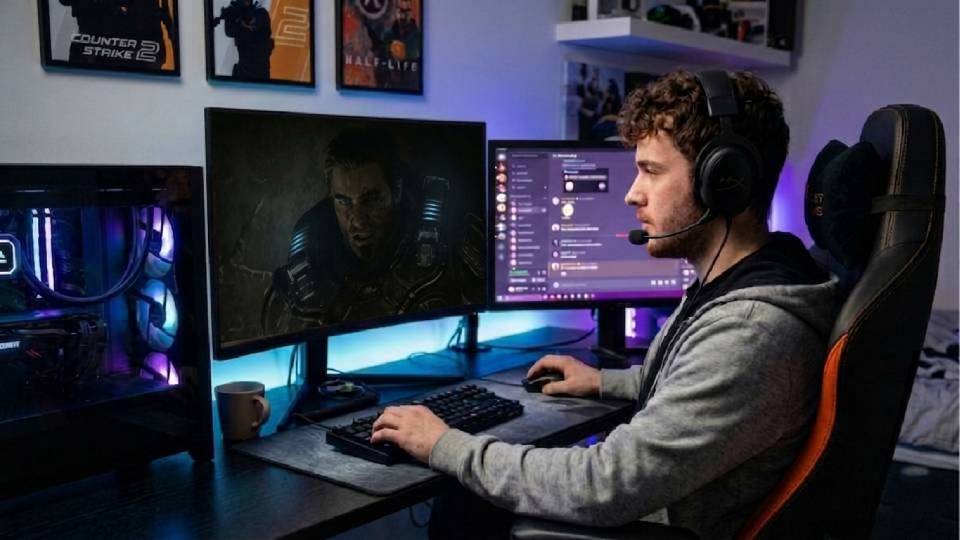
You have played Gears long enough to know that a dropped frame in a wall bounce costs you the round. Sitting on the recommended spec gives you 60fps until the moment it matters. A step above it, with an X3D processor, is what keeps frame times flat when the screen fills up.
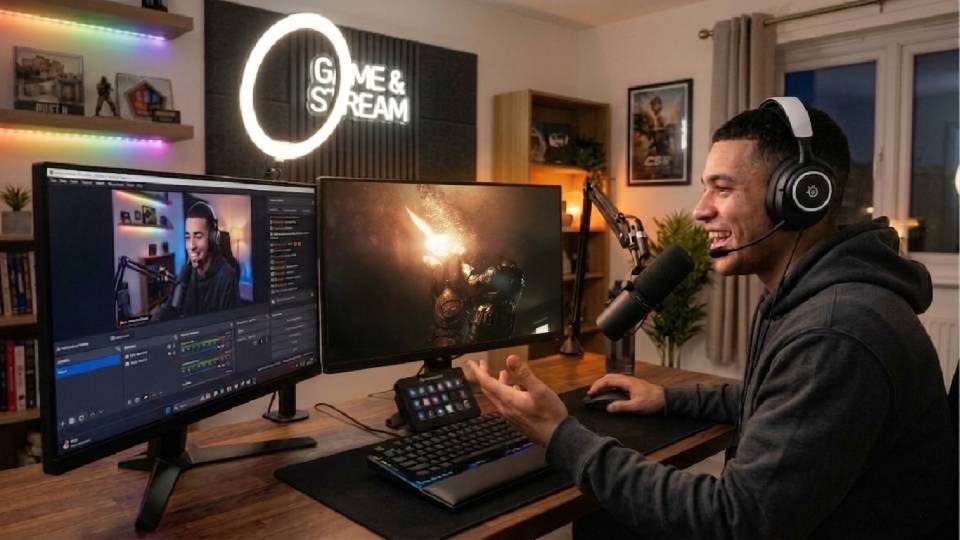
E-Day is a prequel with a story-led campaign, and that is the version most people will play first. At 4K with ray tracing on, 16GB of VRAM is the number to buy for. An RTX 5070 Ti or RTX 5080 covers it, and the 3-year warranty covers the years after.
Call Kevin on 01902 714533 or email [email protected]. Tell him:
1. The games you play most often
2. Your monitor resolution and refresh rate
3. Whether you stream, record, or edit alongside gaming
4. Your approximate budget
No charge for the conversation. No pressure to buy.
Ginger6 Builds for Gears of War: E-Day
Anchored to The Coalition's published requirements. Every build below does hardware ray tracing and ships on an SSD. Hand-assembled, 24-hour stress tested, and backed by a 3-year warranty.
RTX 5060 Ti with a Core i7 12700F and 16GB DDR5 (2x8GB) Dual Channel. A clear step above The Coalition's published recommended tier, which is where a cover shooter wants to sit. Ray tracing capable and SSD equipped as standard.
RTX 5070 with a Ryzen 7 7800X3D and 32GB DDR5 (2x16GB) Dual Channel. The X3D cache earns its place in multiplayer, where the processor decides your frame times. The tier for players who want 1440p ultra without watching the frame counter.
RTX 5080 with a Ryzen 9 9950X3D and 32GB DDR5 (2x16GB) Dual Channel. Built for a 4K display you plan to keep, with headroom for the years of content updates a Gears release usually runs for.
Not sure which tier is right? Call Kevin on 01902 714533. Tell him your target resolution and the other titles you play. No pressure to buy.
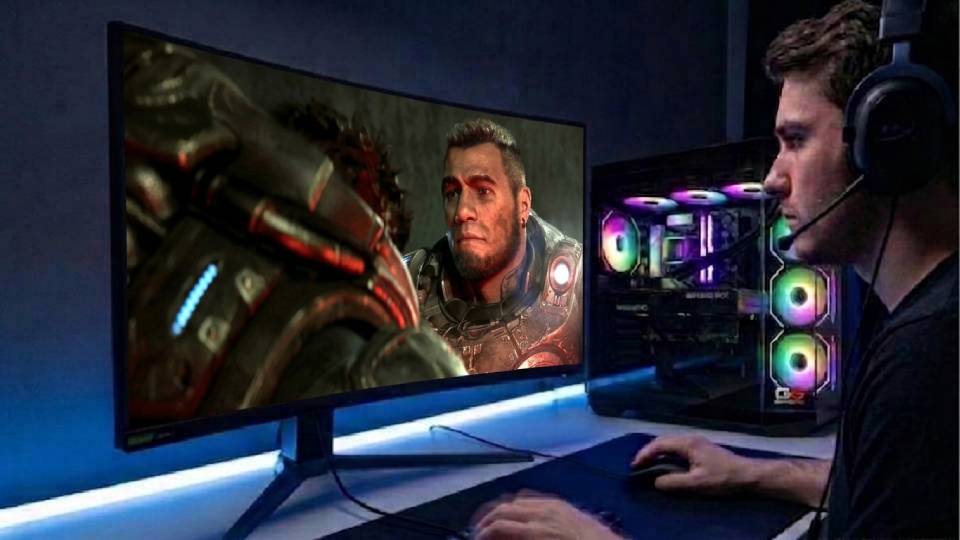
Built for Sustained Ray Traced Load
Ray traced lighting is a constant cost rather than an occasional one. The GPU does not get a quiet moment between firefights, because the lighting is being solved every frame regardless of what is on screen. Kevin sizes coolers for that sustained load rather than for idle temperatures, which is a different calculation.
Cable management is routed to keep airflow unobstructed from intake through to the GPU cooling zone. Proper routing keeps that path clear and slows dust building up on the heatsink fins, which matters for a machine you expect to run demanding titles for three or four years.
BIOS settings, memory XMP or EXPO profiles, and firmware versions are confirmed and verified before dispatch. DDR5 memory running at base clock rather than its rated speed gives back a meaningful portion of its bandwidth advantage. Kevin activates the correct profile on every build and confirms it is stable before the machine leaves.
Every build runs a 24-hour stress test. Sustained GPU and CPU load under conditions that replicate a long multiplayer session is verified specifically. If the build will not hold its target thermals under that load, it does not leave.
About Our Build ProcessWhat Do Ginger6 Customers Say?
Over 1,100 verified reviews with a 93% five-star rating.
Every review is from a real customer. Common themes: honest advice on which spec to choose, builds that perform exactly as specified, and support that continues after delivery.
Read All Trustpilot ReviewsFantastic service, easy website to use. Had a gaming machine built to my own spec. Build looked fantastic, really neat and tidy. One internal component needed sorting and the issue was fixed the same evening. After sale service was great and that is a key thing with a new build.
Bought computers from here for a while and custom PCs always come highest quality. Gaming PC I bought from them 6 years ago was still going strong with one or two part replacements at the 5 year point until I got a newer one. Great choice and customer service.
Absolutely brilliant service and a beautiful gaming computer. The whole process from order to delivery was smooth and the PC itself is a work of art. Would highly recommend Ginger6 to anyone looking for a custom gaming PC.
Common Questions About Gears of War: E-Day PC Requirements
Yes, and it is a hard requirement rather than a recommendation. The Coalition's published minimum specification states that a hardware ray tracing capable GPU is required. There is no rasterised fallback path, so a card without ray tracing hardware will not run the game at any settings. In practice that rules out the GTX 10 and GTX 16 series and anything older, along with integrated graphics. Every card in the current Ginger6 range does hardware ray tracing, so any build on this page clears it, entry tier included.
The published minimum is Windows 10 64-bit, 12GB of RAM, DirectX 12, 115GB on an SSD, and a hardware ray tracing capable GPU. The published recommended spec is Windows 11 64-bit build 25H2 or newer, 16GB of RAM and a mid-range card. Both tiers name hardware that is now a couple of generations old and that we no longer build with, so in current terms every Ginger6 machine clears the recommended tier. Two lines are worth acting on rather than skimming: the ray tracing requirement, and the 115GB install on an SSD.
The Coalition lists an SSD as required at both the minimum and the recommended tier. Unreal Engine 5 streams geometry and texture data continuously as you move, and a mechanical hard drive cannot feed it fast enough. On a hard drive you get texture pop-in, long loads and stutter as you cross into new areas. Every Ginger6 build ships with an NVMe SSD as standard, so this is not something you need to specify. It is worth checking on an older machine you are thinking of keeping.
It depends on your monitor and whether multiplayer matters to you. At 1080p and 1440p high, the G6 Storm X3 sits clearly above the published recommended tier. At 1440p ultra, the G6 Apex 3 adds the X3D processor that holds frame times flat in multiplayer, which is the part worth paying for if you play Gears seriously. At 4K, buy for VRAM: the G6 Apex 4 or the G6 Apex 5. Call Kevin on 01902 714533, tell him your monitor and whether you play multiplayer, and he will make the call with you.
Ready for E-Day on 6 October
Browse the gaming PC range or call Kevin. Tell him your target resolution, whether you play multiplayer, and your budget. If you are not sure your current card does hardware ray tracing, read him the model number and he will tell you in about a minute.