




AMD Ryzen 7 7800X3D RTX 5060 Ti Gaming PC - G6 Apex 2
Description
G6 Apex 2, a Ryzen 7 7800X3D RTX 5060 Ti Gaming PC for 1440p High-Refresh Play
The G6 Apex 2 pairs the AMD Ryzen 7 7800X3D, the cache-heavy chip that sits at the top of most independent gaming-CPU charts in 2026, with the Nvidia GeForce RTX 5060 Ti graphics card and 16GB of GDDR7. The result is the entry-level 1440p gaming PC in the Apex range: 8 X3D cores feeding a 16GB Ti, native 1440p Ultra across modern AAA, and DLSS 4 quality headroom in the most demanding scenes. Every Apex 2 is a custom-built gaming desktop PC, hand-assembled in Wolverhampton against the same process Ginger6 has run since 2001, and it ships pre-built and fully stress-tested, with a 3 year warranty, lifetime UK phone support and free UK mainland delivery.
Not certain whether the Apex 2, the Apex 1 below it, or stepping up to the Apex 3 fits your monitor and the games you play? Call Kevin on 01902 714533, he builds the machine, answers the phone, and gives a straight answer based on your setup, not a sales tier.
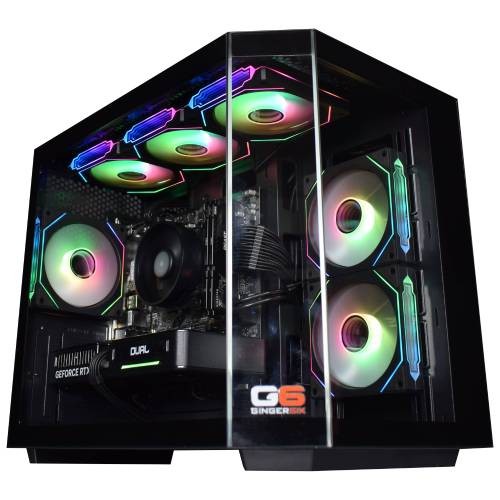
The 7800X3D is the workload-defining part on the CPU side. AMD’s 3D V-Cache stacks an extra 64MB of L3 directly under the CPU, giving the 8 cores 96MB total. Cache-sensitive engines, CS2, Counter-Strike, Escape from Tarkov, Microsoft Flight Simulator 2024, DCS, Cities: Skylines 2, Path of Exile, simulation titles with heavy world data, pull a measurable 1% low advantage from this layout that no Intel mainstream chip currently matches at the price. 32GB of DDR5 5200MHz dual-channel memory (2x16GB sticks) gives this PC modern game headroom plus capacity for a Discord call, an OBS stream, and a working browser stack on a second monitor. The Apex 2 sits one rung above the G6 Apex 1 for buyers stepping up from 1080p to 1440p, and one rung below the Apex 3 builds for buyers chasing 4K-ready play. The RTX 5060 Ti runs competitive shooters well above any 240Hz panel at 1440p and handles open-world and RPG titles at 1440p Ultra including Cyberpunk 2077, Black Myth Wukong, Elden Ring, and Baldur’s Gate 3. Browse the full gaming PCs range or compare configuration paths inside our custom PCs hub, or browse other builds in this price band on the £2000 gaming PCs tier.
What’s Inside the G6 Apex 2
Every component selected for cache-sensitive 1440p high-refresh play. The X3D cache feeds the engine, the 16GB Ti carries the 1440p texture pool, and DLSS 4 stretches the headroom into 4K-with-upscaling territory in modern AAA.
A Gaming PC Built Specifically for 1440p High-Refresh Play
Four decisions define the Apex 2. Each one ties to a real outcome on a panel and inside a game engine.
8-core X3D, the 7800X3D step up
The 7800X3D is the workload-defining chip at this tier: 2 extra cores over the 7500X3D, the same 96MB total L3 cache footprint with a slightly higher boost ceiling, and the chip that sits at the top of independent gaming-CPU charts in 2026 for cache-sensitive engines. At 1440p the extra cores and 8MB of additional cache distance pay back on MSFS 2024 photogrammetry, Cities: Skylines 2 late-stage cities, and Path of Exile 2 boss fights where the 6-core 7500X3D is the constraint.
16GB GDDR7 is the 1440p texture pool
The RTX 5060 Ti 16GB lands a tier above the 8GB RTX 5060 specifically on VRAM, and at 1440p Ultra that 16GB frame matters. Modern open-world AAA at 1440p Ultra textures (Cyberpunk 2077, Black Myth Wukong, The Witcher 4, Hogwarts Legacy) push texture pools past the 8GB ceiling once Ultra textures and ray-traced shadows engage. 16GB absorbs the spike; DLSS 4 quality plus frame generation hold frame rates in the demanding scenes.
32GB DDR5 5200MHz for 1440p + the second-monitor stack
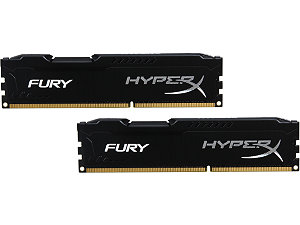
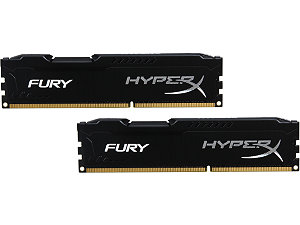
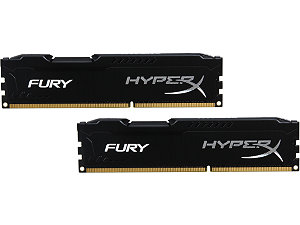
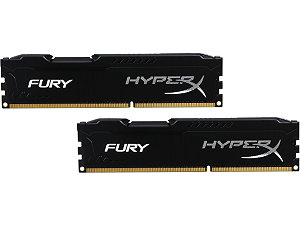
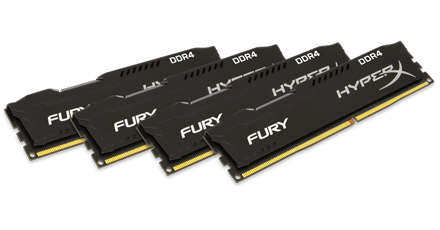
16GB is enough to play. 32GB is enough to play 1440p Ultra in a modern open-world title, stream a 1080p output through OBS, hold a Discord call, keep a 30-tab browser open on a second monitor, and run Modrinth alongside a Minecraft Java session without anything paging out. The Apex 2 pairs the X3D cache with a 32GB memory ceiling that matches the 1440p workload.
Compact Vida Edge Mini, full thermal envelope
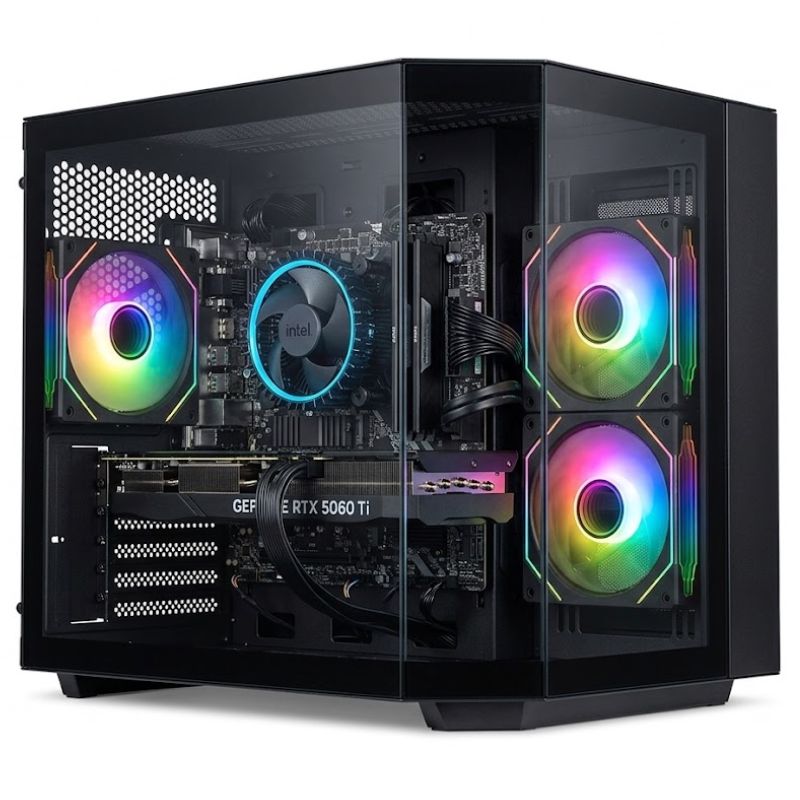
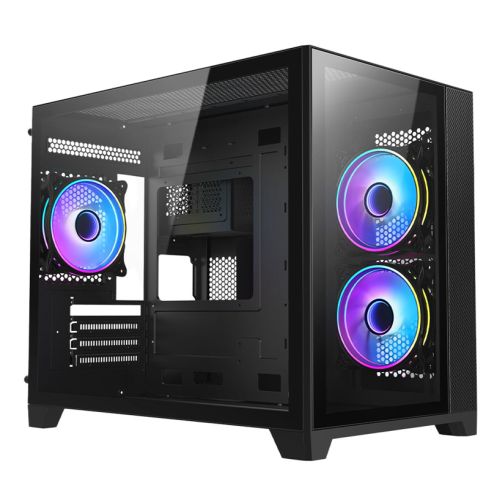
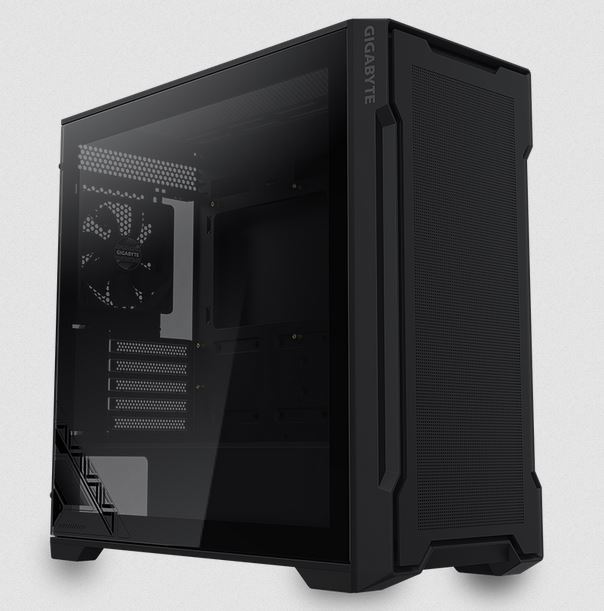
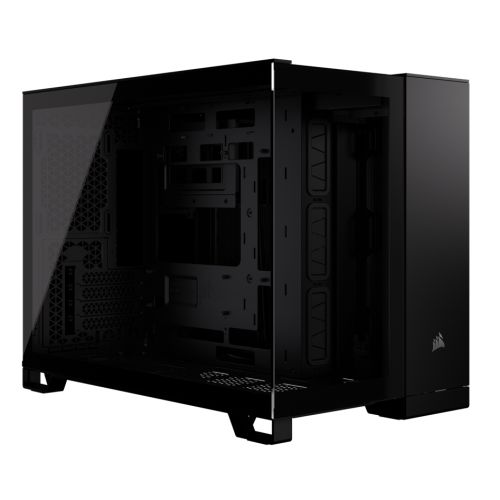
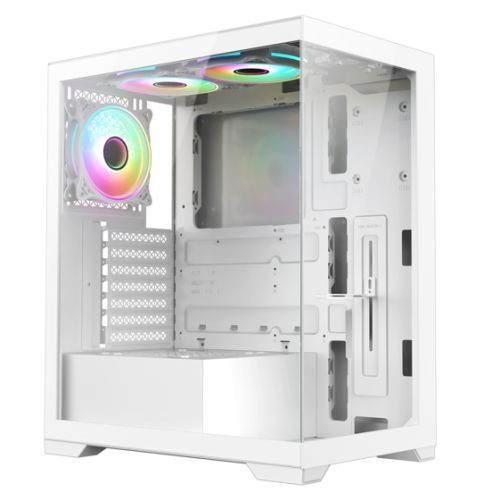
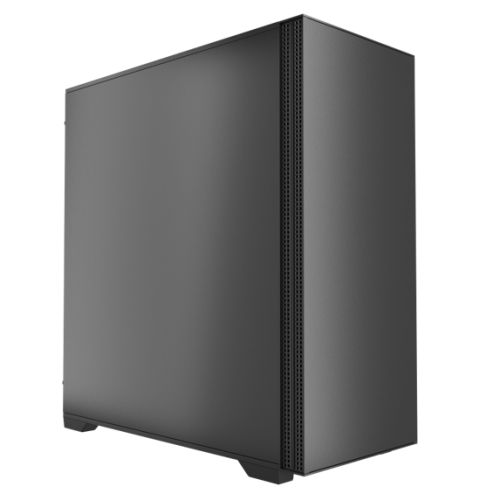
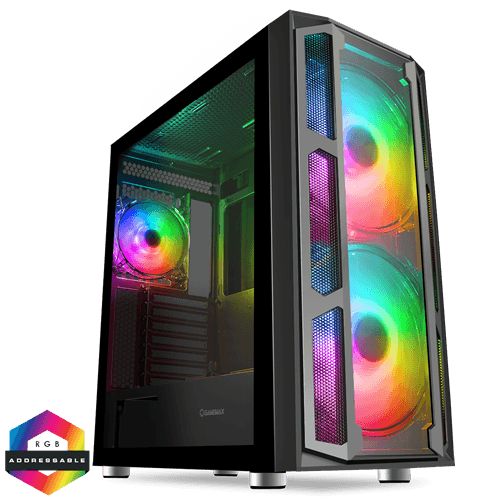
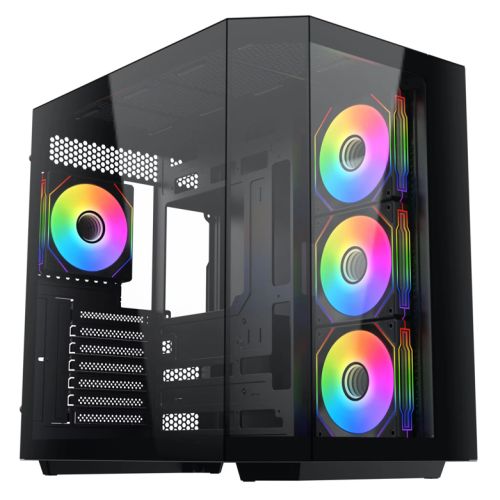
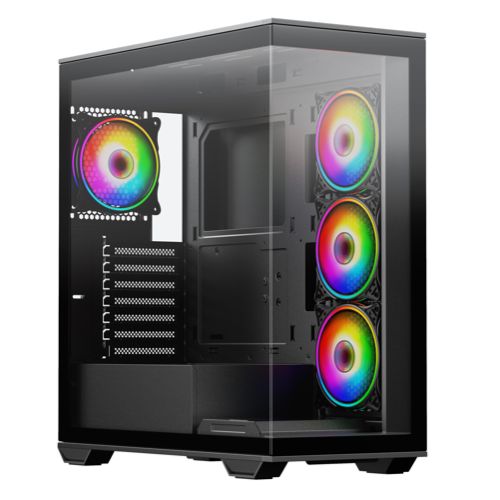
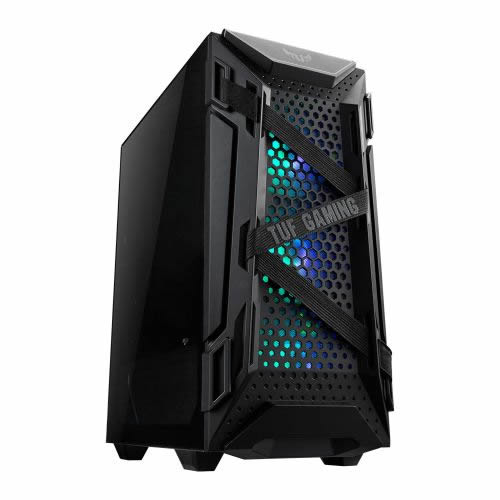
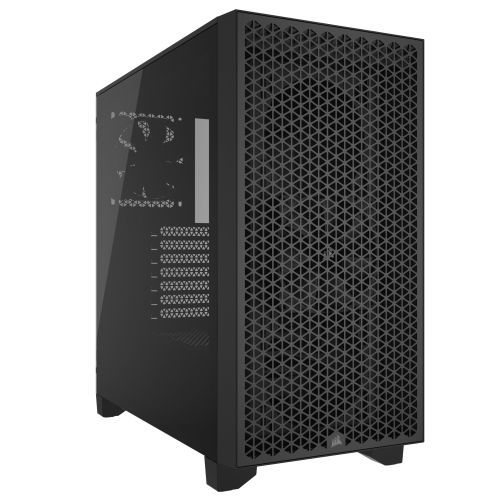
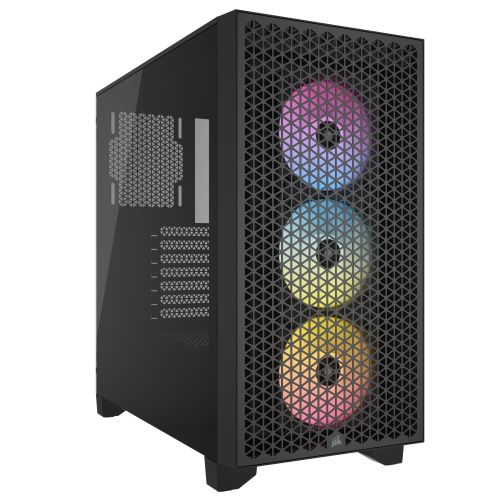
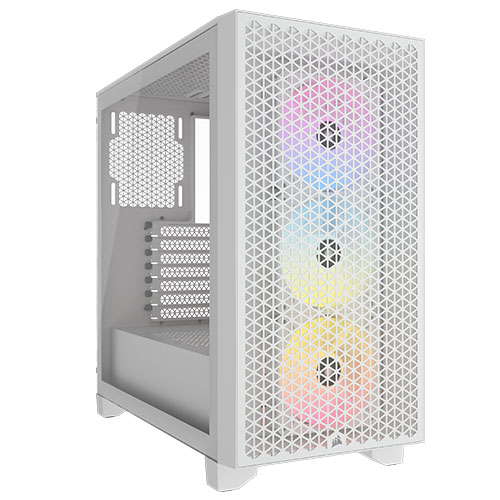
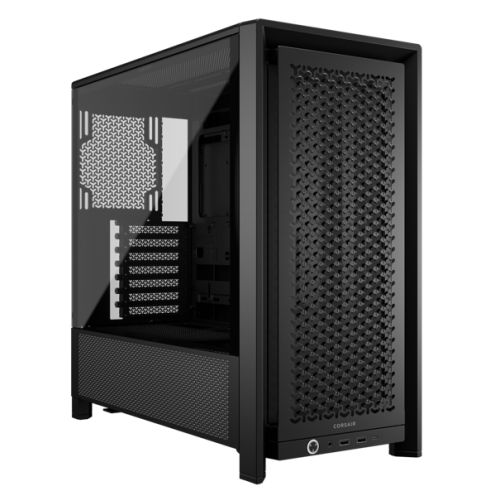
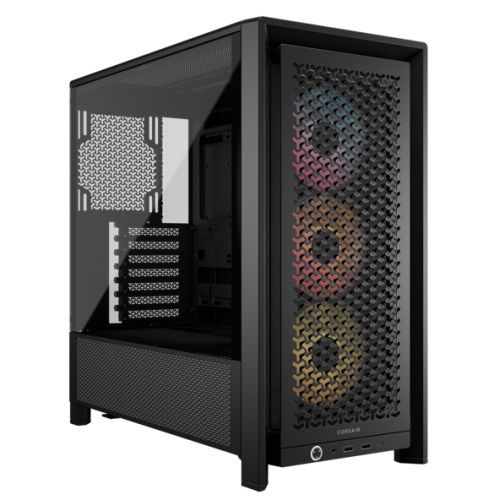
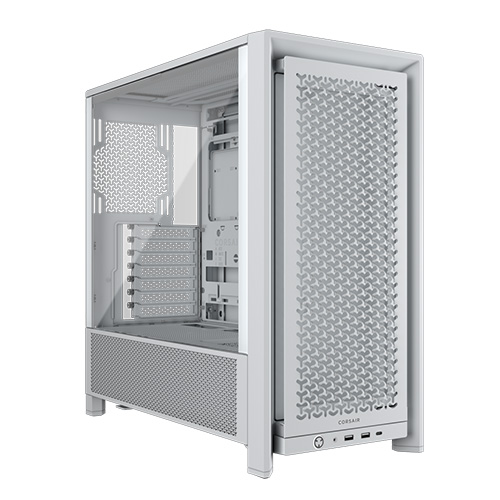
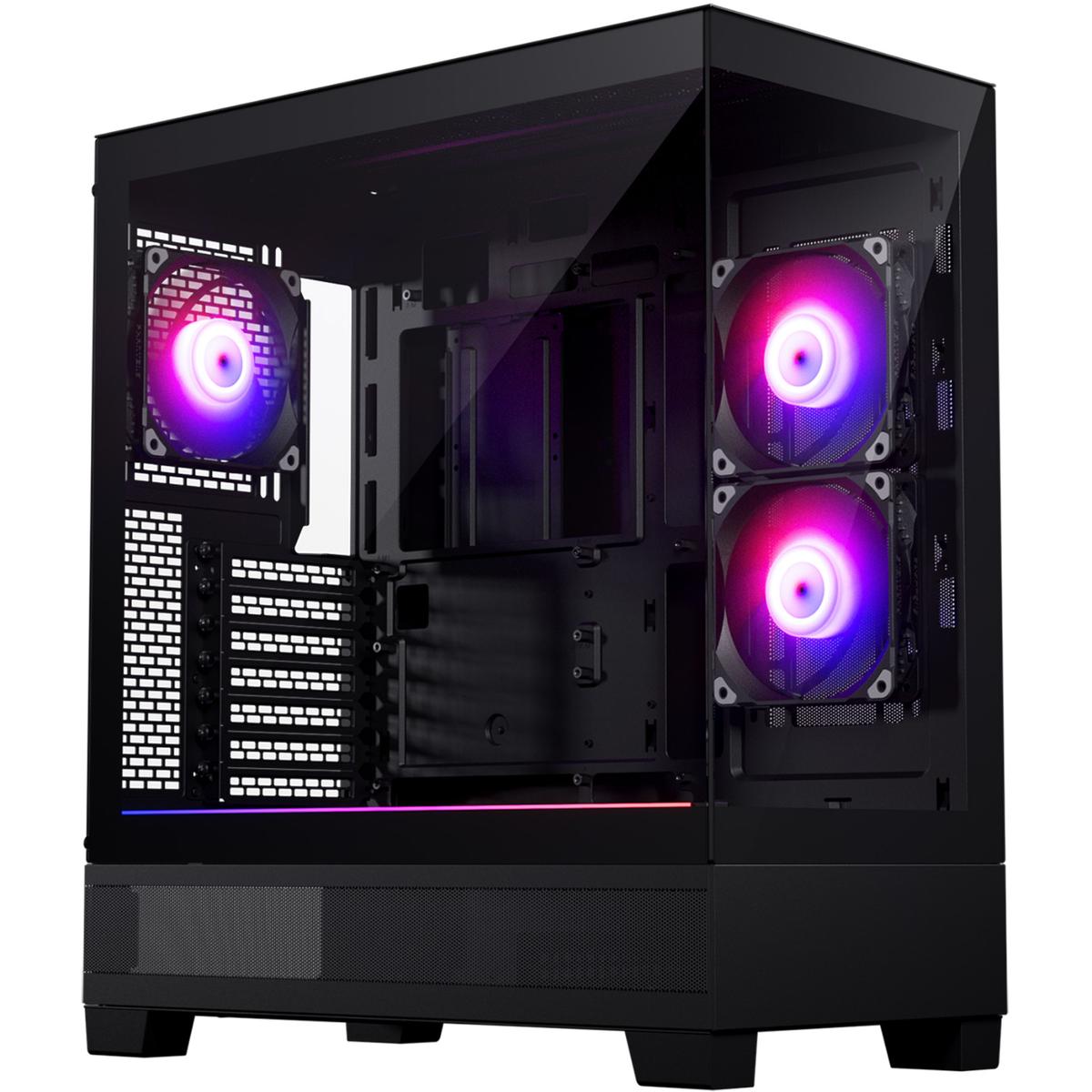
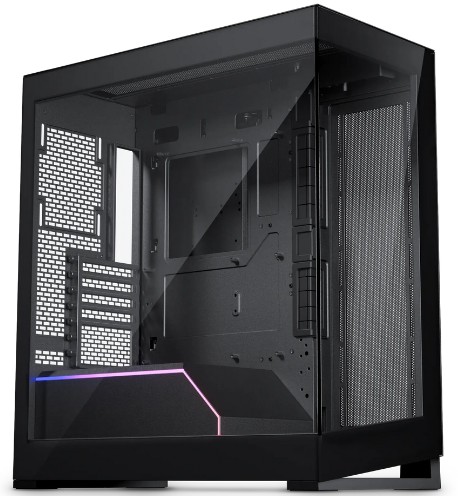
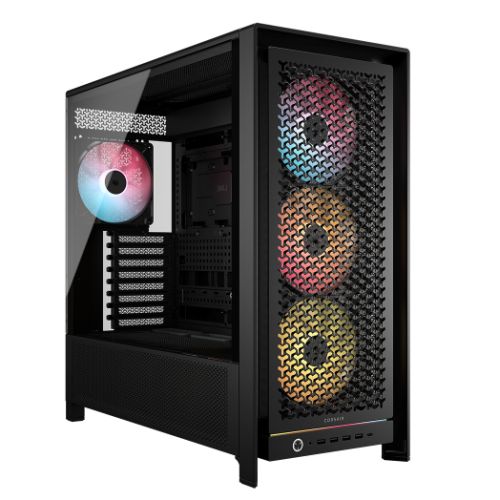
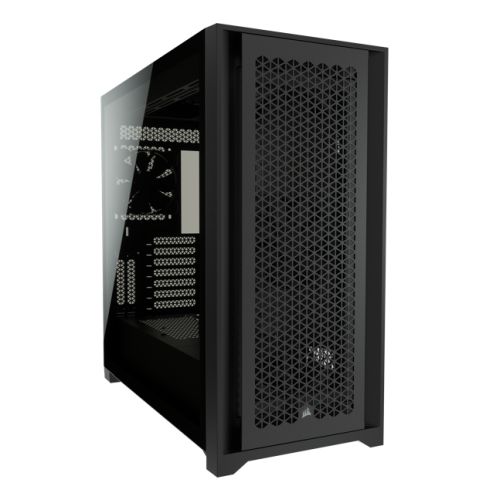
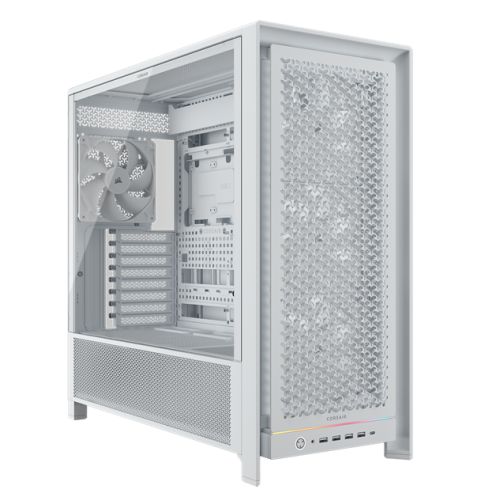
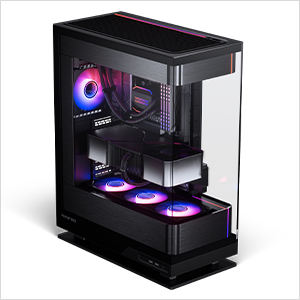
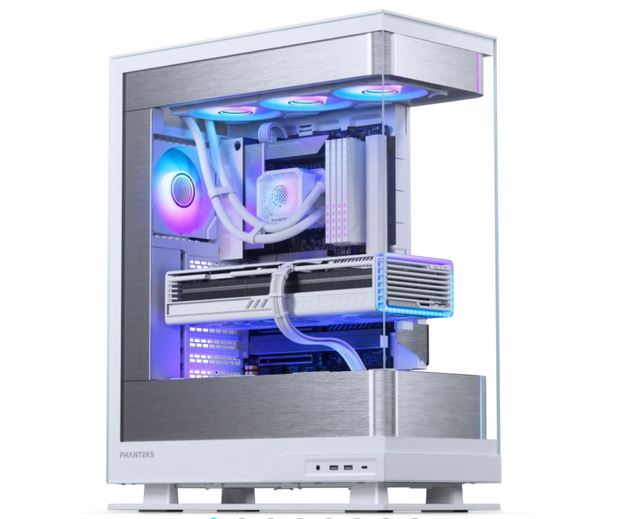
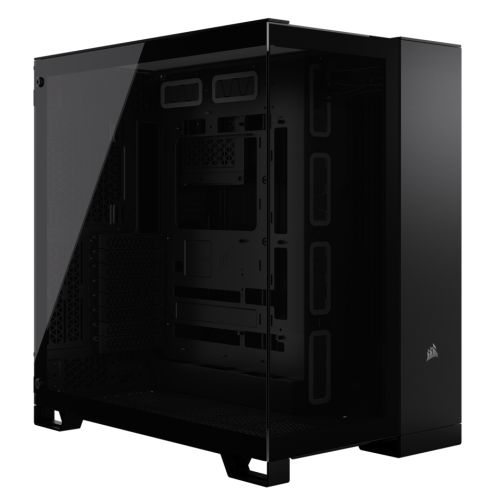
The Vida Edge Mini is the smallest case in the Apex range, a compact mid-tower built for buyers who want the 1440p high-refresh performance without the desk-real-estate cost of a full tower. The 360mm AIO is sized to give the 7800X3D and the RTX 5060 Ti enough thermal margin in the smaller internal volume; this is the PC for the desk where the previous PC was a console or a small-form-factor laptop dock. Pair with the finance options to spread the cost.
What the G6 Apex 2 Plays
High refresh in competitive shooters at 1440p. 1440p Ultra across modern open-world. DLSS 4 quality and frame generation lifting the heaviest scenes into a playable frame.





Figures are estimates based on benchmarks at . Actual performance depends on settings, drivers, and system configuration. DLSS 4 quality and frame generation available in supported titles on this graphics card.
The G6 Apex 2, Photographed Front to Back
Hand-built in Wolverhampton. Every cable managed, every component seated correctly, photographed in the workshop after the 24-hour stress test passes.
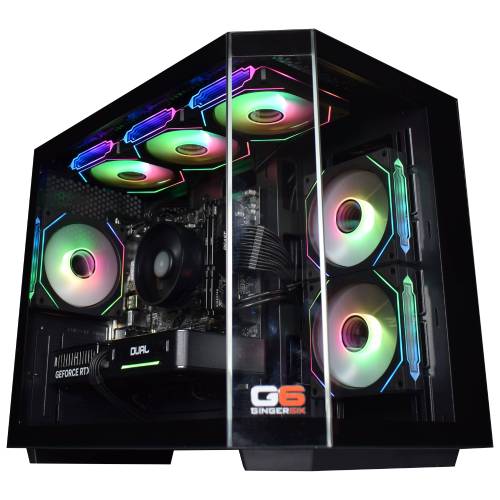
Every machine photographed in the workshop after the 24-hour stress test passes. Browse the full workshop process.
Cache, Not Clock Speed: Why the X3D Ryzen 7 Wins
Most CPU comparison charts show benchmark averages. The X3D advantage shows up in the chart you rarely see: the 1% low number. AMD's 3D V-Cache stacks 64MB of additional L3 directly underneath the 7800X3D's 8 cores, giving the package 96MB of L3 in total. Engines that spend a lot of time pulling world data, asset references, or physics calculations from memory hit that extra cache before they hit system RAM. The result is a measurable drop in stutter and a measurable lift in 1% lows in the games where this design pays back.
CS2 sees it in shader compilation and tick-rate consistency. Microsoft Flight Simulator 2024 sees it in scenery streaming over big cities. DCS World sees it in clickable cockpit modules with heavy state polling. Cities: Skylines 2 sees it once a city passes 100,000 residents. Helldivers 2 sees it in late-mission firefights with dozens of agents on screen. Path of Exile 2, Stellaris, and Total War battles all show the same pattern. The chip costs more than a stock Ryzen 7 of the same generation. In these specific workloads, the cache pays for itself in playable smoothness, not bar-chart wins.
If you mostly play single-player AAA at 1440p Ultra, the X3D delta narrows, the GPU does most of the work. The PC is still a strong choice on the 16GB VRAM frame and the 32GB memory pool. If you live in cache-sensitive titles, the cache is the part of the spec that defines the value of the Apex 2.
A 1440p Entry Gaming PC with the Full X3D Cache Advantage
The case for the Apex 2 at this tier rests on three comparisons. The first is the X3D platform against a standard Ryzen 7. The 7800X3D sits at the top of independent gaming-CPU charts in 2026 for cache-sensitive engines. A standard Ryzen 7 of the same generation costs less, and loses 10 to 25 percent on 1% lows in CS2, Microsoft Flight Simulator 2024, DCS World, Cities: Skylines 2, and Path of Exile 2. The second is the Apex 2 against the G6 Apex 1 below it. The 8-core 7800X3D adds CPU headroom over the 6-core 7500X3D, and the 5060 Ti 16GB adds VRAM frame and around 25 percent raw raster over the 5060. The Apex 2 is the PC sized for a 1440p monitor. The third is the Apex 2 against the Apex 3 Nvidia and the Apex 3 Radeon above it. Both share the same 7800X3D, both step the GPU up to a card sized for 4K-with-upscaling rather than 1440p Ultra. If your monitor is 1440p today and 4K is not on the horizon, the Apex 2 saves money without trading the cache lead.
In a session, the spec mix shows up in moments specific enough to recognise. A long CS2 server rotation at 1440p where the 1% low holds on Office or Mirage and the frame time stays inside the panel's refresh window. A long-haul MSFS 2024 flight where the scenery streams over the city without the cache-bottleneck stutter older Ryzen 7 chips show. A first 1440p Ultra Cyberpunk 2077 screenshot with DLSS 4 quality engaged where the texture pool is the size you need it to be and the frame rate is well above 60. A populated FiveM RP server holding above 60 fps when half the lobby is dropping into the 30s on a stock Ryzen 7. These are the moments a 1440p buyer at this tier has been thinking about for weeks before placing an order, and they are what the spec mix targets.
Tell Kevin:
- The games you play most often
- Your monitor resolution and refresh rate
- Whether you stream, record, or edit alongside gaming
- Your approximate budget
No charge for the conversation. No pressure to buy.
Who the G6 Apex 2 Is For
Four buyer profiles where the Apex 2 is the right answer. If your situation matches one of these, the PC fits.
You spend most evenings in CS2, Valorant, or Apex Legends, your monitor is a 1440p 240Hz panel, and you want the X3D cache feeding the engine. The 7800X3D is the chip designed for that workload, and the RTX 5060 Ti 16GB carries the GPU side at 1440p high refresh without giving ground on the 240Hz target. 32GB DDR5 absorbs the second-monitor stack and any recording or streaming you run alongside.
Your monitor is 1440p, and your single-player rotation includes Cyberpunk 2077, Black Myth Wukong, Baldur's Gate 3, and the next AAA release. The Apex 2 plays 1440p Ultra natively in every modern title and lifts the heaviest scenes with DLSS 4 quality engaged. 16GB of VRAM is the entry-tier sweet spot at 1440p Ultra textures, where 8GB cards begin to swap into system memory.
You have decided to step up from an older 1080p PC or a console, and 1440p is the panel target. The Apex 2 is the entry into 1440p high-refresh play with the X3D cache feeding the engine, 16GB of VRAM holding the texture pool, and the full 3 year warranty plus lifetime UK phone support that protects the buy. The fact that the workshop builds and ships exactly the spec on the order, with no stock substitution, is the trust point at this price band.
You want the cache-heavy CPU on day one and the upgrade door open on the GPU side. The Apex 2 starts you on the 7800X3D, the cache-defining chip for 2026 gaming, and the AM5 socket plus the 750W PSU leave you room to drop in a 5070 or higher GPU later when your monitor and budget step up. Kevin handles upgrades in the workshop, graphics cards, storage and cases included, so the path is straightforward.
What Our Customers Say
Over 1,100 reviews on Trustpilot with a 93% five-star rating. The person who advises on your spec is the person who builds your Apex 2 and answers the phone after delivery. Read the reviews on Trustpilot directly, nothing here is curated.
I emailed Kevin to be sure if what I put down to order was suitable, Kevin supported me to change a few things around and since having the PC for a few weeks it is absolutely amazing and a stunning looking PC. Also fast service and delivery too. I recommend Ginger6 as I will be upgrading from them in the future.
Ordered the PC, decided I wanted to make some spec upgrades so I got into contact with Kevin, who was able to quickly change what I wanted. The PC arrived in just over a week with no marks anywhere, amazing cable management and support emails since the purchase are still answered rapidly. I had one issue where the cooler's RGB lights had loosened but with one call this was fixed in minutes. For the rapid service and great PC, the price is awesome!
Fantastic service, easy website to use. Had a gaming machine built to my own spec. Build looked fantastic, really neat and tidy. One internal component needed sorting and the issue was fixed the same evening. After sale service was great and that is a key thing with a new build. The phone was answered on second or third ring when I called. Emails answered quickly. Altogether really satisfied.
Built by Hand in Wolverhampton, UK
Every Apex 2 goes through the same three-stage workshop process. The 24-hour stress test is the gate that holds dispatch.
Before assembly begins, the configuration is reviewed against the games you play and the monitor you own. If you have spoken to Kevin, the build sheet reflects that conversation. Components are verified against current stock, the 360mm AIO orientation is confirmed for the Vida Edge Mini case, and the PC is queued in the workshop schedule. No shortcuts on stock substitution, the part on the order is the part in the machine.
The Apex 2 is assembled inside the Vida Edge Mini, which is the compact mid-tower in the Apex range. The 360mm AIO mounts at the top with three intake fans drawing fresh air through the front mesh, and the radiator tubes are routed away from the GDDR7 modules on the RTX 5060 Ti so the GPU shroud has clearance for sustained 1440p Ultra runs. The cable run behind the motherboard tray takes the high-current PCIe 8-pin out of the RTX 5060 Ti’s intake path. Compact-case builds have less margin than a full mid-tower, so the AIO orientation, fan curve, and the front intake filter are all checked twice before the 24-hour test. BIOS settings, DDR5 5200MHz JEDEC profile, Resizable BAR, Wi-Fi 6E firmware, and Bluetooth 5.3 pairing are all confirmed before dispatch.
Every Apex 2 runs sustained CPU plus GPU load for a full day before it ships. The test loop is built around the buyer stepping up to a 1440p panel: a 1440p CS2 server-rotation marathon with the X3D cache feeding the 1% lows on cache-heavy maps, a 1440p Cyberpunk 2077 Ultra loop with DLSS 4 quality engaged to verify the RTX 5060 Ti's 16GB texture pool, and a Microsoft Flight Simulator 2024 long-haul flight at 1440p High to stress the photogrammetry approach where 8GB cards swap. The 7800X3D is monitored for thermal headroom under the 360mm AIO and the graphics card held at sustained boost. Boost behaviour, fan curves, AIO pump speed, and storage performance are all logged before dispatch.
- Thermal behaviour under sustained load
- Processor and graphics stability during extended use
- Memory responsiveness and system stability
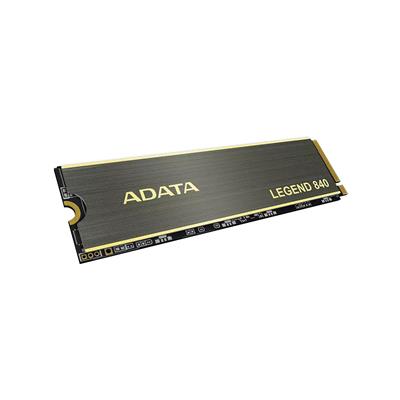
- Storage performance and consistency
- BIOS and firmware stability
- System stability under extended use
Where the G6 Apex 2 Sits in the Range
The six sibling tiers around the Apex 2 in the AMD Apex range, from the £1535 starter to the £5890 ultimate. The Apex 2, the page you are on, is the 1440p entry build paired with the Ryzen 7 7800X3D and the RTX 5060 Ti 16GB.
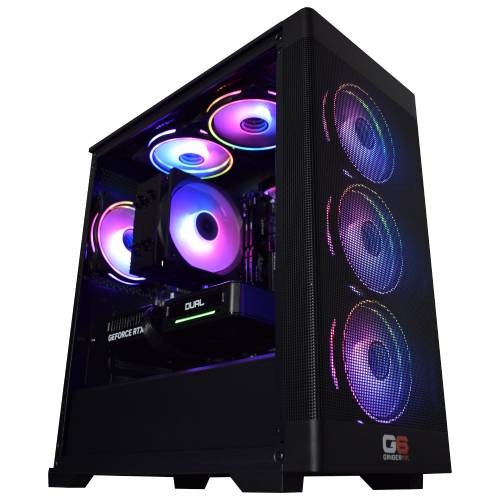

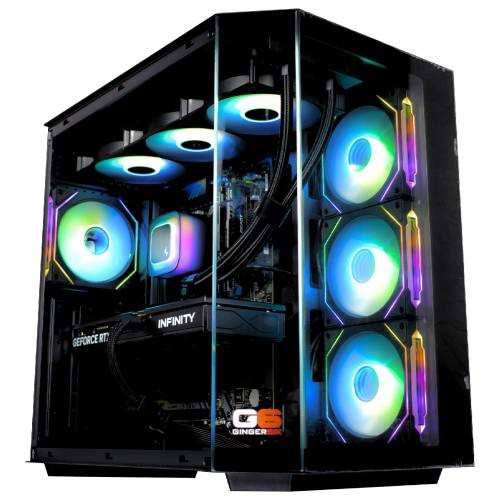
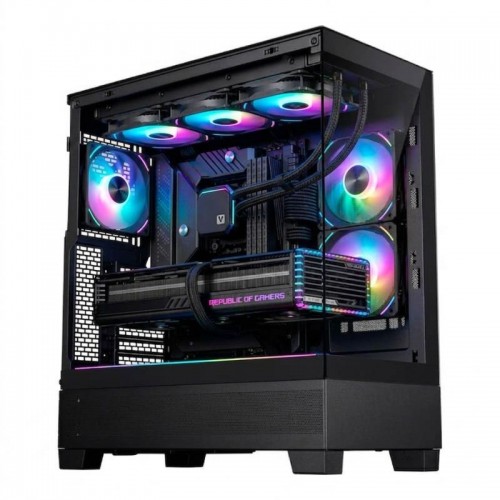
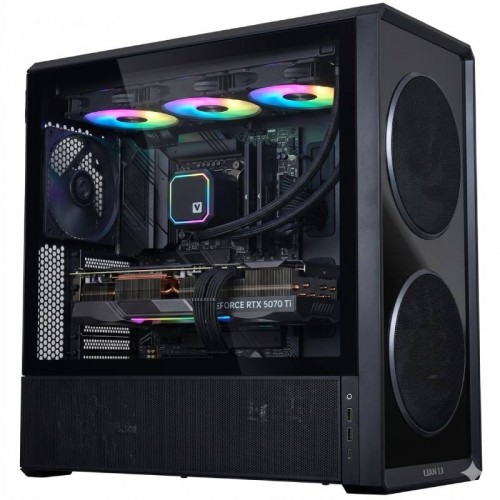
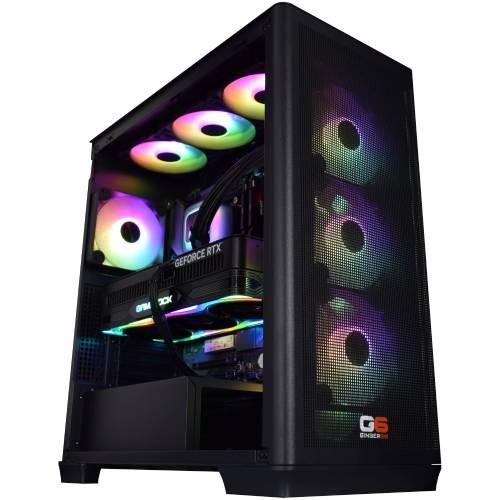
Browse the full custom PC builder for Intel and AMD configurations across the same workshop, the same 24-hour stress test, and the same 3-year warranty across every tier. Or jump back to the complete gaming PC catalogue for the full picture.
Questions About the G6 Apex 2 Gaming PC
The 16GB VRAM frame is the spec separating the RTX 5060 Ti 16GB from the 8GB 5060, and at 1440p it is the spec that defines this gaming PC. Modern open-world AAA at 1440p Ultra textures (Cyberpunk 2077, Black Myth Wukong, The Witcher 4, Hogwarts Legacy) push texture pools past the 8GB ceiling once Ultra textures and ray-traced shadows engage. 16GB absorbs the spike. The Apex 2 pairs that 16GB frame with the 7800X3D's 96MB L3 cache so the engine side of the workload also stays ahead. Competitive shooters sit comfortably above 200 fps at 1440p; modern AAA holds 60-90 fps at 1440p Ultra with DLSS 4 quality engaged in the heaviest scenes.
1440p Ultra native in modern open-world titles, with DLSS 4 quality engaged in the most demanding scenes. Cyberpunk 2077, Black Myth Wukong, The Witcher 4, and Hogwarts Legacy all sit in the 60-90 fps band at 1440p Ultra on the RTX 5060 Ti with DLSS quality, and 16GB of GDDR7 holds the texture pool where 8GB cards begin to swap. Competitive shooters sit comfortably above 200 fps at 1440p. If your priority is native 4K Ultra without upscaling, the Apex 3 Nvidia or Apex 3 Radeon are the builds to compare against.
The decision sits on resolution and budget. If your monitor is 1440p and 4K is not on the horizon, the Apex 2 with the 16GB GeForce card is the right PC, the GPU is sized for the 1440p frame and the price is right. If your monitor is 1440p with 4K coming in 12 to 18 months, or you want path tracing in the cinematic single-player titles today, the Apex 3 Nvidia (RTX 5070, DLSS 4) or the Apex 3 Radeon (RX 9070 XT, 16GB) are the step-up builds with the GPU headroom for 4K-with-upscaling.
Build time is 5 to 7 working days from order confirmation, including the full 24-hour stress test. Prices include VAT, and delivery to UK mainland addresses is free and fully tracked. The 1440p step up tends to come with a panel purchase, so if you need the PC arriving the same week as a new monitor, call Kevin on 01902 714533 to align the dates. The next-day prebuilt range is the fallback if the Apex 2 workshop window doesn’t fit.
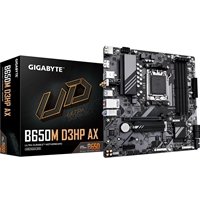
Yes. The Gigabyte B650M D3HP AX uses the AM5 socket, which AMD has confirmed support for through at least 2027. A Ryzen 9 X3D drop-in upgrade later in the platform lifecycle is the obvious path. The 750W PSU sizes against the RTX 5060 Ti with margin for a future GPU swap. Kevin handles upgrades in the workshop, graphics cards, storage and cases included, ship the machine to Wolverhampton when you are ready and he handles the swap, BIOS confirmation, and re-test before it goes back.
Yes. PayPal Pay in 3 splits the order across three interest-free instalments on orders over £500. Read more on the finance page. Longer-term finance options exist for buyers who want to spread the cost further; call Kevin to confirm what fits.
Ready to Configure Your G6 Apex 2?
Use the options above or call Kevin on 01902 714533, he’ll talk through your panel, your shooters, and whether the Apex 2 with the 7800X3D and 16GB Ti or stepping up to the Apex 3 Radeon is the right spec. The X3D cache premium over a stock Ryzen 7 is the part of the spec that pays back in the cache-sensitive titles you actually play.
Want a different CPU, GPU, or case configuration? The full custom PC builder covers Intel and AMD platforms with the same workshop, the same 24-hour stress test, and the same warranty cover as the Apex range.
Custom Options
£2,220.50
£2,084.99












































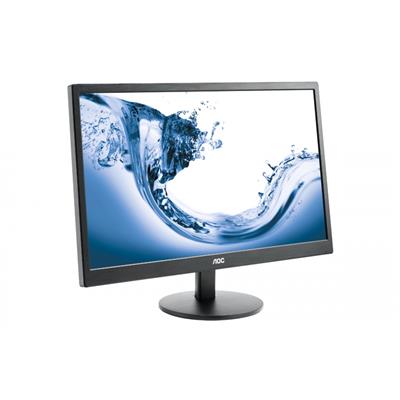
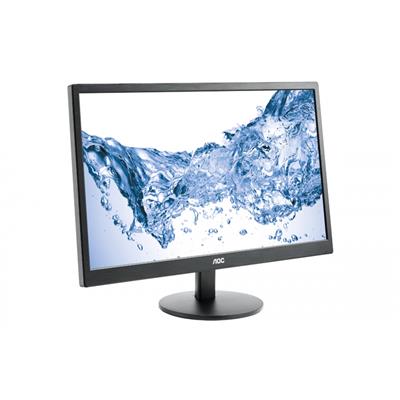

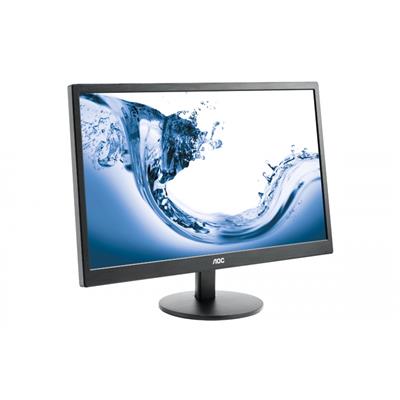



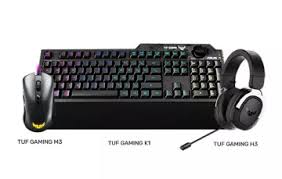





* Required Fields
Specifications
Additional Information
| Processor | AMD Ryzen 7 7800X3D |
|---|---|
| Processor Type | AMD Ryzen 7 |
| No of Cores | 8 |
| Max Core Speed | 5.00GHz |
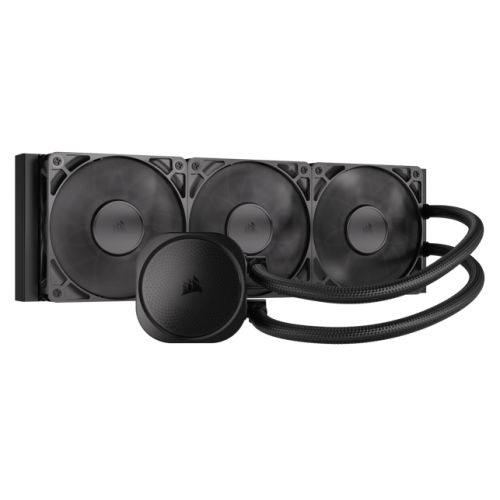
| CPU Cooler | 360mm ARGB AIO Liquid Cooler |
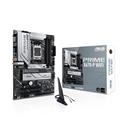
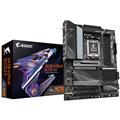
| Motherboard | Gigabyte B650M D3HP AX |
| Case | Vida Edge Mini Black |
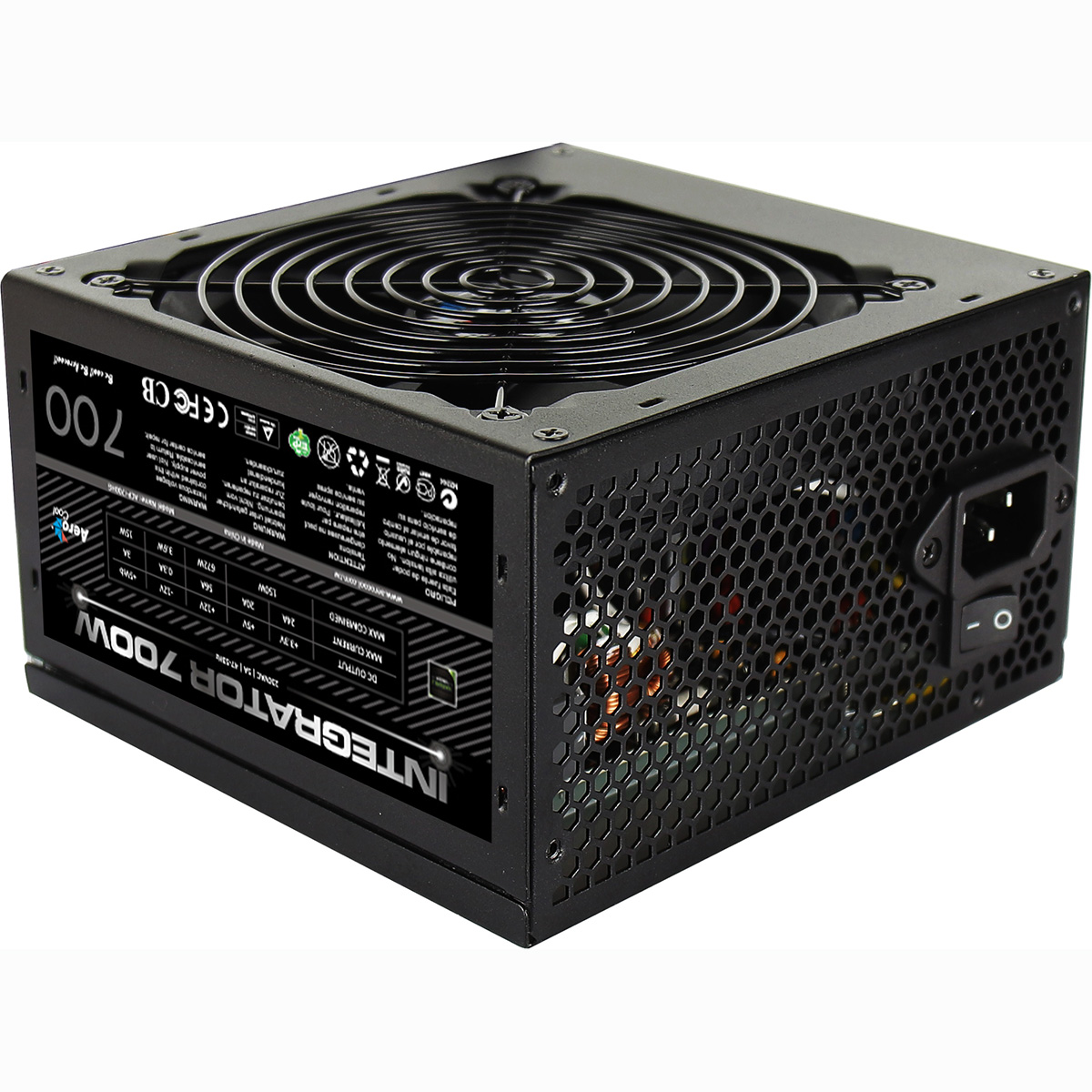
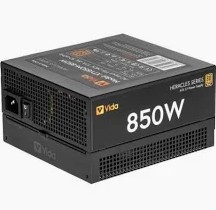
| Power Supply | 750w G6 80+ Bronze PSU |
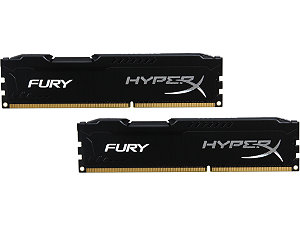
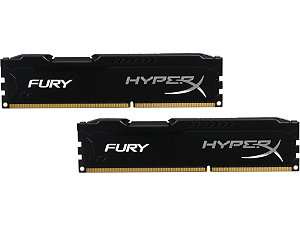
| Memory Size | 32GB |
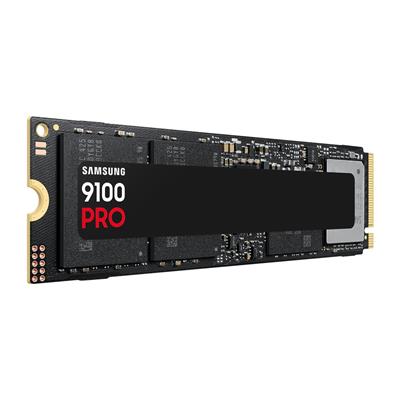
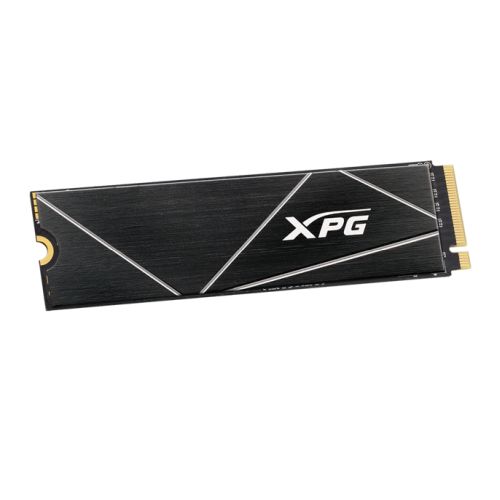
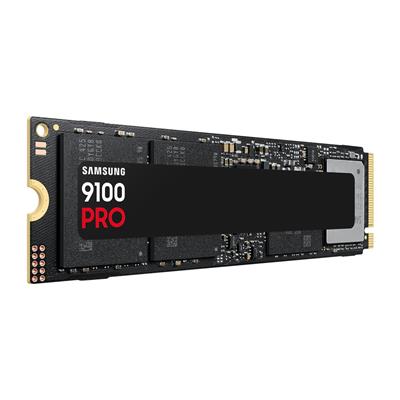
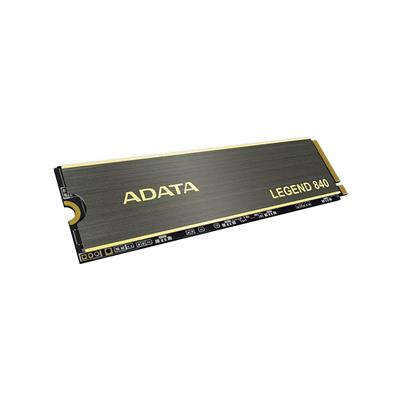
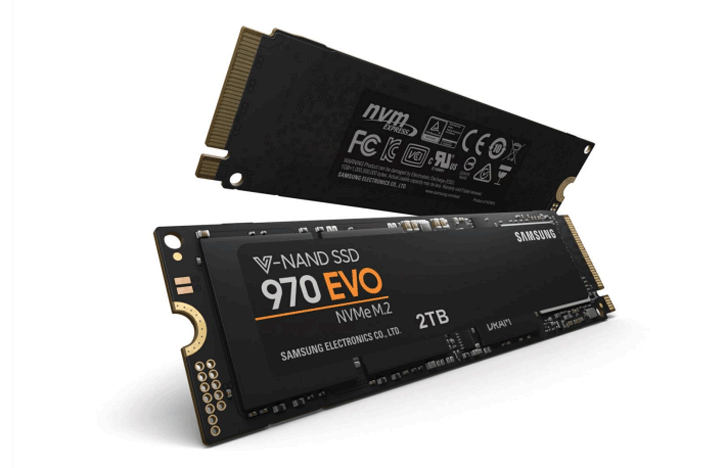
| Solid State Drive Size | 1TB |
| Graphics | Nvidia RTX 5060 Ti 16GB |
| Graphics Card Connections | Displayport (x3), HDMI |
| Audio | Realtek ALC887 8-channel high definition audio CODEC |
| LAN | 2.5GB LAN, Bluetooth, Wi-Fi 6 |
| Ethernet | Realtek 2.5GbE |
| Wi-Fi | WiFi 6E (Realtek RTL8852CE) |
| Bluetooth | 5.3 |
| Connections | Rear: 1x USB-C, 3x USB 3.2 Gen1, 2x USB 2.0 |
| Front Panel Connections | 1x USB-A 3.x, 1x USB-C, 1x USB-A 2.0, HD Audio/Mic combo jack |
| USB2 Ports | 3 |
| USB3 Ports | 4 |
| USB-C Ports | 2 |
| Operating System | Windows 11 Home |
| Monitors | Optional (See Custom Options) |
| Warranty | 3 Year Bronze Warranty |
Reviews
- Be the first to review this product