





Gaming PCs Built for iRacing
iRacing is not about peak frame rates. It is about consistent, stutter-free physics delivery across every lap of a race. A locked 60fps with zero hitches is worth more than 120fps that drops when the safety car bunches the field. The right build starts with CPU speed and cache depth, not GPU headroom.
Browse the builds below or call Kevin on 01902 714533. Tell him your monitor setup, whether you use VR, your typical grid size, and your budget.

Grid List
7 Item(s)
-
 AMD Ryzen 5 7500f RTX 5050 Gaming PC - G6 Fusion 600 X2
AMD Ryzen 5 7500f 6 core
a620M Motherboard
16GB+ DDR5 5200MHz
FAST 1TB M.2 NVMe SSD
8GB Nvidia RTX 5050 Graphics
300mbps Wifi
Windows 11 Home£1,129.99
£1,060.00
AMD Ryzen 5 7500f RTX 5050 Gaming PC - G6 Fusion 600 X2£1,129.99
£1,060.00
AMD Ryzen 5 7500f 6 core
a620M Motherboard
16GB+ DDR5 5200MHz
FAST 1TB M.2 NVMe SSD
8GB Nvidia RTX 5050 Graphics
300mbps Wifi
Windows 11 Home
-
 Intel Core i7 12700F 16GB RX 9060 XT Gaming PC - G6 Storm X4
Intel Core i7 12700F 12 core
H610 Motherboard
16GB+ DDR5 5200MHz
1TB+ M.2 NVMe SSD
16GB Radeon RX 9060 XT Graphics
300mbps Wifi
Windows 11 Home£1,469.99
£1,390.00
Intel Core i7 12700F 16GB RX 9060 XT Gaming PC - G6 Storm X4£1,469.99
£1,390.00
Intel Core i7 12700F 12 core
H610 Motherboard
16GB+ DDR5 5200MHz
1TB+ M.2 NVMe SSD
16GB Radeon RX 9060 XT Graphics
300mbps Wifi
Windows 11 Home
-
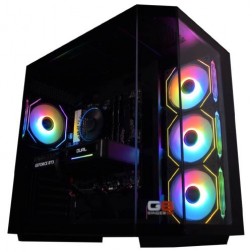 Intel Core i7 12700F 16GB Nvidia RTX 5060 Ti Gaming PC - G6 Storm X5
Intel Core i7 12700F 12 core
H610 Motherboard
16GB+ DDR5 5200MHz
1TB+ M.2 NVMe SSD
16GB Nvidia RTX 5060 Ti Graphics
300mbps Wifi
Windows 11 Home£1,549.99
£1,469.99
Intel Core i7 12700F 16GB Nvidia RTX 5060 Ti Gaming PC - G6 Storm X5£1,549.99
£1,469.99
Intel Core i7 12700F 12 core
H610 Motherboard
16GB+ DDR5 5200MHz
1TB+ M.2 NVMe SSD
16GB Nvidia RTX 5060 Ti Graphics
300mbps Wifi
Windows 11 Home
-
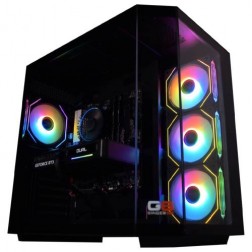 AMD Ryzen 7 8700f Nvidia RTX 5070 Gaming PC - G6 Fusion 800 X5
AMD Ryzen 7 8700f 8 core
A620M Motherboard
16GB+ DDR5 5200MHz
FAST 1TB M.2 NVMe SSD
12GB Nvidia RTX 5070 Graphics
300mbps Wifi
Windows 11 Home£1,579.99
£1,480.00
AMD Ryzen 7 8700f Nvidia RTX 5070 Gaming PC - G6 Fusion 800 X5£1,579.99
£1,480.00
AMD Ryzen 7 8700f 8 core
A620M Motherboard
16GB+ DDR5 5200MHz
FAST 1TB M.2 NVMe SSD
12GB Nvidia RTX 5070 Graphics
300mbps Wifi
Windows 11 Home
-
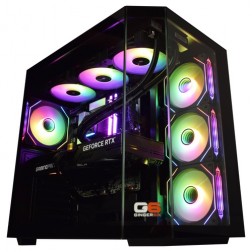 Intel Core Ultra 9 285K Nvidia RTX 5070 Ti Gaming PC - G6 Genesis U3
Intel Core Ultra 9 285K 24 core
B860 Motherboard
32GB+ DDR5 5200MHz Memory
FAST 1TB+ M.2 NVMe SSD
16GB Nvidia RTX 5070 Ti Graphics
FAST Wifi & Bluetooth
Windows 11 Home
Intel Core Ultra 9 285K Nvidia RTX 5070 Ti Gaming PC - G6 Genesis U3
Intel Core Ultra 9 285K 24 core
B860 Motherboard
32GB+ DDR5 5200MHz Memory
FAST 1TB+ M.2 NVMe SSD
16GB Nvidia RTX 5070 Ti Graphics
FAST Wifi & Bluetooth
Windows 11 Home
-
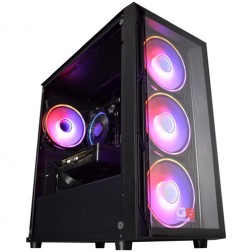 Intel Core i5 12400f RTX 5060 Pre Built Next Day Gaming PC - G6 ND 800
Intel Core i5 12400F 6 Core
H610 Motherboard
16GB DDR5 Memory
1TB M.2 NVMe SSD Drive
8GB Nvidia RTX 5060 Graphics
300MBPs Wifi
Windows 11 Home£1,121.95
£1,000.00
Intel Core i5 12400f RTX 5060 Pre Built Next Day Gaming PC - G6 ND 800£1,121.95
£1,000.00
Intel Core i5 12400F 6 Core
H610 Motherboard
16GB DDR5 Memory
1TB M.2 NVMe SSD Drive
8GB Nvidia RTX 5060 Graphics
300MBPs Wifi
Windows 11 Home
-
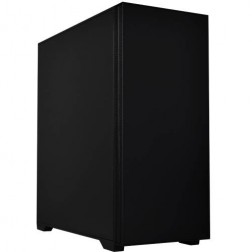 Intel Core i7 14700f RTX 5060 Ti Pre-Built Next Day PC - G6 ND 1500
Intel Core i7 14700f Twenty Core
Gigabyte B760M DS3H AX
32GB 5200mhz DDR5
1TB M.2 NVMe SSD Drive
16GB Nvidia RTX 5060 Ti Graphics
1733mbps Wifi & Bluetooth
Windows 11 Home£1,916.16
£1,750.00
Intel Core i7 14700f RTX 5060 Ti Pre-Built Next Day PC - G6 ND 1500£1,916.16
£1,750.00
Intel Core i7 14700f Twenty Core
Gigabyte B760M DS3H AX
32GB 5200mhz DDR5
1TB M.2 NVMe SSD Drive
16GB Nvidia RTX 5060 Ti Graphics
1733mbps Wifi & Bluetooth
Windows 11 Home
Grid List
7 Item(s)
What Does iRacing Need?
CPU single-thread performance is the primary variable. GPU tier is secondary — the GPU renders a frame only as fast as the CPU can feed it simulation data. Grid size increases CPU load significantly.
What You Get at Each Price Point
All tiers target consistent 60fps, not peak headroom. The upgrade path is about removing CPU stalls and adding GPU capacity for screens, not chasing a higher average fps number.
Why iRacing Needs CPU Precision
iRacing's physics model is one of the most detailed in consumer simulation. The tyre model calculates contact patch shape, rubber temperature gradients, deformation under load, and grip variation across the patch width — for every tyre, on every car, on every physics step. In a 40-car multiclass race, the CPU is running this calculation set hundreds of times per second across the full grid. This is a single-threaded workload for the core physics loop, which means clock speed and cache depth matter more than core count.
The consequence is that a frame time spike in iRacing is not just a visual artefact — it arrives through the wheel. If the CPU misses a physics step, the force feedback signal stutters. An experienced sim racer feels this before they see it on screen. This is why the target for an iRacing build is consistent 60fps, not a higher average with variance. For the full context on how iRacing compares to other sim racing titles, the sim racing page covers both ends of the spectrum.
AMD Ryzen X3D processors are particularly effective in iRacing because the physics data — tyre states, car positions, track surface conditions — is constantly reused between physics steps. When this data sits in cache, the CPU retrieves it without latency. When it falls out of cache, the processor stalls until RAM delivers it. Larger cache means more data in reach, fewer stalls, and more consistent frame delivery across a full race distance. Every Ginger6 build is stress-tested for sustained load behaviour before leaving Wolverhampton — the 24-hour test confirms thermal performance under the kind of extended simulation that endurance races generate.
Low vs Ultra Settings
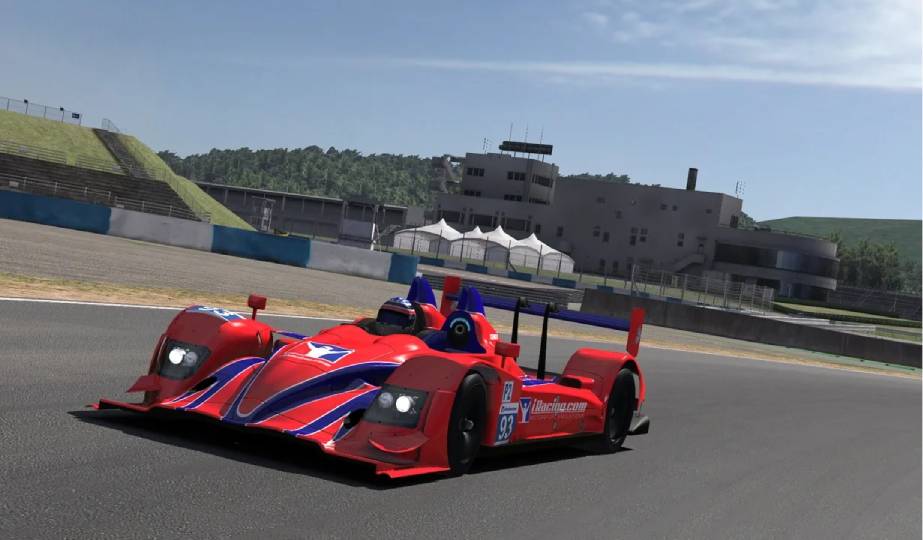
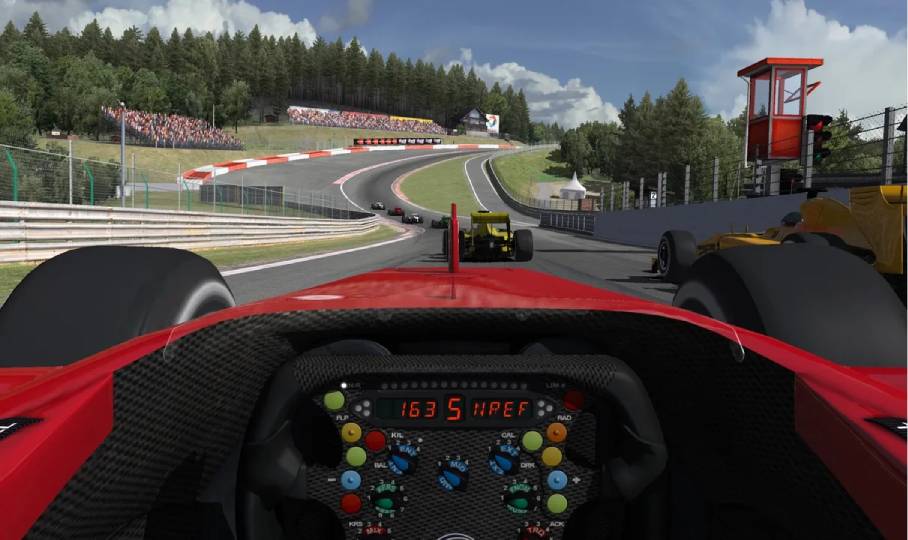
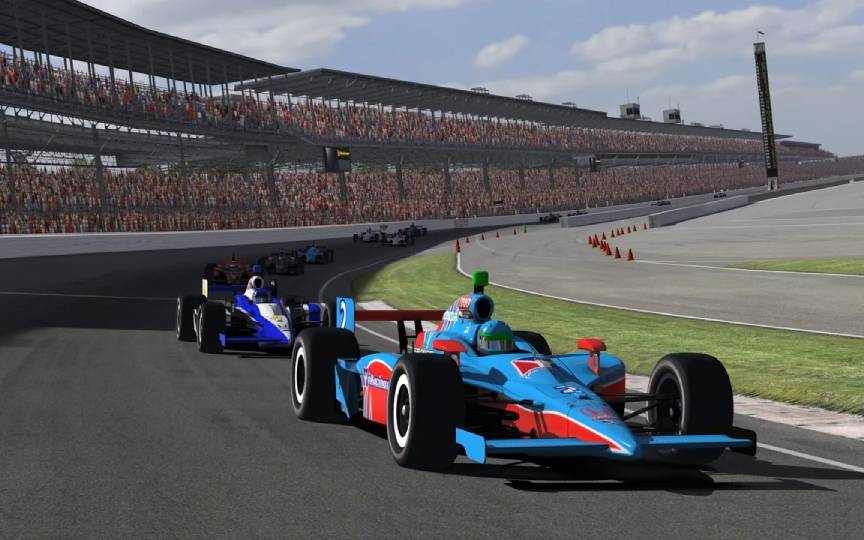
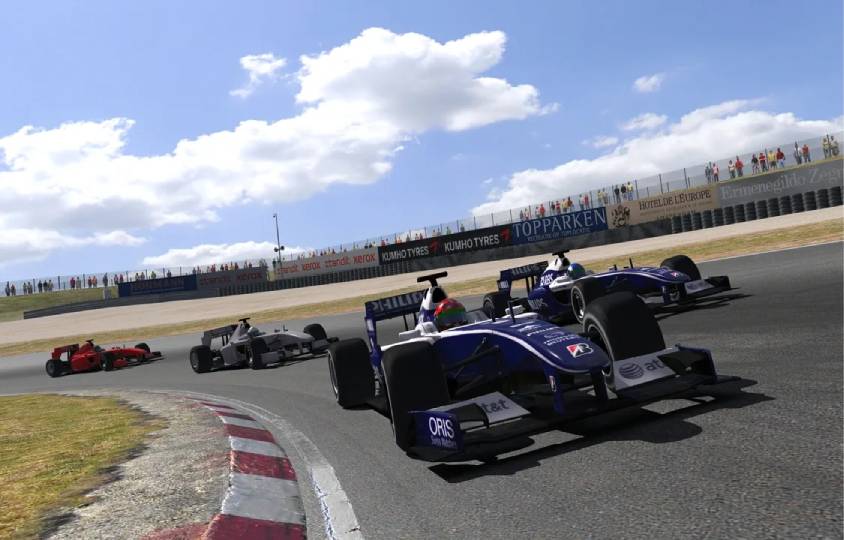
iRacing at low settings still looks better than you might expect — the priority for most racers is consistency, not visual fidelity. The slider shows the difference a high-end build unlocks.


Which Racer Are You?
.jpg)
The Club Racer
Building iRating, racing club events and series practice. Single screen at 1080p or 1440p. An entry or solid build covers every scenario you will race at this licence level without dropping frames on grid restarts.
Browse Entry Builds.jpg)
The Licence Grinder
A-class and above. Large multiclass fields, endurance events, and series racing. CPU consistency is non-negotiable — a physics hitch in a close fight costs the position. A solid build with Ryzen 7 X3D is the right tier. 32GB RAM keeps all your tools comfortable alongside the sim.
Browse Solid Builds.jpg)
The Triple Screen Endurance Racer
Three screens, maximum peripheral view, long-distance racing. Triple screens need GPU headroom — the competitive or VR tier covers this without requiring an enthusiast GPU. The physics load and CPU requirement are the same as a single monitor.
Browse Competitive BuildsAlso Worth Considering
Builds Chosen for iRacing
Every Ginger6 build is hand-assembled in Wolverhampton and stress-tested for 24 hours before dispatch. BIOS settings and memory profiles are confirmed before the machine leaves the workshop — no configuration surprises on first boot.
Ryzen 7 X3D / RTX 5060 Ti
The recommended starting point for competitive iRacing. CPU consistency across large grids at 1440p. 32GB DDR5 keeps all tools running alongside the sim. Cable management supports sustained airflow during long endurance sessions.
From £1299
View BuildRyzen 7 X3D / RTX 5070
Triple-screen capable. The same CPU spec as the solid tier — the physics load does not increase with additional monitors. The RTX 5070 handles three 1080p viewports without GPU-side frame drops during complex racing incidents.
From £1599
View BuildRyzen 9 X3D / RTX 5070 Ti
VR or triple 1440p screens. The Ryzen 9 X3D manages the largest endurance grids without stalls. The RTX 5070 Ti delivers smooth, reprojection-free VR frame rates on common iRacing-compatible headsets. The 3-year warranty covers this build in full from day one.
From £2099
View Build.jpg)
Built for the Serious Sim Racer
Cable management on a Ginger6 build is planned around airflow inside the case — components run at their target temperatures during an eight-hour endurance race, not just the first twenty minutes. BIOS memory profiles, XMP settings, and CPU firmware are confirmed before dispatch. The 24-hour stress test includes sustained load periods that reflect the CPU demand of a full multiclass race session.
The 3-year Ginger6 warranty covers parts and labour. Kevin is reachable by phone and email for the life of the machine — not a call centre. If something needs attention after you receive the build, it gets attention directly.
Call Kevin on 01902 714533Trusted by Simulation Buyers
Sim racers are exacting buyers. They understand what consistent performance feels like from a wheel. The reviews below are from customers who described exactly what they needed to Kevin, and received a machine that delivered it.
"I would rate this pc builder as second to none, I have had no problems with my pc. As I am a sim-racer I therefore need ultra quick responses which you get! Simply tell Ginger6 what you wish from your pc and I give my word you will not be disappointed!"
"10 out of 10 for Ginger6. I needed to upgrade my PC to handle the 4K ultra graphics in my MS flight sim. After a chat with Kevin and a few suggestions from him, I agreed on a very competitive price and a week later my new computer was ready for collection. I've had my computer from Ginger6 for just over a year now and it has coped with everything I could throw at it with ease."
"Many thanks to Kevin and his team. With his guidance, I got the exact spec computer I required for my online flight simulator needs. Excellent courteous service with on-time delivery. Would recommend Ginger6 to anybody with specialist computer requirements or not."
Questions About iRacing Builds
iRacing's physics engine is single-threaded for core calculations. A build with a high-end GPU but a slower CPU will still experience frame drops in large grids because the GPU cannot render frames faster than the CPU delivers physics data. A very fast GPU does not compensate for a CPU that cannot maintain consistent physics throughput. The Ryzen 7 X3D addresses this directly — its large cache reduces the data latency that causes physics stalls in multiclass races.
A consistent, locked 60fps is the primary target. This is the minimum for smooth force feedback and a stable racing experience. Higher average frame rates are beneficial only if they come without the variance and hitches that a CPU-limited build produces. On a 120Hz or 144Hz monitor, a consistent 120fps is the right target — and this requires a solid or competitive build tier. Running iRacing uncapped on a 60Hz monitor is acceptable, but matching the output to the monitor's refresh rate reduces tearing.
iRacing has limited upscaling support compared to modern AAA games. The GPU is not the primary bottleneck in iRacing, so upscaling provides less benefit than in GPU-heavy titles. The priority in iRacing is CPU performance and consistent delivery, not GPU frame rate maximisation.
A typical iRacing peripheral setup requires USB ports for the wheel base, pedals (if USB), handbrake, button box, headset, and occasionally a USB hub for additional peripherals. Most modern motherboards include eight or more rear USB ports plus front panel connections. A powered USB hub is recommended for race hardware with multiple inputs — this keeps peripheral power consistent and prevents detection issues that sometimes occur with too many devices on a single USB controller.
An iRacing-optimised build at the solid tier will run ACC — but at reduced settings compared to a build chosen with ACC as the primary target. ACC is GPU-demanding and benefits from a higher GPU tier than iRacing requires. If you race both sims regularly and want full settings in ACC at 1440p, a high-end build covers both without compromise. Call Kevin with both titles and your screen setup — he will confirm whether a single build handles your specific combination at your target settings.
Yes. Every additional car on the grid adds CPU load. A 40-car multiclass race with LMP2 and GT3 classes running simultaneously stresses the CPU significantly more than a 12-car single-class sprint race. If you race primarily in large endurance events — 24 Hours of Le Mans, iRacing Endurance Series — the solid or competitive tier is the right starting point. If you race mostly in small single-class events, an entry build handles the workload without difficulty.
Find the Right Build for iRacing
Browse the gaming PC range or call Kevin directly. Tell him your typical grid size, your screen setup, whether you use VR, and your budget. He will confirm the right build for consistent, stutter-free racing.