





Gaming PCs Built for Cities Skylines
Cities Skylines is one of the most CPU and RAM intensive games you can run. As a city grows, the simulation runs on a single CPU thread. A faster GPU does not fix frame drops at large city scales — a faster processor and 32GB RAM does. Find the right build for the size of city you actually build.
Browse the builds below or call Kevin on 01902 714533. Tell him the population size you typically build to, whether you use asset or workshop mods, and your budget — he will confirm the right build for your city scale.


Grid List
7 Item(s)
-
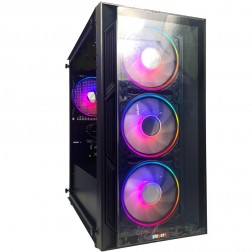 Intel Core i3 12100F RTX 3050 Gaming PC - G6 Vortex X1
Intel Core i3 12100F Quad core
H610M Motherboard
16GB+ DDR5 5200MHz Memory
1TB+ M.2 NVMe SSD
6GB Nvidia RTX 3050 Graphics
300mbps Wifi
Windows 11 Home£949.99
£889.99
Intel Core i3 12100F RTX 3050 Gaming PC - G6 Vortex X1£949.99
£889.99
Intel Core i3 12100F Quad core
H610M Motherboard
16GB+ DDR5 5200MHz Memory
1TB+ M.2 NVMe SSD
6GB Nvidia RTX 3050 Graphics
300mbps Wifi
Windows 11 Home
-
 Intel Core i5 12400F Nvidia RX 7600 Gaming PC - G6 Infinity X4
Intel Core i5 12400F 6 core
H610M Motherboard
16GB+ DDR5 5200MHz
1TB+ M.2 NVMe SSD
8GB Radeon RX 7600 Graphics
300mbps Wifi
Windows 11 Home£1,139.99
£1,069.99
Intel Core i5 12400F Nvidia RX 7600 Gaming PC - G6 Infinity X4£1,139.99
£1,069.99
Intel Core i5 12400F 6 core
H610M Motherboard
16GB+ DDR5 5200MHz
1TB+ M.2 NVMe SSD
8GB Radeon RX 7600 Graphics
300mbps Wifi
Windows 11 Home
-
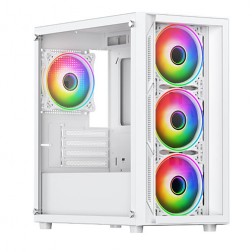 AMD Ryzen 5 7500f Nvidia RTX 5060 Gaming PC - G6 Fusion 600 X4
AMD Ryzen 5 7500f 6 core
A620M Motherboard
16GB+ DDR5 5200MHz
FAST 1TB M.2 NVMe SSD
8GB Nvidia RTX 5060 Graphics
300mbps Wifi
Windows 11 Home£1,180.00
£1,109.99
AMD Ryzen 5 7500f Nvidia RTX 5060 Gaming PC - G6 Fusion 600 X4£1,180.00
£1,109.99
AMD Ryzen 5 7500f 6 core
A620M Motherboard
16GB+ DDR5 5200MHz
FAST 1TB M.2 NVMe SSD
8GB Nvidia RTX 5060 Graphics
300mbps Wifi
Windows 11 Home
-
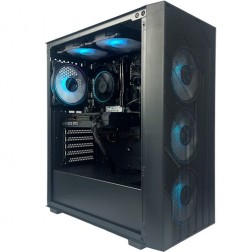 Intel Core i5 12400F Nvidia 6GB RTX 5050 Gaming PC - G6 Infinity X2
Intel Core i5 12400F 6 core
H610M Motherboard
16GB+ DDR5 5200MHz
1TB+ M.2 NVMe SSD
8GB Nvidia RTX 5050 Graphics
300mbps Wifi
Windows 11 Home£1,069.99
£1,009.99
Intel Core i5 12400F Nvidia 6GB RTX 5050 Gaming PC - G6 Infinity X2£1,069.99
£1,009.99
Intel Core i5 12400F 6 core
H610M Motherboard
16GB+ DDR5 5200MHz
1TB+ M.2 NVMe SSD
8GB Nvidia RTX 5050 Graphics
300mbps Wifi
Windows 11 Home
-
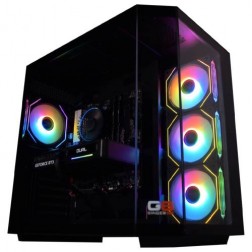 AMD Ryzen 7 8700f Nvidia RTX 5070 Gaming PC - G6 Fusion 800 X5
AMD Ryzen 7 8700f 8 core
A620M Motherboard
16GB+ DDR5 5200MHz
FAST 1TB M.2 NVMe SSD
12GB Nvidia RTX 5070 Graphics
300mbps Wifi
Windows 11 Home£1,579.99
£1,480.00
AMD Ryzen 7 8700f Nvidia RTX 5070 Gaming PC - G6 Fusion 800 X5£1,579.99
£1,480.00
AMD Ryzen 7 8700f 8 core
A620M Motherboard
16GB+ DDR5 5200MHz
FAST 1TB M.2 NVMe SSD
12GB Nvidia RTX 5070 Graphics
300mbps Wifi
Windows 11 Home
-
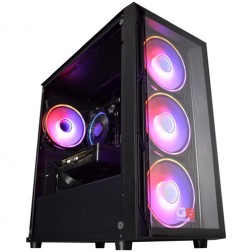 Intel Core i5 12400f RTX 5060 Pre Built Next Day Gaming PC - G6 ND 800
Intel Core i5 12400F 6 Core
H610 Motherboard
16GB DDR5 Memory
1TB M.2 NVMe SSD Drive
8GB Nvidia RTX 5060 Graphics
300MBPs Wifi
Windows 11 Home£1,121.95
£1,000.00
Intel Core i5 12400f RTX 5060 Pre Built Next Day Gaming PC - G6 ND 800£1,121.95
£1,000.00
Intel Core i5 12400F 6 Core
H610 Motherboard
16GB DDR5 Memory
1TB M.2 NVMe SSD Drive
8GB Nvidia RTX 5060 Graphics
300MBPs Wifi
Windows 11 Home
-
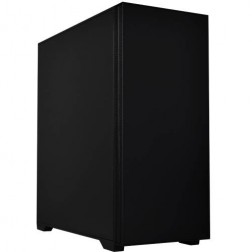 Intel Core i7 14700f RTX 5060 Ti Pre-Built Next Day PC - G6 ND 1500
Intel Core i7 14700f Twenty Core
Gigabyte B760M DS3H AX
32GB 5200mhz DDR5
1TB M.2 NVMe SSD Drive
16GB Nvidia RTX 5060 Ti Graphics
1733mbps Wifi & Bluetooth
Windows 11 Home£1,916.16
£1,750.00
Intel Core i7 14700f RTX 5060 Ti Pre-Built Next Day PC - G6 ND 1500£1,916.16
£1,750.00
Intel Core i7 14700f Twenty Core
Gigabyte B760M DS3H AX
32GB 5200mhz DDR5
1TB M.2 NVMe SSD Drive
16GB Nvidia RTX 5060 Ti Graphics
1733mbps Wifi & Bluetooth
Windows 11 Home
Grid List
7 Item(s)
What Does Cities Skylines Actually Need?
Performance scales with city population, not with graphics settings. The columns below reflect what your hardware needs to handle at each city scale — not which visual preset you run.
Figures are estimates based on available benchmark data as at . Actual performance varies by Workshop asset count, mod load, simulation speed settings, and specific CPU configuration. Kevin will confirm expected performance for your setup before you order.
What Each Budget Delivers in Cities Skylines
Four honest assessments. What each tier handles comfortably, where performance starts to drop, and what the actual limiting component is at each price point.
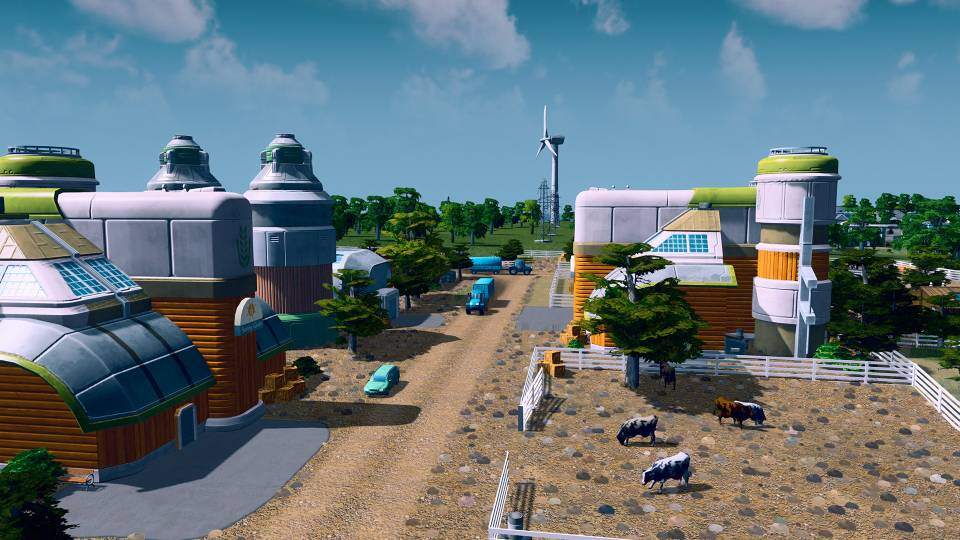
Small to medium cities run smoothly. Up to approximately 50,000 population, frame rates are comfortable and the simulation runs without stuttering. Above that, the CPU single-core speed becomes the constraint — not the GPU. 16GB RAM handles smaller cities, but adding more Workshop content before 32GB RAM becomes a limitation. If you are new to Cities Skylines or typically build smaller, well-managed cities rather than maximum-scale projects, the budget build covers that use case well.
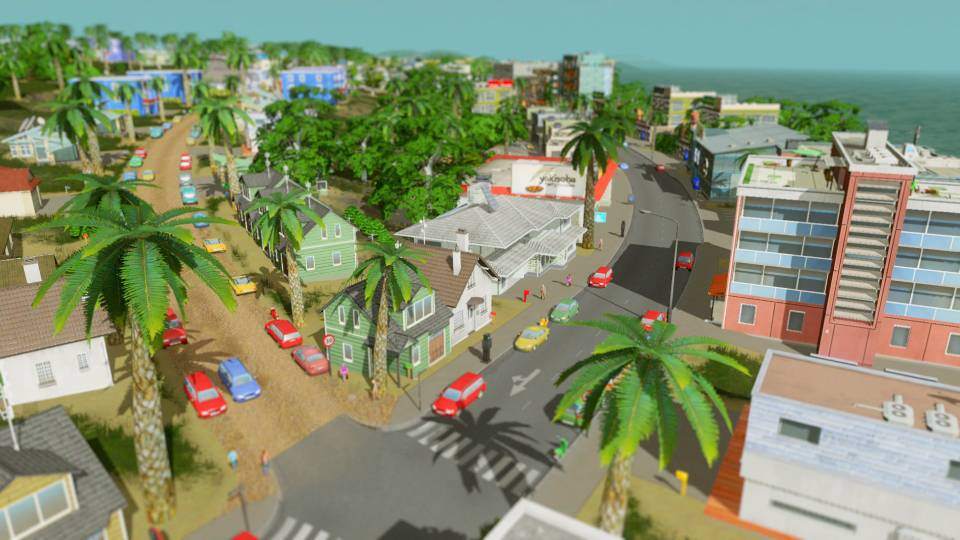
The build most serious Cities Skylines players need. A fast Core i7 or Ryzen 7 handles the simulation thread at large city scales without the continuous frame drops that affect slower processors. 32GB DDR5 removes the RAM pressure that causes hitching during peak simulation cycles on cities above 80,000. Workshop asset packs are manageable at this tier. The GPU is adequate for any visual settings the game offers — the CPU and RAM are doing the work here, and this tier provides both at the right level.

For players pushing beyond 150,000 population with heavy Workshop asset packs and a large number of active mods. A Ryzen 7 X3D offers a measurable advantage at maximum city scale due to its cache architecture improving single-threaded performance during the most simulation-intensive moments. The GPU provides headroom at 4K if you run a high-resolution monitor. The step up from mid-range is justified primarily by CPU speed and cache improvement rather than GPU performance gains.
Difficult to justify for Cities Skylines alone. The RTX 5080 produces no meaningful performance improvement over the RTX 5070 Ti in a simulation-bound game — the GPU is not the constraint at any city scale. An enthusiast build makes sense if Cities Skylines is one of many titles run on the same machine, where the GPU earns its cost across other games in the library. For Cities Skylines specifically, the high-end tier delivers almost identical in-game performance at a significantly lower price.
Why Cities Skylines Is a CPU Game, Not a GPU Game
Cities Skylines runs its simulation — traffic pathfinding, citizen AI, economic calculations, and utility networks — on a single CPU thread. As a city grows, the computational demand on that one thread grows with it. The processor has to work through an increasingly complex set of calculations every game tick, and it does so sequentially. No amount of GPU performance reduces this load, and adding more CPU cores does not help because the simulation cannot be distributed across them.
This is why Cities Skylines belongs in the same category as Minecraft when it comes to hardware advice: it is a game where the visual presentation is not proportional to the hardware demand. A city of 200,000 looks modest compared to a current open-world title, but the CPU and RAM workload during peak simulation moments exceeds many GPU-heavy games entirely.
RAM is the second constraint. Cities Skylines loads asset data into system RAM for every building, vehicle model, prop, and intersection asset in the city. Workshop asset packs — the visual collections that allow custom buildings and infrastructure — multiply this load significantly. At 16GB, cities above a certain scale begin to show hitching as the system reaches its memory limit and starts using slower storage as overflow. 32GB removes this ceiling for all practical city sizes and most Workshop configurations.
The GPU is relevant for two things in Cities Skylines: rendering the city view, which is not particularly demanding by modern standards, and supporting high-resolution play at 4K where the visual scene is larger. At 1080p and 1440p, a mid-range GPU handles the rendering load with capacity to spare. Spending more on the GPU in a Cities Skylines build does not produce a better experience. Spending more on CPU single-core speed and RAM capacity does.
Small City vs Large City — The Real Performance Test
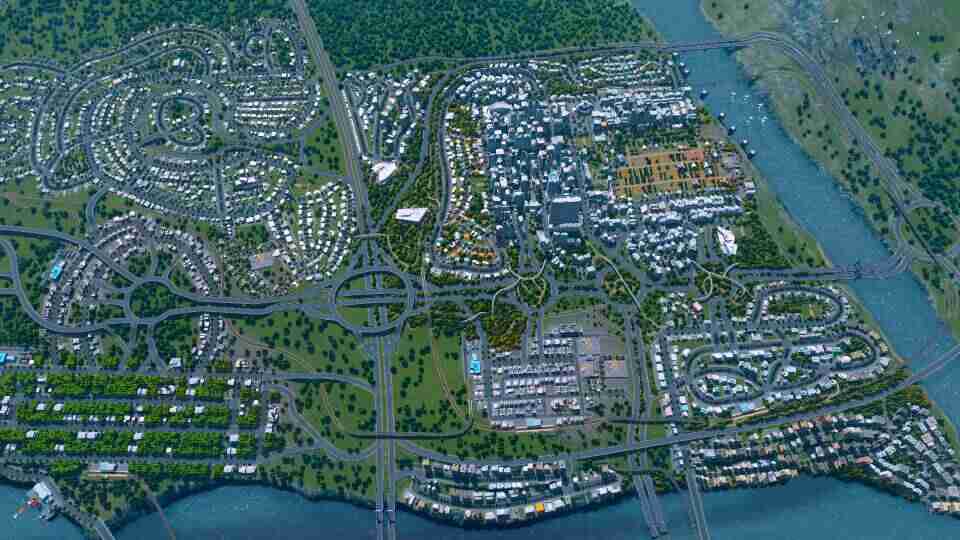
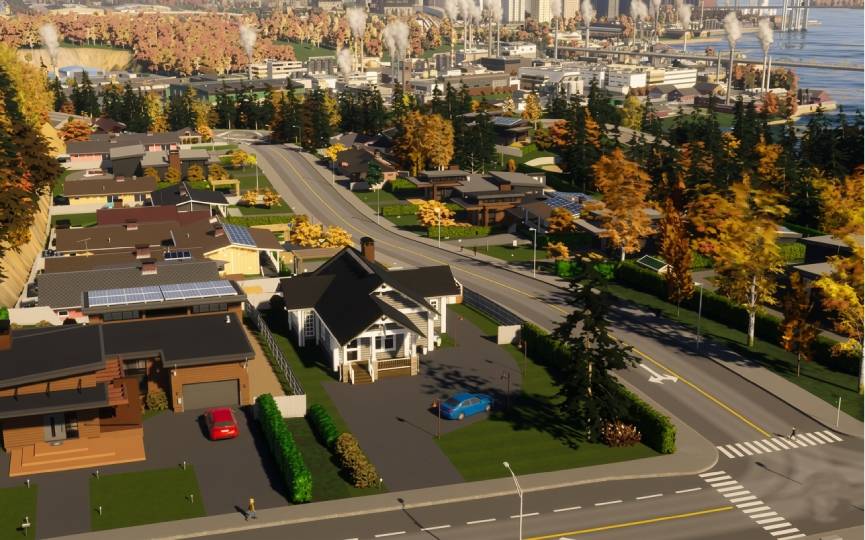
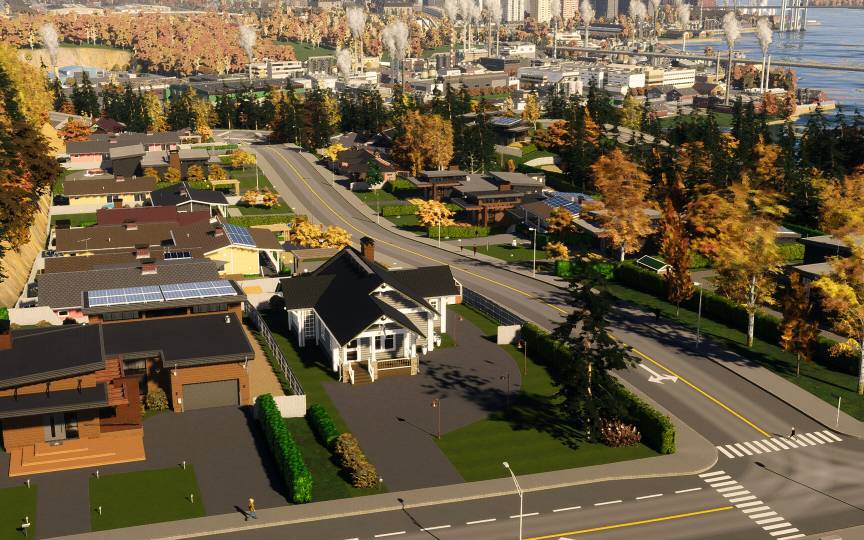
The performance challenge in Cities Skylines is not changing a visual setting. It is building a bigger city. Drag to compare a small starter city against a large-scale build with Workshop assets loaded.
Three Types of City Builder

Plays Cities Skylines alongside other games. Builds medium-sized, well-managed cities without pushing for maximum population. Uses a modest selection of Workshop assets. The budget build with 16GB RAM covers this well — the CPU and RAM demands at this scale are manageable and the GPU tier is irrelevant to the experience.
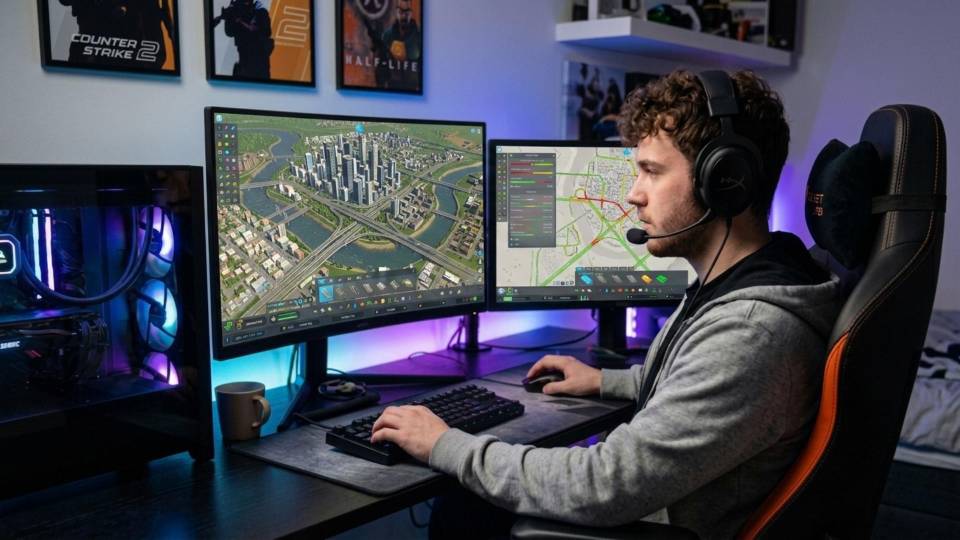
Spends long sessions on city infrastructure planning. Pushes towards 150,000 to 200,000 population with a curated Workshop collection. Knows from experience that frame drops at large scale are CPU and RAM issues, not GPU issues. The mid-range build with a Core i7 or Ryzen 7 and 32GB DDR5 is built exactly for this buyer.
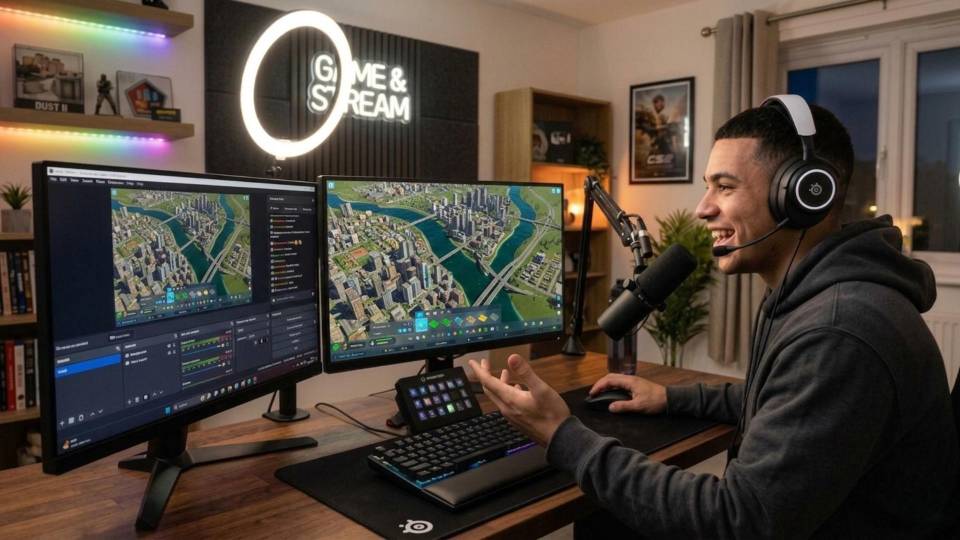
Builds the largest cities the engine will support, loaded with Workshop assets and infrastructure mods. Runs at 4K on a large monitor. Knows the Ryzen X3D cache architecture gives a real advantage at this scale. The high-end build with a fast processor, 32GB DDR5, and a capable GPU for 4K rendering covers the full scope of this player's sessions.
Call Kevin on 01902 714533 or email [email protected]. Tell him:
1. The games you play most often
2. Your monitor resolution and refresh rate
3. Whether you stream, record, or edit alongside gaming
4. Your approximate budget
No charge for the conversation. No pressure to buy.
Will This Build Cover Your Other Games?
Recommended Ginger6 Builds for Cities Skylines
Three builds chosen for Cities Skylines buyers. Each is matched to a specific city scale — not a GPU tier.
Core i5 or Ryzen 5 with 16GB DDR5 and an RTX 5060. Handles Cities Skylines comfortably up to medium city scale. A manageable Workshop collection runs without hitching. The right starting point if you are new to the game or build within a moderate city scale.
Core i7 or Ryzen 7 with 32GB DDR5 and an RTX 5060 Ti. The essential configuration for Cities Skylines above 80,000 population. The 32GB RAM removes the memory pressure that causes hitching on large cities. The CPU handles the simulation thread at city scales that break slower processors.
Fast Core i7 or Ryzen 7 X3D with 32GB DDR5 and an RTX 5070 Ti. For players pushing beyond 150,000 population with extensive Workshop assets. The X3D cache advantage provides measurable simulation performance at maximum scale. Also covers 4K gaming on other titles in the library.
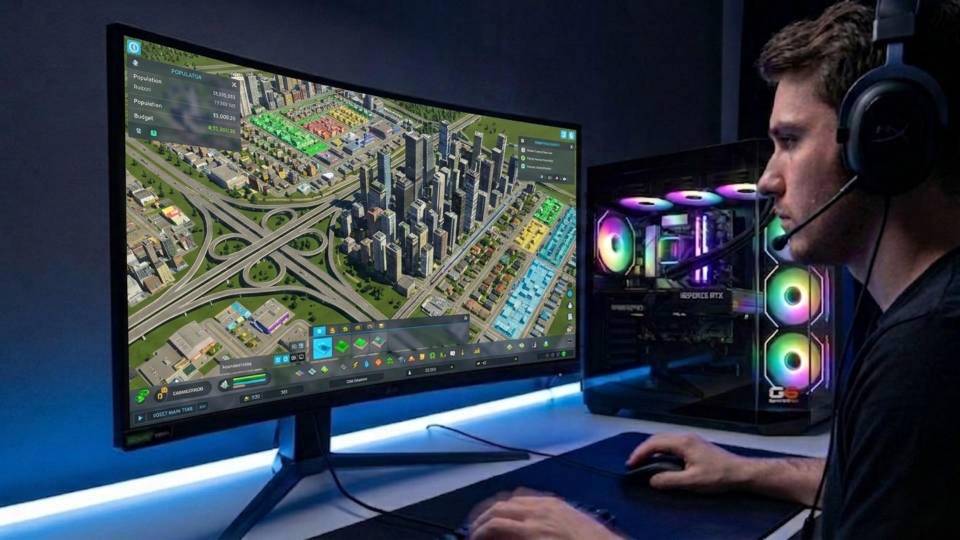
Built to Sustain the Simulation, Hour After Hour
Cities Skylines sessions can run for several hours during complex infrastructure planning phases. The CPU is running a demanding single-threaded simulation load throughout. A build that thermal throttles during a sustained session produces the same symptom as a slow CPU: simulation frame rate drops that affect how the game feels to play, regardless of the visual settings you run.
Cable management in a Cities Skylines build matters for the same reasons it matters in any sustained-load scenario. Clean airflow routing keeps the CPU cooler at its sustained boost clock rather than bouncing between maximum speed and a throttled state as temperatures fluctuate. The difference between a well-managed and a poorly-managed thermal setup is most visible in a game that holds a consistent CPU load for hours — exactly what Cities Skylines does during active city management.
Before dispatch, BIOS settings are configured for stability, not just peak performance. XMP and EXPO memory profiles are enabled and verified. On 32GB DDR5 builds, Kevin confirms the memory is running at rated speed and passing stability tests — faster DDR5 reduces latency between the CPU and its data, which matters for the tight simulation loop Cities Skylines runs. The 24-hour stress test covers thermal behaviour under load, processor and graphics stability during extended use, memory responsiveness, storage performance, and BIOS firmware stability across the full system.
The 3-year warranty covers the hardware. Kevin backs the build personally — on 01902 714533 — if something needs attention after delivery. Cities Skylines players often upgrade their builds incrementally as their cities grow in scale. Kevin is worth calling before you buy, not just after something goes wrong, because the right starting point for your current city scale might look different in eighteen months when you are building something larger.
What Do Ginger6 Customers Say?
Over 1,100 verified reviews with a 93% five-star rating.
Buyers consistently report builds that perform exactly as specified and support from Kevin that does not stop at delivery. That matters when you are running a machine through a five-hour city planning session.
Read All Trustpilot ReviewsI chose Ginger6 to build me a gaming PC and was given such a fantastic service from start to finish. They were never too busy to answer any questions or give me advice on my build. The delivery time was fast and the PC was packaged really well. The build looks fantastic and runs like a dream. The whole experience was perfect from start to finish.
Inside looks super neat, runs very quiet and the fans keep the computer super cool. Haven't had a problem with it.
Built to a very high standard with excellent cable management. Unbelievably quiet and without doubt the best pc I have ever purchased. Boots up in 20 seconds. 10/10.
Common Questions About Cities Skylines Gaming PCs
Cities Skylines runs its simulation — traffic, citizen AI, utilities, and economic calculations — on a single CPU thread. As the city grows, the computational demand on that thread grows too. The GPU is rarely the bottleneck. If your city is experiencing frame drops at large scale, the fix is a faster single-core processor and 32GB RAM, not an upgraded graphics card. A fast GPU in a Cities Skylines build is useful for other games in your library, not for improving performance in Cities Skylines itself.
16GB DDR5 is adequate for small to medium cities without heavy Workshop content. For cities above approximately 80,000 population, or for any serious Workshop asset collection, 32GB DDR5 is the recommended minimum. The game loads asset data for every building, vehicle, and prop in the city into system RAM. Large Workshop collections combined with big populations can push a 16GB system into memory pressure, causing hitching and slowdowns that 32GB prevents entirely.
The main simulation loop runs on a single CPU thread. Additional cores handle background tasks, rendering, and some parallel systems — but the primary bottleneck is single-core performance. This means a processor with fewer cores running at a high clock speed outperforms a many-core processor with a lower clock speed in Cities Skylines. Single-core clock speed is the specification that matters most when choosing a CPU for this game.
For most players, no. At 1080p and 1440p, Cities Skylines does not demand a high-end GPU and its rendering load is not visually intensive by current standards. If you are experiencing frame drops at large city scale, upgrading the GPU is very unlikely to resolve them — the constraint is almost certainly the CPU simulation thread or RAM pressure. An upgraded GPU in a Cities Skylines build earns its cost in other games, not in Cities Skylines itself.
A processor with high single-core clock speed is the priority. The Intel Core i7 and AMD Ryzen 7 are the practical sweet spot for most Cities Skylines players. For maximum city scale play, the AMD Ryzen 7 X3D series offers a cache architecture that provides a measurable advantage in single-threaded performance during the most simulation-intensive moments — the difference is noticeable above 150,000 population with heavy Workshop content. Core count is not the relevant specification here.
Yes, significantly. Each Workshop asset — buildings, vehicles, props, intersections — loads into system RAM at game launch. Large asset collections multiply the RAM footprint of the game considerably. Functionality mods that extend the simulation (traffic manager, industry overhaul, budget managers) add CPU overhead to the simulation thread. A heavily modded Cities Skylines installation behaves more like a large-city install than a vanilla one, even at modest population levels. 32GB RAM is the practical specification for any player using a serious Workshop collection.
Yes. Cities Skylines at 4K increases the GPU rendering load, and a mid-range or high-end GPU handles this without difficulty. The visual detail at 4K is noticeably sharper on a large monitor, particularly for detailed Workshop assets. The simulation performance at 4K is determined by the same CPU and RAM factors as any other resolution — 4K does not make the simulation bottleneck worse or better. If you run a 4K monitor and a large city, a high-end build covers both requirements.
A mid-range Cities Skylines build covers the full sandbox and creative category well. The CPU and RAM specification that handles large-city Cities Skylines also covers Minecraft modpacks and Valheim world generation without compromise. For GPU-heavy titles like Cyberpunk 2077 at 4K ultra or Black Myth: Wukong at maximum settings, the GPU tier in a Cities Skylines-spec build may not be sufficient — the GPU is sized for the game's actual needs, not the library's maximum demands. Call Kevin if you have a specific game list to discuss.
Find the Right Build for Cities Skylines
Browse the gaming PC range or call Kevin directly. Tell him the population size you build to, whether you use Workshop assets, and your budget. He will confirm the right build for your city scale.