




Gaming PCs Built for
Warzone
Warzone is the most demanding Call of Duty title. Its large open map, high draw distances, and sustained GPU load mean VRAM is the first consideration — 12GB minimum at 1440p, 16GB for sustained ultra performance. The right build leads with GPU and VRAM, not CPU clock speed.
Browse the builds below or call Kevin on 01902 714533. Tell him your target resolution, whether you also play multiplayer modes, and your budget — he will confirm the right spec.

Grid List
7 Item(s)
-
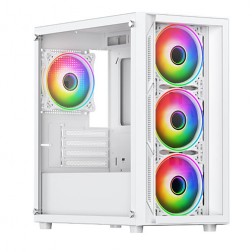 AMD Ryzen 5 8400f Nvidia RTX 5060 Gaming PC - G6 Fusion 600 X4
AMD Ryzen 5 8400f 6 core
A620M Motherboard
16GB+ DDR5 5200MHz
FAST 1TB M.2 NVMe SSD
8GB Nvidia RTX 5060 Graphics
300mbps Wifi
Windows 11 Home£1,180.00
£1,109.99
AMD Ryzen 5 8400f Nvidia RTX 5060 Gaming PC - G6 Fusion 600 X4£1,180.00
£1,109.99
AMD Ryzen 5 8400f 6 core
A620M Motherboard
16GB+ DDR5 5200MHz
FAST 1TB M.2 NVMe SSD
8GB Nvidia RTX 5060 Graphics
300mbps Wifi
Windows 11 Home
-
 AMD Ryzen 7 8700f Nvidia 16GB RTX 5060 Ti Gaming PC - G6 Fusion 800 X4
AMD Ryzen 7 8700f 8 core
A620M Motherboard
16GB+ DDR5 5200MHz
FAST 1TB M.2 NVMe SSD
16GB Nvidia RTX 5060 Ti Graphics
300mbps Wifi
Windows 11 Home£1,469.99
£1,379.99
AMD Ryzen 7 8700f Nvidia 16GB RTX 5060 Ti Gaming PC - G6 Fusion 800 X4£1,469.99
£1,379.99
AMD Ryzen 7 8700f 8 core
A620M Motherboard
16GB+ DDR5 5200MHz
FAST 1TB M.2 NVMe SSD
16GB Nvidia RTX 5060 Ti Graphics
300mbps Wifi
Windows 11 Home
-
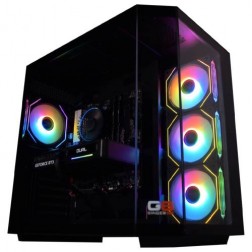 AMD Ryzen 7 8700f Nvidia RTX 5070 Gaming PC - G6 Fusion 800 X5
AMD Ryzen 7 8700f 8 core
A620M Motherboard
16GB+ DDR5 5200MHz
FAST 1TB M.2 NVMe SSD
12GB Nvidia RTX 5070 Graphics
300mbps Wifi
Windows 11 Home£1,579.99
£1,480.00
AMD Ryzen 7 8700f Nvidia RTX 5070 Gaming PC - G6 Fusion 800 X5£1,579.99
£1,480.00
AMD Ryzen 7 8700f 8 core
A620M Motherboard
16GB+ DDR5 5200MHz
FAST 1TB M.2 NVMe SSD
12GB Nvidia RTX 5070 Graphics
300mbps Wifi
Windows 11 Home
-
 Intel Core i7 12700F 16GB Nvidia RTX 5060 Ti Gaming PC - G6 Storm X5
Intel Core i7 12700F 12 core
H610 Motherboard
16GB+ DDR5 5200MHz
1TB+ M.2 NVMe SSD
16GB Nvidia RTX 5060 Ti Graphics
300mbps Wifi
Windows 11 Home£1,549.99
£1,469.99
Intel Core i7 12700F 16GB Nvidia RTX 5060 Ti Gaming PC - G6 Storm X5£1,549.99
£1,469.99
Intel Core i7 12700F 12 core
H610 Motherboard
16GB+ DDR5 5200MHz
1TB+ M.2 NVMe SSD
16GB Nvidia RTX 5060 Ti Graphics
300mbps Wifi
Windows 11 Home
-
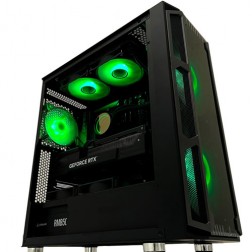 Intel Core i9 Nvidia 16GB RTX 5060 Ti Gaming PC - G6 Typhoon X3
Intel Core i9 12900KF 16 core
H610M Motherboard
16GB+ DDR5 5200MHz Memory
FAST 1TB+ M.2 NVMe SSD
16GB Nvidia RTX 5060 Ti Graphics
300mbps Wifi
Windows 11 Home£1,649.99
£1,559.99
Intel Core i9 Nvidia 16GB RTX 5060 Ti Gaming PC - G6 Typhoon X3£1,649.99
£1,559.99
Intel Core i9 12900KF 16 core
H610M Motherboard
16GB+ DDR5 5200MHz Memory
FAST 1TB+ M.2 NVMe SSD
16GB Nvidia RTX 5060 Ti Graphics
300mbps Wifi
Windows 11 Home
-
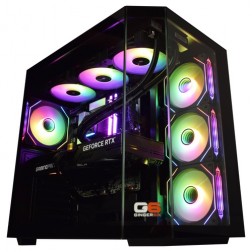 Intel Core Ultra 9 285K Nvidia RTX 5070 Ti Gaming PC - G6 Genesis U3
Intel Core Ultra 9 285K 24 core
B860 Motherboard
32GB+ DDR5 5200MHz Memory
FAST 1TB+ M.2 NVMe SSD
16GB Nvidia RTX 5070 Ti Graphics
FAST Wifi & Bluetooth
Windows 11 Home
Intel Core Ultra 9 285K Nvidia RTX 5070 Ti Gaming PC - G6 Genesis U3
Intel Core Ultra 9 285K 24 core
B860 Motherboard
32GB+ DDR5 5200MHz Memory
FAST 1TB+ M.2 NVMe SSD
16GB Nvidia RTX 5070 Ti Graphics
FAST Wifi & Bluetooth
Windows 11 Home
-
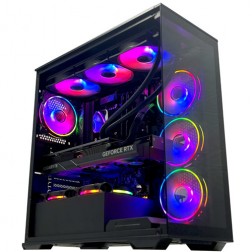 Intel Core i9 14900K Nvidia RTX 5080 Gaming PC - G6 Galactic U3
Intel Core i9 14900KF 24 core
Z790 Motherboard
32GB+ DDR5 5200MHz
FAST 1TB+ M.2 NVMe SSD
16GB Nvidia RTX 5080 Graphics
FAST Wifi & Bluetooth
Windows 11 Home
Intel Core i9 14900K Nvidia RTX 5080 Gaming PC - G6 Galactic U3
Intel Core i9 14900KF 24 core
Z790 Motherboard
32GB+ DDR5 5200MHz
FAST 1TB+ M.2 NVMe SSD
16GB Nvidia RTX 5080 Graphics
FAST Wifi & Bluetooth
Windows 11 Home
Grid List
7 Item(s)
What Does Warzone Need?
Warzone's large open map demands more VRAM and GPU power than any other CoD mode. The figures below account for sustained performance in the most demanding zones — not average performance on quieter areas of the map.
Figures are estimates based on available benchmark data. Actual performance varies by CPU pairing, RAM speed, and system configuration. Kevin will confirm expected performance for your setup before you order.
What Each Budget Delivers in Warzone
VRAM is the key differentiator in Warzone more than in any other CoD mode. These assessments account for sustained performance in large engagements, not just quieter zones.
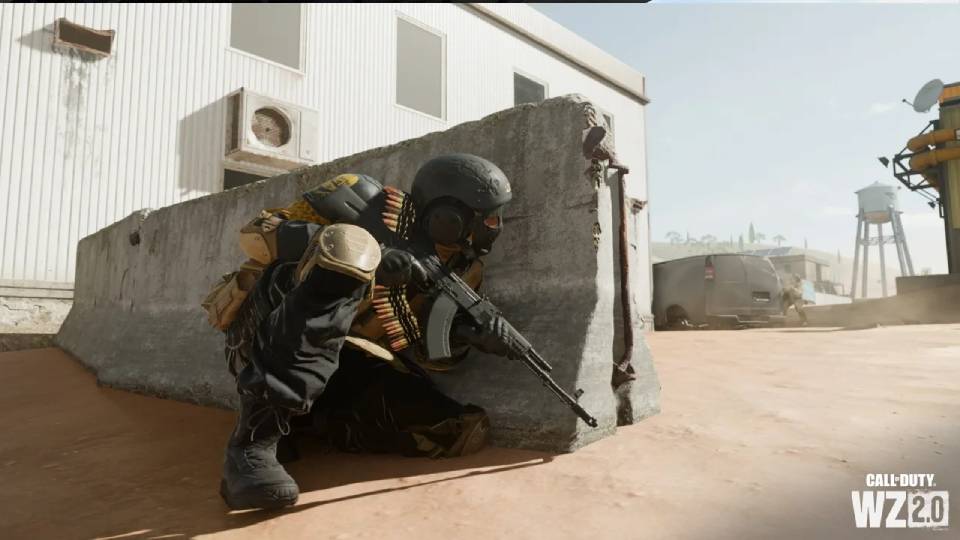
Consistent 120fps to 150fps at 1080p high settings. DLSS extends headroom in the most demanding zones of the map. 12GB VRAM on the RTX 5060 Ti keeps texture quality stable at 1080p high. This is the right starting point for a 144Hz monitor — a step up from a budget CoD build for players who spend significant time in Warzone. Also covers Modern Warfare and Black Ops 7 multiplayer at 200fps+ at 1080p on the same machine.
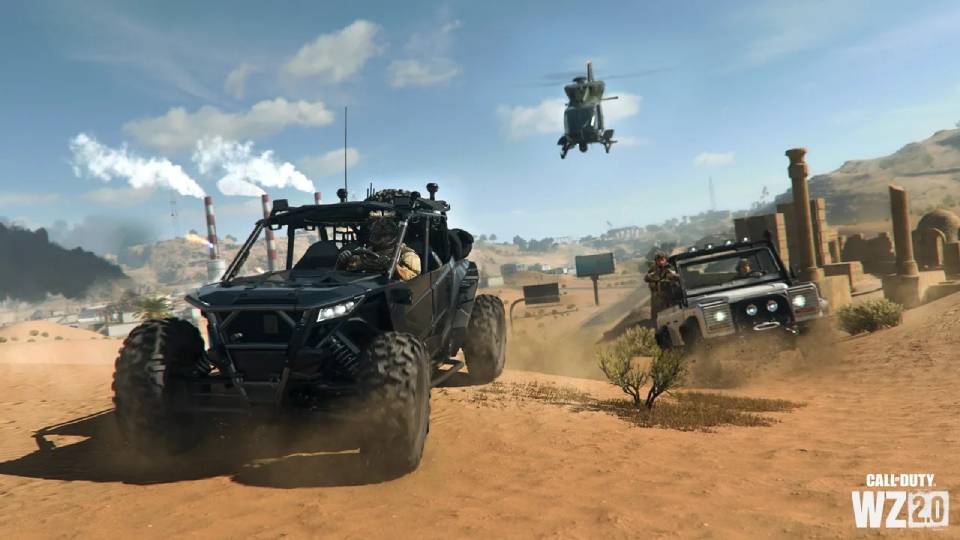
100fps to 130fps at 1440p high with DLSS Quality. The 16GB VRAM keeps texture quality consistent across the full match — no streaming delays even in the most visually complex zones. This is the most common Warzone upgrade for players moving from 1080p to 1440p. The visual step up in Warzone's large outdoor environments is substantial at 1440p. Also covers Apex Legends at 1440p high and Battlefield 6 at 1440p high with DLSS on the same machine.
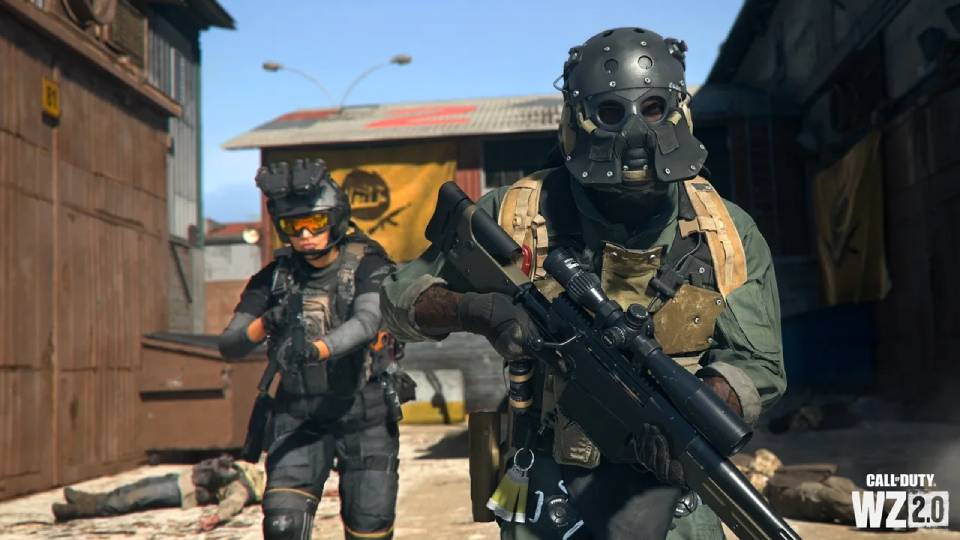
80fps+ at 1440p ultra with DLSS. Maximum draw distance, shadows, and texture detail. 16GB VRAM. This is the tier for Warzone players who also play Battlefield 6 at 1440p ultra or want 4K capability for any title in the library. The same build covers every title in the competitive shooter category at 1440p ultra without compromise.
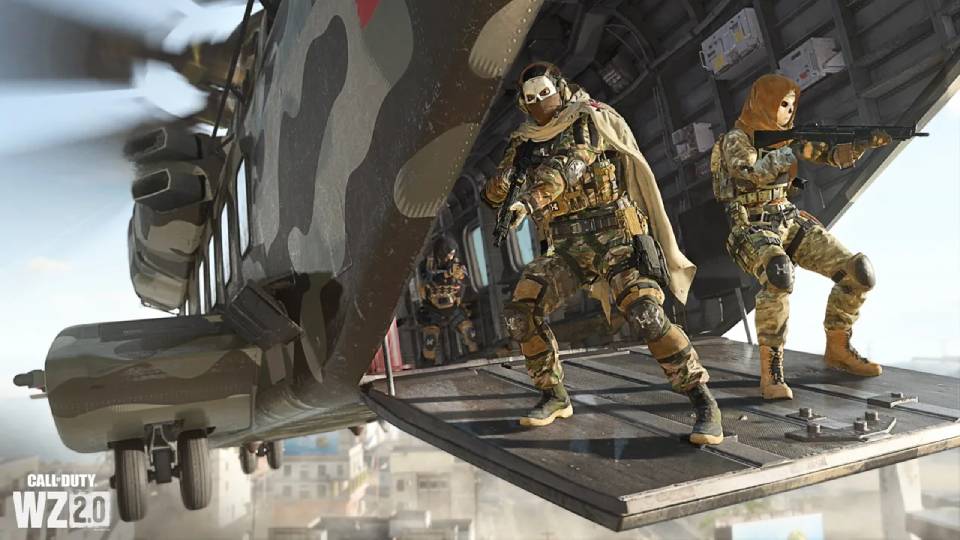
Warzone at 4K with DLSS. RTX 5080 with 16GB GDDR7 VRAM. The build for players who own a 4K display and want every CoD title at native 4K resolution. DLSS Quality mode on the RTX 5080 delivers smooth frame rates at 4K Warzone. Also covers every other title in the library at 4K ultra — Battlefield 6, Cyberpunk 2077, and any other GPU-heavy title.
Why Warzone Needs More Than a Multiplayer CoD Build
Warzone shares a game engine with Modern Warfare and Black Ops 7, but its hardware demands are fundamentally different. The map is large. Draw distances are long. The number of objects the GPU must render per frame — buildings, terrain, foliage, vehicles, environmental effects — is far higher in Warzone's open environment than on any multiplayer map. Warzone is the most GPU and VRAM-intensive title across the competitive shooters category.
VRAM is the most common point of failure for Warzone builds that perform well in multiplayer. At 1440p high settings with high-resolution texture packs enabled, a GPU with 8GB VRAM runs out of video memory during sustained matches — the game starts streaming textures from system RAM, which causes visible pop-in and frame time hitches during the moments when you most need the game to run cleanly. 12GB is the minimum that avoids this at 1440p. 16GB provides comfortable headroom for ultra settings and future texture pack updates.
DLSS and FSR work well in Warzone because the game genuinely loads the GPU in a way that smaller-map shooters do not. An RTX 5070 at 1440p high with DLSS Quality is the recommended starting point — upscaling recovers 25 to 40 percent frame rate with minimal visible quality impact at Quality mode. This is not a workaround — it is the intended way to run a demanding open-world shooter at high fidelity on mid-range and high-end hardware.
The CPU still matters. Multi-squad engagements in Warzone generate physics, AI, and player simulation load that a slow processor handles poorly — frame drops occur specifically during the busiest moments of a match. A Core i7 or Ryzen 7 absorbs this without becoming the bottleneck. The GPU and VRAM are the primary spec consideration, but the CPU must keep pace.
1080p High vs 1440p Ultra: The Visual Step Up in a Large Map
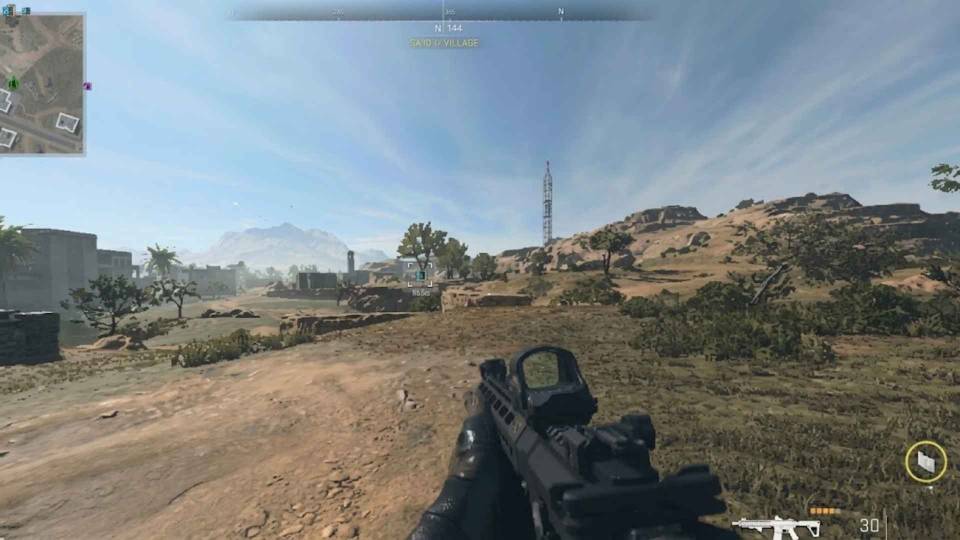
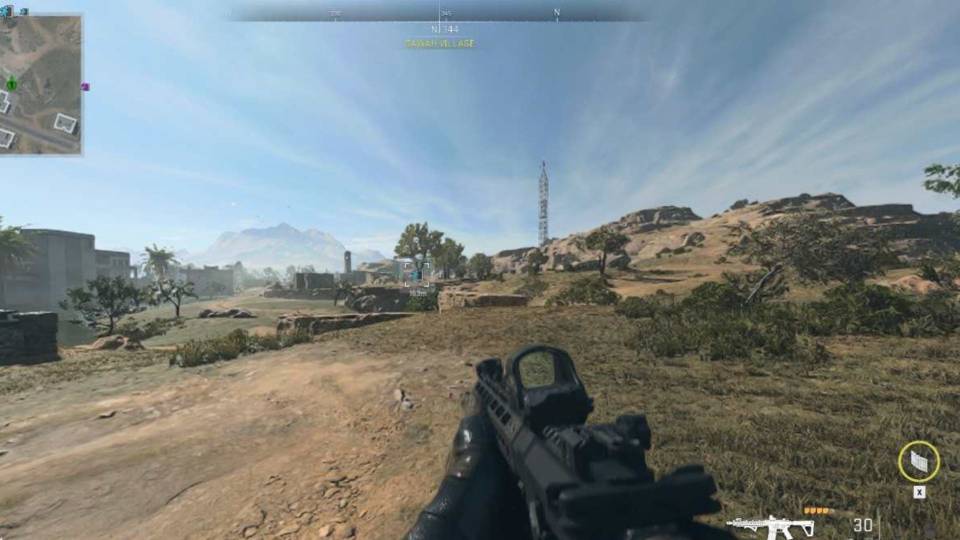
Drag to compare. The visual improvement from 1080p high to 1440p ultra is particularly clear in Warzone's large outdoor environments — draw distance, shadow quality, and terrain detail all benefit from the resolution step.
Three Types of Warzone Buyer
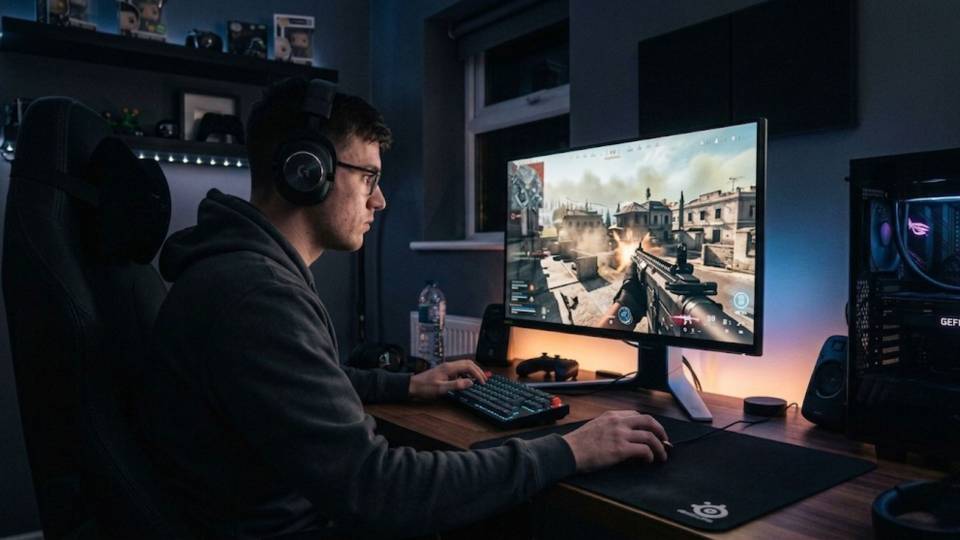
Currently playing Warzone at 1080p high and wants the visual step up to 1440p without losing frame rate. The high-end build — RTX 5070, Core i7, 16GB VRAM — delivers 100fps to 130fps at 1440p high with DLSS Quality. The visual improvement in Warzone's large outdoor environments at 1440p is a meaningful change in game experience, not a marginal one.
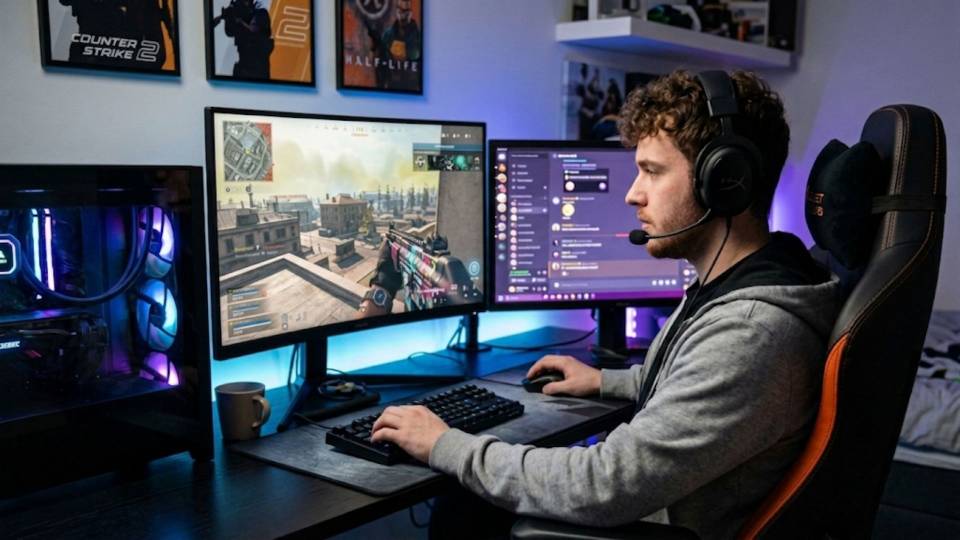
Plays both Warzone and Modern Warfare or Black Ops 7 multiplayer. Spec for Warzone — multiplayer modes run with significant headroom on the same build. The mid-range build covers Warzone at 1080p high and multiplayer at 200fps+ on 1080p. The high-end build covers Warzone at 1440p and multiplayer at 240fps+ at 1440p on the same machine.
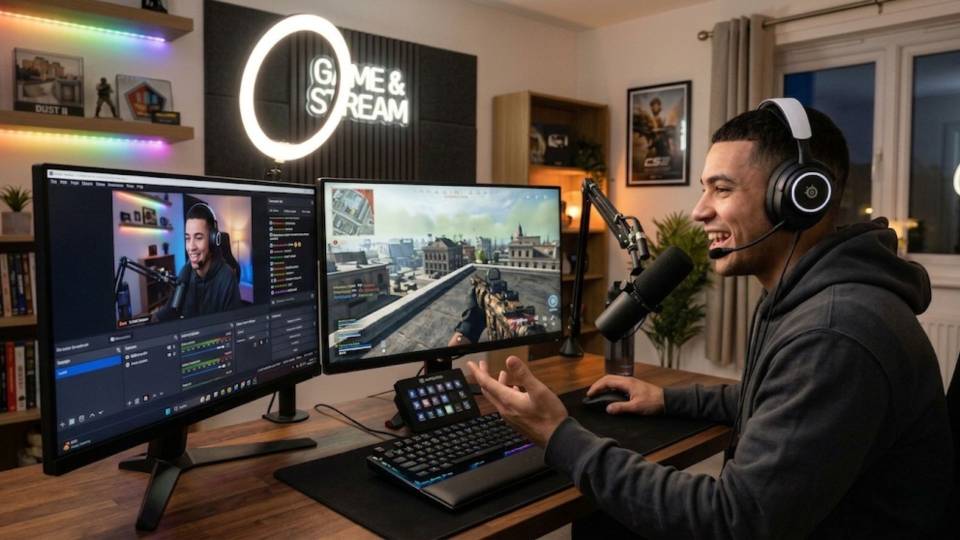
Warzone's GPU demand makes streaming more CPU-efficient with NVENC hardware encoding — the RTX 5070's NVENC handles encoding without pulling frames from the game. 32GB RAM ensures the encoder does not compete with Warzone for memory. The high-end build covers Warzone at 1440p and a 1080p stream simultaneously without frame rate compromise.
Call Kevin on 01902 714533 or email [email protected]. Tell him:
1. The games you play most often
2. Your monitor resolution and refresh rate
3. Whether you stream, record, or edit alongside gaming
4. Your approximate budget
No charge for the conversation. No pressure to buy.
Will This Build Cover Your Other Games?
Recommended Ginger6 Builds for Warzone
Three builds matched to Warzone resolution and VRAM targets. VRAM is the key differentiator at each tier.
RTX 5060 Ti with Core i7. Consistent 120fps to 150fps at 1080p high. 12GB VRAM avoids texture streaming. Covers Modern Warfare and Black Ops 7 multiplayer at 200fps+. The right starting point for a 1080p 144Hz Warzone build.
RTX 5070 with fast Core i7. 100fps to 130fps at 1440p high with DLSS Quality. 16GB VRAM for sustained ultra performance. The most popular Warzone upgrade for players moving from 1080p — the visual step up at 1440p in Warzone's large map is substantial.
RTX 5070 Ti with Core i9. 80fps+ at 1440p ultra with DLSS. Maximum visual fidelity with 16GB VRAM. Also covers Battlefield 6 at 1440p ultra and 4K capability across less demanding titles. The build for players who want every game in the library at its best.
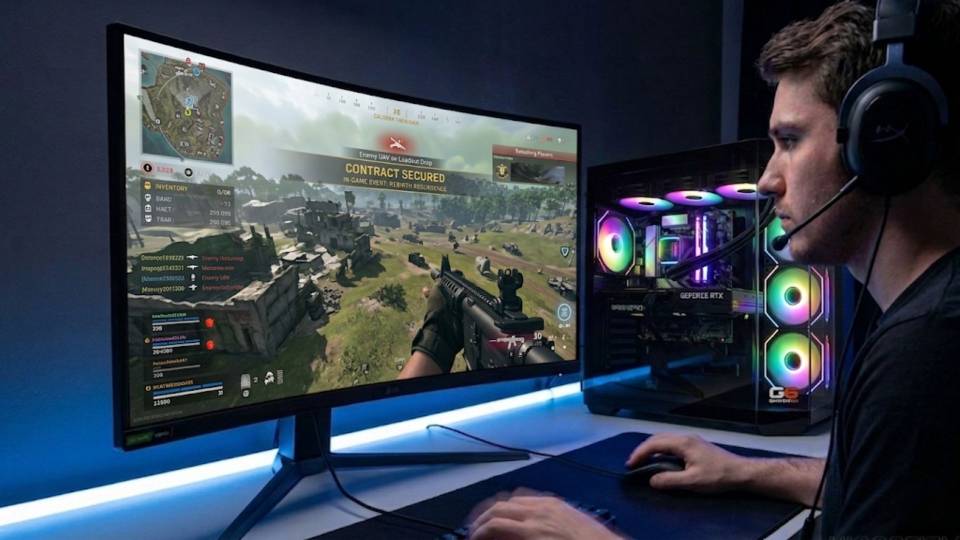
Built for the VRAM Demand Warzone Places on High-End Hardware
A Warzone build is spec'd differently from a multiplayer CoD build because the game's hardware demands are genuinely different. Kevin starts every Warzone spec with VRAM — 12GB minimum for 1080p, 16GB for 1440p — before the GPU model or CPU pairing. The build around those VRAM requirements then determines which resolution and settings tier is achievable.
Cable management inside the case supports better airflow around the GPU throughout a long Warzone session. The open map, large player count, and sustained visual complexity mean the GPU is under more continuous load in Warzone than in most other games. Clean routing maintains the airflow path the case was designed around, which keeps the GPU at its boost clock speed rather than reducing it to manage temperature mid-match.
BIOS settings, memory profiles, and firmware stability are confirmed before dispatch. XMP or EXPO DDR5 profiles are enabled and tested under Warzone-scale sustained GPU load. DLSS driver support is confirmed active and functioning where relevant to the GPU in the build. Every build runs a 24-hour stress test covering thermal behaviour under sustained load, processor and GPU stability, memory responsiveness, storage performance, and BIOS firmware stability before leaving the workshop.
Kevin backs every Warzone build with a 3-year warranty. If a season update changes performance characteristics, a call to 01902 714533 gets you current advice on settings — not a support queue.
What Do Ginger6 Customers Say?
Over 1,100 verified reviews with a 93% five-star rating.
High-end build buyers consistently report the same things: honest advice on spec before purchase, a machine that performs from day one, and support that is available when it is needed.
Read All Trustpilot ReviewsI chose Ginger6 to build me a gaming PC and was given such a fantastic service from start to finish. They were never too busy to answer any questions or give me advice on my build. The delivery time was fast and the PC was packaged really well. The build looks fantastic and runs like a dream.
Ginger 6 stepped in and saved my lads Christmas with an excellent product, going way past normal expectations. Since then we have used G6 to update and upgrade my lads gaming setup. Ginger 6 are always so accommodating and helpful, I trust their knowledge totally and they have never steered me wrong being flexible and competitively priced. I could not recommend this company enough.
Bought computers from here for a while and custom PCs always come highest quality. Gaming PC I bought from them 6 years ago was still going strong with one or two part replacements at the 5 year point until I got a newer one. Great choice and customer service.
Common Questions About Warzone Gaming PCs
A high-end build with an RTX 5070 and 16GB VRAM delivers 100fps to 130fps at 1440p high with DLSS Quality. 16GB VRAM is recommended over 12GB for sustained texture quality in large engagements. A Core i7 or Ryzen 7 handles Warzone's CPU load. The mid-range RTX 5060 Ti covers Warzone at 1080p — 12GB VRAM minimum at that resolution.
12GB covers Warzone at 1080p high to ultra without texture streaming issues. At 1440p, 12GB is the minimum — 16GB is recommended for sustained ultra performance in large engagements. Warzone consistently requires more VRAM than any other CoD mode due to its large open map and high draw distances.
Yes — both work effectively and both recover meaningful frame rate at 1440p. DLSS Quality on Nvidia builds or FSR Quality on AMD builds typically recovers 25 to 40 percent additional frame rate. Warzone's large map loads the GPU genuinely, so upscaling makes a real difference — more so than in smaller-map shooters like CS2 or Valorant.
Warzone's large open map has longer draw distances and higher texture complexity than multiplayer maps. With high-resolution texture packs enabled, a GPU with less than 12GB VRAM at 1440p runs out of video memory during sustained matches — the game streams textures from system RAM, causing visible pop-in and frame time hitches. Multiplayer maps are smaller and place lower VRAM demand, so the same GPU handles them without issue.
Yes. A high-end build with an RTX 5070 and Core i7 handles Warzone at 1440p and NVENC encoding simultaneously without frame rate compromise. 32GB RAM is recommended for streaming — it ensures the encoder does not compete with Warzone for memory resources during large engagements.
Yes — a high-end Warzone build covers Battlefield 6 at 1440p high with DLSS. Both games share similar VRAM requirements at 1440p. Battlefield 6 at ultra settings is generally more GPU-intensive than Warzone, so if both titles at 1440p ultra are the target, the enthusiast tier is the right choice. A standard high-end Warzone build covers both at 1440p high settings comfortably.
Warzone needs more VRAM and GPU power than Black Ops 7. Black Ops 7 multiplayer plays on smaller maps where frame rate and CPU delivery are the primary concerns — not VRAM capacity. A build spec'd for Warzone handles Black Ops 7 with headroom. A build spec'd only for Black Ops 7 may struggle in Warzone at 1440p due to insufficient VRAM.
A 144Hz monitor at 1440p is the most popular pairing for high-end Warzone builds — the visual quality step up at 1440p is the primary upgrade at this tier, rather than the refresh rate. A 240Hz monitor at 1080p suits mid-range builds where maximising frame rate at lower resolution is the goal. A 360Hz monitor provides diminishing returns in Warzone compared to smaller-map shooters, because Warzone's game pace is lower than CS2 or Black Ops 7 multiplayer.
Find the Right Build for Warzone
Browse the gaming PC range or call Kevin directly. Tell him your target resolution, whether you also play multiplayer, and your budget. He will confirm the right VRAM and GPU spec for your setup.