




AMD Performance Custom Built PC
Description
AMD Performance Custom Built PC: The Home Office Configurator, No Dedicated Graphics Card Needed
The AMD Performance Custom Built PC is Ginger6’s home and office configurator on the AMD Ryzen platform, sized for office workloads first: spreadsheets, accounts software, web browsing across many tabs, video calls, document editing, light photo work, and mainstream business applications. The default Ryzen 5 8500G is an APU (Accelerated Processing Unit), which means it carries integrated Radeon 740M graphics on the same silicon as the CPU. No discrete graphics card is required at the default price of £759.99. Hand-built in our Wolverhampton workshop, stress-tested for 24 hours under sustained load, shipped with a 3-year warranty, lifetime UK phone support, free mainland UK delivery, and a full printed VAT invoice for business buyers.
The seven-step custom-options form walks you through every component choice. Step 1 lands on the G6 Enterprise MATX (no optical) office chassis with the Ryzen 5 8500G (6 cores, 3.50 GHz base, 5.0 GHz boost, Radeon 740M integrated graphics), the Gigabyte A620M H, 16GB DDR5 5200MHz (2x8GB) Dual Channel, and the 500GB Gen 4 NVMe. Step the CPU at Step 1 up through Ryzen 5, Ryzen 7, or Ryzen 9 APU and non-X SKUs for more cores or higher boost as your workload demands. Step the memory at Step 1 up to 32GB or 64GB if your office workflow runs heavy multitasking, large spreadsheets, or virtual machines. Need a discrete GPU later for light gaming or accelerated creative work? The Graphics dropdown at Step 1 carries entry-tier dGPUs (RTX 3050, RX 7600) for that step-up. Call Kevin on 01902 714533 if you want to talk through the office spec on the phone.
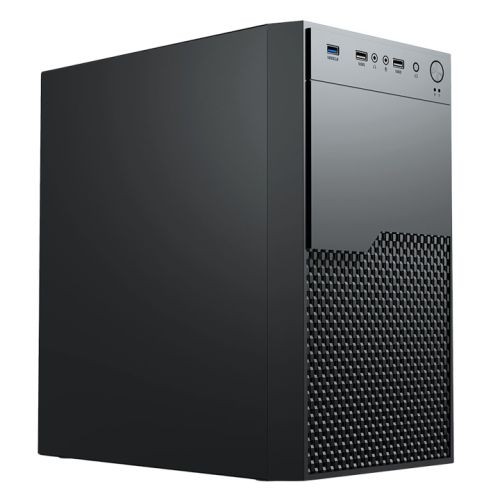
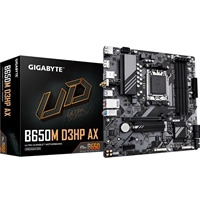
The AMD Performance Custom Built PC sits inside our Custom PCs hub, the AMD Custom PCs sub-hub, and the wider Home & Office PCs range. The configurator is a sibling to the Custom PC Builder and the Custom PC Builder Near Me entry points for buyers searching locally for a custom Wolverhampton PC builder. The default Gigabyte A620M H is the entry AM5 chipset: 1GbE Realtek LAN, two DDR5 DIMM slots, an M.2 NVMe slot for the included 500GB drive, and Wi-Fi via the included 433Mbps USB adapter. Step the board up at Step 1 to a B650M D3HP AX board if your office spec needs onboard Wi-Fi 6 and Bluetooth 5.3 from the board.
The home-and-office framing is deliberate. AMD Ryzen APUs combine the CPU and the GPU on the same silicon, which lands the build at a structurally lower price than a CPU-plus-discrete-graphics-card combination, with low power draw and quiet operation that suit a desk environment. The 500w G6 ATX Lite PSU at Step 3 is sized for the integrated-graphics workload and keeps the cost-of-build down. For a Custom Intel Home Office PC sibling on the same office-led approach, the Intel custom built office PC (g6-skylake-custom) covers that lane. For a fixed-spec office PC where we have already picked the components, the G6 Office i7 Desktop PC is the natural fixed-spec reference.
Four Reasons to Configure an APU Build for Office Work
Office workloads do not need a discrete graphics card. They need responsive CPU cores, enough RAM, fast storage, quiet operation, and a UK-business-friendly purchase experience with a printed VAT invoice.
Ryzen APU: CPU and GPU on One Chip
The default Ryzen 5 8500G is an AMD Accelerated Processing Unit, which carries Radeon 740M integrated graphics on the same silicon as the 6-core, 5.0 GHz CPU. For office workloads, video calls, light creative tasks, and 4K media output, the integrated GPU is more than enough. No discrete graphics card is needed, which lowers the cost, lowers the power draw, and lowers the noise of the build.
Quiet, Compact, Office-Appropriate Chassis
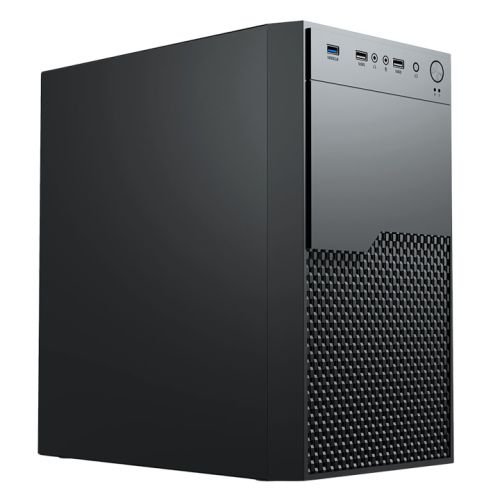
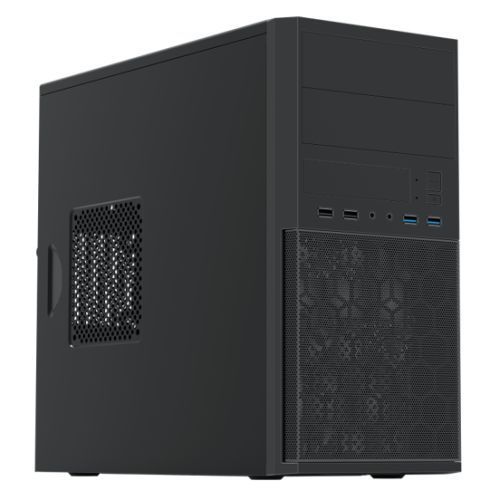
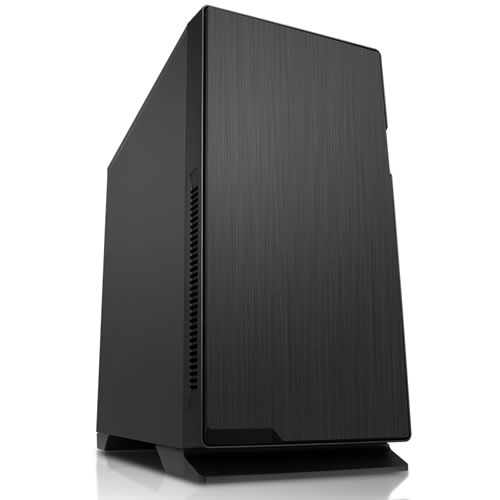
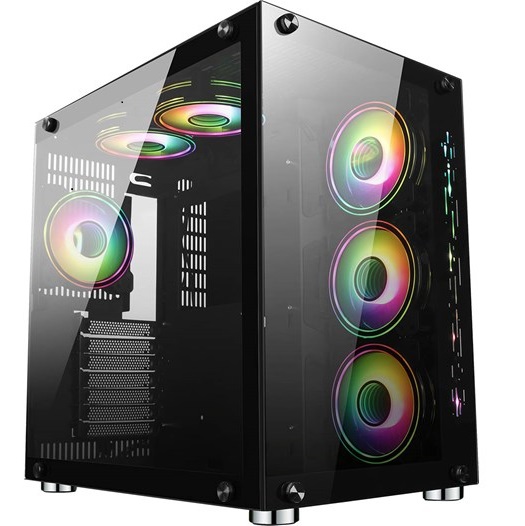
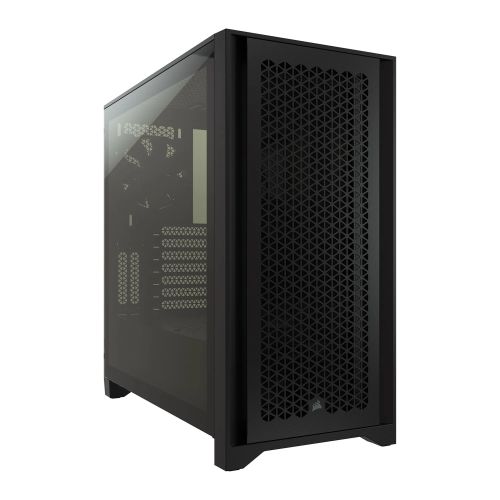
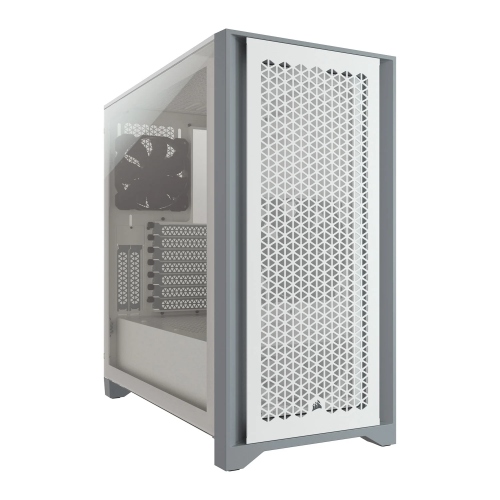
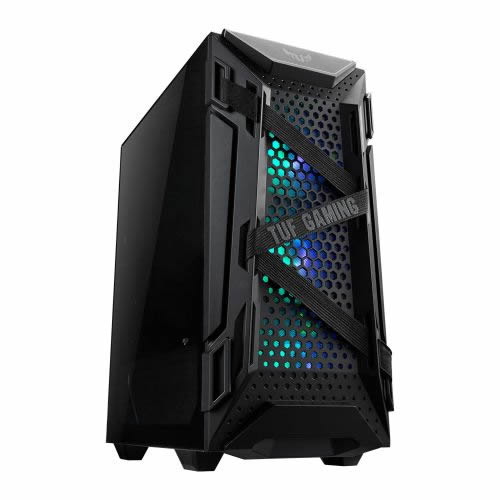
The G6 Enterprise (MATX, no optical) at Step 1 is a compact micro-ATX office chassis sized for a desk environment. The 500w G6 ATX Lite PSU runs cool under integrated-graphics load. The default stock cooler is sufficient for the APU’s thermal envelope. Configure a quieter cooler or quieter case fans at Step 3 if your office is particularly noise-sensitive.
Upgrade-Ready: Add a dGPU Later
The integrated-graphics default does not lock you in. The board has a PCI-E x16 slot for a discrete GPU when your needs change. Add an entry-tier RTX 3050 or RX 7600 today at Step 1 if you need light gaming or accelerated creative tools alongside office work, or leave the slot empty and add a discrete card in the future. The configured build is upgrade-ready by design.
Full Printed VAT Invoice With Every Order
Every order ships with a full printed VAT invoice, which UK businesses need for accounting, expense claims, and capital allowance treatment. The invoice is enclosed inside the packaging with the warranty paperwork. Ginger6 is a UK limited company (Ginger6 Retail Limited, registered at Shaw Park Business Village, Wolverhampton WV10 9LE).
The Seven-Step Walk-Through
The Custom Options form on this product page is a seven-step build sheet. Every dropdown changes price and lead time live. The screenshots below walk through what each step contains and how to decide for an AMD APU-led home office build.
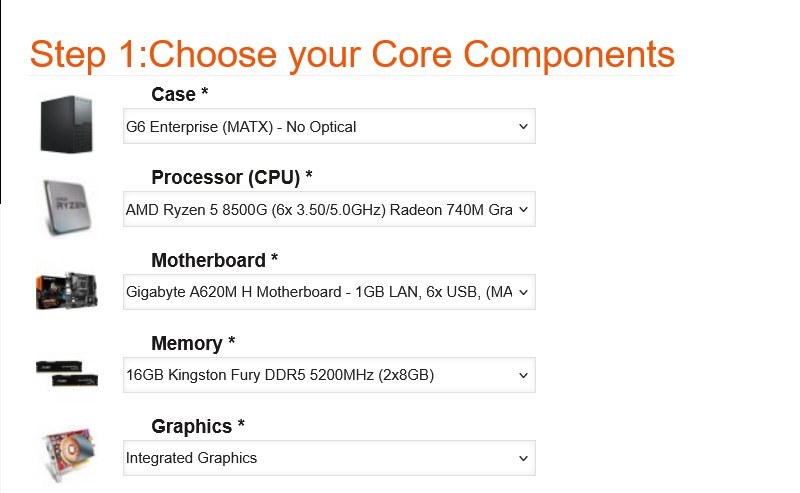
Step 1: Core Components
What this step decides: the five components that anchor the office build. The Case (default G6 Enterprise MATX, no optical), the Processor (default Ryzen 5 8500G APU), the Motherboard (default A620M H on AM5), the Memory (default 16GB DDR5 2x8GB Dual Channel), and the Graphics card (default Integrated Radeon 740M, no discrete card needed).
How to decide: for typical office workloads (spreadsheets, video calls, browser-heavy multitasking), the default Ryzen 5 8500G APU and integrated graphics are correctly sized. Step the CPU to the Ryzen 7 8700G for heavier multitasking, or to non-APU Ryzen 7 / 9 SKUs if you are adding a discrete graphics card. Step the memory to 32GB or 64GB Dual Channel if your office workflow runs large datasets or virtual machines. To add a discrete graphics card for light gaming or accelerated creative work, step the Graphics dropdown to an entry-tier RTX 3050 or RX 7600.
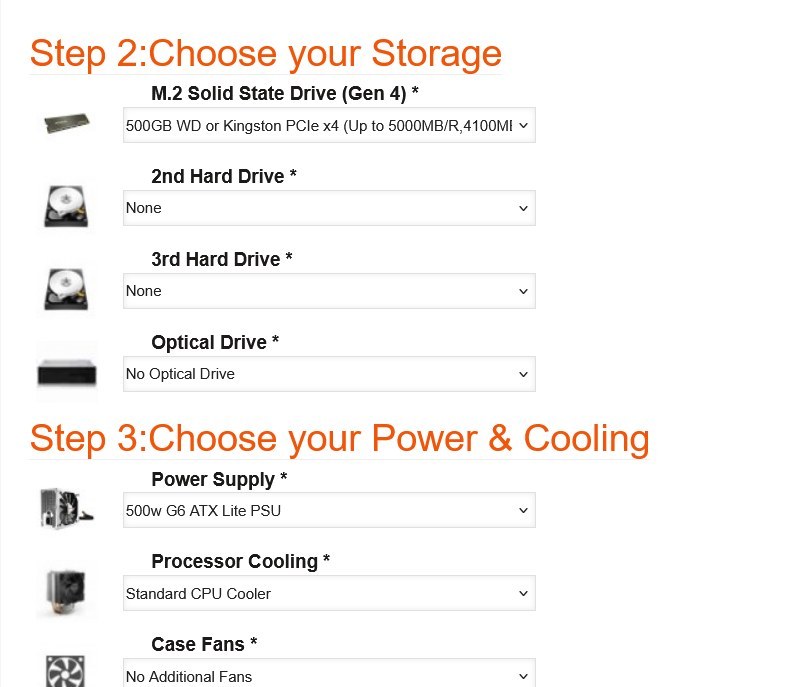
Step 2: Storage & Step 3: Power and Cooling
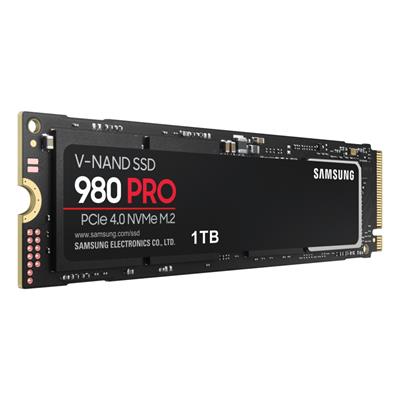
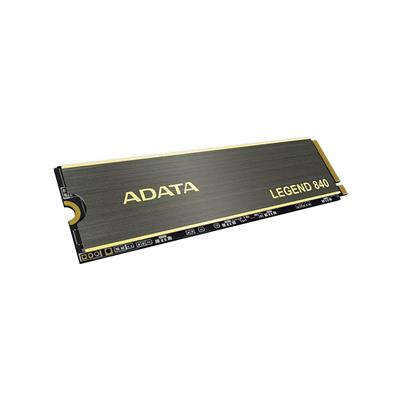
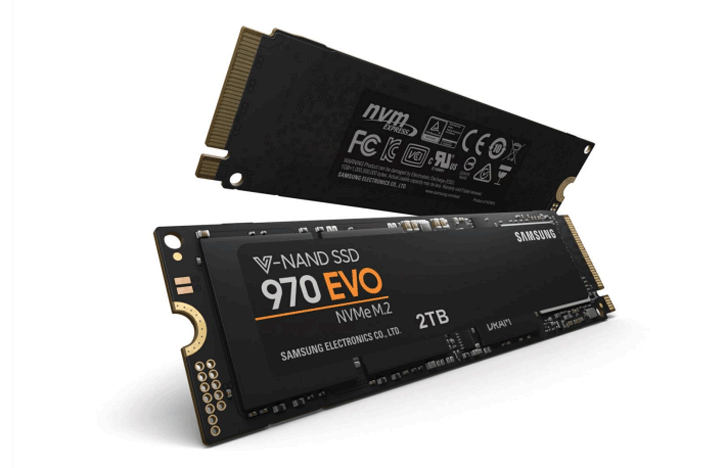
What Step 2 decides: the M.2 NVMe boot drive (default 500GB Gen 4), up to four M.2 NVMe drives, two hard drives, and the optical drive (default none, as the office chassis is no-optical by design). For most office workloads the 500GB or 1TB M.2 alone is plenty.
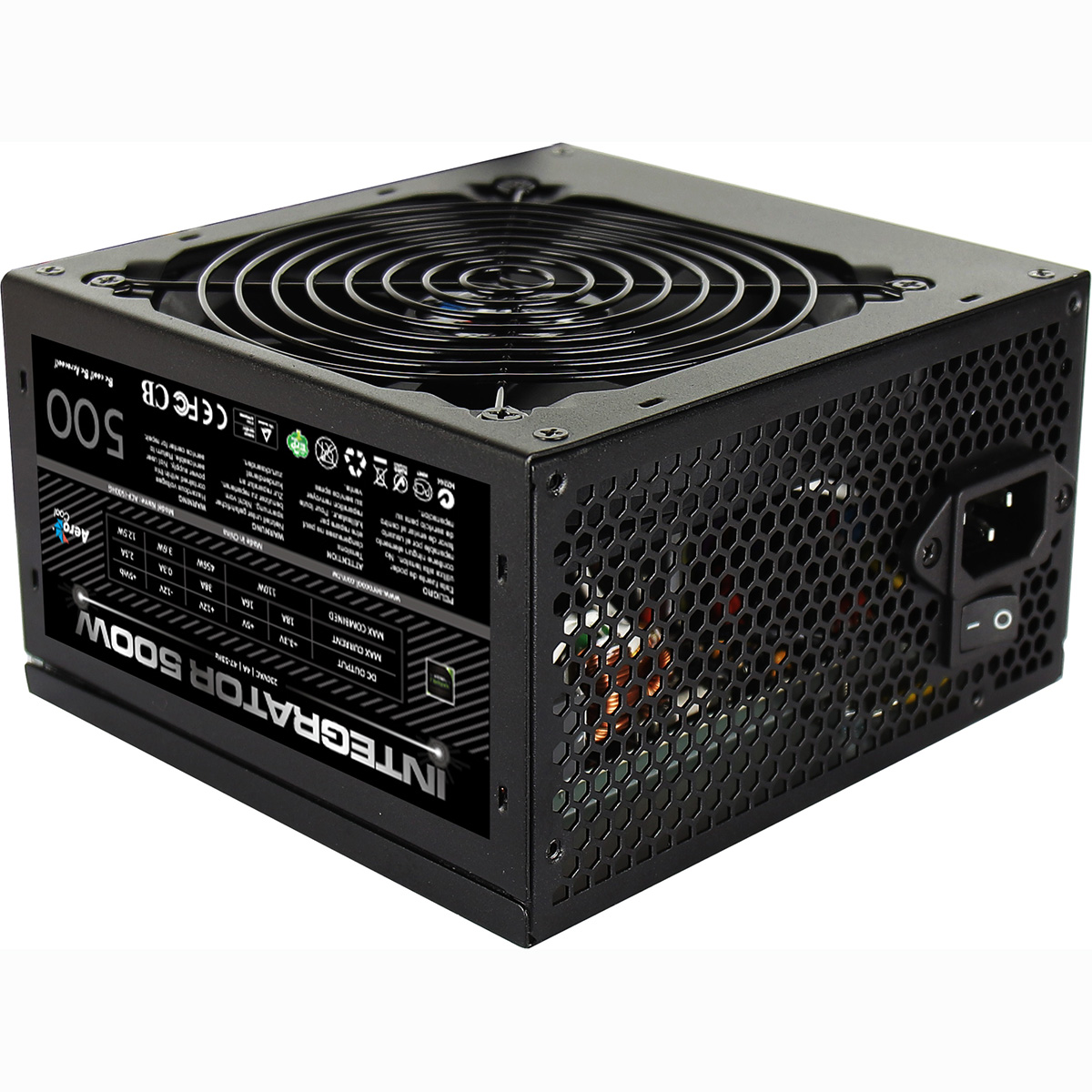
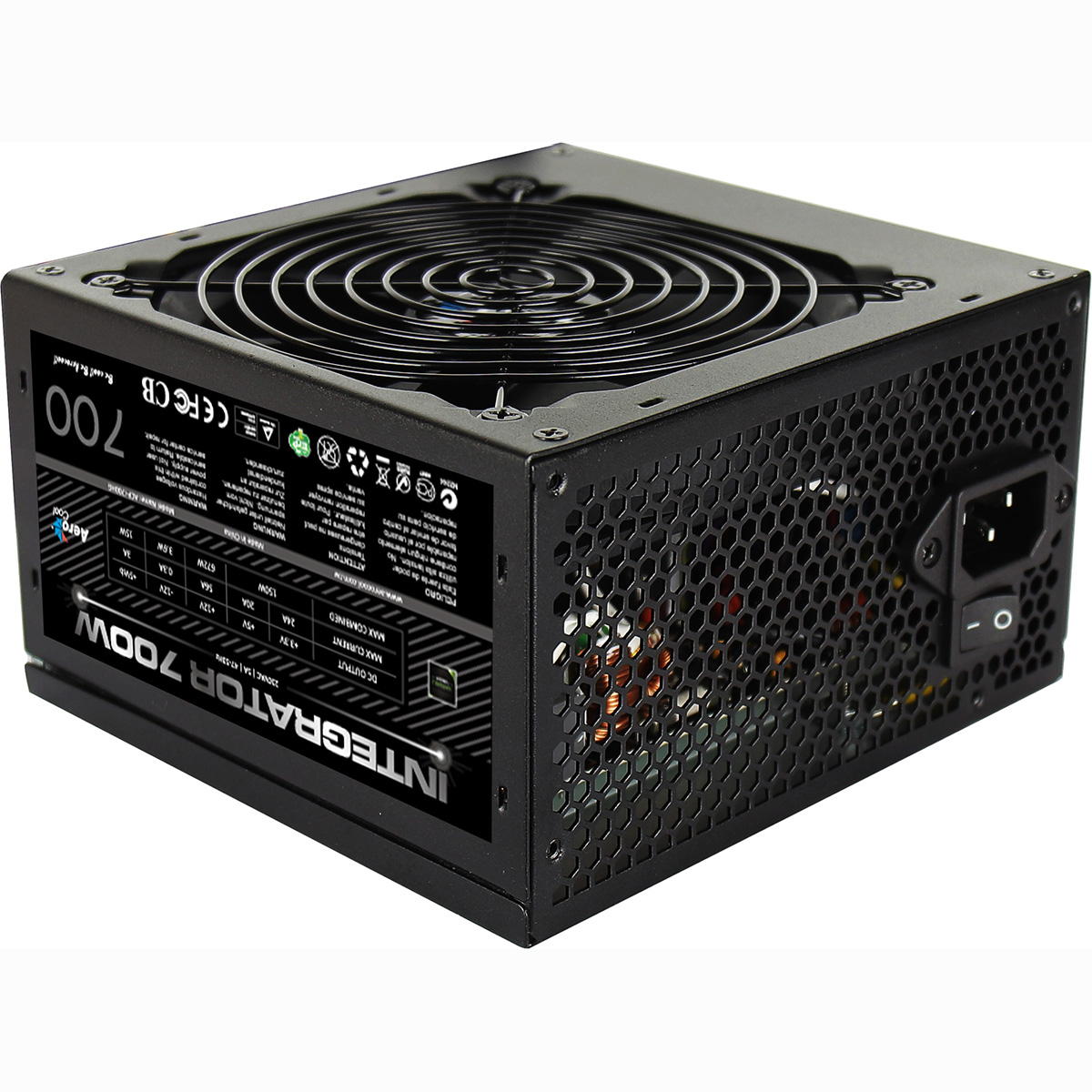
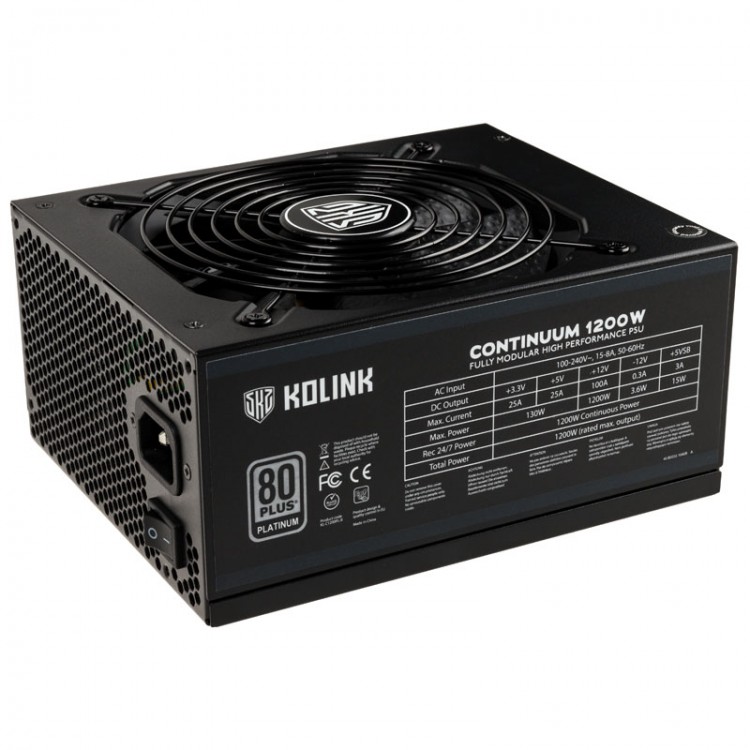
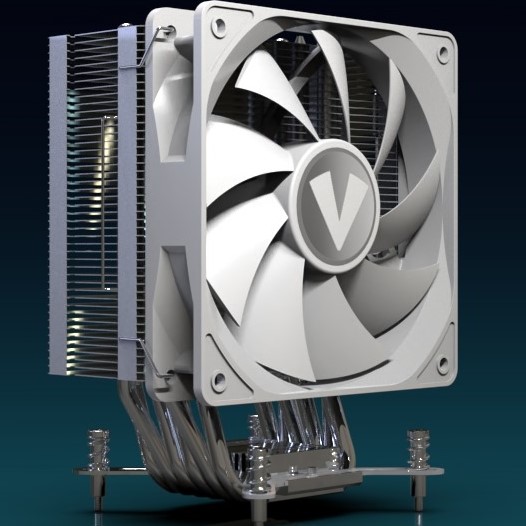
What Step 3 decides: the Power Supply (default 500w G6 ATX Lite, office-appropriate), the Processor Cooler (default stock cooler), and the Case Fans. The ATX Lite PSU is sized for the integrated-graphics workload and keeps cost down; step up to the 500w or 650w 80+ Bronze if you added a discrete graphics card at Step 1.
How to decide: the default cooling is sufficient for the APU’s low thermal envelope. Step the cooler up only if you stepped to a Ryzen 7 or Ryzen 9 at Step 1. The office chassis is designed for quiet operation; quieter case fans are a worthwhile add if your office is particularly noise-sensitive.
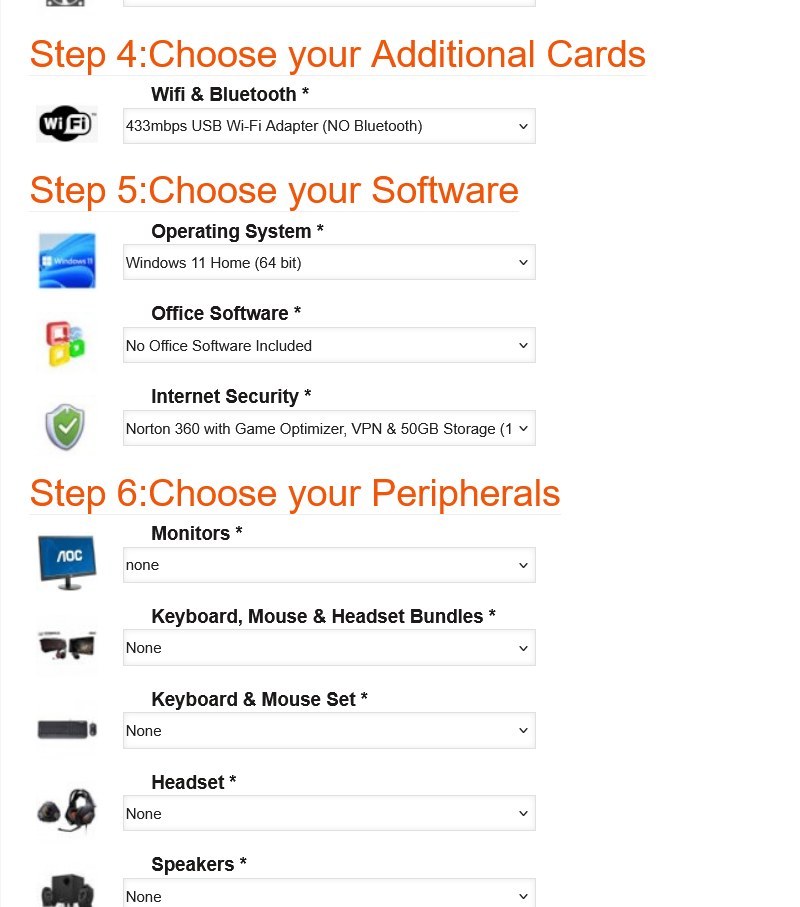
Step 4: Additional Cards · Step 5: Software · Step 6: Peripherals
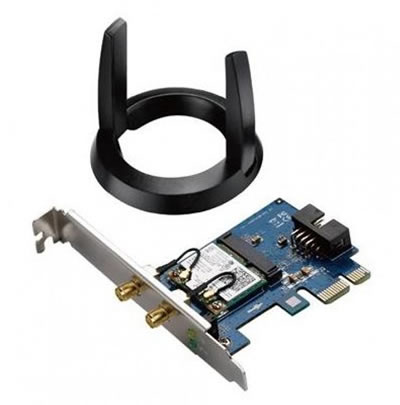
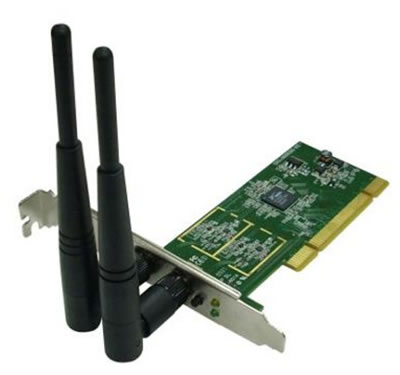
What Step 4 decides: the Wi-Fi and Bluetooth option (default included 433Mbps USB Wi-Fi adapter, Wi-Fi only). Office buyers who use Bluetooth peripherals should either switch to a USB Wi-Fi plus Bluetooth combo here, or step the motherboard up at Step 1 to a B650M D3HP AX board with onboard Wi-Fi 6 plus Bluetooth 5.3.
What Step 5 decides: Operating System (default Windows 11 Home 64-bit; Windows 11 Pro recommended for office buyers who want BitLocker drive encryption, Hyper-V, Remote Desktop server, and the Pro admin features), Office Software (Microsoft Office 2024 Home / Business / Professional options), and Internet Security (Norton 360 included free for 1 year).
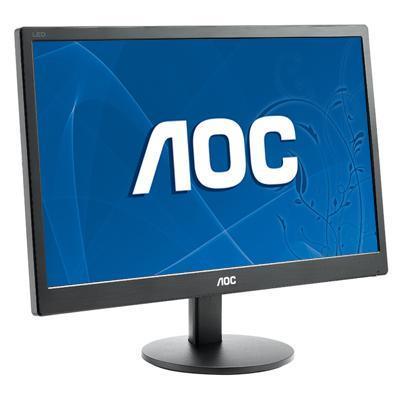
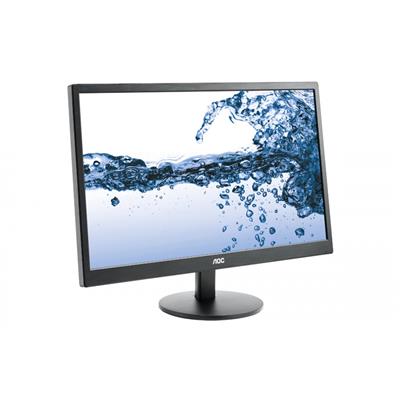
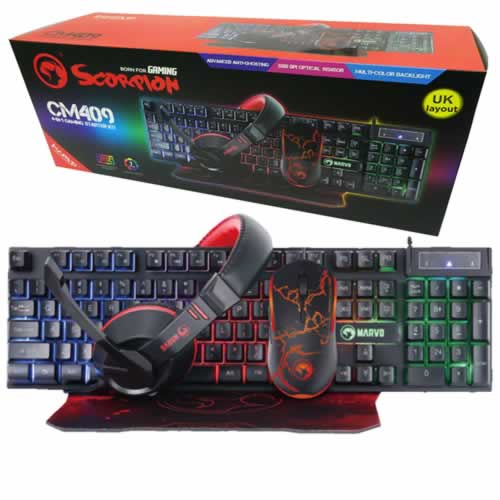
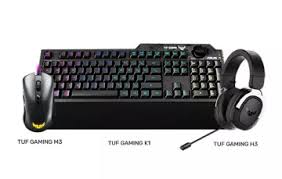
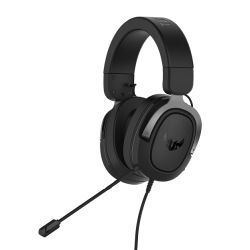
What Step 6 decides: Monitor, Keyboard / Mouse / Headset bundles, individual office peripherals. The office monitor and KB+mouse bundles are sized for desk use, not gaming peripherals.
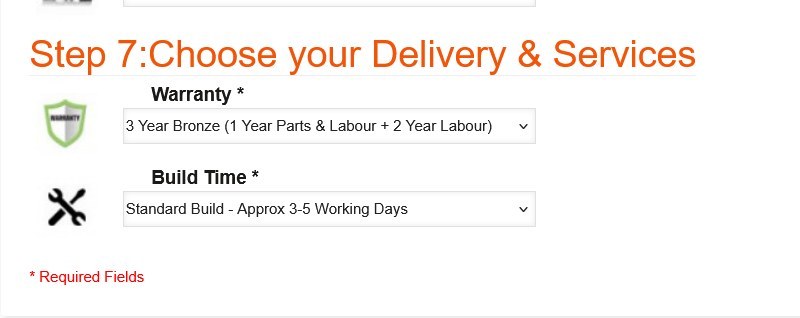
Step 7: Delivery and Services
What this step decides: the warranty level (default 3 Year Bronze; Silver and Gold options extend the parts cover and the return-to-base period) and the build time (default Standard 3-5 working days including the 24-hour stress test; Express options available).
How to decide: business buyers commonly upgrade to Silver or Gold warranty for office uptime cover. Standard Build is the right pick unless you have a hard deadline. The full printed VAT invoice is enclosed with every order regardless of the build-time option you pick.
When the configuration is right, the price at the top of the Custom Options form is the final price. Click Add to Cart to checkout, or call Kevin on 01902 714533 to talk through the office spec first.
Open the ConfiguratorFour Office Configurations for Four Buyer Profiles
If your office workload matches one of these, the suggested configurator pick is the starting point. Adjust at any step to match your spec.
For everyday office work: spreadsheets, document editing, email, web browsing across many tabs, Microsoft Teams, Zoom or Google Meet video calls, accounting software (Sage, Xero, QuickBooks). Keep the default Ryzen 5 8500G APU at Step 1, 16GB DDR5 (2x8GB) Dual Channel, 500GB Gen 4 NVMe, integrated Radeon 740M graphics, the 500w ATX Lite PSU at Step 3. £759.99 as configured, no upgrade needed for this workload.
For office workloads that run heavier: large Excel models, accounting software with multiple companies open, photo editing in Lightroom or Affinity Photo, light video editing for social content, several Office applications open alongside many browser tabs. Step the CPU at Step 1 to the Ryzen 7 8700G APU (8 cores, 5.10 GHz boost) and the Radeon 780M integrated graphics, step the memory to 32GB (2x16GB) Dual Channel, the storage to 1TB Gen 4 NVMe at Step 2.
For office workloads with creative tools that benefit from a discrete GPU: Adobe Photoshop, Premiere Pro for social-clip editing, occasional 3D viewing in product design tools, light gaming after hours. Step the CPU at Step 1 to the Ryzen 7 7700, step the Graphics dropdown to the RTX 3050 6GB or RX 7600 8GB (the configurator switches off the integrated-graphics framing when a dGPU is selected), and step the PSU at Step 3 to the 650w 80+ Bronze for the larger draw.
For small-business workstation workloads: virtual machines, server-adjacent local-development, larger Sage installations, multi-user accounting, design or CAD review at a small studio. Step the CPU to the Ryzen 9 7900 (12 cores) at Step 1, step the memory to 64GB (2x32GB) Dual Channel, step the storage to 2TB Gen 4 NVMe at Step 2, step the OS at Step 5 to Windows 11 Pro for the additional admin features and BitLocker. If the workload becomes graphics-led, the AMD Custom Workstation configurator with discrete Quadro / RTX options is the natural sibling.
Which AMD Configurator Fits Your Build?
Ginger6 runs three AMD custom configurators, each tuned to a different lane: current-platform gaming, broad gaming with GPU-brand choice, and APU-led home office. Pick the one that matches your starting point and configure from there. All three share the same hand-built Wolverhampton workshop, the same 24-hour stress test, the same 3-year warranty, and the same lifetime UK phone support.
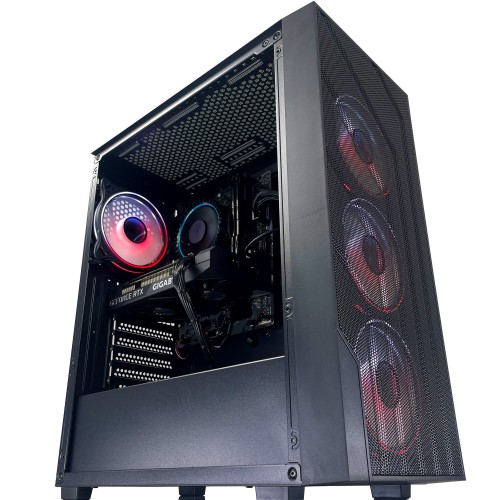

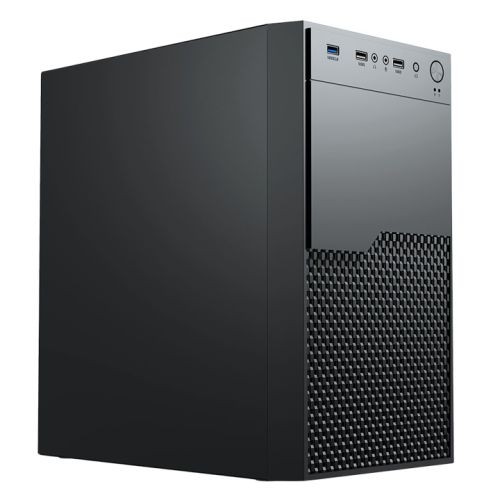
Not certain which configurator fits? Call Kevin on 01902 714533. Tell him the games or office workload, the monitor (or that there is no gaming monitor), and the budget. He will point you at the right configurator for your starting point.
Built by Hand in Wolverhampton
Every configured AMD Performance Custom Built PC goes through the same three-stage workshop process. The 24-hour stress test is the gate that holds dispatch.
Before assembly begins, the configuration submitted via the seven-step form is reviewed against the office workload you described. If you have spoken to Kevin, the build sheet reflects that conversation. Components are verified against current stock, the cooler mounting hardware is confirmed for the Ryzen APU on Socket AM5, the case clearance is checked for any discrete-GPU upgrade you may have added at Step 1.
The build is assembled inside the office chassis you picked at Step 1 (the default G6 Enterprise MATX or your selected upgrade). The APU is seated with the cold-plate contact verified, the case fans are wired for quiet desk operation, and the BIOS is set for the integrated Radeon graphics with the appropriate iGPU memory allocation. DDR5 dual-channel mode at the configured speed, NVMe boot order, the on-board firmware update, and the included 433Mbps USB Wi-Fi adapter driver are confirmed before the 24-hour test begins. Windows 11 is installed clean with no third-party bloatware.
Every configured AMD office build runs sustained CPU plus integrated-GPU load for a full day before it ships. The test loop covers thermal behaviour on the APU under sustained boost, memory stability at the configured DDR5 speed in dual-channel mode, NVMe storage performance under sustained read/write, and Windows responsiveness under multi-application load. Boost behaviour, fan curves, and storage performance are all logged before despatch. Your build ships free to mainland UK addresses, fully insured and tracked, with the full printed VAT invoice enclosed.
- Thermal behaviour on the configured Ryzen APU and cooler combination
- Integrated Radeon graphics stability (or discrete GPU if configured)
- Memory stability at the configured DDR5 speed in dual-channel mode
- NVMe storage performance and consistency for office responsiveness
- BIOS and AGESA firmware stability on the configured AMD board
- Windows responsiveness under multi-application office load
What Home Office Buyers Say
Over 1,100 reviews on Trustpilot with a 93% five-star rating. The person who configures your office build on the phone is the person who hand-builds it in the workshop and answers the phone after delivery. Read the reviews on Trustpilot directly, nothing here is curated.
Purchased a custom AMD PC for my home office. Excellent build quality, runs whisper-quiet under my normal workload, and the VAT invoice arrived enclosed with the warranty paperwork. Service from Ginger6 was first-class from order to delivery.
Ordered a Ryzen office build for accounts and admin work. Kevin recommended an APU spec to keep the cost down, the PC arrived in three days, tested and labelled. Runs Sage, Excel, and many browser tabs without breaking a sweat. Excellent value, would buy again.
Bought a custom PC for our small business office. The configurator was easy to use, the build arrived faster than expected with a proper VAT invoice for the accounts. Kevin’s after-sales support has been brilliant. Recommended to other small-business owners.
Questions About Configuring Your Office PC
We supply a full printed VAT invoice with all orders.
Yes. The Ryzen 5 8500G’s Radeon 740M integrated graphics handles dual-monitor 4K office workloads, 1080p and 4K video output, Microsoft Teams and Zoom video calls, web browsing across many tabs, and the office-software stack without strain. The integrated GPU is a real GPU sharing the system memory; it is not a software emulation. For light photo editing in Lightroom or Affinity Photo, the integrated graphics is still sufficient. For video editing, 3D rendering, CAD with large assemblies, or modern gaming, that is when you step up to an entry-tier discrete card at Step 1.
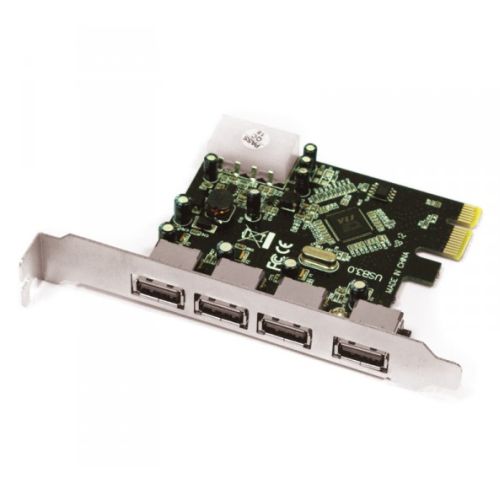
Scroll down to the Custom Options section under this product page. The seven-step form walks you through the build in order: Step 1 Core Components (case, CPU, motherboard, memory, graphics), Step 2 Storage, Step 3 Power and Cooling, Step 4 Additional Cards (Wi-Fi and PCI-E), Step 5 Software (OS and office software), Step 6 Peripherals, Step 7 Delivery and Services. Every dropdown updates the price and the lead time live. Click Add to Cart when the configuration is right.
For everyday office work, video calls, and browser-heavy multitasking, the default Ryzen 5 8500G (6 cores, 5.0 GHz boost, Radeon 740M) is correctly sized at £759.99. For heavier multitasking, larger Excel models, or light photo editing, step up to the Ryzen 7 8700G (8 cores, 5.10 GHz boost, Radeon 780M). For small-business workstation-class workloads with virtual machines or local server-adjacent work, step up to the Ryzen 9 non-X SKUs in the dropdown. The APU range is the configurator’s default lane; non-APU Ryzen CPUs are available but pair with a discrete graphics card at Step 1.
The integrated Radeon graphics handles older and lighter games comfortably at 1080p (esports titles, indie games, older AAA), but for current AAA at 1080p or higher you would want a discrete graphics card. Either add an entry-tier dGPU (RTX 3050, RX 7600) at Step 1, or pick a gaming-focused configurator instead: the AMD Ryzen 7000 Custom Gaming PC for an AM5-platform gaming-led build, or the AMD Custom Built Gaming PC for the broader AMD gaming configurator with Nvidia or Radeon GPU choices.
Step 7 of the configurator carries the Build Time option. Standard Build (the default) is approximately 3 to 5 working days from order to dispatch, which includes the 24-hour stress test under sustained load. Express Build options are available in the dropdown if you need a faster turnaround. Dispatch is via tracked next-working-day courier on free mainland UK delivery; the printed VAT invoice is enclosed.
Two upgrade paths. At Step 4 of the configurator, choose a USB Wi-Fi adapter that includes Bluetooth in the dropdown (the default is the Wi-Fi-only 433Mbps adapter; the combo Wi-Fi plus Bluetooth options sit below it). Or step the motherboard up at Step 1 to a B650M D3HP AX board with onboard Wi-Fi 6 plus Bluetooth 5.3. Either path keeps the rest of the configured office build identical.
Ready to Configure Your AMD Home Office PC?
Use the seven-step Custom Options form above or call Kevin on 01902 714533. He will help you pick the right APU spec for your office workload, the right RAM and storage, and the right software bundle. Lifetime UK phone support, 3-year warranty, free mainland UK delivery, full printed VAT invoice with every order. Available on 0% finance via PayPal Pay In 3 for configured orders above £500.
Custom Options
























































* Required Fields
Specifications
Additional Information
| Processor | AMD Ryzen 5 5600G |
|---|---|
| Processor Type | AMD Ryzen 5 |
| No of Cores | 6 |
| Max Core Speed | 4.40GHz |
| CPU Cooler | AMD Wraith Stock Cooler |
| Motherboard | Gigabyte A620M H |
| Case | Vida Enterprise |
| Power Supply | 500w G6 ATX Lite PSU |
| Memory Size | 16GB |
| Solid State Drive Size | 500GB |
| Graphics | Integrated Graphics |
| Graphics Card Connections | Displayport, HDMI |
| Audio | 8-Channel High Definition Audio |
| LAN | 10/100/1000 Gigabit LAN Port, 300mbps Wireless LAN |
| USB2 Ports | 4 |
| USB3 Ports | 2 |
| Operating System | Windows 11 Home 64 bit |
| Monitors | Optional (See Custom Options) |
| Warranty | 3 Year Bronze Warranty |
Reviews
-
Excellent in every respect Review by JONATHAN
Value Quality Price Customer Service I'm more of a software guy, not hardware.. so I used an A.I. to build a spec for a gaming PC based on my requirements and to give me some recommended UK retailers based on 1. Reviews and 2. price. Ginger6 was number one. Website was simple and easy to use, as was ordering process. System built & shipped on schedule. PC arrived safely and well packaged, ready to go straight out of the box. No problems whatsoever, no stress / hassles and I've got a great looking (and performing) PC. Many thanks, would recommend to everyone. (Posted on 06/12/2024)
-
Excellent service Review by Ken Gordon
Value Quality Price Customer Service I picked all the parts I wanted but still, the service was fast: assembly and dispatch in less than a week. Very tidy build. No problems at all. (Posted on 06/12/2024)
-
Working well Review by Patricia
Price Value Quality Customer Service Working well, not all software yet installed, and not all data yet available but all apears well so far. (Posted on 21/09/2023)
-
Works perfectly Review by lanny
Price Value Quality Customer Service Works perfectly (Posted on 10/10/2022)
-
The PC is excellent Review by Phil Needham
Price Value Quality Customer Service I purchased a new desktop with additional drive in January for my personal use and for doing church accounts and other work. It was easy to order on line and to specify my requirements. The PC was quickly built and available for collection (Note that the post code alone is insufficient to find their premises). The PC is excellent, with much speedier processing than I was previously experiencing and I am well pleased with it. I have used Ginger 6 several times previously and will not hesitate to use them again as their service and follow up support is excellent.
Phil N, Wolverhampton (Posted on 11/05/2022) -
Amazing! Review by anak1
Price Value Quality Customer Service Great service, quick responses with my questions prior to buying and my pc is 11/10! Will definitely be ordering again (Posted on 15/12/2020)
-
Amazing! Review by anak1
Price Value Quality Customer Service Great service, quick responses with my questions prior to buying and my pc is 11/10! Will definitely be ordering again (Posted on 15/12/2020)
-
Excellent service Review by Patricia
Price Value Quality Customer Service Excellent service, fast delivery, will use again (Posted on 01/01/2017)
-
lel Review by that guy
Quality Price Value Just do it (Posted on 17/02/2015)
-
Incredible for the price Review by Some dude
Price Value Quality The PC looks promising with the correct OS, It would do great for slightly advanced games I.E DayZ Standalone or BattleField 4 at normal settings; I would suggest slapping on a nice 6-core CPU, as the FX6300 is only £6 more. As it is only a £60 video card, don't expect exceeding BattleField 4 above 100 fps at normal graphics as you're looking at about 40 to 60 FPS at average.
I'd say only using one monitor for the video card as it might be pushed too much and it probably wont give you the sort of quality you would want from something like a AMD Radeon R9 260x or something, but the R7 250 is absolutely fine for everyday usage.
Get an 18.5'' monitor and it would run quite fine.
Get a cheap sound card for £20 and attach some headphones because this PC is great for watching and streaming music and videos, with the 500
(Posted on 23/03/2014)