




Custom Gaming PC Maintenance Tips for Maximizing Lifespan
Keeping your Custom Gaming PC in prime condition ensures years of reliable, high-performance gameplay. Regular care not only prevents costly issues down the line but also helps your system run smoothly during the most demanding titles. Discover trusted maintenance tips that prolong the life of your Ginger6 custom build, safeguard premium components, and keep your gaming experience at its best. Whether you’re a seasoned enthusiast or new to custom rigs, following expert recommendations can deliver optimal results and long-term savings, so your investment continues to feel brand new session after session.
Expert-Built Custom Gaming PC Basics: Why Initial Quality Matters
Choosing a custom gaming PC expertly assembled with high-end parts directly affects how long your system runs at peak levels and how much maintenance you’ll need further down the road. At Ginger6, every custom gaming computer is designed with quality at its core, built by skilled professionals with decades of experience. Starting off with high-end components and precise craftsmanship creates a strong foundation for longevity and easier maintenance. Even the best maintenance habits can’t compensate for subpar components or a careless build, so investing in an expertly-built custom gaming PC sets you up for a smoother ownership journey and helps protect your gaming investment. From the very start, initial quality forms the backbone of trouble-free, long-term gaming performance.
How High-End Components Influence Longevity in UK Gaming PCs
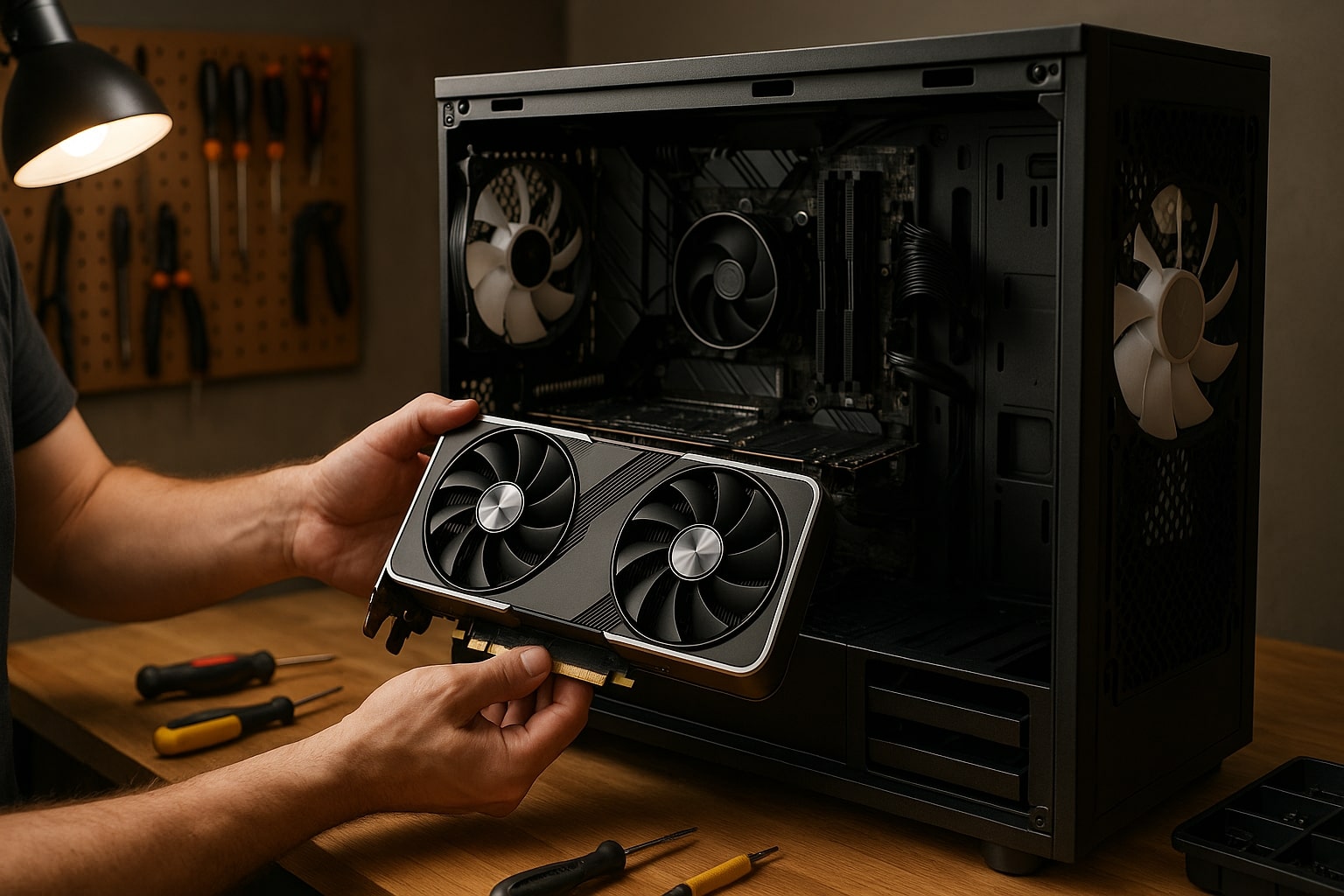
When you opt for a custom gaming PC from a trusted UK builder like Ginger6, you’re getting a system tailored to withstand years of intense gaming. Quality matters at every stage, particularly in the selection of components that endure the test of heavy usage. Premium components don’t just improve gaming performance, they’re designed with longer lifespans and better reliability. Solid state drives (SSDs), robust power supplies, and premium graphics cards mean your pc isn’t just playing the latest games, but doing so year after year with fewer issues. These components often outlast their standard counterparts, reducing the frequency and expense of replacements or unexpected breakdowns.
A significant factor in long-term pc maintenance is the origin and build quality of every part. Cheaper options might seem cost-effective at first but can lead to more frequent breakdowns, generating the need for more regular maintenance. High-quality cooling systems, for example, help maintain ideal thermal conditions inside your gaming pc, prolonging the lifespan of critical internal hardware. Proper airflow paired with ultra-quiet high-end fans or liquid cooling solutions minimises the build-up of dust and keeps temperatures steady, a maintenance tip that directly boosts reliability and allows easier cleaning routines.
Another maintenance tip gamers should remember is that quality components handle wear and tear from gaming sessions better. Not only do premium materials resist heat damage, but they also ensure that, when it’s time to clean or maintain your pc, it stands up to being opened, moved, and serviced regularly. At Ginger6, we only select components that pass our stringent stress tests, meaning maintenance tasks such as cleaning your gaming pc or checking the cooling system are far less likely to uncover hidden issues. For UK gamers seeking peace of mind, starting with an expertly assembled gaming system is the smartest move to minimise future upkeep and maximise that much-loved gaming experience for years to come.
Routine PC Maintenance for Optimal Performance
For gaming enthusiasts seeking lasting satisfaction from their custom PC, implementing a thoughtful maintenance plan is indispensable. Regularly tending to your system not only sustains optimal performance but also safeguards your hardware, ensuring that every gaming moment remains smooth and responsive. Building on the foundation of quality and expertise from Ginger6, incorporating scheduled maintenance means you can extract every ounce of value from your high-end build. This approach helps you identify any early signs of wear, stop small issues before they escalate, and keep your pc primed for whatever game you throw at it. A strategic routine is every bit as important as premium components.
Building a Maintenance Schedule Around Gaming Usage
Establishing a reliable routine tailored to your gaming habits is the cornerstone of prolonging your pc’s longevity. Start by mapping your average gaming hours each week and considering how your unique usage impacts the internal environment. For those long, immersive sessions in graphically demanding games, increased stress and heat accumulate inside your gaming pc, making regular checks an absolute must. Creating a schedule that aligns with your peak gaming periods allows you to tackle maintenance at the most effective intervals, thereby promoting optimal performance even under continuous strain.
Begin with a simple, monthly visual inspection. Set a specific date, perhaps after your busiest gaming weekends, to review the condition of fans, look for dust build-up, and check for any abnormal noise changes. This consistent attention makes spotting potential issues much easier, and staying mindful of thermal performance is a maintenance tip that pays dividends. It’s also essential to clean your gaming pc quarterly, if you game daily or for extended periods, consider increasing this frequency. Scheduling additional maintenance after significant system updates or hardware upgrades ensures new components integrate seamlessly and everything continues running at peak efficiency.
Incorporate other maintenance tips into your routine, such as monitoring software updates, running antivirus scans, and checking cable management, these steps all contribute to the smooth functioning you expect from a Ginger6 gaming machine. Document each maintenance session, noting the date and any actions taken; this record makes future troubleshooting far less daunting and lets you adapt your schedule to suit changes in your gaming habits. Adopting proactive strategies is a clear way to keep every aspect of your pc clean, consistent, and responsive. By personalising your maintenance routine, you don’t just keep your system alive, you maximise every gaming experience and investment in quality for years to come.
Keeping Your Custom PC Clean to Prevent Hardware Degradation
One often overlooked yet fundamentally important aspect of maintaining your custom gaming pc is keeping all components clean. Dust, dirt, and pet hair gather surprisingly quickly inside a gaming setup, threatening the airflow and thermal efficiency that high-end hardware relies on. When internal parts get clogged, temperatures soar, putting critical components such as graphics cards and power supplies under unnecessary stress. At Ginger6, we recommend inspecting your pc regularly and acting promptly to keep components clean, ensuring long-term reliability and performance.
Installing and maintaining quality dust filters on your pc’s intake and exhaust fans is a practical first step. These filters trap airborne debris before it settles onto delicate parts, dramatically reducing how often you’ll need to deep clean. Clean or replace the filters monthly, depending on your home environment and gaming frequency. When you check, focus on fan blades, heatsinks, and the power supply area, these zones collect the most dust. Keeping them clean helps prevent overheating and preserves the life of your custom gaming system.
When it’s time to thoroughly clean your gaming rig, power it down completely and unplug everything. Use a can of compressed air to blow dust out of hard-to-reach areas, always keeping the can upright to avoid condensation. A soft, anti-static brush helps dislodge stubborn particles from components. Don’t overlook the exterior, wipe down your case to stop dust from being pulled back inside. Every bit of cleaning you do extends the lifespan of your investment, prevents random shutdowns, and ensures Ginger6’s promise of lasting performance lives up to its name. Prioritising cleanliness is a simple tip, but its long-term impact is immense for any gaming enthusiast.
Maintaining your custom gaming PC doesn’t need to be daunting, by staying proactive and following best practices, you’ll enjoy peak performance and prolong the life of your system. Ginger6 is here to support you every step of the way, with expert advice and lifetime technical assistance for every custom-built PC. If you have questions about cleaning routines, software updates, or future upgrades, contact our team for personalised guidance. Your investment deserves to be protected, and with diligent care, your Ginger6 gaming machine will offer unmatched gaming experiences for years to come.