




G6 Carbon — Large BIM and CAD Workstation
Description
G6 Carbon — 128GB Workstation for Very Large Revit and BIM
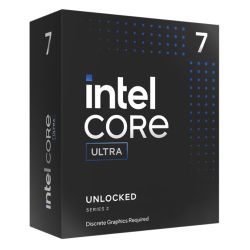
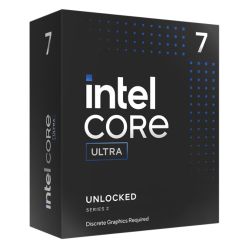
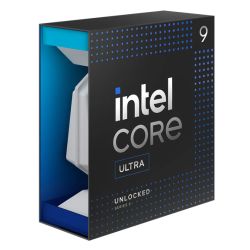
The G6 Carbon is built for practices that have outgrown 64GB. Revit 2026 with full structural, MEP, and architectural linked models, Navisworks clash detection on large coordinated datasets, SolidWorks Simulation running integrated FEA alongside active CAD, and ANSYS Discovery for real-time physics feedback on complex geometry. The Core Ultra 9 285KF provides the highest sustained single-core performance of any current Intel consumer processor, and 128GB DDR5 removes the RAM ceiling that limits large federated BIM on 64GB machines. From £4394.99, built and stress-tested in Wolverhampton. The Carbon is the top-tier build in our architecture workstations range.
This is the machine for practices where the project scale has grown beyond what a standard professional workstation handles. If you are not consistently pushing a 64GB machine to its limit in Revit, the G6 Obsidian with 64GB is the more appropriate starting point. Call Kevin on 01902 714533 and tell him your model scale and discipline count — he will confirm which build is right.
G6 Carbon — Full Specification
128GB DDR5 for very large federated BIM, Core Ultra 9 285KF for the highest available single-core performance, RTX 5070 Ti 16GB for real-time architectural visualisation, and dual 2TB NVMe for project-scale storage without constraint.
Why This Specification for Very Large BIM and Simulation
The Carbon is built for the project scale where standard professional workstations reach their limit. Here is what each component decision addresses.
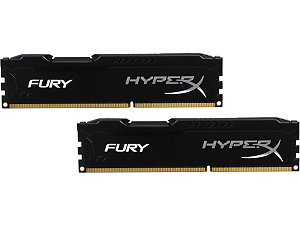
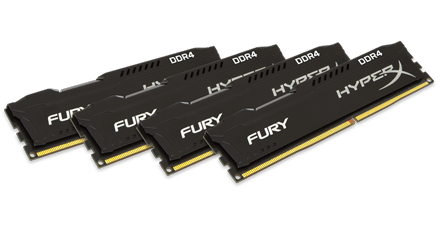
128GB: removes the RAM ceiling that defines large project limits
A very large federated Revit model combining architectural, structural, and MEP disciplines regularly pushes 64GB to its limit and causes paging to disk. 128GB removes this entirely for all but the most exceptional project scales. For a practice that has outgrown 64GB, this is the direct answer. The machine stays responsive throughout a full working day on projects where a 64GB machine begins to slow mid-session.
Core Ultra 9: sustained single-core at the top of the Intel stack
The Ultra 9 285KF maintains the highest sustained single-core boost of any current Intel consumer processor. For Revit viewport loading and SolidWorks parametric rebuild, this is the ceiling of single-thread performance without moving to a server platform. At the project scales the Carbon handles, this matters — the processor keeps up with the session rather than becoming a bottleneck alongside the RAM.
RTX 5070 Ti: real-time visualisation at full quality
16GB VRAM handles Enscape and D5 Render real-time visualisation on large architectural scenes without VRAM limitation. At the model scale the Carbon handles, 12GB VRAM can become a constraint in Enscape when the scene includes complex geometry and high-resolution textures. The 5070 Ti removes that constraint and adds GPU rendering capability in Blender and V-Ray.
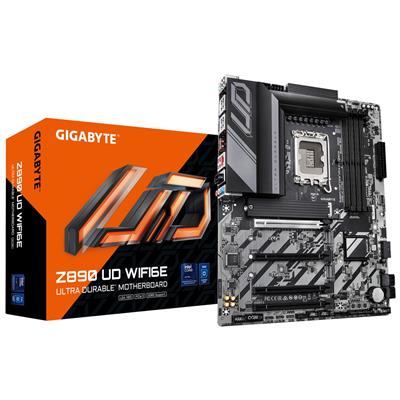
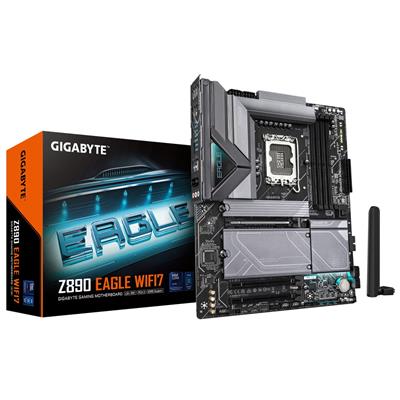
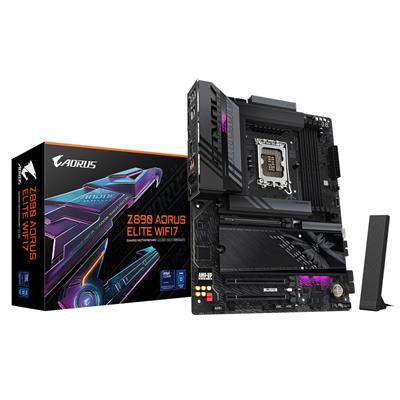
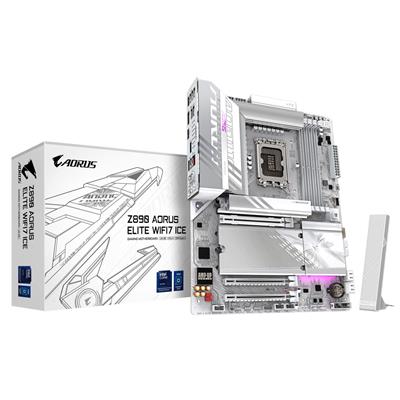
Z890 WIFI7: the right platform for stable 128GB DDR5
The Z890 chipset provides stable 128GB DDR5 operation at rated speed. Lower-tier chipsets can struggle with 128GB configurations — reduced speeds, instability, or configuration rejection. The Z890 Eagle WIFI7 is the correct platform for this RAM tier. WIFI7 supports fast wireless connectivity for practices using cloud collaboration and BIM360 heavily.
What the G6 Carbon Handles
Confirmed software performance at the G6 Carbon specification. Project scales based on 128GB DDR5 and Core Ultra 9 285KF.
Performance descriptors are indicative. Actual performance depends on project complexity, settings, and system configuration.
The Project Scale Where 64GB Stops Being Enough
The Carbon is not the right machine for everyone. It is the right machine for the specific practices and engineers where project scale has grown past what a 64GB machine handles without slowdown. There is a recognisable moment when that happens: Revit loads a structural discipline link into an architectural model and the viewport hangs. Or Navisworks opens a full coordination file and the machine runs out of headroom. When those pauses become a daily feature of the working environment, they have a real cost.
128GB removes the RAM constraint from most professional BIM and simulation workflows. A full federated Revit model with architectural, structural, and MEP disciplines loads and stays responsive. Navisworks holds the full coordination model in RAM during clash detection. SolidWorks Simulation runs FEA alongside an active CAD session. These workloads do not require 128GB in every practice — but in the practices where they do, the difference is not subtle.
The Core Ultra 9 285KF and the Z890 Eagle WIFI7 are chosen specifically to support stable 128GB DDR5 at rated speed. Lower-tier platforms can struggle with 128GB configurations. The Carbon is built as a complete system for this workload tier, not a standard workstation with RAM added. If you are uncertain whether your project scale justifies 128GB over 64GB, call Kevin and describe your typical Revit model complexity and discipline count. He will tell you directly which machine is appropriate.
Tell Kevin:
- The software you use and the version
- Your typical file sizes or project scales
- Whether you need to run multiple applications simultaneously — and which ones
- Your approximate budget
No charge for the conversation. No pressure to buy.
93% Five-Star Reviews on Trustpilot
93% of Ginger6 customers leave five-star reviews. At this investment level, the relationship matters. The person who advises you on your spec builds your machine and supports it for its entire working life.
See all reviews"I have been using Ginger 6 since 2014 for gaming PCs for wife and myself. That's 5 purchased in total. Never had a technical issue with any of the builds and the only reason for new purchases is technical obsolescence. Highly recommend them."
"I took delivery of my W11 Games PC earlier this year, following excellent advice from Ginger6 Computers. They were generous with their time and knowledge, and everything is working to perfection."
"Placed order, and received it earlier than expected. Windows and drivers already installed so computer was good to go right out of the box. Runs perfectly, have no complaints, only good things to say!"
Built by Hand in Wolverhampton
Every G6 Carbon is assembled and tested by Kevin's team. At 128GB DDR5, memory configuration requires careful BIOS tuning to run at rated speed and remain stable under the sustained loads that large BIM and simulation workloads place on the system.
Before the build begins, the configuration is reviewed against your software and project scale. If you have spoken to Kevin, the spec is confirmed against your Revit model complexity, your discipline count, and your simulation workload requirements. The second 2TB NVMe is designated for project files and coordination data, and noted on the build sheet. For a machine at this investment level, the pre-order conversation matters as much as the build itself.
The Carbon is assembled by hand in Wolverhampton. 128GB DDR5 at rated speed on the Z890 Eagle WIFI7 requires BIOS configuration to run correctly — this is set and verified before the 24-hour test begins. Cables are routed to support airflow inside the case, reduce dust build-up, and keep future maintenance straightforward. Memory profiles and firmware stability are confirmed before dispatch to prevent configuration conflicts from the first day of use.
Every Carbon runs under sustained CPU and GPU load for a full day. The test is run with a memory-intensive workload profile that replicates the sustained demands of large Revit sessions and simulation jobs — not a short benchmark. 128GB must remain stable and responsive at rated speed throughout the full duration before the machine clears for dispatch. Windows 11 Pro, drivers, and storage configuration are verified before the machine leaves Wolverhampton.
- Thermal behaviour under sustained load
- Processor and graphics stability during extended use
- Memory responsiveness and system stability
- Storage performance and consistency
- BIOS and firmware stability
- System stability under extended use
G6 Carbon — Common Questions
It depends on the scale of your federated model. A single-discipline residential model or a small commercial model with two linked disciplines typically runs well on 64GB. Where 128GB becomes necessary is on larger projects — mixed-use commercial or infrastructure projects with three or more active linked disciplines, high-detail MEP models, or Revit sessions running alongside Navisworks with the full coordination model loaded. If your 64GB machine is already pausing when loading linked files, 128GB is the correct step. Call Kevin and tell him your model complexity and discipline count — he will confirm which tier is right for your workflow.
128GB DDR5 handles very large federated Revit models with multiple linked disciplines at full detail without paging to disk during normal working. The practical limit depends on model complexity, the number of simultaneous linked files, and how many other applications are open. For most practices working on large commercial, residential, or mixed-use projects, 128GB removes RAM as a limiting factor. If your project scales are genuinely at the upper end of what most practices work with, call Kevin and describe the project type — he can advise whether the Carbon's specification is appropriate or whether a workstation-class platform is needed.
The G6 Obsidian uses an i9-14900KF with 64GB DDR5, RTX 5070 12GB, and dual 2TB NVMe. The Carbon uses a Core Ultra 9 285KF with 128GB DDR5, RTX 5070 Ti 16GB, and dual 2TB NVMe on the Z890 chipset for stable 128GB operation. The Carbon is the right choice when 64GB is a consistent limitation in your Revit or simulation workflow. The Obsidian is the right choice for most professional CAD and creative workflows where 64GB is sufficient. If you are unsure which threshold applies to your workflow, call Kevin.
Yes. SolidWorks Simulation with integrated FEA runs well on 128GB alongside an active CAD session. The solver can hold large mesh data and result sets in RAM while the model remains open, which avoids the performance impact of paging solver data to disk mid-run. For larger simulation studies where Simulation Premium or specific solver modules are used intensively, call Kevin and describe your typical study scale and element count — he will confirm whether the Carbon is the right specification for your FEA workload.
Yes, when configured correctly. The Z890 chipset is the correct platform for stable 128GB DDR5 operation. Lower-tier chipsets can encounter issues with 128GB configurations including reduced memory speeds or compatibility problems. The Z890 Eagle WIFI7 in the Carbon is selected specifically for this reason. Memory profiles and BIOS settings are configured and confirmed during the build process, and the 24-hour stress test confirms 128GB stability at rated speed before the machine leaves Wolverhampton.
Ready to Order the G6 Carbon?
Ginger6 has been building custom workstations in Wolverhampton since 2001. At this investment level, the person who advises you on the specification is the same person who builds the machine and supports it after delivery. 93% five-star reviews. 3-year warranty with lifetime support. No sales team. No call centre.
Custom Options
£5,101.00
£4,789.99








































* Required Fields
Specifications
Additional Information
| Processor | Intel Core Ultra 9 285KF |
|---|---|
| Processor Type | Intel Core Ultra 9 |
| No of Cores | 24 |
| Max Core Speed | 5.70GHz |
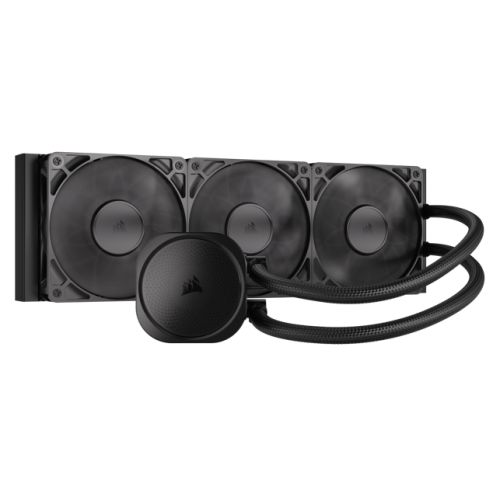
| CPU Cooler | 360mm ARGB AIO Liquid Cooler |
| Motherboard | Gigabyte Z890 EAGLE WIFI7 |
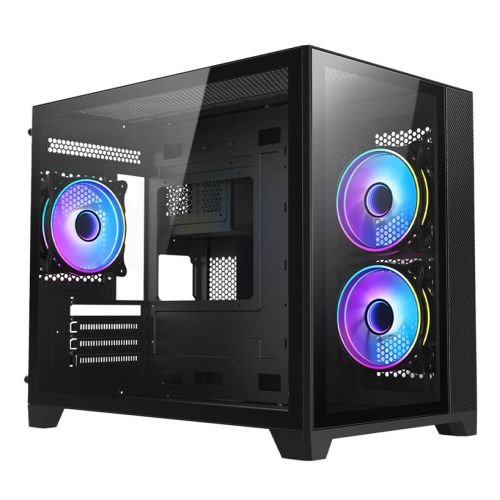
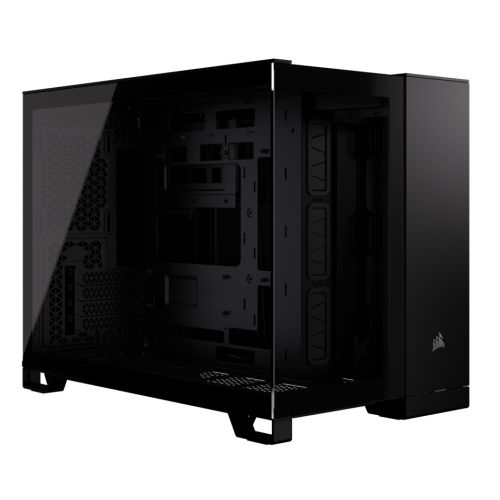
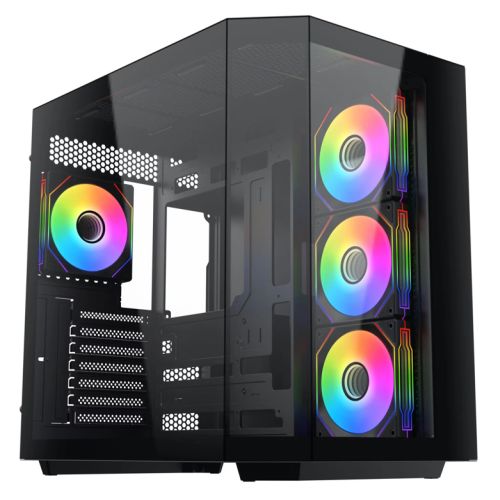
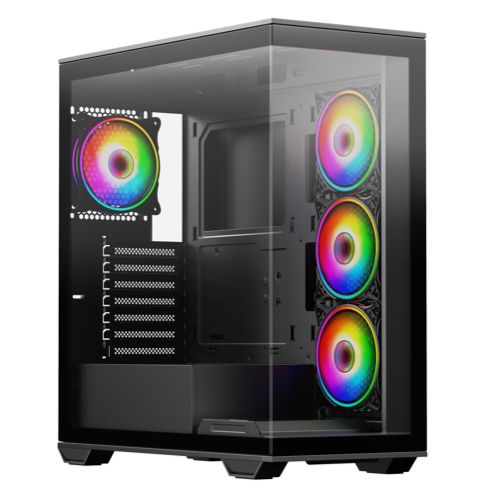
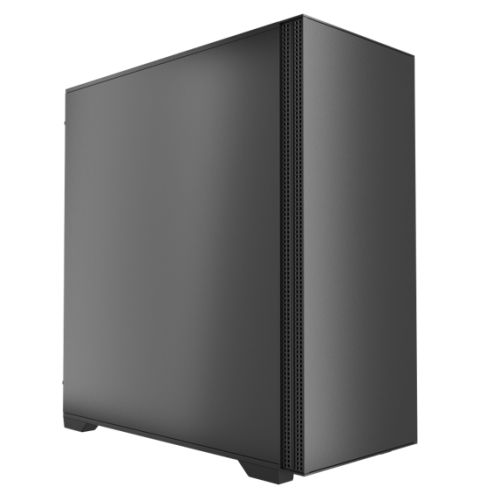
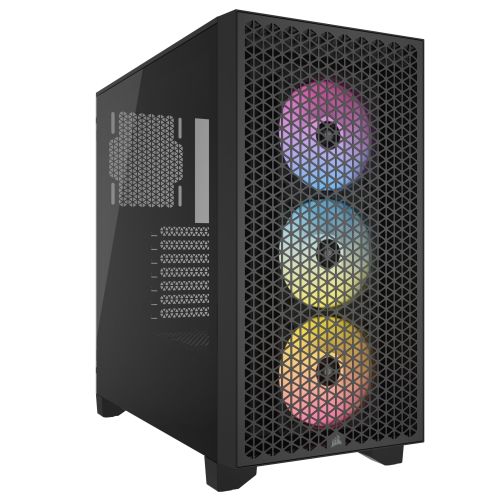
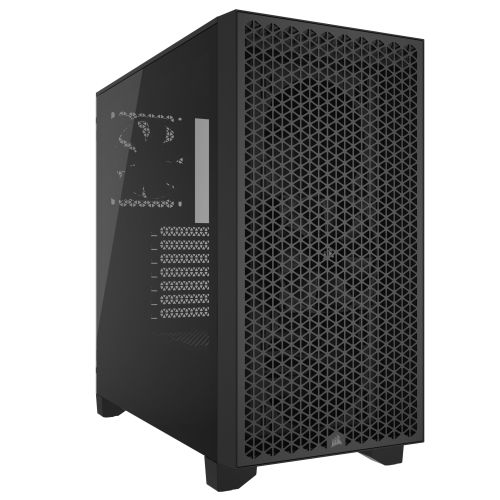
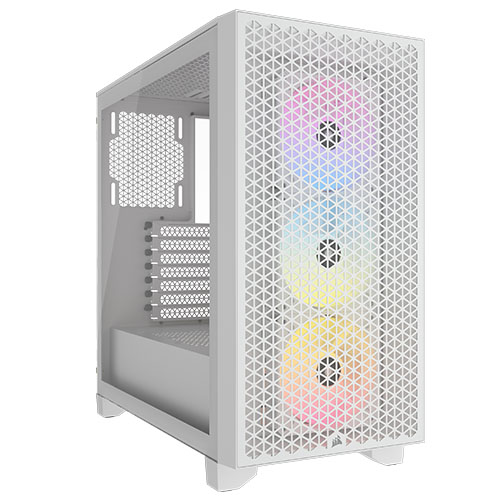
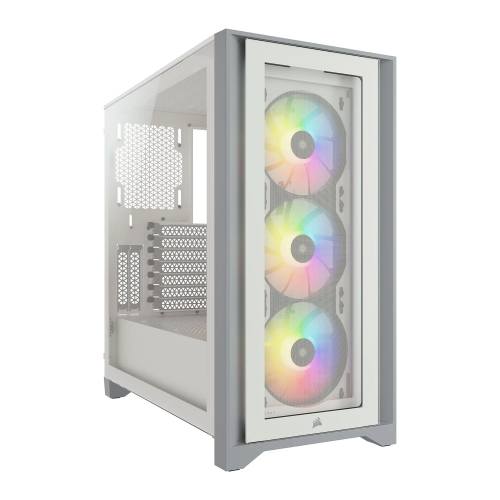
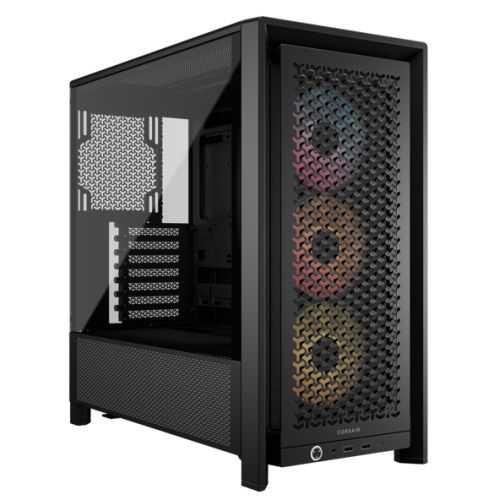
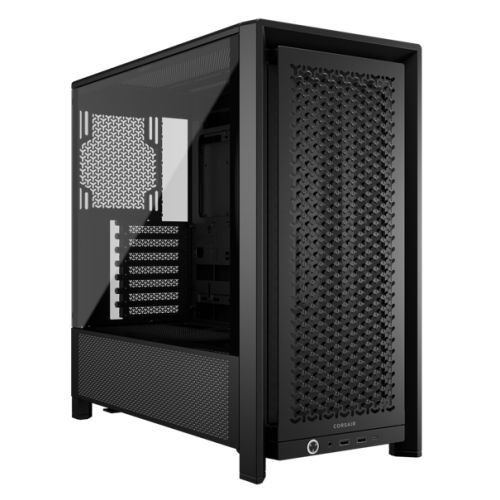
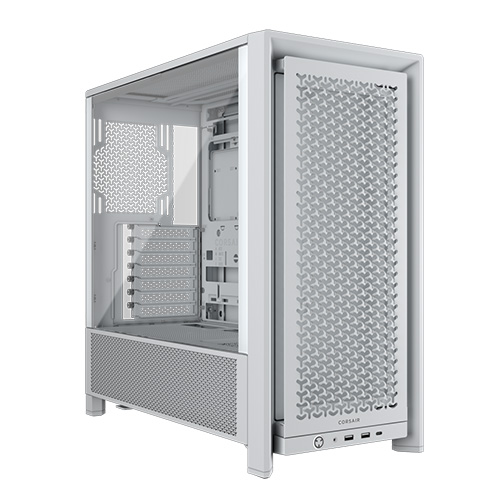
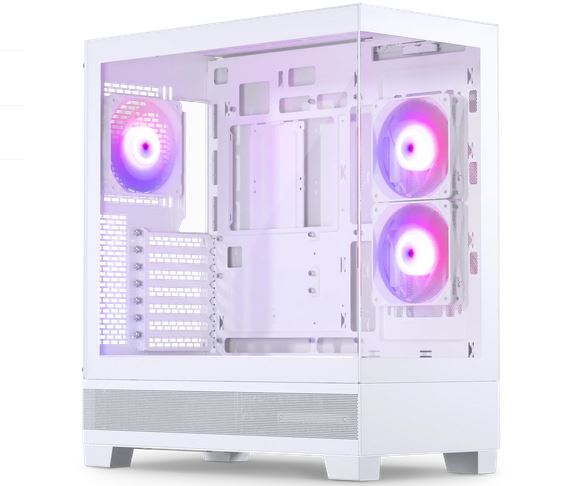
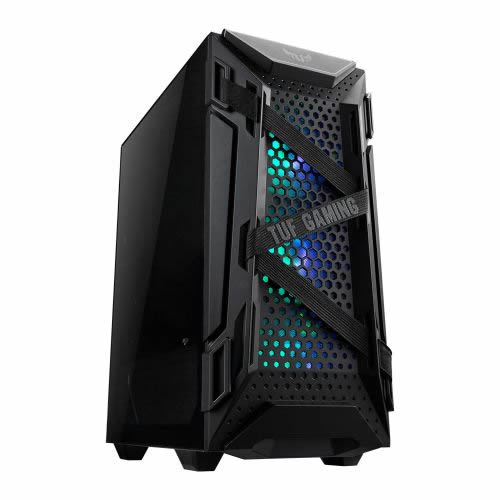
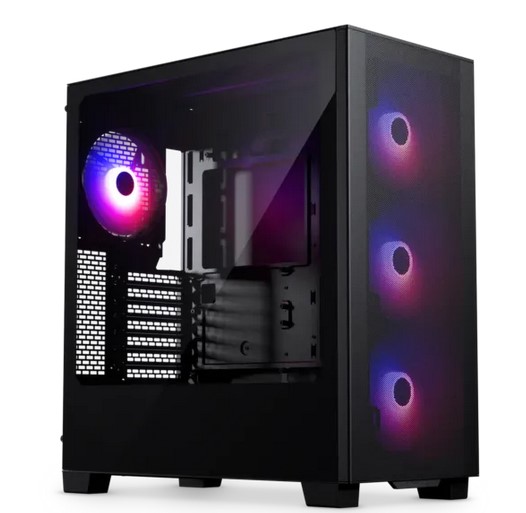
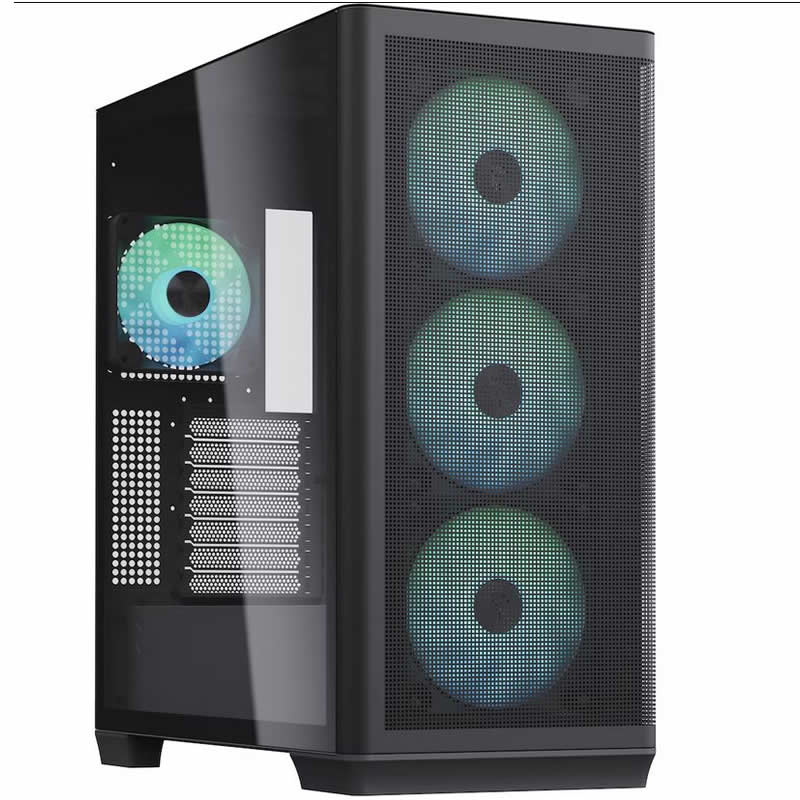
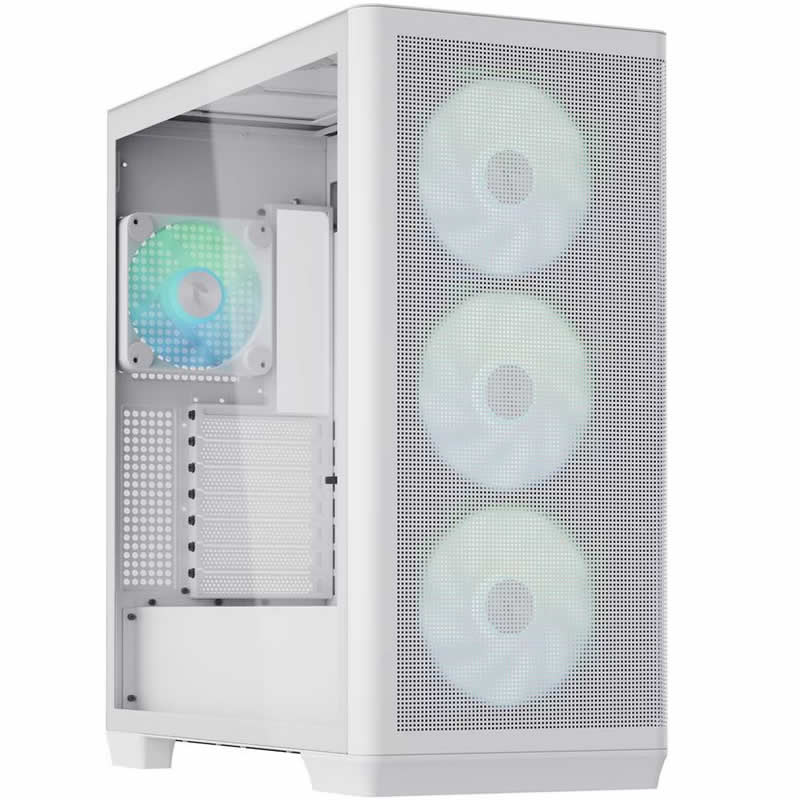
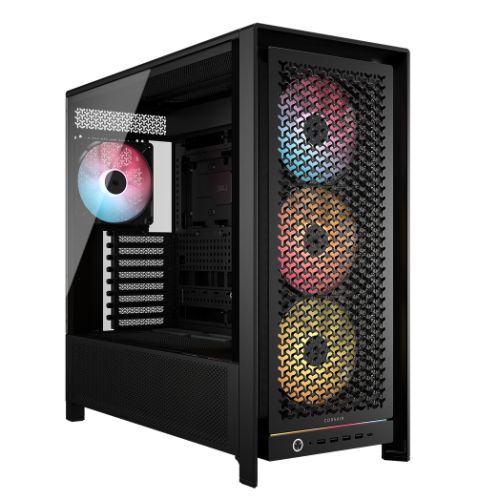
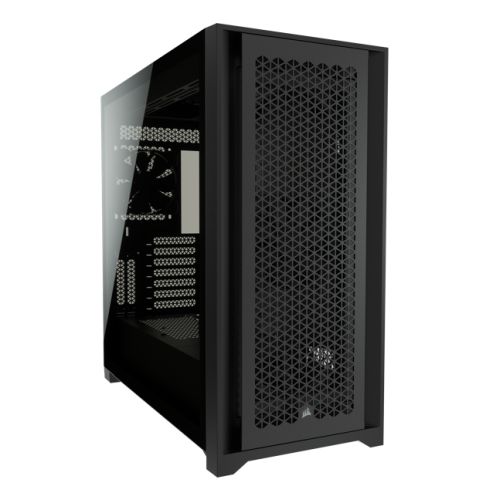
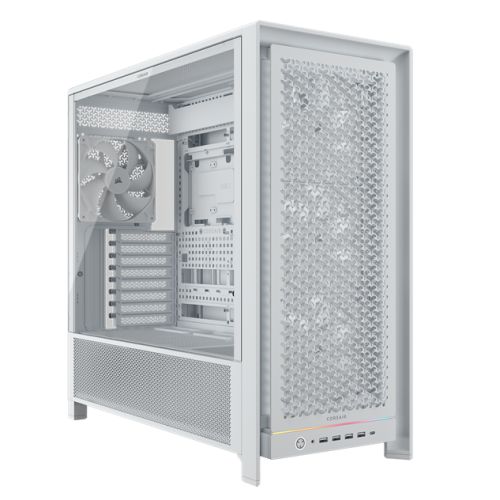
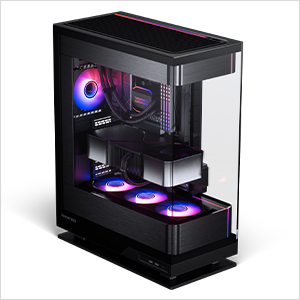
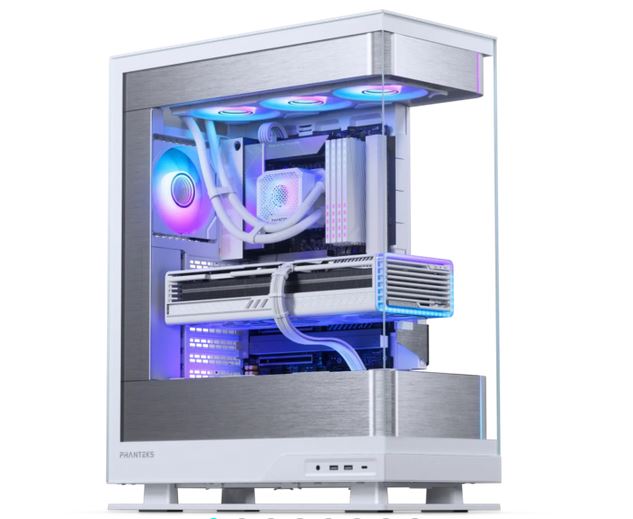
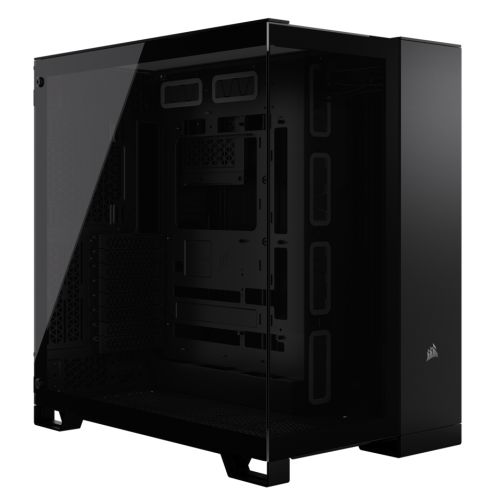
| Case | Corsair 4000D Black |
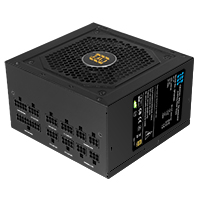
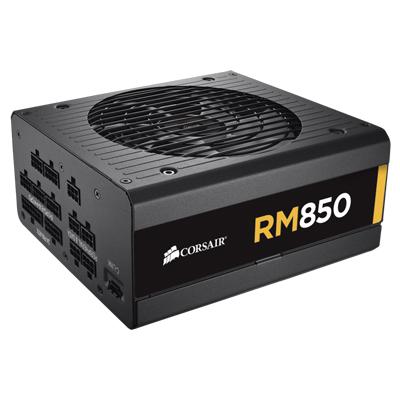
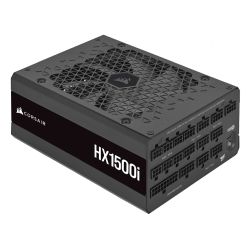
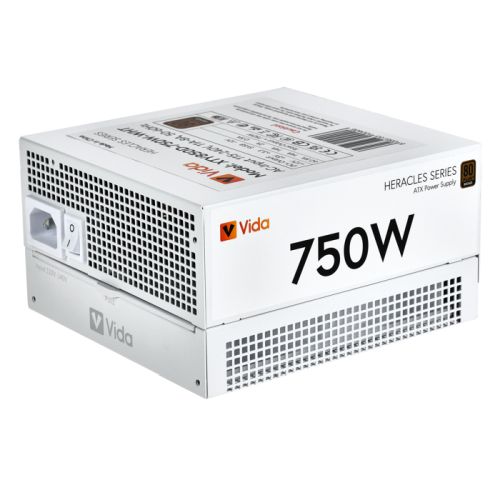
| Power Supply | 850w G6 80+ Gold |
| Memory Size | 128GB |
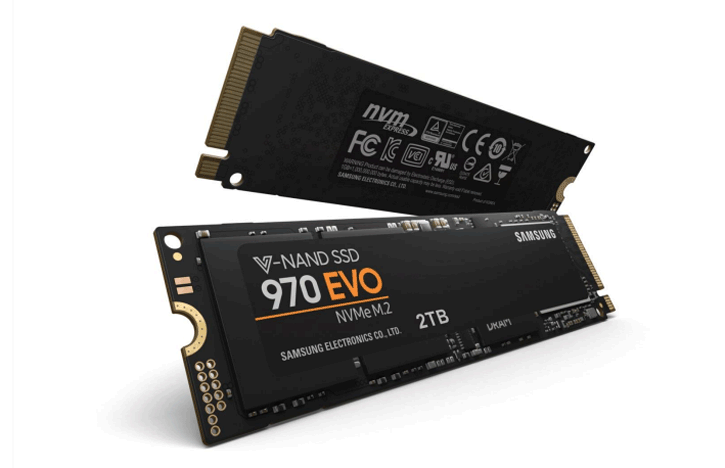
| Solid State Drive Size | 2TB |
| 2nd SSD | 2TB |
| Graphics | Nvidia RTX 5070 Ti 16GB |
| Graphics Card Connections | Displayport (x3), HDMI |
| Audio | Realtek ALC (HD Audio) |
| LAN | 2.5GB LAN, Wi-Fi 7 |
| Ethernet | Realtek 2.5GbE |
| Wi-Fi | WiFi 7 (MediaTek MT7925 rev1.0 / Realtek RTL8922AE rev1.1) |
| Bluetooth | 5.4 |
| Connections | Rear: 1x USB-C, 2x USB 3.2 Gen2, 3x USB 3.2 Gen1, 4x USB 2.0 |
| Front Panel Connections | 1x USB-A 3.x, 1x USB-C, HD Audio + Mic |
| USB2 Ports | 4 |
| USB3 Ports | 6 |
| USB-C Ports | 2 |
| Operating System | Windows 11 Pro |
| Monitors | Optional (See Custom Options) |
| Warranty | 3 Year Bronze Warranty |
Reviews
- Be the first to review this product