




G6 Forge S — RTX A1000 Professional Workstation for SolidWorks and AutoCAD
Description
G6 Forge S — Professional Workstation with ISV-Certified GPU for SolidWorks, AutoCAD, and CATIA
The G6 Forge S carries an ISV-certified professional GPU — an Nvidia RTX A-series card running a driver stack that Nvidia validates specifically for professional software. ISV-certified drivers are tested and confirmed to produce stable, correct results in SolidWorks, AutoCAD, and CATIA: they enable SolidWorks RealView, support CATIA viewport rendering correctly, and carry ECC GPU memory that detects and corrects single-bit calculation errors. The Forge S is the correct machine when a buyer specifically requires certified GPU drivers — not because a consumer GPU cannot run CAD, but because certain workflows and certain organisations require the certification that a consumer card does not provide. From £2109.99, built and stress-tested in Wolverhampton. The Forge S features in our CAD workstations and architecture workstations ranges.
32GB DDR5 and 8GB ECC VRAM cover SolidWorks entry to mid-scale, AutoCAD, light CATIA, and small Revit projects. If your assemblies are regularly above 300 parts, if CATIA surface modelling is a primary workload, or if ANSYS simulation is central to your workflow, the G6 Forge M with 64GB and a 12GB ECC professional GPU is the correct step up. Call Kevin if you are on the boundary.
Not sure whether your workflow requires ISV certification or whether the Forge S covers your assembly scale? Call Kevin on 01902 714533 — he will give you a straight answer.
G6 Forge S — Full Specification
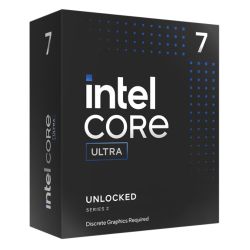
ISV-certified Nvidia RTX A-series GPU with ECC memory, Core Ultra 7 265KF, and 32GB DDR5 — the entry professional configuration for SolidWorks RealView, AutoCAD certification, and CATIA driver validation.
Why This Specification for Professional CAD and Architecture
Every component in the Forge S is chosen for the specific demands of ISV-certified professional CAD work — validated driver behaviour, ECC GPU memory, and the single-core performance SolidWorks and AutoCAD require.
RTX A1000: ISV-certified GPU for SolidWorks RealView
SolidWorks RealView requires ISV-certified GPU drivers to function correctly. A consumer RTX card may work in many SolidWorks operations but produces driver warnings in RealView and instability in specific viewport rendering modes. The A1000 runs Nvidia's professional driver stack, certified for SolidWorks, AutoCAD, and CATIA — producing stable, correct behaviour in these applications as validated by the software vendors.
ECC GPU memory: error correction for professional calculations
ECC memory on the GPU detects and corrects single-bit memory errors during calculations. For professional CAD and engineering work where a calculation error could produce an incorrect model or drawing, ECC provides a layer of data integrity that consumer cards do not offer. This is a functional difference, not a marketing one — the hardware actively checks and corrects calculation errors rather than allowing them to propagate silently.
Professional driver stability: fewer interruptions during critical work
Nvidia's professional driver stack updates on a slower, more stable release cycle than consumer gaming drivers. New consumer driver releases sometimes introduce regressions in specific application behaviour. Professional drivers prioritise stability over feature velocity — important when a driver update should not disrupt a project deadline. The A1000 receives the professional driver, not the consumer gaming driver.
Core Ultra 7 with certified drivers: the correct SolidWorks experience
Strong single-core CPU performance combined with certified GPU drivers produces the correct SolidWorks experience: fast viewport response, stable RealView rendering, and no driver warnings. The CPU determines rebuild speed on parametric models. The certified GPU determines viewport rendering correctness. Both are required — a fast CPU with an uncertified GPU still produces driver warnings in RealView and instability in specific viewport modes.
What the G6 Forge S Handles
Confirmed software performance at the G6 Forge S specification. All CAD and engineering software runs with ISV-certified drivers on the Nvidia RTX A1000.
Performance descriptors are indicative. Actual performance depends on project complexity, settings, and system configuration. Kevin can advise on the right spec for your specific workflow.
ISV Certification Is Not a Preference. For Some Workflows, It Is a Requirement.
ISV stands for Independent Software Vendor. Nvidia's ISV certification programme tests specific GPU models against specific professional application releases and confirms that the GPU and its driver produce stable, correct results in that software. SolidWorks, AutoCAD, CATIA, and Revit all maintain certification lists. A GPU that appears on those lists receives a driver from Nvidia that is specifically validated for that software. A GPU that does not appear on those lists receives a consumer gaming driver — which may work in many operations of those applications, but which was not validated for them and does not enable features that depend on certification, such as SolidWorks RealView.
The practical consequences of running SolidWorks or CATIA on a non-certified GPU are specific. SolidWorks RealView — the real-time rendering mode that shows reflections, ambient occlusion, and accurate material appearance in the viewport — requires a certified GPU to activate. On a consumer GPU, RealView is greyed out. CATIA's viewport rendering produces driver warnings on non-certified cards. In both cases, the software is flagging that it is running in an unsupported configuration. ECC memory adds a separate and genuine layer of reliability: single-bit errors in GPU calculation are detected and corrected in hardware, rather than silently producing slightly incorrect model data. For most consumer and prosumer CAD use, an uncertified GPU works adequately. For the buyers who need certification — whether because their organisation requires it, because they specifically need RealView, or because ECC data integrity matters for their workflow — the Forge S is the correct machine. Kevin's conversation before the order starts with which features your workflow requires, not with which GPU tier you think you need.
Tell Kevin:
- The software you use most and the version
- Your typical file sizes or project scales
- Whether you need to run multiple applications simultaneously — and which ones
- Your approximate budget and whether this is for one machine or a team
No charge for the conversation. No pressure to buy.
93% Five-Star Reviews on Trustpilot
93% of Ginger6 customers leave five-star reviews. Kevin advises on whether your workflow requires ISV certification, builds the machine, and is available after delivery. A professional workstation decision benefits from that conversation before the order.
See all reviews"I have been using Ginger 6 since 2014 for gaming PCs for wife and myself. That's 5 purchased in total. Never had a technical issue with any of the builds and the only reason for new purchases is technical obsolescence. Highly recommend them."
"I took delivery of my W11 Games PC earlier this year, following excellent advice from Ginger6 Computers. They were generous with their time and knowledge, and everything is working to perfection."
"Really great help. Hasham was able to fix a technical problem and was understanding throughout."
Built by Hand in Wolverhampton
Every G6 Forge S is assembled, configured with the professional GPU driver stack, and tested by Kevin's team before it ships. Professional driver installation and SolidWorks compatibility are confirmed before dispatch.
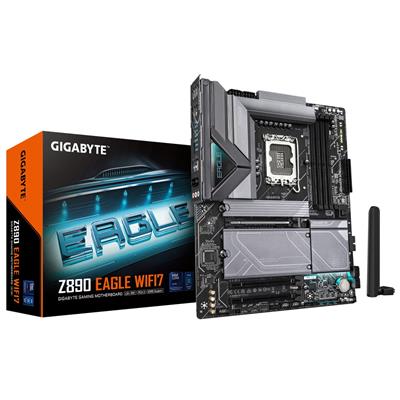
Before the build begins, the configuration is reviewed against your software and project scale. If you have spoken to Kevin, the spec is confirmed against your primary CAD application, your assembly scale, and whether ISV certification is required by your organisation or workflow. The Core Ultra 7 265KF and Z890 Eagle WIFI7 are verified for LGA1851 compatibility. The RTX A1000 professional GPU is staged with the correct professional driver version. Components are staged before assembly.
The Forge S is assembled by hand in Wolverhampton. Cables are routed to support airflow to the 360mm radiator and maintain clear access to both NVMe drives for future maintenance. BIOS settings and DDR5 memory profiles are confirmed before the 24-hour test begins. The Nvidia professional driver stack is installed and the RTX A1000 is confirmed operational before the test starts. Professional driver installation is distinct from consumer driver installation — the professional driver must be sourced from Nvidia's professional driver portal, not the standard consumer download. This is confirmed before dispatch.
Every Forge S runs under sustained CPU and GPU load for a full day before it ships. The test replicates the sustained demand of a long CAD session — viewport rotation, assembly operations, and drawing regeneration running continuously over an extended period. Professional driver stability is confirmed: the GPU produces no driver warnings or viewport instability during the sustained test. Windows 11 Pro, professional drivers, and both NVMe drives are confirmed before packaging.
- Thermal behaviour under sustained CAD viewport and rebuild load
- Professional GPU driver stability — no warnings or viewport instability
- Memory responsiveness and system stability
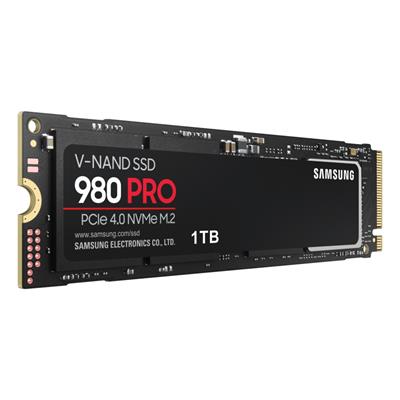
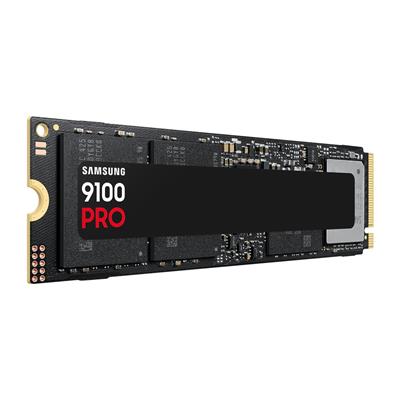
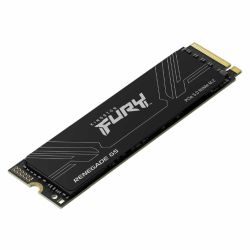
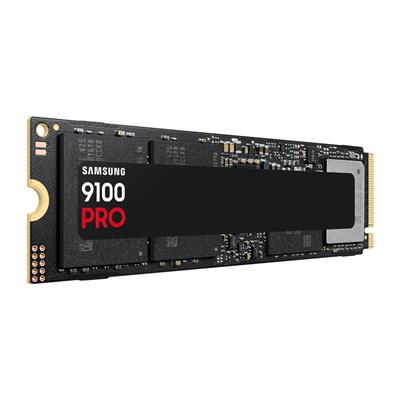
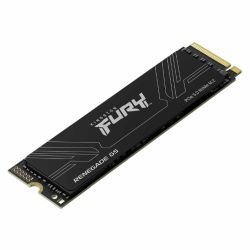
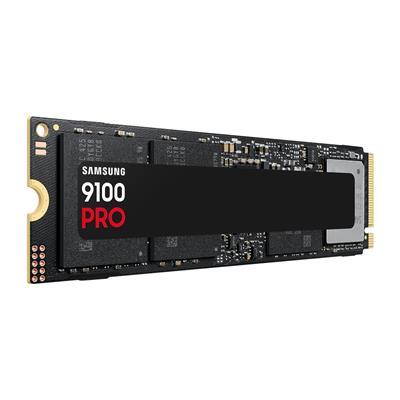
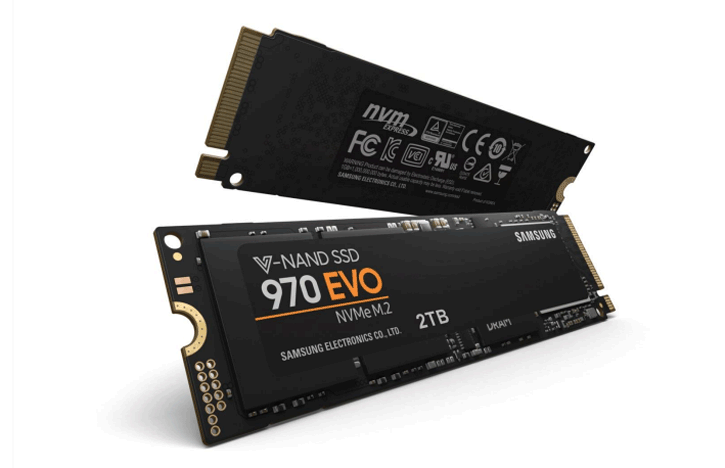
- Storage performance and consistency across both NVMe drives
- BIOS and firmware stability
- System stability under extended use
G6 Forge S — Common Questions
A consumer GPU will run SolidWorks, and for most users most of the time, it will work adequately. The specific functionality that requires an ISV-certified GPU is SolidWorks RealView. RealView is SolidWorks' real-time rendering mode that shows reflections, ambient occlusion, accurate material appearance, and depth of field in the viewport — it makes the model look like a rendered image while you are still actively modelling. On a consumer GPU, RealView is greyed out and unavailable. Additionally, consumer GPU drivers occasionally produce viewport warnings in SolidWorks indicating that the GPU is running in an unsupported configuration, and specific viewport rendering modes may be unstable. Whether these differences matter depends on your workflow: if RealView is not part of how you work and driver warnings do not affect your operation, a consumer GPU is adequate. If RealView is part of your design review process, or if your organisation requires validated hardware, an ISV-certified GPU is the correct choice. Kevin will ask the right questions to determine which applies to your workflow.
ECC stands for Error Correcting Code. ECC memory detects and corrects single-bit errors that occur during memory operations — the kind of errors caused by electrical noise or cosmic ray interference that, without correction, silently alter a value stored in memory. On a standard non-ECC GPU, such an error may produce a subtly incorrect vertex position in a rendered frame, or slightly wrong coordinate data in a calculation result, and the GPU will not detect or flag it. On an ECC GPU, the error is detected and corrected before the incorrect value is used. For most consumer applications, single-bit errors are rare enough and their consequences minor enough that ECC is not necessary. For professional CAD and engineering work where a calculation error could produce a dimensionally incorrect model or a drawing with a wrong measurement, ECC provides an additional layer of confidence in the data integrity of the calculation. Whether you need ECC is a question about your risk tolerance and the consequences of an undetected calculation error in your specific workflow.
The G6 Obsidian uses a Core i9-14900KF with 64GB DDR5 and an RTX 5070 — a consumer GPU. It handles larger SolidWorks assemblies than the Forge S at 64GB system RAM, and the RTX 5070 provides more raw GPU performance for rendering and visualisation. The Forge S uses a Core Ultra 7 265KF with 32GB DDR5 and an RTX A1000 — an ISV-certified professional GPU with ECC memory. The Obsidian is the better choice for larger CAD projects where system RAM and GPU performance matter most, and where ISV certification is not required. The Forge S is the correct choice when ISV certification is specifically needed — SolidWorks RealView enabled, certified driver stack, ECC GPU memory. If you are not certain whether your workflow requires certification, call Kevin and describe what you are trying to achieve. He will tell you which machine is the right answer without pushing you toward the more expensive option if you do not need it.
Yes. The RTX A1000 runs a certified driver for CATIA V5 — it appears on Dassault's tested and validated hardware list for CATIA V5. The certified driver ensures stable viewport rendering in CATIA without the driver warnings that consumer cards produce. The Forge S is appropriate for entry to light CATIA V5 workflows — surface modelling at moderate complexity and assembly work at smaller scale. For mid to complex CATIA V5 surface modelling with large feature histories, or for CATIA V6, the G6 Forge M with 64GB and a 12GB ECC professional GPU is more appropriate. Call Kevin and describe your typical CATIA project complexity before ordering.
Build time is 3 to 5 working days from order confirmation, including the 24-hour stress test and professional GPU driver installation and confirmation before dispatch. Delivery to UK mainland addresses is free and fully tracked. If you have a project deadline or a specific delivery requirement, call Kevin on 01902 714533 before ordering and he will confirm whether the timeline is achievable.
Ready to Order the G6 Forge S?
Ginger6 has been building custom workstations in Wolverhampton since 2001. Kevin advises on whether your workflow requires ISV certification, builds the machine with the professional driver stack, stress-tests it, and is available after delivery. 93% five-star reviews. 3-year warranty with lifetime support.
Custom Options
£2,244.41
£2,110.00
























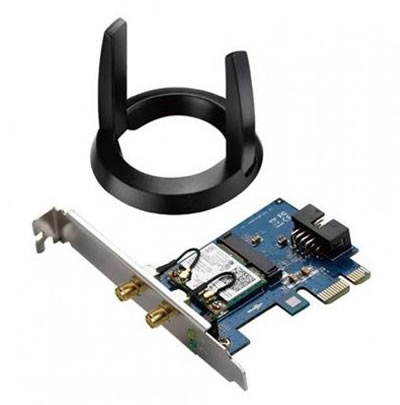


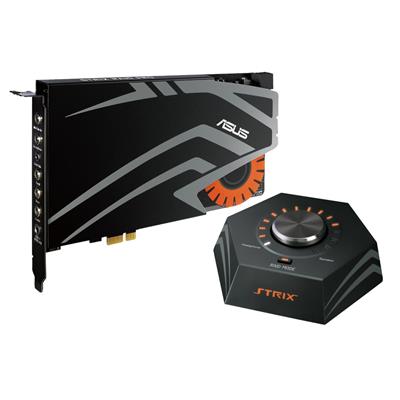




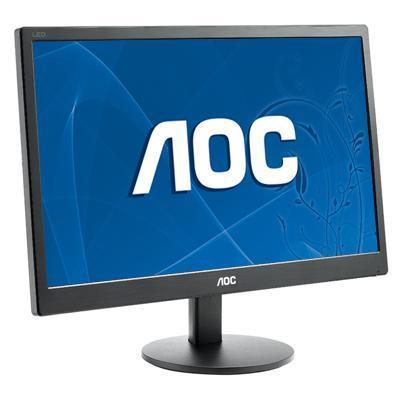







* Required Fields
Specifications
Additional Information
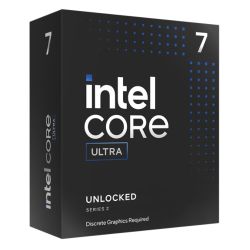
| Processor | Intel Core Ultra 7 265KF |
|---|---|
| Processor Type | Intel Core Ultra 7 |
| No of Cores | 20 |
| Max Core Speed | 5.50GHz |
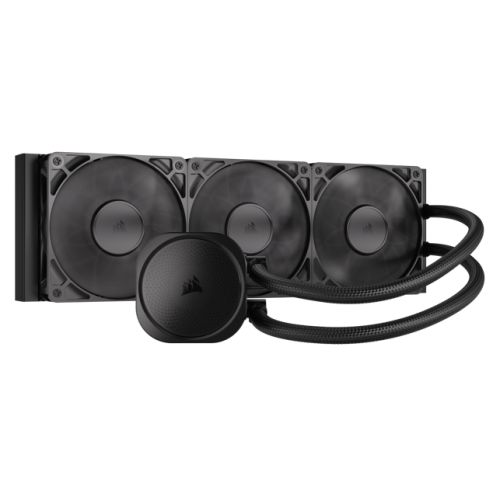
| CPU Cooler | 360mm ARGB AIO Liquid Cooler |
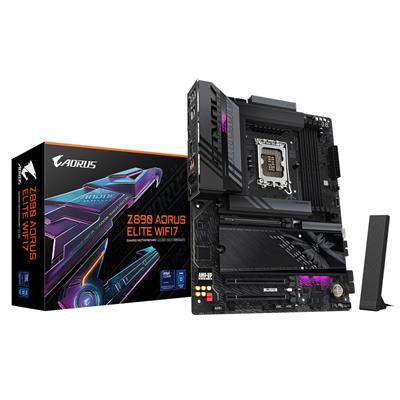
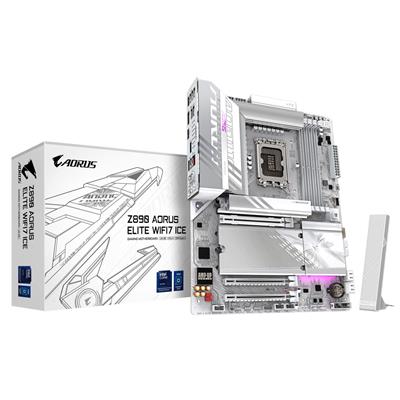
| Motherboard | Gigabyte Z890 EAGLE WIFI7 |
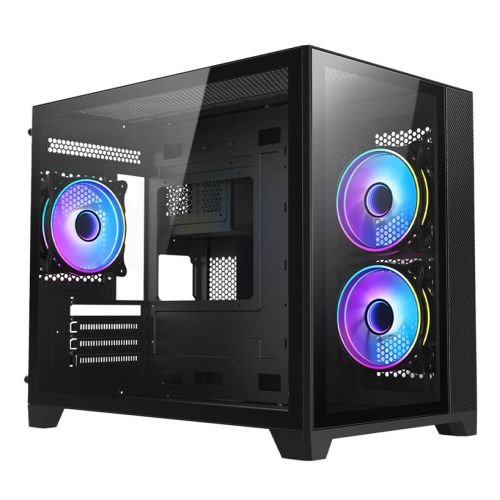
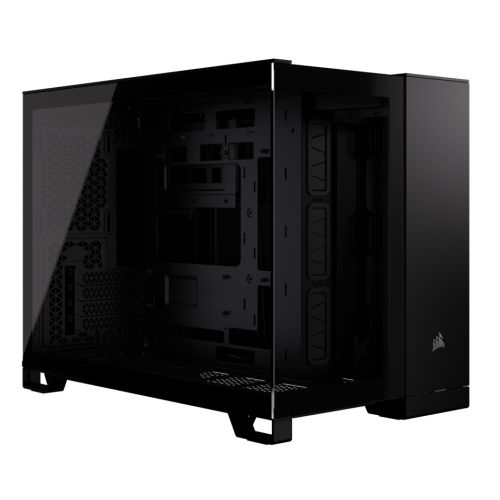
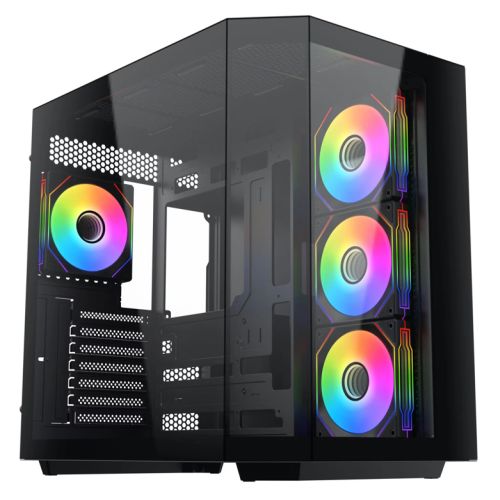
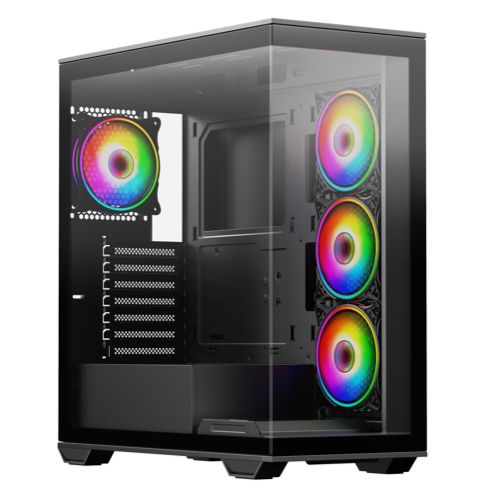
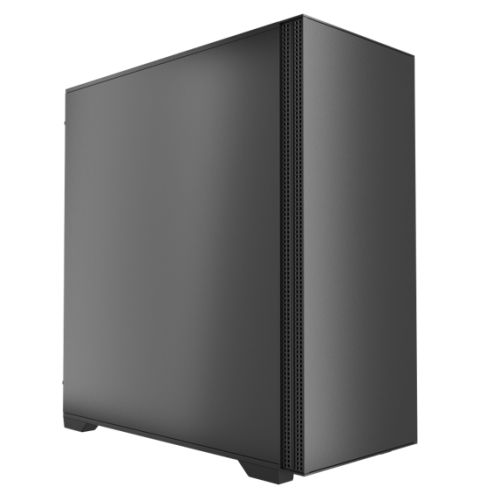
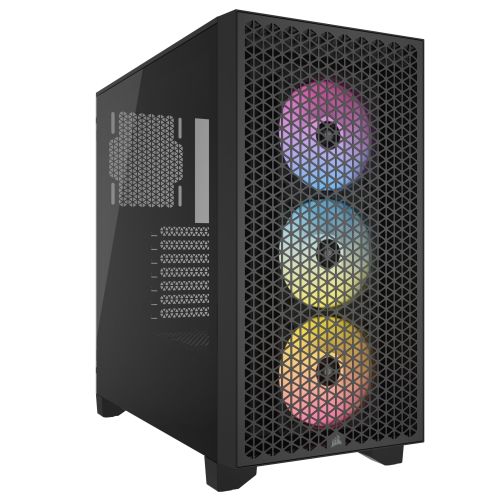
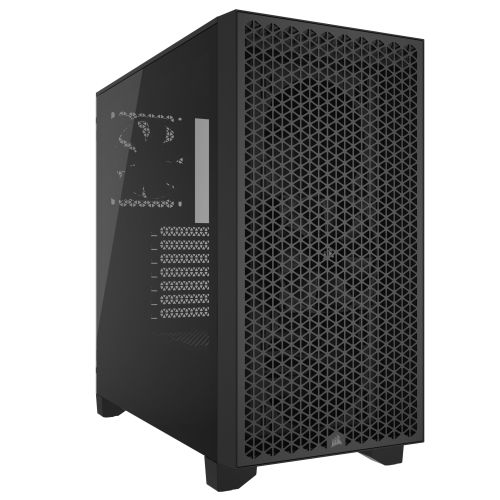
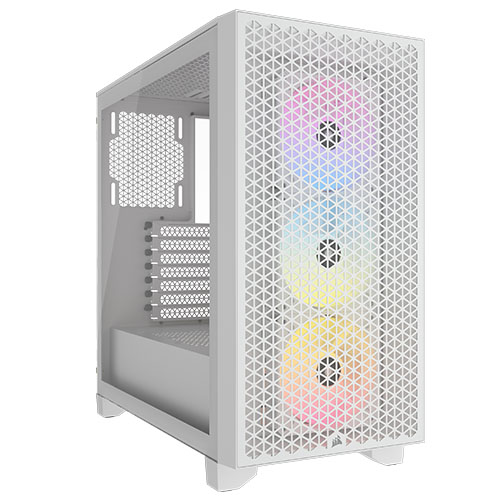
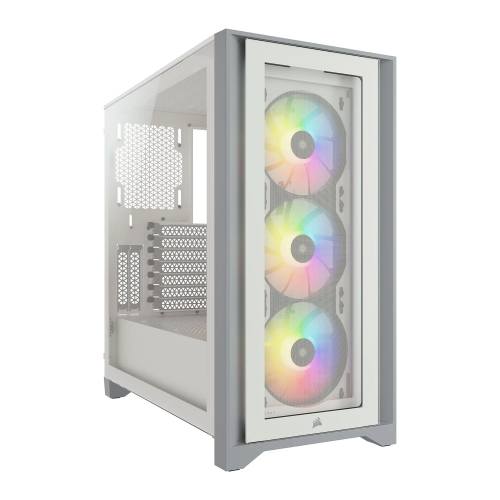
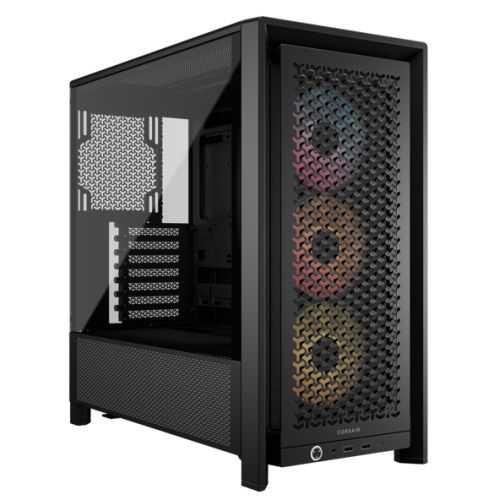
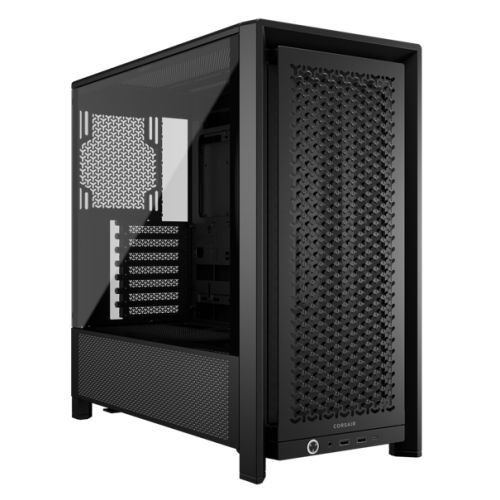
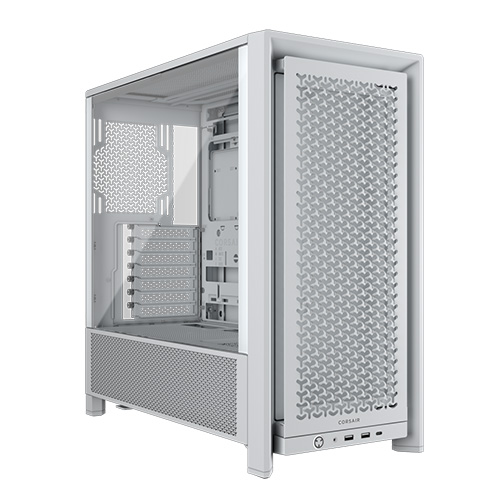
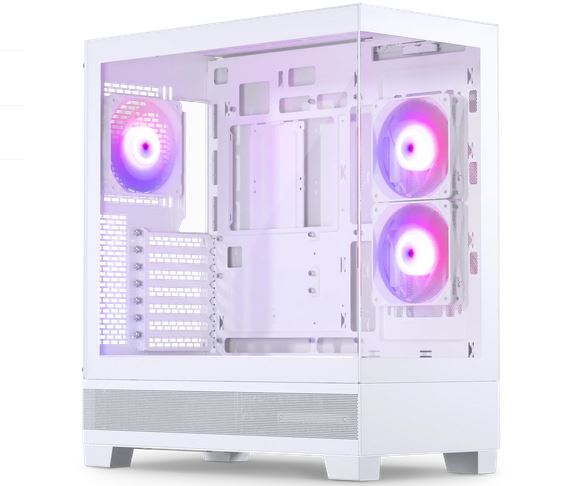
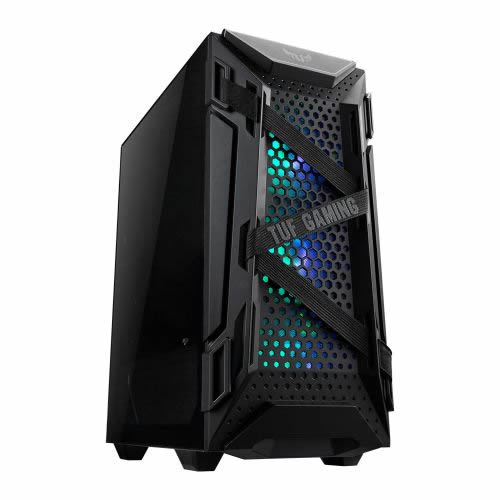
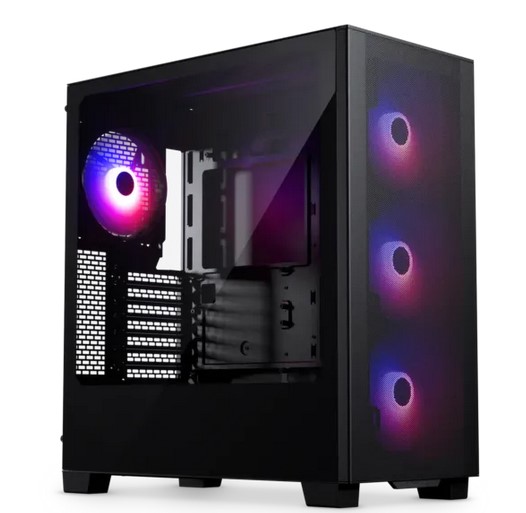
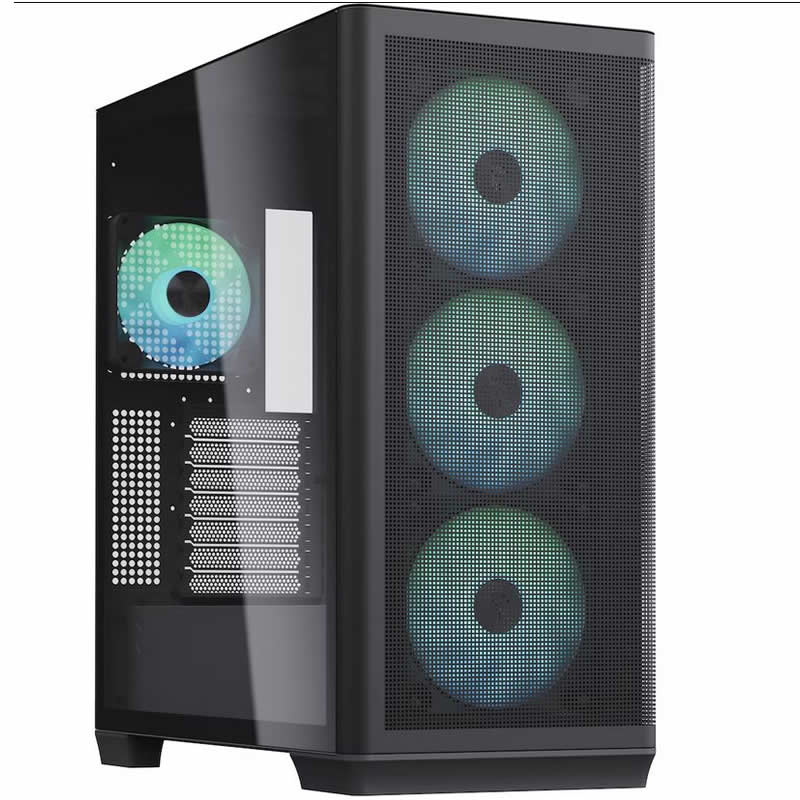
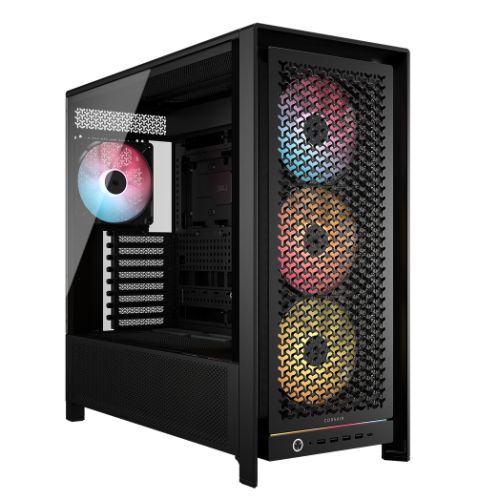
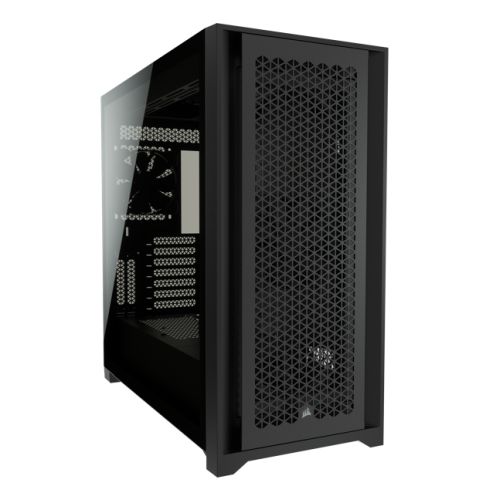
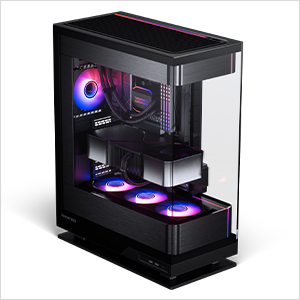
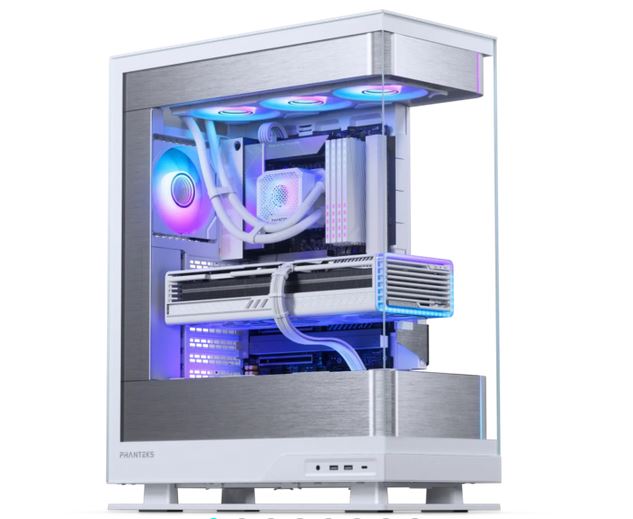
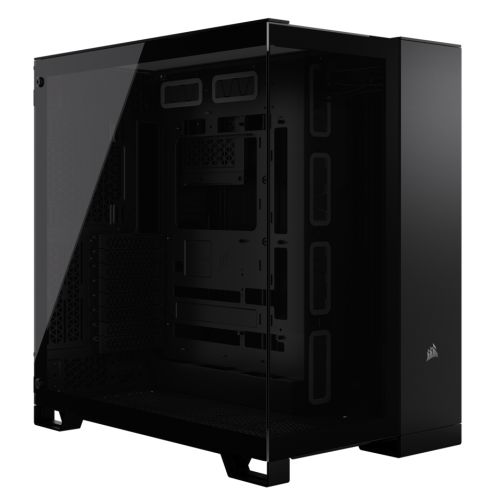
| Case | Corsair 3000D Black |
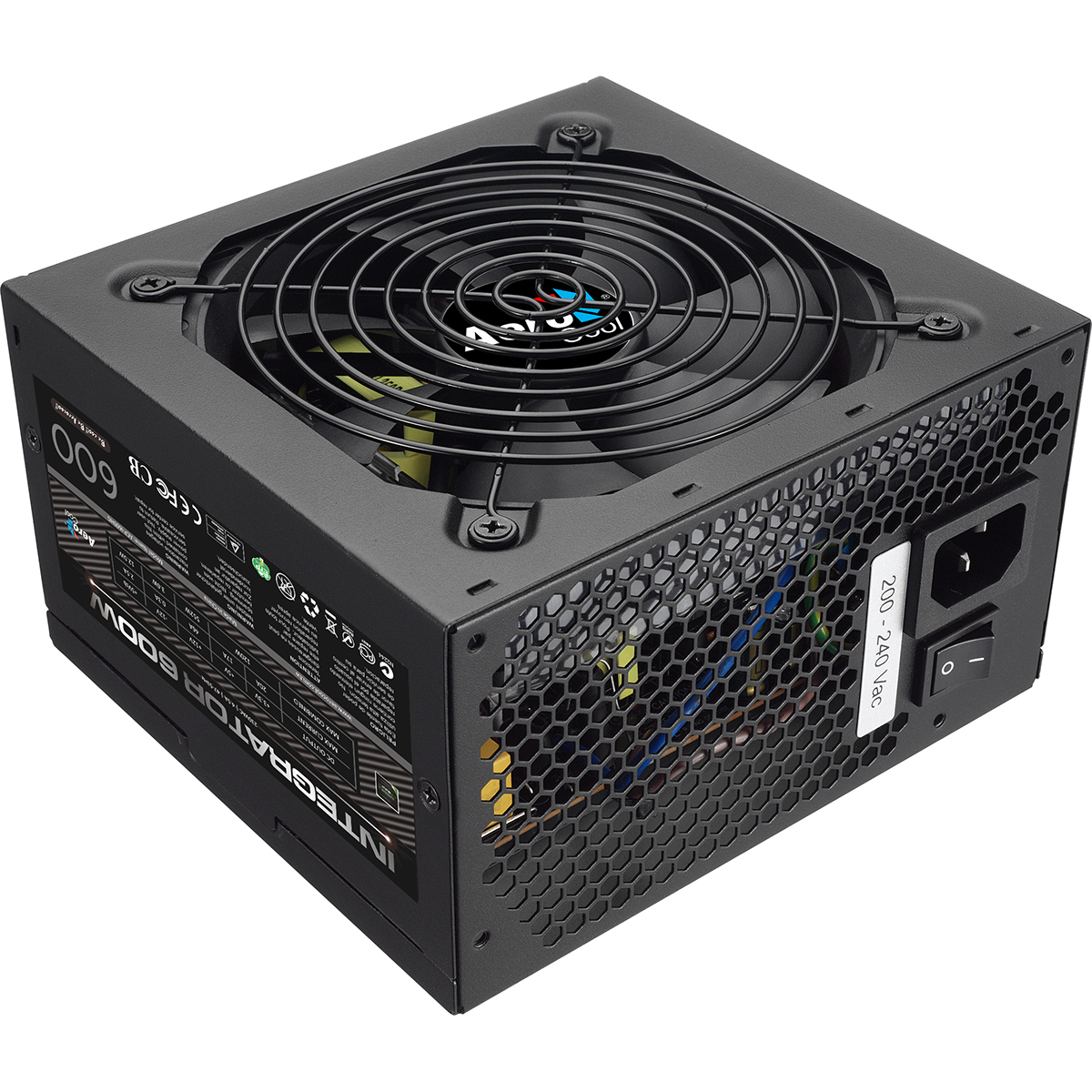
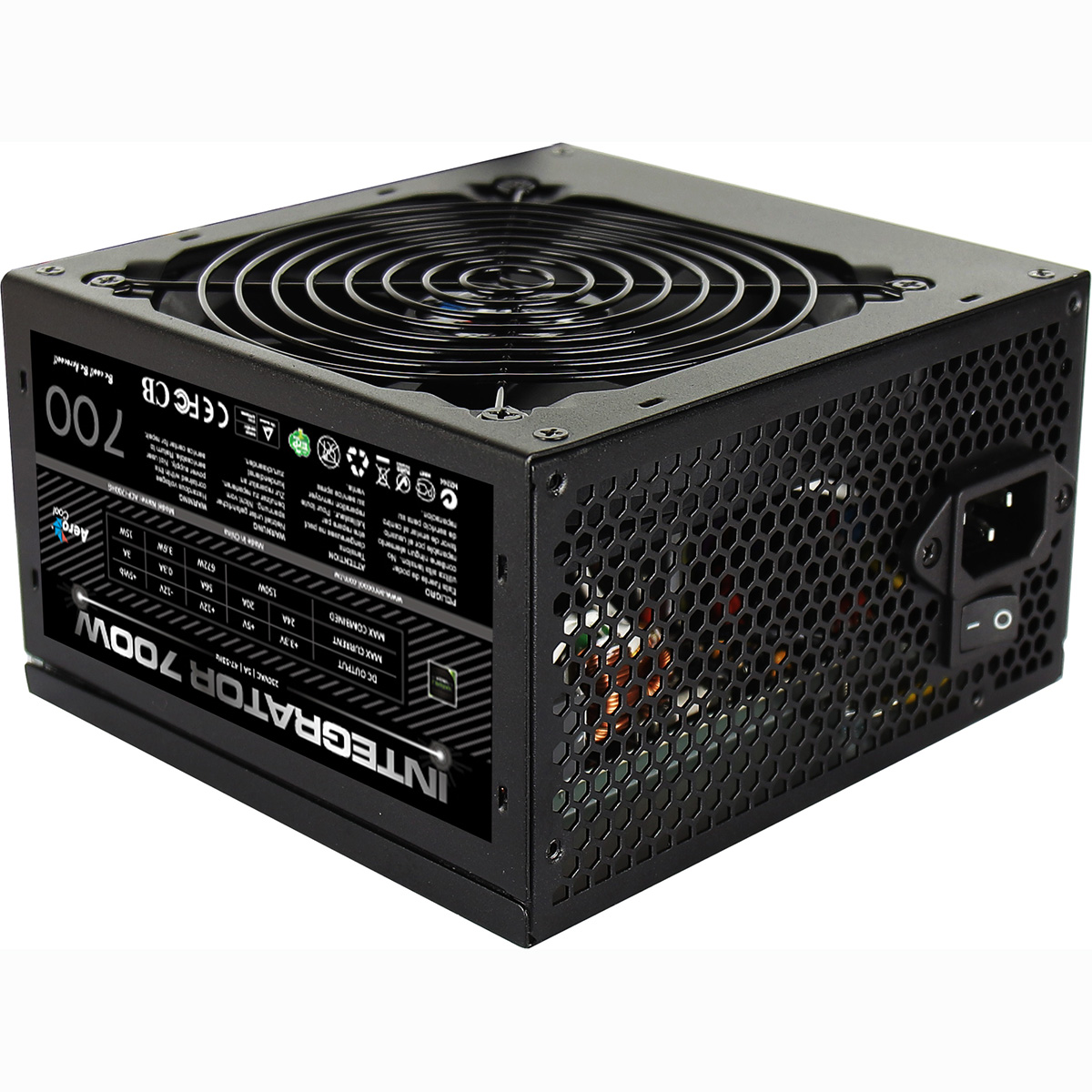
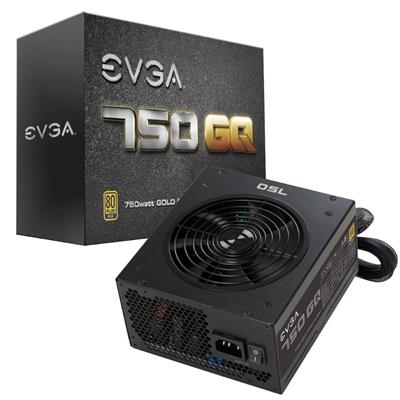
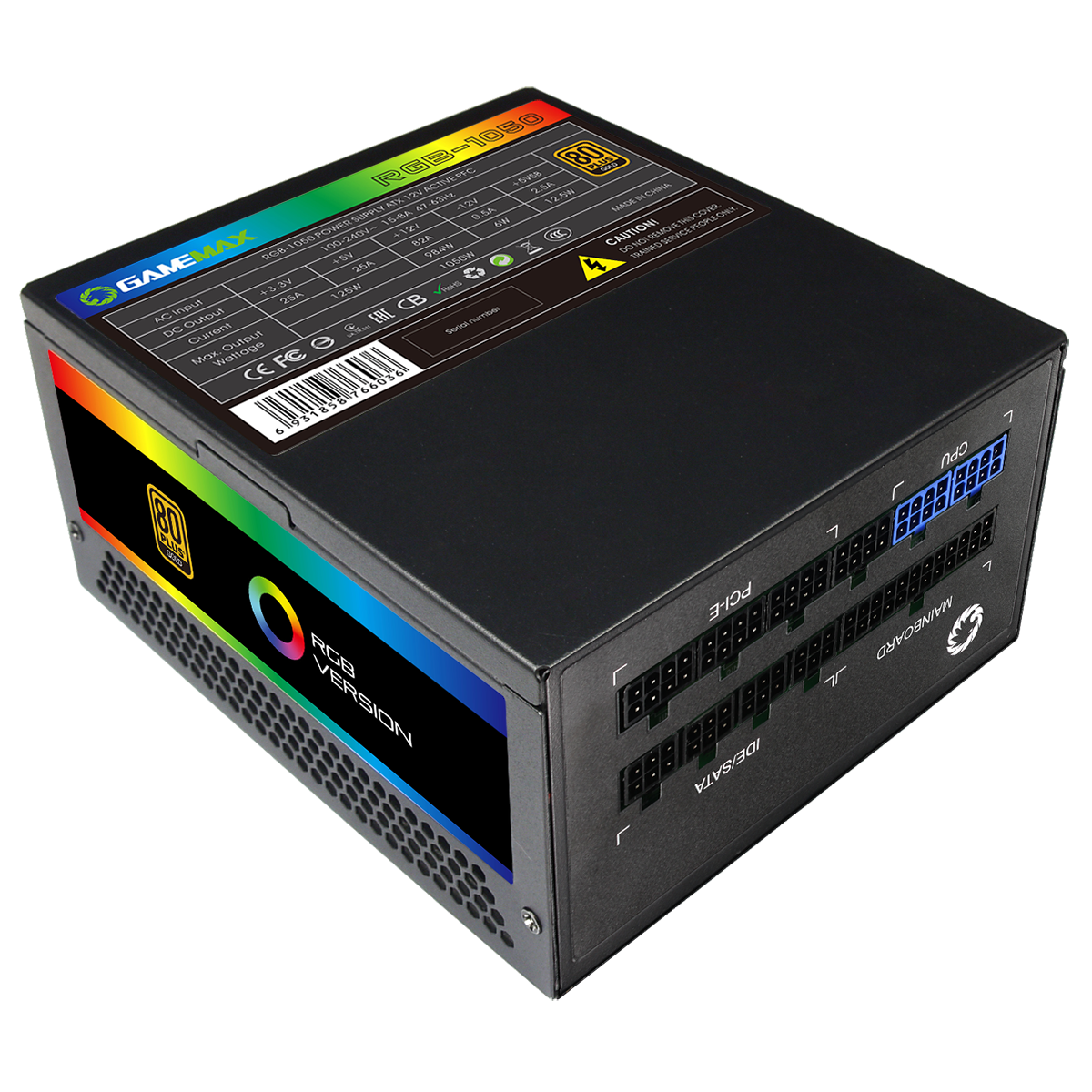
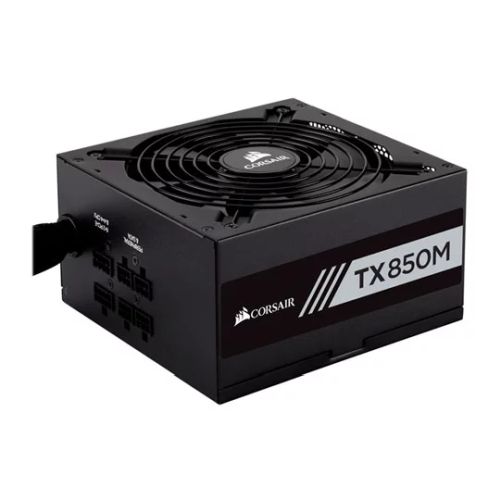
| Power Supply | 650w G6 80+ Bronze PSU |
| Memory Size | 32GB |
| Solid State Drive Size | 1TB |
| 2nd SSD | 1TB |
| Graphics | Quadro RTX A1000 8gb GDDR6 2304 cuda |
| Graphics Card Connections | Mini Displayport (x4) |
| Audio | Realtek ALC (HD Audio) |
| LAN | 2.5GB LAN, Wi-Fi 7 |
| Ethernet | Realtek 2.5GbE |
| Wi-Fi | WiFi 7 (MediaTek MT7925 rev1.0 / Realtek RTL8922AE rev1.1) |
| Bluetooth | 5.4 |
| Connections | Rear: 1x USB-C, 2x USB 3.2 Gen2, 3x USB 3.2 Gen1, 4x USB 2.0 |
| Front Panel Connections | 2x USB-A 3.x, combo headset/mic jack |
| USB2 Ports | 4 |
| USB3 Ports | 7 |
| USB-C Ports | 1 |
| Operating System | Windows 11 Pro |
| Monitors | Optional (See Custom Options) |
| Warranty | 3 Year Bronze Warranty |
Reviews
- Be the first to review this product