




The Best Components for an RTX 5090 Build
An RTX 5090 is only as fast as the parts around it. Get the CPU, RAM, PSU and cooling right and nothing holds the flagship back. Get it wrong and you’ve paid halo-card money for mid-range frame rates. Here’s the balanced build we’d spec around a 5090, the parts we fit, and the key specs worth knowing, from the team who hand-build these machines in Wolverhampton.
Ginger6 RTX 5090 gaming PCs are hand-built in Wolverhampton, stress-tested for 24 hours, and backed by a 3-year warranty. Call Kevin on 01902 714533 and he’ll spec a balanced 5090 build around your games and budget. Or have a custom PC built to your own 5090 spec.
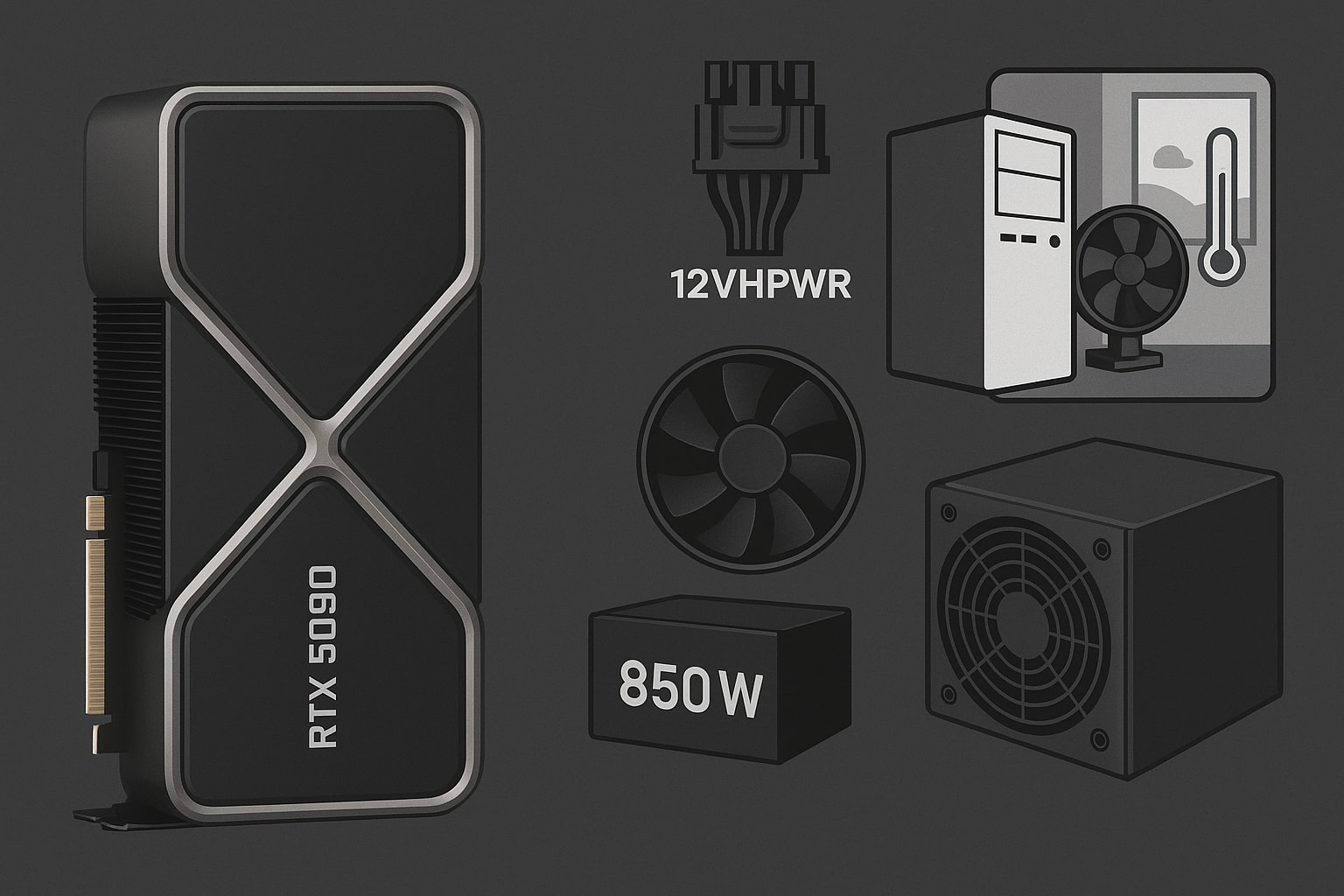
The Best Components to Pair With an RTX 5090
Match the flagship with parts that keep up. Here’s what we build with in 2026.
Processor (CPU)
For pure gaming, the AMD Ryzen 7 9800X3D is the ideal partner: its 3D V-Cache keeps a 5090 fed with no bottleneck. If you also create, step up to a Ryzen 9 9950X3D or an Intel Core Ultra 9. At 4K the CPU matters less, but for high-refresh 1440p it earns its place.
System RAM
32GB of DDR5 is the baseline for a 5090 rig; 64GB is worth it for content creators and heavy multitaskers. Fitted in dual-channel at a sensible speed like DDR5-6000. Note memory prices have risen through 2026, so size it to what you need.
Power Supply (PSU)
The 5090 draws 575W, so Nvidia recommends a 1000W PSU as the minimum: we fit 1000–1200W 80 PLUS Gold, Platinum or Titanium units with a native PCIe 5.0 (12V-2x6) connector for a safe, stable feed under transient load.
Cooling, Case & Motherboard
A 575W card needs strong case airflow and a high-end CPU cooler. Pair it with a quality PCIe 5.0 motherboard and a fast NVMe SSD to kill load times. See our pick of the best motherboard for an RTX 5090 desktop.
How Much RAM & Power a 5090 Build Needs
The RTX 5090 is a halo card, so the rest of the build has to earn its place. Get the balance right and nothing holds the GPU back; get it wrong and you have paid flagship money for mid-range frame rates. It comfortably drives 4K, maxed ray tracing, high-resolution content creation and large local AI models, if the surrounding parts keep up.
-
System RAM. 32GB DDR5 minimum for gaming, 64GB for creators. That is the sweet spot for a 5090 rig.
-
CPU. A Ryzen 7 9800X3D (or 9950X3D / Core Ultra 9) so the processor never becomes the bottleneck.
-
1000W+ PSU. For the 575W card, with a native PCIe 5.0 connector and quality cabling.
-
Airflow & cooling. A roomy case and strong cooling keep a hard-working 5090 quiet and stable.
Nvidia RTX 5090 Specs
The headline figures, so you know exactly what you’re building around.
32GB of GDDR7 is the largest VRAM buffer on any consumer card, and the 1,792 GB/s bandwidth keeps it fed at 4K, but a flagship GPU still needs the right supporting parts. See how to avoid compatibility problems with RTX 5090 parts, or call Kevin on 01902 714533.
RTX 5090 Gaming PCs We Build
Every Ginger6 RTX 5090 build is hand-assembled, stress-tested for 24 hours and backed by a 3-year warranty.
- AMD Ryzen 9 9950X3D
- Nvidia RTX 5090: 32GB GDDR7
- Best for: 4K, ray tracing, creation, AI
- Hand-built & 24h stress-tested
- Choice of Intel or AMD platforms
- 32GB or 64GB DDR5 options
- 1000W+ PSU as standard
- Free UK mainland delivery
- Balanced, no-bottleneck builds
- Advice from the person who builds it
- 24-hour stress test on every PC
- 3-year warranty
Common Questions About an RTX 5090 Build
For pure gaming, the AMD Ryzen 7 9800X3D is the ideal match: its 3D V-Cache keeps the 5090 fed without becoming the bottleneck. If you also create, a Ryzen 9 9950X3D or Intel Core Ultra 9 adds multi-core muscle. At 4K the GPU does most of the work, so the CPU matters most for high-refresh 1440p and CPU-heavy titles.
32GB of DDR5 is the minimum we would pair with an RTX 5090 for gaming, and 64GB is worth it for content creators and heavy multitaskers. This is system RAM, separate from the card's 32GB of VRAM. Fit it in dual-channel at a sensible speed such as DDR5-6000; memory prices have risen through 2026, so size it to what you do.
The RTX 5090 has a 575W total graphics power, and Nvidia recommends a 1000W power supply as the minimum. We fit 1000 to 1200W units rated 80 PLUS Gold, Platinum or Titanium, with a native PCIe 5.0 (12V-2x6) connector and quality cabling to handle the card's high transient loads safely.
The RTX 5090 has 32GB of GDDR7 VRAM on a 512-bit bus, giving 1,792 GB/s of bandwidth, the largest memory buffer on any consumer card. For a build, that means you never have to worry about running short of VRAM, even at 4K with maxed ray tracing or in heavy creative and AI workloads.
Yes. The 32GB of VRAM and 5th-gen Tensor cores (with FP4) make it excellent for 8K video, large 3D scenes and running big local AI models that will not fit on smaller cards. If creation or AI is a priority, pair it with 64GB of system RAM and a Ryzen 9 9950X3D or Core Ultra 9. See our guide to the RTX 5090 for content creation.
The RTX 5090 is a 4K and beyond card. It is built for high-refresh 4K gaming with ray tracing and DLSS, and has the memory and bandwidth for 8K and heavy creative work. At 1080p or 1440p it is rarely the sensible choice: the GPU would sit waiting on the CPU, so a lower-tier card usually makes more sense there.
Often, yes. The 5090 is a large, hot card, so it needs a roomy case with good airflow and clearance, and benefits from a quality PCIe 5.0 motherboard. Getting the case, cooling and PSU connector right is where most self-builds trip up. Our guide on avoiding RTX 5090 compatibility problems covers the common pitfalls.
Yes. Ginger6 builds custom RTX 5090 gaming PCs balanced around the right CPU, RAM, PSU and cooling. Call Kevin on 01902 714533 and tell him your games, creative work and budget. Every build is assembled by hand in Wolverhampton and stress-tested for 24 hours before it ships, backed by a 3-year warranty.
More RTX 5090 Guides
Best Motherboard for an RTX 5090
The chipsets and features that get the most out of a 5090, and what to avoid.
Read the GuideAvoid RTX 5090 Compatibility Problems
PSU connectors, case clearance and platform gotchas: how to get the parts right first time.
Read the GuideRTX 5090 Performance vs Cost
Is the flagship worth it for you? Where the 5090 earns its price, and where it doesn’t.
Read the GuideReady to Build Your RTX 5090 PC?
A flagship GPU deserves a build that keeps up. Every Ginger6 RTX 5090 machine is hand-assembled in Wolverhampton, stress-tested for 24 hours, and backed by a 3-year warranty. The person who answers your call is the same person who builds your machine.