




G6 Obsidian — Professional CAD and BIM Workstation
Description
G6 Obsidian — High-End Workstation for SolidWorks and Revit
The G6 Obsidian is built for SolidWorks 2025 assemblies up to 500 parts, Revit 2026 with multi-discipline linked models, DaVinci Resolve 19 at 4K, full orchestral templates in Kontakt 7, and large-scale photography catalogues. The Intel Core i9-14900KF delivers sustained high single-core performance for the parametric workloads that define professional CAD, and 64GB DDR5 keeps large assemblies and multi-discipline BIM files in RAM throughout the working day. From £2929.99, built and stress-tested in Wolverhampton. The Obsidian is the high-tier build across our CAD workstations, graphic design workstations, and photography editing workstations ranges.
If your SolidWorks assemblies require ISV-certified GPU drivers for RealView, or if your workflow includes CATIA, the G6 Forge S is the correct build — it carries a professional-grade certified GPU. For all other professional CAD and creative workflows, the Obsidian is the right machine. Call Kevin on 01902 714533 if you are unsure which applies to you.
G6 Obsidian — Full Specification
Core i9-14900KF for sustained high single-core CAD performance, 64GB DDR5 to keep large assemblies and multi-discipline models in RAM, dual 2TB NVMe for project-scale storage, and RTX 5070 12GB for GPU-accelerated creative and visualisation work.
Why This Specification for Heavy CAD and Professional Creative Work
The Obsidian is built for the point where mid-tier machines start to frustrate. Here is what each component decision delivers at this workload scale.
Core i9-14900KF: high single-core for heavy parametric work
The i9-14900KF maintains high single-core boost frequencies under continuous CAD load. When SolidWorks is rebuilding a 500-part assembly, single-thread speed determines how long the machine makes you wait. This processor removes that wait for most professional workflows without requiring a workstation-class platform at a higher price.
64GB: stops paging to disk in professional workflows
64GB keeps a 500-part SolidWorks assembly, a Revit project with structural and MEP links, and a browser session simultaneously in RAM. Paging to disk in CAD causes mid-session slowdowns that 64GB eliminates for all but the largest projects. The step from 32GB to 64GB is felt most clearly in large assemblies — the machine stays responsive throughout the working day rather than slowing mid-rebuild.
RTX 5070: GPU rendering and real-time visualisation capable
The RTX 5070 handles Photoshop AI features, Lightroom GPU acceleration, and DaVinci Resolve 4K H.264 playback. Also drives Enscape and Lumion real-time visualisation for architecture buyers. Note: this is a consumer GPU — SolidWorks RealView and CATIA ISV certification require a Forge machine.
Dual 2TB NVMe: project scale without storage management
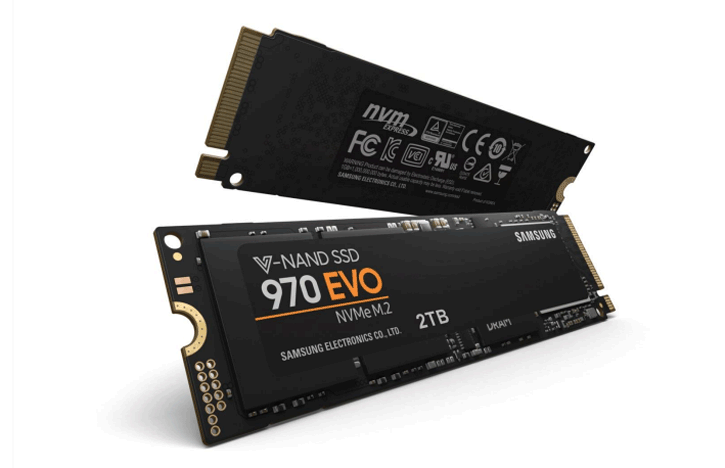
2TB on each drive means project files, models, and sample libraries sit on dedicated storage without managing space against the OS drive. For music production, the second NVMe holds sample libraries at full size. For CAD and architecture buyers, it holds the model library and reference files without constraint.
What the G6 Obsidian Handles
Confirmed software performance at the G6 Obsidian specification. Project scales based on 64GB DDR5 and Core i9-14900KF.
Performance descriptors are indicative. Actual performance depends on project complexity, settings, and system configuration.
Where the Mid-Tier Machines Stop Keeping Up
There is a specific point in SolidWorks where a 32GB machine starts to slow. It is not always visible on a part count — it depends on mate complexity, feature history, and what else is open. When a 300-part assembly starts paging to disk mid-rebuild, or when Revit pauses loading a structural link into an architectural model, you feel it in the working day. The Obsidian with 64GB eliminates that pause for the workflows in its range. The machine becomes a tool that gets out of the way rather than one you are waiting on.
The i9-14900KF's single-core performance is the right choice for this workload. Parametric rebuild in SolidWorks, viewport loading in Revit, and sketch constraint solving in large assemblies all run on single threads. The processor maintains its rated boost under continuous load — sustained performance, not just peak performance.
One boundary to name clearly: the Obsidian carries a consumer GPU. For most professional CAD work, this is not a limitation. For SolidWorks RealView specifically, or for CATIA workflows that require certified driver validation, the G6 Forge S with an ISV-certified professional GPU is the correct machine. If you are unsure which applies to your software and workflow, call Kevin and he will tell you.
Tell Kevin:
- The software you use and the version
- Your typical file sizes or project scales
- Whether you need to run multiple applications simultaneously — and which ones
- Your approximate budget
No charge for the conversation. No pressure to buy.
93% Five-Star Reviews on Trustpilot
93% of Ginger6 customers leave five-star reviews. The person who advises you on your spec is the same person who builds the machine and answers the phone if you need support after delivery.
See all reviews"I have been using Ginger 6 since 2014 for gaming PCs for wife and myself. That's 5 purchased in total. Never had a technical issue with any of the builds and the only reason for new purchases is technical obsolescence. Highly recommend them."
"I upgraded my PC to one that was Windows 11 compatible. I have been using it for about 3 months with no problems. The service from Ginger 6 has been great."
"Placed order, and received it earlier than expected. Windows and drivers already installed so computer was good to go right out of the box. Runs perfectly, have no complaints, only good things to say!"
Built by Hand in Wolverhampton
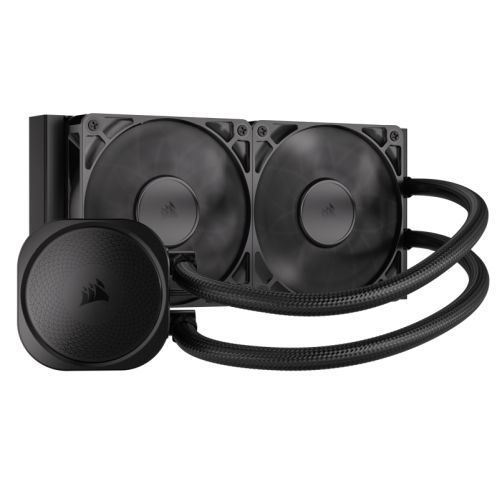
Every G6 Obsidian is assembled, configured, and tested by Kevin's team. The i9-14900KF generates significant heat under sustained CAD load — the 360mm AIO is fitted and tested before the 24-hour run begins.
Before the build begins, the configuration is reviewed against your software and project scale. If you have spoken to Kevin, the spec is confirmed against your SolidWorks assembly sizes, your Revit discipline scope, or your creative workload. The second 2TB NVMe is designated for project files or sample libraries, and noted on the build sheet. If you have ordered with music production DPC configuration, that is flagged on the build sheet before assembly begins.
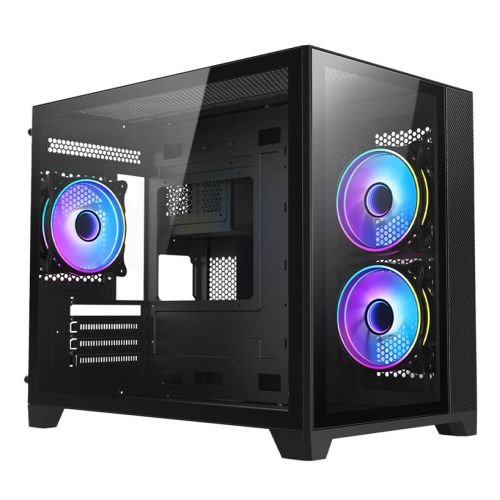
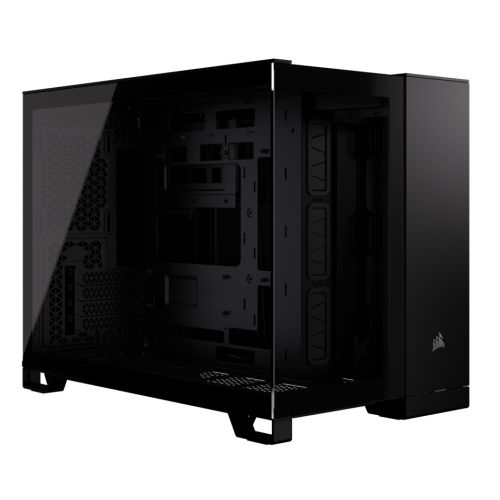
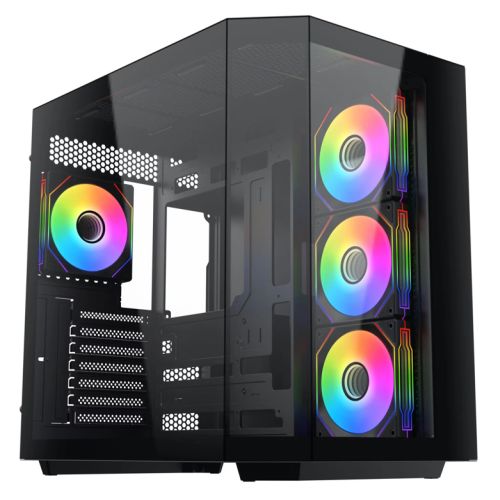
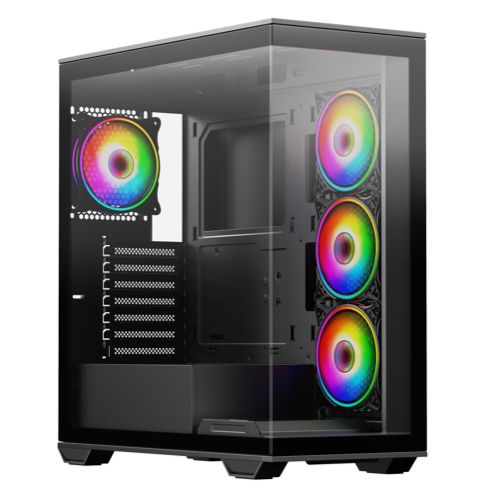
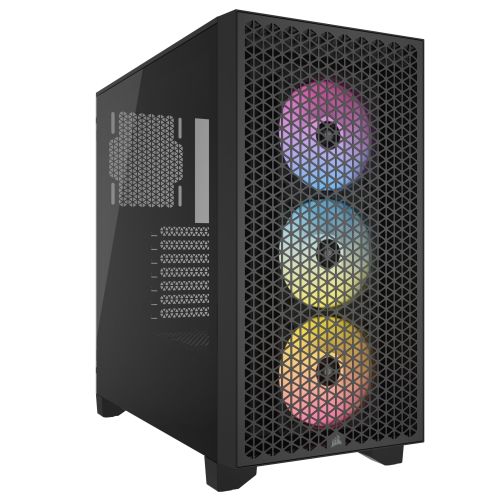
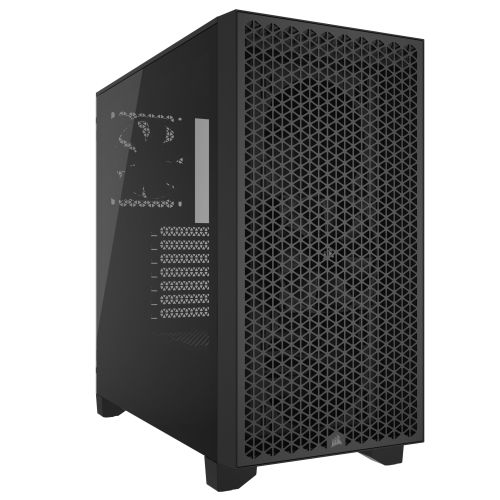
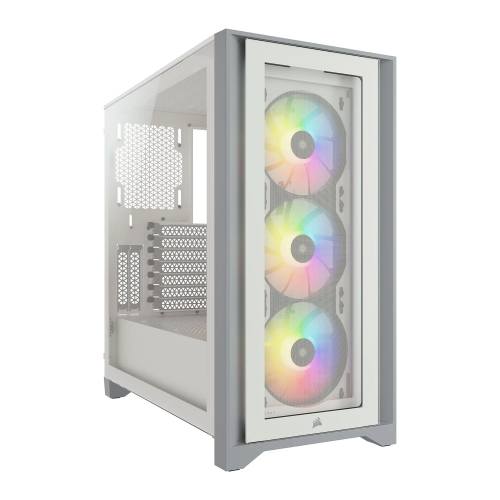
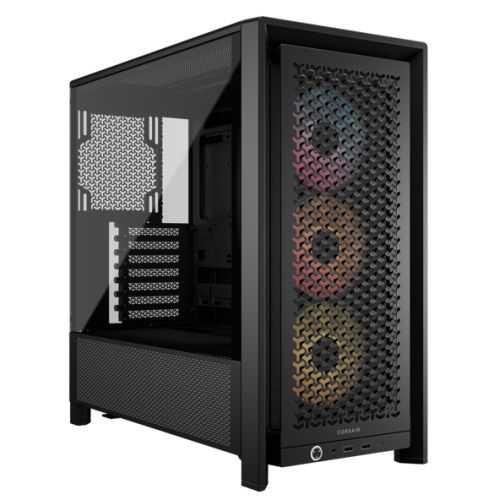
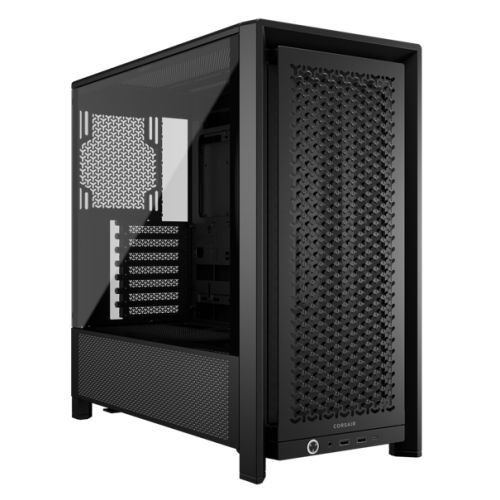
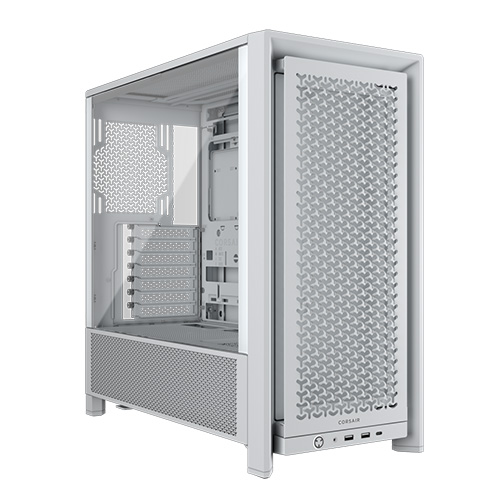
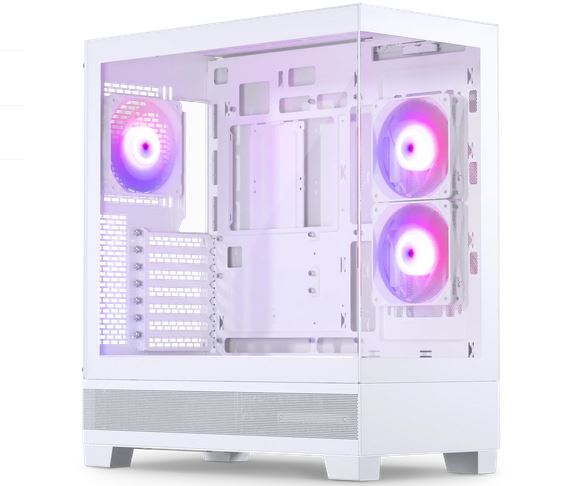
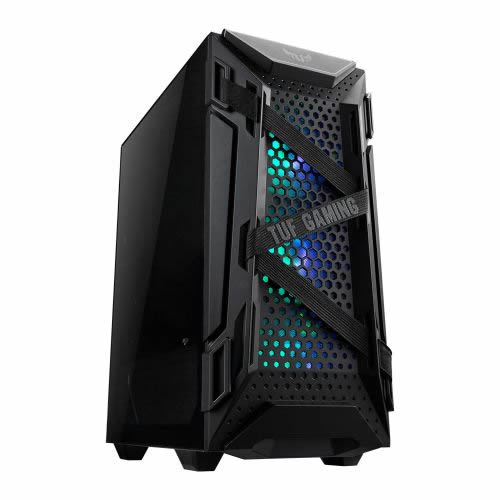
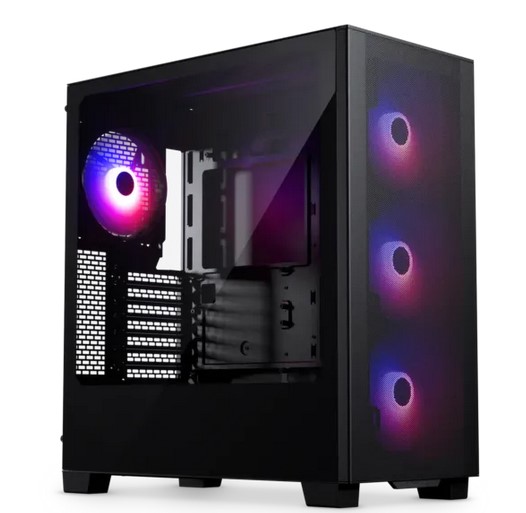
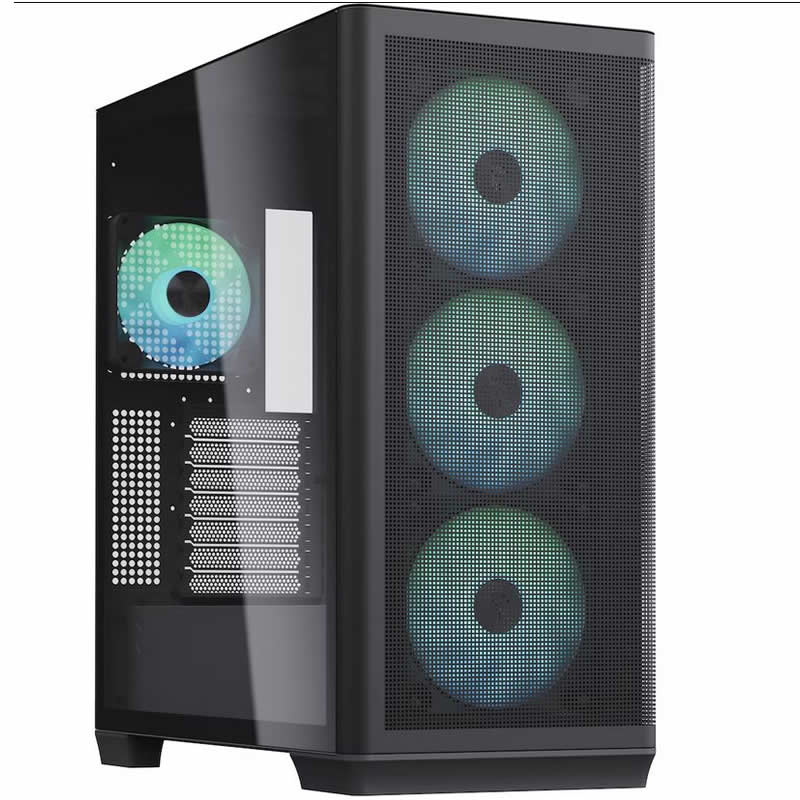
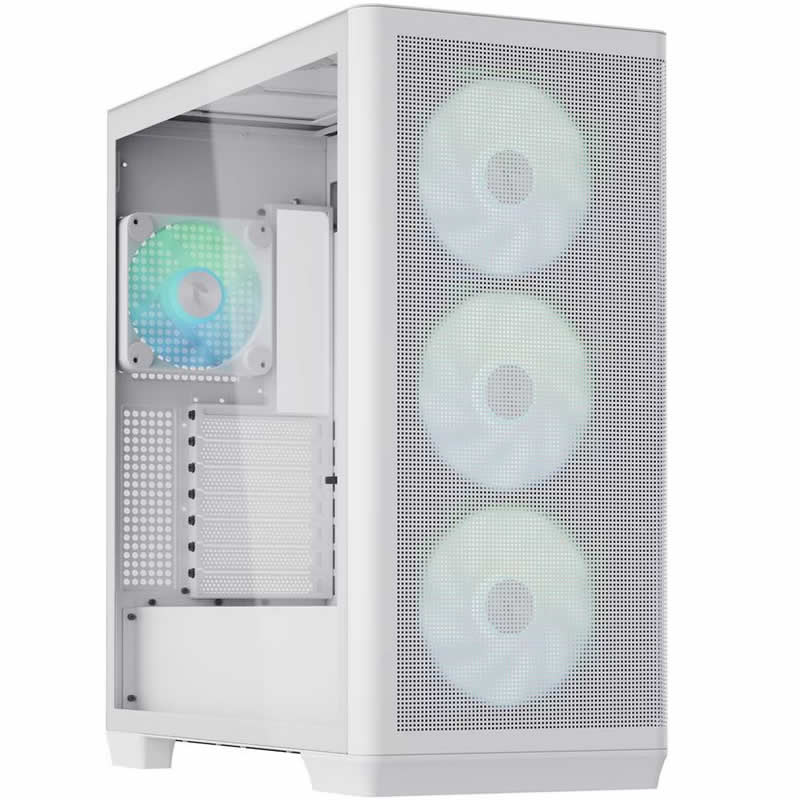
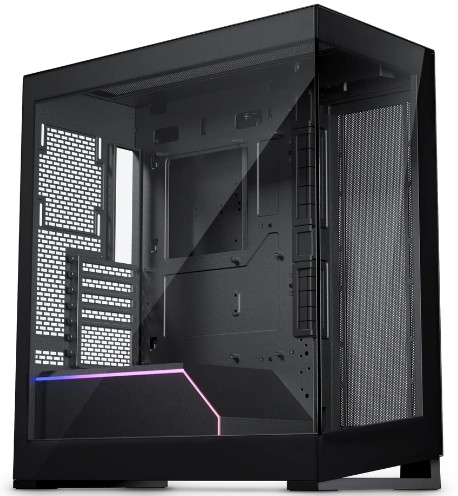
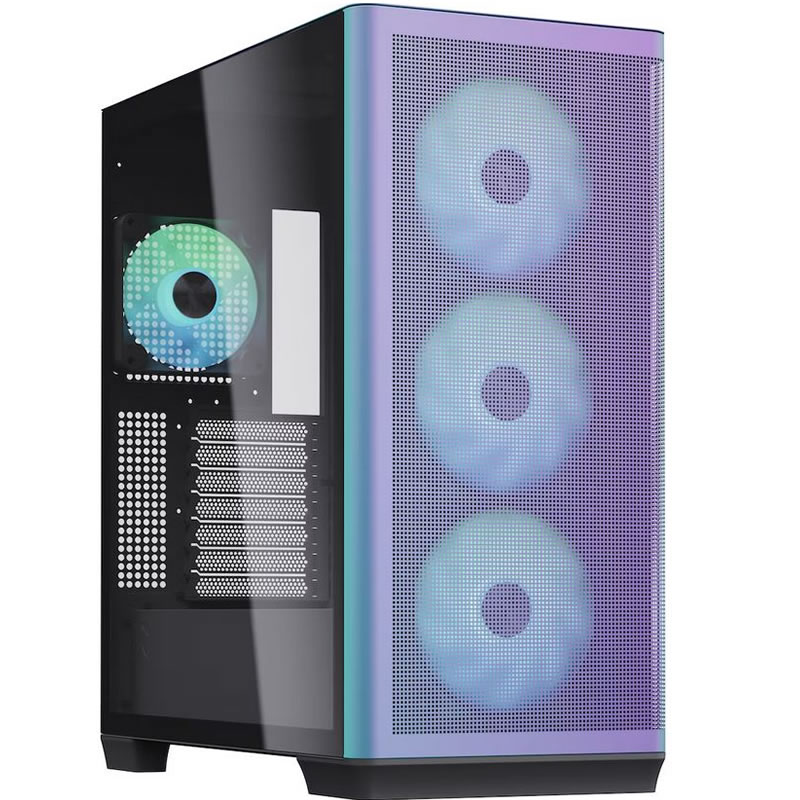
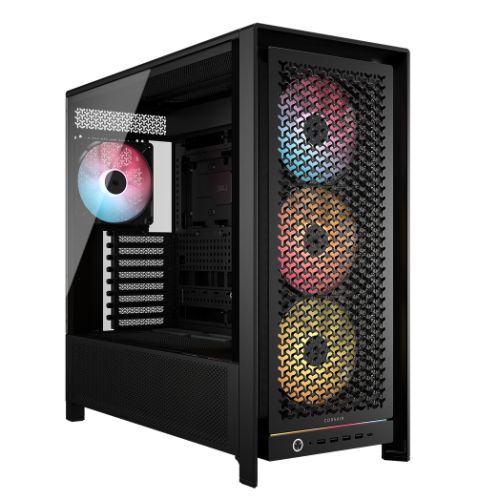
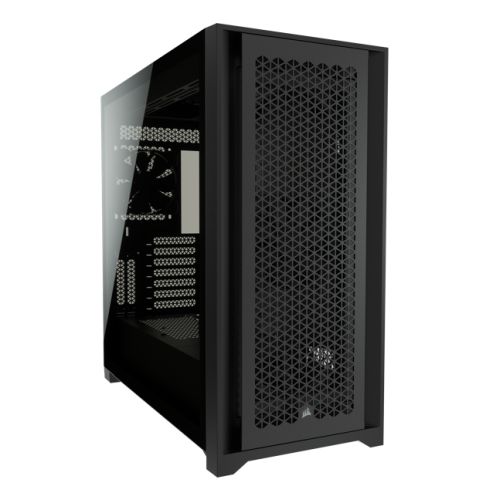
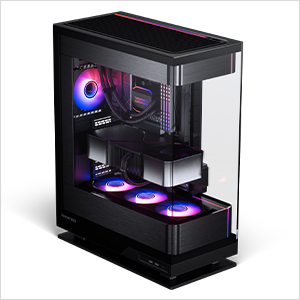
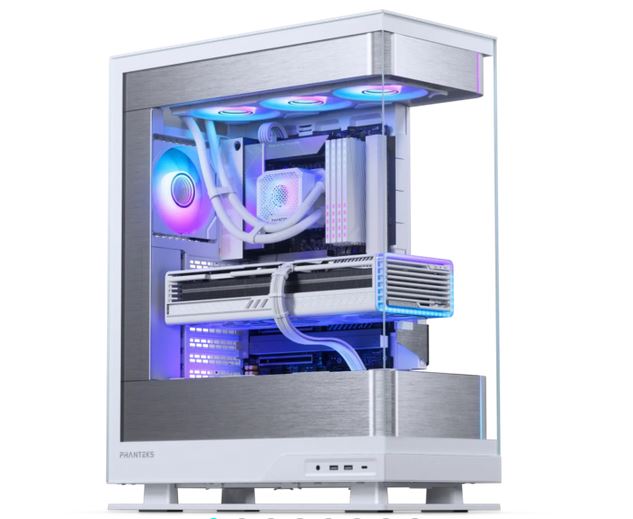
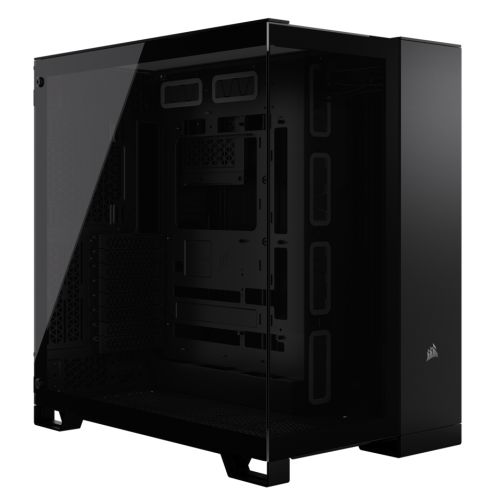
The Obsidian is assembled by hand in Wolverhampton inside the Corsair 3000D, chosen for its airflow layout and the room it provides for a 360mm AIO radiator alongside the i9's heat load. Cables are routed to support airflow inside the case, reduce dust build-up, and keep future maintenance straightforward. BIOS settings and memory profiles are confirmed before the 24-hour test begins, to prevent configuration conflicts from the first day of use.
Every Obsidian runs under sustained CPU and GPU load for a full day. The i9-14900KF is a higher-heat processor than the Core Ultra series — the 24-hour test confirms the 360mm AIO maintains rated boost without throttling under a workload that matches a full day of SolidWorks or Revit use. Windows 11 Pro, drivers, and storage are verified before dispatch. Music production DPC latency configuration is applied before dispatch if arranged at order stage.
- Thermal behaviour under sustained load
- Processor and graphics stability during extended use
- Memory responsiveness and system stability
- Storage performance and consistency
- BIOS and firmware stability
- System stability under extended use
G6 Obsidian — Common Questions
With 64GB DDR5, SolidWorks 2025 handles assemblies up to 500 parts and beyond, including those with complex mate relationships, configurations, and PDM running simultaneously. Below that threshold the machine is responsive throughout the working day with no mid-session paging. For very large assemblies approaching 1000 parts or more, 64GB can begin to show limits depending on the specific assembly structure — call Kevin and describe your typical project if you regularly work at that scale.
Yes. 64GB keeps architectural, structural, and MEP linked models loaded in RAM simultaneously on residential and mid-scale commercial projects. The i9-14900KF handles Revit's single-threaded viewport loading and section generation without the pauses that slower processors produce when loading large linked files. For very large federated models on major commercial or infrastructure projects, the G6 Carbon with 128GB is the correct build.
SolidWorks RealView requires ISV-certified GPU drivers to function correctly. The RTX 5070 in the Obsidian is a consumer GPU and does not carry certified drivers. It handles most SolidWorks operations without issue, but RealView specifically requires a professional GPU with a certified driver stack. If RealView is important to your workflow, the G6 Forge S with the Nvidia RTX A1000 is the correct build. Call Kevin and tell him which SolidWorks features you rely on — he will advise which machine applies to your specific use.
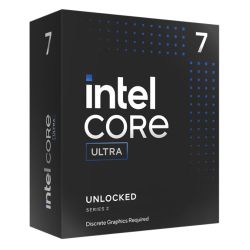
The Obsidian uses an i9-14900KF with 64GB DDR5 and an Nvidia RTX 5070 consumer GPU. The G6 Forge S uses a Core Ultra 7 265K with 32GB DDR5 and an Nvidia RTX A1000 professional GPU with ISV-certified drivers and ECC GPU memory. The Forge S is the correct choice if your workflow specifically requires SolidWorks RealView, certified driver stability for CATIA, or ECC GPU memory for professional calculation integrity. The Obsidian is the correct choice for heavy SolidWorks work that does not require RealView certification, large Revit projects, and professional creative workflows. If you are unsure which applies to your software, call Kevin.
Yes. The RTX 5070 12GB handles DaVinci Resolve 19 4K H.264 and H.265 timelines with colour grade and GPU-accelerated export. The 64GB RAM is sufficient for multi-application use combining CAD and video editing in the same session. The dual 2TB NVMe storage provides space for both project files and media without constraint. If your video editing workload is primarily multi-camera 4K RAW or higher, call Kevin and describe the codec and project scale.
Ready to Order the G6 Obsidian?
Ginger6 has been building custom workstations in Wolverhampton since 2001. The person who answers your call builds your machine and supports it after. 93% five-star reviews. 24-hour stress testing. 3-year warranty with lifetime support. No sales team. No call centre.
Custom Options





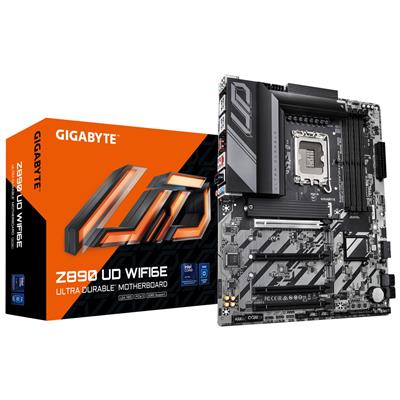
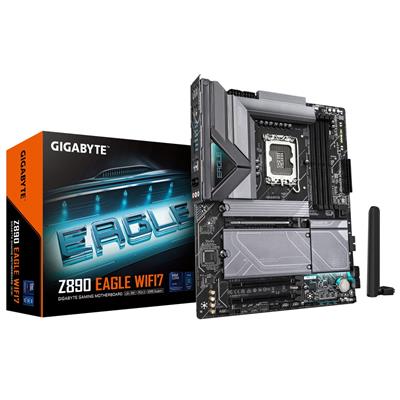
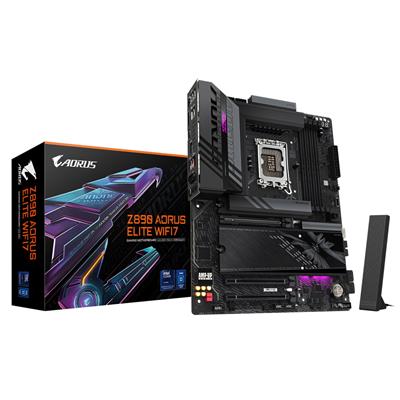
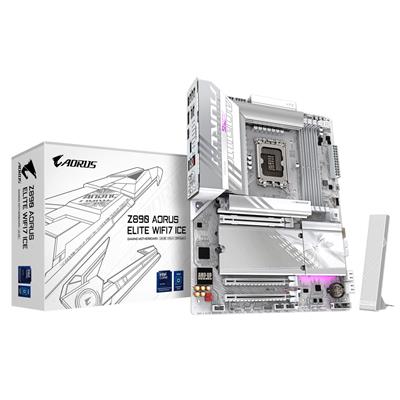







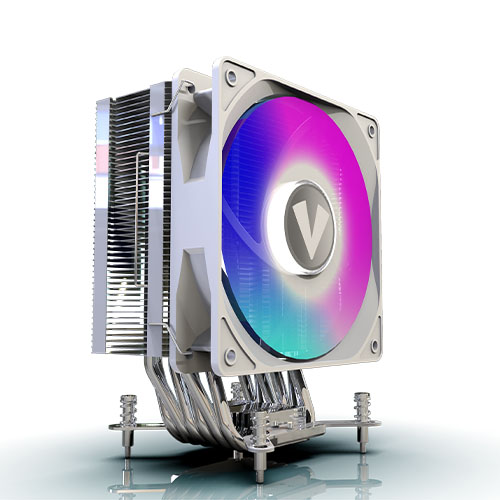

















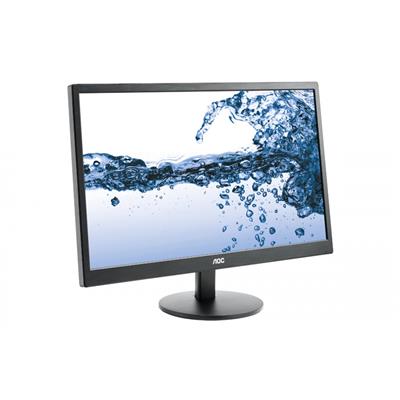
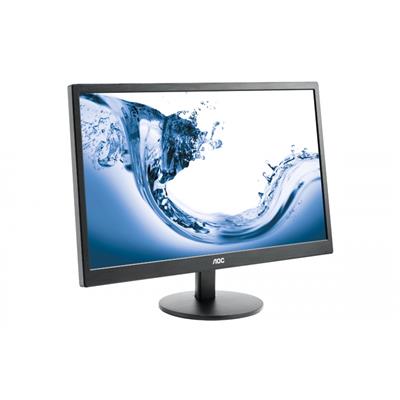
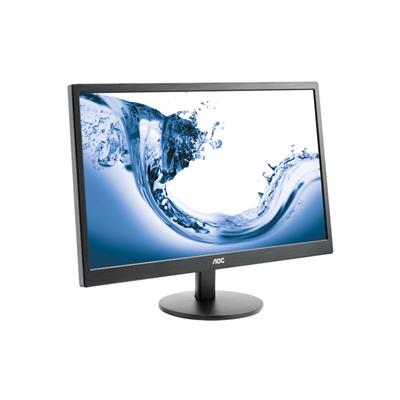
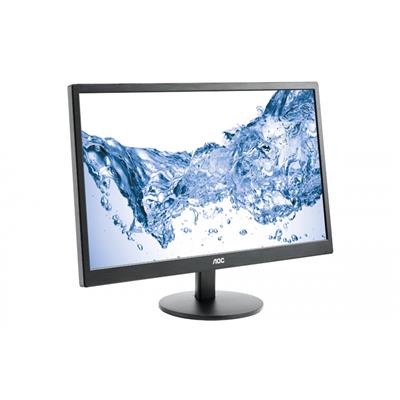
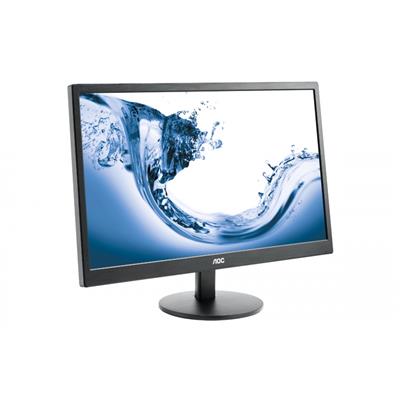
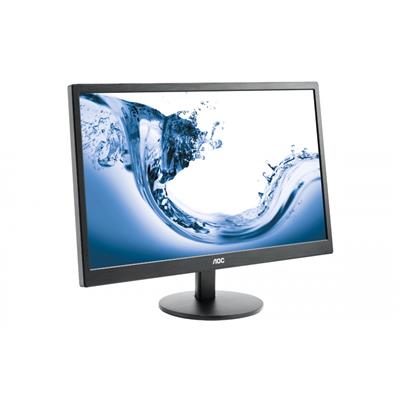
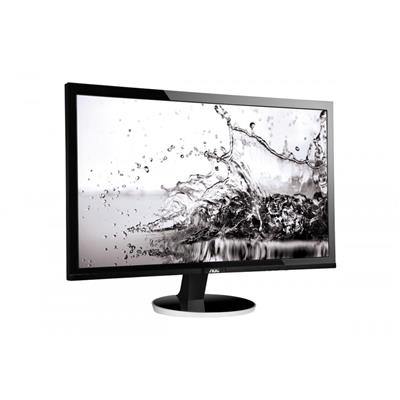



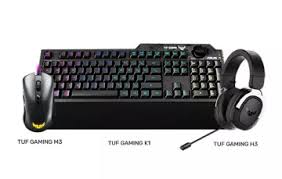


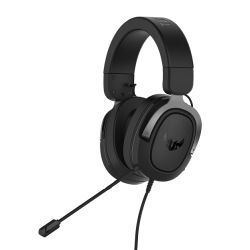


* Required Fields
Specifications
Additional Information
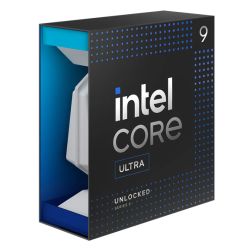
| Processor | Intel Core i9 14900KF |
|---|---|
| Processor Type | Intel Core i9 |
| No of Cores | 24 |
| Max Core Speed | 6.00GHz |
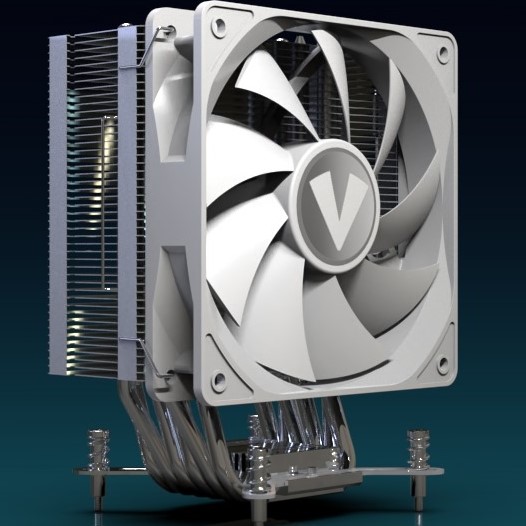
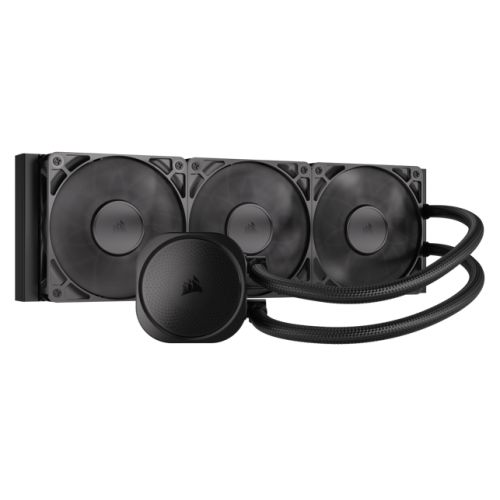
| CPU Cooler | 360mm ARGB AIO Liquid Cooler |
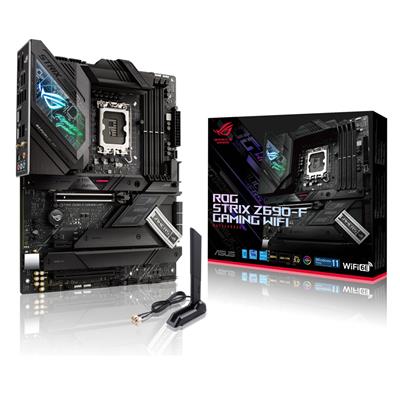
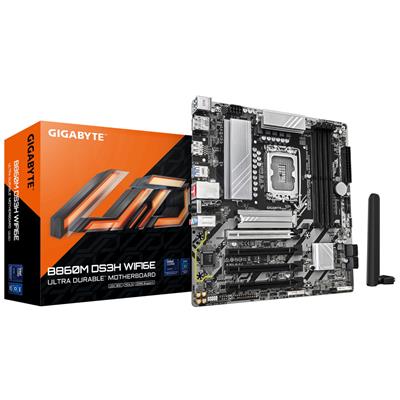
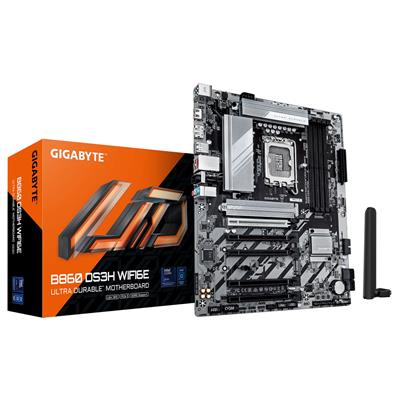
| Motherboard | Gigabyte B760M D3HP WIFI6 |
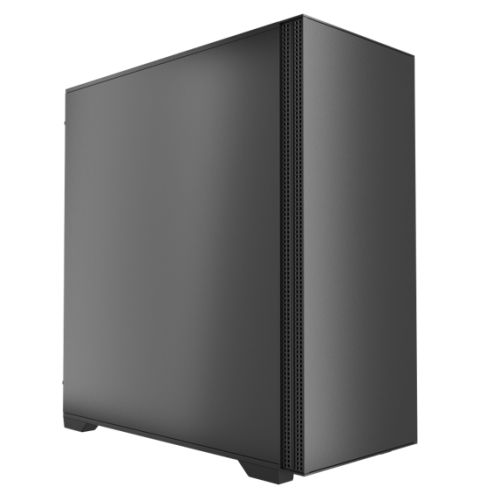
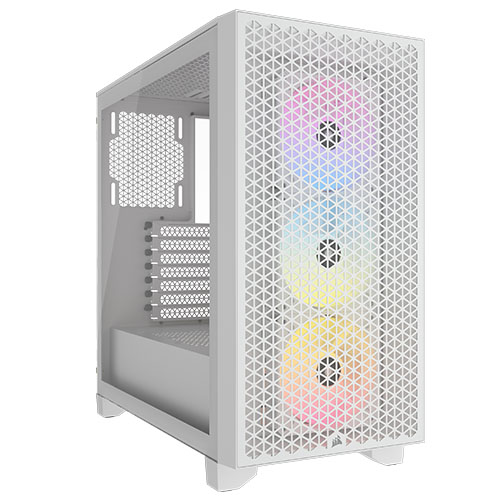
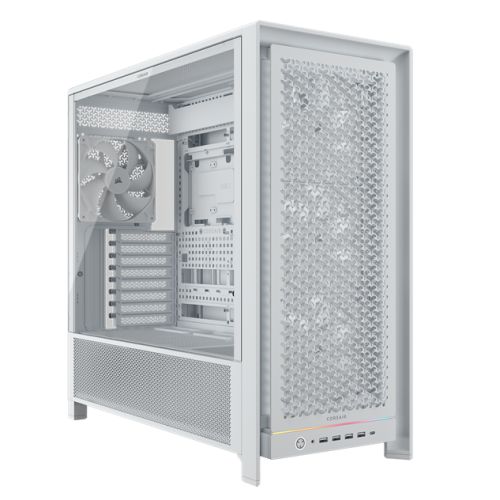
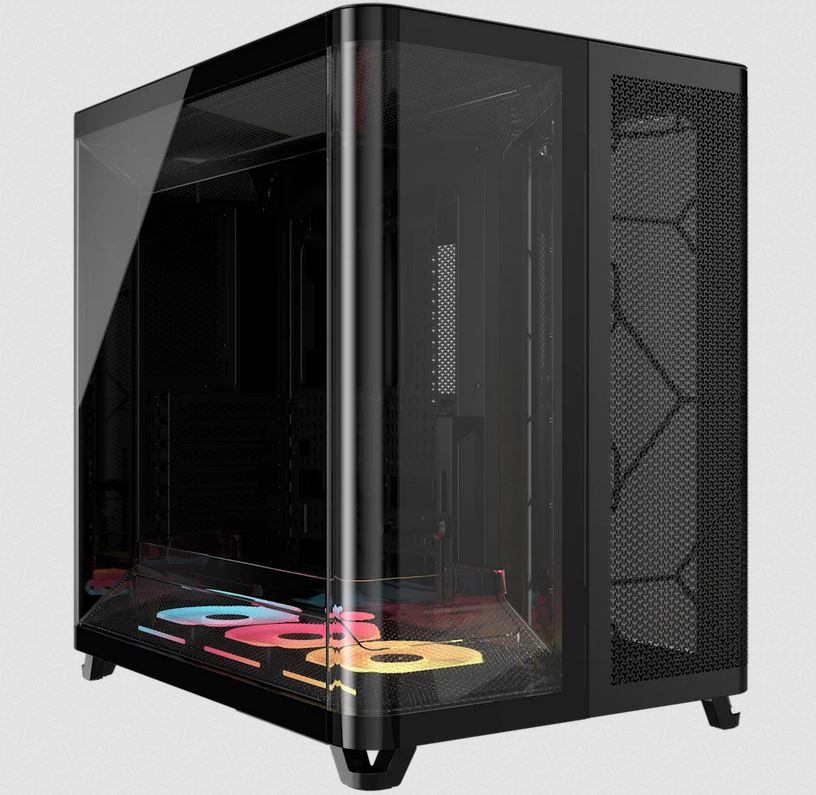
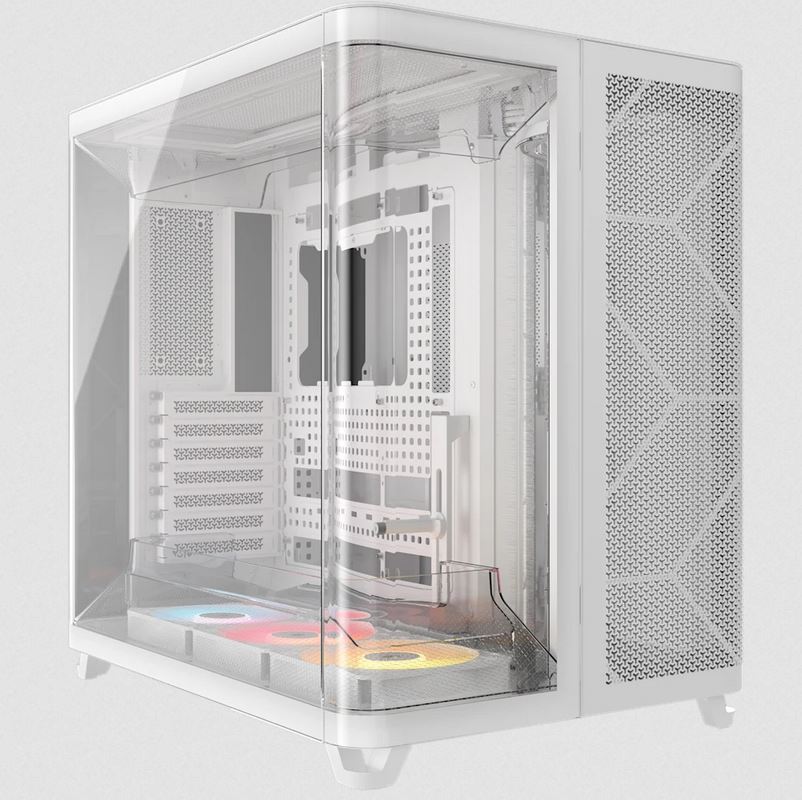
| Case | Corsair 3000D Black Black |
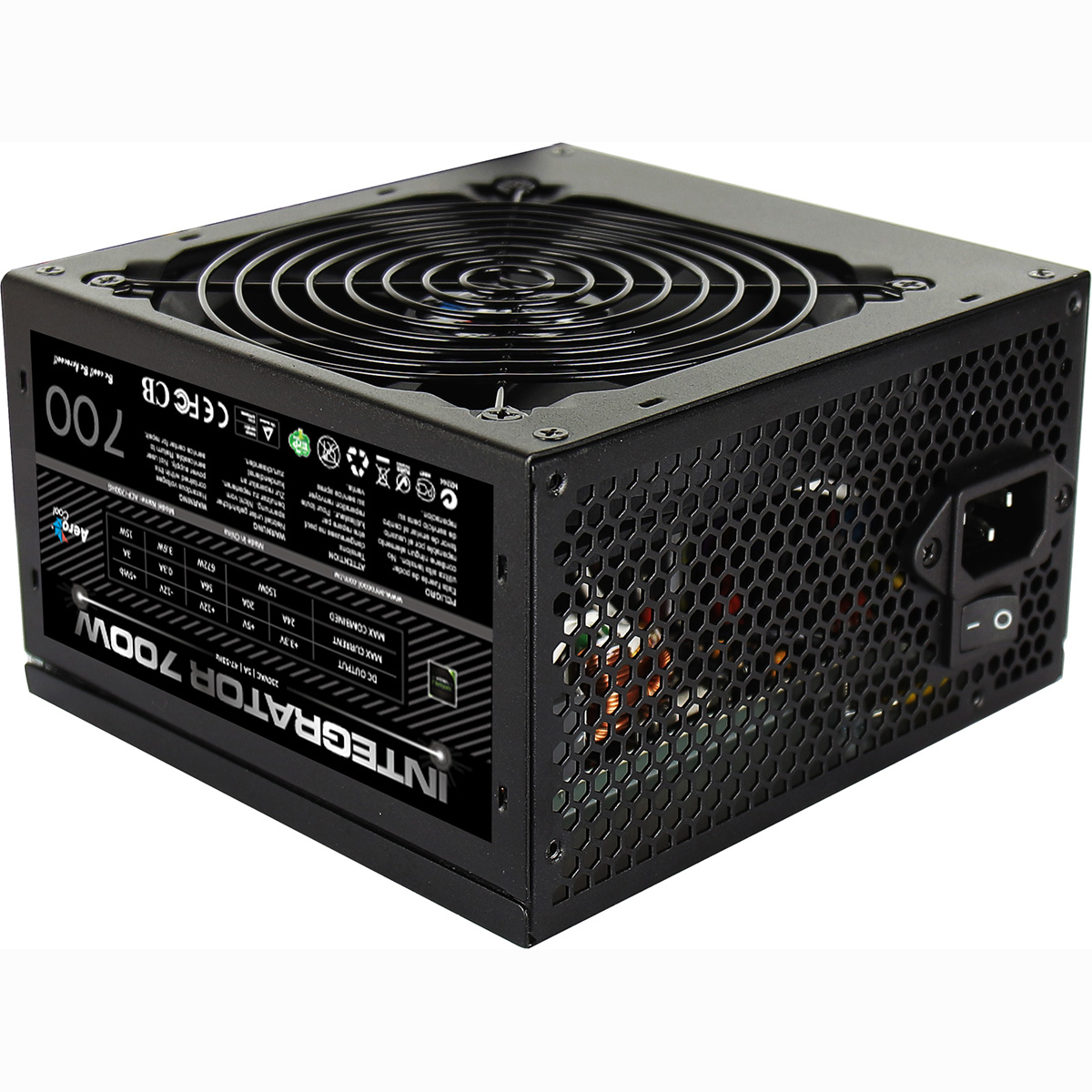
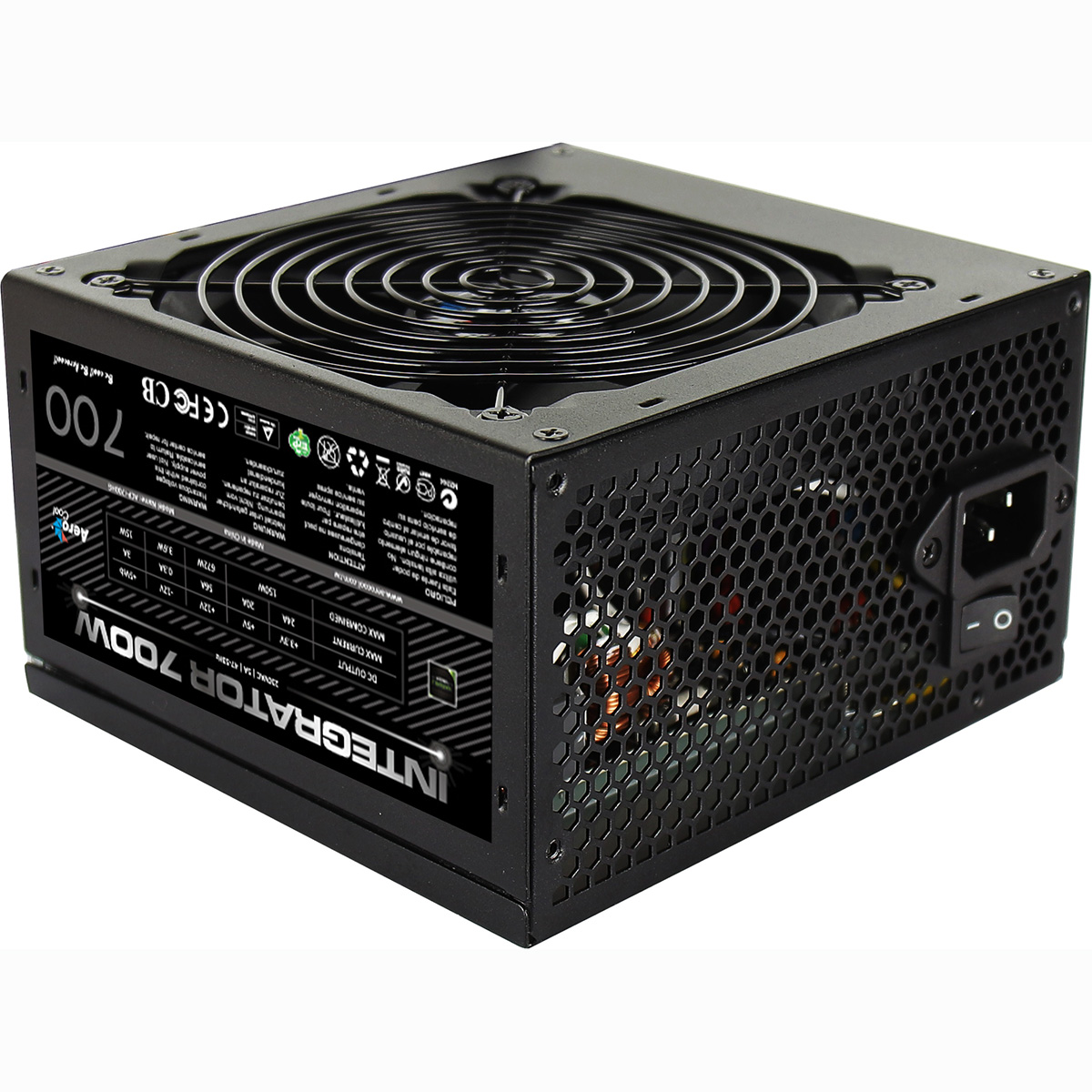
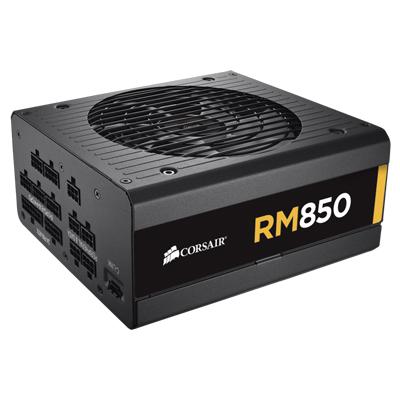
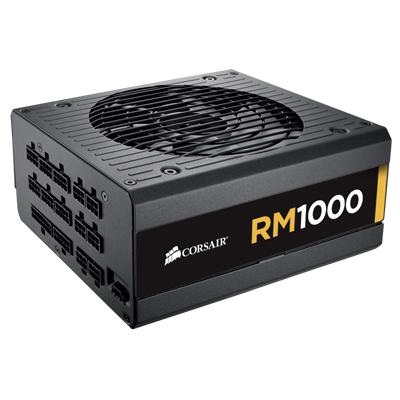
| Power Supply | 850w G6 80+ Gold |
| Memory Size | 64GB |
| Solid State Drive Size | 2TB |
| 2nd SSD | 2TB |
| Graphics | Nvidia RTX 5070 12GB |
| Graphics Card Connections | Displayport (x3), HDMI |
| Audio | 8-Channel High Definition Audio |
| LAN | 10/100/1000 Gigabit LAN Port, Bluetooth, Wi-Fi 6 |
| Ethernet | Realtek GbE 1 Gbps |
| Wi-Fi | WiFi 6 (Realtek RTL8851BE) |
| Bluetooth | 5.3 |
| Connections | Rear: 3x USB 3.2 Gen1, 2x USB 2.0 |
| Front Panel Connections | 2x USB-A 3.x, combo headset/mic jack |
| USB2 Ports | 2 |
| USB3 Ports | 5 |
| USB-C Ports | 0 |
| Operating System | Windows 11 Home |
| Monitors | Optional (See Custom Options) |
| Warranty | 3 Year Bronze Warranty |
Reviews
- Be the first to review this product