




Difficulties Finding Intel Gaming PC Parts and How to Overcome Them
Difficulties finding Intel gaming PC parts have become increasingly common for gamers and PC builders. Limited availability, fast-changing product ranges, and compatibility concerns often make the process feel more complex than expected. Even experienced builders can struggle to source the right components at the right time without compromising performance or stability.
Modern Intel Gaming PCs rely on a careful balance between processor, motherboard, memory, storage, power, and cooling. When one part is difficult to source, the entire build can be delayed or forced into compromises. Understanding where these challenges come from helps reduce frustration and improves decision-making during the build process.
Why Sourcing Intel Gaming PC Parts Is Challenging
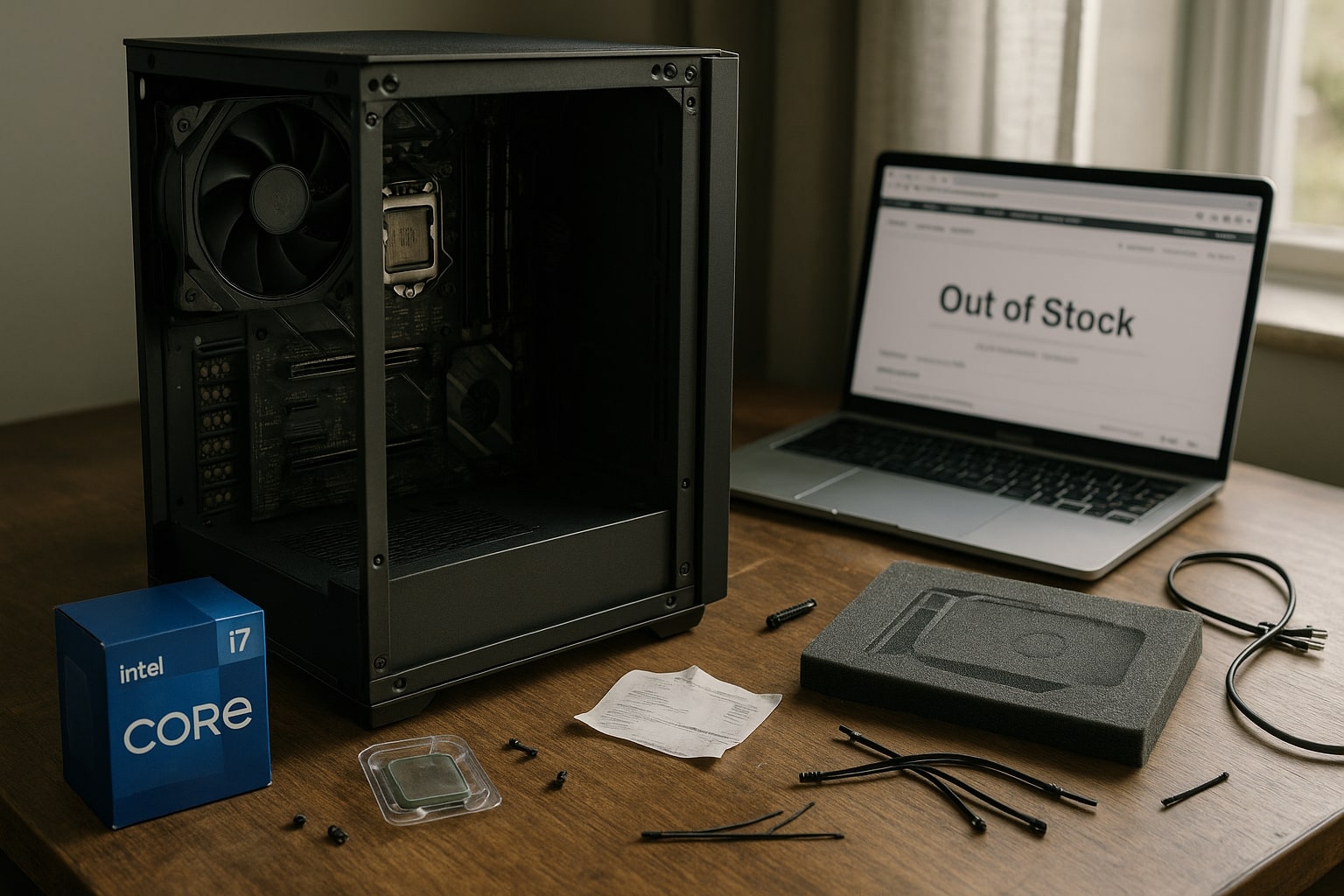
The market for gaming PC components has changed significantly. Demand for high-performance hardware often outpaces supply, especially for newer Intel processors and compatible motherboards. Stock levels fluctuate quickly, and popular parts can sell out before builders have time to compare options.
Another challenge is platform transition. Intel regularly introduces new socket types, chipset updates, and memory standards. While this supports progress, it also shortens compatibility windows. Builders may find that a CPU is available, but suitable motherboards are not, or that memory kits require firmware updates to run at their intended speeds.
Pricing volatility adds further pressure. When availability drops, prices rise, making it harder to stay within budget. Builders may feel tempted to substitute parts without fully checking compatibility, which can lead to performance limitations later.
Common causes behind sourcing difficulties
-
Limited stock of newer Intel CPUs and motherboards
-
Short product lifecycles and platform changes
-
Inconsistent availability across retailers
-
Rising prices during periods of high demand
These factors combine to make part selection more demanding than simply picking the latest component.
Common Mistakes When Selecting Intel Gaming PC Components
When faced with difficulties finding Intel gaming PC parts, builders often make rushed decisions. These mistakes usually stem from focusing on individual parts rather than how the full system works together.
One common issue is selecting a motherboard based only on chipset name. Not all boards within the same chipset offer the same power delivery, memory support, or expansion options. This can affect stability, upgrade potential, and overall system performance.
Memory selection is another frequent problem. Builders may assume that any RAM kit will work at its rated speed, but memory compatibility depends on motherboard support and firmware configuration. Incorrect memory choices can lead to reduced performance or boot issues.
Storage and cooling choices are also often underestimated. Fast processors require adequate cooling, and modern games benefit from responsive storage. Overlooking these areas can limit the benefits of premium Intel CPUs.
Areas where builders often misjudge compatibility
-
CPU and motherboard pairing
-
Memory speed and supported RAM slots
-
Cooling capacity for sustained gaming loads
-
Storage interfaces and available lanes
Avoiding these mistakes requires a system-wide view rather than part-by-part selection.
Evaluating Core Components for a Balanced Gaming PC
A reliable gaming PC starts with choosing components that complement each other. When difficulties finding Intel gaming PC parts arise, flexibility becomes important, but balance should remain the priority.
Processor and motherboard alignment
Intel processors perform best when paired with motherboards that support stable power delivery and appropriate firmware. Choosing a board with sufficient power phases helps maintain consistent clock behaviour during gaming sessions. Expansion options also matter, especially for future upgrades.
Memory and storage considerations
Memory capacity and speed affect both gaming performance and system responsiveness. Ensuring that RAM kits are supported by the motherboard reduces setup issues. Storage choices influence load times and data access, with many builds benefiting from a combination of solid-state storage and additional capacity drives.
Power supply and cooling support
Power supplies should offer enough headroom to support current components and modest upgrades. Undersized power units can cause instability under load. Cooling solutions must match the processor’s thermal output, especially for sustained gaming or multitasking scenarios.
Approaching component selection with these relationships in mind helps builders adapt when certain parts are unavailable without sacrificing system stability.
Reducing Frustration When Finding Intel Gaming PC Parts
Preparation and research reduce the impact of sourcing challenges. Tracking platform compatibility, understanding alternative part options, and avoiding impulse purchases make the process smoother.
Practical strategies for sourcing parts
-
Confirm compatibility using manufacturer documentation
-
Remain flexible on brands and models within performance tiers
-
Avoid mixing parts without checking firmware requirements
-
Prioritise system balance over individual specifications
Keeping records of supported components and stable configurations also helps when troubleshooting later.
Building an Intel Gaming PC is rarely about finding a single perfect part. It is about assembling a system that works reliably as a whole. When builders focus on compatibility and long-term use, sourcing challenges become easier to manage.
Get Help With Intel Gaming PC Part Selection
Difficulties finding Intel gaming PC parts can turn a planned build into a stressful process, especially when availability and compatibility issues overlap. Having experienced guidance can reduce delays and prevent costly mistakes.
Ginger6 is a UK-based custom PC builder that provides advice and aftercare support for gaming systems supplied by the company. Ginger6 assists customers with selecting compatible components, reviewing build options, and understanding how different parts work together within an Intel gaming PC. For builders looking to reduce sourcing frustration and maintain reliable performance, Ginger6 offers practical guidance focused on stable, well-balanced systems.