




Does Affordable Prebuilt Gaming PC Overheat?
Shoppers often ask a simple question before they buy a gaming desktop. Does affordable prebuilt gaming PC overheat? The short answer is that a well-built system stays cool even when you play for hours. Heat problems come from poor part choices, rushed assembly, and weak airflow. Choose a builder that treats cooling as a priority, and you can enjoy smooth performance without noise spikes or thermal throttling.
At Ginger6, we design budget-friendly gaming PCs that balance smart component selection with careful assembly, thorough testing, and aftercare. This guide explains what causes your computer to heat, how a quality prebuilt avoids it, and what to look for when you compare options.
Understanding Overheating in Affordable Prebuilt Gaming PCs
It’s common to worry about reliability in lower-cost models, but understanding why some systems get hot sheds light on the true risks and how to avoid them. We’ll break down the most frequent causes of temperature issues in budget gaming computers and offer insights to steer you in the right direction for a stable yet wallet-friendly build.
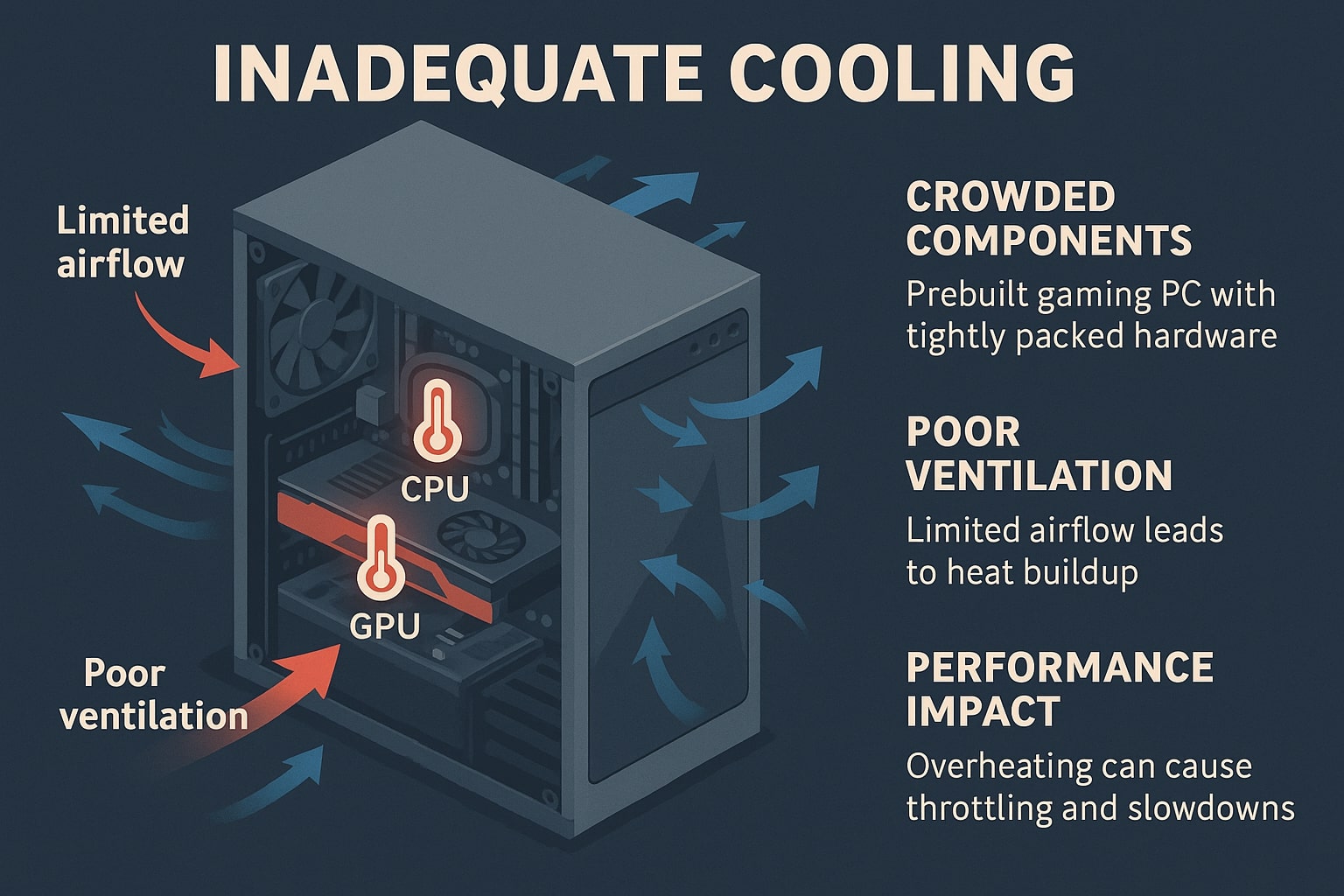
Common Causes of Temperature Issues in Budget Systems
Why Gaming PCs Overheat
Several factors push temperatures up during play or content creation.
-
Restricted airflow
Small or sealed cases trap warm air. Few intake and exhaust fans mean heat lingers around the CPU and graphics card. -
Basic coolers
A stock CPU fan may cope during light work, but can struggle when a modern processor boosts to high clocks. The same applies to compact GPU coolers. -
Messy cable routing
Cables that hang in the main airflow path block the fresh air that should pass over hot parts. -
Dust build-up
Dust on filters and heatsinks acts like a blanket. Airflow drops, fans spin faster, and noise rises. -
Cheap power supplies
Low-efficiency units waste energy as heat. They also make future upgrades harder. -
Poor paste application
Too much or too little thermal paste between the CPU and its cooler hampers heat transfer.
Any single issue can raise thermals by a few degrees. Combine several and you get throttling, random slowdown, or unexpected shutdowns during intense games.
What a Cool and Quiet Prebuilt Looks Like
A cool-running prebuilt focuses on airflow, part quality, and attention to detail.
-
Airflow first case
Choose a chassis with a mesh front panel, wide vents, and space for several 120 or 140 millimetre fans. A case like this lets a constant stream of fresh air in and pushes warm air out quickly. Dust filters help keep the interior clean and only need a quick hoover every few weeks. -
Matched cooling to the parts
A modern quad or hexa core CPU benefits from a tower-style air cooler with a quiet fan. For higher wattage chips, a quality air cooler or a simple 240 millimetre liquid unit works well. The aim is not to overbuild but to pair the cooler to the expected heat load. -
Thoughtful fan layout
Two intake fans at the front and one exhaust at the rear is a solid baseline. Add a top exhaust if the graphics card runs warm. Balanced intake and exhaust improve temperatures while keeping noise under control. -
Neat cable management
Tidy cables improve airflow and make your system easier to clean and upgrade. Good builders route cables behind the motherboard tray and secure them with ties. -
Reliable power supply
Look for an efficient unit from a respected brand with the right wattage for your graphics card and future upgrades. Efficient units run cooler and quieter. -
Careful paste and seating
A pea-sized dot of quality thermal paste, a firm mount, and a short burn-in check will keep the CPU cooler working as designed.
How Ginger6 Builds Prevent Overheating
At Ginger6, every affordable gaming PC is planned and tested by experienced builders. Read about what we do to keep heat in check while protecting your budget.
-
We select cases with mesh fronts and clear airflow paths, then populate them with quiet, long-lasting fans.
-
We match the CPU cooler to the chip you choose. An AMD or Intel processor with moderate power draw gets a robust tower cooler. Higher draw parts receive a step up.
-
We apply thermal paste with care and seat coolers correctly.
-
We route cables to keep the main chamber open and clean.
-
Before dispatch, we run thorough tests to confirm stable temperatures and performance.
-
You also receive lifetime support and a three-year Bronze warranty as standard, so you always have help if you need it.
The result is a system that plays smoothly, feels responsive, and stays within safe thermal ranges in real use. You enjoy the performance you paid for without constant fan ramping.
Tips to Keep Your Gaming PC Cool over Time
Even a well-built machine benefits from simple habits. These steps help you maintain cool and steady performance.
-
Place the tower where it can breathe
Give the front and rear a few inches of space so air can move freely. -
Keep it clean
Wipe the case and clear the front filter monthly. Every three to six months, power down and use short bursts of compressed air on the filters and heatsinks. Hold fans still while you clean them. -
Update graphics drivers and motherboard utilities when advised
Vendors often refine fan curves and power behaviour, which can lower temps and noise. -
Set a sensible fan curve
Many motherboards include simple software that lets you set a gentle ramp from idle to load. Aim for a curve that keeps the CPU under the high 80s Celsius during heavy work. -
Ask before you tweak voltages or power limits
Some changes can lower heat, but certain modifications may affect warranty cover. If you are unsure, contact our team first, and we will advise the best approach for your model. -
Watch for signs of wear
If a fan becomes noisy, contact us for a low-cost replacement. Bearings can wear after years of use.
Buying Checklist for an Affordable Prebuilt Gaming PC
Use this quick list when you compare systems.
-
Mesh front case with dust filters
-
At least three fans installed from the start
-
A tower air cooler for the CPU unless the chip draws very high power
-
Known brand power supply with headroom for upgrades
-
Thoughtful cable routing and tidy interior
-
Temperatures verified under load by the builder
-
Clear after-sales support, including warranty and lifetime help
If an advert hides those details, ask the seller to confirm them in writing. A good builder will share test results and photos of the interior so you can buy with confidence.
What about Noise
Cooling and noise go together. A quiet PC begins with efficient airflow and quality fans. By moving a larger volume of air slowly, you avoid sudden spikes. Set the motherboard fan curve to increase in small steps rather than jumps. Quiet builds feel more premium and are less distracting during long sessions.
Performance, Value, and Long-Term Reliability
Heat is the enemy of consistent performance. When a CPU or GPU gets too hot, it reduces its clock speed to protect itself. That is why two machines with the same parts can feel different once a game has run for a while. A cool prebuilt keeps clocks steady, which means smoother frame rates and better responsiveness. It also protects components such as VRMs, memory, and storage, adding years to the useful life of the PC.
A reliable system with clean airflow and a proper power supply costs less to own. You avoid emergency fixes, you gain quieter operation, and you can reuse the case and supply for future upgrades.
Ready to Buy with Confidence
If you want an affordable prebuilt gaming PC that stays cool and quiet, speak with Ginger6. Call 01902 714533, use Live Chat, or visit our UK Gaming PCs page to see ready-to-configure systems. Tell us the games you play and the resolution you use.
Our custom PC builder will recommend a configuration that fits your budget, confirm expected temperatures, and test the build before it leaves our workshop. You get a system that is ready to enjoy from day one, with UK-based advice whenever you need it.