




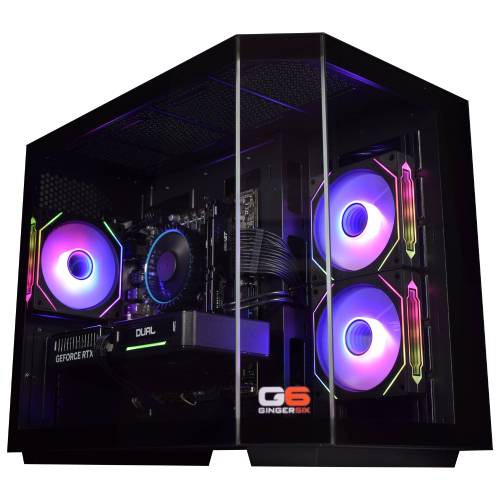
G6 Granite — CAD and Architecture Workstation
Description
G6 Granite — Mid Workstation for SolidWorks and AutoCAD 3D
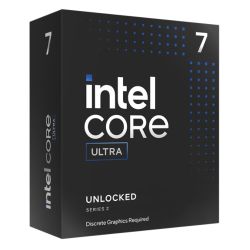
The G6 Granite is built for SolidWorks 2025 moderate assemblies, AutoCAD 2026 2D and 3D drafting, Revit 2026 on small to mid residential projects, Adobe Photoshop and Illustrator running simultaneously, and Lightroom Classic catalogues up to 60,000 images. The Core Ultra 7 265K's higher boost frequency over the Ultra 5 delivers a measurable improvement in parametric rebuild time and AutoCAD 3D viewport responsiveness — not a spec-sheet difference but a day-to-day one. From £1829.99, built and stress-tested in Wolverhampton. The Granite is the mid-tier build across our CAD workstations, architecture workstations, and music production workstations ranges.
32GB DDR5 handles multi-application creative work and SolidWorks assemblies up to around 300 parts. If your assemblies run larger, or if you work with heavy Revit multi-discipline models, the G6 Obsidian with 64GB is the correct next step. If you are on the boundary, call Kevin before you order and he will confirm which build fits your workflow.
Not sure if this is the right spec for your software and project scale? Call Kevin on 01902 714533 — he will give you a straight answer.
G6 Granite — Full Specification
Core Ultra 7 265K for single-thread CAD performance, 32GB DDR5 for multi-application creative work, dual NVMe for project file separation, and 360mm liquid cooling for sustained performance throughout a full working day.
Why This Specification for Mid-Tier CAD and Creative Work
Every component in the Granite is chosen for the specific demands of moderate SolidWorks assemblies, multi-application creative work, and sustained processing throughout a full working day.
Core Ultra 7: the single-core step that matters for CAD
Parametric model rebuild in SolidWorks and viewport responsiveness in AutoCAD 3D run on a single thread. The Core Ultra 7 265K's higher boost frequency over the Ultra 5 produces a measurable improvement in these operations — not a spec-sheet difference but a day-to-day one.
32GB: covers professional CAD and multi-application creative
Handles SolidWorks assemblies up to around 300 parts, Revit on small residential projects, Photoshop open alongside Illustrator, and Lightroom catalogues up to 60,000 images. The ceiling for heavy SolidWorks users is still 32GB — large assembly work above 300 parts belongs on the G6 Obsidian.
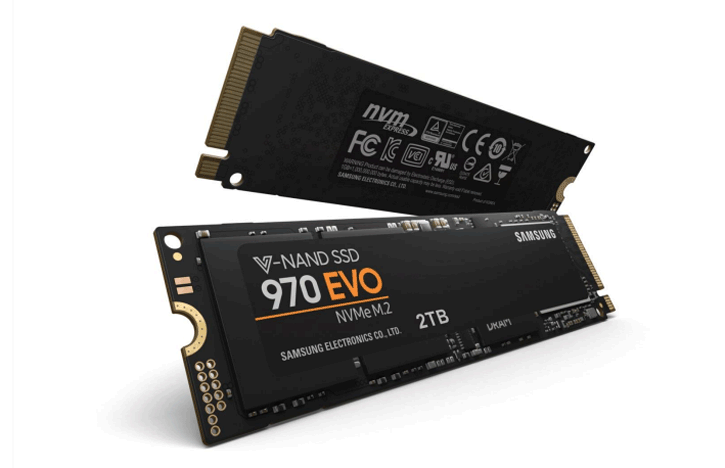
Dual NVMe: second drive for project files
The second NVMe holds project files, CAD models, and sample libraries depending on the workload. Keeping projects off the OS drive reduces I/O conflicts and keeps the machine responsive during active work. For music production buyers, it holds sample libraries at full size.
Liquid cooling: Core Ultra 7 sustained performance
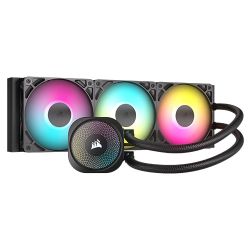
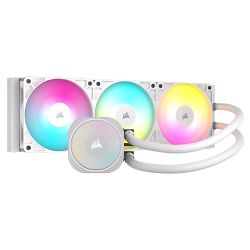
The 360mm AIO keeps the Core Ultra 7 at rated boost frequencies throughout a working day of parametric modelling or sustained audio processing. Air cooling at this CPU tier produces thermal throttling under continuous load. Liquid cooling removes that variable.
What the G6 Granite Handles
Confirmed software performance at the G6 Granite specification. Project scales based on 32GB DDR5 and Core Ultra 7 265K.
Performance descriptors are indicative. Actual performance depends on project complexity, settings, and system configuration.
What 32GB and a Faster CPU Actually Changes
The upgrade from the G6 Slate to the Granite is felt in two places: the point at which SolidWorks makes you wait, and the moment 16GB runs out of headroom. In a Slate with 16GB, a SolidWorks assembly above 100 parts starts to page to disk during rebuild. The response time slows. In the Granite with 32GB and a Core Ultra 7, that same assembly rebuilds without the machine becoming the bottleneck.
The Core Ultra 7 265K's higher boost frequency is not theoretical. In AutoCAD 3D, orbit and pan in a complex drawing is noticeably more fluid. In SolidWorks, the time between editing a sketch and seeing the model update is shorter. For a professional doing this thirty times a day, that adds up to something meaningful.
32GB also opens up multi-application creative work. Photoshop and Illustrator open simultaneously, Lightroom with a 60,000-image catalogue, Ableton Live or Cubase with moderate sample library loading — the Granite handles all of these without memory pressure. If your SolidWorks assemblies regularly exceed 300 parts, or if you are working with Revit multi-discipline linked models, the G6 Obsidian with 64GB is the correct next step.
Tell Kevin:
- The software you use and the version
- Your typical file sizes or project scales
- Whether you need to run multiple applications simultaneously — and which ones
- Your approximate budget
No charge for the conversation. No pressure to buy.
93% Five-Star Reviews on Trustpilot
93% of Ginger6 customers leave five-star reviews. The person who advises you on your spec is the same person who builds the machine and answers the phone if you need support after delivery.
See all reviews"Really great help. Hasham was able to fix a technical problem and was understanding throughout."
"I took delivery of my W11 Games PC earlier this year, following excellent advice from Ginger6 Computers. They were generous with their time and knowledge, and everything is working to perfection."
"I upgraded my PC to one that was Windows 11 compatible. I have been using it for about 3 months with no problems. The service from Ginger 6 has been great."
Built by Hand in Wolverhampton
Every G6 Granite is assembled, configured, and tested by Kevin's team before it ships. The 360mm liquid cooler is fitted and confirmed performing correctly before the 24-hour test begins.
Before the build begins, the configuration is reviewed against your software and project scale. If you have spoken to Kevin, the spec is confirmed against what he knows about your SolidWorks assembly sizes, your Revit project scope, or your multi-application creative setup. The second NVMe drive is designated for project files or sample libraries depending on your workload, and noted on the build sheet.
The Granite is assembled by hand in Wolverhampton. The 360mm AIO is mounted and checked for correct thermal contact before the system is closed. Cables are routed to support airflow inside the case, reduce dust build-up around components, and keep future maintenance straightforward. BIOS settings and memory profiles are confirmed before the 24-hour test begins, to prevent configuration conflicts and startup issues from the first day of use.
Every Granite runs under sustained CPU and GPU load for a full day before it ships. The test replicates the kind of sustained load a SolidWorks session or an extended Lightroom export puts on the machine. The liquid cooler's performance is monitored throughout — the Core Ultra 7 must maintain rated boost without throttling for the full duration before the machine is cleared for dispatch. Music production DPC latency configuration is available on request and applied before dispatch — arrange this at order stage.
- Thermal behaviour under sustained load
- Processor and graphics stability during extended use
- Memory responsiveness and system stability
- Storage performance and consistency
- BIOS and firmware stability
- System stability under extended use
G6 Granite — Common Questions
With 32GB DDR5, SolidWorks 2025 handles assemblies up to around 300 parts with mates, standard configurations, and PDM running alongside. Below that threshold the machine is responsive throughout the working day. Above 300 parts, particularly with complex mate relationships or large surface models, 32GB starts to limit performance as the system pages to disk during rebuild. For assemblies consistently above 300 parts, the G6 Obsidian with 64GB is the correct build. If you are near the boundary, call Kevin and tell him your typical part count.
Yes. Running Photoshop and Illustrator simultaneously is one of the primary use cases the Granite is sized for. With 32GB, both applications hold their working state in RAM without the machine slowing as you switch between them. Photoshop GPU acceleration via the RTX 5060 Ti is active for Generative Fill, Neural Filters, and canvas operations. If you also run InDesign or Lightroom alongside both applications at the same time, call Kevin and describe your typical open applications — he will confirm whether 32GB covers your specific setup.
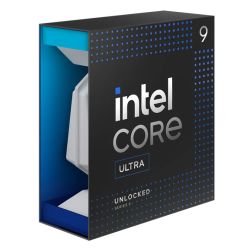
The Granite uses a Core Ultra 7 265K with 32GB DDR5, an RTX 5060 Ti, and dual 1TB NVMe drives. The G6 Obsidian uses an Intel Core i9-14900KF with 64GB DDR5, an RTX 5070 12GB, and dual 2TB NVMe drives. The Obsidian handles SolidWorks assemblies above 300 parts, Revit with multi-discipline linked models, full orchestral templates in Kontakt, and 4K video editing in DaVinci Resolve. If your current projects fit within the Granite's scales, the Granite is the correct build. If you regularly push beyond them, the Obsidian is the better long-term choice.
Yes, for most AutoCAD 3D workflows. 32GB handles complex 3D drawings, multi-layout projects, heavy xref stacks, and AutoCAD 3D model files without memory pressure. The Core Ultra 7 265K's single-thread performance means viewport responsiveness in AutoCAD 3D is significantly better than on a budget quad-core machine. Where 32GB becomes a consideration is if you run AutoCAD 3D alongside Civil 3D or Revit simultaneously with large project files. If that describes your workflow, call Kevin before ordering.
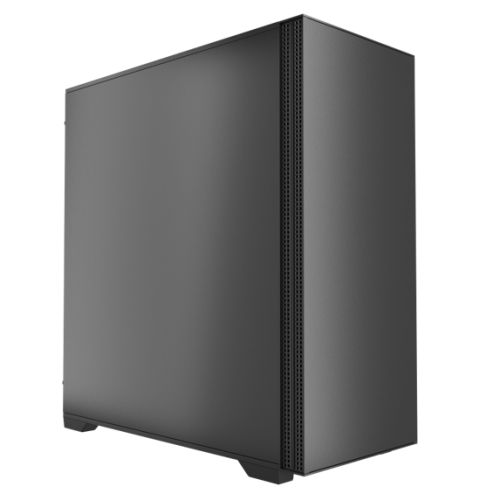
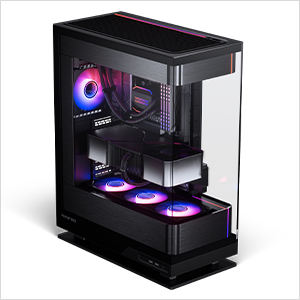
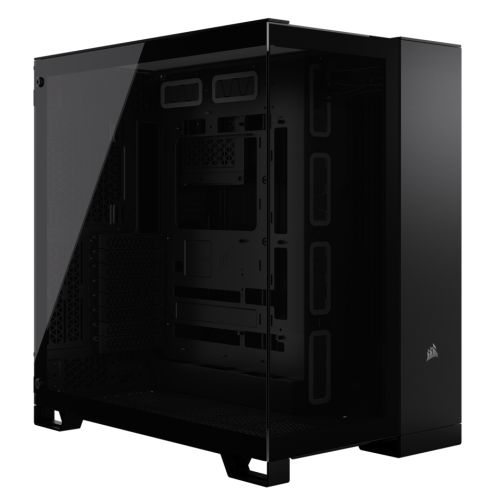
Under moderate working load — AutoCAD 2D, Photoshop, standard web browsing — the Granite is quiet. The 360mm AIO runs its fans at low speed for the majority of a standard working day. Under sustained heavy load such as a SolidWorks rebuild of a large assembly, fan speed increases but remains within the range most people find acceptable in a professional environment. The G6 Stealth case is specifically chosen for its acoustic properties. If near-silent operation is a priority, call Kevin and he will advise on the options.
Ready to Order the G6 Granite?
Ginger6 has been building custom workstations in Wolverhampton since 2001. The person who answers your call builds your machine and supports it after. 93% five-star reviews. 24-hour stress testing. 3-year warranty with lifetime support. No sales team. No call centre.
Custom Options
£2,054.94
£1,929.99
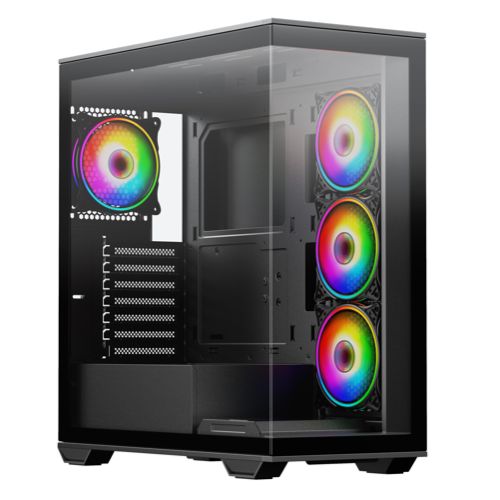
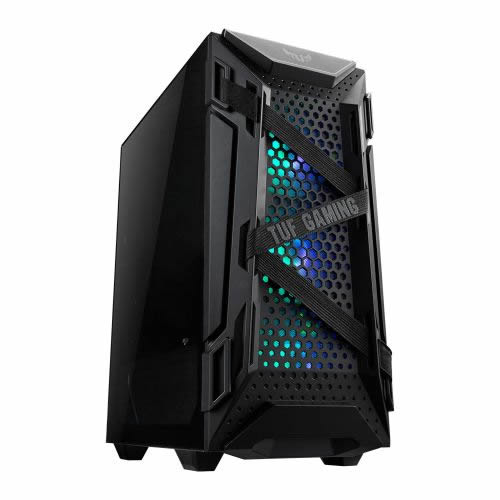
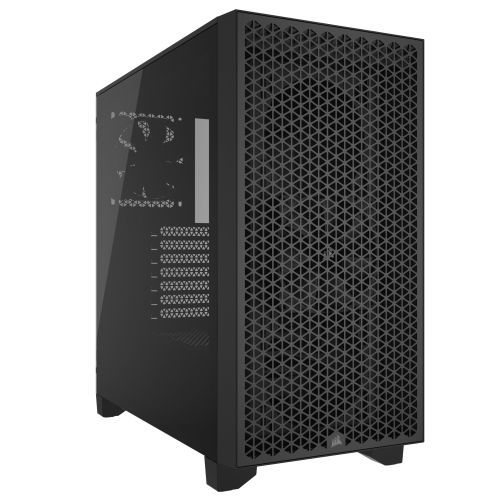
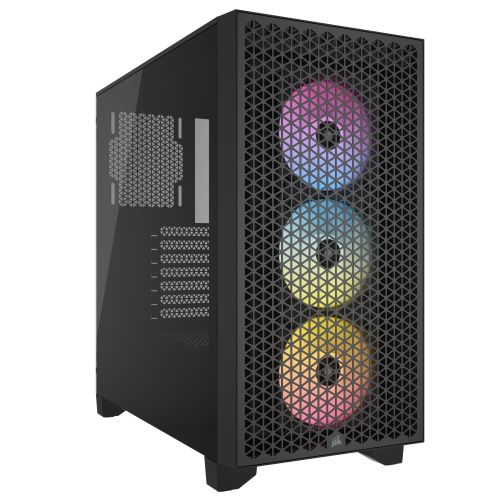


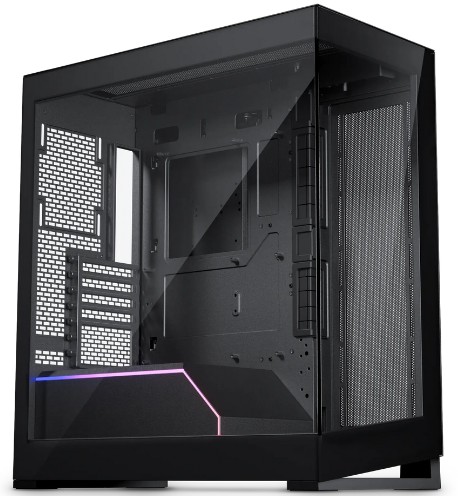

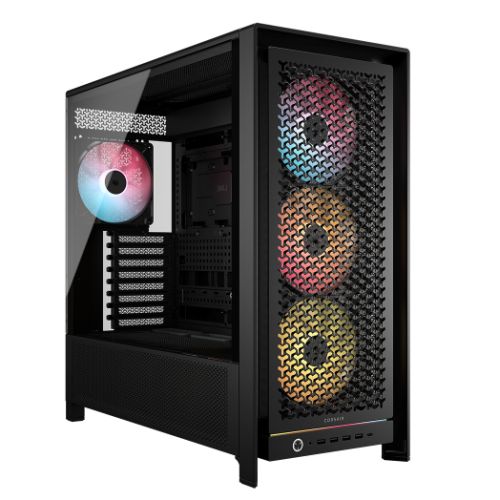
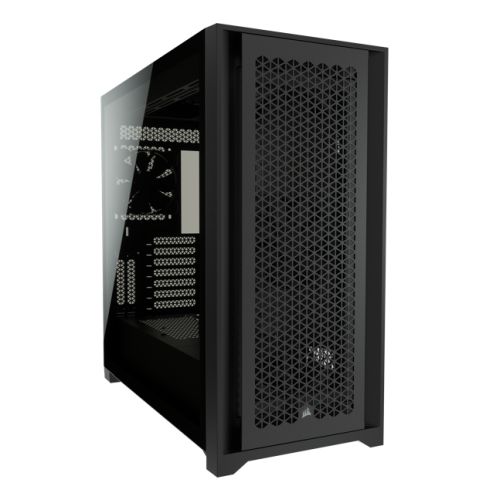
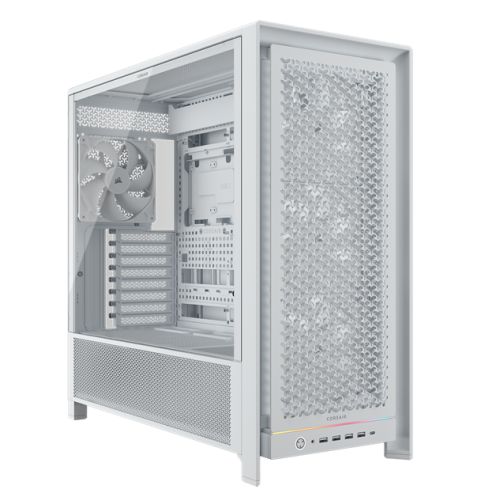































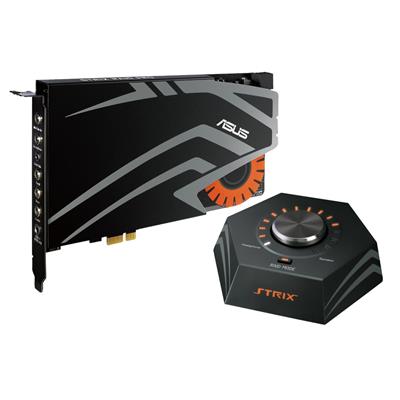





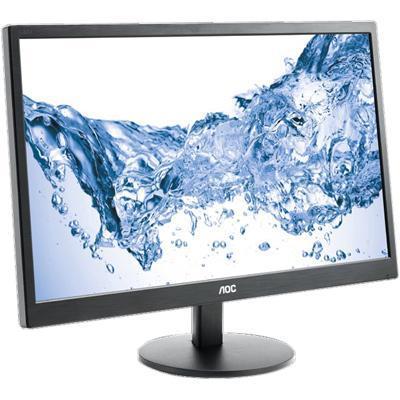

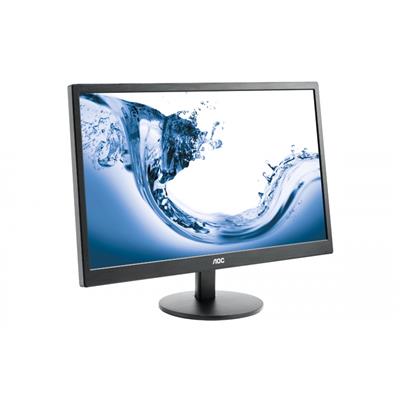


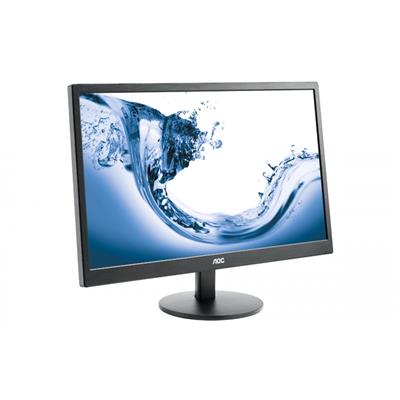


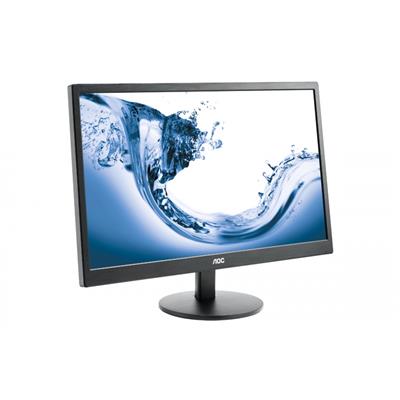
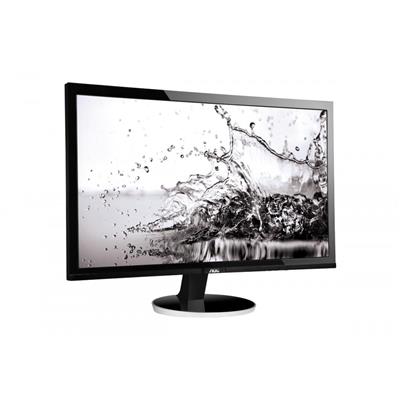







* Required Fields
Specifications
Additional Information
| Processor | Intel Core Ultra 7 265KF |
|---|---|
| Processor Type | Intel Core Ultra 7 |
| No of Cores | 20 |
| Max Core Speed | 5.50GHz |
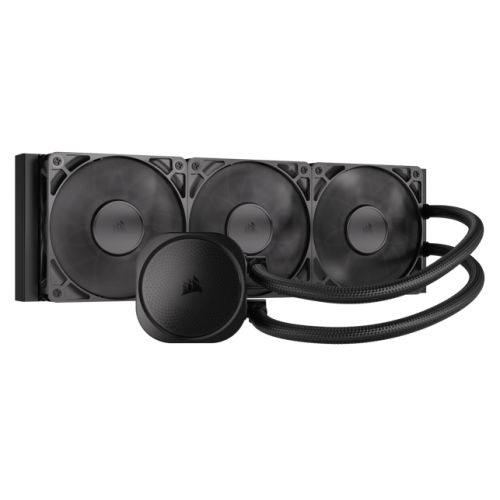
| CPU Cooler | 360mm ARGB AIO Liquid Cooler |
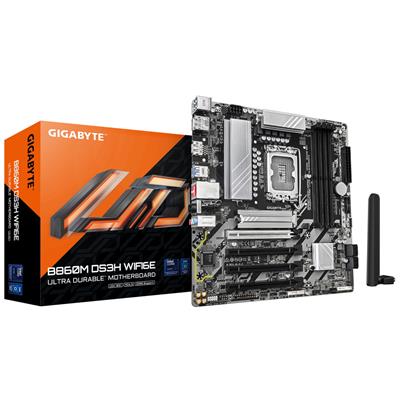
| Motherboard | Gigabyte B860M DS3H WIFI6E |
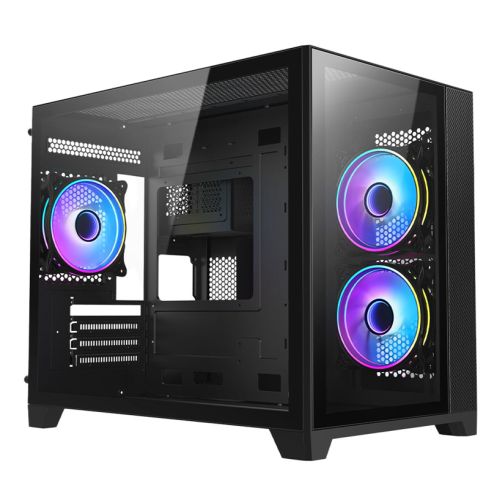
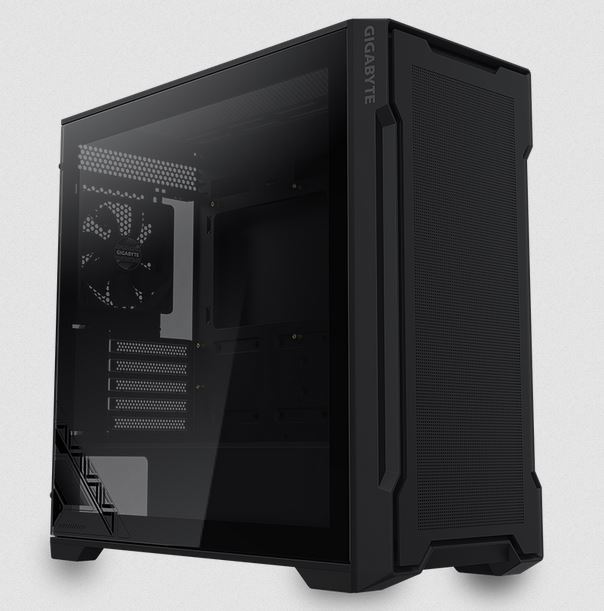
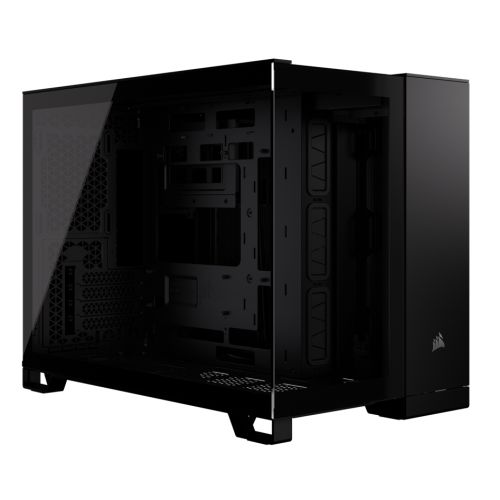
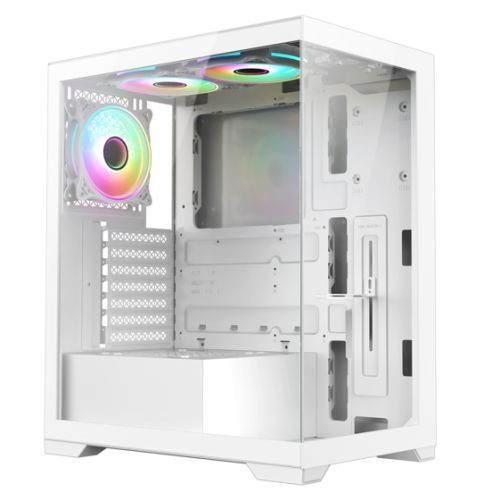
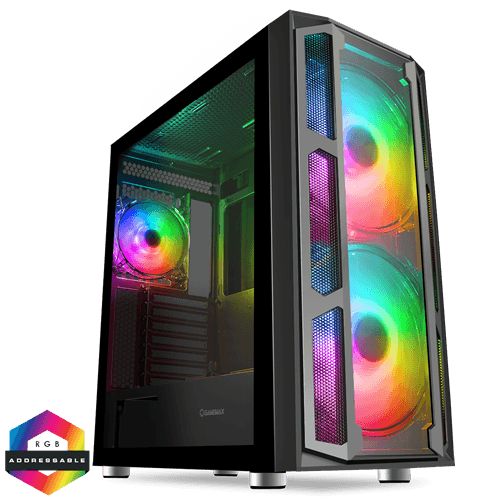
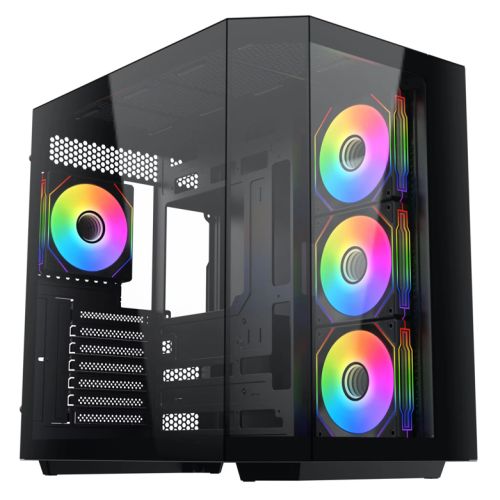
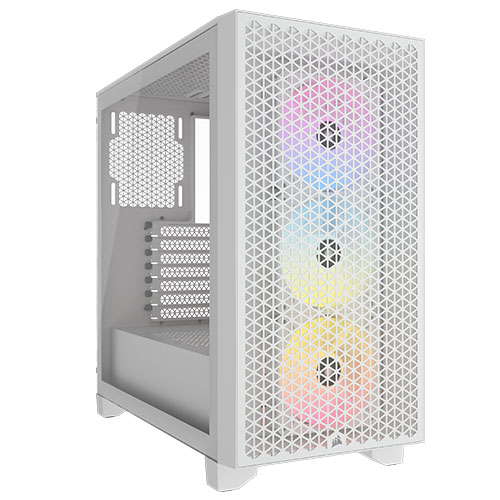
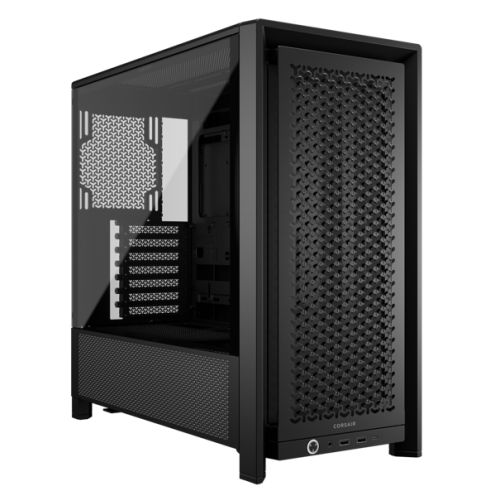
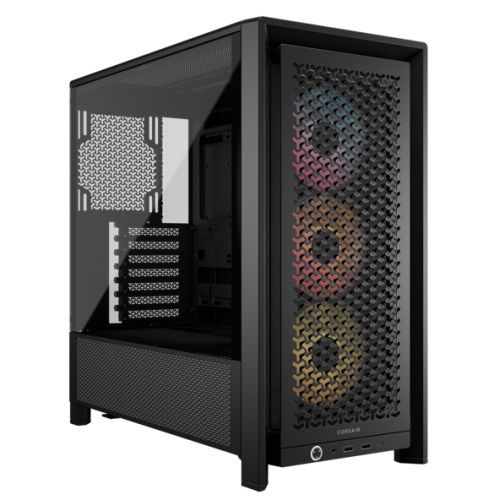
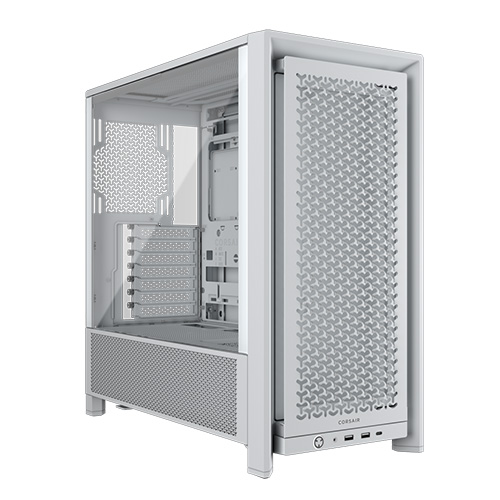
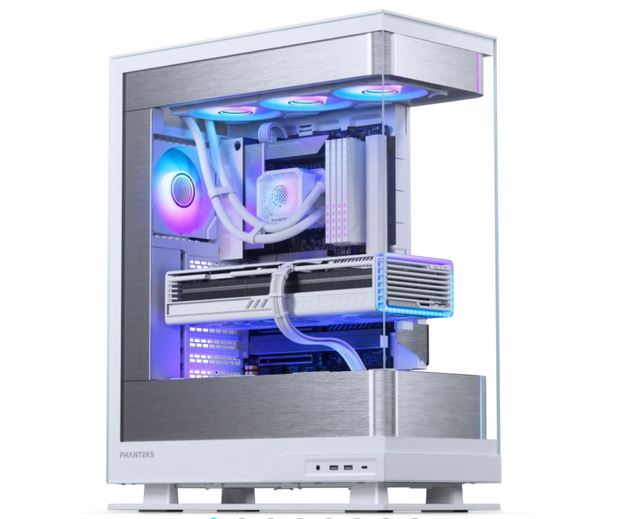
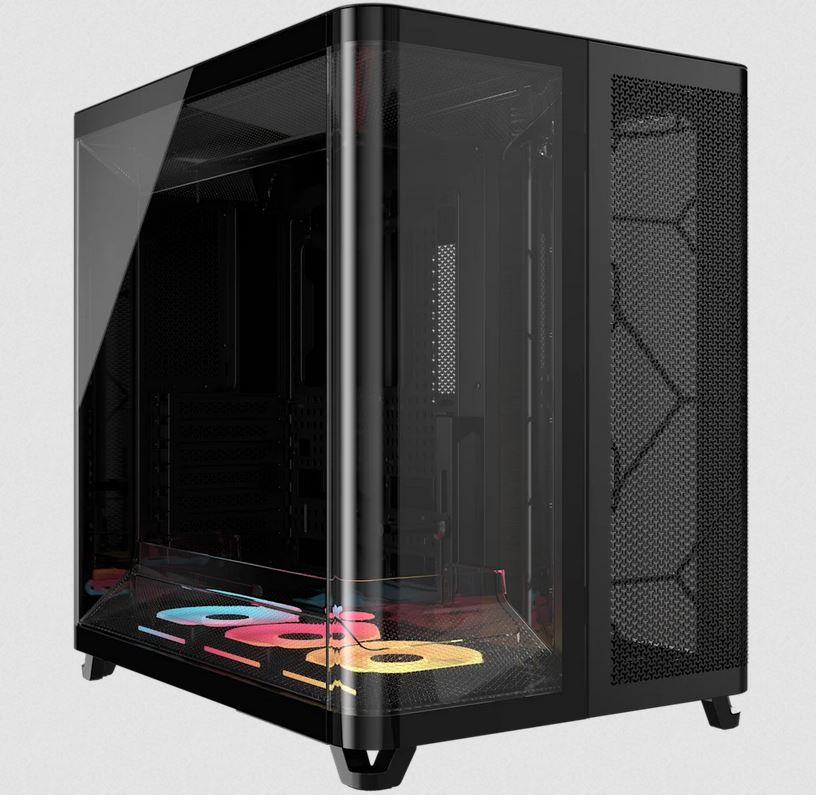
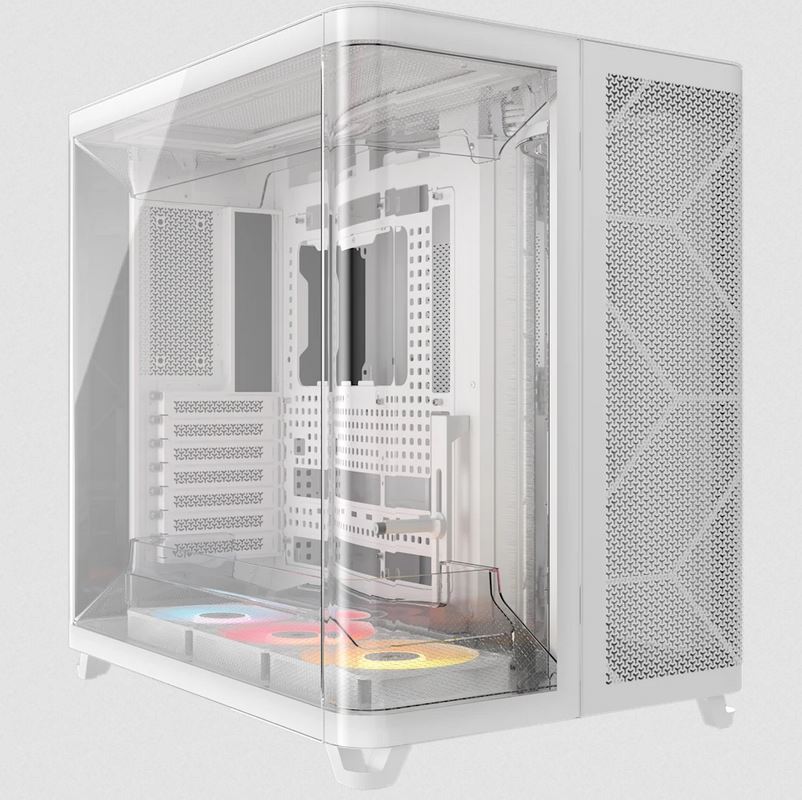
| Case | Vida Stealth Silent |
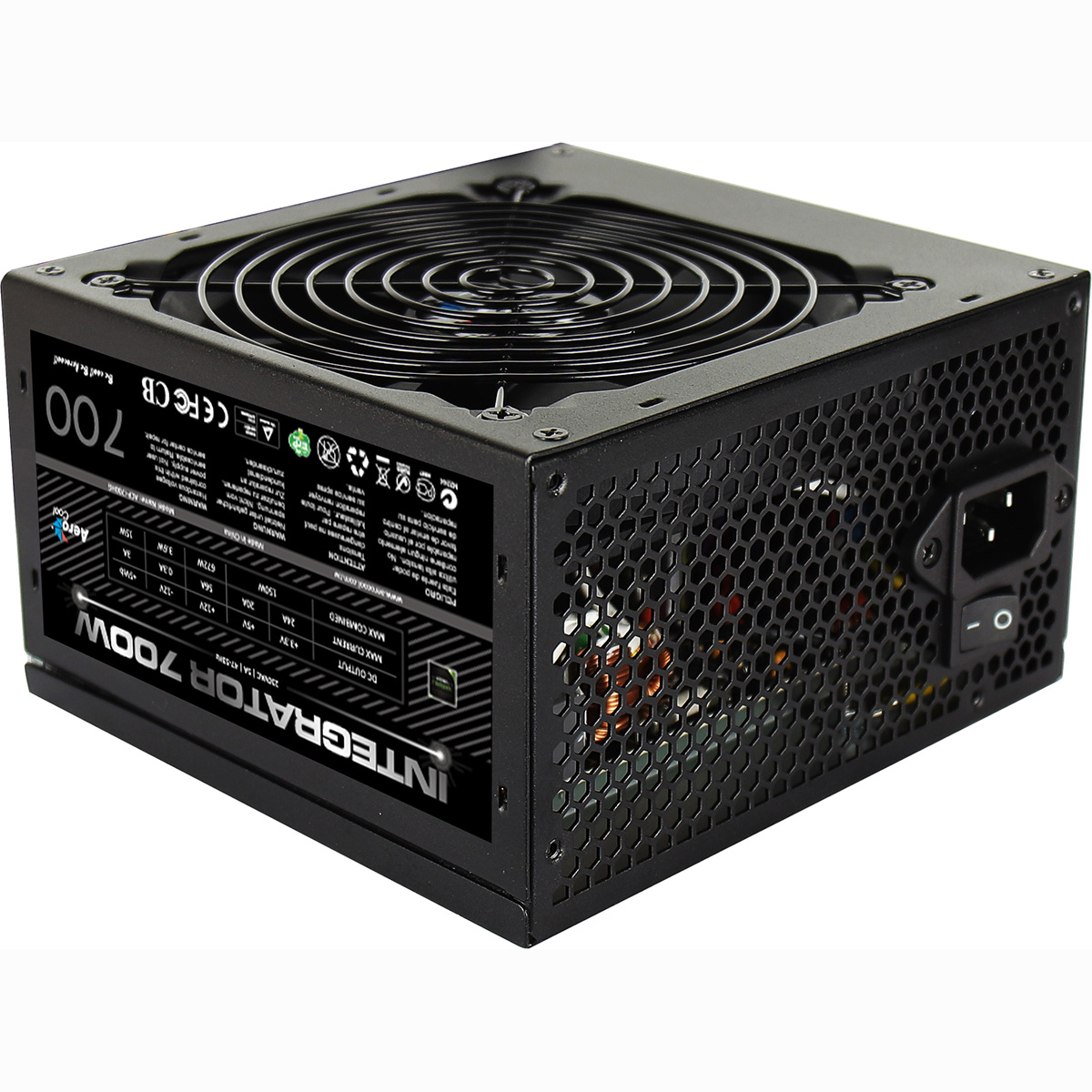
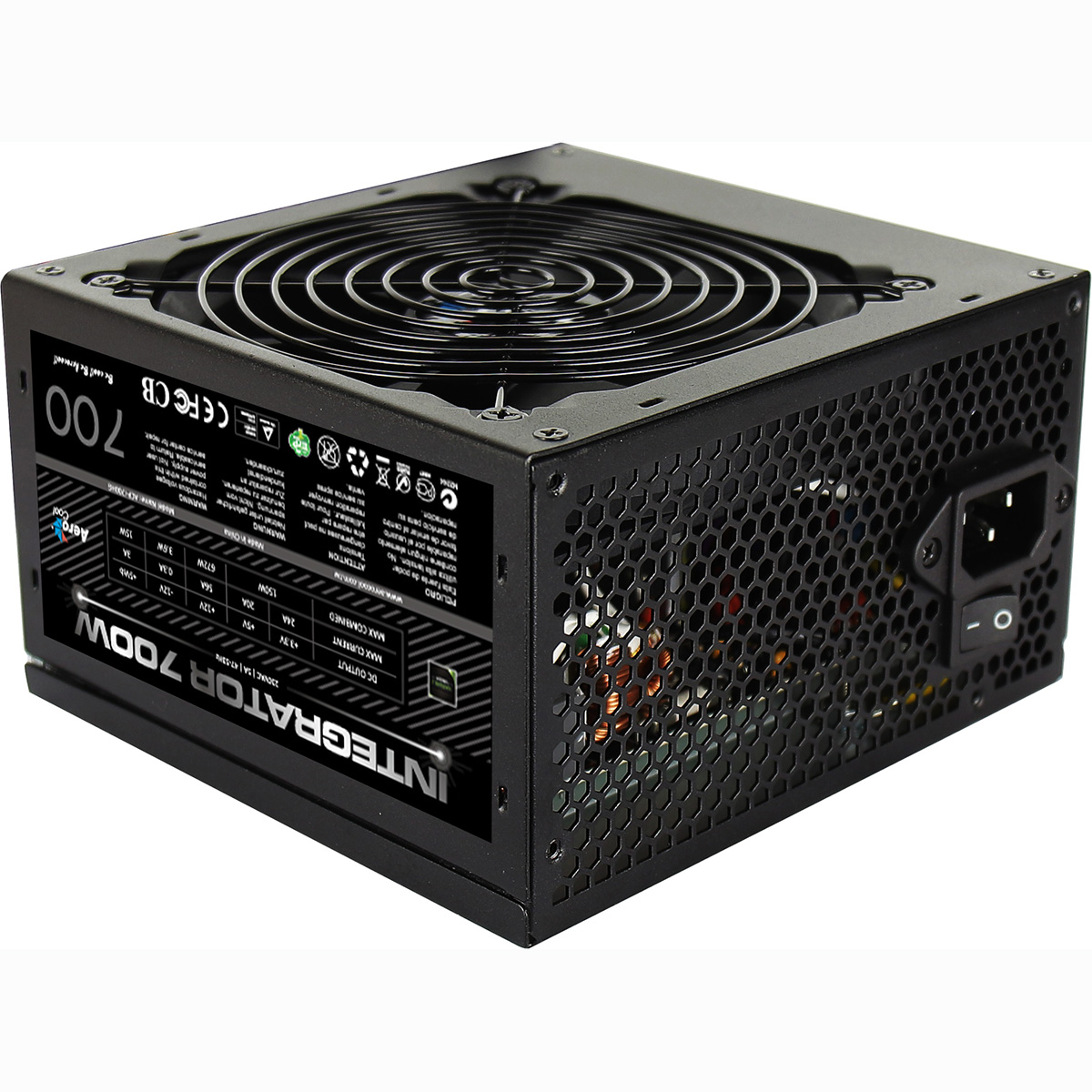
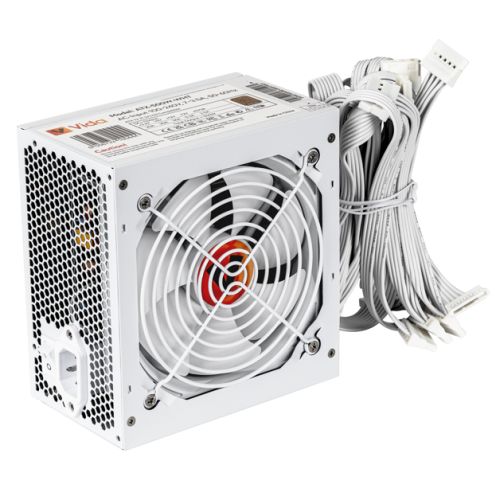
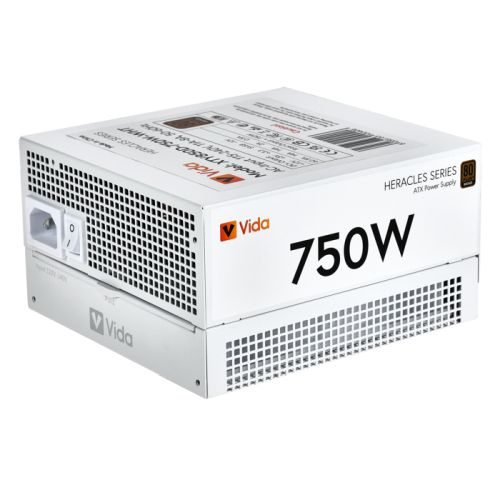
| Power Supply | 750w G6 80+ Bronze PSU |
| Memory Size | 32GB |
| Solid State Drive Size | 1TB |
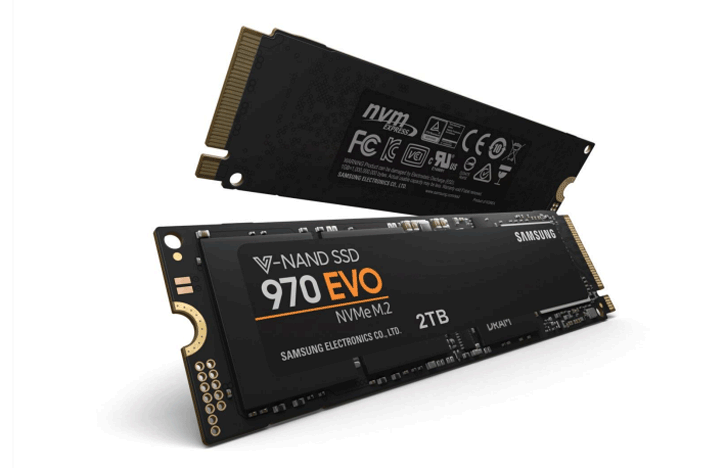
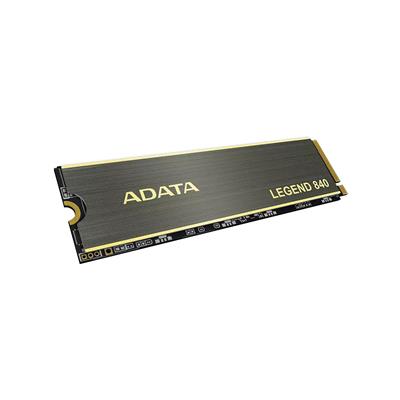
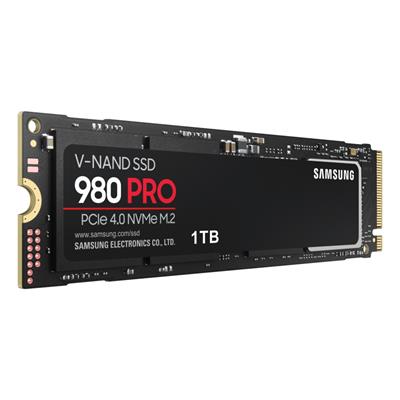
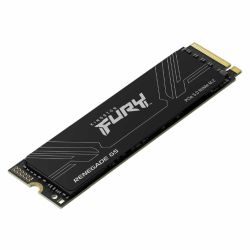
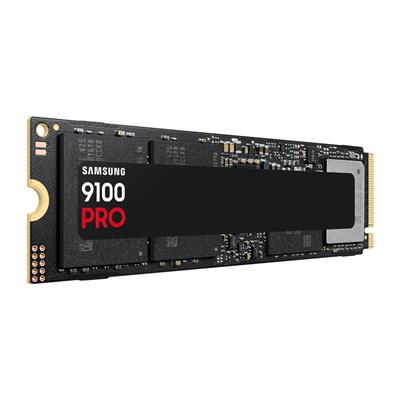
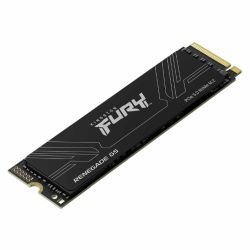
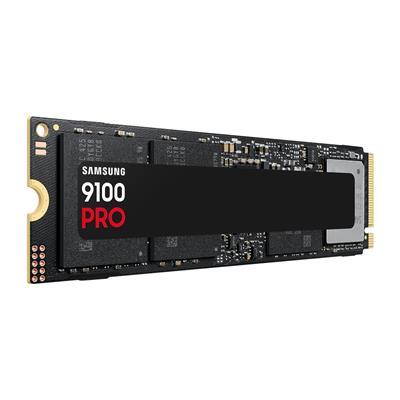
| 2nd SSD | 1TB |
| Graphics | Nvidia RTX 5060 Ti 8GB |
| Graphics Card Connections | Displayport (x3), HDMI |
| Audio | 8-Channel High Definition Audio |
| LAN | 10/100/1000 Gigabit LAN Port, 433mbps Wifi |
| Ethernet | Realtek 2.5GbE |
| Wi-Fi | WiFi 6E (Intel AX211 rev1.0 / Realtek RTL8852CE rev1.1) |
| Bluetooth | 5.3 |
| Connections | Rear: 1x USB 3.2 Gen2, 2x USB 3.2 Gen1, 3x USB 2.0 |
| Front Panel Connections | 1x USB-A 3.x, 1x USB-C, 1x USB-A 2.0, HD Headphones + HD Microphone |
| USB2 Ports | 4 |
| USB3 Ports | 4 |
| USB-C Ports | 1 |
| Operating System | Windows 11 Home |
| Monitors | Optional (See Custom Options) |
| Warranty | 3 Year Bronze Warranty |
Reviews
- Be the first to review this product