




G6 Quartz — Photography and Graphic Design Workstation
Description
G6 Quartz — Entry Creative Workstation for Lightroom Classic, Photoshop, and Graphic Design
The G6 Quartz is built for Adobe Lightroom Classic, Adobe Photoshop, Adobe Illustrator, Adobe InDesign, entry 4K H.264 video editing in DaVinci Resolve 19, and light Blender GPU rendering. The RTX 5060 Ti 16GB handles Photoshop AI features including Generative Fill and Neural Filters, Lightroom GPU acceleration, and Blender Cycles OptiX. The 2TB second NVMe is configured for the Lightroom catalogue, preview cache, and camera raw cache as a standard build decision — not as an option — removing the primary Lightroom performance bottleneck immediately. From £2099.99, built and stress-tested in Wolverhampton. The Quartz features in our photography editing workstations, graphic design workstations, and video editing workstations ranges.
32GB DDR5 covers these creative workflows without reaching the ceiling. If your video work moves to sustained 4K H.265 or RAW editing, if you run multiple Adobe applications simultaneously alongside DaVinci Resolve, or if your Blender scenes grow to the point where Cycles requires more VRAM headroom, the G6 Onyx is the correct step up. If you are on the boundary, call Kevin before you order.
Not sure if this is the right spec for your creative workflow and software? Call Kevin on 01902 714533 — he will give you a straight answer.
G6 Quartz — Full Specification
RTX 5060 Ti 16GB, Core Ultra 7 265K, and a dedicated Lightroom catalogue drive — configured for the specific demands of photography editing, graphic design, and creative application switching.
Why This Specification for Photography and Creative Work
Every component in the Quartz is chosen for the specific demands of photography catalogue management, GPU-accelerated creative editing, and responsive multi-application switching.
RTX 5060 Ti 16GB: the GPU that matters for creative work at this tier
16GB VRAM handles Photoshop AI features — Generative Fill, Neural Filters — Lightroom GPU acceleration, and Blender Cycles OptiX on moderately complex scenes. 8GB is adequate for basic GPU acceleration; 16GB provides headroom as AI features in creative software grow more VRAM-intensive. The difference is already visible in Photoshop AI feature response times compared to an 8GB card.
Core Ultra 7: responsive creative application switching
Single-core speed determines how quickly Photoshop responds to brush strokes, filter applications, and layer operations on large files. The Core Ultra 7 265K's single-thread performance keeps the creative workflow moving rather than making you wait. Switching between Lightroom, Photoshop, and Illustrator is immediate rather than requiring a moment to load state from each application.
Lightroom catalogue on the second NVMe — configured as standard
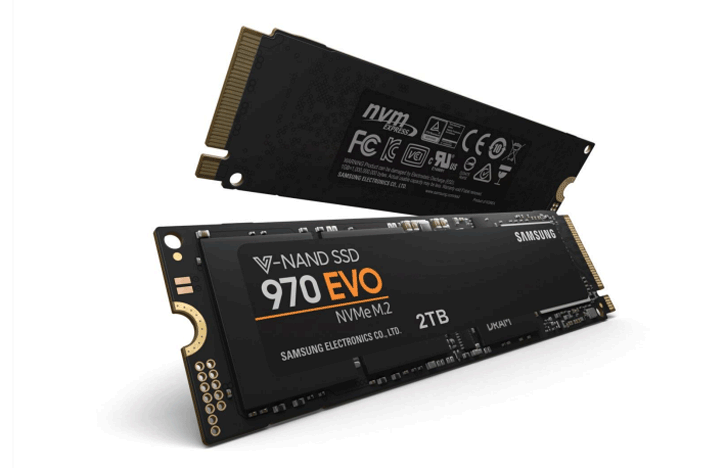
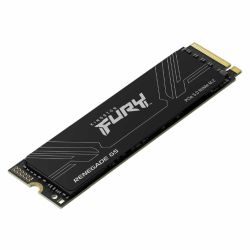
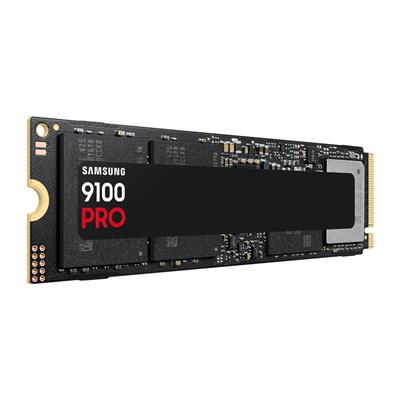
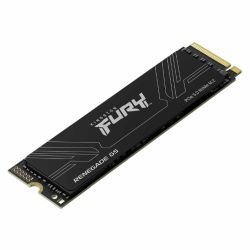
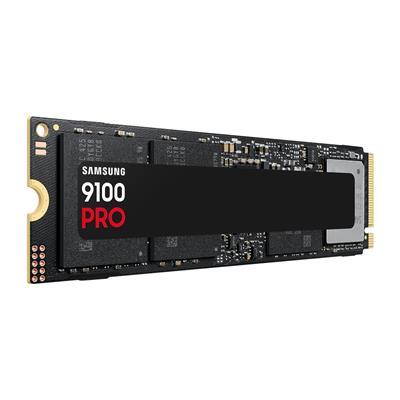
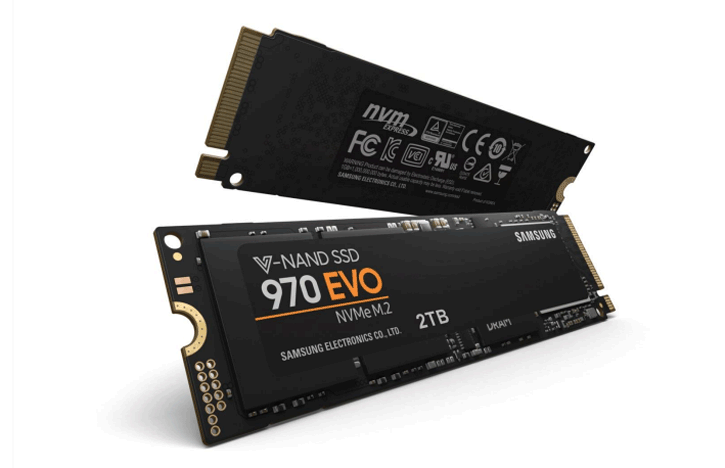
Lightroom Classic's performance is dominated by catalogue and cache storage speed. The 2TB second NVMe is configured for the Lightroom catalogue, preview cache, and camera raw cache before the machine ships — not as an option the buyer configures themselves after delivery. This removes the primary Lightroom performance bottleneck from day one without any setup required.
32GB: covers the multi-application creative workflow
Handles Photoshop with large layered files alongside Lightroom, Illustrator open alongside InDesign, and DaVinci Resolve editing a 4K H.264 timeline. For graphic designers moving between multiple Adobe applications throughout a session, 32GB keeps all of them in memory without forcing the OS to page. The ceiling is sustained heavy Resolve work alongside multiple open Adobe projects — the G6 Onyx steps up for that workload.
What the G6 Quartz Handles
Confirmed software performance at the G6 Quartz specification. Project scales based on Core Ultra 7 265K, 32GB DDR5, RTX 5060 Ti 16GB, and dual NVMe configuration.
Performance descriptors are indicative. Actual performance depends on project complexity, settings, and system configuration. Kevin can advise on the right spec for your specific workflow.
For Creative Work, the GPU Spec Matters More Than the Core Count.
A photographer or graphic designer choosing a workstation is frequently shown machines with high core counts as the primary selling point. Core count determines compilation speed for software developers and solver speed for engineers — it matters less for the creative workflow, where Photoshop, Lightroom, and Illustrator run predominantly on a single thread for their interactive operations. The argument for the Quartz is different: it is led by the GPU. The RTX 5060 Ti 16GB accelerates Photoshop AI features, Lightroom GPU processing, and Blender Cycles OptiX. 8GB VRAM is adequate for basic acceleration; 16GB provides headroom as Generative Fill, Neural Filters, and Lightroom's AI masking become more VRAM-intensive with each Adobe release. The VRAM difference is already visible in how quickly Photoshop's AI tools respond on a 16GB card compared to an 8GB one.
The dual NVMe configuration is a standard build decision on the Quartz, not an option. Lightroom Classic's catalogue, preview cache, and camera raw cache are placed on the 2TB second drive before the machine ships. The single most common source of Lightroom slowness is the catalogue and cache on a shared or slow drive — moving those to a dedicated NVMe resolves it immediately. Kevin's conversation at the order stage confirms the workflow fits the spec. A photographer with a 100,000-image catalogue who also runs Photoshop and exports frequently to a client gallery has a workflow the Quartz covers confidently. A photographer who also edits 4K H.265 video at volume is a conversation about whether the G6 Onyx is the correct machine. Both are built in Wolverhampton. Both carry the 3-year warranty and 24-hour stress test.
Tell Kevin:
- The software you use most and the version
- Your typical file sizes or project scales
- Whether you need to run multiple applications simultaneously — and which ones
- Your approximate budget and whether this is for one machine or a team
No charge for the conversation. No pressure to buy.
93% Five-Star Reviews on Trustpilot
93% of Ginger6 customers leave five-star reviews. Kevin builds the machine, answers the phone if something needs attention, and is available long after the warranty period ends. A creative workstation at this investment deserves that level of support.
See all reviews"Very good after sales communication, excellent product, love my i9. Would highly recommend."
"This is the 2nd time I have bought a gaming pc from Ginger 6. Both machines have been excellent quality and value for money, and I wouldn't go anywhere else to buy pcs and parts. Their customer service is also excellent. I had many questions about which parts are compatible with which, and all was patiently explained to me through a telephone call. Once bought, delivery was prompt and hassle free."
"Really great help. Hasham was able to fix a technical problem and was understanding throughout."
Built by Hand in Wolverhampton
Every G6 Quartz is assembled, configured, and tested by Kevin's team before it ships. The Lightroom catalogue drive configuration is applied before dispatch — not left for the buyer to set up on arrival.
Before the build begins, the configuration is reviewed against your software and project scale. If you have spoken to Kevin, the spec is confirmed against what he knows about your Lightroom catalogue size, which Adobe applications you run simultaneously, and whether DaVinci Resolve is a primary or secondary use. The dual NVMe layout is confirmed — 1TB primary for OS and software, 2TB secondary designated for the Lightroom catalogue, preview cache, and camera raw cache. Components are staged before assembly starts.
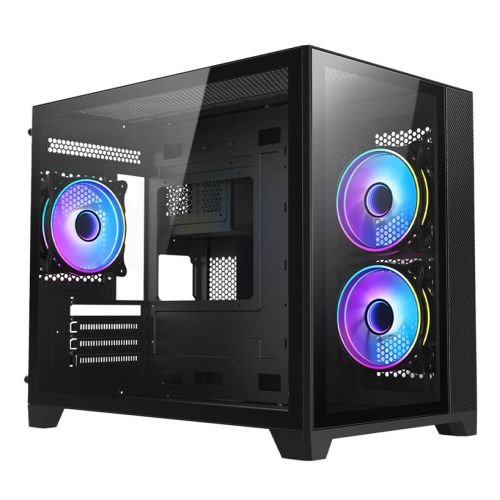
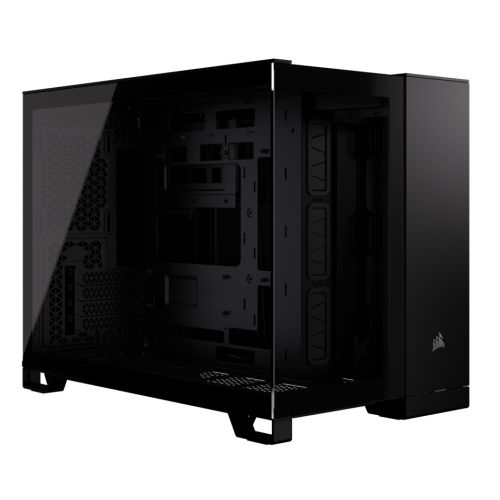
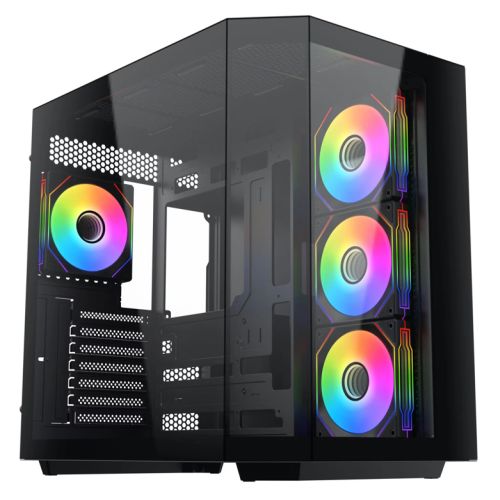
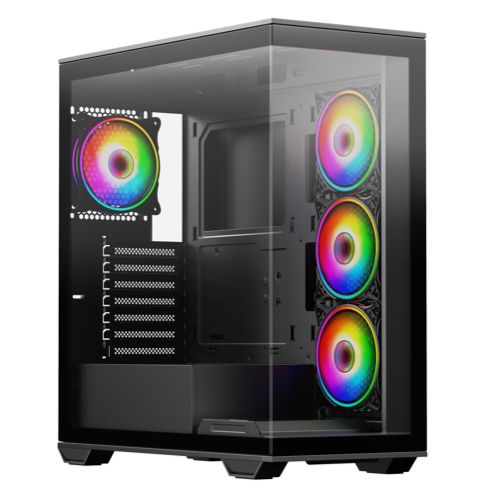
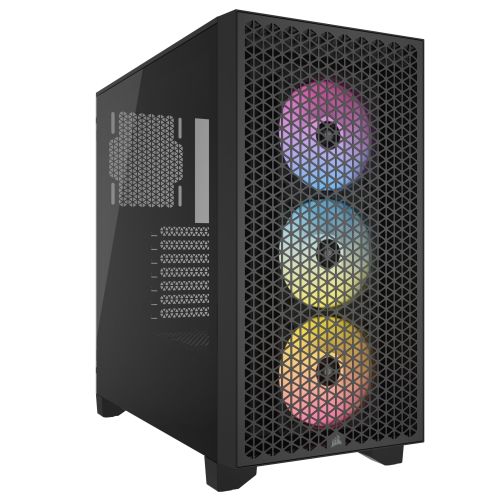
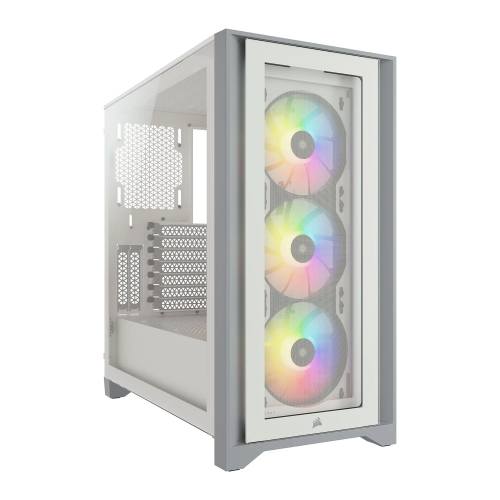
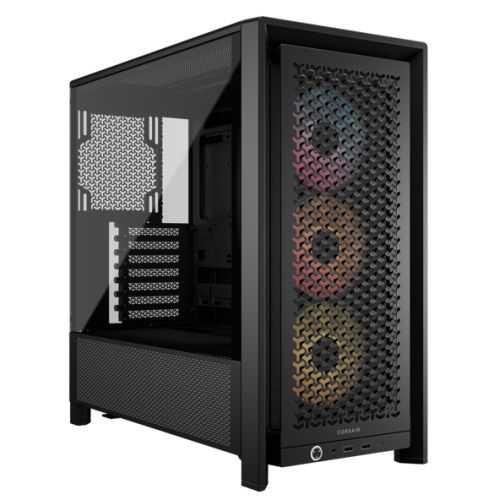
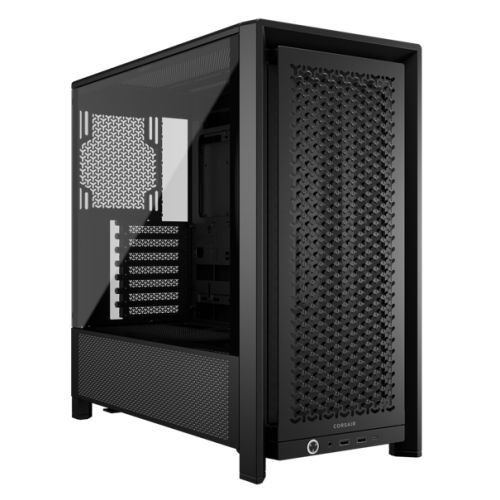
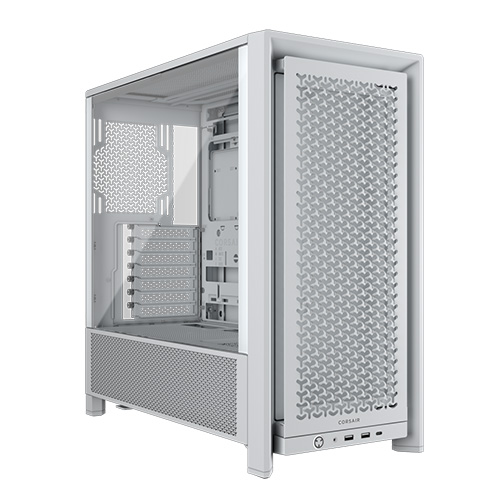
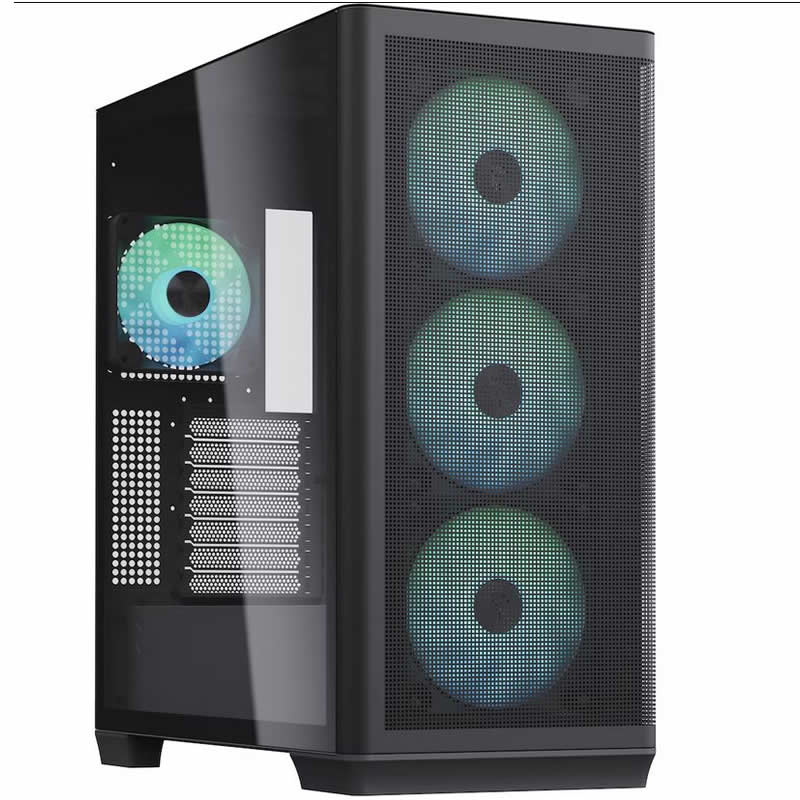
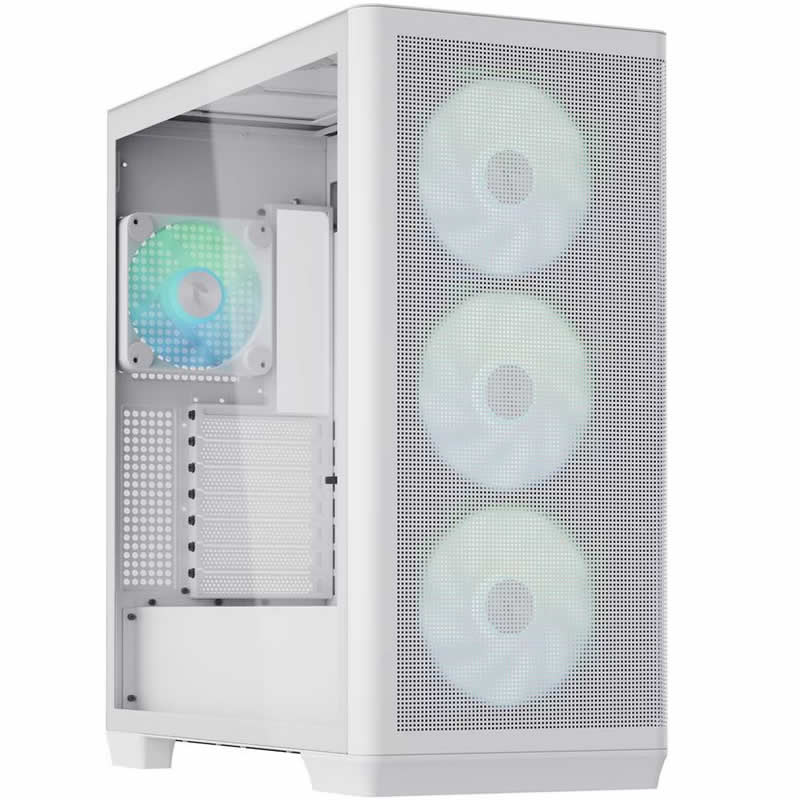
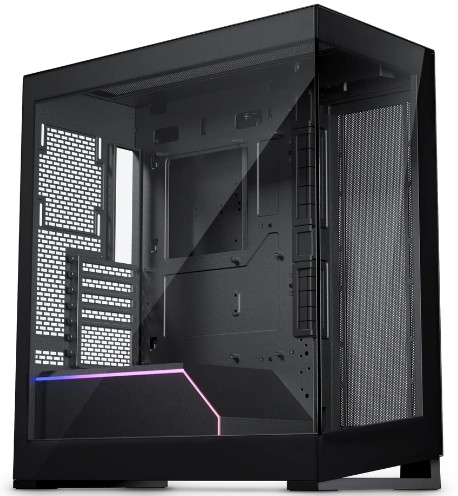
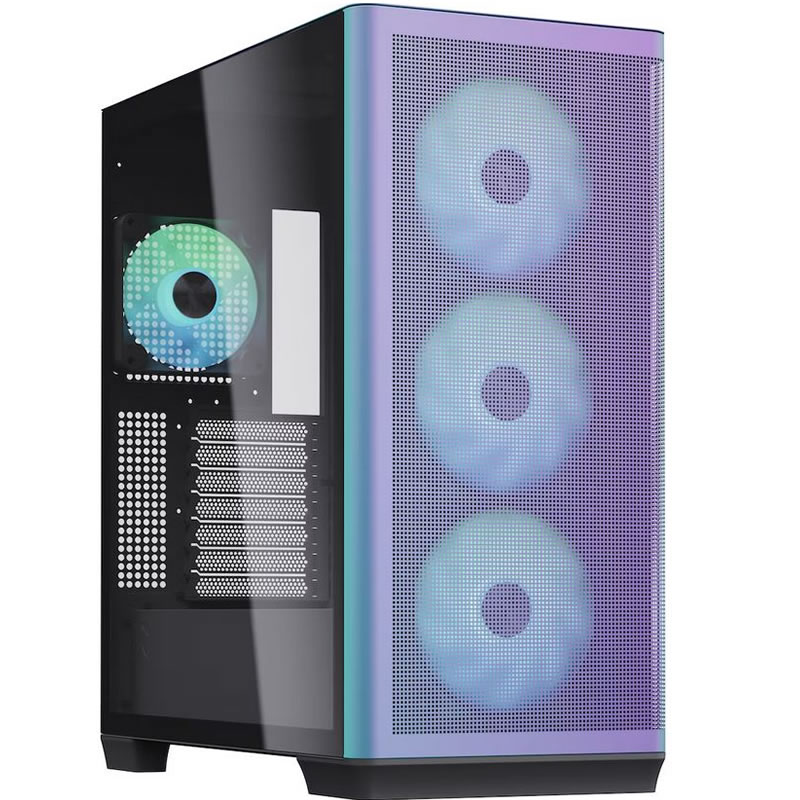
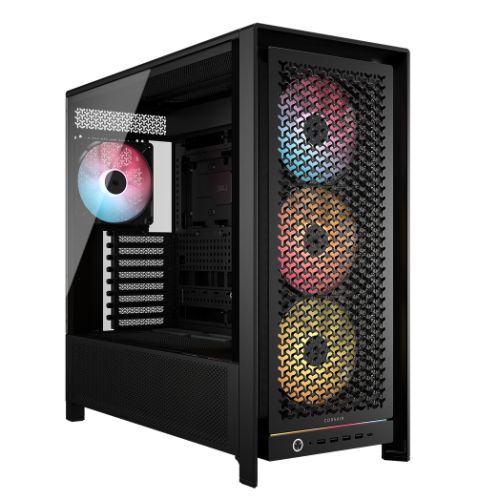
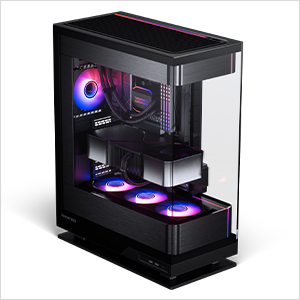
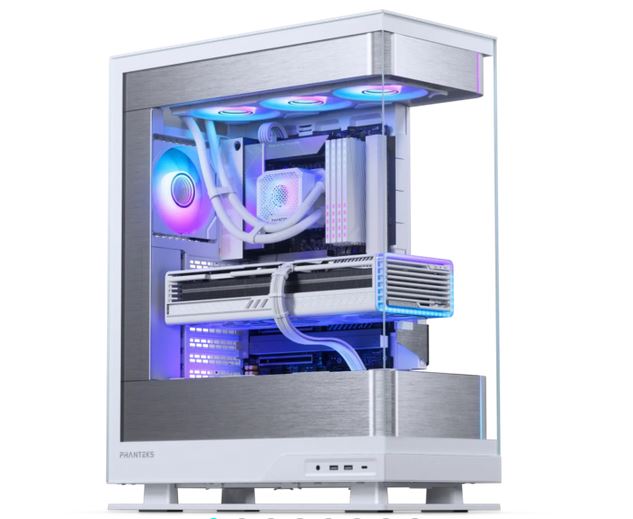
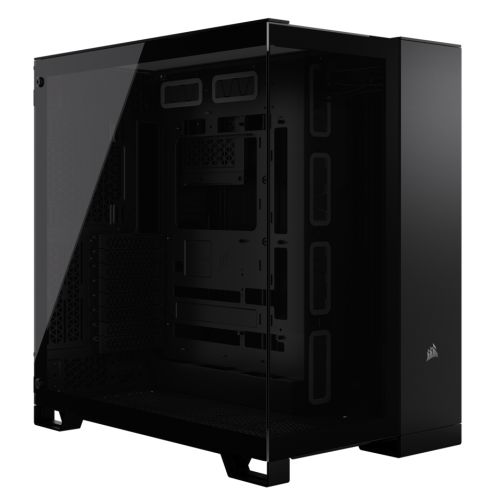
The Quartz is assembled by hand in Wolverhampton. Inside the Corsair 3000D RGB, cables are routed to support airflow through the front mesh panel and around the 360mm radiator, reduce dust build-up around components over time, and keep future maintenance straightforward — the dual NVMe layout means both drives need clear airflow for sustained read performance. BIOS settings and DDR5 memory profiles are confirmed before the 24-hour test begins, preventing configuration conflicts and ensuring the Core Ultra 7 265K runs at its rated operating frequency from the first session. Firmware and GPU drivers are confirmed stable before dispatch.
Every Quartz runs under sustained CPU and GPU load for a full day before it ships. The test replicates the sustained demand of a long Lightroom export session or an extended Photoshop batch process — both hold CPU utilisation high for extended periods while the GPU handles acceleration tasks continuously. The Lightroom catalogue drive path is configured and the cache locations are set to the 2TB NVMe before packaging. The machine arrives ready to open Lightroom, point it at the catalogue on the second drive, and work — no configuration required on the photographer's side. Windows, drivers, and both NVMe drives are verified before dispatch.
- Thermal behaviour under sustained creative workload
- Processor and graphics stability during extended use
- Memory responsiveness and system stability
- Storage performance and consistency across both NVMe drives
- BIOS and firmware stability
- System stability under extended use
G6 Quartz — Common Questions
For Lightroom Classic as a primary application, 32GB is well-matched for most photography workflows. Lightroom Classic's memory usage is driven primarily by the catalogue size, the number of photos being processed simultaneously, and the GPU-accelerated operations running in the background. At 32GB, you have comfortable headroom for Lightroom running alongside Photoshop with a large layered file open. Where 32GB becomes a consideration is in very large catalogues of 200,000 images or more, or when running Lightroom simultaneously with DaVinci Resolve on a 4K H.265 timeline. For those combined workflows, call Kevin and describe your typical session — he will tell you whether 32GB covers it or whether a step up makes sense.
Yes. Photoshop's AI-powered features — Generative Fill, Neural Filters, Remove Background, and the AI-based sky replacement tools — use the GPU for processing. The amount of VRAM determines how large an image area these features process at full quality before the GPU has to split the operation or fall back to slower processing paths. On an 8GB VRAM card, Generative Fill on a large canvas or Neural Filters on a high-resolution file takes longer and occasionally throttles. On the RTX 5060 Ti 16GB, these operations process at full quality without the GPU becoming the bottleneck. As Adobe continues to add AI features to Photoshop and Lightroom, VRAM becomes more relevant with each release cycle — 16GB provides headroom for where those features are heading, not only where they are today.
Both machines use the Core Ultra 7 265K and the RTX 5060 Ti 16GB with the dual NVMe configuration. The Quartz has 32GB DDR5; the G6 Onyx has 64GB DDR5. The practical difference shows up in multi-application creative workflows at volume: the Onyx is built for photographers who edit 4K H.265 or RAW video alongside their stills workflow in DaVinci Resolve, for designers who work in very large Illustrator or After Effects projects, or for creative professionals who run the full Adobe suite simultaneously with Resolve on complex timelines. The Quartz covers photography editing, graphic design, 4K H.264 video entry, and light Blender GPU rendering confidently. If your work sits primarily in those areas, the Quartz is the right machine. If you are not certain, call Kevin and describe your typical working session — he will tell you which one fits.
Yes, for 4K H.264 footage at standard editing timelines. The RTX 5060 Ti 16GB handles DaVinci Resolve's GPU-accelerated colour grading, noise reduction, and effects on a 4K H.264 timeline. The Core Ultra 7 265K handles the CPU-side decode and processing. Where the Quartz is an entry point rather than a dedicated video workstation is in sustained 4K H.265 editing, heavy multi-stream compositing, or RAW camera formats that require more CPU decode headroom and more memory bandwidth to handle smoothly. For photographers who also produce videos for clients in H.264 and need to grade and export without a separate video workstation, the Quartz covers that workflow. For anyone whose primary output is video at scale, the G6 Onyx with 64GB is the more appropriate build — call Kevin and describe the footage formats and timeline complexity you work with.
Build time is 3 to 5 working days from order confirmation, including the 24-hour stress test and the Lightroom catalogue drive configuration applied before dispatch. Delivery to UK mainland addresses is free and fully tracked. If you have a specific date in mind — for example, before a client shoot or a project deadline — call Kevin on 01902 714533 before you order and he will confirm whether the timeline is achievable.
Ready to Order the G6 Quartz?
Ginger6 has been building custom workstations in Wolverhampton since 2001. The Lightroom catalogue drive is configured before the machine ships. Kevin builds it, stress-tests it, and is available after delivery. 93% five-star reviews. 3-year warranty with lifetime support.
Custom Options
£2,353.00
£2,209.98















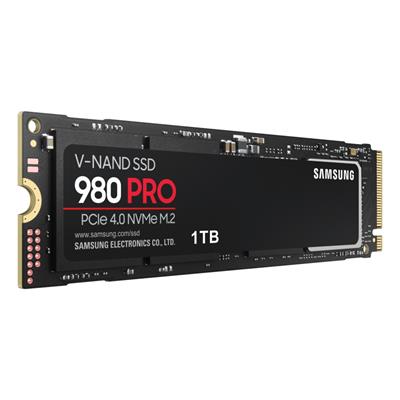
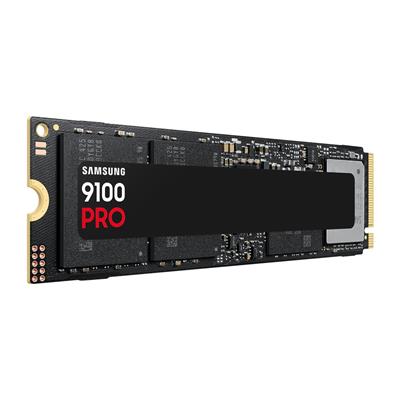





































* Required Fields
Specifications
Additional Information
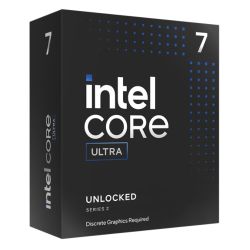
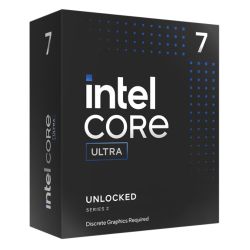
| Processor | Intel Core Ultra 7 265KF |
|---|---|
| Processor Type | Intel Core Ultra 7 |
| No of Cores | 20 |
| Max Core Speed | 5.50GHz |
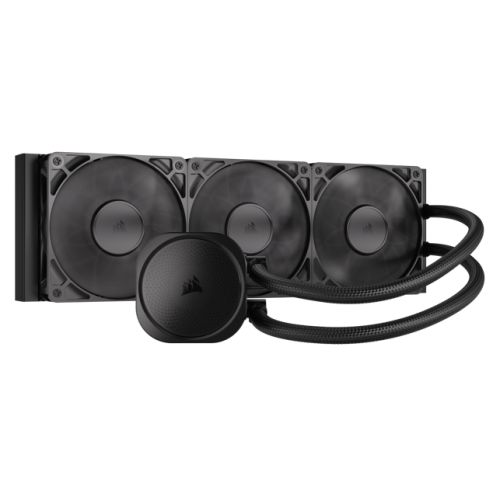
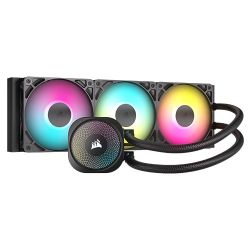
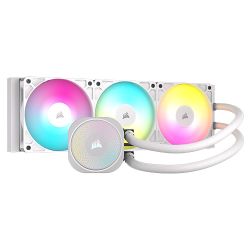
| CPU Cooler | 360mm ARGB AIO Liquid Cooler |
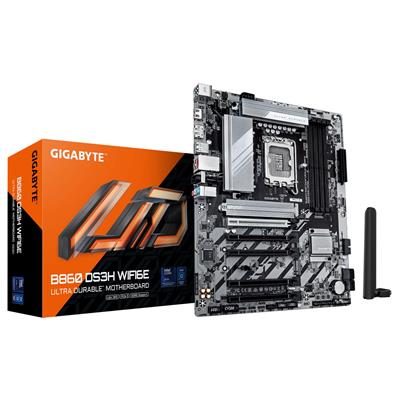
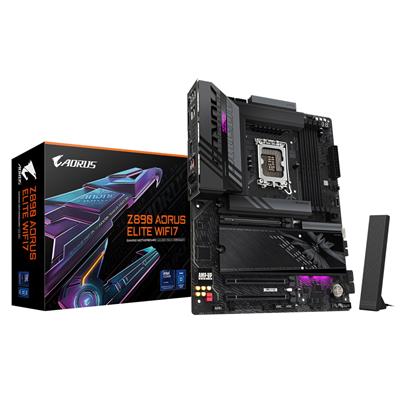
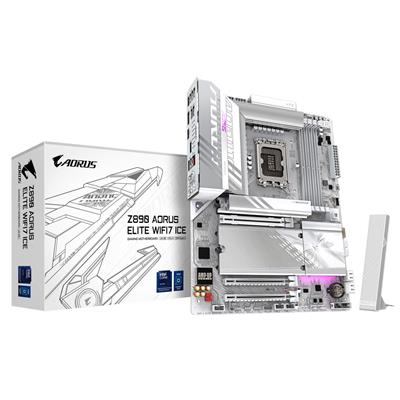
| Motherboard | Gigabyte B860M DS3H WIFI6E |
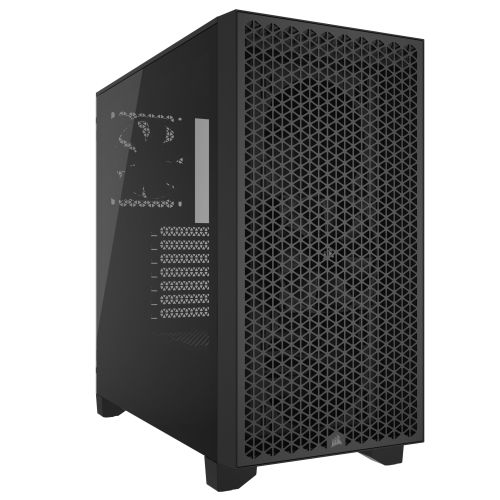
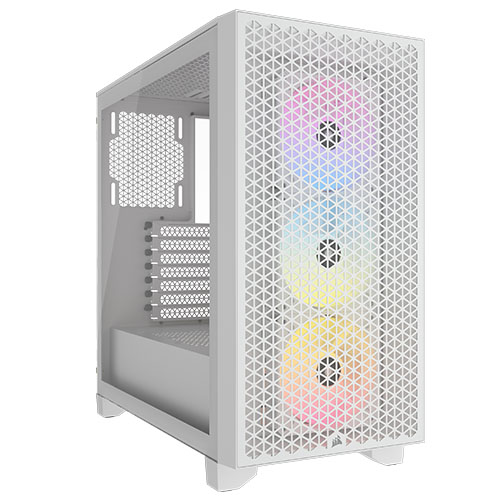
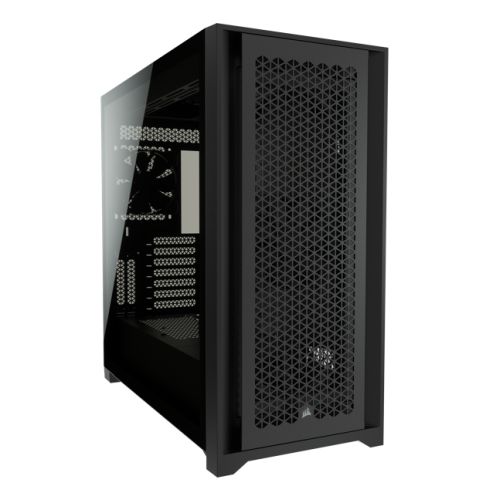
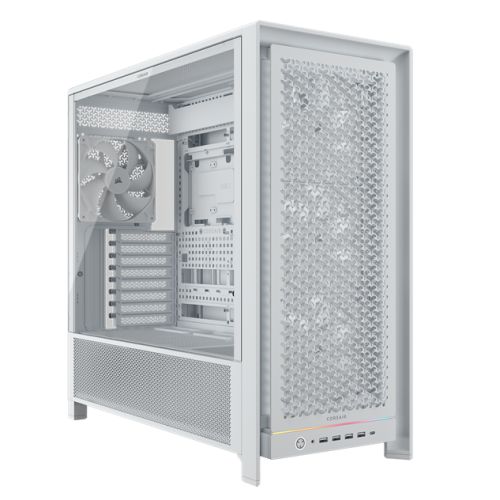
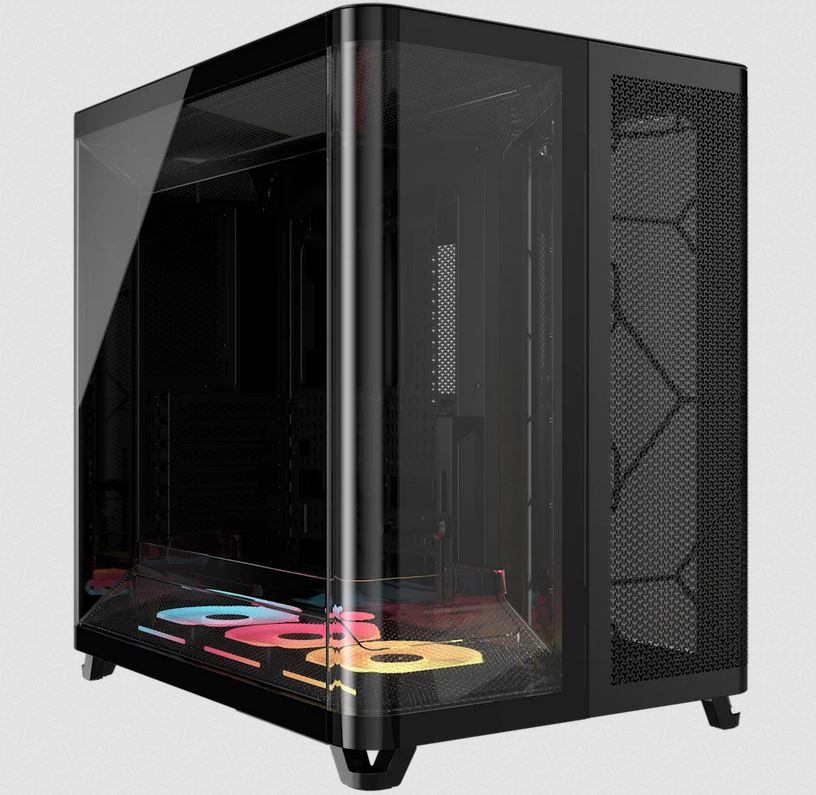
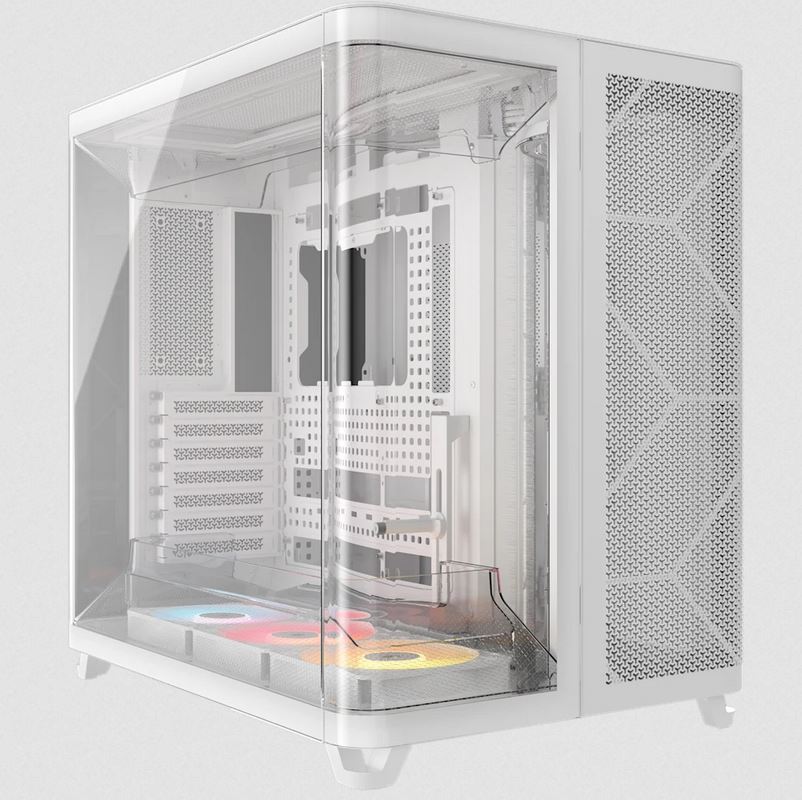
| Case | Corsair 3000D Black ARGB |
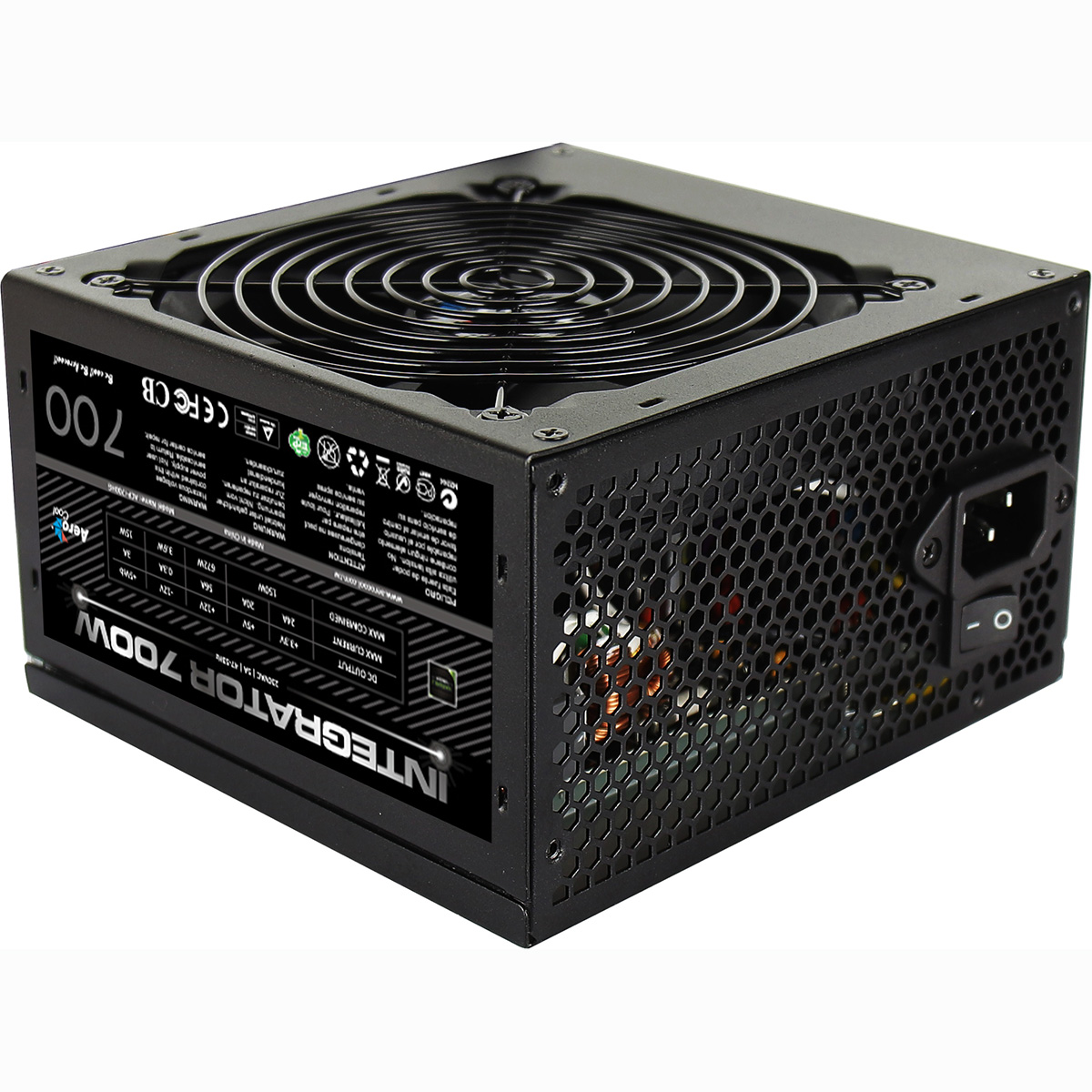
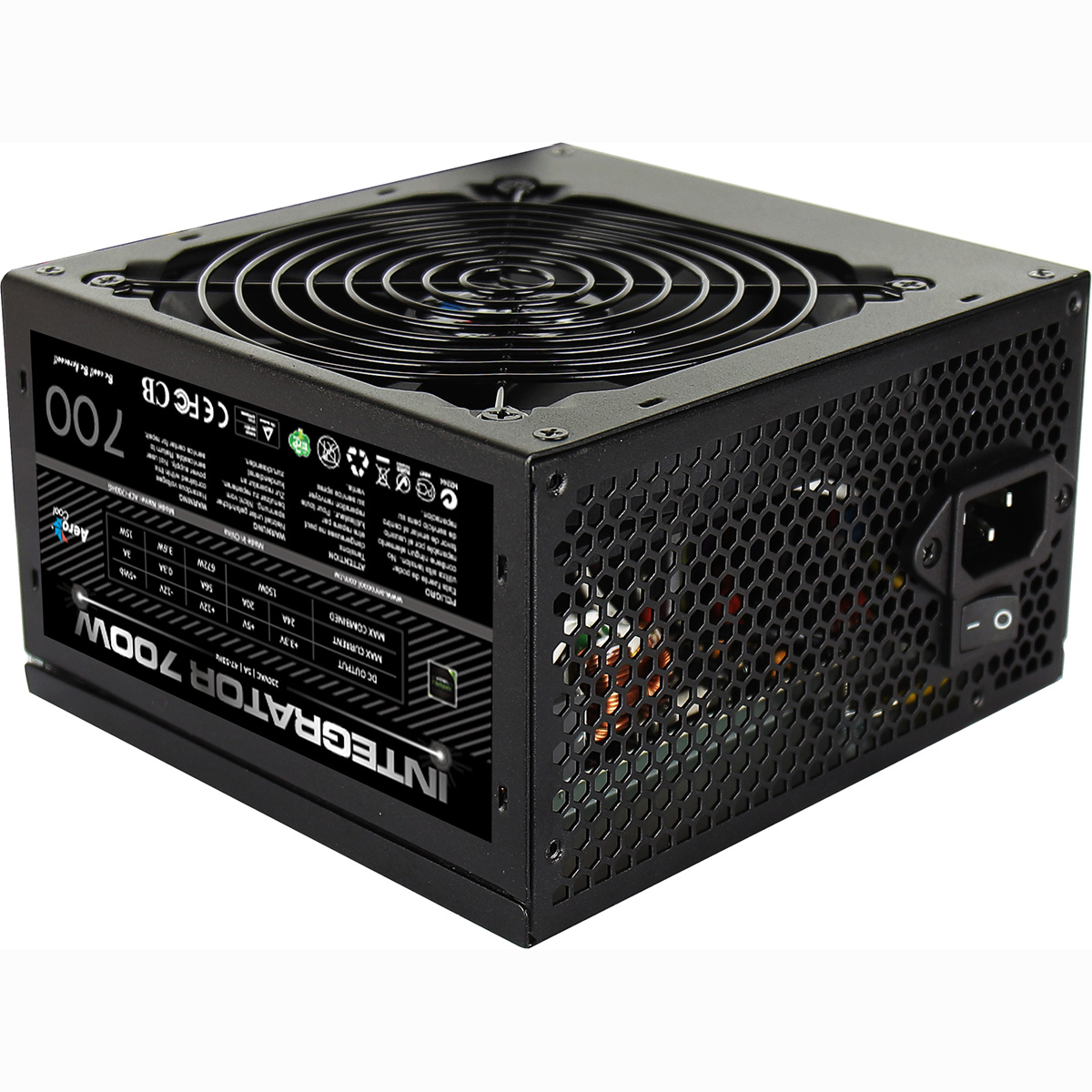
| Power Supply | 750w G6 80+ Bronze PSU |
| Memory Size | 32GB |
| Solid State Drive Size | 1TB |
| 2nd SSD | 2TB |
| Graphics | Nvidia RTX 5060 Ti 16GB |
| Graphics Card Connections | Displayport (x3), HDMI |
| Audio | 8-Channel High Definition Audio |
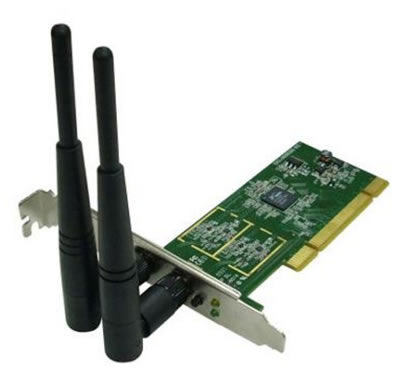
| LAN | 10/100/1000 Gigabit LAN Port, 433mbps Wifi |
| Ethernet | Realtek 2.5GbE |
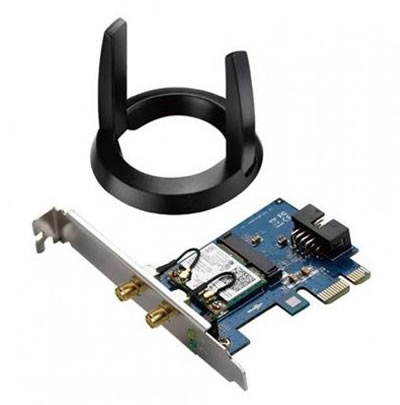
| Wi-Fi | WiFi 6E (Intel AX211 rev1.0 / Realtek RTL8852CE rev1.1) |
| Bluetooth | 5.3 |
| Connections | Rear: 1x USB 3.2 Gen2, 2x USB 3.2 Gen1, 3x USB 2.0 |
| Front Panel Connections | 2x USB-A 3.x, combo headset/mic jack |
| USB2 Ports | 3 |
| USB3 Ports | 5 |
| USB-C Ports | 0 |
| Operating System | Windows 11 Home |
| Monitors | Optional (See Custom Options) |
| Warranty | 3 Year Bronze Warranty |
Reviews
- Be the first to review this product