




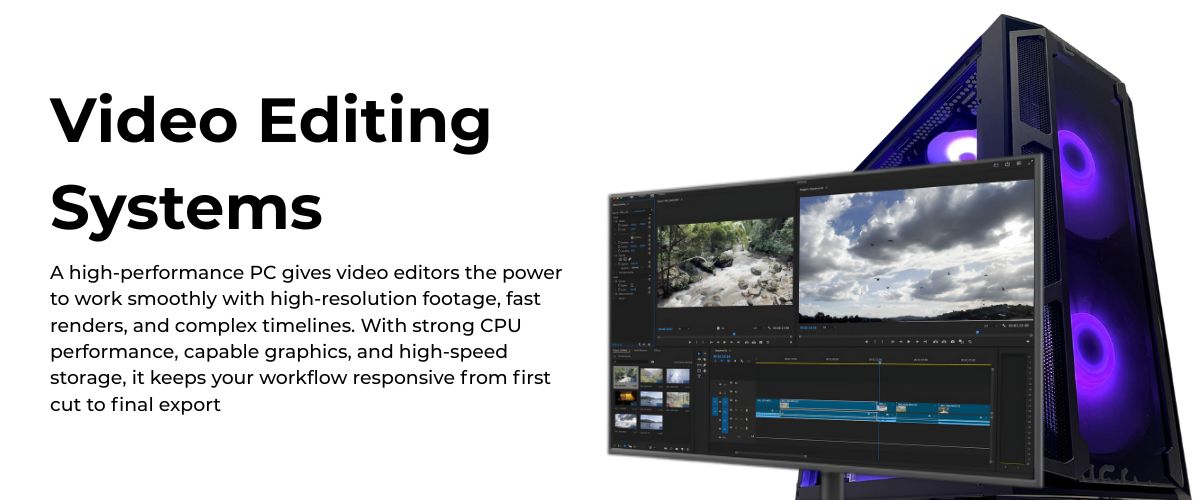
Video Editing Computers UK – High-Performance Video Editing PCs for Professionals
Looking for video editing computers UK editors can trust with demanding projects? Ginger6 builds custom video editing PCs and workstations that handle 4K timelines, heavy codecs and multi-application workflows without fuss. Each system is assembled in the UK, stress-tested for at least 24 hours and backed by lifetime support, so you can focus on cuts and colour rather than crashes and wait times.
Need help choosing your Custom Editing PC? Then Call now on 01902 714533.

Grid List
5 Item(s)
-
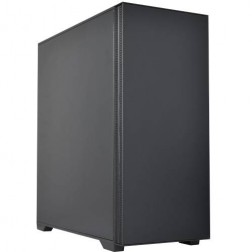 AMD Ryzen Workstation Custom Built PC
Choice of AMD Ryzen CPU
Choice of Motherboard
Up to 128Gb Memory
FAST M.2 NVMe SSD
AMD & Nvidia Graphics
300mbps+ Wifi
Windows 11 Home£959.99
£959.99AMD Ryzen Workstation Custom Built PCChoice of AMD Ryzen CPU
Choice of Motherboard
Up to 128Gb Memory
FAST M.2 NVMe SSD
AMD & Nvidia Graphics
300mbps+ Wifi
Windows 11 Home
-
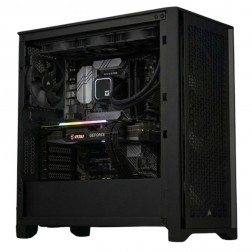 G6 Titanium — AI/ML and High VRAM Workstation
A high-VRAM professional workstation for PyTorch LoRA fine-tuning, large GPU rendering scenes, 8K video editing, and GPU-intensive development — powered by the Nvidia RTX 5080.
AMD Ryzen 9 9950X (16 Cores)
64GB DDR5 RAM
Nvidia RTX 5080 16GB VRAM
2TB NVMe + 2TB NVMe
Windows 11 Pro
3-Year Warranty£3,707.12
£3,479.99
G6 Titanium — AI/ML and High VRAM Workstation£3,707.12
£3,479.99
A high-VRAM professional workstation for PyTorch LoRA fine-tuning, large GPU rendering scenes, 8K video editing, and GPU-intensive development — powered by the Nvidia RTX 5080.
AMD Ryzen 9 9950X (16 Cores)
64GB DDR5 RAM
Nvidia RTX 5080 16GB VRAM
2TB NVMe + 2TB NVMe
Windows 11 Pro
3-Year Warranty
-
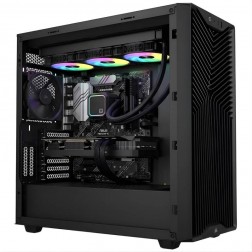 G6 Quartz — Photography and Graphic Design Workstation
An entry creative workstation for Lightroom Classic, Photoshop, Illustrator, and 4K H.264 video editing — Lightroom catalogue configured on the dedicated second NVMe as standard.
Intel Core Ultra 7 265K
32GB DDR5 RAM
Nvidia RTX 5060 Ti 16GB
1TB NVMe + 2TB NVMe (Lightroom drive)
Windows 11 Home
3-Year Warranty£2,099.99 Configure from: £83.40
£2,099.99 Configure from: £83.40G6 Quartz — Photography and Graphic Design WorkstationAn entry creative workstation for Lightroom Classic, Photoshop, Illustrator, and 4K H.264 video editing — Lightroom catalogue configured on the dedicated second NVMe as standard.
Intel Core Ultra 7 265K
32GB DDR5 RAM
Nvidia RTX 5060 Ti 16GB
1TB NVMe + 2TB NVMe (Lightroom drive)
Windows 11 Home
3-Year Warranty
-
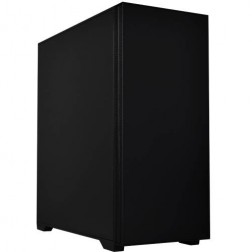 G6 Onyx — Video Editing and Creative Workstation
A mid-range creative workstation for 4K H.264/H.265 video editing in DaVinci Resolve and Premiere Pro, After Effects, GPU rendering, and graphic design — built in Wolverhampton.
Intel Core Ultra 7 265K
64GB DDR5 RAM
Nvidia RTX 5070 12GB
2TB NVMe + 2TB NVMe
Windows 11 Pro
3-Year Warranty£2,650.00 Configure from: £548.21
£2,650.00 Configure from: £548.21G6 Onyx — Video Editing and Creative WorkstationA mid-range creative workstation for 4K H.264/H.265 video editing in DaVinci Resolve and Premiere Pro, After Effects, GPU rendering, and graphic design — built in Wolverhampton.
Intel Core Ultra 7 265K
64GB DDR5 RAM
Nvidia RTX 5070 12GB
2TB NVMe + 2TB NVMe
Windows 11 Pro
3-Year Warranty
-
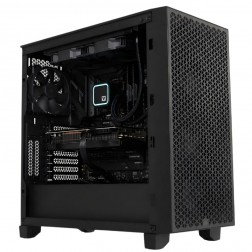 G6 Tungsten — RAW Video Editing and GPU Rendering Workstation
A high-performance creative workstation for BRAW and 4K RAW video editing, V-Ray GPU production rendering, and complex Blender GPU scenes — built in Wolverhampton.
Intel Core Ultra 9 285K
64GB DDR5 RAM
Nvidia RTX 5070 Ti 16GB
2TB NVMe + 4TB NVMe
Windows 11 Pro
3-Year Warranty£3,659.99 Configure from: £1,275.00
£3,659.99 Configure from: £1,275.00G6 Tungsten — RAW Video Editing and GPU Rendering WorkstationA high-performance creative workstation for BRAW and 4K RAW video editing, V-Ray GPU production rendering, and complex Blender GPU scenes — built in Wolverhampton.
Intel Core Ultra 9 285K
64GB DDR5 RAM
Nvidia RTX 5070 Ti 16GB
2TB NVMe + 4TB NVMe
Windows 11 Pro
3-Year Warranty
Grid List
5 Item(s)
Video Editing Computers UK Designed for Real Projects
Professional video editing places unusual demands on a computer. Timelines carry several layers of footage, colour grades, titles and audio. Background renders, proxies and exports often run while you continue to work. A typical office PC, even a fast one on paper, is rarely comfortable with that workload.
Ginger6 systems are specified around real editing scenarios. The team builds for editors working in Adobe Premiere Pro, DaVinci Resolve, Avid Media Composer and similar tools, then tests each configuration with timelines that resemble genuine productions, not only synthetic benchmarks. CPUs, GPUs, RAM and SSDs are selected as a group so that no single part becomes a bottleneck.
The result is a range of video editing computers that feel smooth when you scrub through footage, responsive when you stack effects, and dependable during long renders. Whether you are grading interviews, cutting social content or shaping long-form documentaries, your workstation behaves like a confident partner rather than a fragile link in the chain.
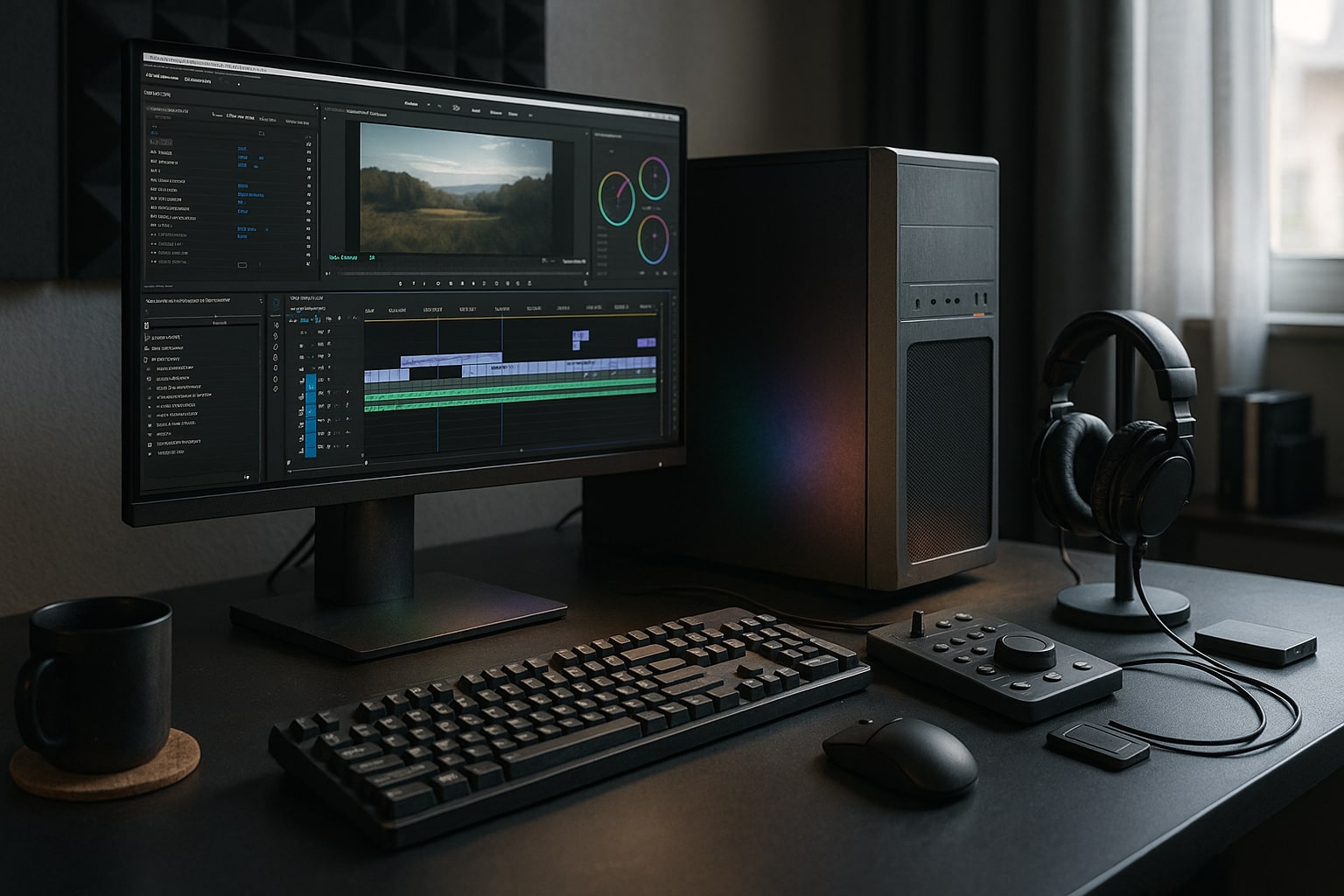
Why UK-Built Video Editing PCs Make a Difference
Working with a UK builder brings practical benefits that go far beyond shipping time. Ginger6 has operated for over 24 years, designing and assembling editing workstations in the West Midlands for freelancers, agencies and in-house teams across the country.
Because every system is built to order, you are not limited to a small set of generic configurations. You can specify:
-
AMD Ryzen or Intel Core processors tuned to your workload
-
NVIDIA RTX or AMD graphics chosen for your preferred software
-
SSD layouts that match your media habits and archive needs
-
Space for future upgrades, from RAM to extra storage and PCIe cards
Local manufacturing also supports consistent quality. Cases are arranged for good airflow and easy servicing, cables are routed by hand, and cooling is planned so fans stay controlled even during long exports. Each PC or workstation is then subjected to at least 24 hours of stress-testing that pushes CPU, GPU, memory and storage hard. Any part that behaves oddly is replaced before shipment.
For editors, this careful approach translates into systems that start cleanly each morning, stay stable through heavy sessions and rarely surprise you with unexplained slowdowns. When you pair that with UK-based advice and warranty support, you gain a long-term hardware partner who understands the pressures of professional video work.
Expertly Crafted Video Workstations for Demanding Workloads
A video editing workstation is a carefully balanced environment where every component supports consistent performance. Ginger6 workstations are built with that philosophy in mind.
Typical Ginger6 video workstations include:
-
Multi-core AMD Ryzen or Intel Core CPUs for smooth playback and quick renders
-
NVIDIA RTX graphics for GPU-accelerated effects, grading and encoding
-
32 GB, 64 GB or 128 GB of RAM depending on resolution and project scale
-
NVMe SSDs for system and current projects, plus SSD or HDD storage for archives
-
High-quality power supplies and quiet cooling tuned for studio environments
During testing, machines are loaded with pro-video workloads that simulate real editing. CPU cores are driven at sustained usage, GPUs are exercised with effects and multi-layer compositions, and SSDs are put through extended read and write patterns. Fans, thermals and noise levels are monitored so the finished workstation feels calm on the desk even under pressure.
For studios, Ginger6 can also supply matched sets of editing PCs so every seat in a team behaves predictably. That consistency makes project handovers and remote collaboration much easier, especially when timelines pass between several editors during tight production schedules.
Entry-Level Video Editing PCs for New Creators
Not every project begins in a large post-production suite. Many editors start by cutting content for social platforms, corporate pieces or short films from a spare room or small office. Ginger6 offers entry-level editing PCs that give new creators a serious platform without forcing them into hardware they do not yet need.
A typical starter configuration might include:
-
AMD Ryzen 5 or Intel Core i5 processor
-
16 GB RAM, with spare slots for future upgrades
-
NVIDIA RTX 3050 class graphics or equivalent
-
500 GB or 1 TB NVMe SSD for system and active projects
-
Additional HDD or SSD for media storage and backup
This level is comfortable for 1080p projects and shorter 4K pieces with modest effects. Timelines move naturally, exports complete in sensible time, and you can keep reference material, browsers and a few support applications open without constant stuttering.
Entry level does not mean disposable. Ginger6 still applies the same build standards and 24-hour testing routine, so your first editing computer feels dependable from the first boot. As your skills grow and projects become more demanding, you can add more RAM, upgrade the GPU or expand storage rather than replace the entire system. Lifetime UK support is there to advise on the right upgrade path when that moment arrives.
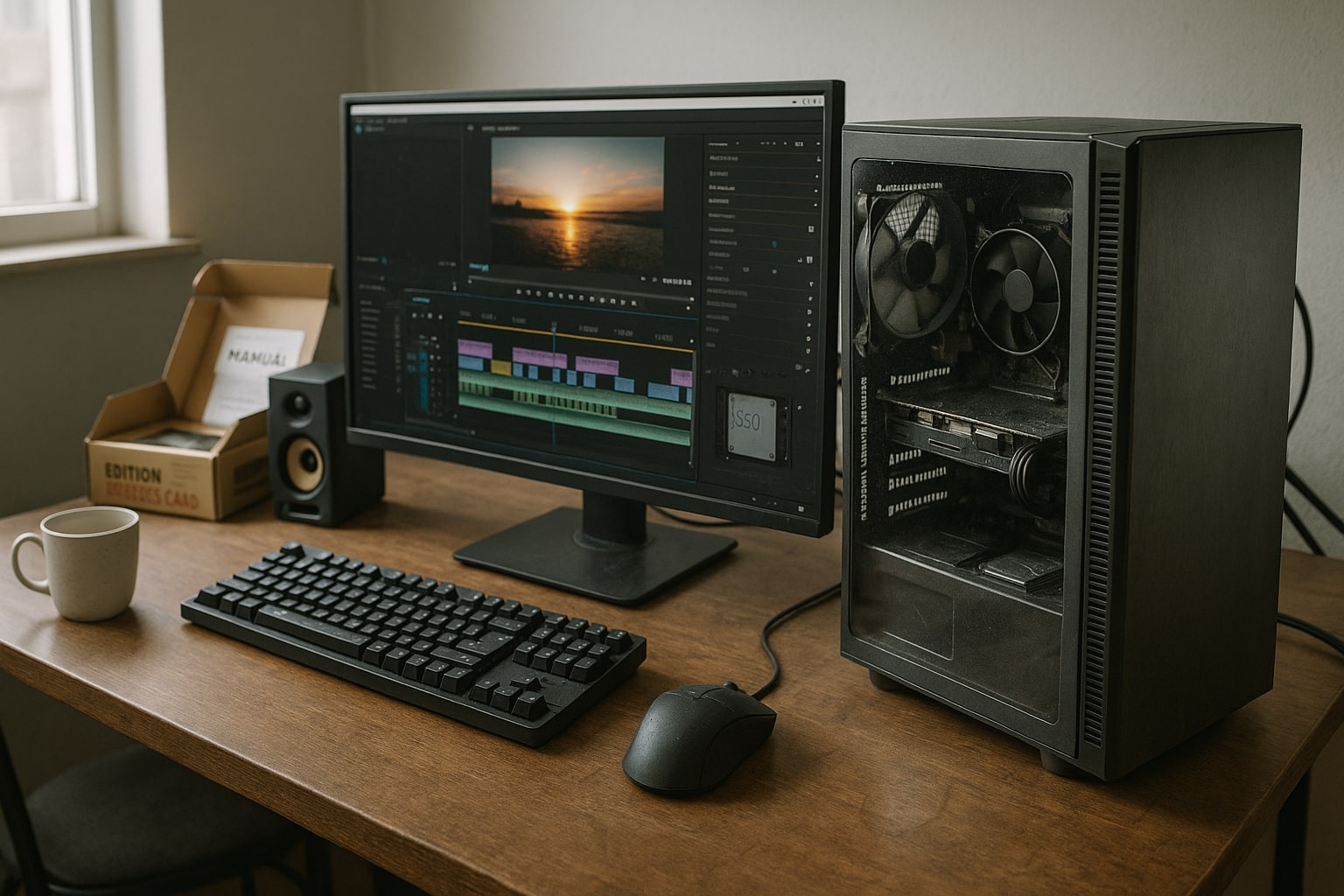
High-Performance Editing Workstations for Pro Studios
For professional editors and studios, high-performance editing PCs provide the backbone of daily work. These systems handle multi-camera 4K, heavy colour grading, large numbers of plug-ins and, in many cases, 6K or 8K media. Ginger6 designs custom builds for these scenarios so projects remain responsive even when timelines grow. For editors who push into the heaviest timelines, the G6 Titanium is a high-VRAM workstation that holds large projects in memory without stuttering.
A typical pro configuration might include:
-
12 to 16 core Ryzen 9 or Core i9 processor
-
64 GB RAM as standard, expandable to 128 GB
-
Higher tier NVIDIA RTX graphics with generous VRAM
-
Multiple NVMe SSDs, for system, projects and cache
-
High-capacity SSDs or HDD pools for ongoing storage
-
750 W or 850 W power supply with room for future GPU upgrades
For studios that combine professional video editing with 3D, visual effects or grading suites, Ginger6 can step up to even higher core count platforms, along with networking options suitable for shared storage environments. Systems are planned with multiple displays in mind, including ultrawide and colour-critical monitors used for grading.
Because every setup is custom, Ginger6 can match hardware precisely to applications and codecs . For example, a Resolve heavy colour workflow benefits from specific GPU choices and cache layouts, while a Premiere and After Effects environment may favour slightly different balances between CPU clock speed, cores and memory.
Recommended Specs for Different Levels of Video Editing
Editors often ask what specification they actually need. Below is a practical starting point that Ginger6 frequently uses when planning builds. Exact choices vary with software and codecs, but these outlines give a useful frame of reference.
1. Full HD and Light 4K Content
-
6 to 8 core CPU
-
16 GB to 32 GB RAM
-
Entry to mid-range NVIDIA RTX card
-
1 TB NVMe SSD system drive
-
1 TB SSD or HDD for projects
Suitable for social content, event highlights, talking heads and straightforward corporate pieces.
2. Regular 4K Editing and Mixed Motion Graphics
-
8 to 12 core CPU
-
32 GB to 64 GB RAM
-
Mid to upper range RTX card
-
1 TB NVMe SSD for system
-
2 TB NVMe SSD for media and cache
-
Additional SSD or HDD for archive
Comfortable for agency work, YouTube channels with frequent uploads, and editors who move between Premiere, After Effects and Photoshop daily.
3. Multi-Cam 4K, Heavy Grading and 6K Projects
-
12 to 16 core or higher CPU platform
-
64 GB to 128 GB RAM
-
High-end RTX graphics
-
Several NVMe SSDs for projects, cache and scratch
-
Large internal or networked storage
Intended for studios and creators delivering complex pro video work to demanding clients.
Whichever tier suits you today, Ginger6 will usually recommend motherboards and cases that support future expansion, so the system can grow with your workflow rather than forcing a complete replacement.
Service, Warranty and Lifetime UK Support
Buying a powerful editing PC is one part of the story. Knowing that support is on hand when software changes or workloads increase is just as important. Ginger6 treats each system as the start of a long partnership.
Every editing desktop or laptop includes:
-
A minimum three-year warranty on hardware
-
Lifetime UK technical support by phone and email
-
Access to specialists who work daily with editing suites and creative tools
Because the support team understands AMD, Intel and NVIDIA platforms in detail, advice goes far beyond basic troubleshooting. They can help you plan RAM upgrades, evaluate storage options for growing media libraries, or adjust GPU drivers when a new application version appears.
If a fault does occur, return-to-base repairs are handled by the same type of specialists who build new systems. That continuity shortens diagnosis time and ensures replacement parts are chosen with the whole workstation in mind.
For studios running several video editing PCs, Ginger6 can also advise on backup strategies, network storage, and standardised configurations so seats remain consistent. That approach reduces downtime and keeps editors focused on content rather than on managing equipment.
How to Choose Your Ginger6 Video Editing Computer
Selecting the right editing workstation starts with honest information about how you work. When you contact Ginger6, the team will ask about:
-
The editing software you use most often
-
Typical and maximum resolution of your projects
-
Preferred codecs and whether you use proxies
-
Number of monitors and their resolutions
-
Whether you also handle grading, motion graphics or 3D
Using these details, they will suggest one or two balanced configurations that match your needs and budget. They may offer options within a price range, for example prioritising extra RAM for complex After Effects work, or a stronger GPU for Resolve-focused grading.
You can choose between desktops built purely for studio use and high-spec laptops for editors who spend time on location. Both benefit from the same emphasis on steady performance, upgradability and stress-testing.
If you already own a system and are unsure whether to upgrade or replace it, Ginger6 can review your current specification and recommend a staged plan. Sometimes a well-timed RAM or SSD upgrade can extend the life of a workstation, while in other cases a new platform is the better long-term investment.
FAQs about Video Editing PCs in the UK
What type of computer is best for video editing?
A balanced machine built around a modern multi-core CPU, 32 GB or more of RAM, a dedicated NVIDIA RTX GPU and fast NVMe storage is ideal for most professional editors. The exact specification depends on resolution, codecs and software, which is why custom builds are so helpful.
Is 32 GB RAM overkill for video editing?
For casual 1080p projects, 16 GB can cope. For ongoing professional work in 4K or for editors who keep several applications open, 32 GB is usually a very sensible baseline rather than an extravagance. Many busy studios move straight to 64 GB.
Do I need a workstation or will a standard desktop do?
A standard office desktop is rarely stable under the constant high load of editing. A video editing workstation from Ginger6 uses stronger power delivery, improved cooling, better components and extensive stress-testing, which together make it far better suited to day-in, day-out creative work.
Is a laptop enough for professional editing?
High spec laptops can handle professional work, especially for on-location edits, social content and shorter projects. For long-form 4K, heavy grading or multi-cam jobs, many editors still prefer a desktop or workstation and treat laptops as companions. Ginger6 supplies both, and can help you decide which mix fits your workload.
Can I upgrade a Ginger6 editing PC later?
Yes. Systems are built with expansion in mind, including spare RAM slots, room for more SSDs and power supplies sized for stronger future GPUs. Lifetime support means you can always ask which upgrade will deliver the clearest benefit for your current projects.
Ready to move your workflow on to custom video editing computers UK professionals rely on every day? Share your software list, typical project sizes and budget range with Ginger6, and the team will design a video editing PC or workstation that keeps your timelines smooth, your renders moving and your clients impressed.