




G6 Onyx — Video Editing and Creative Workstation
Description
G6 Onyx — Mid Creative Workstation for DaVinci Resolve, After Effects, and Architecture Visualisation
The G6 Onyx is built for 4K H.264 and H.265 video editing in DaVinci Resolve 19 and Adobe Premiere Pro, multi-layer compositions in After Effects, GPU rendering in Blender at mid-scale, and real-time architecture visualisation in Enscape and Lumion. The RTX 5070 12GB accelerates Resolve's colour grade and noise reduction in real time on a 4K H.265 timeline. 64GB DDR5 keeps DaVinci Resolve and After Effects in memory simultaneously without forcing the OS to page when you switch between them. The dual 2TB NVMe configuration follows DaVinci Resolve's recommended storage layout — media and project files on one drive, cache and exports on the second — applied as a standard build decision, not left for the buyer to configure after delivery. From £2649.99, built and stress-tested in Wolverhampton. The Onyx features in our video editing workstations, graphic design workstations, and 3D rendering workstations ranges.
64GB covers this creative environment without reaching the ceiling for most video editing workflows. If your work moves to BRAW or 4K RAW footage, large complex GPU rendering scenes, or simultaneous architecture visualisation with complex federated models, the G6 Tungsten with an RTX 5070 Ti 16GB is the correct step up. If you are on the boundary, call Kevin before you order.
Not sure if this is the right spec for your editing workflow and footage format? Call Kevin on 01902 714533 — he will give you a straight answer.
G6 Onyx — Full Specification
RTX 5070 12GB, 64GB DDR5, and dual 2TB NVMe in the Resolve-recommended storage configuration — built for sustained 4K H.265 editing and simultaneous creative application use.
Why This Specification for Video Editing and Creative Work
Every component in the Onyx is chosen for the specific demands of GPU-accelerated 4K H.265 editing, simultaneous creative application use, and the storage layout DaVinci Resolve performs best on.
RTX 5070 12GB: drives 4K H.265 editing in DaVinci Resolve
DaVinci Resolve offloads colour grading, noise reduction, and effects processing to the GPU. An RTX 5070 handles 4K H.265 timelines with colour grade applied without stalling on playback. The acceleration difference over an RTX 5060 Ti is immediate in a real Resolve session — not a benchmark, but a working edit where noise reduction plays in real time rather than pausing the timeline.
64GB: After Effects and DaVinci Resolve open simultaneously
64GB keeps DaVinci Resolve and After Effects in memory simultaneously without the OS paging when you switch between them. After Effects alone benefits from 64GB for multi-layer compositions with GPU-accelerated effects. For editors who move between Resolve and After Effects in the same session, 64GB is the practical minimum — not a luxury. The step down to the G6 Quartz at 32GB shows its limit here.
Dual 2TB NVMe: the DaVinci Resolve recommended storage layout
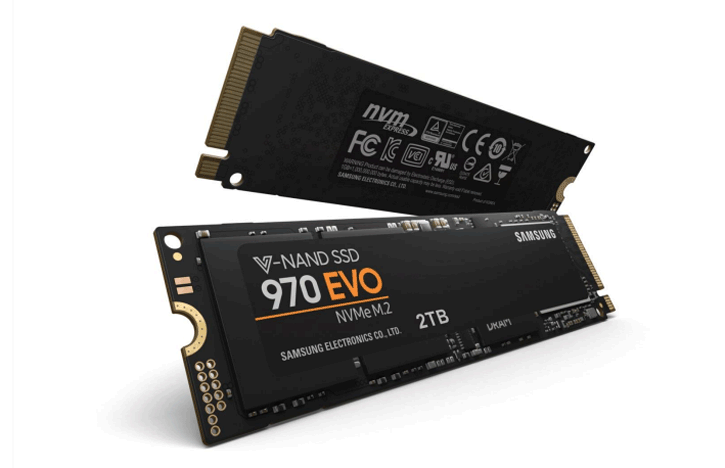
DaVinci Resolve recommends separate drives for media assets, project files, and cache. Two 2TB NVMe drives provide the storage architecture Resolve performs best on — media and project on the first drive, optimised cache and exports on the second. This is the recommended professional configuration, applied as a standard build decision rather than left for the buyer to set up.
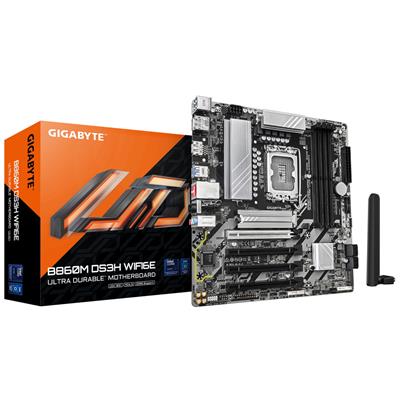
B860M DS3H WIFI6E: confirmed LGA1851 platform for this build
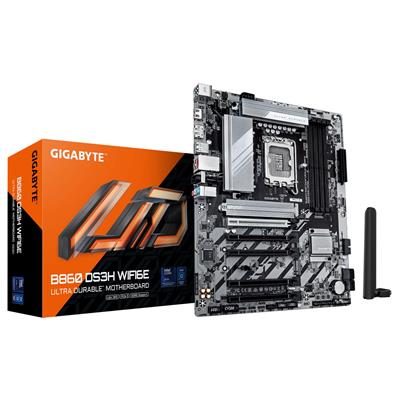
The B860M DS3H WIFI6E is the confirmed LGA1851 board for the Core Ultra 7 265K on this machine. An earlier version of the spec sheet showed a B650 Eagle AX — that is an AMD AM5 board and was corrected before production. The B860M DS3H WIFI6E provides two M.2 NVMe slots for the dual-drive Resolve configuration, USB 3.2, and WIFI6E for studio wireless connectivity.
What the G6 Onyx Handles
Confirmed software performance at the G6 Onyx specification. Project scales based on Core Ultra 7 265K, 64GB DDR5, RTX 5070 12GB, and dual 2TB NVMe in the Resolve-recommended configuration.
Performance descriptors are indicative. Actual performance depends on project complexity, settings, and system configuration. Kevin can advise on the right spec for your specific workflow.
DaVinci Resolve Is More GPU-Dependent Than Premiere. That Changes the Spec Decision.
DaVinci Resolve offloads colour grading, noise reduction, and effects processing to the GPU far more aggressively than Adobe Premiere Pro. In Resolve, the GPU is the primary performance component for an edit session — the CPU handles decode and export, but the experience during the edit is determined by what the GPU is doing. That is why the step from an RTX 5060 Ti to an RTX 5070 is more noticeable in Resolve than in Premiere: noise reduction that stalls at 5060 Ti speeds plays in real time on the 5070, and colour grading on a 4K H.265 timeline stays smooth where it would otherwise drop frames. If DaVinci Resolve is your primary tool, the GPU spec matters more than on a Premiere-only setup.
64GB DDR5 adds the second practical argument for the Onyx over the G6 Quartz. After Effects benefits from 64GB for multi-layer compositions — not because 32GB cannot open the application, but because 32GB forces the OS to page when both Resolve and After Effects are open simultaneously, producing slowdowns at the moment you switch between them. The dual NVMe configuration follows DaVinci Resolve's own storage recommendation: separate drives for media, project files, and cache. Kevin confirms the drive paths and cache configuration before the machine ships. If your footage is BRAW from a Blackmagic camera or 4K RAW from a cinema camera, the G6 Tungsten with an RTX 5070 Ti 16GB is the correct machine — call Kevin and describe your camera and codec before ordering.
Tell Kevin:
- The software you use most and the version
- Your typical file sizes or project scales
- Whether you need to run multiple applications simultaneously — and which ones
- Your approximate budget and whether this is for one machine or a team
No charge for the conversation. No pressure to buy.
93% Five-Star Reviews on Trustpilot
93% of Ginger6 customers leave five-star reviews. Kevin builds the machine, confirms the storage configuration, and is available after delivery when a project grows or a question arises.
See all reviews"Very good after sales communication, excellent product, love my i9. Would highly recommend."
"This is the 2nd time I have bought a gaming pc from Ginger 6. Both machines have been excellent quality and value for money, and I wouldn't go anywhere else to buy pcs and parts. Their customer service is also excellent. I had many questions about which parts are compatible with which, and all was patiently explained to me through a telephone call. Once bought, delivery was prompt and hassle free."
"Placed order, and received it earlier than expected. Windows and drivers already installed so computer was good to go right out of the box. Runs perfectly, have no complaints, only good things to say! Recommended!!"
Built by Hand in Wolverhampton
Every G6 Onyx is assembled, configured, and tested by Kevin's team. The DaVinci Resolve storage configuration is applied before dispatch — not left for the editor to set up on arrival.
Before the build begins, the configuration is reviewed against your software and project scale. If you have spoken to Kevin, the spec is confirmed against your primary footage format, your typical timeline complexity, and whether you work in DaVinci Resolve, Premiere Pro, or both. The dual NVMe layout is confirmed — primary drive for media and project files, secondary drive for Resolve optimised cache and exports. The B860M DS3H WIFI6E board is verified for LGA1851 compatibility with the Core Ultra 7 265K. Components are staged before assembly.
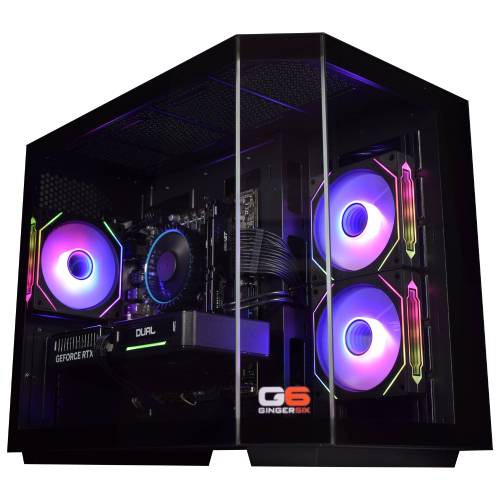
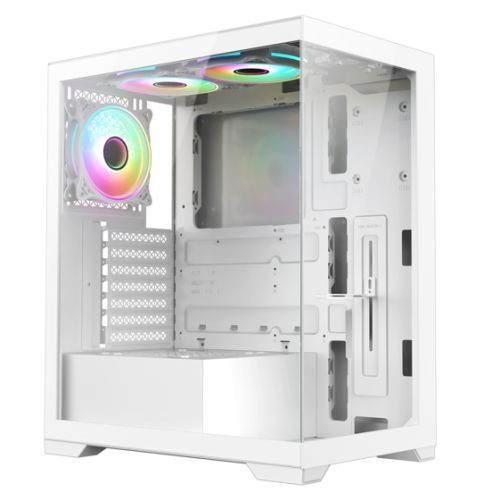
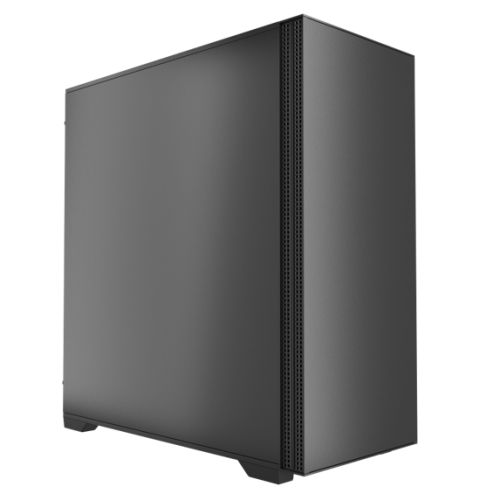
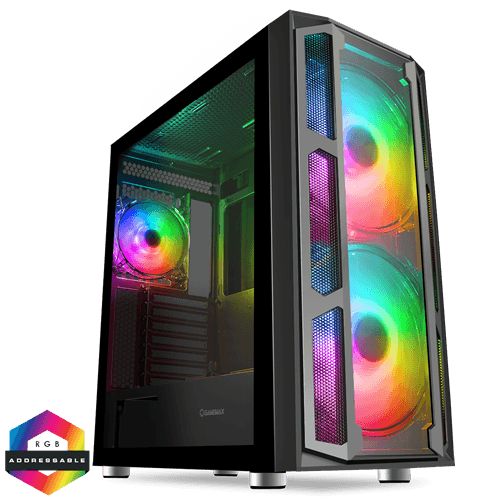
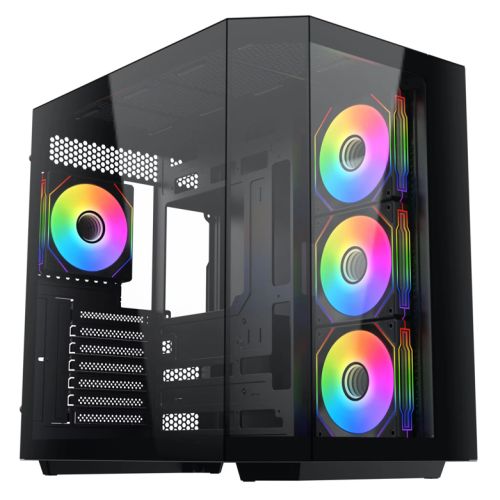
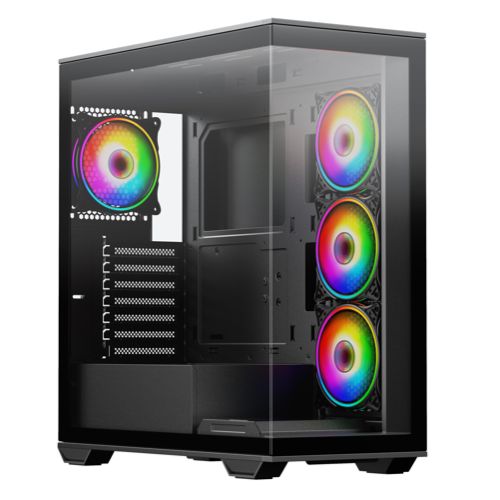
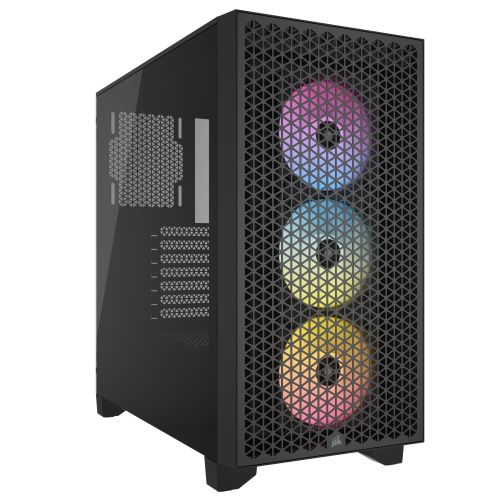
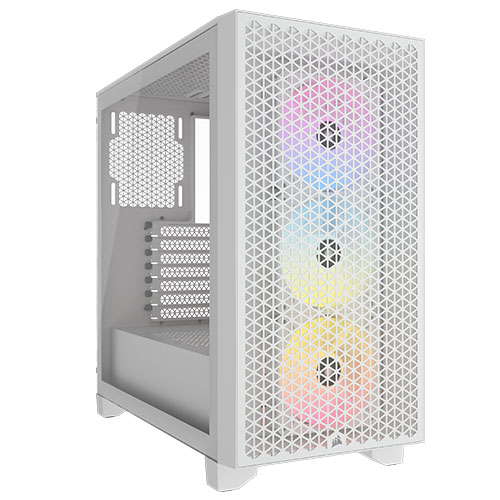
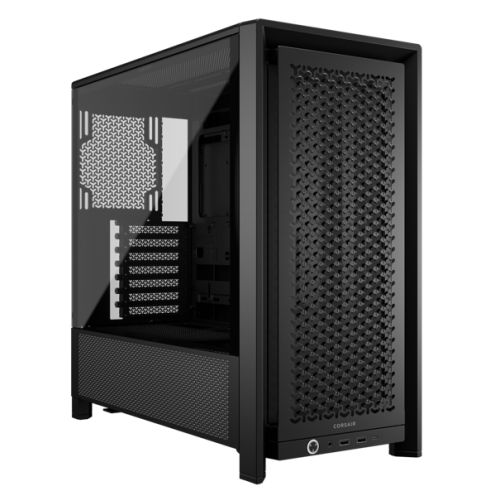
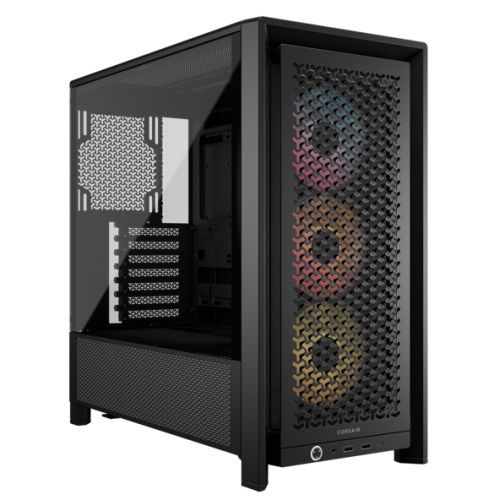
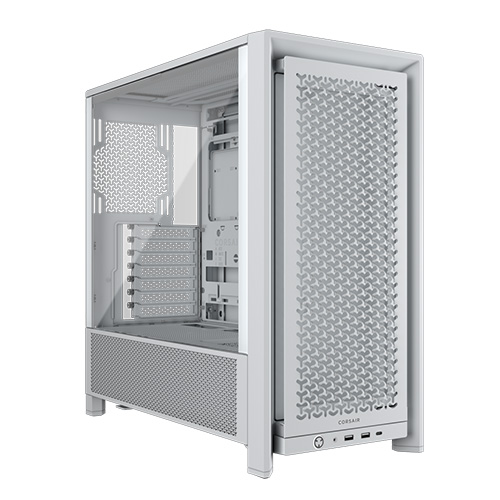
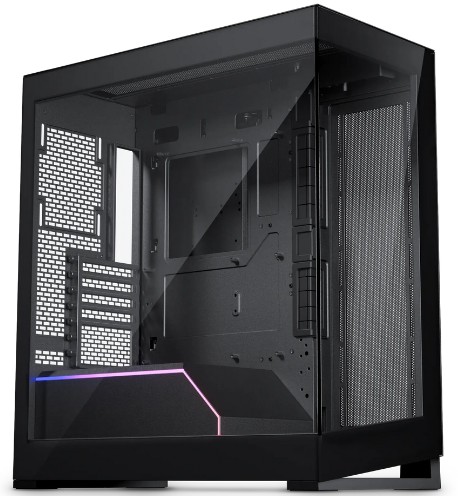
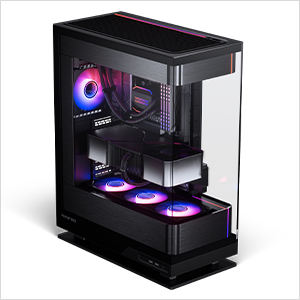
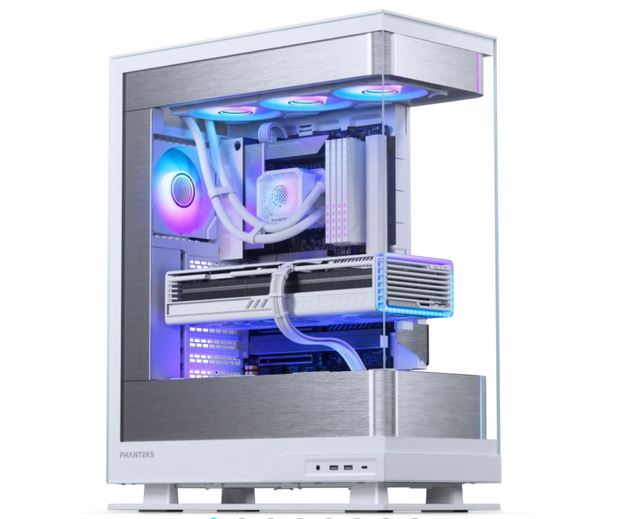
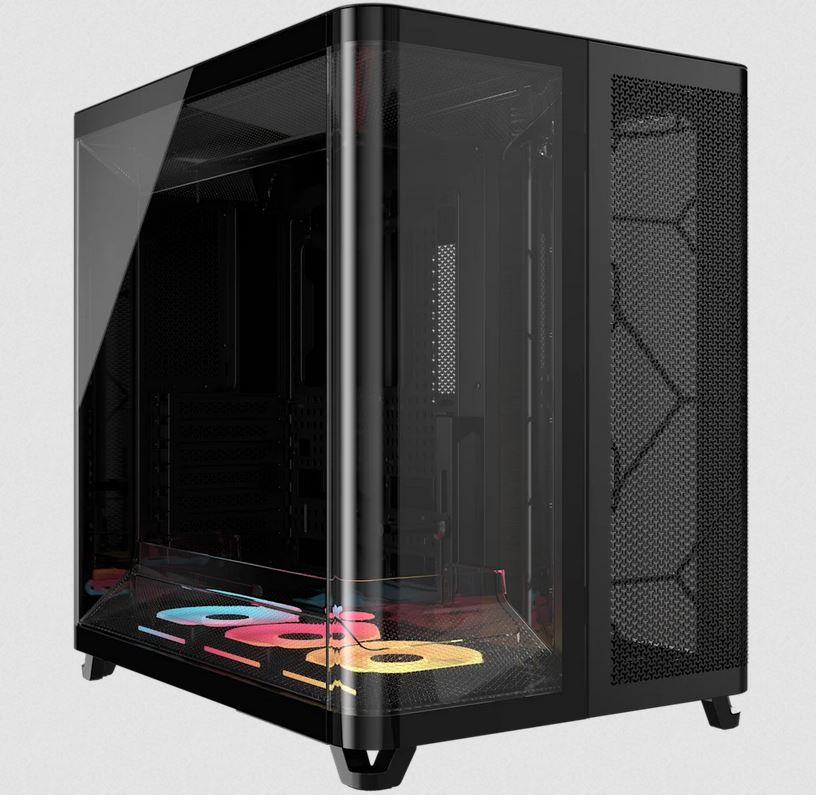
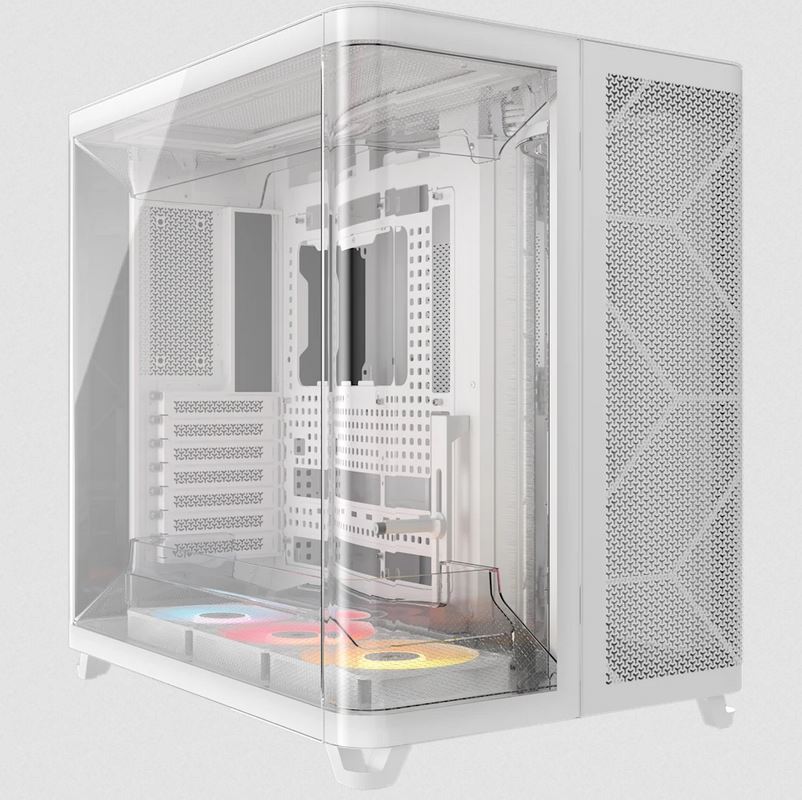
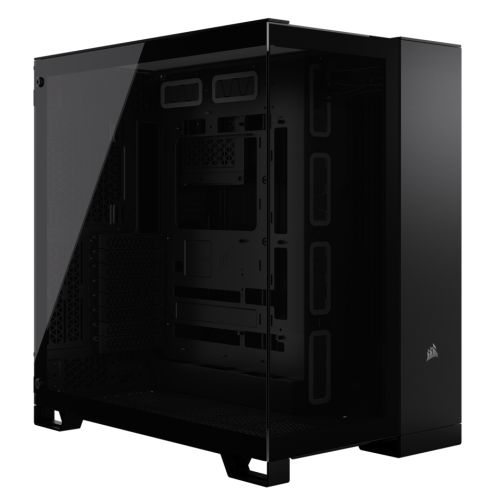
The Onyx is assembled by hand in Wolverhampton. Inside the G6 Stealth, cables are routed to support airflow to the 360mm radiator, reduce dust build-up around the RTX 5070 and both NVMe drives, and keep future maintenance accessible without disturbing the thermal configuration. BIOS settings and DDR5 memory profiles are confirmed before the 24-hour test begins — the Core Ultra 7 265K runs at its rated operating frequency from the first session. GPU drivers are confirmed and updated before dispatch.
Every Onyx runs under sustained CPU and GPU load for a full day before it ships. The test replicates the sustained demand of a long DaVinci Resolve render or an extended After Effects preview generation — the RTX 5070 held at high utilisation throughout, with CPU handling export operations continuously. The DaVinci Resolve storage paths are set and the cache drive is configured before packaging. Windows 11 Pro, drivers, and both NVMe drives are confirmed before dispatch.
- Thermal behaviour under sustained GPU creative workload
- Processor and graphics stability during extended use
- Memory responsiveness and system stability
- Storage performance and consistency across both NVMe drives
- BIOS and firmware stability
- System stability under extended use
G6 Onyx — Common Questions
Yes, more so than most other editing applications. DaVinci Resolve offloads colour grading, noise reduction, and effects processing to the GPU far more aggressively than Premiere Pro or Final Cut. A machine without a capable dedicated GPU will show the difference most clearly during playback with a colour grade applied, during noise reduction, and during the rendering of GPU-accelerated effects. On the RTX 5070 in the G6 Onyx, 4K H.265 timelines with a standard colour grade play in real time. The CPU handles decode and export, but the working edit experience is GPU-driven. If you use Resolve as your primary tool, the GPU is the most important spec decision in the machine — not the CPU core count.
Yes, for 4K H.264 and H.265 editing in DaVinci Resolve and After Effects running simultaneously. 64GB keeps both applications in memory at the same time — DaVinci Resolve actively caching and After Effects holding compositions in RAM — without the OS paging when you switch between them. The distinction from 32GB is most visible when both applications are open together: on 32GB, switching between Resolve and After Effects in the same session produces a noticeable stall as the OS loads the inactive application back into memory. For 6K RAW or BRAW footage at volume, where codec decode places more demands on RAM alongside the GPU, call Kevin and describe the footage format and typical timeline length before ordering.
The Onyx uses a Core Ultra 7 265K with 64GB DDR5 and an RTX 5070 12GB. The G6 Tungsten uses a Core Ultra 9 285K with 64GB DDR5, an RTX 5070 Ti 16GB, and a 4TB second NVMe alongside the 2TB primary. The practical difference is in footage format and rendering scale: the Tungsten is built for BRAW from Blackmagic cameras and 4K RAW from cinema cameras, where the RTX 5070 Ti 16GB handles RAW decode and colour grade without requiring proxies. The Tungsten is also the correct machine for complex GPU rendering scenes in Blender or V-Ray where scene size approaches the VRAM ceiling. The Onyx covers 4K H.264 and H.265 editing, Blender GPU rendering at mid-scale, and architecture visualisation confidently. If your primary footage is compressed rather than RAW, the Onyx is the right machine.
The G6 Onyx arrives with the DaVinci Resolve storage paths already configured. The primary 2TB NVMe holds your media assets and project files. The secondary 2TB NVMe is set as the Resolve optimised cache location and the render output destination. This follows DaVinci Resolve's own storage recommendation for professional use. You do not need to configure this yourself — when you open Resolve for the first time, the cache and project locations are already set to the correct drives. If you work with large proxy workflows or have specific cache size requirements, call Kevin before ordering and he will confirm whether 2TB on the cache drive is sufficient for your working style.
Build time is 3 to 5 working days from order confirmation, including the 24-hour stress test and the DaVinci Resolve storage configuration applied before dispatch. Delivery to UK mainland addresses is free and fully tracked. If you have a project deadline or a specific delivery date in mind, call Kevin on 01902 714533 before ordering and he will confirm the timeline.
Ready to Order the G6 Onyx?
Ginger6 has been building custom workstations in Wolverhampton since 2001. The DaVinci Resolve storage configuration is applied before the machine ships. Kevin builds it, stress-tests it, and is available after delivery. 93% five-star reviews. 3-year warranty with lifetime support.
Custom Options
£2,851.15
£2,654.99
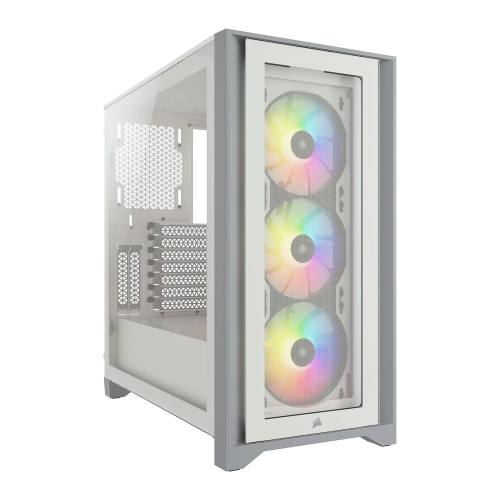
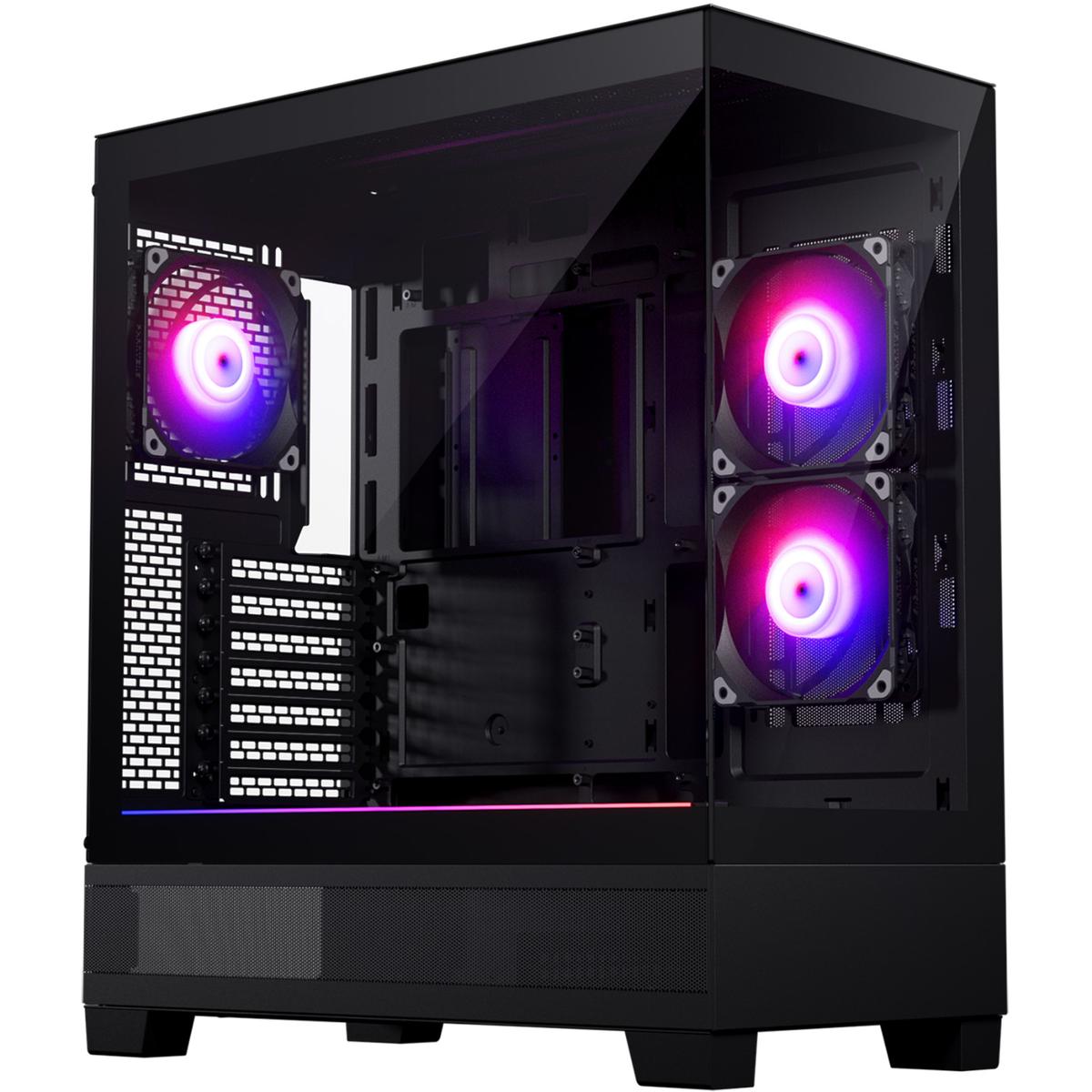
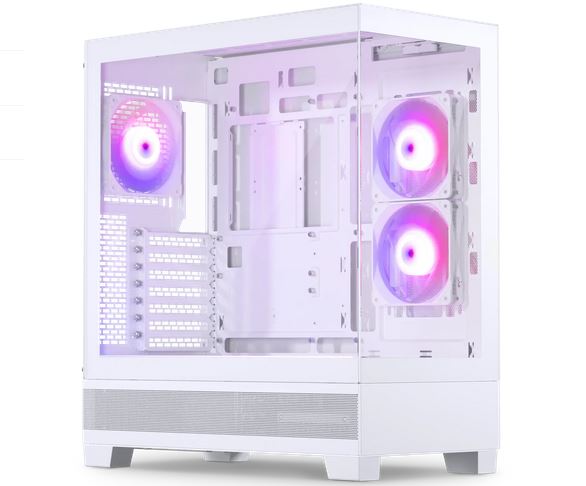
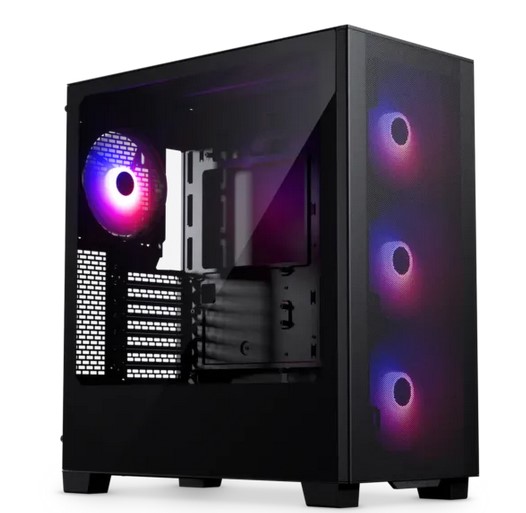



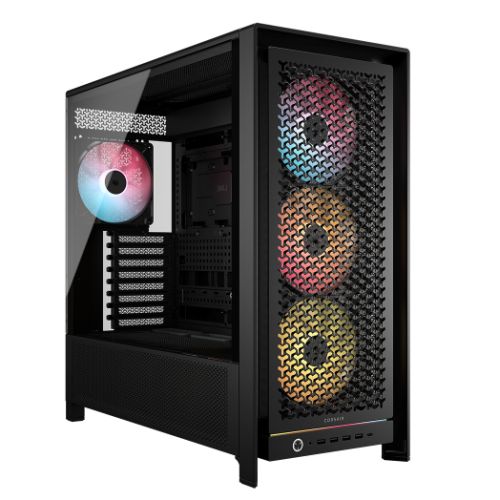
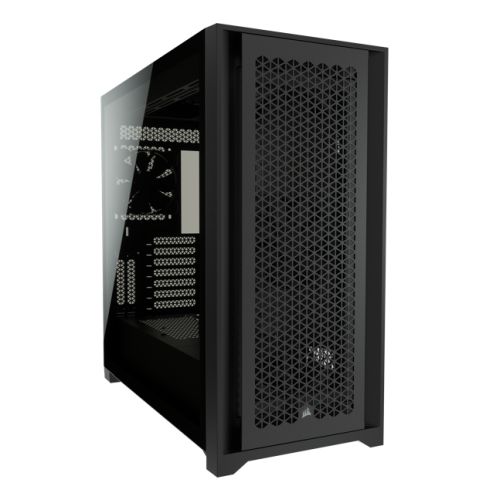
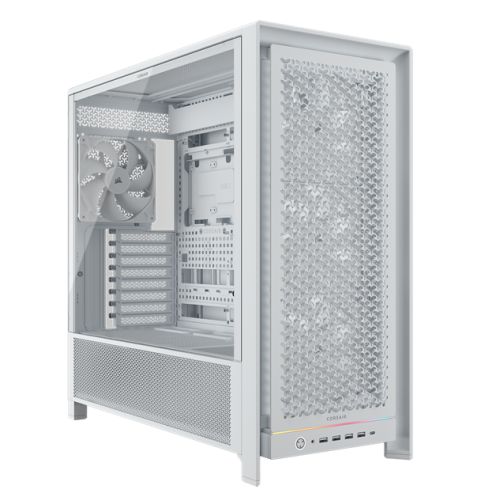




































* Required Fields
Specifications
Additional Information
| Processor | Intel Core Ultra 7 265KF |
|---|---|
| Processor Type | Intel Core Ultra 7 |
| No of Cores | 20 |
| Max Core Speed | 5.50GHz |
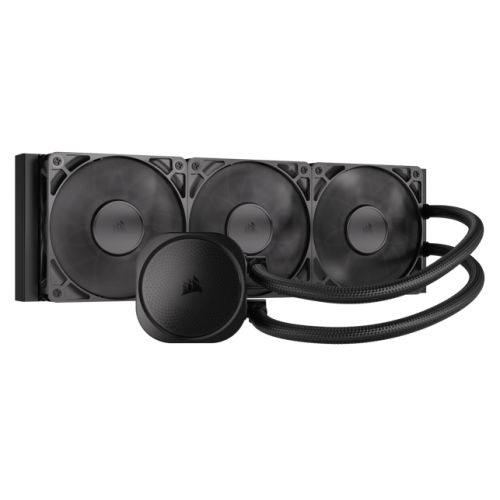
| CPU Cooler | 360mm ARGB AIO Liquid Cooler |
| Motherboard | Gigabyte B860M DS3H WIFI6E |
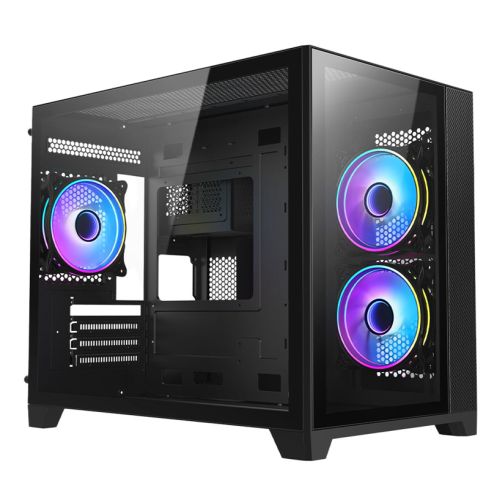
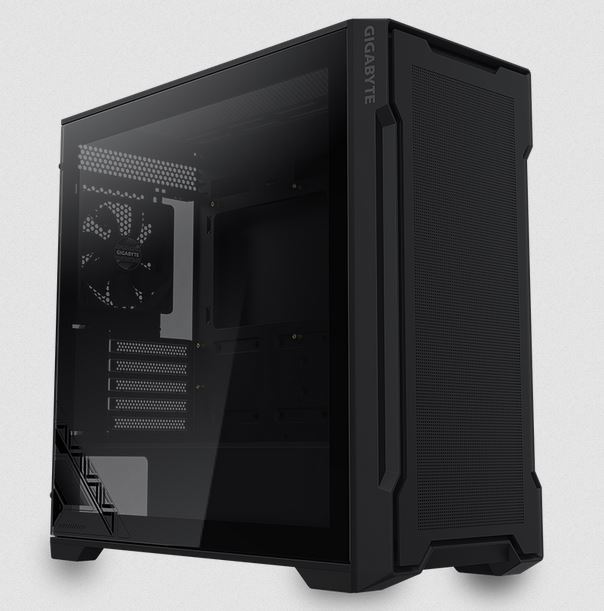
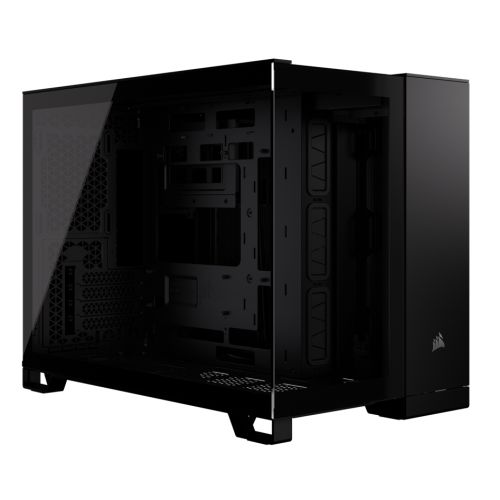
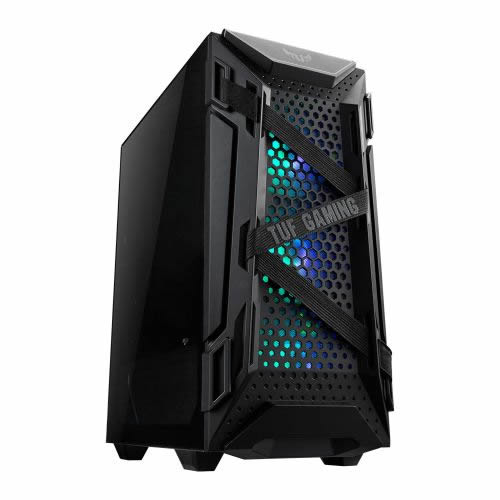
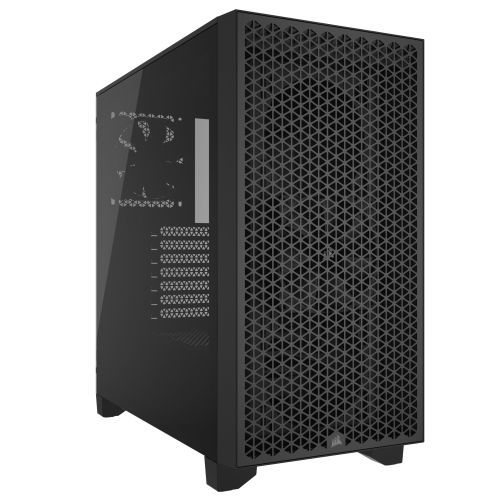
| Case | Vida Stealth Silent |
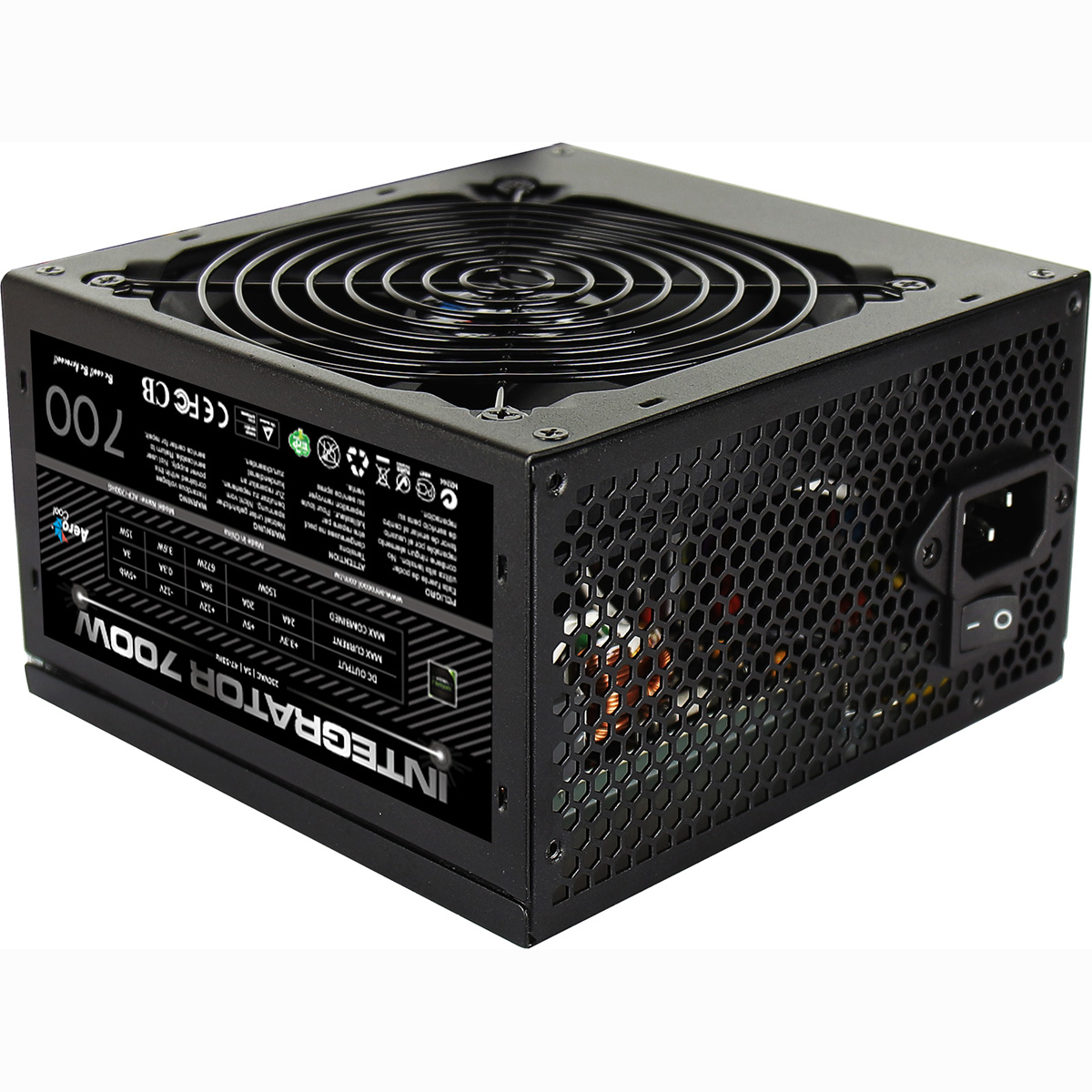
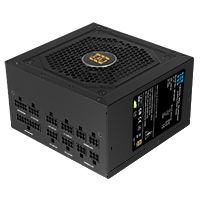
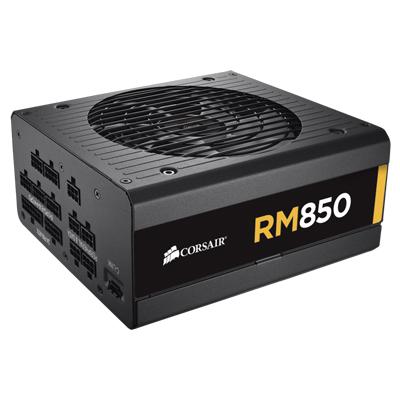
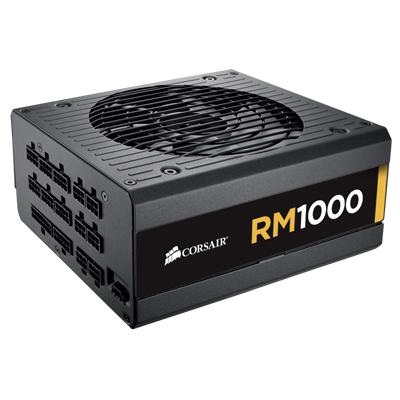
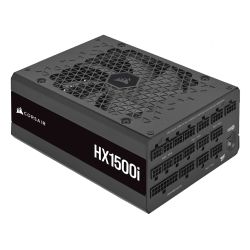
| Power Supply | 750w G6 80+ Bronze PSU |
| Memory Size | 64GB |
| Solid State Drive Size | 2TB |
| 2nd SSD | 2TB |
| Graphics | Nvidia RTX 5070 12GB |
| Graphics Card Connections | Displayport (x3), HDMI |
| Audio | 8-Channel High Definition Audio |
| LAN | 2.5GB LAN, Bluetooth, Wi-Fi 6E |
| Ethernet | Realtek 2.5GbE |
| Wi-Fi | WiFi 6E (Intel AX211 rev1.0 / Realtek RTL8852CE rev1.1) |
| Bluetooth | 5.3 |
| Connections | Rear: 1x USB 3.2 Gen2, 2x USB 3.2 Gen1, 3x USB 2.0 |
| Front Panel Connections | 1x USB-A 3.x, 1x USB-C, 1x USB-A 2.0, HD Headphones + HD Microphone |
| USB2 Ports | 4 |
| USB3 Ports | 4 |
| USB-C Ports | 1 |
| Operating System | Windows 11 Pro |
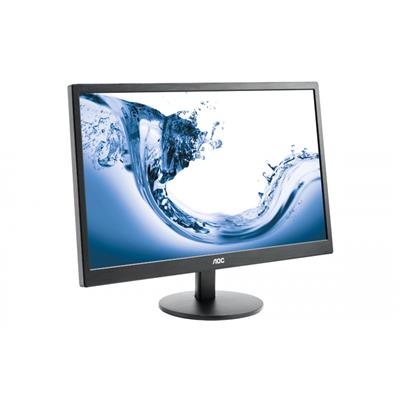
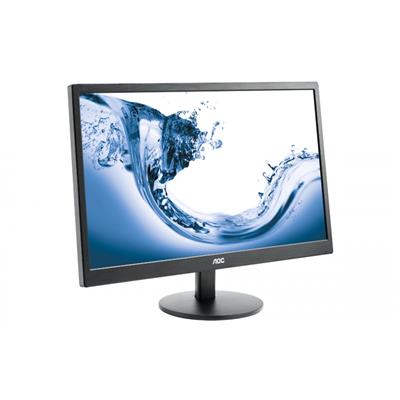
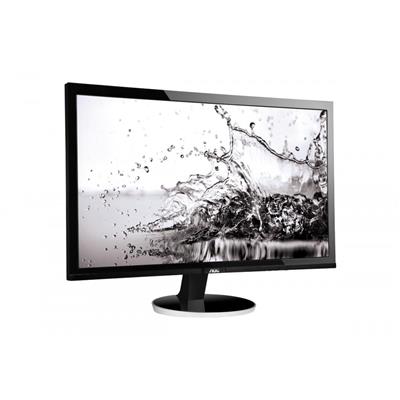
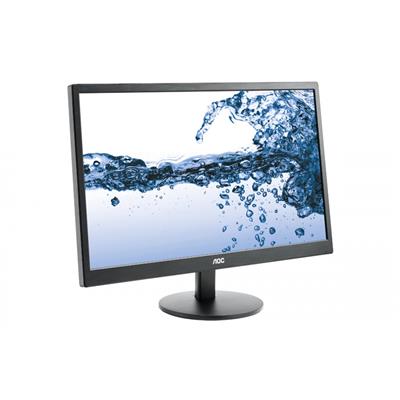
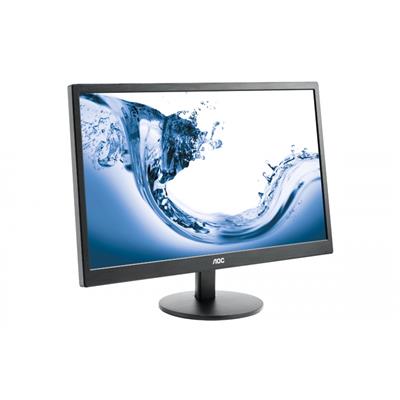
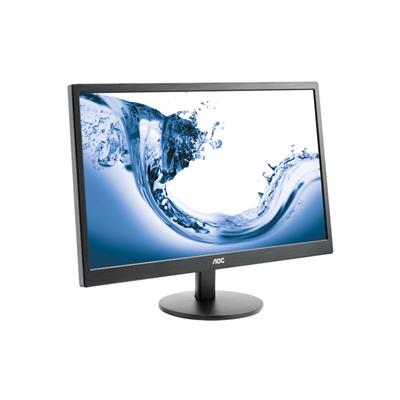
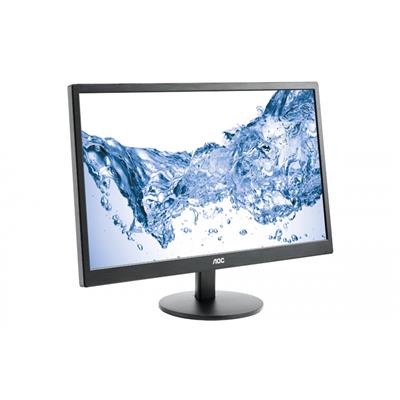
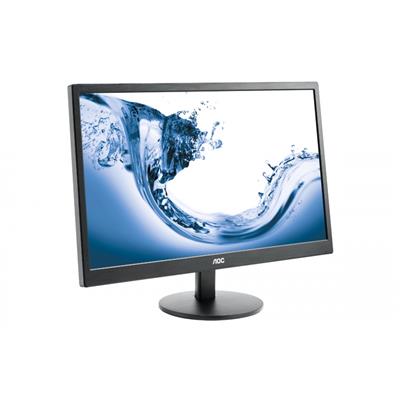
| Monitors | Optional (See Custom Options) |
| Warranty | 3 Year Bronze Warranty |
Reviews
- Be the first to review this product