




G6 Tungsten — RAW Video Editing and GPU Rendering Workstation
Description
G6 Tungsten — High Creative Workstation for BRAW Editing, 6K, and Production GPU Rendering
The G6 Tungsten is built for BRAW footage from Blackmagic cameras and 4K RAW in DaVinci Resolve 19 without a proxy workflow, complex multi-camera timelines in Adobe Premiere Pro, large GPU rendering scenes in Blender and V-Ray GPU, and simultaneous architecture visualisation in Enscape alongside Revit. The RTX 5070 Ti 16GB handles RAW codec decode and colour grade in real time at formats that stall on 12GB cards. The Core Ultra 9 285K is at the top of the Intel consumer stack for export speed. The 4TB second NVMe holds an active media archive during production — no external drive needed during the project. From £3659.99, built and stress-tested in Wolverhampton. The Tungsten features in our video editing workstations and 3D rendering workstations ranges.
64GB DDR5 covers these creative workflows. If your AI and ML work requires VRAM above 16GB, or if your rendering scenes require 32GB VRAM for the largest Blender environments and 8K texture work, the G6 Titanium with an RTX 5080 16GB or the G6 Cobalt with an RTX 5090 32GB step up from here. Call Kevin before you order if you are on the boundary.
Not sure if this is the right spec for your footage format and rendering requirements? Call Kevin on 01902 714533 — he will give you a straight answer.
G6 Tungsten — Full Specification
RTX 5070 Ti 16GB, Core Ultra 9 285K, and 6TB total NVMe storage — configured for RAW footage editing, production GPU rendering, and active media archive without an external drive.
Why This Specification for RAW Editing and Production Rendering
Every component in the Tungsten is chosen for the specific demands of RAW codec editing, production GPU rendering, and sustained export under continuous professional load.
RTX 5070 Ti 16GB: BRAW and 4K RAW capable
RAW codec editing demands significantly more GPU than H.264 compressed footage. The RTX 5070 Ti with 16GB VRAM handles BRAW from Blackmagic cameras in DaVinci Resolve without stalling on playback or requiring proxy creation. For broadcast and film professionals, this is the threshold card for RAW editorial work at full quality. The VRAM increase over a 12GB card also removes the ceiling for complex Blender scenes and V-Ray GPU rendering environments.
Core Ultra 9: export and encoding performance
CPU encoding performance matters for export time. The Core Ultra 9 285K at the top of the Intel consumer stack encodes H.264 and H.265 exports faster than the Ultra 7 on long-form content. For editors who export finished pieces regularly — broadcast deliverables, client reviews, platform masters — that time saving compounds across a working week. After Effects rendering and Cinema 4D simulation passes also benefit directly from the Ultra 9's single-thread performance.
2TB + 4TB NVMe: project archive without an external drive
The 4TB second drive holds an active media archive alongside the working project. RAW footage from a single shooting day occupies far more space than compressed H.264. 4TB on a fast NVMe eliminates the need for an external drive during active production — the entire project lives on the machine. The 2TB primary holds project files, working sequences, and current-session assets separately from the archive, keeping the edit session clean.
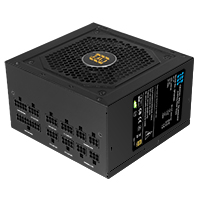
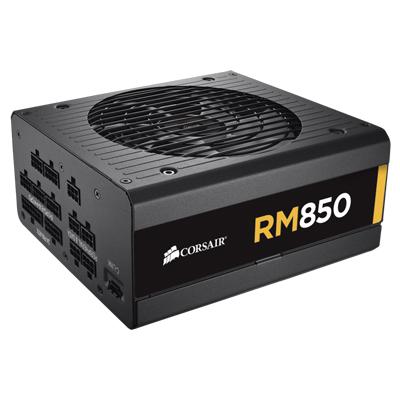
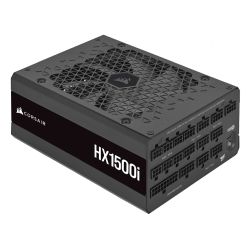
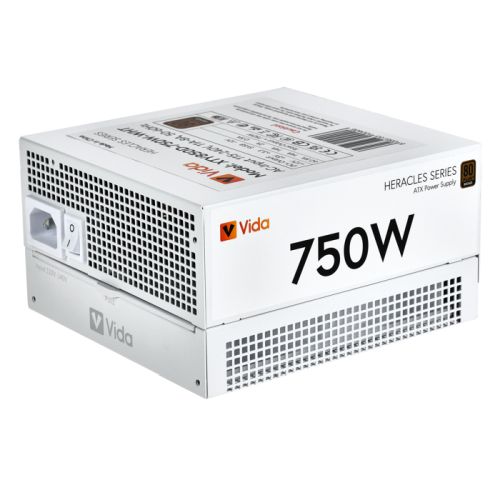
1000W PSU: headroom for sustained GPU and CPU load
The RTX 5070 Ti at 300W combined with the Core Ultra 9 at full export load requires more headroom than an 850W unit provides comfortably. The 1000W PSU operates at a lower percentage of capacity under this combined load, extending component longevity under continuous professional use. Running a high-wattage GPU at or above the PSU's safe working percentage over sustained periods reduces reliability.
What the G6 Tungsten Handles
Confirmed software performance at the G6 Tungsten specification. Project scales based on Core Ultra 9 285K, 64GB DDR5, RTX 5070 Ti 16GB, and 2TB plus 4TB NVMe.
Performance descriptors are indicative. Actual performance depends on project complexity, settings, and system configuration. Kevin can advise on the right spec for your specific workflow.
RAW Codec Editing Is a Different GPU Demand. The Spec Has to Match It.
The difference between editing BRAW from a Blackmagic camera and editing H.264 from a mirrorless camera is not just file size — it is GPU demand during the edit. BRAW is a compressed RAW format that requires GPU-accelerated decode and colour science processing on every frame during playback, before any colour grade is applied. On a card with 12GB VRAM, BRAW timelines with a colour grade applied will stall on playback or require the editor to work with proxies. On the RTX 5070 Ti 16GB, BRAW plays in real time at full quality. That is the specific threshold this GPU crosses. For editors who have shot on a Blackmagic URSA, Pocket Cinema Camera, or equivalent RAW-output camera, the Tungsten removes the proxy step from the workflow.
The 4TB second NVMe makes a different argument. RAW camera footage is large. A single day of BRAW shooting at 6K produces more data than a week of H.264. Keeping that footage on an external drive during the edit introduces friction — drives that need to be connected, cables that need to be managed, and transfer speeds that are slower than internal NVMe. 4TB on a second internal NVMe drive means the active project lives entirely on the machine throughout production. Kevin's conversation before the order confirms whether 4TB covers your typical project scale or whether a larger archive strategy is needed. The 3-year warranty and Kevin's post-delivery support apply to the Tungsten as they do to every machine in the range — the same person who advises on the spec is the same person who picks up the phone if something needs attention in year two.
Tell Kevin:
- The software you use most and the version
- Your typical file sizes or project scales
- Whether you need to run multiple applications simultaneously — and which ones
- Your approximate budget and whether this is for one machine or a team
No charge for the conversation. No pressure to buy.
93% Five-Star Reviews on Trustpilot
93% of Ginger6 customers leave five-star reviews. Kevin builds the machine and is available after delivery. A high-value creative workstation at this investment deserves support that lasts longer than the first month.
See all reviews"Very good after sales communication, excellent product, love my i9. Would highly recommend."
"This is the 2nd time I have bought a gaming pc from Ginger 6. Both machines have been excellent quality and value for money, and I wouldn't go anywhere else to buy pcs and parts. Their customer service is also excellent. I had many questions about which parts are compatible with which, and all was patiently explained to me through a telephone call. Once bought, delivery was prompt and hassle free."
"I upgraded my PC to one that was Windows 11 compatible. I have been using it for about 3 months with no problems. The service from Ginger 6 has been great."
Built by Hand in Wolverhampton
Every G6 Tungsten is assembled, configured, and tested by Kevin's team. The 24-hour test runs the RTX 5070 Ti and Core Ultra 9 simultaneously under the sustained load of a production rendering job and an export session — not a short benchmark.
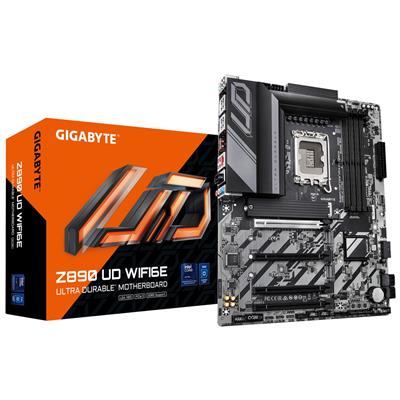
Before the build begins, the configuration is reviewed against your software and project scale. If you have spoken to Kevin, the spec is confirmed against your primary camera codec — BRAW, H.265, RAW — your typical project length, and whether GPU rendering is a primary or secondary use. The Core Ultra 9 285K and Z890 Eagle WIFI7 are verified for LGA1851 compatibility. The dual NVMe layout is confirmed for your working style. Components are staged before assembly.
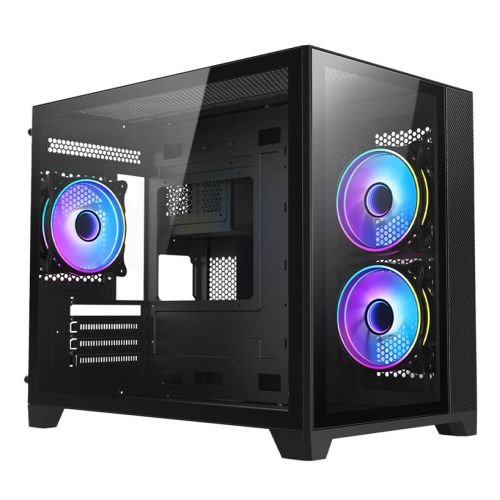
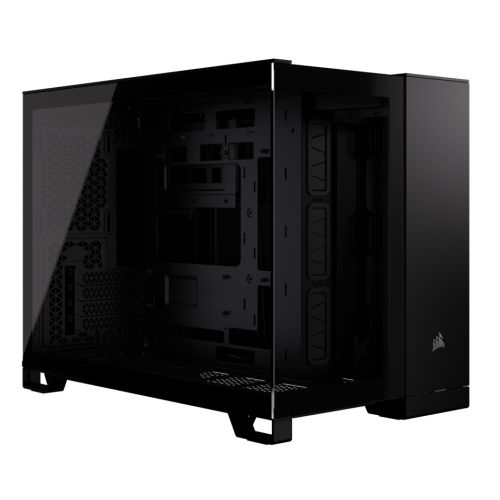
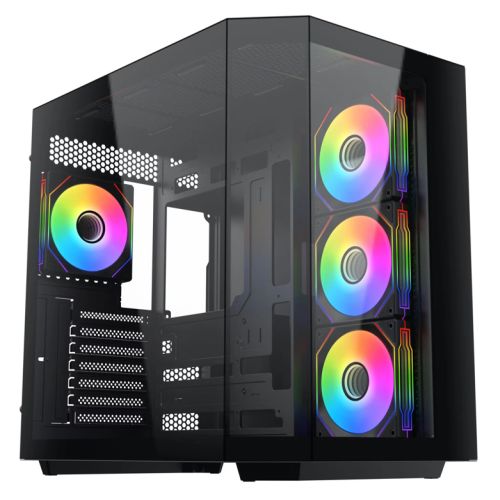
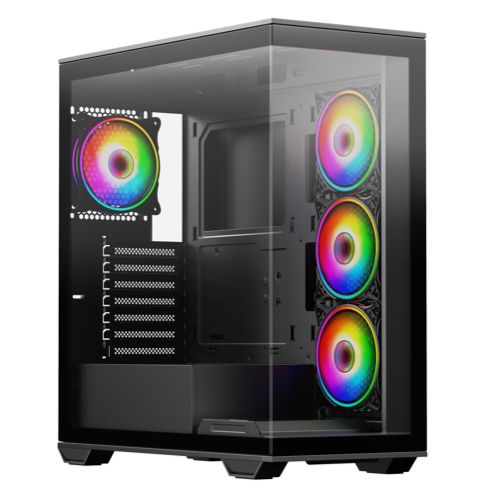
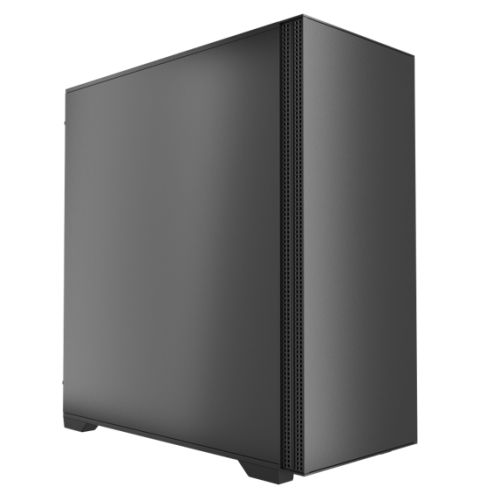
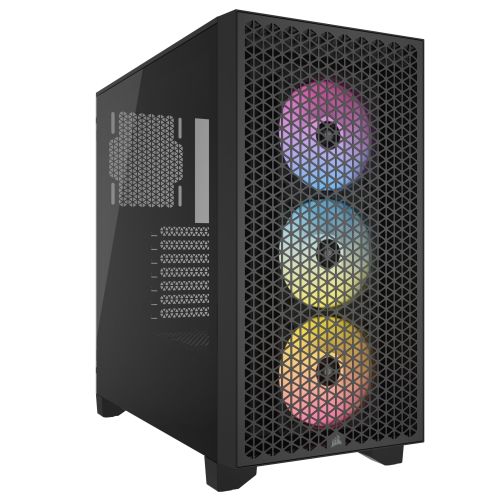
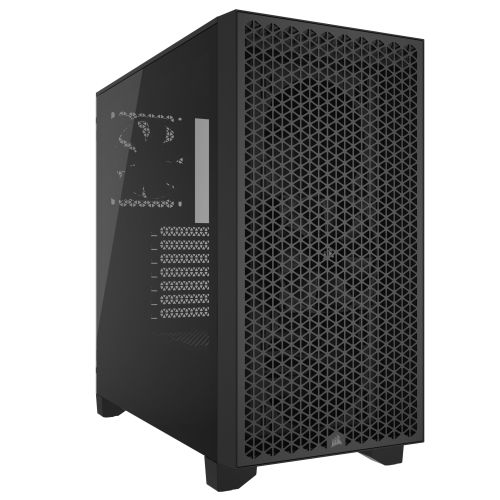
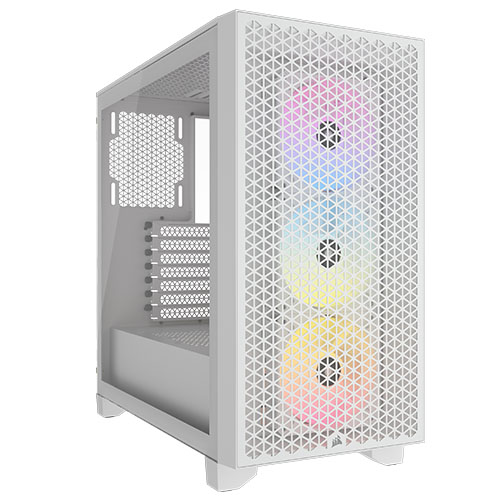
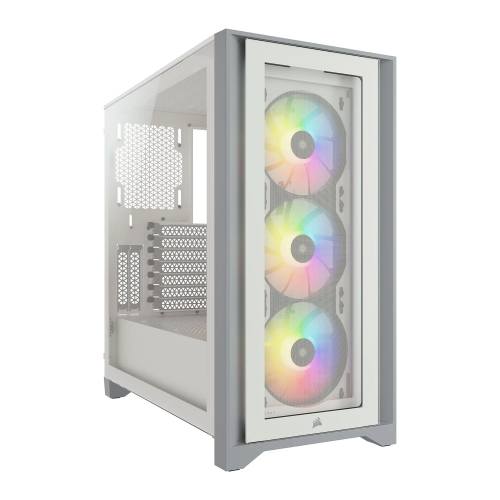
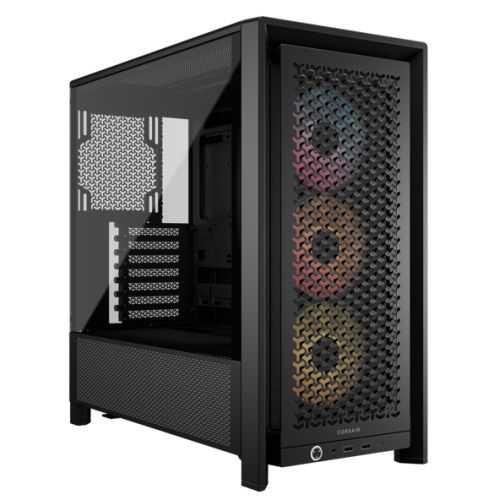
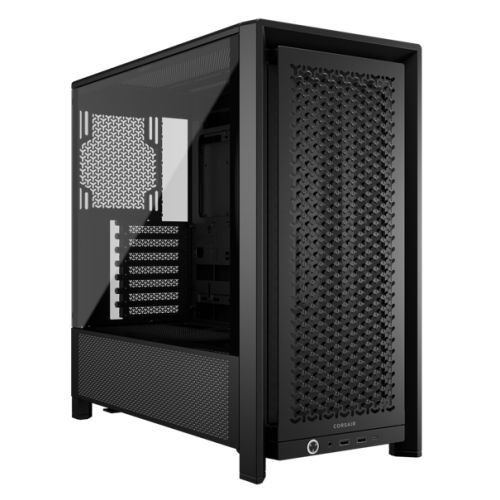
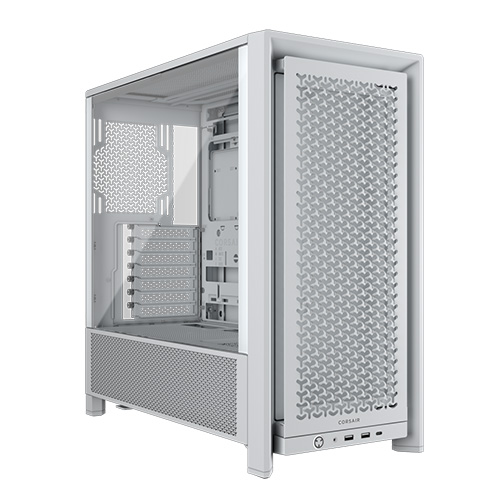
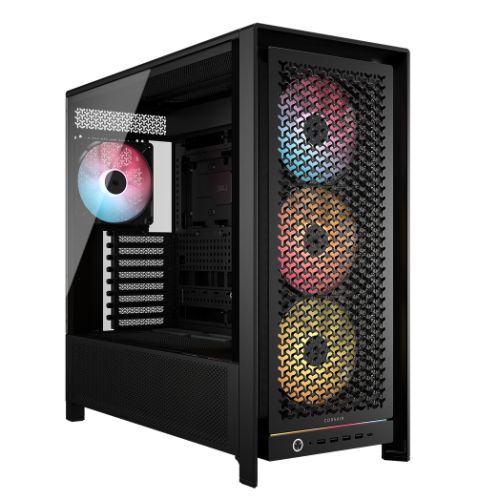
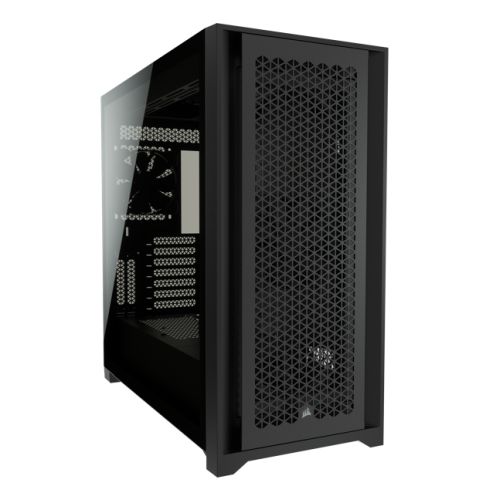
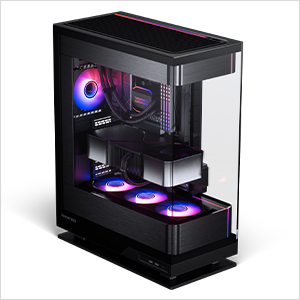
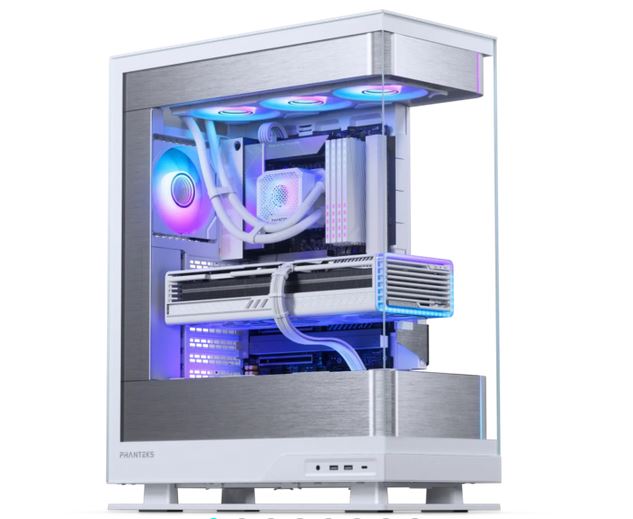
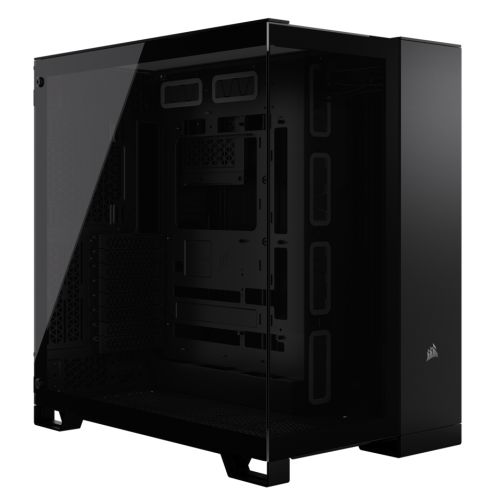
The Tungsten is assembled by hand in Wolverhampton. Inside the Corsair 3000D, cables are routed to support clear airflow through the front mesh panel to the RTX 5070 Ti and the 360mm radiator, reduce dust build-up around both NVMe drives and the GPU, and keep future maintenance accessible. BIOS settings and DDR5 memory profiles are confirmed before the 24-hour test begins. The 1000W PSU is confirmed stable at the combined draw of the RTX 5070 Ti and Core Ultra 9 under sustained load. GPU drivers are updated and confirmed before dispatch.
Every Tungsten runs under sustained CPU and GPU load for a full day before it ships. The test replicates the combined demand of a long GPU render job — the RTX 5070 Ti held at high utilisation throughout — alongside CPU export operations running simultaneously. This is the same demand profile as a production render submitted overnight followed by a broadcast export the following morning. Windows 11 Pro, drivers, and both NVMe drives are confirmed before the machine is packaged.
- Thermal behaviour under sustained GPU rendering and export load
- Processor and graphics stability during extended use
- Memory responsiveness and system stability
- Storage performance and consistency across both NVMe drives
- BIOS and firmware stability
- System stability under extended use
G6 Tungsten — Common Questions
Yes. BRAW footage from Blackmagic cameras edits in full quality without a proxy workflow on the G6 Tungsten. The RTX 5070 Ti 16GB handles BRAW GPU decode and colour science processing in real time during playback in DaVinci Resolve. With a standard colour grade applied to a BRAW timeline, playback stays smooth without frame dropping or buffering. The 16GB VRAM figure matters here: BRAW GPU processing is VRAM-intensive in a way that H.264 is not, and on a 12GB card BRAW timelines with a grade applied will begin to stall. If your camera shoots in BRAW — URSA, Pocket Cinema Camera, or any Blackmagic body with BRAW output — the RTX 5070 Ti 16GB is the correct GPU tier for proxy-free editing in Resolve.
Yes, for most 6K editing workflows in DaVinci Resolve. At 6K BRAW, the GPU carries the primary decode load rather than RAM — Resolve passes the decode to the RTX 5070 Ti, which handles it in VRAM. 64GB system RAM covers the Resolve application, the media bin, the active timeline, and After Effects or other applications running in the background simultaneously. Where 64GB would become a consideration is in multi-stream 6K compositing with very large node trees, or running DaVinci Resolve Fusion on complex 6K composites alongside the main edit. For most 6K editorial and colour workflows, 64GB is well-matched to the RTX 5070 Ti decode capability.
The Tungsten uses a Core Ultra 9 285K with an RTX 5070 Ti 16GB and a total of 6TB NVMe storage. The G6 Cobalt uses a Ryzen 9 9950X with an RTX 5090 32GB and a total of 6TB NVMe storage. For video editing specifically, the primary difference is VRAM: the Cobalt's RTX 5090 with 32GB VRAM is relevant for editors working with very large multi-stream compositing environments in Resolve Fusion or Nuke, or for those using GPU-accelerated machine learning tools in the post-production pipeline. For RAW editorial, colour grading, and export — which is the Tungsten's primary workload — 16GB VRAM handles BRAW and most cinema camera RAW formats without constraint. The Cobalt is a more significant investment and is primarily driven by its AI/ML and 32GB VRAM use cases rather than video editing alone.
The Tungsten handles BRAW up to 12K (subject to DaVinci Resolve current codec support and Blackmagic camera output), 4K RAW from cinema cameras including ARRIRAW where supported in the current Resolve release, 4K and 6K H.265, and standard compressed codecs. The RTX 5070 Ti 16GB determines the GPU decode ceiling — 16GB covers most professional cinema camera formats at 4K to 6K without requiring optimised media or proxies in DaVinci Resolve. For high-resolution RAW formats, call Kevin and confirm your specific camera model and codec before ordering, as VRAM requirements vary between codec implementations and Resolve versions.
Build time is 3 to 5 working days from order confirmation, including the 24-hour stress test at sustained GPU and CPU load. Delivery to UK mainland addresses is free and fully tracked. If you have a production deadline or a specific delivery date, call Kevin on 01902 714533 before ordering and he will confirm the timeline.
Ready to Order the G6 Tungsten?
Ginger6 has been building custom workstations in Wolverhampton since 2001. Kevin advises on your codec and spec before the build, assembles the machine by hand, and is available after delivery. 93% five-star reviews. 24-hour stress testing at sustained GPU load. 3-year warranty with lifetime support.
Custom Options
£3,967.10
£3,719.99

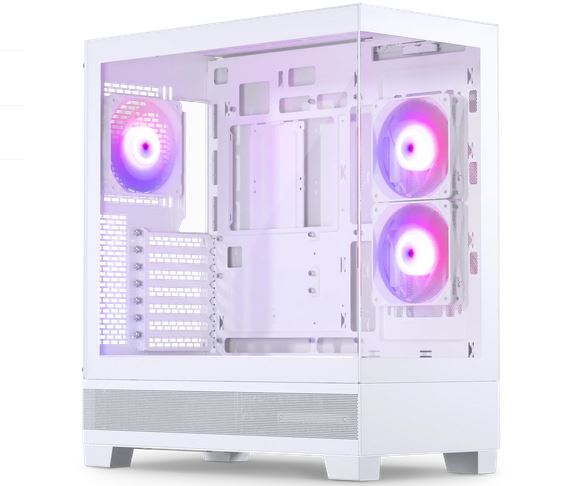
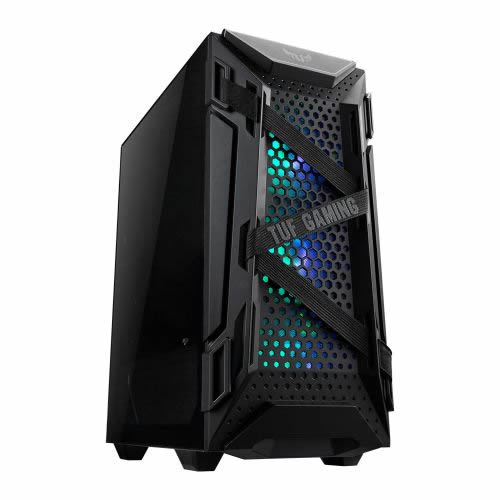
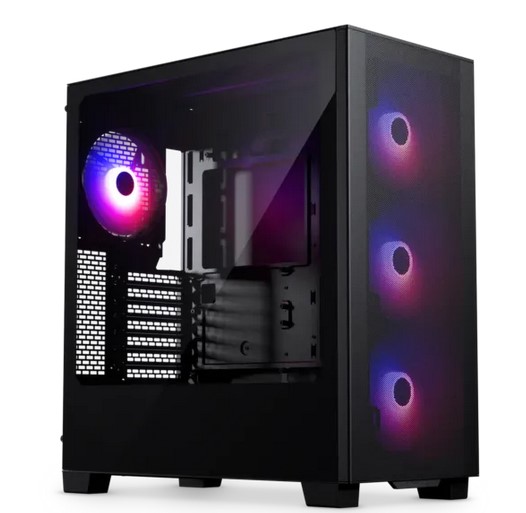
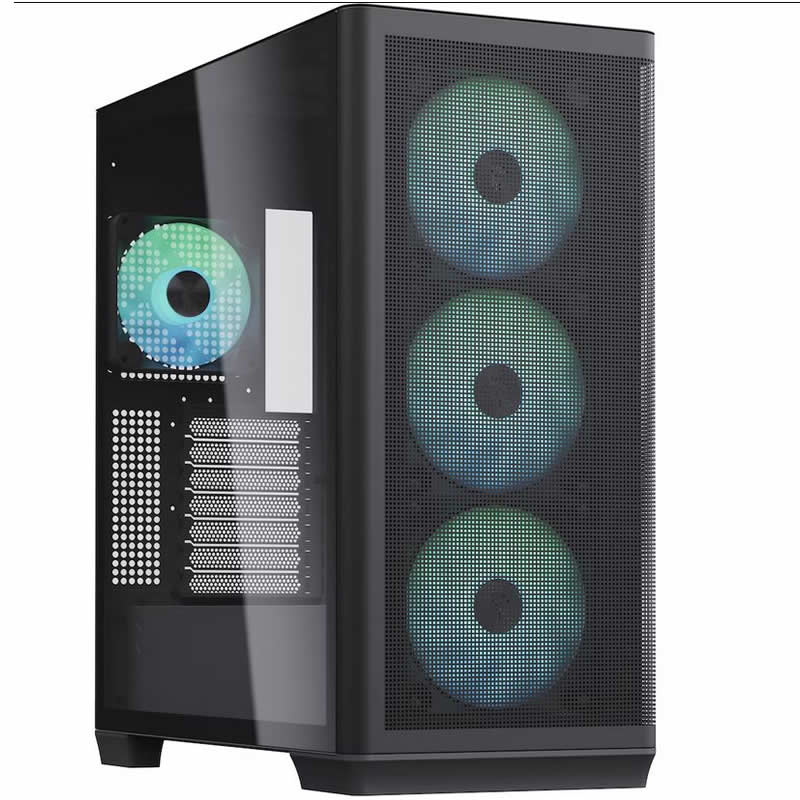



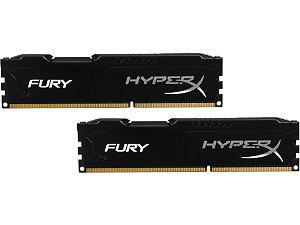
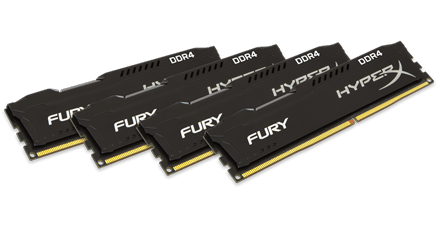






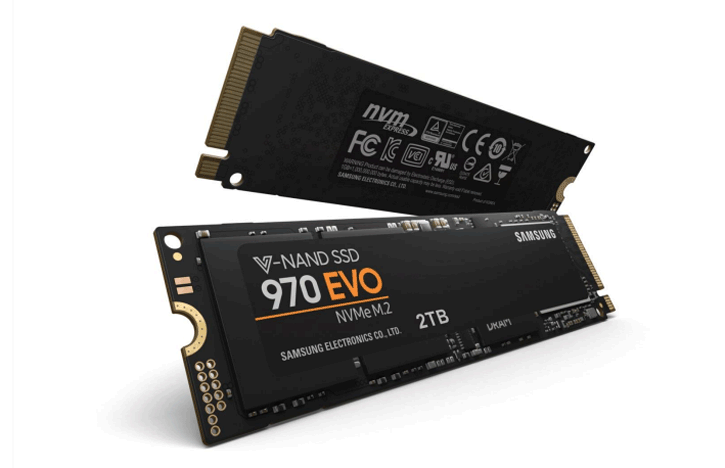
















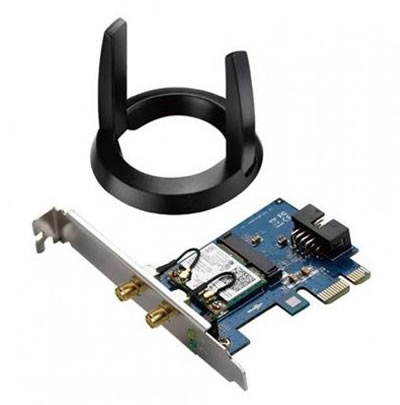


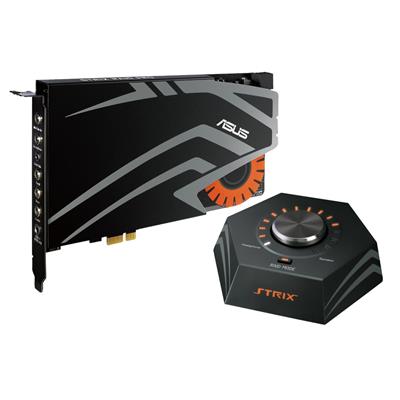




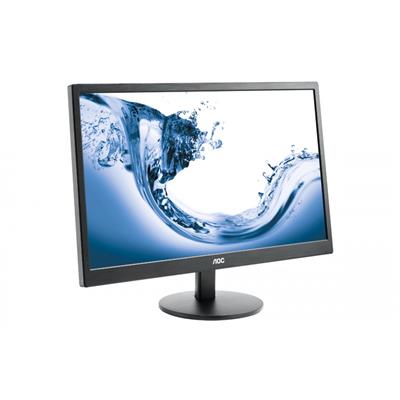


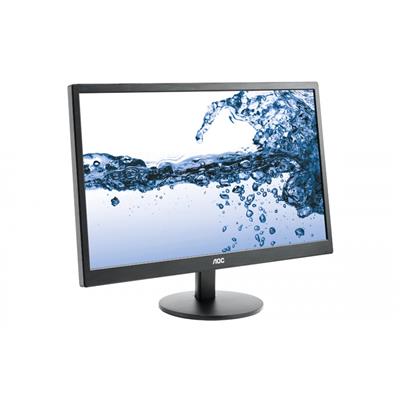


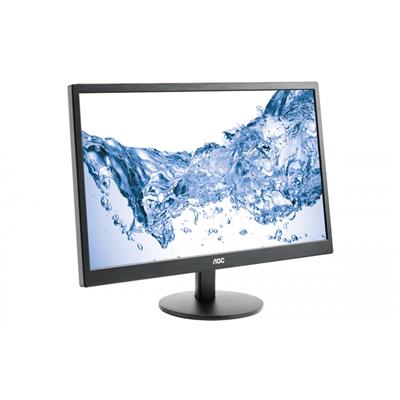



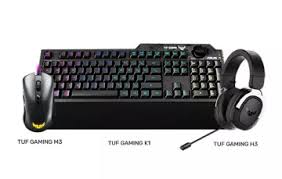





* Required Fields
Specifications
Additional Information
| Processor | Intel Core Ultra 9 285KF |
|---|---|
| Processor Type | Intel Core Ultra 9 |
| No of Cores | 24 |
| Max Core Speed | 5.70GHz |
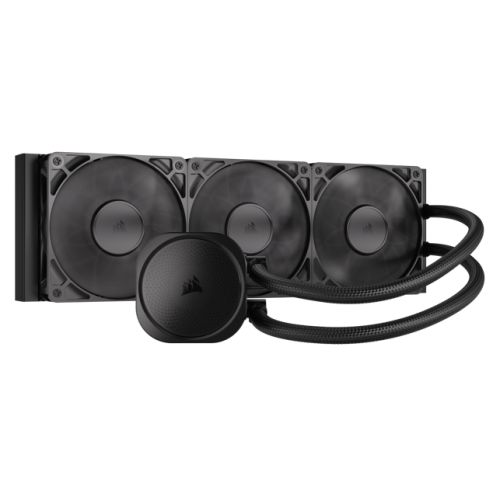
| CPU Cooler | 360mm ARGB AIO Liquid Cooler |
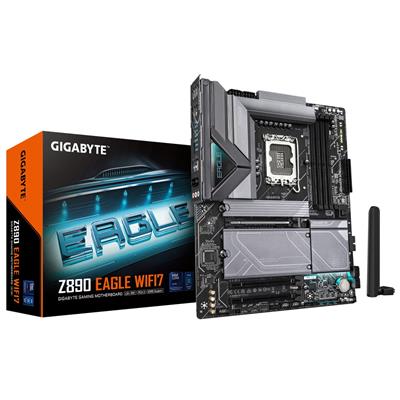
| Motherboard | Gigabyte Z890 EAGLE WIFI7 |
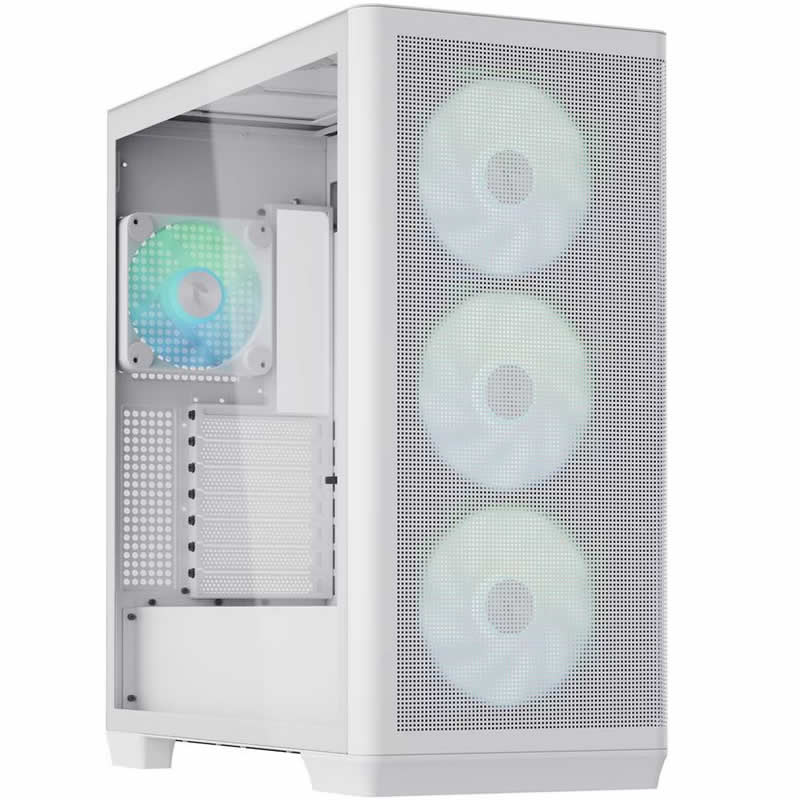
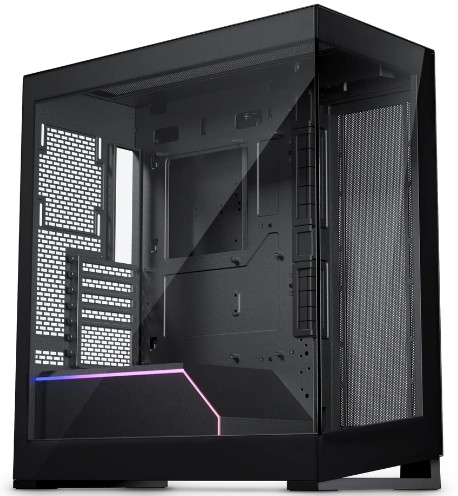
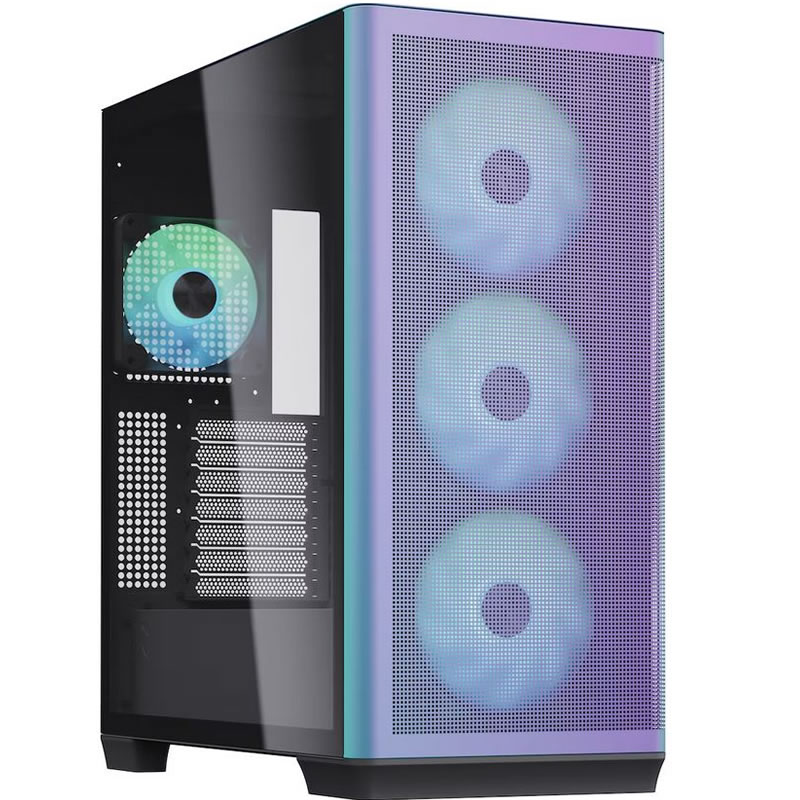
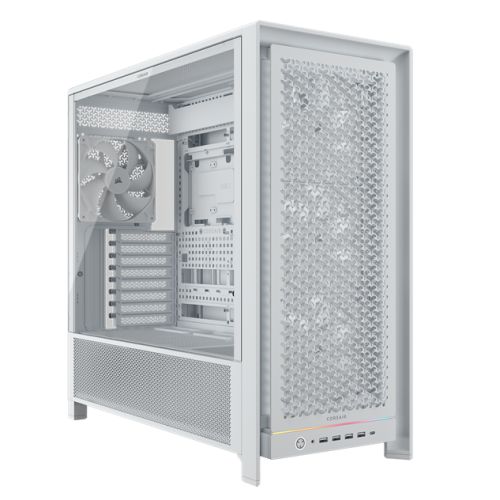
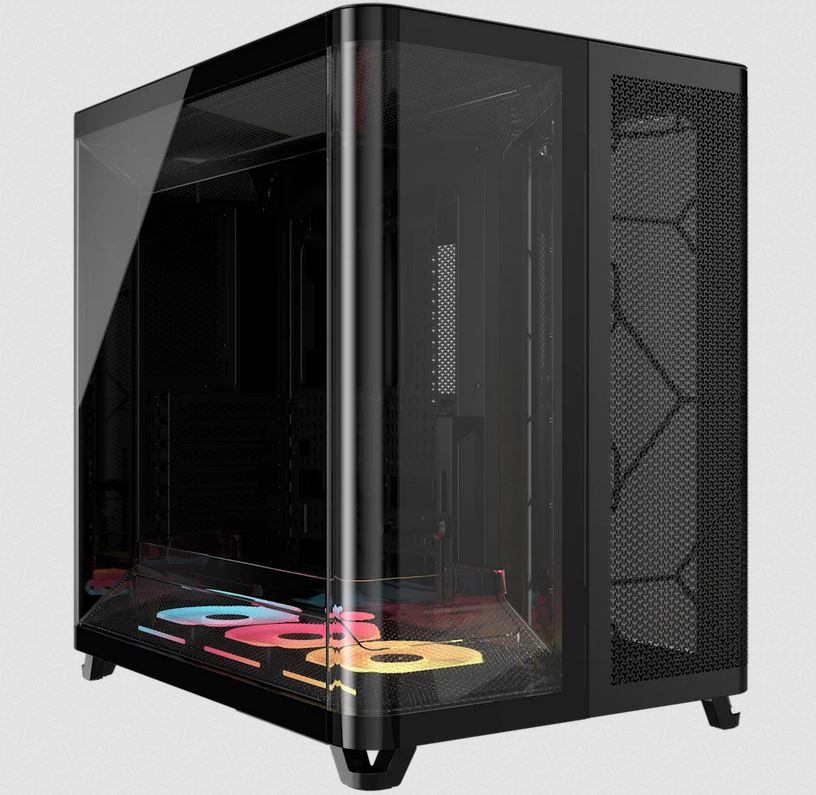
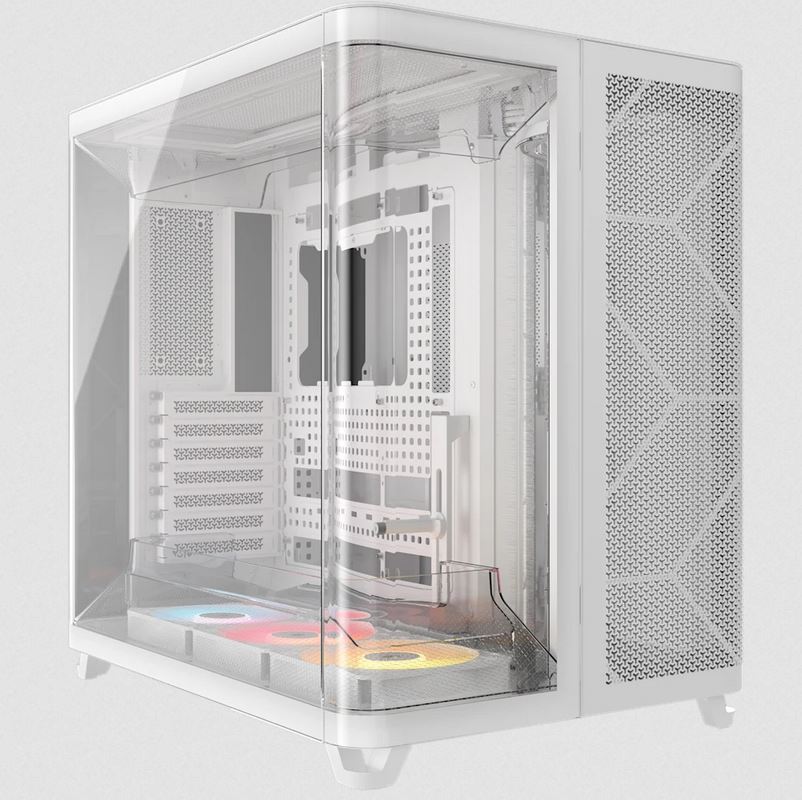
| Case | Corsair 3000D Black Black |
| Power Supply | 850w G6 80+ Gold |
| Memory Size | 64GB |
| Solid State Drive Size | 2TB |
| 2nd SSD | 4TB |
| Graphics | Nvidia RTX 5070 Ti 16GB |
| Graphics Card Connections | Displayport (x3), HDMI |
| Audio | 8-Channel High Definition Audio |
| LAN | 2.5GB LAN, Bluetooth, Wi-Fi 7 |
| Ethernet | Realtek 2.5GbE |
| Wi-Fi | WiFi 7 (MediaTek MT7925 rev1.0 / Realtek RTL8922AE rev1.1) |
| Bluetooth | 5.4 |
| Connections | Rear: 1x USB-C, 2x USB 3.2 Gen2, 3x USB 3.2 Gen1, 4x USB 2.0 |
| Front Panel Connections | 2x USB-A 3.x, combo headset/mic jack |
| USB2 Ports | 4 |
| USB3 Ports | 7 |
| USB-C Ports | 1 |
| Operating System | Windows 11 Pro |
| Monitors | Optional (See Custom Options) |
| Warranty | 3 Year Bronze Warranty |
Reviews
- Be the first to review this product