




G6 Graphite — Engineering and Developer Workstation
Description
G6 Graphite — Mid Multi-Core Workstation for Microservices, Large Codebases, and Data Science
The G6 Graphite is built for Docker Desktop microservices environments running ten or more containers simultaneously, large codebases in Visual Studio 2022 and JetBrains IDEs, Python and pandas workflows on datasets up to 15GB on disk, and entry AI and ML work including QLoRA 4-bit fine-tuning of 7B parameter models locally. The Ryzen 9 9950X delivers 16 cores for parallel compilation, and 64GB DDR5 keeps a full microservices stack in memory without paging. From £2509.99, built and stress-tested in Wolverhampton. The Graphite features in our software development workstations, data science workstations, and AI and ML workstations ranges.
64GB DDR5 covers most professional development and data science environments. If your engineering simulation work involves ANSYS Fluent meshes above 10 million cells, if your datasets regularly run above 30GB on disk, or if you need local Kubernetes with heavy VM stacks, the G6 Chromite with 128GB DDR5 is the correct step up. If you are on the boundary, call Kevin before you order.
Not sure if this is the right spec for your container environment and dataset scale? Call Kevin on 01902 714533 — he will give you a straight answer.
G6 Graphite — Full Specification
16 cores, 64GB DDR5, and 16GB VRAM — configured for parallel compilation, microservices at scale, and entry AI and ML work on the AMD AM5 platform.
Why This Specification for Serious Parallel Workloads
Every component in the Graphite is chosen for the specific demands of microservices at scale, large parallel builds, and entry AI and ML work.
Ryzen 9 9950X: 16 cores for serious parallel workloads
16 cores process 16 compilation units simultaneously. For large monorepos, CMake projects with hundreds of translation units, or test suites with thousands of parallel tests, the 9950X cuts full rebuild times roughly in half compared to an 8-core machine. The return scales directly with project size — the larger the project, the more the core count matters.
64GB: the practical amount for microservices development
Running ten or more Docker containers simultaneously alongside a JetBrains IDE actively indexing and WSL2 requires 64GB to avoid memory pressure. With 32GB, the OS begins paging when the container count climbs. 64GB also handles large pandas DataFrames in the 5 to 15GB range on disk without memory issues — the step up from the G6 Basalt for growing environments.
RTX 5060 Ti 16GB: AI/ML entry and light GPU rendering
16GB VRAM handles QLoRA 4-bit fine-tuning of 7B parameter models — the entry point for local LLM fine-tuning without cloud costs. Also covers Blender Cycles OptiX on moderately complex scenes. The 16GB figure matters: 8GB VRAM forces quantisation at a level that compromises model quality for fine-tuning work at this scale.
Windows 11 Pro: the right edition for a professional environment
Pro includes BitLocker drive encryption for teams handling sensitive data, domain join for business network environments, and Remote Desktop for accessing the machine from another location. For a developer workstation used in a professional or regulated context, the Pro edition removes the friction of working around Home edition restrictions from day one.
What the G6 Graphite Handles
Confirmed software performance at the G6 Graphite specification. Project scales based on Ryzen 9 9950X, 64GB DDR5, RTX 5060 Ti 16GB, and 2TB NVMe.
Performance descriptors are indicative. Actual performance depends on project complexity, settings, and system configuration. Kevin can advise on the right spec for your specific workflow.
The Step Up Is in Scale, Not Just Specification.
The Graphite is for development environments that the Basalt's 32GB has outgrown. The specific moment is when the container count in Docker climbs above five or six: at that point, a 32GB machine begins paging and the slowdowns are intermittent, showing up at unpredictable moments during a session rather than consistently. 64GB removes that ceiling for most microservices environments. The Ryzen 9 9950X's 16 cores then handle the compilation side — where the Basalt's 12 cores are well-matched for mid-size projects, 16 cores return proportionally more on large monorepos with hundreds of translation units and on test suites running thousands of tests in parallel.
The RTX 5060 Ti 16GB adds an angle the Basalt does not cover: local LLM fine-tuning. QLoRA 4-bit fine-tuning of a 7B parameter model fits within 16GB VRAM. For developers who want to run and adapt language models locally rather than paying per API call, this is the entry specification. For engineering simulation buyers considering ANSYS or COMSOL: the Graphite handles CPU-based solver work and moderate FEA well, but buyers requiring ISV-certified GPU solver operation should look at the G6 Forge M or G6 Forge H, which carry certified professional GPUs. If your workflow sits above 30GB datasets or needs local Kubernetes with heavy VM stacks, the G6 Chromite with 128GB is the correct next step.
Tell Kevin:
- The software you use most and the version
- Your typical file sizes or project scales
- Whether you need to run multiple applications simultaneously — and which ones
- Your approximate budget and whether this is for one machine or a team
No charge for the conversation. No pressure to buy.
93% Five-Star Reviews on Trustpilot
93% of Ginger6 customers leave five-star reviews. Kevin is the person who advises on the spec, builds the machine, and picks up the phone after delivery. A mid-range workstation from Ginger6 gets the same attention as the top of the range.
See all reviews"I upgraded my PC to one that was Windows 11 compatible. I have been using it for about 3 months with no problems. The service from Ginger 6 has been great."
"Placed order, and received it earlier than expected. Windows and drivers already installed so computer was good to go right out of the box. Runs perfectly, have no complaints, only good things to say! Recommended!!"
"Really great help. Hasham was able to fix a technical problem and was understanding throughout."
Built by Hand in Wolverhampton
Every G6 Graphite is assembled, configured, and tested by Kevin's team before it ships. The 24-hour stress test is run at the workload profile this machine is designed for — not a gaming benchmark.
Before the build begins, the configuration is reviewed against your software and workload. If you have spoken to Kevin, the spec is confirmed against what he knows about your container count, your codebase size, and whether AI and ML work is part of the workflow. The Ryzen 9 9950X and B650 Eagle AX are verified for AM5 compatibility. Components are staged, inspected, and confirmed against the order before assembly starts.
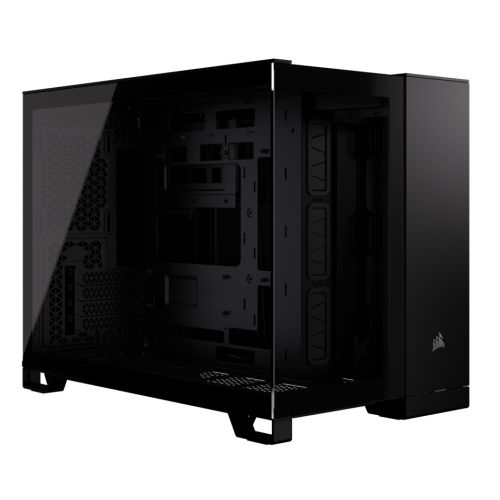
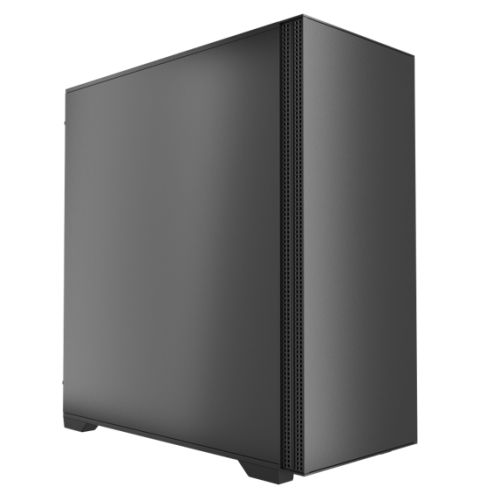
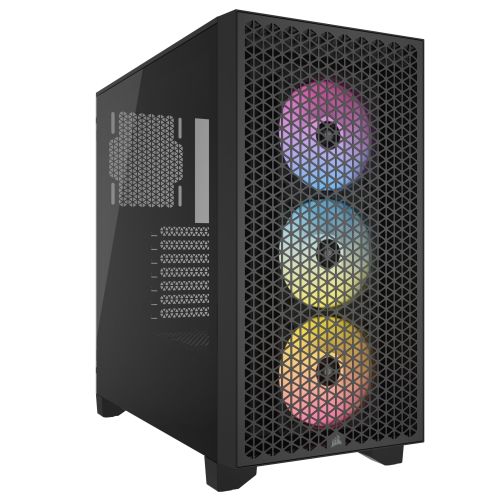
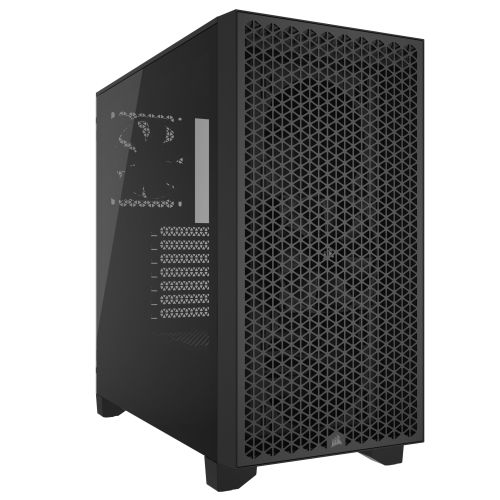
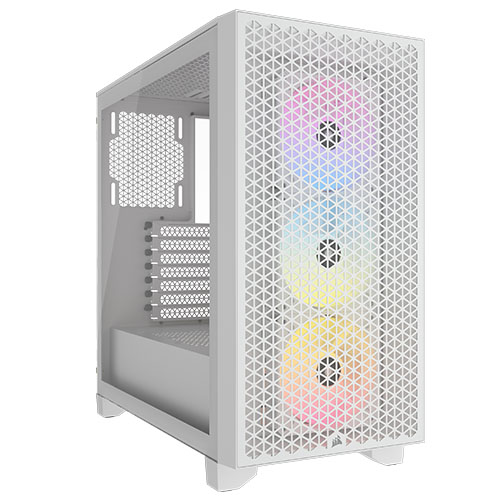
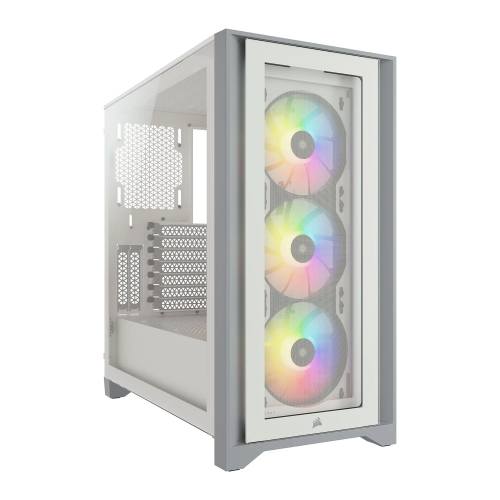
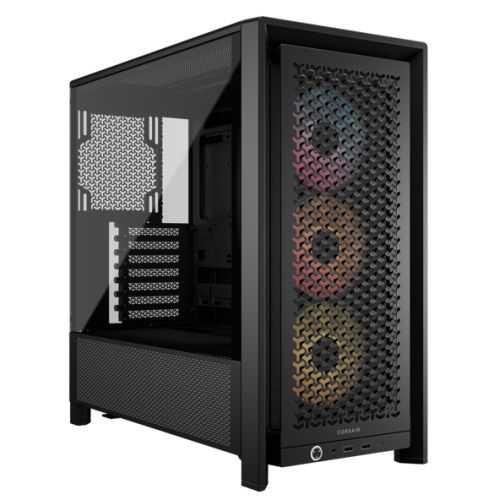
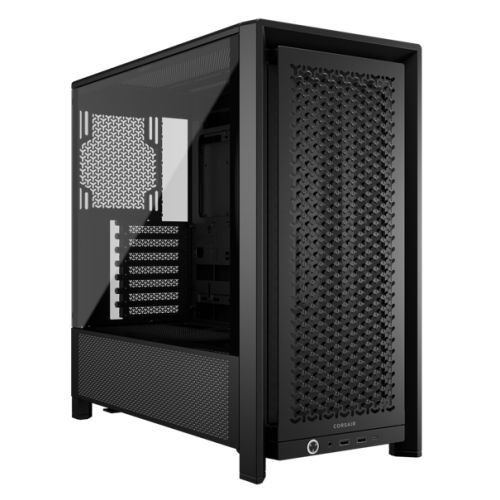
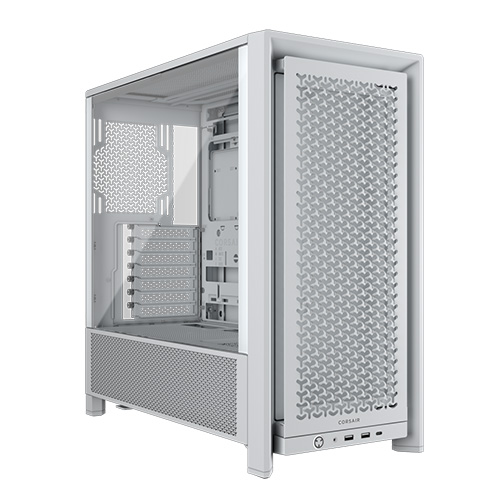
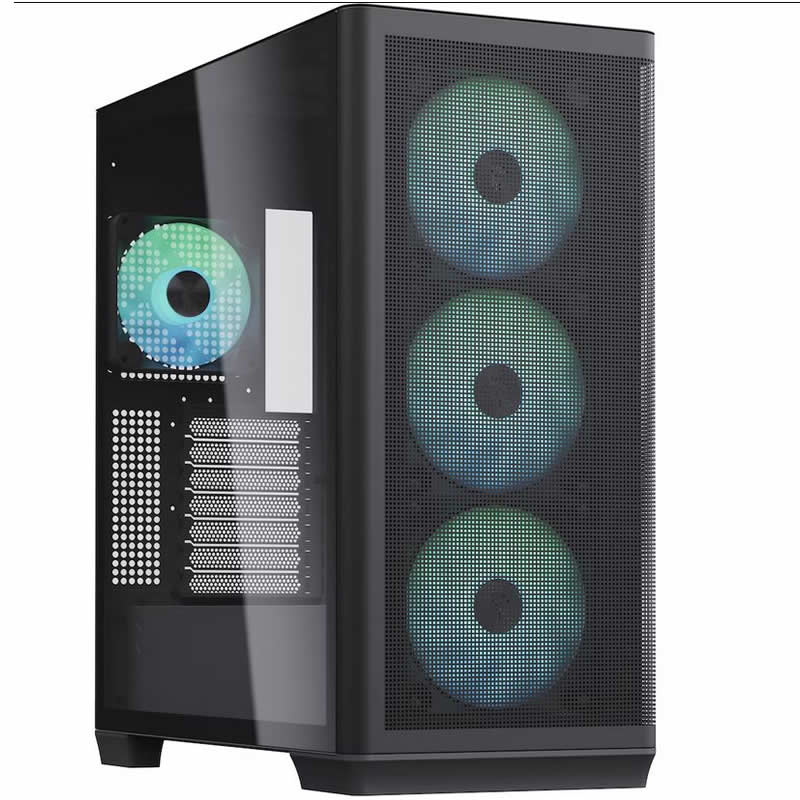
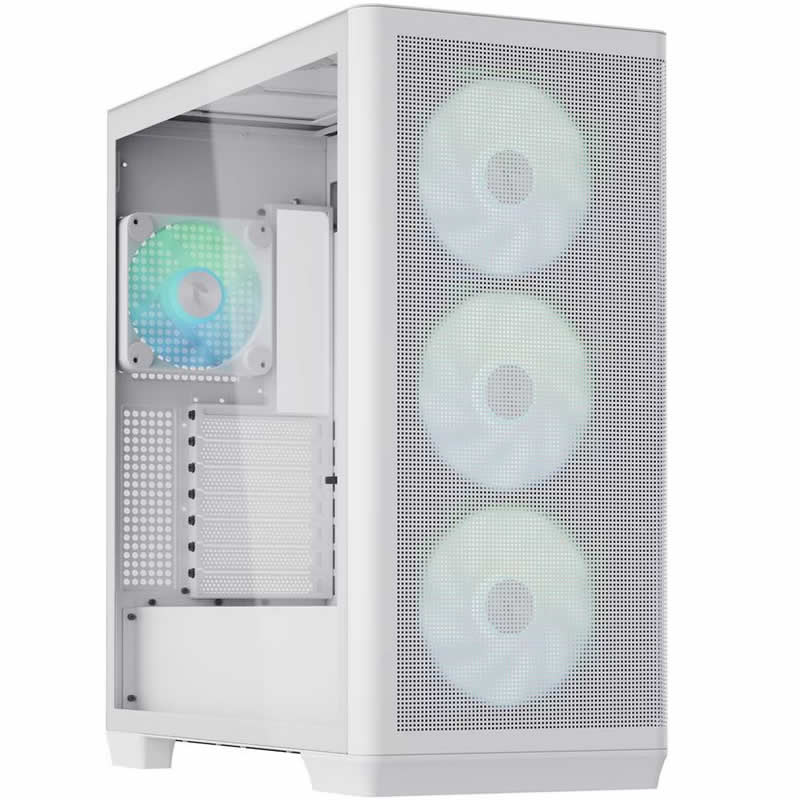
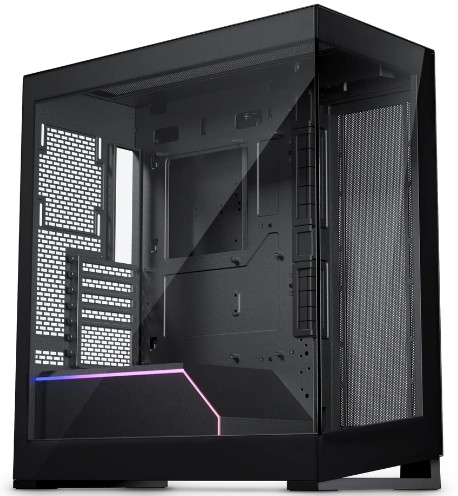
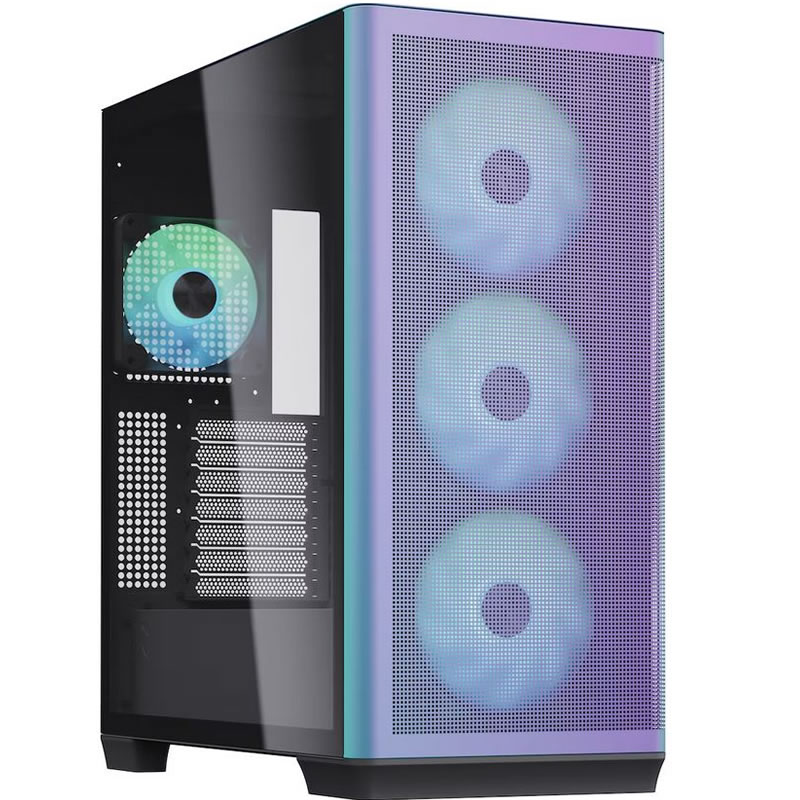
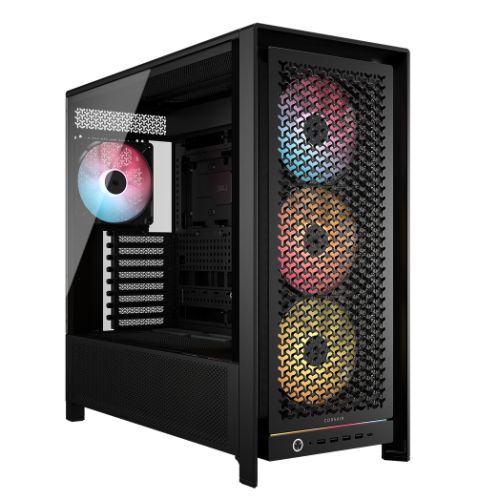
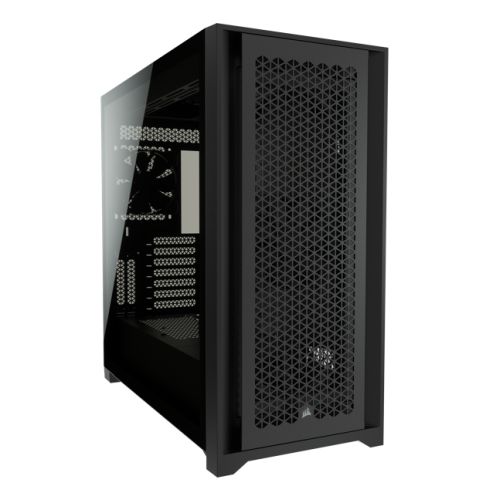
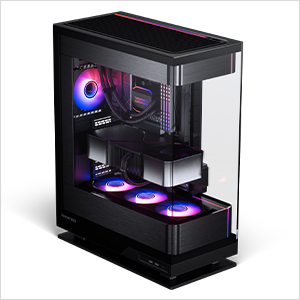
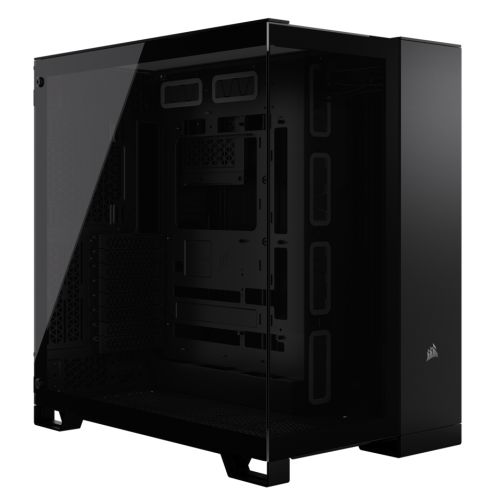
The Graphite is assembled by hand in Wolverhampton. Inside the Corsair 3000D, cables are routed carefully to support airflow through the front mesh panel and around the 360mm radiator, reduce dust build-up around components, and keep future maintenance straightforward — clear cable paths make servicing faster in year two and year three. BIOS settings and DDR5 memory profiles are confirmed before the 24-hour stress test begins, preventing configuration conflicts and ensuring the processor runs at its rated operating frequency from the first use. Firmware is confirmed stable before dispatch.
Every Graphite runs under sustained CPU load across all 16 cores for a full day before it ships. The test replicates the sustained utilisation of a long compilation run or an extended test suite — the Ryzen 9 9950X held at high frequency throughout, with memory stress applied to confirm stability under concurrent Docker and WSL2 load. If a component is going to fail, it fails on the bench in Wolverhampton. Windows 11 Pro, drivers, and storage performance are confirmed before the machine is packaged for dispatch.
- Thermal behaviour under sustained 16-core compilation load
- Processor and graphics stability during extended use
- Memory responsiveness and stability under Docker and WSL2 load
- Storage performance and consistency
- BIOS and firmware stability
- System stability under extended use
G6 Graphite — Common Questions
For a typical microservices environment, 64GB comfortably supports ten to fifteen containers simultaneously alongside a JetBrains IDE with active indexing, WSL2, and a browser. The exact number depends on your container sizes — lightweight Node or Python containers consume far less memory than containers running local databases or message brokers. As a practical benchmark: a team running a full microservices stack locally with a gateway, five to eight application services, a database, a cache, and a message queue alongside the IDE and browser tends to land in the 40 to 55GB range under normal load. 64GB keeps that in memory with headroom. For local Kubernetes clusters or large VM stacks, call Kevin and describe the environment — that workload may point toward the G6 Chromite with 128GB.
Yes, at the 7B parameter scale with QLoRA 4-bit quantisation. Fine-tuning a 7B model using QLoRA on the RTX 5060 Ti 16GB is achievable — the 4-bit quantisation reduces the VRAM footprint to a level that fits within 16GB with headroom for activations and optimiser states. This is the practical entry point for local LLM fine-tuning using frameworks like Hugging Face Transformers and the PEFT library. For 13B parameter models at 4-bit quantisation, 16GB is typically sufficient but margins are tighter. For models above 13B or for full-precision fine-tuning without quantisation, VRAM requirements increase significantly and a higher-VRAM GPU or multi-GPU setup becomes necessary. If fine-tuning is the primary workload rather than a secondary one, call Kevin and describe the model sizes and training setup before ordering.
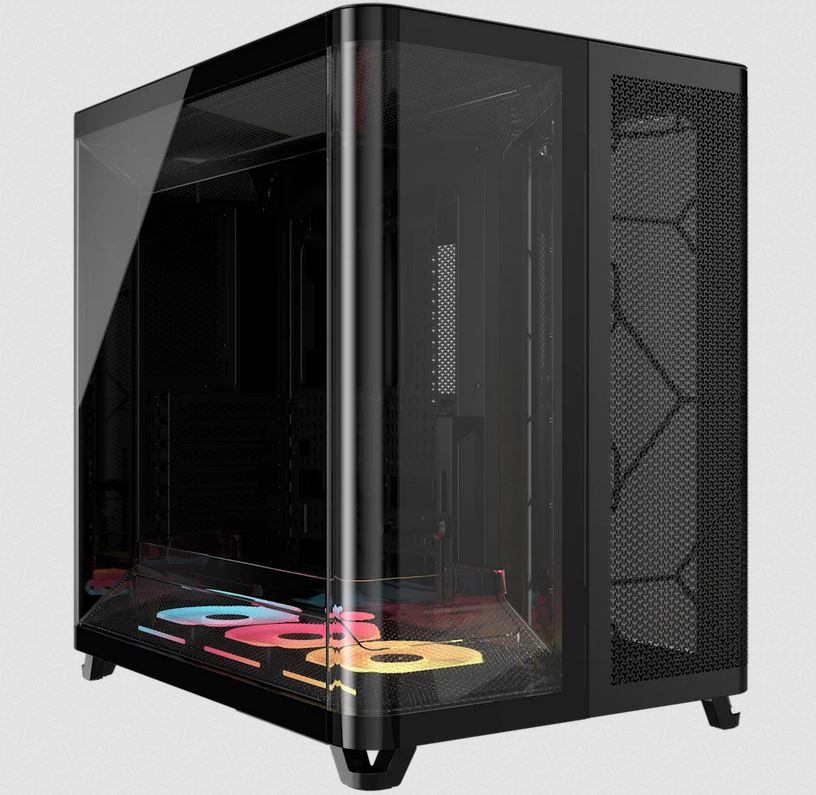
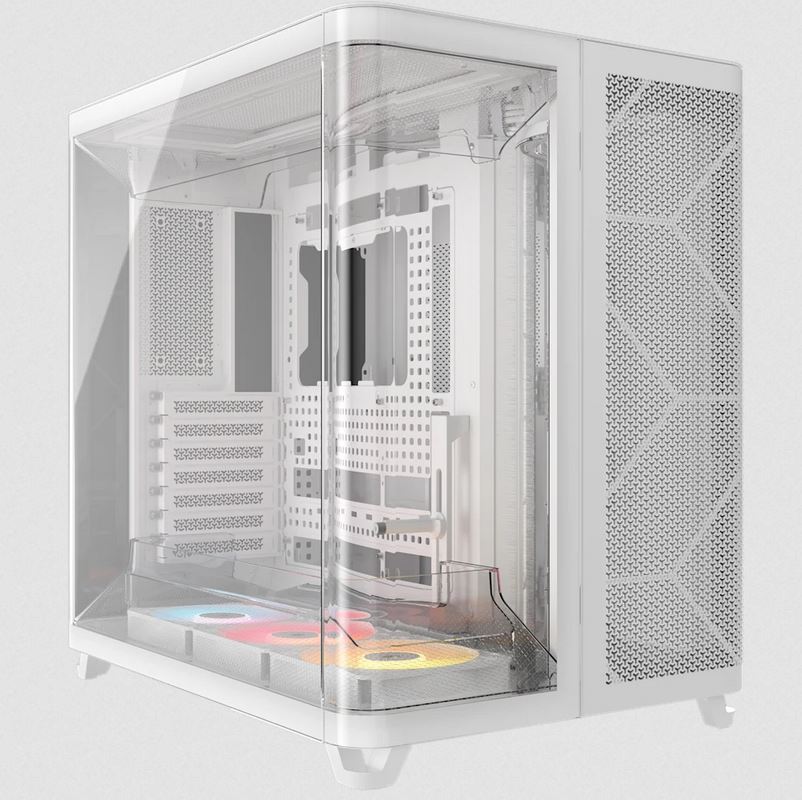
Both machines use the same Ryzen 9 9950X processor with 16 cores. The Graphite has 64GB DDR5, an RTX 5060 Ti 16GB, a 2TB NVMe, and ships in a Corsair 3000D. The G6 Chromite has 128GB DDR5, an RTX 5070 12GB, dual 2TB NVMe drives, and ships in an APNX C1 case. The practical difference is in RAM ceiling and simulation scale: the Chromite is for ANSYS Fluent CFD cases with ten million or more cells — workloads that will exceed 64GB during the solve — and for data science work on DataFrames of 30 to 40GB on disk. It also handles local Kubernetes clusters and heavy VM stacks where 64GB becomes the constraint. The Graphite is the correct machine for most software development and data science environments below those scales. If you are not certain which one fits your workload, call Kevin and describe your typical project size.
For most large CMake projects in 2026, 16 cores is a strong and well-matched choice. CMake with Ninja or Make distributes compilation across all available threads — 16 cores process 16 translation units simultaneously. For a project with hundreds of translation units, rebuild times scale proportionally with core count. The Ryzen 9 9950X's 16 cores at sustained high frequency will complete a large CMake build meaningfully faster than an 8-core machine and comparably to a 24-core workstation on projects where the bottleneck is compilation rather than linker speed. The linker is largely single-threaded, so for very large projects where linking dominates, the marginal return of additional cores above 16 diminishes. 16 cores at this price point is the practical ceiling before costs escalate significantly.
Build time is 3 to 5 working days from order confirmation, including the 24-hour stress test. Delivery to UK mainland addresses is free and fully tracked. If you are ordering for a team and have a specific deployment date, call Kevin on 01902 714533 before placing the order — he will confirm whether the timeline is achievable and whether any lead time applies to specific components at that point.
Ready to Order the G6 Graphite?
Ginger6 has been building custom workstations in Wolverhampton since 2001. Kevin advises on the spec, builds the machine, and answers the phone after delivery. 93% five-star reviews. 24-hour stress testing. 3-year warranty with lifetime support.
Custom Options
£2,722.22
£2,554.99
































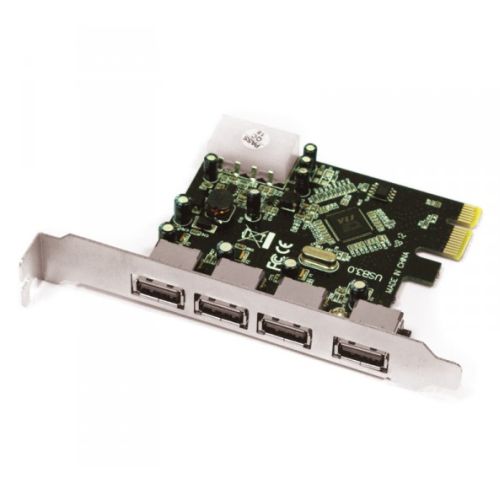





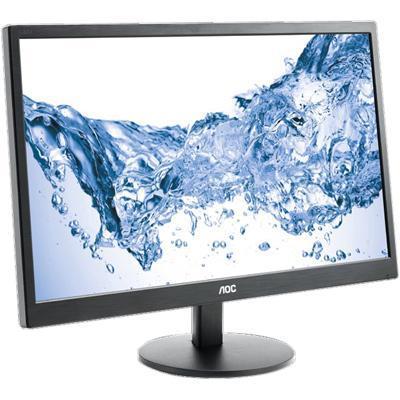

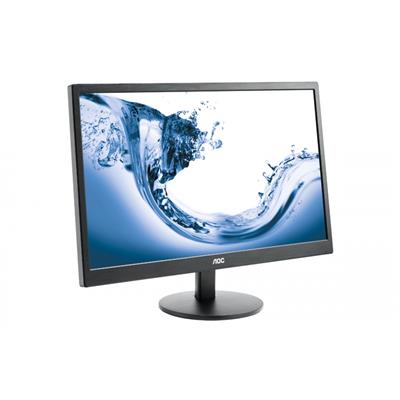








* Required Fields
Specifications
Additional Information
| Processor | AMD Ryzen 9 9950X |
|---|---|
| Processor Type | AMD Ryzen 9 |
| No of Cores | 16 |
| Max Core Speed | 5.70GHz |
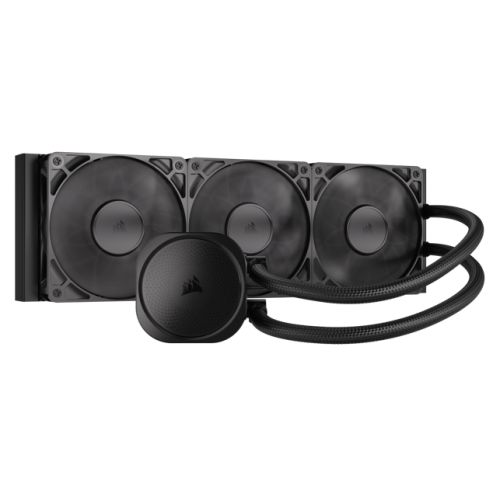
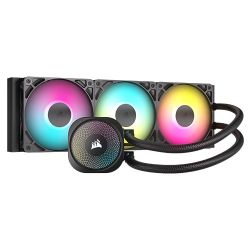
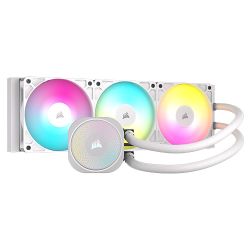
| CPU Cooler | 360mm ARGB AIO Liquid Cooler |
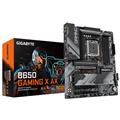
| Motherboard | Gigabyte B650 Eagle AX |
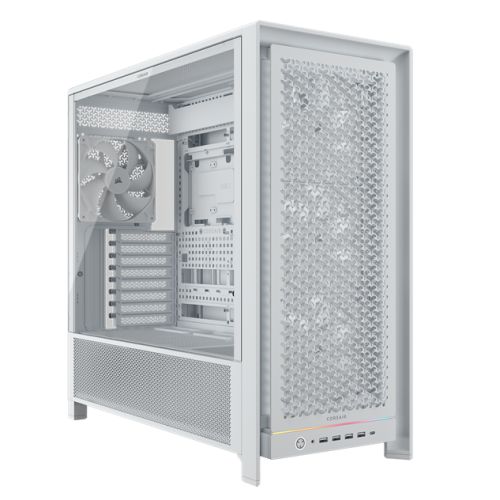
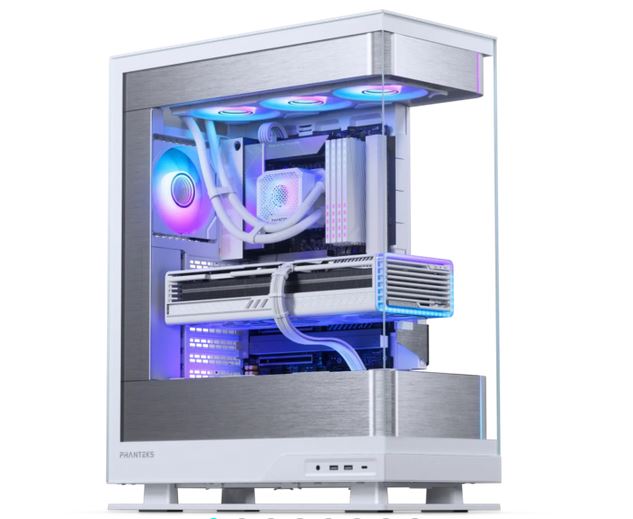
| Case | Corsair 3000D Black Black |
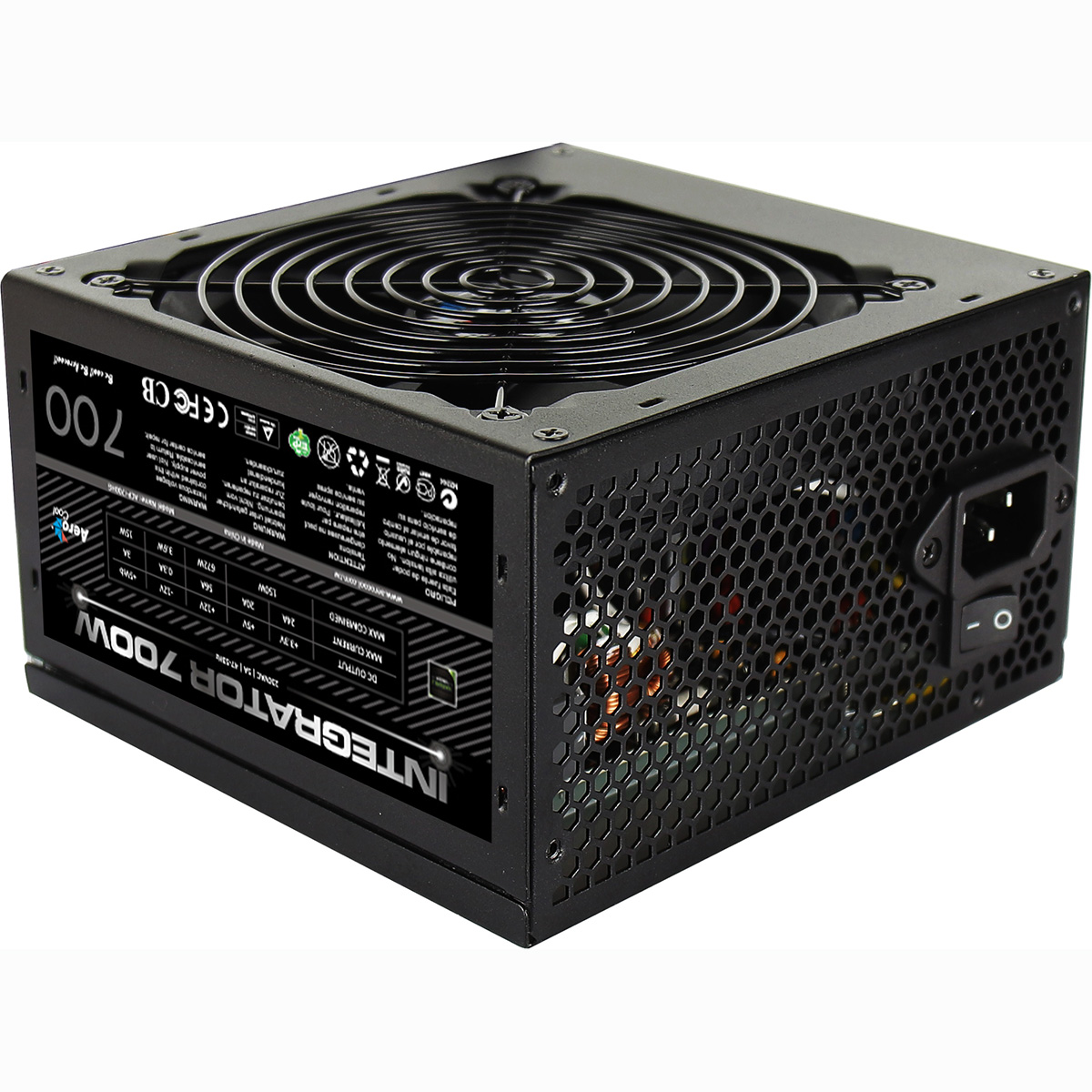
| Power Supply | 750w G6 80+ Bronze PSU |
| Memory Size | 64GB |
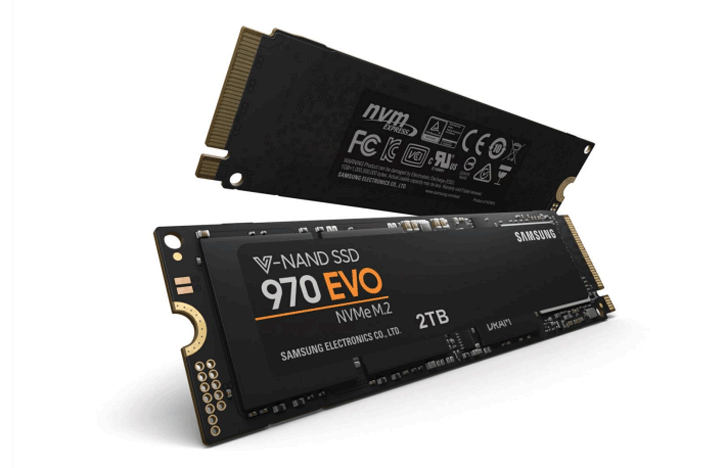
| Solid State Drive Size | 2TB |
| Graphics | Nvidia RTX 5060 Ti 16GB |
| Graphics Card Connections | Displayport (x3), HDMI |
| Audio | Realtek ALC887 8-channel high definition audio CODEC |
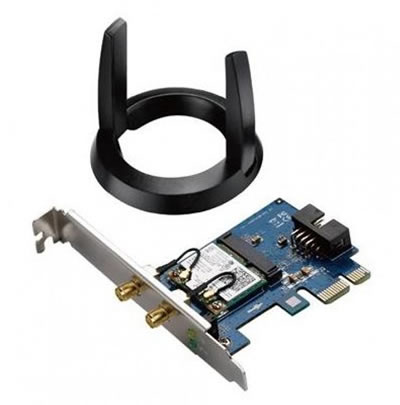
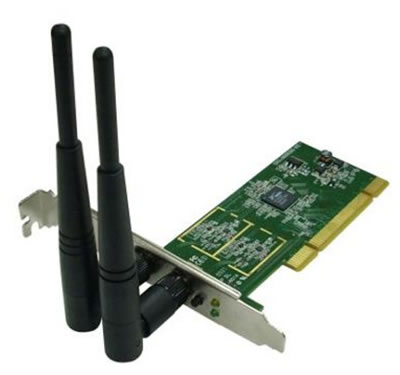
| LAN | 10/100/1000 Gigabit LAN Port, Bluetooth, Wi-Fi 6E |
| Ethernet | Realtek GbE 1 Gbps |
| Wi-Fi | WiFi 6E (Realtek RTL8852CE rev1.0 / Intel AX210 rev1.1) |
| Bluetooth | 5.3 |
| Connections | Rear: 1x USB-C, 2x USB 3.2 Gen2, 6x USB 2.0 |
| Front Panel Connections | 2x USB-A 3.x, combo headset/mic jack |
| USB2 Ports | 6 |
| USB3 Ports | 4 |
| USB-C Ports | 1 |
| Operating System | Windows 11 Home |
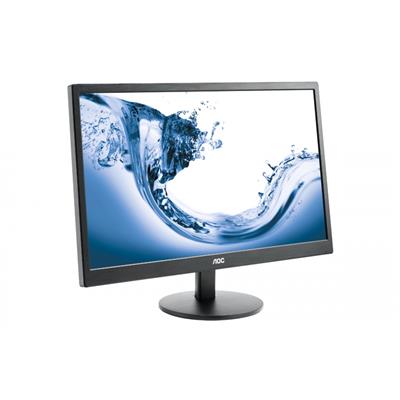
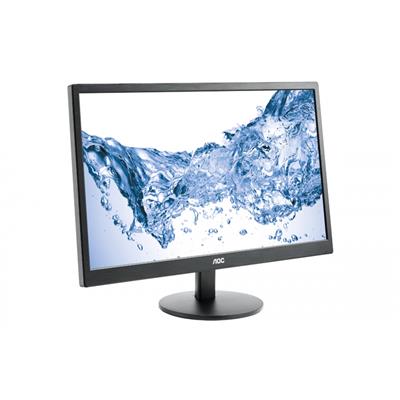
| Monitors | Optional (See Custom Options) |
| Warranty | 3 Year Bronze Warranty |
Reviews
- Be the first to review this product