




Intel i5 i7 i9 Custom Z790 DDR5 Gaming PC
Description
Intel Z790 DDR5 Custom Gaming PC: Configure on Z-Series, Ginger6 Builds It
The Ginger6 Intel Z790 DDR5 Custom Gaming PC is a configurator, not a fixed spec. The seven-step Custom Options form on this page walks you through every component decision: case, processor, motherboard, memory, GPU, storage, power, cooling, software, peripherals, warranty. Pick the parts that fit your monitor, your games, and your budget. We hand-build the machine in our Wolverhampton workshop on the Intel Z790 chipset with DDR5 memory at the centre of the platform, stress-test the configured build for 24 hours under sustained load, and ship it on a 3-year warranty with lifetime UK phone support. Configuring custom Ginger PCs since 2001.
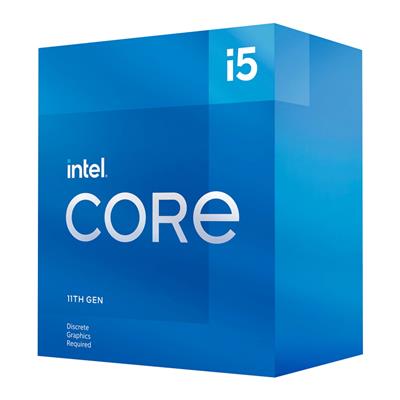
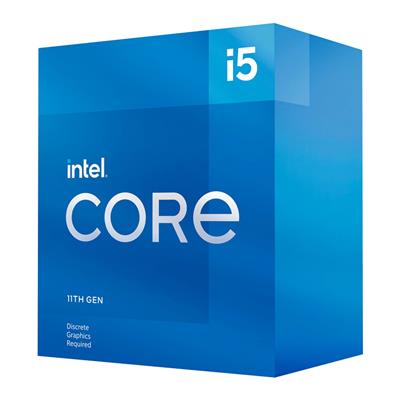
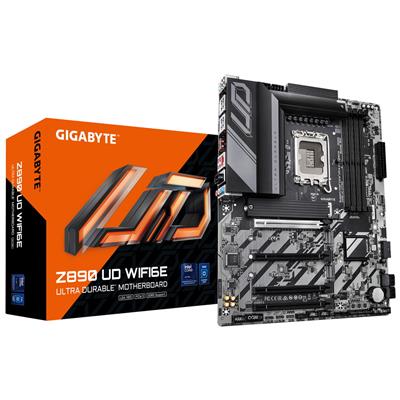
This is the Z-series lane of the Ginger6 Intel custom-built range. Step 1 of the configurator lands on the Gigabyte Z790 D AX (LGA 1700, DDR5, Wi-Fi 6E plus Bluetooth onboard) with a Core i5 12400F, 16GB DDR5 5200MHz (2x8GB) Dual Channel, the Nvidia RTX 3050 6GB, and a 1TB Gen 4 NVMe SSD at £1144.99 as the entry price. The configurator climbs the Z790 stack from there: Core i5 K-suffix, Core i7 13700KF / 14700KF, all the way to the Core i9 14900K (24 cores). The Step 1 motherboard dropdown also carries a Gigabyte Z890 UD WIFI6E alternative that crosses the build over to LGA 1851 Core Ultra silicon (Core Ultra 7 and Core Ultra 9) with PCIe 5.0 and USB4 Type-C support. Prefer to talk it through? Call Kevin on 01902 714533. He builds the machine, answers the phone, and gives a straight answer based on the games and the panel you have.
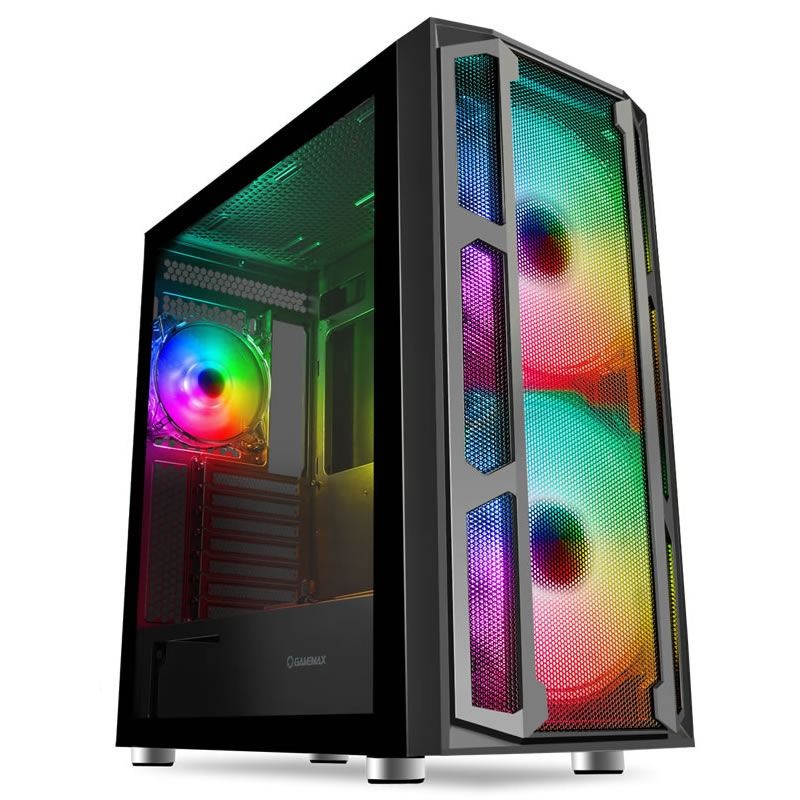
The Z790 chipset is the current-generation Intel Z-series platform on Socket LGA 1700 with DDR5 memory and PCIe Gen 5 GPU support, the mid-to-top Intel platform sized for buyers who want more than the entry H-series chipset. The default Gigabyte Z790 D AX is the LGA 1700 Z-series board: 1GbE LAN, four DDR5 DIMM slots, multiple M.2 NVMe slots, integrated Wi-Fi 6E plus Bluetooth onboard from the board so no USB dongle is needed for wireless connectivity, 7x USB ports, and 1x Type-C. Step the board up at Step 1 to the Gigabyte Z890 UD WIFI6E alternative to cross over to LGA 1851 Core Ultra silicon and unlock PCIe 5.0, USB4 Type-C, Wi-Fi 6E, and 2.5GbE LAN. The Intel Z790 DDR5 Custom Gaming PC sits inside our Custom PCs hub, the Intel Custom PCs sub-hub, and the wider Ginger6 gaming PC catalogue. Browse the Intel Core mid-to-top tiers at Core i5, Core i7, and Core i9, or the Core Ultra 7 tier for the LGA 1851 cross-over reference.
The Intel Z790 DDR5 Custom Gaming PC is the Z-series mid-to-top Intel configurator. If you want broader Intel reach starting at Core i3 entry on an H-series board, the Ginger6 Intel Custom Gaming PC is the broad-range sibling. If you want a dedicated Core Ultra configurator on LGA 1851 exclusively, the Intel Core Ultra Custom Gaming PC covers that lane. If you would prefer us to pick the spec at this price band, the fixed-spec G6 ND1300 Intel i7 Next Day ships within one working day, and the G6 Storm x3 Intel Core i7 is the fixed-spec Storm-range reference at the i7 tier. If you prefer the AMD platform with current Ryzen silicon, the AMD Ryzen 7000 Custom Gaming PC on AM5 is the cross-platform AM5 sibling.
Three Reasons to Configure on Z-Series Rather Than Buy a Fixed Spec
The Ginger6 Intel Z790 DDR5 Custom Gaming PC configurator exists because no two buyers have the same monitor, the same games, or the same budget. A fixed-spec gaming PC is an opinion. A custom build is your decision.
You Pick the Spec, Ginger6 Builds It
Choose the CPU, the GPU, the RAM, the storage, the case, the cooler, the PSU, and the warranty. The Ginger6 workshop assembles the build to your decisions, not to a marketing-defined tier. The default options in each step are the most-asked starting points, but every dropdown changes price and lead time live as you configure.
Z-Series Mid-to-Top Focus with DDR5 and Onboard Wireless
The Z790 chipset on the default Z790 D AX board carries integrated Wi-Fi 6E plus Bluetooth from the board so no USB dongle is needed for wireless connectivity. The Z890 UD WIFI6E alt motherboard at Step 1 crosses the build over to LGA 1851 Core Ultra with PCIe 5.0, USB4 Type-C, and 2.5GbE LAN, the most future-ready Intel platform combination Ginger6 sells. Z-series builds run more I/O, more memory slots, and more storage bandwidth than entry H-series chipsets.
24-Hour Test on the Configuration You Ordered
The 24-hour stress test runs on the exact configuration that ships, not a representative build. Thermal headroom on the configured Intel CPU, memory stability at the configured DDR5 speed in dual-channel mode, NVMe storage under sustained read/write, and the configured cooler holding sustained load on the CPU and GPU you picked: all logged before despatch. If you upgraded the cooling for a K-suffix Core i7 or Core i9, the cooling is tested under that thermal envelope.
The Seven-Step Walk-Through
The Custom Options form on this product page is a seven-step build sheet. Every dropdown changes price and lead time live. The screenshots below walk through what each step contains and how to decide.
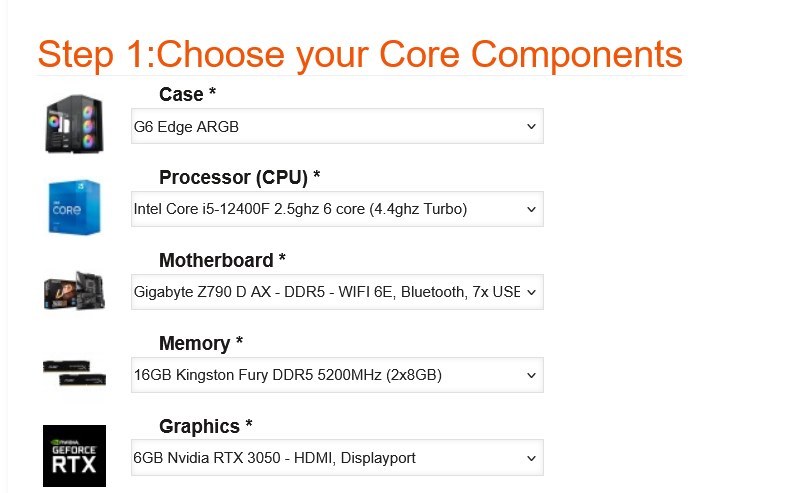
Step 1: Core Components
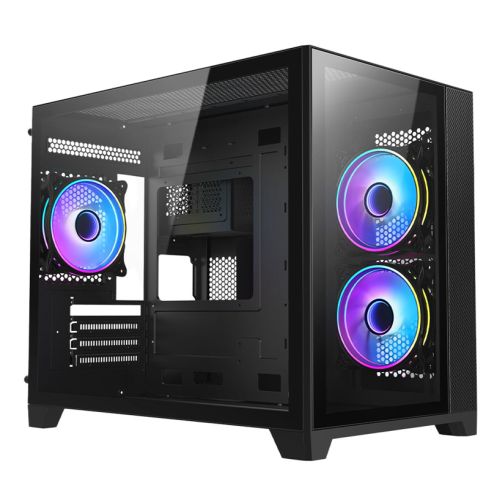
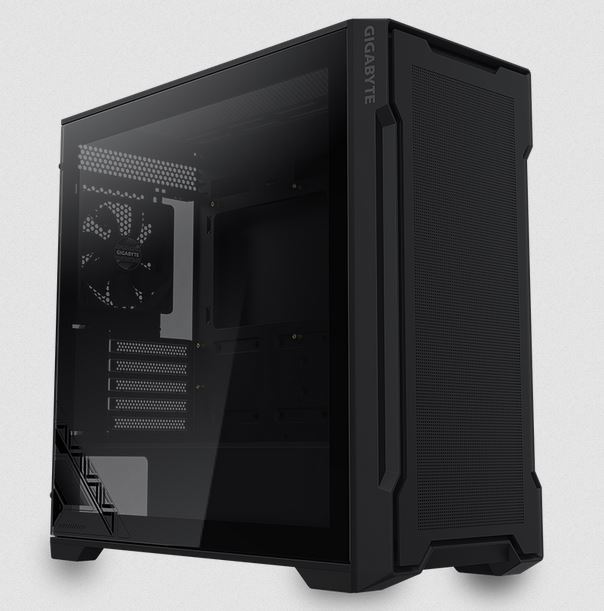
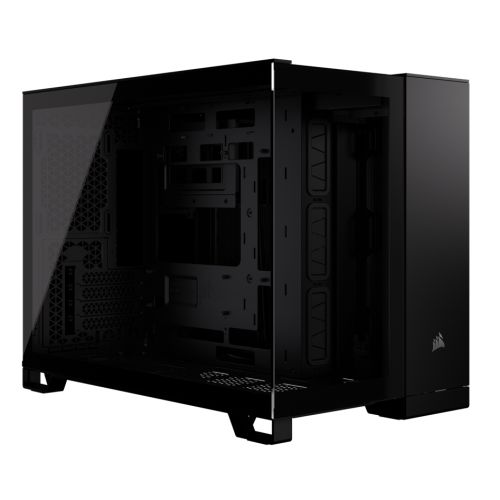
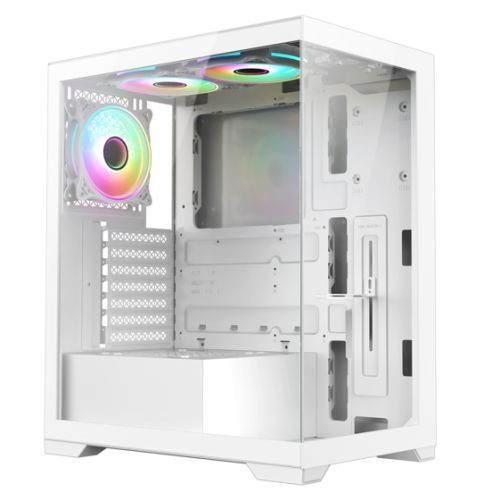
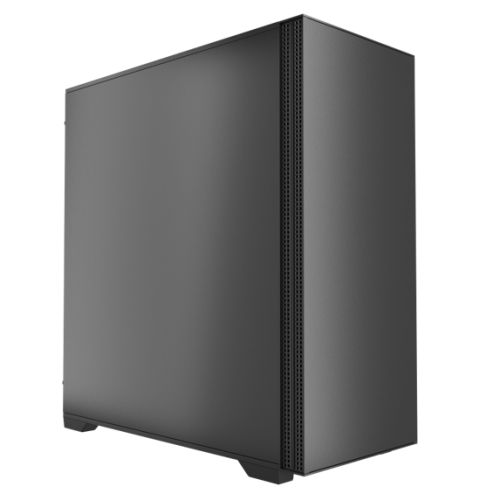
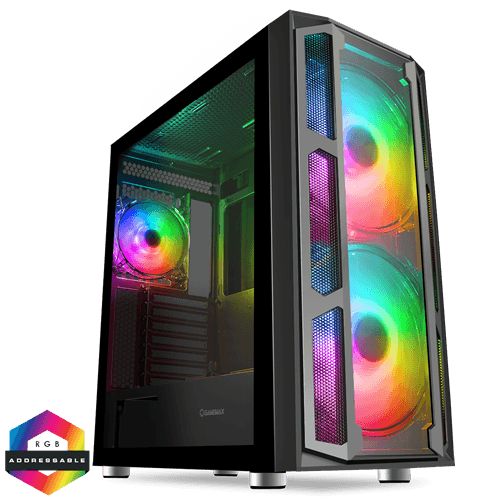
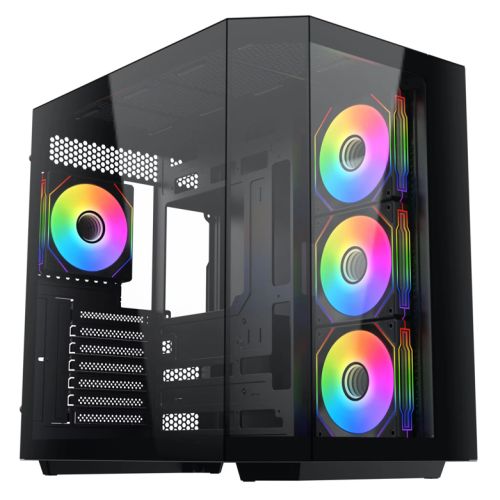
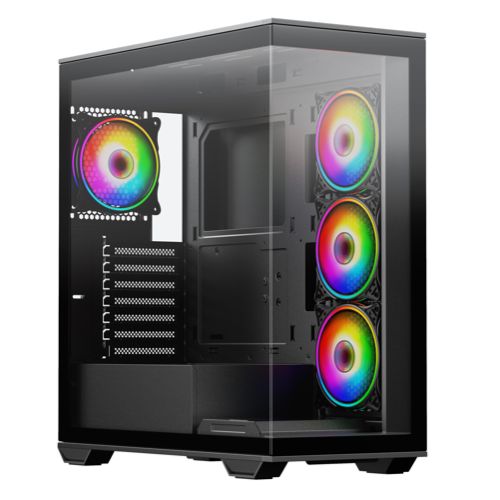
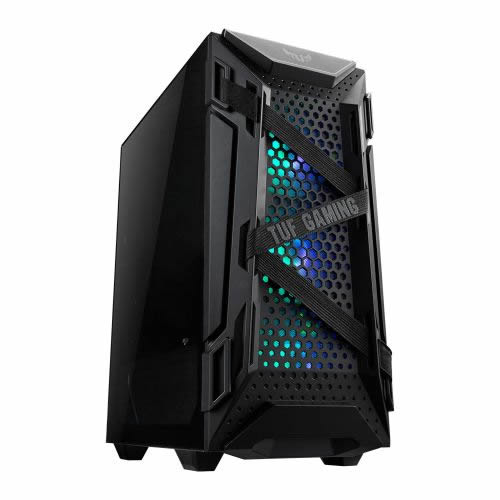
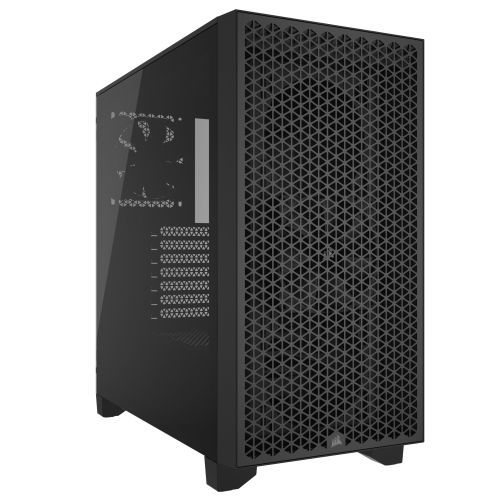
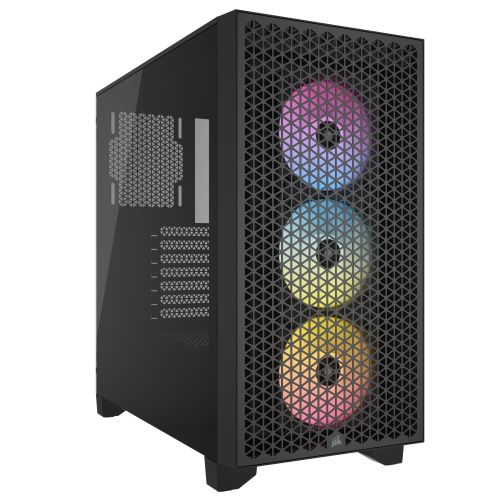
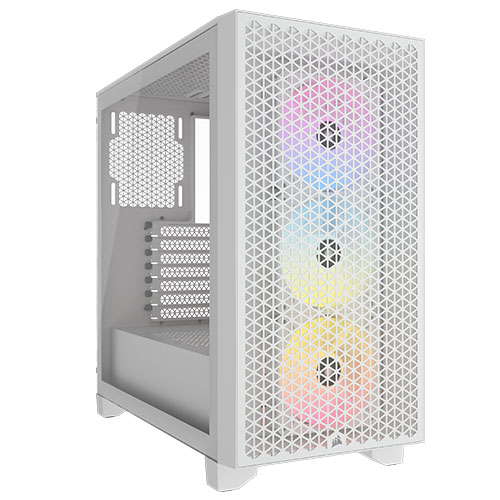
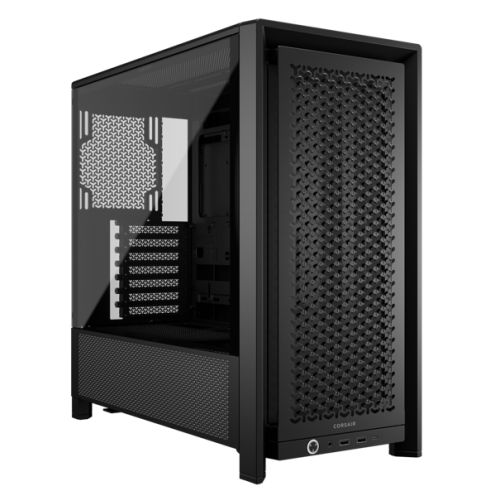
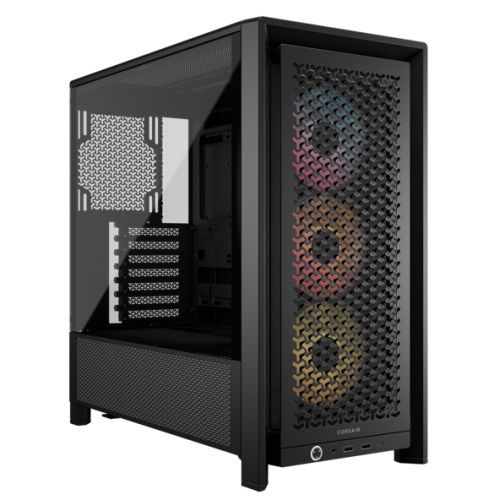
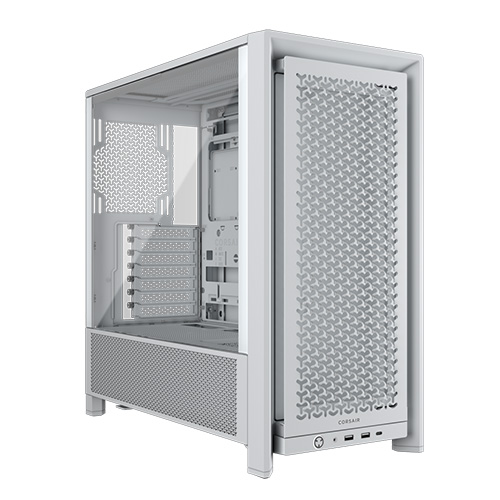
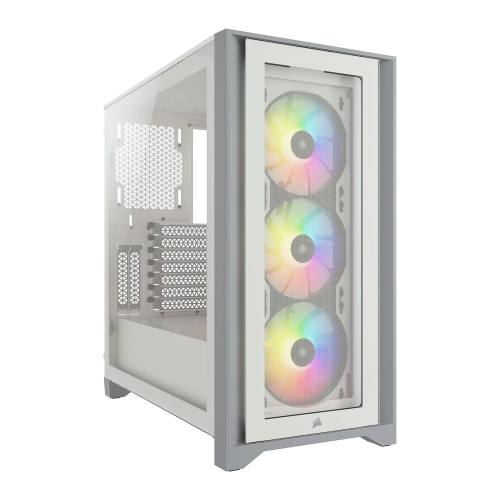
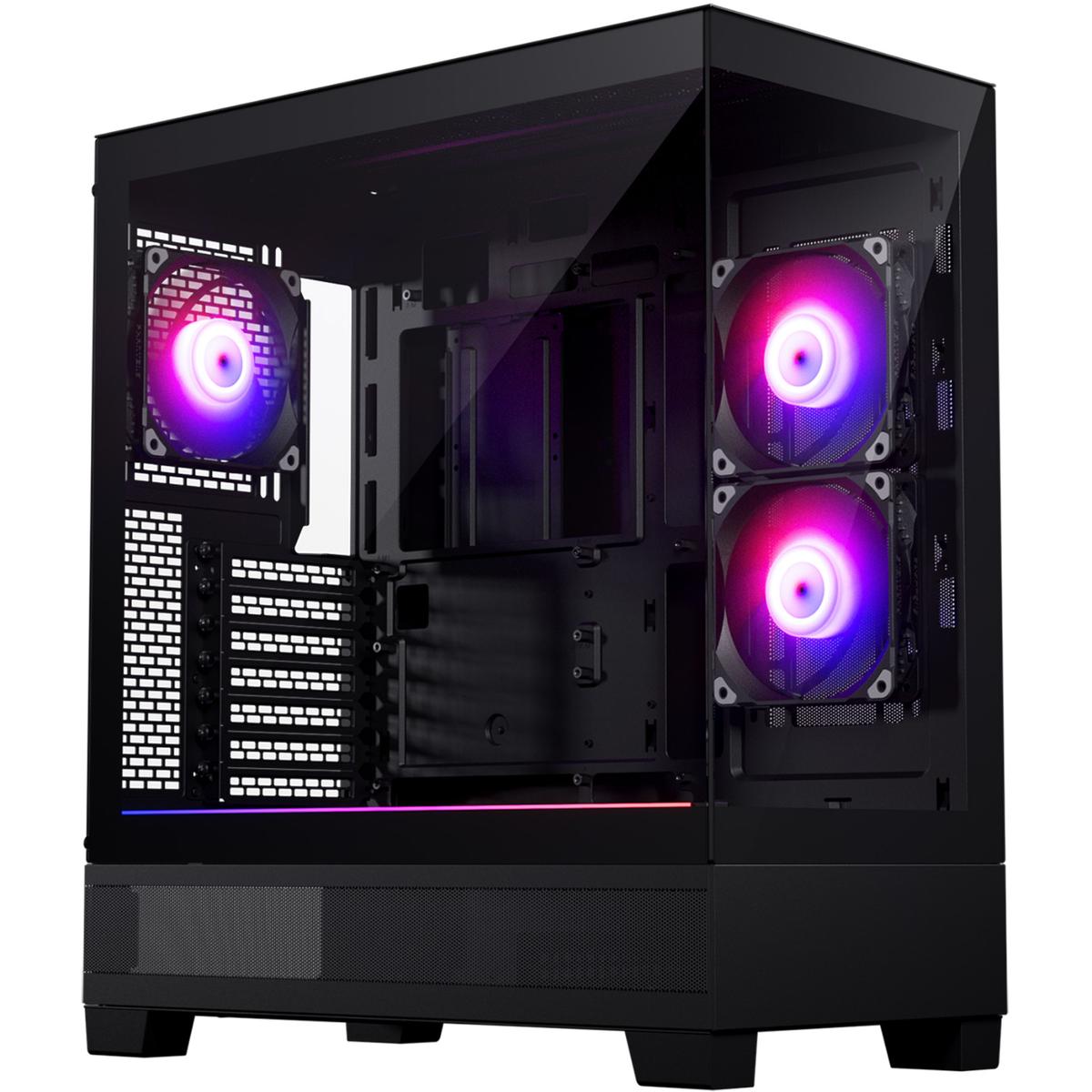
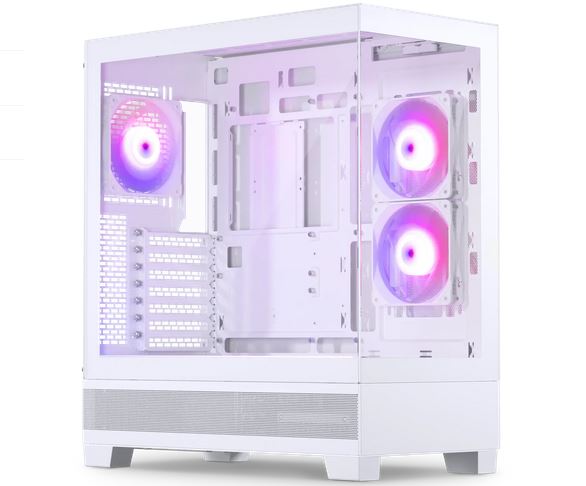
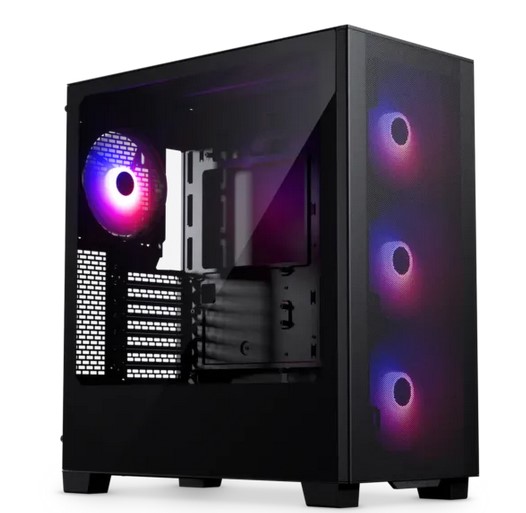
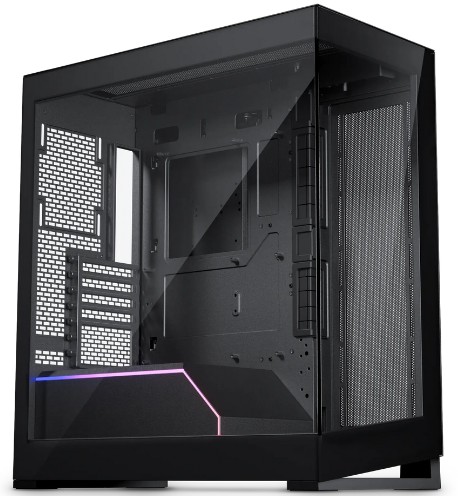
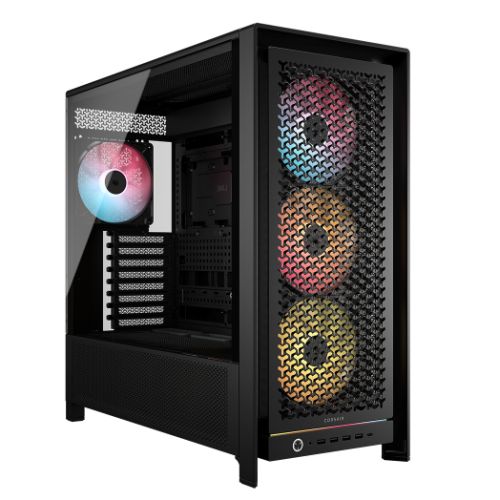
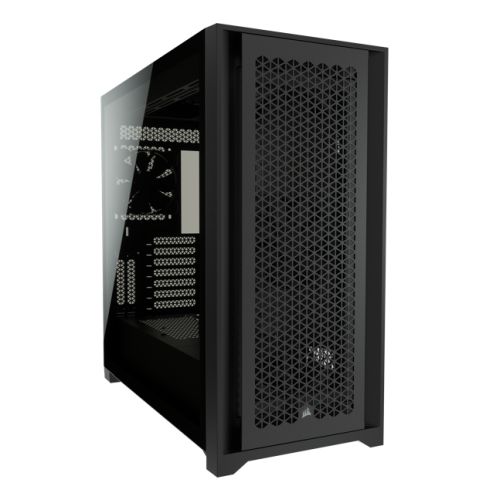
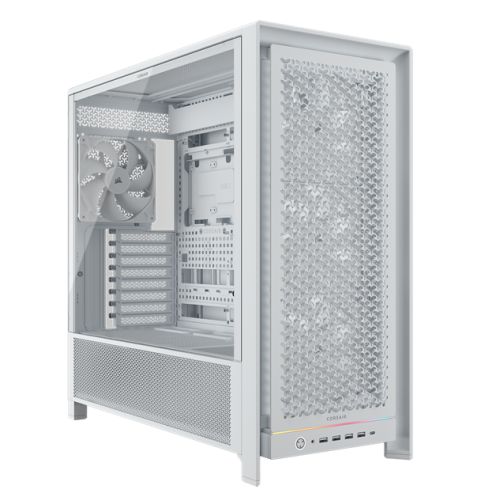
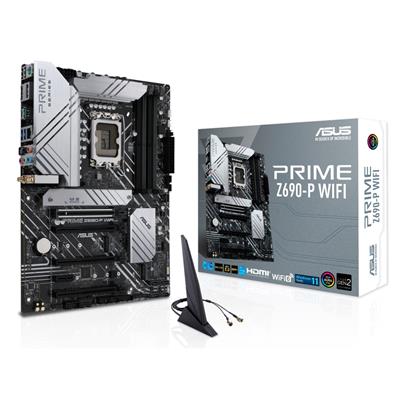
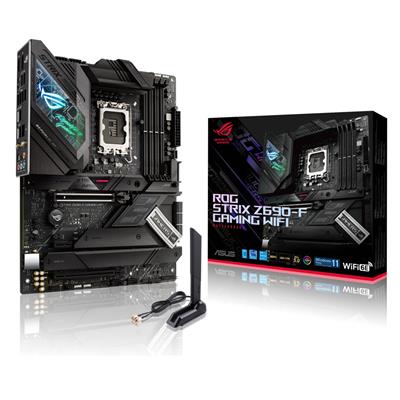
What this step decides: the five components that anchor the build. The Case, the Processor (CPU), the Motherboard, the Memory, and the Graphics card (GPU). Two motherboard rows sit at Step 1: the default Gigabyte Z790 D AX for LGA 1700 (12th, 13th, 14th gen Core i5 / i7 / i9 with DDR5, Wi-Fi 6E, and Bluetooth onboard), plus an alternative Gigabyte Z890 UD WIFI6E row for LGA 1851 Core Ultra cross-over (PCIe 5.0, USB4 Type-C, 2.5GbE LAN, +£24.00 step-up).
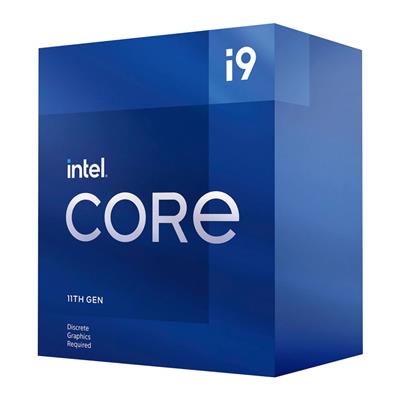
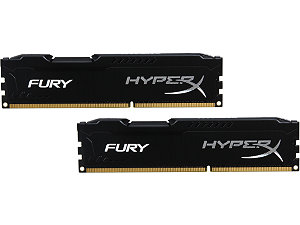
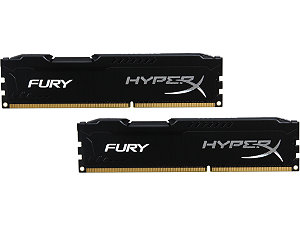
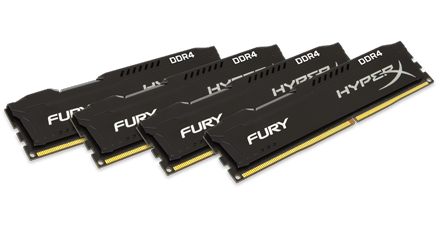
How to decide: the Z790 chipset is Intel current-gen DDR5 territory sized for mid-to-top builds. Step the CPU from the default Core i5 12400F (6 cores, 4.40GHz) up to Core i7 13700KF / 14700KF for 1440p with streaming, or Core i9 14900K for 4K and creator workloads. Step the GPU through the RTX 5060 / RTX 5070 / RTX 5080 ladder or across to the Radeon RX 9070 / RX 9070 XT lane. The default memory is 16GB DDR5 5200MHz (2x8GB) Dual Channel; step up to 32GB or 64GB for streaming, modded games, or content creation. Every kit ships as a matched dual-channel pair.
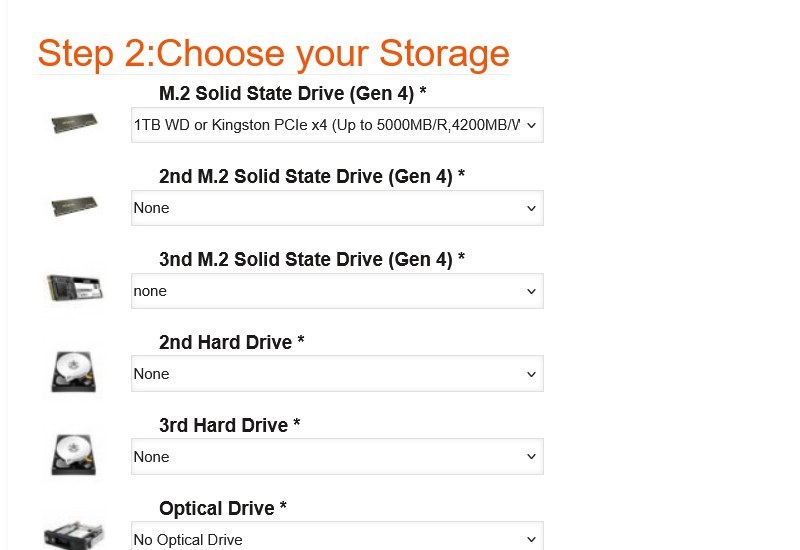
Step 2: Storage
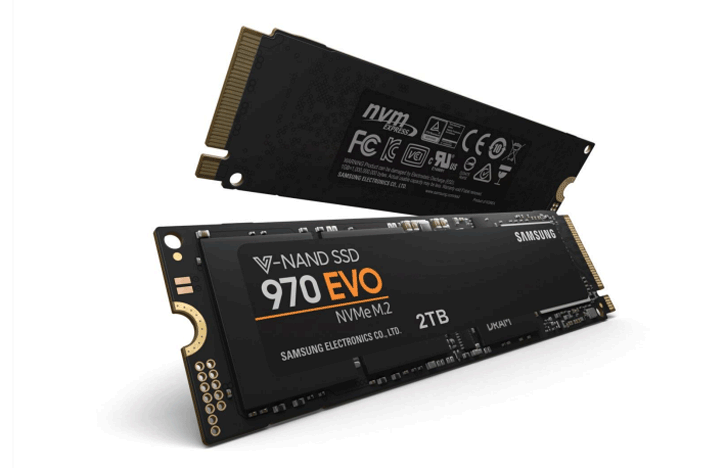
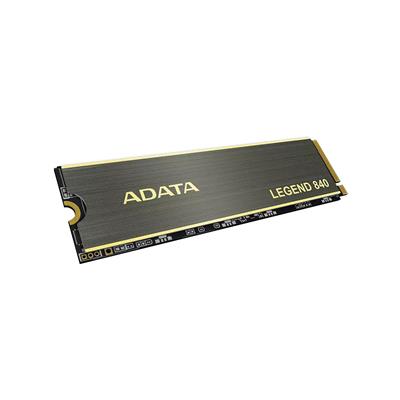
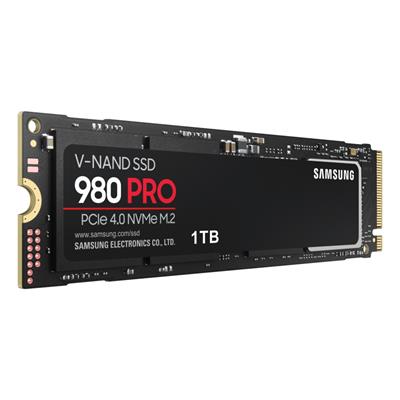
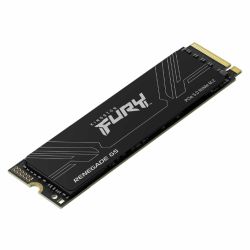
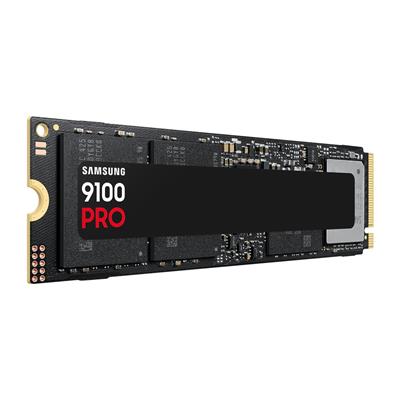
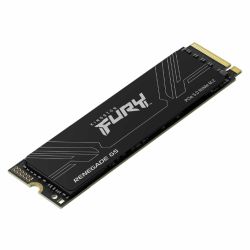
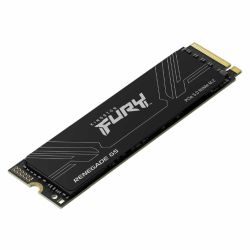
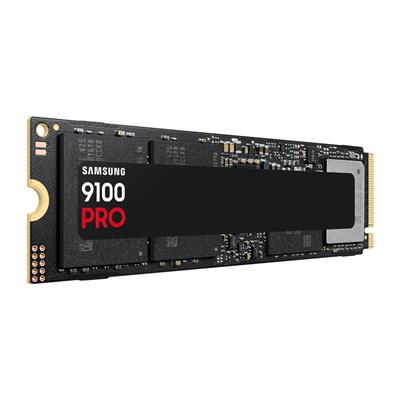
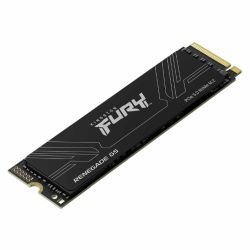
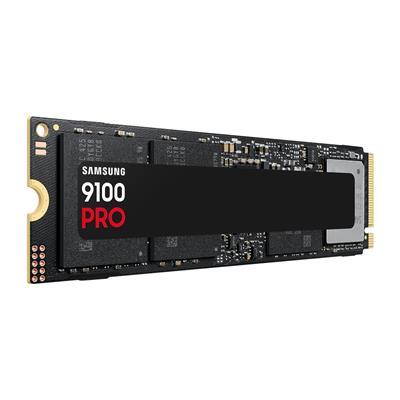
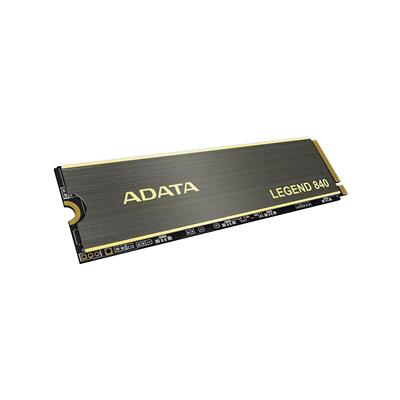
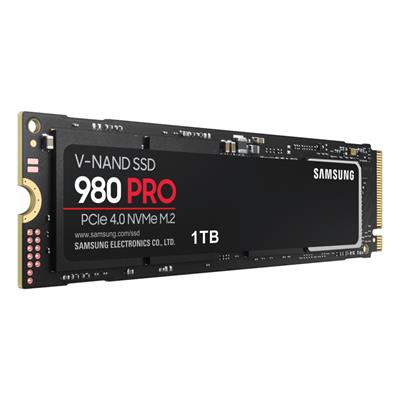
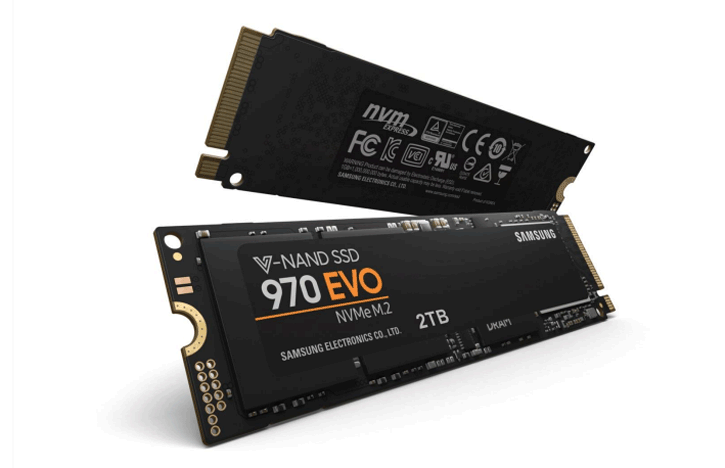
What this step decides: the primary M.2 NVMe boot drive (1TB Gen 4 PCIe x4 at up to 5000MB/R, 4200MB/W is the standard spec for this build), additional M.2 NVMe drives, hard drives, optical drive, and a Hot Swap Rack option for 3.5-inch hard drives.
How to decide: the 1TB Gen 4 NVMe is sized for the OS, a generous handful of modern games, and project work. Step up to 2TB or 4TB Gen 4 if you carry a larger game library and prefer everything at NVMe speed. Add a 2TB or 4TB HDD as cold storage for video projects or back-catalogue games. The Hot Swap Rack option is for buyers running rotating backup workflows or who keep multiple bootable Windows installs on swappable 3.5-inch drives.
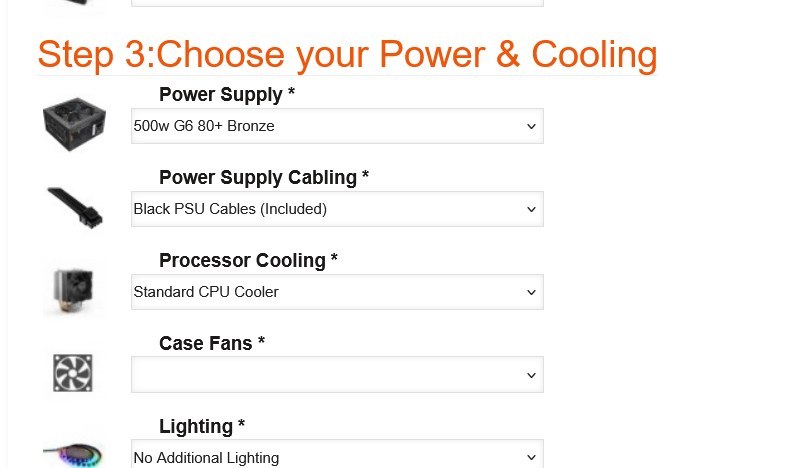
Step 3: Power and Cooling
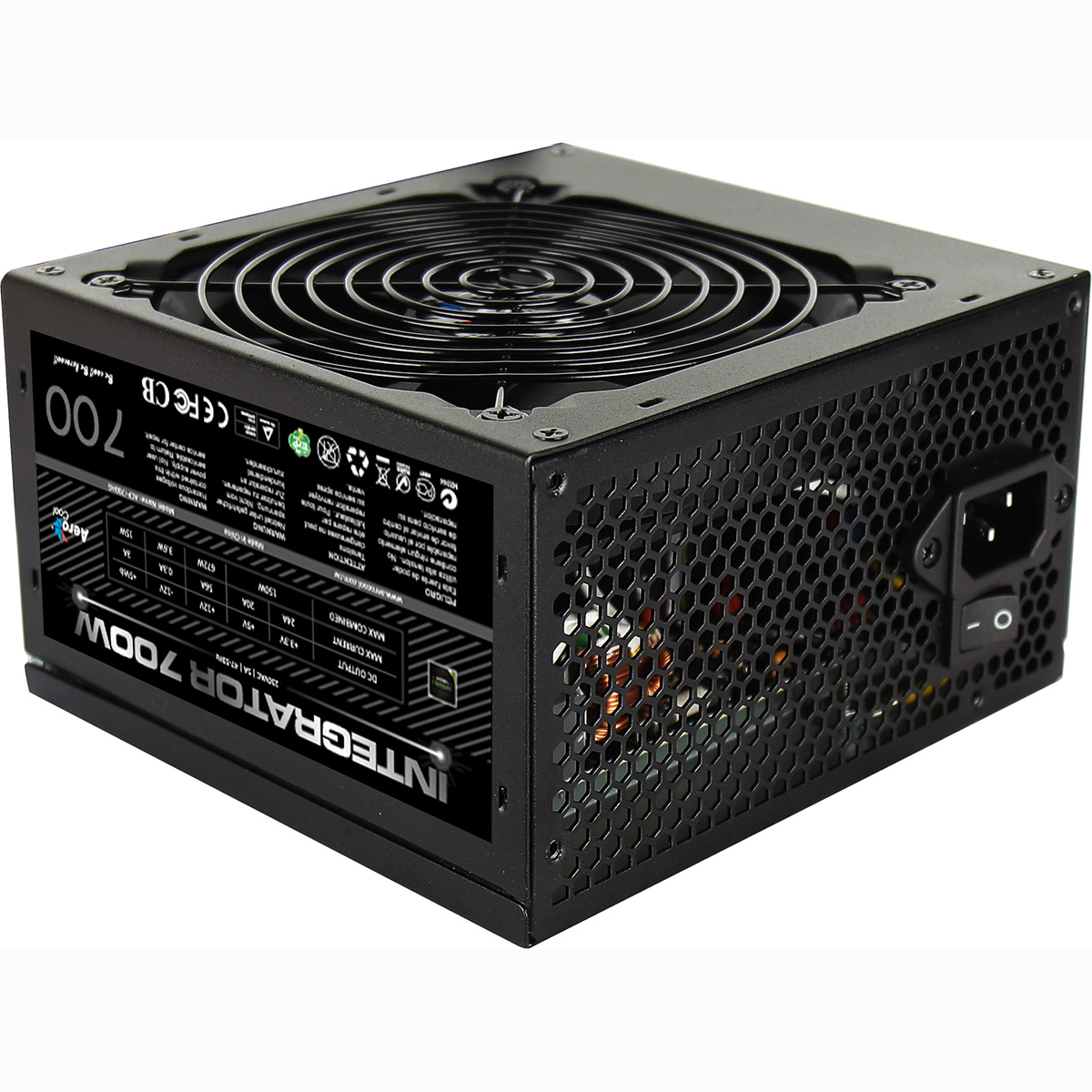
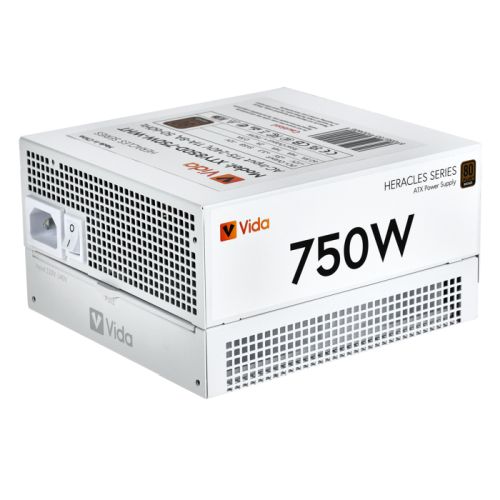
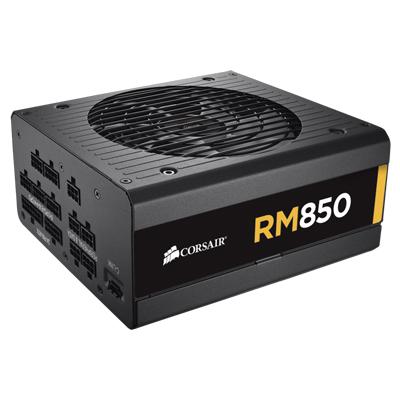
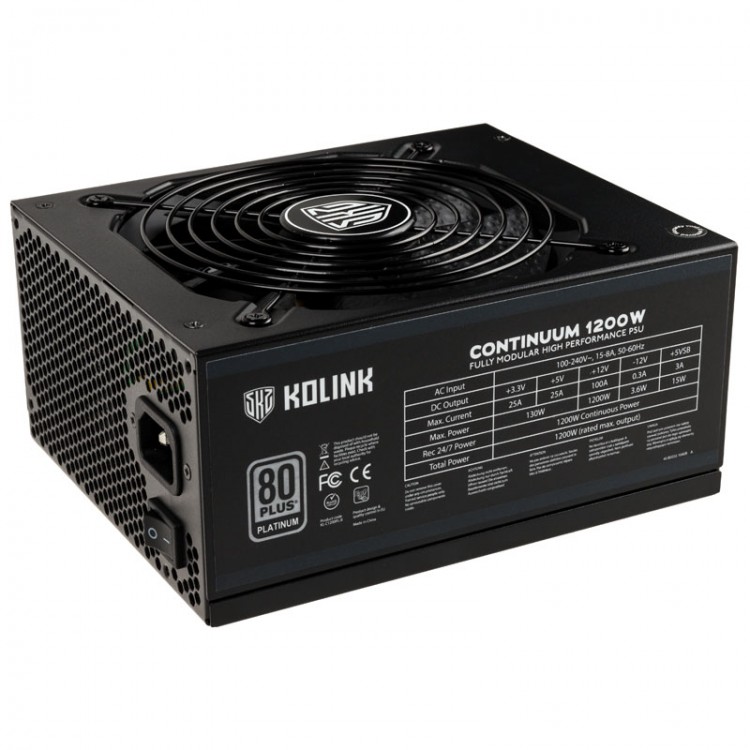
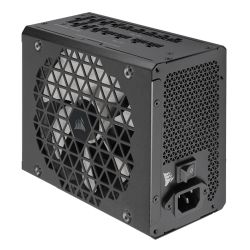
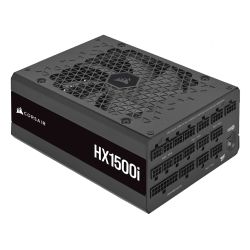
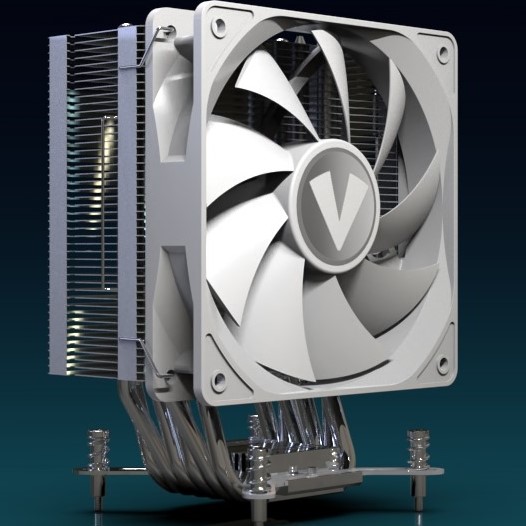
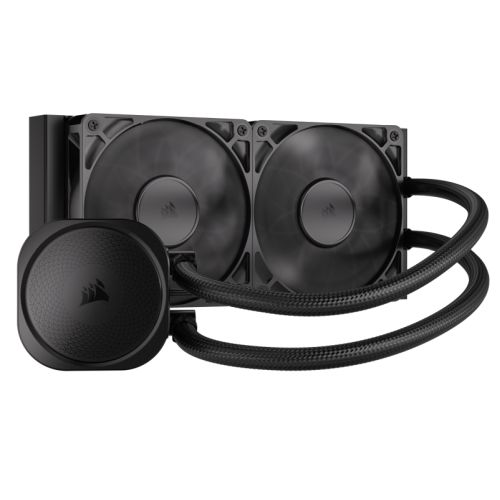
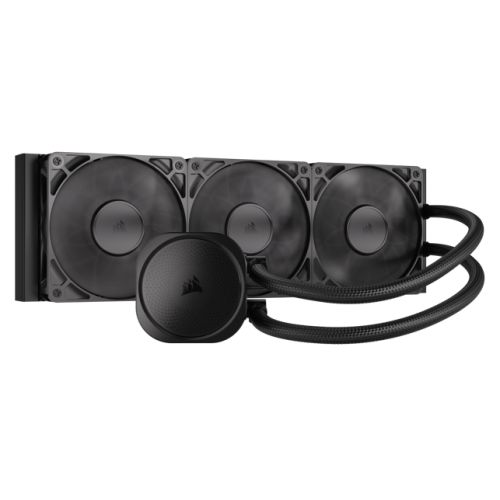
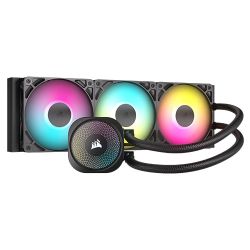
What this step decides: the Power Supply (default 500w 80+ Bronze), the PSU cable colour, the Processor Cooler (19 cooler options on this configurator covering air and AIO liquid), the Case Fans (57 fan options for cosmetic and airflow upgrades), and the Lighting profile.
How to decide: the Z790 platform sustains higher CPU TDPs than entry chipsets, so cooling headroom matters. Stock cooler fits a non-K Core i5 at default boost; step up to a 240mm or 360mm AIO if you stepped to a K-suffix Core i7 / Core i9 with longer boost windows or planned heavy content creation. Size the PSU to the GPU draw with future-upgrade headroom: 750w Gold for RTX 5070, 850w Gold for RTX 5080, 1000w Gold for RTX 5090 territory.
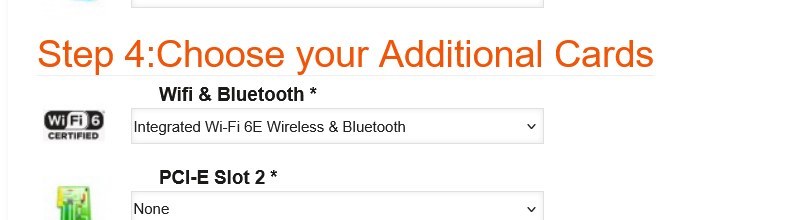
Step 4: Additional Cards
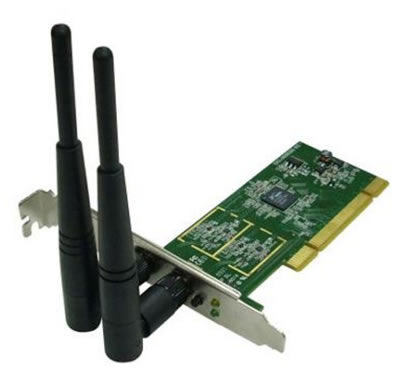
What this step decides: the Wi-Fi and Bluetooth option, plus any add-in PCI-E card for the second slot. The default Z790 D AX motherboard carries integrated Wi-Fi 6 plus Bluetooth onboard, so Step 4 defaults to the integrated option (no USB dongle needed on this build).
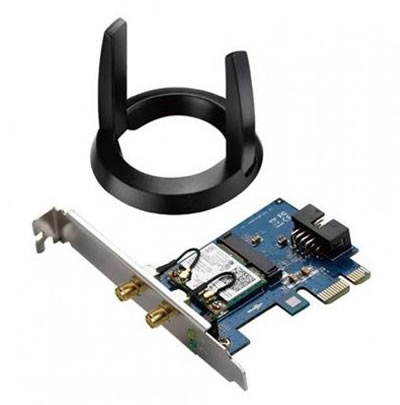
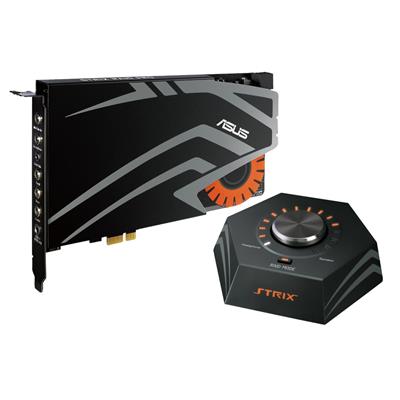
How to decide: integrated Wi-Fi 6 plus Bluetooth on the default board covers most home and office wireless needs. Step up to a Wi-Fi 6E PCI-E card if you have a Wi-Fi 6E router and want 6GHz band access. PCI-E Slot 2 defaults to none; populate it if you need a sound card, capture card, or 10GbE add-in card.
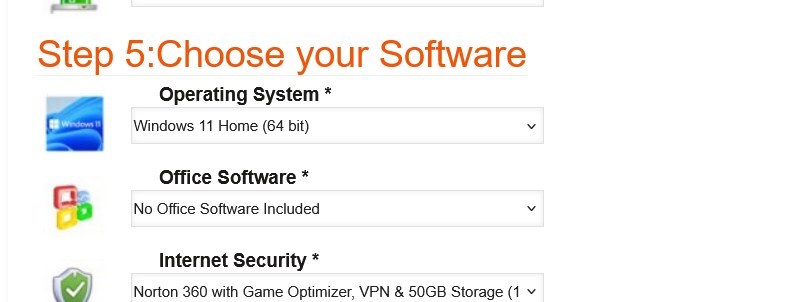
Step 5: Software
What this step decides: Operating System (default Windows 11 Home 64-bit; Windows 11 Pro available), Office Software (default none; Microsoft Office 2024 Home / Business / Professional options), and Internet Security (Norton 360 with Game Optimizer, VPN, and 50GB cloud storage included free for 1 year on 3 devices).
How to decide: Windows 11 Home covers gaming use cases completely. Step up to Pro if you need BitLocker drive encryption, Remote Desktop incoming connections, or domain join for a work-from-home setup. Add Office only if you do not already have a Microsoft 365 subscription.
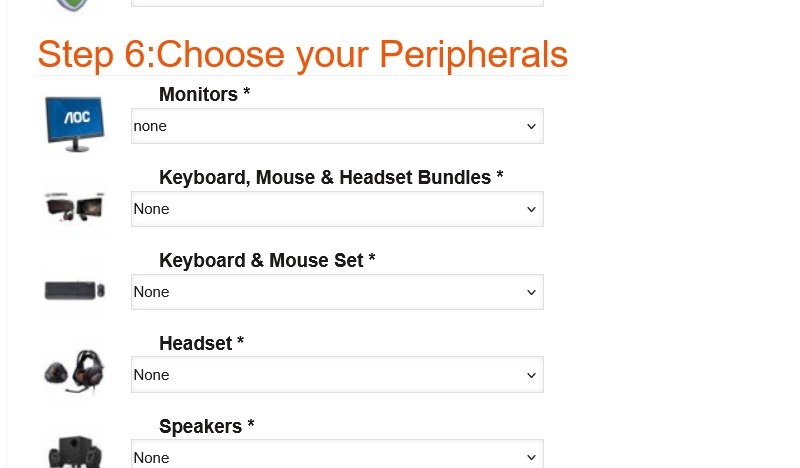
Step 6: Peripherals
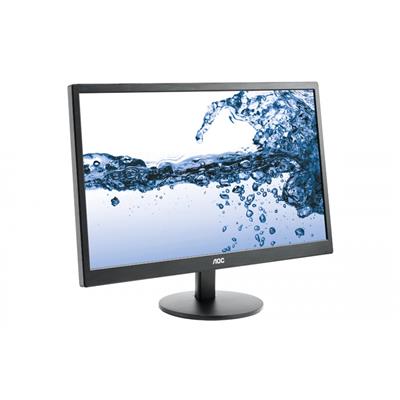
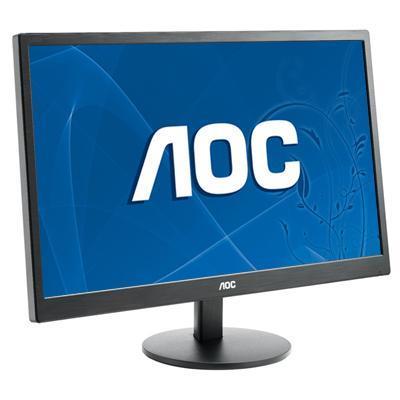
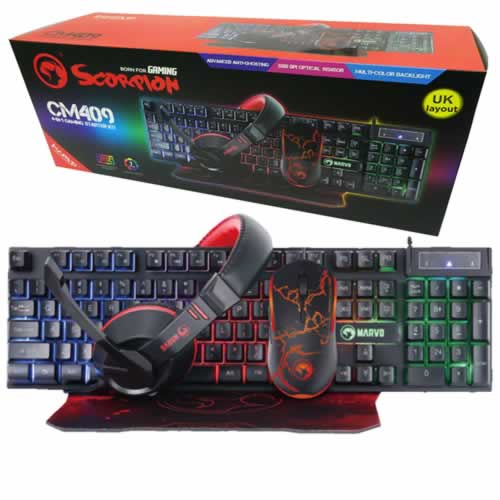
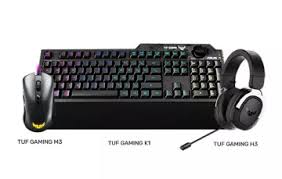
What this step decides: Monitor, Keyboard / Mouse / Headset bundles, individual peripherals. Skip if you already have a setup. If you are buying a first PC, the bundles offer a complete desk solution at a single price.
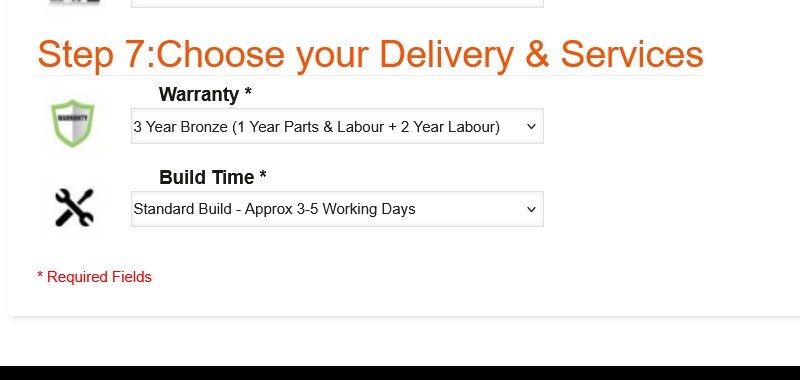
Step 7: Delivery and Services
What this step decides: the warranty level (default 3 Year Bronze; Silver and Gold options extend the parts cover and the return-to-base period) and the build time (default Standard 3-5 working days including the 24-hour stress test; Express options available).
How to decide: the default 3 Year Bronze covers most buyers. Step up to Silver or Gold if the build sits in a busy household or office environment. Standard Build is the right pick unless you have a hard deadline.
When the configuration is right, the price at the top of the Custom Options form is the final price. Click Add to Cart to checkout, or call Kevin on 01902 714533 to talk through the build first.
Open the ConfiguratorFour Configurations for Four Buyer Profiles
If your situation matches one of these, the suggested configurator pick is the starting point. Adjust from there to your panel and your budget.
For CS2, Valorant, Apex Legends, Fortnite, Overwatch 2, and Rocket League on a 144Hz or 240Hz 1080p panel, with the Z-series feature set from the board. The default Z790 D AX motherboard with a Core i5 K-suffix CPU and the Nvidia RTX 5060 at Step 1 lands the build at the right side of the price-to-frame curve. Keep 16GB DDR5 (2x8GB) Dual Channel, 1TB Gen 4 NVMe at Step 2, the default 500w 80+ Bronze PSU at Step 3, and the onboard Wi-Fi 6 plus Bluetooth from the Z790 D AX at Step 4 (no USB dongle needed).
For Cyberpunk 2077, Black Myth Wukong, Hogwarts Legacy, Baldur’s Gate 3, and the modern open-world rotation at 1080p Ultra with OBS or NVENC streaming running alongside. Step the CPU at Step 1 to a Core i7 13700KF / 14700KF for thread headroom, step the GPU to the RTX 5060 Ti 8GB, step the memory to 32GB DDR5 (2x16GB) Dual Channel for the recording-buffer headroom, step the PSU to 750w Gold at Step 3 if you plan a future GPU swap.
For 1440p Ultra on the modern AAA rotation, with comfortable ray tracing and DLSS 4 quality headroom. Step the CPU at Step 1 to a Core i7 K-suffix, step the GPU to the RTX 5070 12GB or the Radeon RX 9070 if you prefer the AMD GPU lane on the Intel CPU, step the memory to 32GB DDR5 (2x16GB) Dual Channel, step the PSU to 750w Gold at Step 3, and consider a 240mm AIO at Step 3 for the K-suffix sustained-boost behaviour.
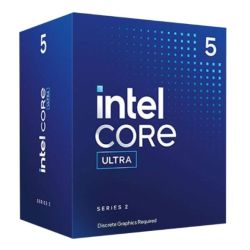
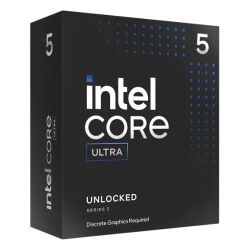
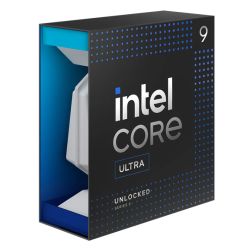
For 4K gaming, racing-sim rigs with multi-monitor, or creator workloads alongside gaming. Step the CPU at Step 1 to the Core i9 14900K (24 cores) on the default Z790 platform, OR step the motherboard at Step 1 to the Z890 UD WIFI6E alt for a Core Ultra LGA 1851 cross-over (Core Ultra 7 or Core Ultra 9 for the platform with the integrated NPU). Step the GPU to the RTX 5080 16GB, step the memory to 64GB DDR5 (2x32GB) Dual Channel, step the PSU to 1000w Gold at Step 3, step the cooling to a 360mm AIO. If your workload is creator-led rather than gaming-led, the AMD Custom Workstation is the alternative if cross-platform options interest you.
Which Intel Configurator Fits Your Build?
Ginger6 runs three Intel custom configurators, each tuned to a different platform lane: broad Intel with LGA 1700 entry and a Core Ultra cross-over, Z790 DDR5 mid-to-top focus with Z890 cross-over, and dedicated LGA 1851 Core Ultra. Pick the one that matches your starting point and configure from there. All three share the same hand-built Wolverhampton workshop, the same 24-hour stress test, the same 3-year warranty, and the same lifetime UK phone support.
Not certain which configurator fits? Call Kevin on 01902 714533. Tell him the games or office workload, the monitor (or that there is no gaming monitor), and the budget. He will point you at the right configurator for your starting point.
Built by Hand in Wolverhampton
Every configured Intel Z790 DDR5 Custom Gaming PC goes through the same three-stage workshop process. The 24-hour stress test is the gate that holds dispatch.
Before assembly begins, the configuration submitted via the seven-step form is reviewed against the games you play, the monitor resolution you own, and any creative work or streaming you run alongside gaming. If you have spoken to Kevin on the phone, the build sheet reflects that conversation. Components are verified against current stock, the chosen cooler mounting hardware is confirmed for the configured Intel CPU socket (LGA 1700 by default or LGA 1851 if you stepped the motherboard up to the Z890 alternative), and the build is queued in the workshop schedule. No shortcuts on stock substitution: the part you configured is the part in the build.
The build is assembled inside the case you selected at Step 1 of the configurator. The cooler is seated on the Intel CPU with the cold-plate contact verified, the configured case fans are wired and the airflow path checked, the configured GPU is seated with the anti-sag bracket where the card calls for one. Cable management routes the high-current GPU cable behind the cable shroud, supporting airflow inside the case, reducing dust build-up, and making future maintenance simpler. BIOS settings, DDR5 dual-channel mode at the configured speed, NVMe boot order, the on-board firmware update, and the integrated Wi-Fi 6 plus Bluetooth driver stack from the Z790 D AX (or Z890 alt) board are confirmed before the 24-hour test begins.
Every configured build runs sustained CPU plus GPU load for a full day before it ships. The test loop covers thermal behaviour under sustained boost on the configured Z-series CPU, memory stability at the configured DDR5 speed in dual-channel mode, NVMe storage performance under sustained read/write, and frame-pacing behaviour in a representative modern AAA workload at the resolution your configuration is sized for. The chosen CPU is monitored for thermal headroom across all cores; the chosen GPU is held at sustained boost. K-suffix Core i7 and Core i9 builds are watched particularly carefully under sustained boost given the higher TDP envelope. Boost behaviour, fan curves, cooler thermal performance, and storage performance are all logged before despatch. Your build ships free to mainland UK addresses, fully insured and tracked.
- Thermal behaviour on the configured CPU and cooler combination
- Processor and graphics stability during extended use
- Memory stability at the configured DDR5 speed in dual-channel mode
- Storage performance and consistency on the configured M.2 NVMe drives
- BIOS and firmware stability at the configured microcode version
- Frame pacing in representative modern AAA at the configuration’s target resolution
What Custom-Build Buyers Say
Over 1,100 reviews on Trustpilot with a 93% five-star rating. The person who guides you through the configurator on the phone is the person who builds your Intel Z790 DDR5 Custom Gaming PC and answers the phone after delivery. Read the reviews on Trustpilot directly, nothing here is curated.
PC arrived quickly and beautifully packaged. Son is delighted with his new gaming machine, and the configuration we settled on was spot-on for his games and his 144Hz monitor. Hassle-free service from start to finish.
My PC came very quickly, tracked so I knew exactly when it would arrive. Turned on instantly and I have had zero problems with it. The configurator was easy to use and Ginger6 helped me lock in the right spec for my budget. Highly recommended.
Great service and advice on the build. When the computer arrived my 14-year-old son set it up without any problem whatsoever. Solid documentation in the box and the system runs cool and quiet under load. Will be back for the next one.
Questions About Configuring Your PC
Scroll down to the Custom Options section under this product page. The seven-step form walks you through the build in order: Step 1 Core Components, Step 2 Storage, Step 3 Power and Cooling, Step 4 Additional Cards, Step 5 Software, Step 6 Peripherals, and Step 7 Delivery and Services. Every dropdown updates the price and the lead time live as you change it. When you are happy with the configuration, click Add to Cart. If you would prefer to talk it through first, call Kevin on 01902 714533 and he will configure it with you on the phone.
The Z-series is Intel mid-to-top chipset territory. The default Z790 D AX board on this configurator carries integrated Wi-Fi 6E plus Bluetooth from the board (no USB dongle needed), four DDR5 DIMM slots (versus two on H610-class boards), multiple M.2 NVMe slots, 7x USB ports, 1x Type-C, and 1GbE LAN. The Z-series also supports CPU overclocking on K-suffix processors. If you want broader Intel reach starting at Core i3 entry on an H-series board, the Intel Custom Gaming PC is the broad-range sibling at a lower entry price.
The Gigabyte Z890 UD WIFI6E is the LGA 1851 cross-over option in this configurator. Selecting it at Step 1 swaps the build off the LGA 1700 platform onto Intel current performance platform (Core Ultra silicon), and unlocks PCIe 5.0, USB4 Type-C, Wi-Fi 6E, and 2.5GbE LAN. The CPU dropdown then shifts to the Core Ultra 7 and Core Ultra 9 ladder. Pick the Z890 alt only if you specifically want Core Ultra (with its integrated NPU for AI workloads) on the Z-series feature set. If Core Ultra is your primary intent from the start, the dedicated Intel Core Ultra Custom Gaming PC is the cleaner single-platform configurator.
For 1080p high-refresh gaming on the Z-series feature set, the default Core i5 12400F (6 cores, 4.40GHz) is the right starting point. For 1080p Ultra AAA with streaming alongside, step up to a Core i5 K-suffix or a Core i7 13700KF / 14700KF. For 1440p AAA, a Core i7 K-suffix is the natural pick. For 4K, heavy modding, racing-sim, or creator workloads, step up to the Core i9 14900K (24 cores). If you stepped the motherboard up to the Z890 alt at Step 1, the CPU dropdown then carries Core Ultra 7 and Core Ultra 9 on LGA 1851.
Match the GPU to the resolution and refresh rate of your monitor. For 1080p 144Hz competitive, the RTX 3050 or RTX 5060 are sized correctly. For 1080p Ultra AAA, the RTX 5060 Ti 8GB or the Radeon RX 9060 XT 8GB. For 1440p, the RTX 5070 or the RX 9070. For 4K or VR, the RTX 5080 or the RX 9070 XT. The full Nvidia and AMD Radeon ranges are in the Graphics dropdown at Step 1; the default 6GB Nvidia RTX 3050 is the entry-price starting point that anchors the £1144.99 list price.
16GB DDR5 5200MHz (2x8GB) Dual Channel is the right entry capacity for modern AAA at 1080p. Step up to 32GB DDR5 (2x16GB) Dual Channel for 1440p AAA with streaming alongside, 64GB DDR5 (2x32GB) Dual Channel for content creation or virtual machine workloads, or 128GB DDR5 (2x64GB) Dual Channel for the heaviest creator workloads where the Z-series board capacity headroom is the reason you picked Z790 in the first place. Every kit ships as a dual-channel pair.
Call Kevin on 01902 714533. Tell him three things: the games you play most often, your monitor resolution and refresh rate, and your approximate budget. He will configure the build to land on the right spec for your setup, talk through the trade-offs, and either confirm the configuration on the phone or email you a quote with the configurator URL preset to those choices.
Yes. The default Gigabyte Z790 D AX motherboard carries integrated Wi-Fi 6E plus Bluetooth onboard, so the build ships with wireless connectivity from the board itself, no USB dongle needed. The Z890 UD WIFI6E alternative motherboard at Step 1 also has onboard Wi-Fi 6E plus Bluetooth on the LGA 1851 platform. Both Z-series boards on this configurator offer integrated wireless connectivity.
Yes. 0% finance via PayPal Pay In 3 is available on configured orders above £500. The split is interest-free across three equal payments; eligibility is subject to PayPal’s checks at checkout. The 3-year warranty, the 24-hour stress test, the lifetime UK phone support, and the free mainland UK delivery all apply to finance orders the same way they apply to paid-in-full orders.
Ready to Configure Your Intel Z790 DDR5 Custom Gaming PC?
Use the seven-step Custom Options form above or call Kevin on 01902 714533. He will help you configure the right Z-series spec for your monitor, your games, and your budget. Lifetime UK phone support, 3-year warranty, free mainland UK delivery, available on 0% finance via PayPal Pay In 3 for configured orders above £500. Ginger6 has been building custom PCs in Wolverhampton since 2001.
Custom Options
£1,215.90
£1,144.99



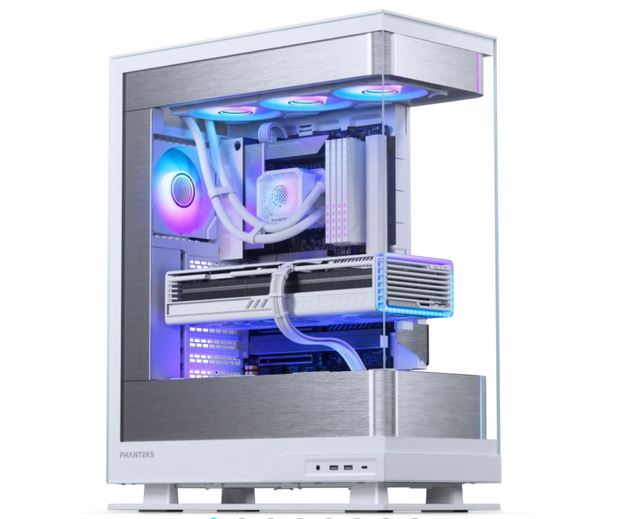
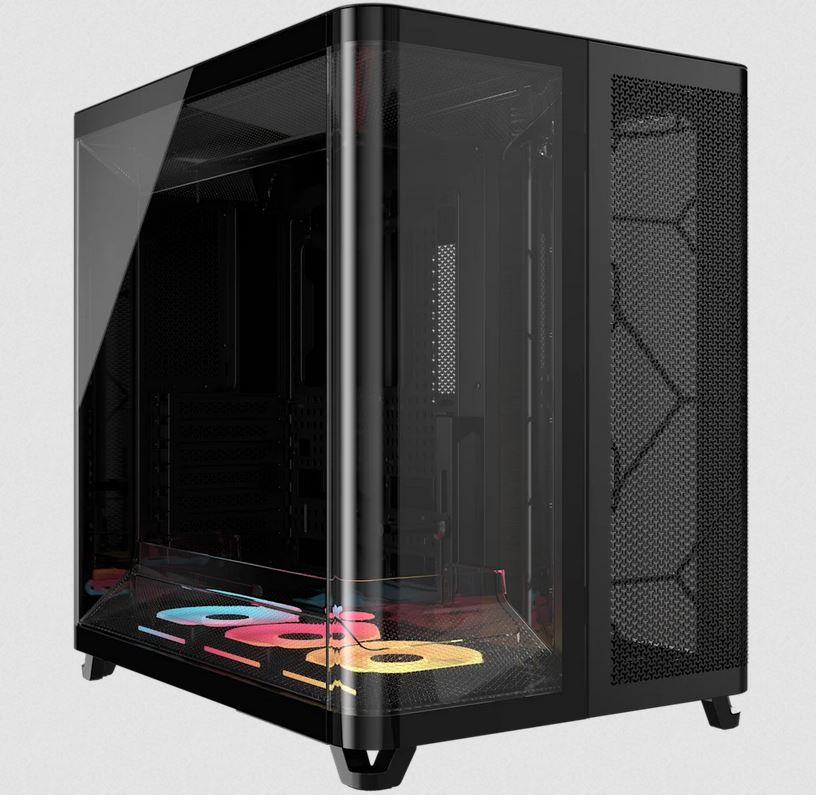
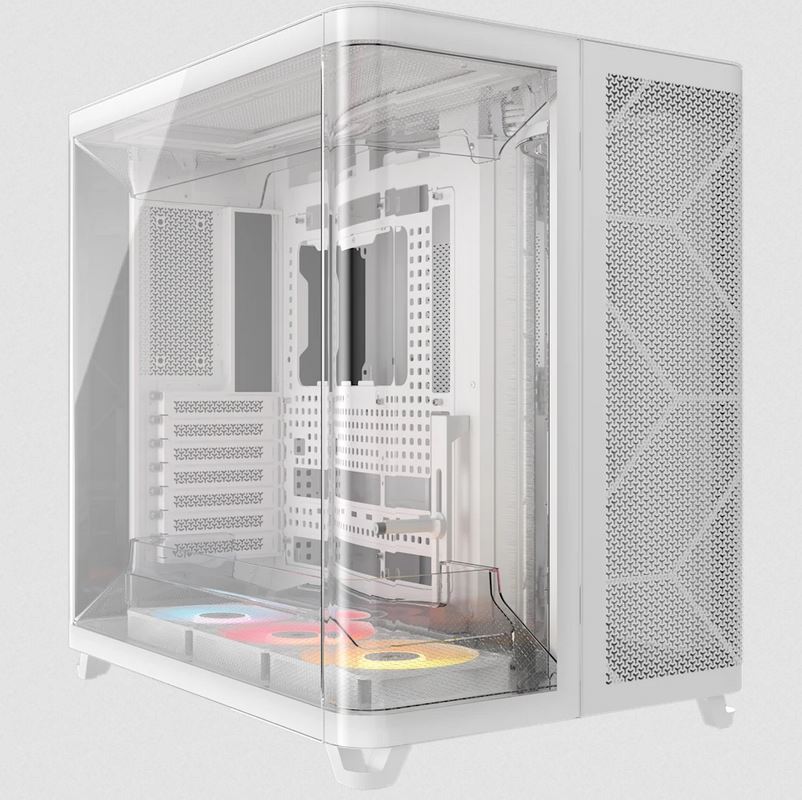
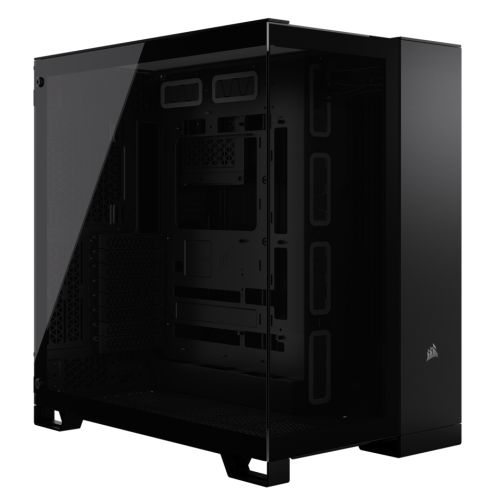




























































* Required Fields
Specifications
Additional Information
| Processor | Intel Core i5 12400F |
|---|---|
| Processor Type | Intel Core i5 |
| No of Cores | 6 |
| Max Core Speed | 4.40GHz |
| CPU Cooler | Intel Stock Cooler |
| Motherboard | Gigabyte Z790 D AX |
| Case | GameMax F15M |
| Power Supply | 500w G6 80+ Bronze PSU |
| Memory Size | 16GB |
| Solid State Drive Size | 1TB |
| Graphics | Nvidia RTX 3050 6GB |
| Graphics Card Connections | Displayport, DVI, HDMI |
| Audio | 8-Channel High Definition Audio |
| LAN | 2.5GB LAN, Bluetooth, Wi-Fi 6 |
| Ethernet | Realtek 2.5GbE |
| Wi-Fi | WiFi 6E (Intel AX211 rev1.0 / Realtek RTL8852CE rev1.1) |
| Bluetooth | 5.3 |
| Connections | Rear: 1x USB-C, 1x USB 3.2 Gen2, 4x USB 3.2 Gen1, 2x USB 2.0 |
| Front Panel Connections | 1x USB-A 3.x, 2x USB-A 2.0, HD Audio (headphone + mic) |
| USB2 Ports | 4 |
| USB3 Ports | 6 |
| USB-C Ports | 1 |
| Operating System | Windows 11 Home |
| Monitors | Optional (See Custom Options) |
| Warranty | 3 Year Bronze Warranty |
Reviews
-
Great service Review by Phil
Value Quality Price Customer Service Bought a number of computers from Kevin. He's always been happy to advise in order to get the right spec to match the intended use.
Very quick responses and build times. (Posted on 14/08/2024) -
Other than the mix up with delivery Review by JIT Computer Services Ltd
Value Quality Price Customer Service Other than the mix up with delivery (not your fault) The build quality was excellent. Client very happy.
So I am very happy ????
Will buy again? Yes definitely
Jason (Posted on 19/02/2024) -
Great service Review by Kurt Kietzmann
Value Quality Price Customer Service Great service, helpful and good advice. Unlike the large chain stores. (Posted on 17/10/2023)
-
Excellent Staff on service Review by Kevin Cater
Value Quality Price Customer Service what made it very good Kevin (staff member) was so very helpful with his suggestions and getting the best out of the new gamming system for my partner and myself. I would suggest anyone to Ginger6 Computers with no problems at all. (Posted on 20/07/2023)
-
Would recommend ginger6 to anyone looking for a new system Review by Alex
Value Quality Price Customer Service Sorry for delay in writing review but wanted to see how system worked before leaving feedback.
Got desktop pc from ginger6 just before christmas for my teenage son, mainly used for gaming and it handles everything that he has asked of it no problem. System is well built and son loves the extras he got to pick like lighting.
Would recommend ginger6 to anyone looking for a new system, very easy to deal with over phone and machine arrived sooner than delivery date first quoted, all in all a very pleasent experiance and def buy again in the future. (Posted on 28/03/2023) -
Great service Review by Amanda Devion
Value Quality Price Customer Service Great service. They actually answer the phone and you can speak to someone helpful. (Posted on 20/03/2023)
-
Bang for buck, this is the best gaming pc Review by Archie
Price Value Quality Customer Service Bang for buck, this is the best gaming pc ofr the money. It runs all of my games great and the RTX 4070 makes games look even better. This gaming pc is worth the extra cash (Posted on 07/03/2023)
-
Expert Service Review by Jamie Stallwood
Value Quality Price Customer Service Fast turnaround, well built and good value for money. They had good knowledge both in construction and also supporting me with some technical support questions I raised. This is the fifth time I’ve used them and a great experience every time! (Posted on 11/01/2023)
-
Excellent product Review by Abs
Price Value Quality Customer Service Excellent product.... Super fast and much cheaper than the equivalent products from other brands or suppliers. Delivery was super fast and service from ginger6 was top notch. I would highly recommend this purchase (Posted on 22/06/2022)
-
Top quality from design to build Review by Chris Morris
Value Quality Price Customer Service Top quality from design to build. Great help on the phone, fine tuning the whole package to my specs. Fast turnaround as well. Highly recommended! (Posted on 29/10/2020)
-
Excellent set up a Ginger6 Review by Paul Jones
Value Quality Price Customer Service Excellent set up a Ginger6. Clear communication from the start and the PC arrived when they said it would. Recommended! (Posted on 19/10/2020)
-
A very happy customer Review by Dan789
Value Quality Price Customer Service I'm really impressed with every aspect of my new PC. Easy ordering, quick delivery and a great machine. No "bloatware" in sight! The set up process was easy and the performance of the unit is first rate. The price was very reasonable as well. All in all, a very happy customer! (Posted on 22/01/2020)
-
So far so good. Review by Stuart
Quality Price Value Customer Service Ordered on the Thursday and delivered the following Wednesday, well within the 5 working days advertised. PC seems to be up to scratch - build seems good to my untrained eye. I amended my order on the Monday (added more RAM and wireless card) which were paid for and in the machine as promised. So far so good. (Posted on 19/12/2018)
-
Extremely Fast Delivery Review by Patrick
Quality Price Value Customer Service Extremely fast delivery time to UK Islands, ( IOM in my case ), and great service and build. Thanks. I'll be using you again. (Posted on 05/12/2018)