




Intel Home & Office Custom Built PC
Description
Intel Home and Office Custom Built PC: Configure It Yourself, Ginger6 Builds It
The Ginger6 Intel Home and Office Custom Built PC is a configurator, not a fixed spec. The seven-step Custom Options form on this page walks you through every component decision: case, processor, motherboard, memory, storage, graphics, power, software, peripherals, warranty. Pick the parts that fit the office software you run, the number of monitors on your desk, and your budget. We hand-build the machine in our Wolverhampton workshop, stress-test the configured build for 24 hours under sustained office workload, ship it on a 3-year warranty with lifetime UK phone support, and supply a full printed VAT invoice with the order. Configuring custom desktop PCs since 2001.
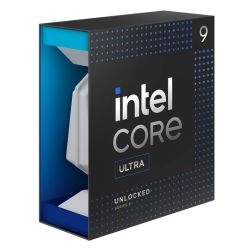
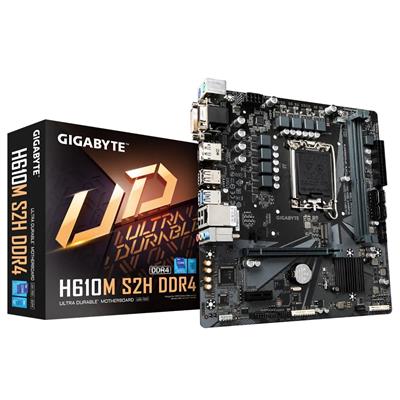
Step 1 of the configurator lands on the Intel Core i3 12100 (4 cores, 8 threads, 4.3GHz) on the Gigabyte H610M K V2 entry motherboard, with 8GB DDR5 5200MHz, a 1TB Gen 3 NVMe SSD, integrated Intel UHD 730 graphics, and Windows 11 Home 64-bit at £869.99 as the entry price. The configurator climbs the Intel ladder from there: Core i5 12400, Core i5 12600, Core i5 K-suffix, Core i7 12700, Core i7 13700KF, all the way to the Core i9 14900K (24 cores, 32 threads). Step the motherboard up at Step 1 to a B760M-class or Z790-class board for more I/O, more DIMM slots, more M.2 slots, onboard Wi-Fi 6 + Bluetooth, and CPU overclocking support. Prefer to talk it through? Call Kevin on 01902 714533. He builds the machine, answers the phone, and gives a straight answer based on the office software you actually run.
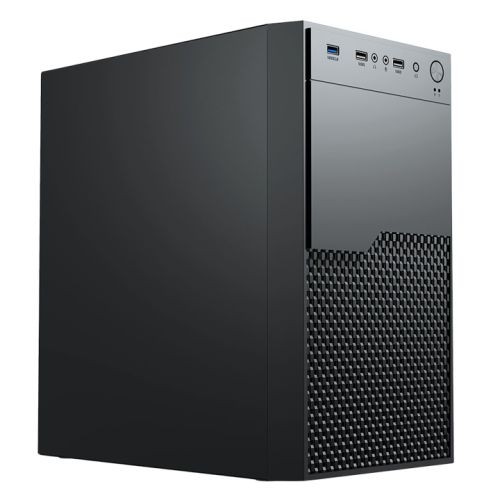
This configurator is the Intel lane of the Ginger6 home/office custom-built range. If you specifically want the AMD platform with Ryzen silicon and AMD-platform integrated or discrete graphics, the AMD Home and Office Custom Built PC configurator is the cross-platform sibling. If you would prefer Ginger6 to pick the spec for you, the fixed-spec Office range covers four price points: G6 Office i3 Desktop PC (i3 12100, £709.99), G6 Office AMD Desktop PC (Ryzen 5 8500G, £730.00), G6 Office i5 Desktop PC (i5 12400, £739.99), and G6 Office i7 Desktop PC (i7 12700, £880.00). The Intel Home and Office configurator sits inside our Custom PCs hub, the Home and Office PCs hub, and the basic office PCs sub-tier. If your work depends on a discrete professional graphics card (CAD, 3D rendering, video editing, Photoshop with heavy filters), the better starting point is the workstations range built around discrete professional GPUs from the ground up.
Three Reasons to Configure Rather Than Buy a Fixed Spec
The Ginger6 Intel Home and Office Custom Built PC configurator exists because no two offices have the same software stack, the same monitor setup, or the same budget. A fixed-spec office desktop is an opinion. A custom build is your decision.
You Pick the Spec, Ginger6 Builds It
Choose the CPU (Core i3 entry up to Core i9 24-core), the motherboard (H610 entry up to Z790 with onboard Wi-Fi 6 plus Bluetooth), the RAM (8GB entry up to 128GB), the SSD (1TB entry up to multi-drive setups), graphics (integrated entry up to discrete Nvidia or AMD GPU), the case, the cooler, the PSU, and the warranty cover. The Ginger6 workshop assembles the build to your decisions, not to a marketing-defined tier. The default options at each step are the most-asked starting points; every dropdown changes price and lead time live as you configure.
Sized for Office Software, Not Gaming
Every configured option is sized for productivity workload: Microsoft 365, accounting software (Sage, QuickBooks, Xero), video conferencing (Zoom, Teams), browser-based business apps, PDF and e-signature workflows, cloud sync (OneDrive, SharePoint, Dropbox), and multi-monitor desk setups. Integrated graphics is the default because no office workload needs a discrete GPU; if your work crosses into CAD, 3D, or video editing, the Step 1 dropdown carries the Nvidia and AMD discrete card range and we can talk you through which one fits.
24-Hour Office-Workload Test on the Configuration You Ordered
The 24-hour stress test runs on the exact configuration that ships, not a representative build. Thermal headroom on the configured Intel CPU at sustained office load, memory stability at the configured DDR5 speed in dual-channel mode, NVMe storage performance under sustained read/write, integrated graphics output to dual displays held over the full test run: all logged before despatch. If you upgraded the cooling for a K-suffix Core i7 or Core i9, the cooling is tested under that thermal envelope. Every order ships with a full printed VAT invoice.
Four Configurations for Four Office Buyer Profiles
If your office matches one of these profiles, the suggested configurator pick is the starting point. Adjust from there to your software stack and your budget.
For a home-office desk running Microsoft 365, Outlook, a busy browser session, occasional Teams calls, and OneDrive sync. Step the RAM at Step 1 to 16GB (2x8GB) Dual Channel from the 8GB default, step the SSD at Step 2 to 500GB if you do not need the full 1TB. Keep the default Gigabyte H610M K V2 motherboard, the Intel stock cooler, the integrated UHD 730 graphics, the Vida Enterprise case, and the 500W PSU. Functionally this lands close to the fixed-spec G6 Office i3 Desktop PC; configure if you want a non-default tweak (more RAM, larger SSD, different case).
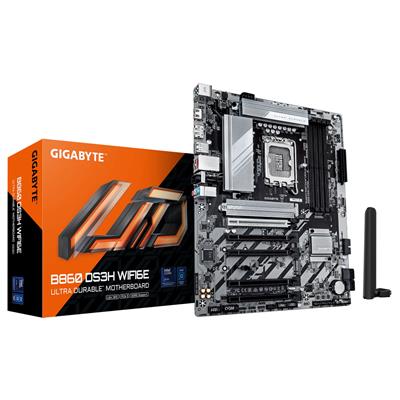
For a small-business desk running Microsoft 365 plus an accounts package plus Teams plus a busy browser session plus OneDrive sync plus the antivirus all loaded together. Step the CPU at Step 1 to the Core i5 12400 (6 cores), step the motherboard to a Gigabyte B760M D3HP WIFI6 for onboard Wi-Fi 6 plus Bluetooth and four DIMM slots, keep 16GB DDR5 (2x8GB) Dual Channel, keep the 1TB default SSD. The B760M step gives the build proper wireless connectivity from the board and headroom for a future RAM upgrade past 32GB.
For a desk where the office software list runs to eight or more concurrent applications: Outlook, Teams, accounts, browser session with 30+ tabs, OneDrive sync, antivirus full-scan, the occasional PDF batch OCR, plus a Zoom call. Step the CPU at Step 1 to the Core i7 12700 (8 P-cores + 4 E-cores hybrid layout), step the motherboard to a B760M-class or Z790-class board for the extra DIMM slots, step the RAM to 32GB DDR5 (2x16GB) Dual Channel, keep the 1TB SSD or step up to 2TB. The i7 12700 P+E hybrid handles the foreground application while the E-cores absorb background tasks.
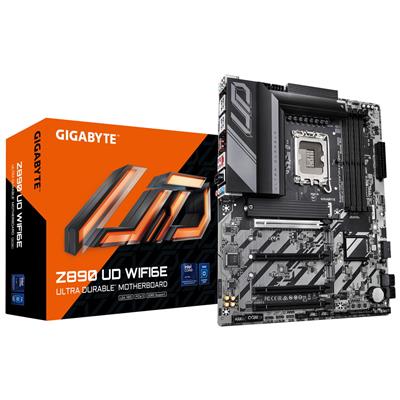
For a power-user office desk that crosses into creator-adjacent territory: multi-monitor setup, large multi-thousand-row spreadsheet recalculation, Photoshop or light video editing on the side, virtual machine workloads, or specialist software with stricter system requirements. Step the CPU at Step 1 to the Core i9 14900K (24 cores, 32 threads), step the motherboard to a Gigabyte Z790 D AX with onboard Wi-Fi 6E plus Bluetooth, step the RAM to 64GB DDR5 (2x32GB) Dual Channel, step the SSD to 2TB. If your workload needs a discrete GPU, the Step 1 Graphics dropdown carries the Nvidia and AMD range; for genuine workstation workloads consider stepping over to the workstations range instead.
Built by Hand in Wolverhampton
Every configured Intel Home and Office Custom Built PC goes through the same three-stage workshop process. The 24-hour stress test is the gate that holds dispatch.
Before assembly begins, the configuration submitted via the seven-step form is reviewed against the office software you actually run, the monitor count on your desk, and any creator-adjacent or specialist workload you mentioned. If you have spoken to Kevin on the phone, the build sheet reflects that conversation. Components are verified against current stock, the chosen cooler mounting hardware is confirmed for the configured Intel CPU socket (LGA1700 by default), and the build is queued in the workshop schedule. No shortcuts on stock substitution: the part you configured is the part in the build.
The build is assembled inside the case you selected at Step 1 of the configurator. The cooler is seated on the Intel CPU with the cold-plate contact verified, the configured case fans are wired and the airflow path checked, the integrated graphics outputs (HDMI + DisplayPort) are connected and verified for dual-monitor support. Cable management routes the PSU cabling behind the cable shroud for clean airflow inside the case. BIOS settings, DDR5 dual-channel mode at the configured speed, NVMe boot order, the on-board firmware update, and the onboard Wi-Fi + Bluetooth driver stack (if you stepped the motherboard up to a board with onboard wireless) are confirmed before the 24-hour test begins. Windows 11 Home (or Pro if you stepped it up at Step 5) is installed, activated, and the latest critical updates applied so the desktop arrives ready to use.
Every configured build runs sustained CPU and storage load for a full day before it ships. The test loop is built around the office workload this configurator is sized for: multi-application concurrent stress holding the configured CPU at sustained load while the M.2 NVMe SSD reads and writes against a working-file pattern, with the configured graphics output driving a dual-display configuration the whole time. The CPU is monitored for thermal headroom under the configured cooler. The memory is checked for stability at the configured DDR5 speed in dual-channel mode. The SSD is verified for sustained write performance. Boost behaviour, fan curves, and storage performance are all logged before despatch. If any component drifts off-spec during the test, the part is replaced and the test starts again. Your build ships free to mainland UK addresses, fully insured and tracked, with a full printed VAT invoice in the box.
- Thermal behaviour on the configured Intel CPU and cooler combination
- Processor and integrated graphics stability during extended multi-application use
- Memory stability at the configured DDR5 speed in dual-channel mode
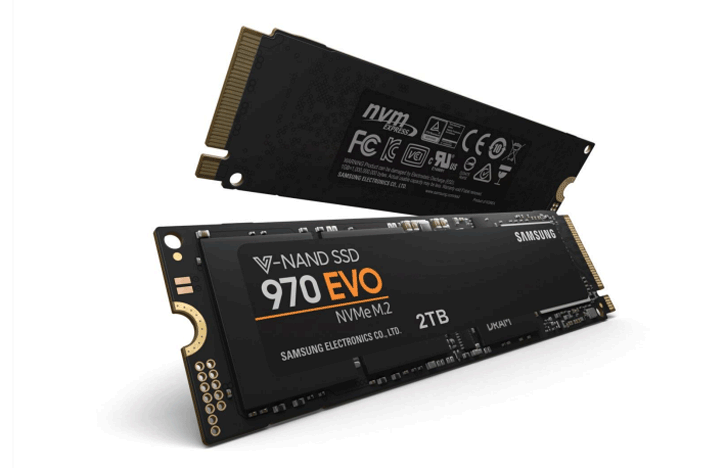
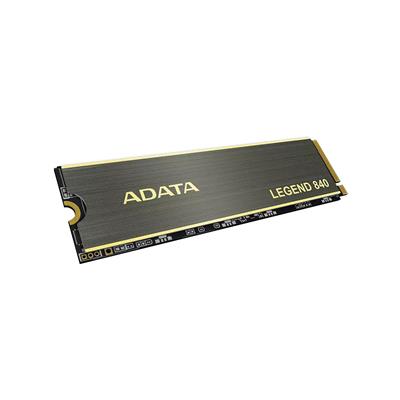
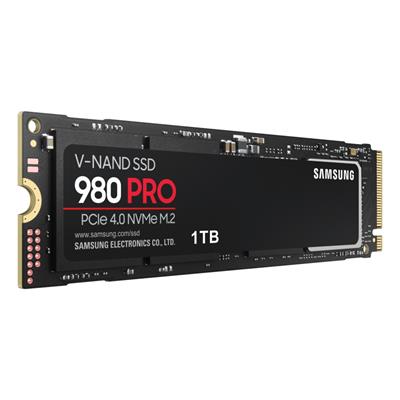
- Storage performance and consistency on the configured M.2 NVMe drives
- BIOS and firmware stability at the configured microcode version
- Whole-system stability under sustained office workload over the 24-hour run
What Custom-Build Buyers Say
Over 1,100 reviews on Trustpilot with a 93% five-star rating. The person who guides you through the configurator on the phone is the person who builds your Intel Home and Office Custom Built PC and answers the phone after delivery. Read the reviews on Trustpilot directly, nothing here is curated.
Configured an Intel custom desktop for my home office through Ginger6. Kevin walked me through the choices on the phone — RAM size, SSD capacity, motherboard step-up for Wi-Fi onboard. The build arrived in good time, drivers were all current, no setup hassle at all. Highly recommended.
Ordered a custom configured office desktop after spending an hour with Ginger6 working out exactly what I needed. The configurator is straightforward but it was helpful to have a real expert on the phone for the trickier choices. Build quality is first-rate, the machine runs cool and quiet on my desk.
Bought a custom Intel office build for my small business. The advice on the phone was honest and direct: Kevin told me where I could save money by not over-speccing and where the extra spend would actually pay back over five years. Excellent service, excellent machine.
Compare the Ginger6 Office Range
Four fixed-spec Office desktops at price points from £809.99 to £945, plus two configurators (one Intel, one AMD) that let you build to your own spec. Your current page is highlighted YOU ARE HERE.
G6 Office i3 Desktop PC
Intel UHD 730
Gigabyte H610M K V2
16GB DDR5 5200MHz Dual Channel
For a desk running Outlook, browser, and one productivity app at a time
G6 Office AMD Desktop PC
Radeon 740M (RDNA 3)
Gigabyte A620M H
16GB DDR5 5200MHz Dual Channel
AMD-platform entry, two more cores and a newer iGPU vs the Intel i3 sibling
G6 Office i5 Desktop PC
Intel UHD 730
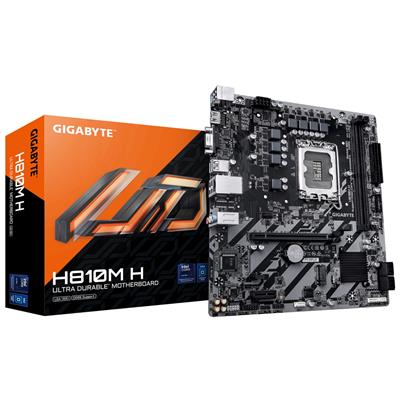
Gigabyte H810M H
16GB DDR5 5200MHz Dual Channel
For a multi-application office day with 5-7 always-open apps
AMD Home and Office Custom Built PC
integrated Radeon or discrete
configure A620 to X670
16GB DDR5 5200MHz Dual Channel
Configure your own AMD office build: CPU, RAM, storage, motherboard, graphics
Intel Home and Office Custom Built PC
integrated UHD or discrete
configure H610 to Z790
16GB DDR5 5200MHz Dual Channel
Configure your own Intel office build: CPU, RAM, storage, motherboard, graphics
G6 Office i7 Desktop PC
Intel UHD 770
Gigabyte H610M K V2
16GB DDR5 5200MHz Dual Channel
For the heaviest office workloads with 8+ always-open applications
Questions About Configuring Your Office PC
Scroll down to the Custom Options section under this product page. The seven-step form walks you through the build in order: Step 1 Core Components (case, CPU, motherboard, RAM, graphics), Step 2 Storage, Step 3 Power and Cooling, Step 4 Additional Cards, Step 5 Software, Step 6 Peripherals, and Step 7 Delivery and Services. Every dropdown updates the price and the lead time live as you change it. When you are happy with the configuration, click Add to Cart. If you would prefer to talk it through first, call Kevin on 01902 714533 and he will configure it with you on the phone based on the software you actually run.
Match the CPU to the number of always-open applications on your current desktop. Three or four (Outlook, browser, one productivity app): the default Core i3 12100 (4 cores) is enough. Five to seven (add Teams, accounts package, OneDrive sync, antivirus): step up to Core i5 12400 (6 cores). Eight or more (heavy concurrent stack, regular PDF OCR batches, large spreadsheet recalculations): step up to Core i7 12700 (8 P-cores + 4 E-cores, 12 cores total). Multi-monitor with creator-adjacent workload (light video, Photoshop, virtual machines): step up to Core i9 14900K (24 cores). The full Intel ladder is in the CPU dropdown at Step 1.
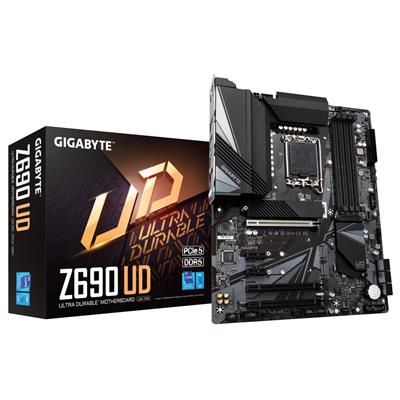
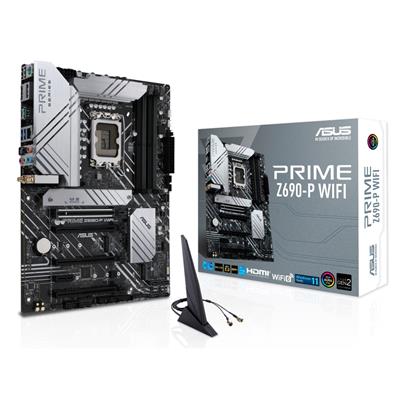
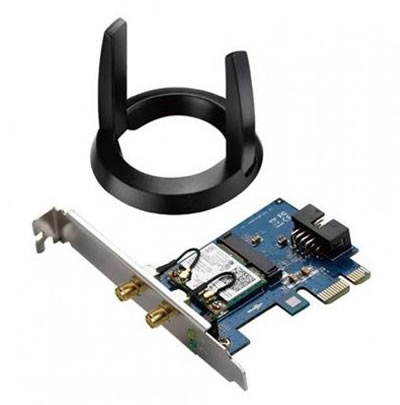
Step up if you want any of: onboard Wi-Fi 6 plus Bluetooth (the H610 default has none — the desktop ships with a USB Wi-Fi dongle but you may prefer onboard wireless), four DIMM slots instead of two (matters if you plan to upgrade RAM past 64GB later), more M.2 NVMe slots (matters if you plan multi-drive storage), or CPU overclocking support on a K-suffix Core i7 or Core i9. The Gigabyte B760M D3HP WIFI6 is the typical step-up choice for office workloads (onboard Wi-Fi 6 + Bluetooth 5.3, four DIMM slots, two M.2 slots); the Z790 D AX is the further step up for power users on K-suffix CPUs (overclocking support, Wi-Fi 6E, more PCIe lanes).
16GB DDR5 5200MHz (2x8GB) Dual Channel is the right starting capacity for any modern office workload — step up from the 8GB default for any build that runs more than two or three concurrent applications. Step up to 32GB DDR5 (2x16GB) Dual Channel for a busier multi-application desk (heavy spreadsheet work, the accounts package with year-end batch processing, multiple browser sessions, virtual machines). Step up to 64GB DDR5 (2x32GB) Dual Channel for power-user office workloads with creator-adjacent tasks. Every kit ships as a dual-channel pair: two matched sticks, never a single stick, so the memory controller runs at full bandwidth.
For the standard office workload (Microsoft 365, browser, video calls, multi-monitor productivity), no. The integrated Intel UHD graphics on every Intel CPU in this configurator drive two monitors at 4K 60Hz via HDMI and DisplayPort, hardware-accelerate the Microsoft 365 interface, and play back 4K video on Teams calls without a discrete card. If your work crosses into CAD (AutoCAD, SolidWorks), 3D modelling, video editing (Premiere, DaVinci Resolve), or Photoshop with heavy filters, the Step 1 Graphics dropdown carries Nvidia and AMD discrete cards. For genuine professional creator workloads, consider stepping over to the workstations range built around discrete professional GPUs from the ground up.
Call Kevin on 01902 714533. Tell him three things: the office software you run most often (Microsoft 365, accounts package, CRM, specialist tools), the monitor count and resolution on your desk, and your approximate budget. He will configure the build to land on the right spec for your office workload, talk through the trade-offs, and either confirm the configuration on the phone or email you a quote with the configurator URL preset to those choices.
We supply a full printed VAT invoice with all orders.
Ready to Configure Your Intel Home and Office Custom Built PC?
Use the seven-step Custom Options form above or call Kevin on 01902 714533. He will help you configure the right Intel spec for your office software, your monitor setup, and your budget. Lifetime UK phone support, 3-year warranty, free mainland UK delivery, full printed VAT invoice with every order. Ginger6 has been building custom desktop PCs in Wolverhampton since 2001.
Custom Options
£902.49
£869.99
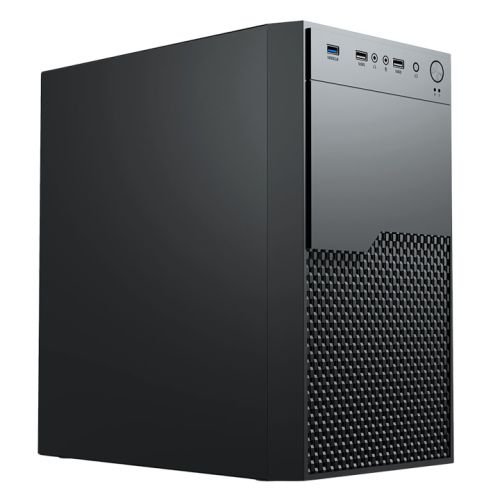
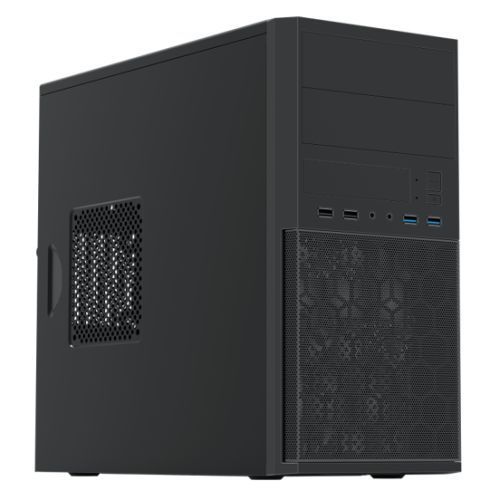

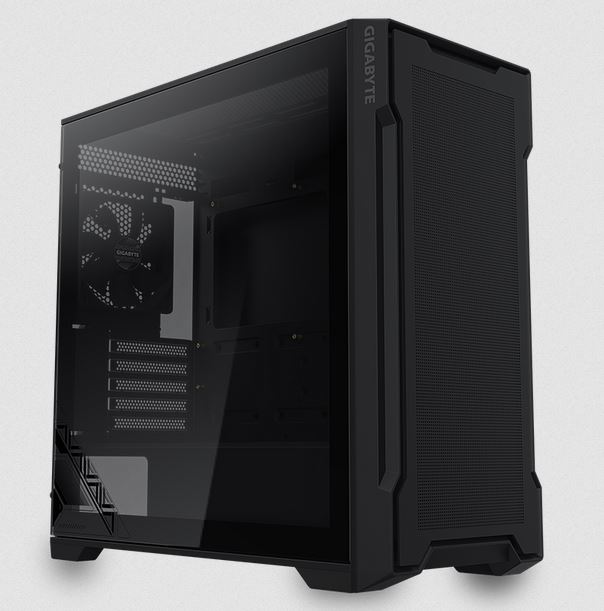
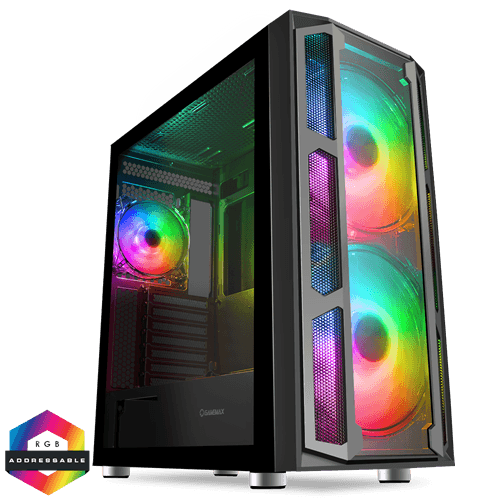
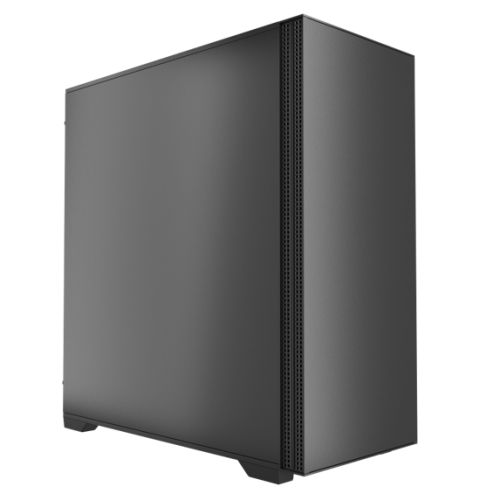
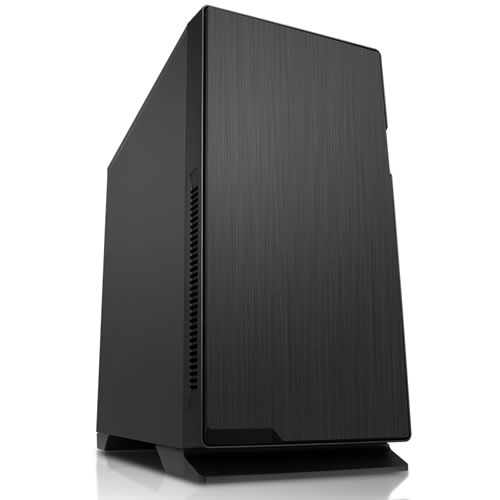
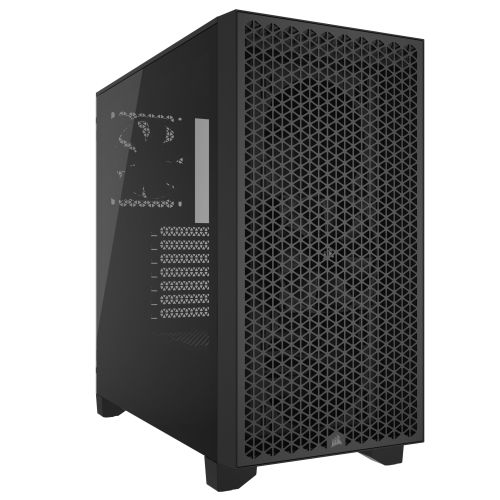
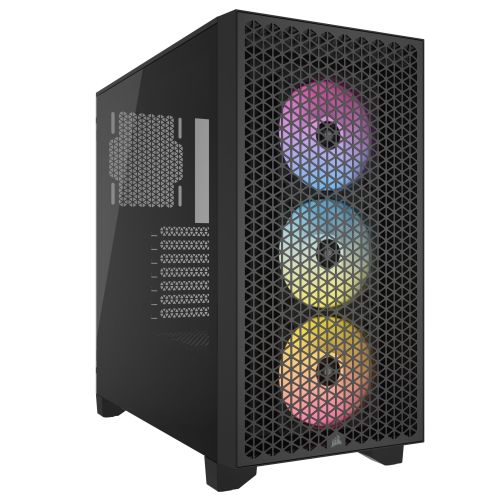
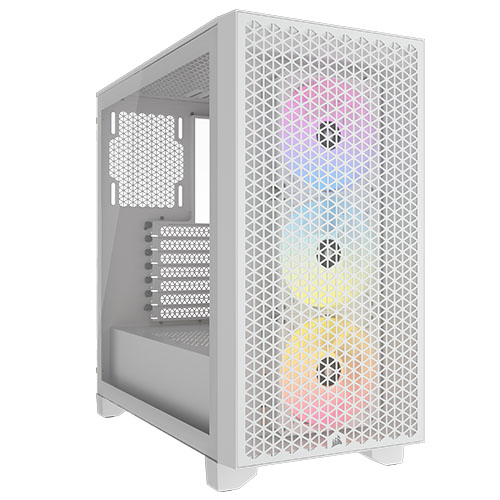
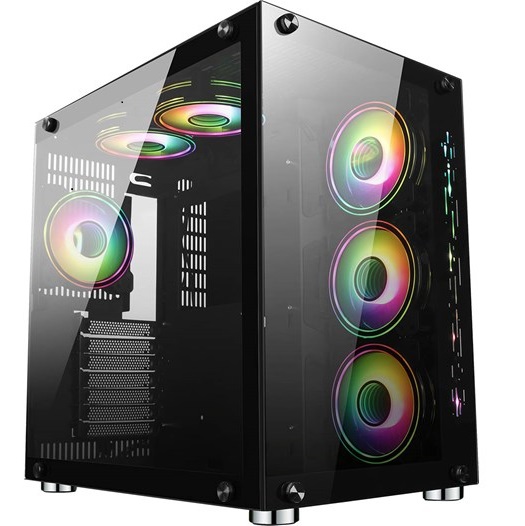
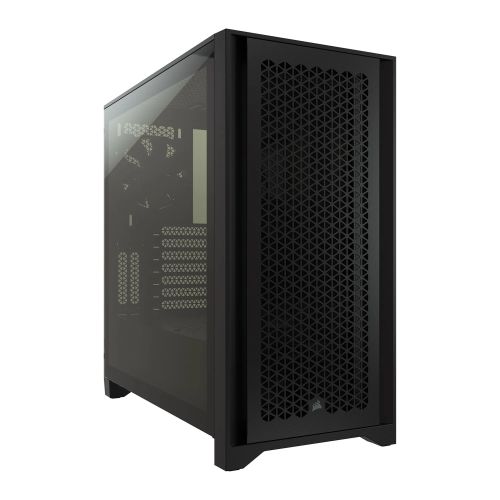
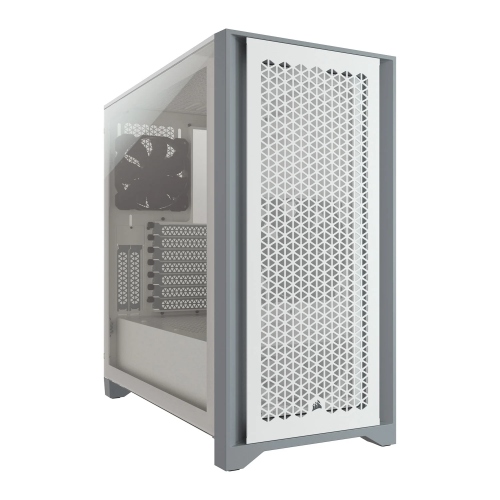
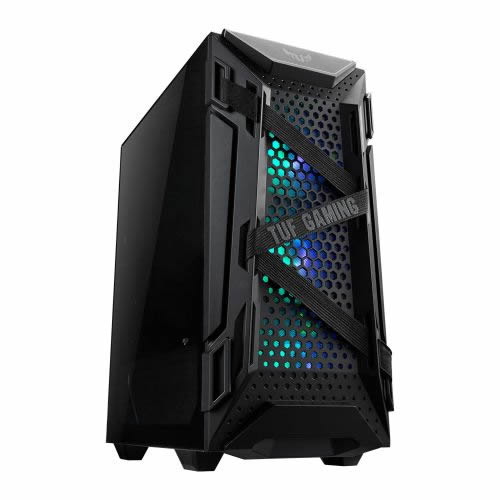


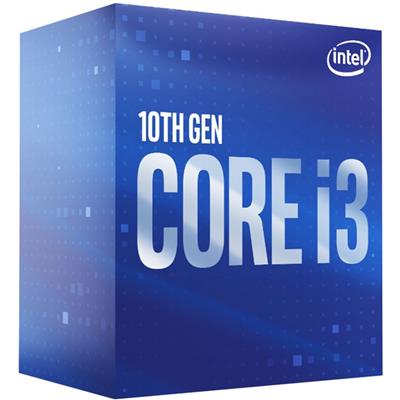





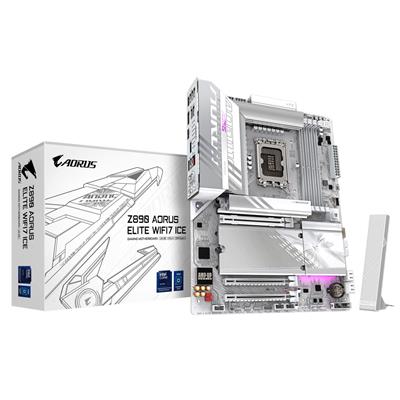
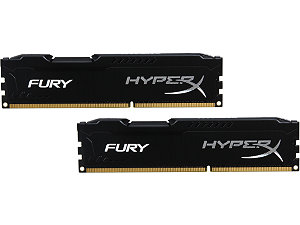
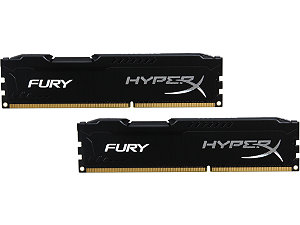
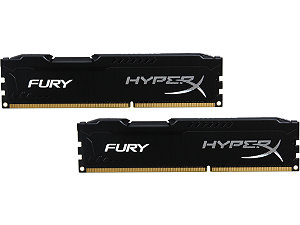















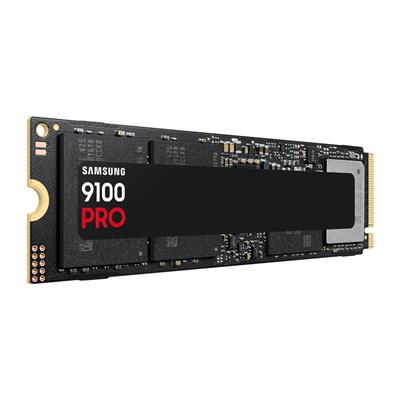


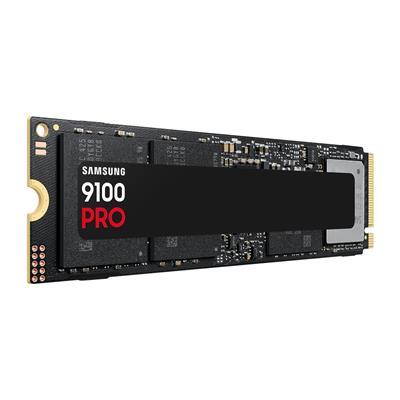


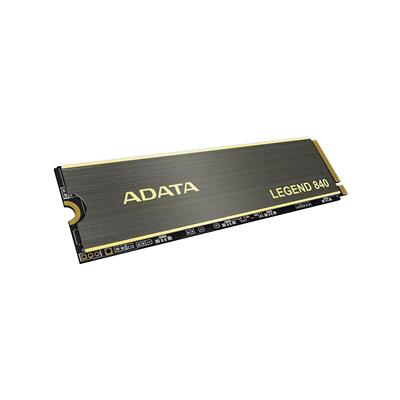


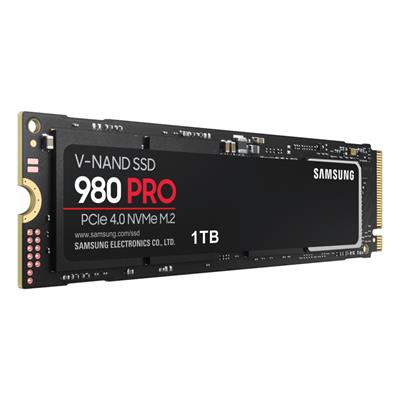
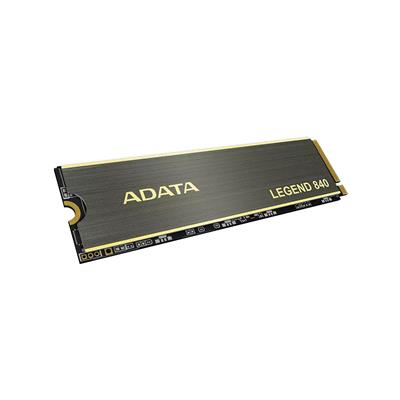


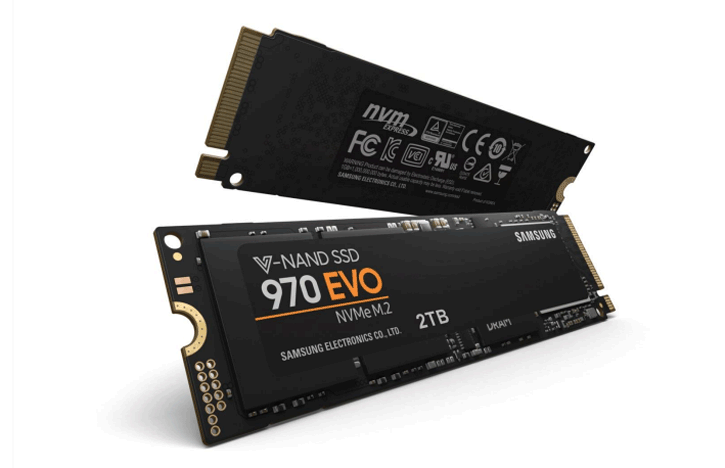


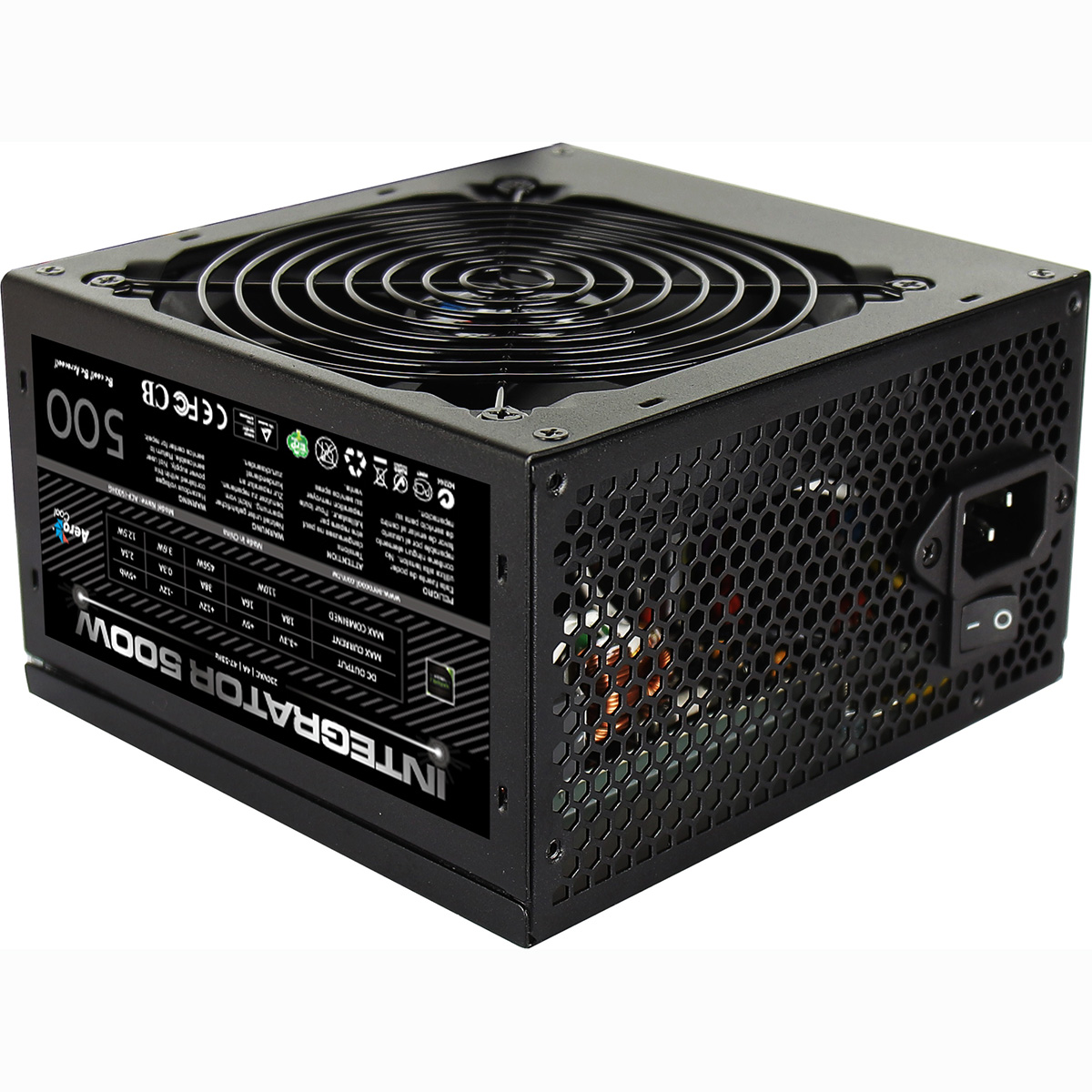




































* Required Fields
Specifications
Additional Information
| Manufacturers Part Number | IE-1150CUST |
|---|---|
| Processor | Intel Core i3 12100 |
| Processor Type | Intel Core i3 |
| No of Cores | 4 |
| Max Core Speed | 4.30GHz |
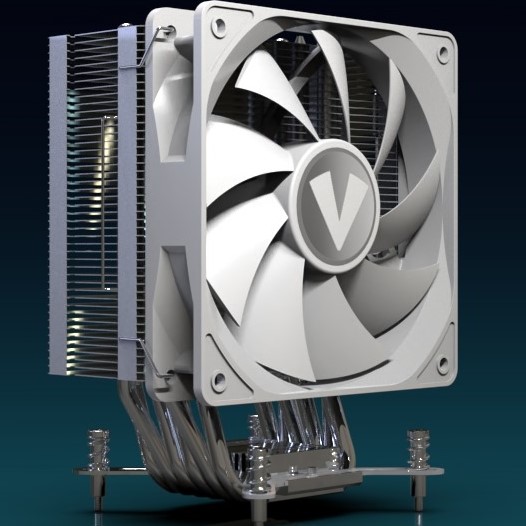
| CPU Cooler | Intel Stock Cooler |
| Motherboard | Gigabyte H610M K V2 |
| Case | Vida Enterprise |
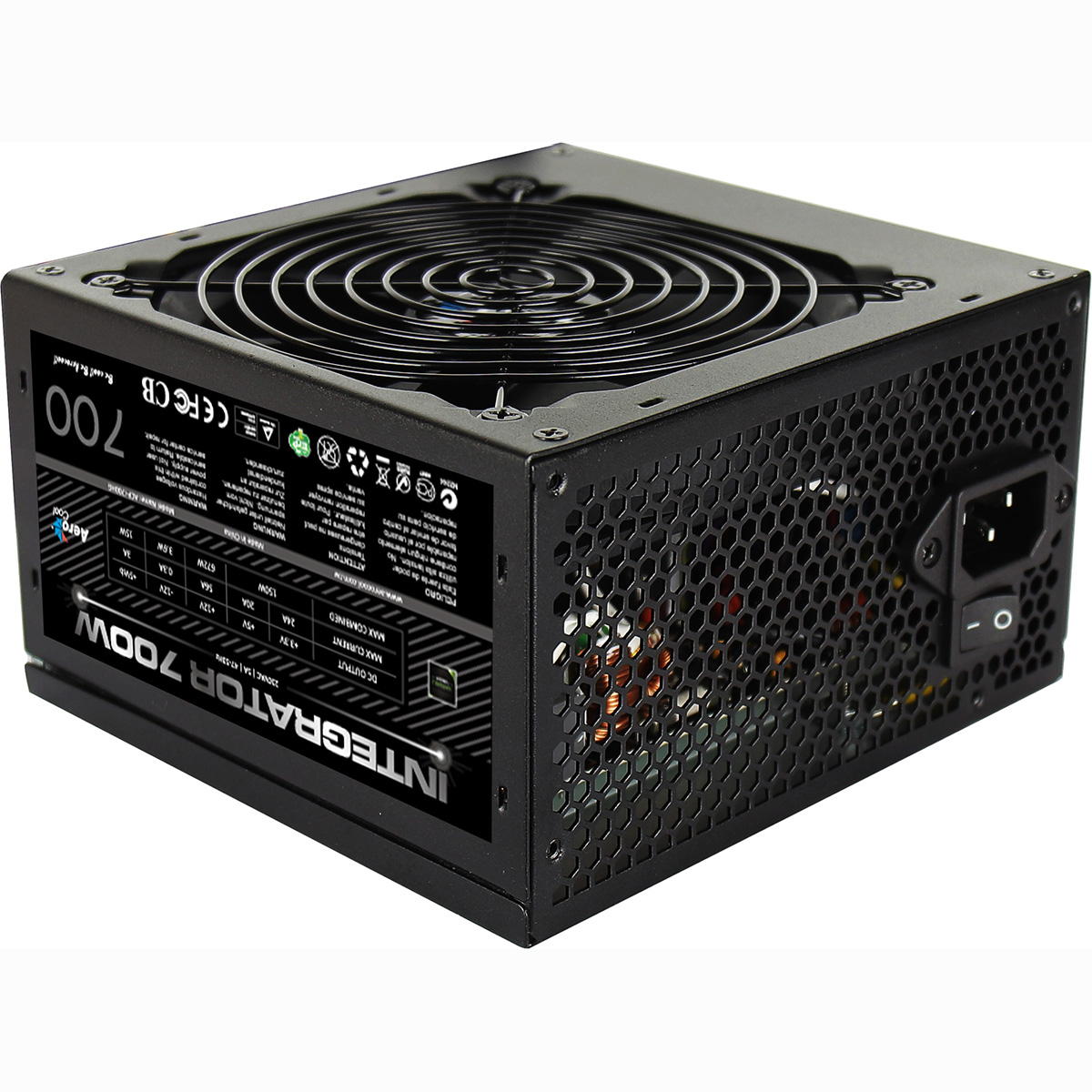
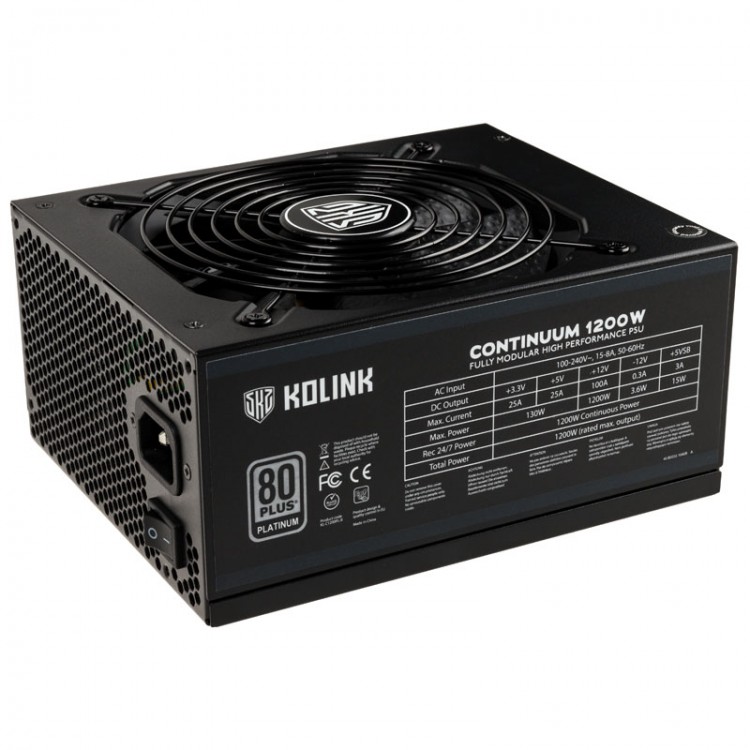
| Power Supply | 500w G6 ATX Lite PSU |
| Memory Size | 16GB |
| Solid State Drive Size | 1TB |
| Graphics | Integrated Graphics |
| Graphics Card Connections | HDMI |
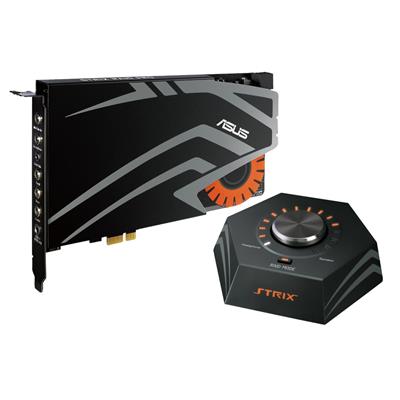
| Audio | 8-Channel High Definition Audio |
| LAN | 10/100/1000 Gigabit LAN Port |
| Ethernet | Realtek GbE 1 Gbps |
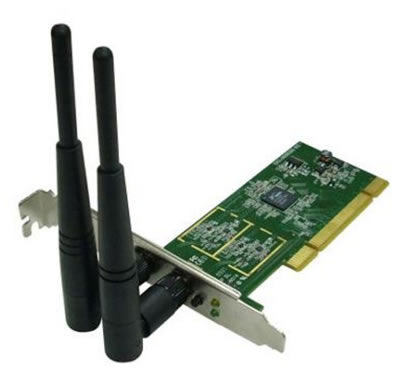
| Wi-Fi | 433Mbps USB Wifi Adapter |
| Bluetooth | None |
| Connections | Rear: 2x USB 3.2 Gen1, 4x USB 2.0 |
| Front Panel Connections | 1x USB-A 3.x, 2x USB-A 2.0, HD Audio |
| USB2 Ports | 6 |
| USB3 Ports | 3 |
| USB-C Ports | 0 |
| Operating System | Windows 11 Home |
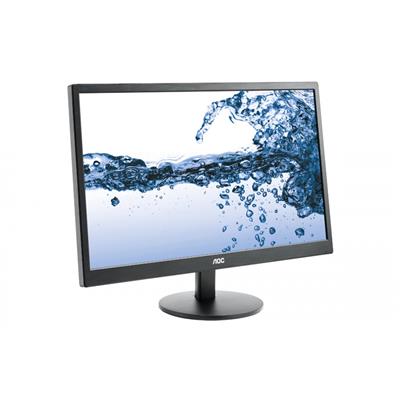
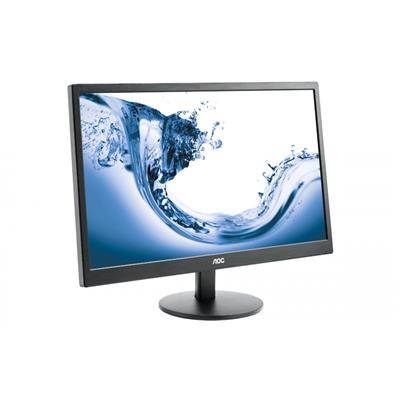
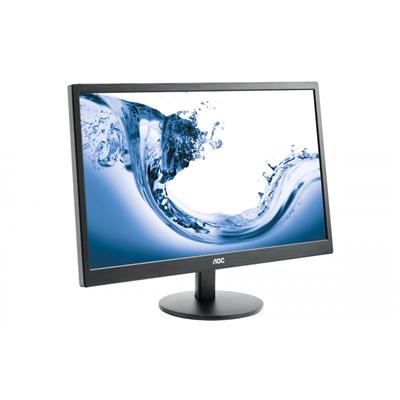
| Monitors | Optional (See Custom Options) |
| Warranty | 3 Year Bronze Warranty |
Reviews
-
HIGHLY HIGHLY recommend Ginger6. Review by PEERLESS GOLF
Quality Value Price Customer Service Anyone can ship a computer.
The guys at Ginger6, however particularly Kevin, provide world-class service both pre-sales, during sales, and after sales.
I had multiple questions about what kind of configuration I needed, and Kevin was happy to spend his time to guide me through the process.
When I had a minor issue with the PC, they spent the time needed on the phone to resolve.
I would HIGHLY HIGHLY recommend Ginger6. (Posted on 24/06/2026) -
Best packaging ever Review by John
Value Quality Price Customer Service Delivery, although delayed, which we were told about. Was still prompt and courteous. Packaging was the best I have ever seen. I must mention one thing however, the label warning about the internal packaging sais you instead of your????
Once I have learned where everything is in Windows 11 I should be well pleased with the new machine (Posted on 18/01/2026) -
Probably the best I've every dealt with Review by Michael Allen
Value Quality Price Customer Service The website was easy to follow and I liked it's encouragement to contact them for any help. I chose to build my computer - for home and office use - and found a good range of components to choose from. Once I had made my choice a phone call to Kevin set my mind at rest that I hadn't chosen anything that didn't match. Ordering online was straightforward - I ordered on a Monday and received a message the following Friday that it was ready for delivery. It arrived the next day (Saturday), at the time they said, well-packaged and carefully handled by the courier. Set up was fairly easy. The only problem I had was attaching dual monitors to the box (only one HDMI slot), but a phone call to Kevin helped me solve this.
Even though I've been buying computers for 30 years It's still a bit unnerving to get a new one. This is the first time I've bought from Ginger6 and I have to say it they are probably the best organised of all companies I've dealt with. I've been very satisfied and would recommend Ginger6 to anybody. (Posted on 11/08/2025) -
Excellent product. Review by Clive Voller
Price Value Quality Customer Service There was some slight bent-in damage to the HDMI port but easliy straightened with a screw driver. Every thing worked well so I didn't need to ask for help. Getting used to Windows 11. This is sent from it. I would use the company again and certainly recommend Ginger6. (Posted on 06/06/2025)
-
Excellent product. Review by Clive Voller
Value Quality Price Customer Service There was some slight bent-in damage to the HDMI port but easliy straightened with a screw driver. Every thing worked well so I didn't need to ask for help. Getting used to Windows 11. This is sent from it. I would use the company again and certainly recommend Ginger6. (Posted on 05/06/2025)
-
Helpful company Review by Stephen
Value Quality Price Customer Service Helpful company, arrived well packaged in good time (Posted on 16/04/2025)
-
Great Advice & Customer Service Review by Vintage Prints
Value Quality Price Customer Service It's always possible to get great advice before, during and after a purchase. Orders are processed quickly and delivery is fast also. We bought our last 2 work computers here and didn't hesitate to buy our latest one here as well. I can highly recommend them. (Posted on 27/12/2024)
-
Great Advice & Customer Service Review by Vintage Prints
Value Quality Price Customer Service It's always possible to get great advice before, during and after a purchase. Orders are processed quickly and delivery is fast also. We bought our last 2 work computers here and didn't hesitate to buy our latest one here as well. I can highly recommend them. (Posted on 17/12/2024)
-
Computer came as stated and quick Review by Richard Freeman
Value Quality Price Customer Service Computer came as stated and quick (Posted on 14/05/2021)
-
Good personal service. Review by Montie Berry
Value Quality Price Customer Service Good personal service. (Posted on 28/01/2021)
-
Top stuff. Review by Crafters Companion
Quality Price Value Customer Service We've been a customer of Ginger6 for a fair few years now and we always get great service from Kevin at the team at Ginger6.
Feel safe in the knowledge that you get decent kit, and if for whatever reason stuff goes wrong, it always gets rectified !
Top stuff. (Posted on 15/01/2019) -
Would definitely use again. Review by David
Quality Price Value Customer Service Product as described, keenly priced, fast delivery and good communication during order & delivery processes. Would definitely use again. (Posted on 14/12/2018)
-
Impressed Review by Unkown
Quality Price Value Customer Service Bought one of these for a client with a a small business. How impressed was I! Was up and running in 2 minutes flat and sooooooooo simple. (Posted on 23/09/2018)