




Ginger6 G6 Cobalt — RTX 5090 AI and Rendering Workstation
Description
G6 Cobalt — Maximum VRAM Workstation for RTX 5090, AI/ML Training, and Production GPU Rendering
The G6 Cobalt is built for PyTorch LoRA and full fine-tuning of 13B+ parameter models without quantisation, production GPU rendering in Blender at 8K texture scale, V-Ray GPU and Redshift for complex architectural and product scenes, and large batch inference workloads. The RTX 5090 32GB VRAM removes the quantisation trade-off that limits 13B model training on 16GB cards and eliminates the texture and geometry VRAM ceiling for all but the most extreme rendering environments. From £3800, built and stress-tested in Wolverhampton. The Cobalt features in our AI and ML workstations and 3D rendering workstations ranges.
The Cobalt and the G6 Cobalt Max use the same RTX 5090 32GB GPU. The single difference is system RAM: the Cobalt has 64GB DDR5, the Cobalt Max has 128GB DDR5. If your training pipeline uses DeepSpeed ZeRO or PyTorch FSDP CPU offloading to train models beyond 32GB VRAM, the Cobalt Max is required. If your model fits within 32GB VRAM, the Cobalt is the correct machine. Call Kevin if you are uncertain which applies to your setup.
Not sure whether the Cobalt or Cobalt Max fits your training pipeline? Call Kevin on 01902 714533 — he will give you a straight answer.
G6 Cobalt — Full Specification
RTX 5090 32GB, Ryzen 9 9950X, and 6TB total NVMe — the maximum consumer VRAM tier for training without quantisation and production rendering without a VRAM ceiling.
Why This Specification for Maximum VRAM Training and Rendering
Every component in the Cobalt is chosen for the specific demands of 13B+ training without quantisation constraint, production rendering without a VRAM ceiling, and the power delivery a 575W GPU requires.
RTX 5090 32GB: 13B+ models without quantisation trade-offs
Training a 13B parameter model with LoRA in fp16 requires 24GB or more VRAM. The RTX 5090's 32GB covers this without quantisation, which affects training quality for some use cases. For researchers who need full-precision fine-tuning at 13B scale, or who expect to work with larger architectures over the machine's life, 32GB is the appropriate tier. In 3D rendering, 32GB removes texture and geometry VRAM constraints for all production environments.
32GB VRAM: removes texture and geometry constraints in rendering
For 3D rendering, 32GB eliminates VRAM constraints for production scenes with 8K texture sets, complex displacement, hundreds of light sources, and high-polygon geometry. V-Ray GPU and Redshift users who have had scenes fail due to VRAM overflow on a 16GB or 24GB card will find 32GB resolves the issue across the full range of their production work without scene modification.
1000W PSU: RTX 5090-ready power delivery
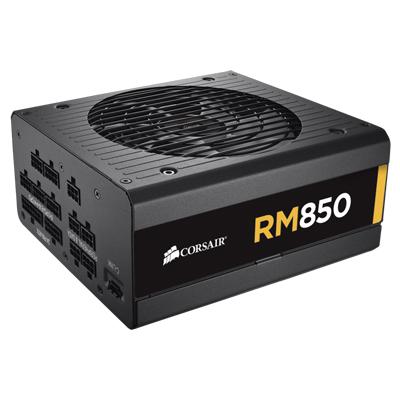
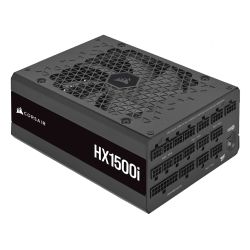
The RTX 5090 at 575W TDP combined with the Ryzen 9 9950X under sustained training or rendering load approaches 800W system draw. The 1000W Corsair RM1000e operates at roughly 80 percent of rated capacity under this load, within the efficient band for an 80+ Gold unit, with ATX 3.1 transient headroom for the RTX 5090. An 850W unit would operate above safe working capacity during sustained use — a risk to stability during training runs that continue overnight or through a working day.
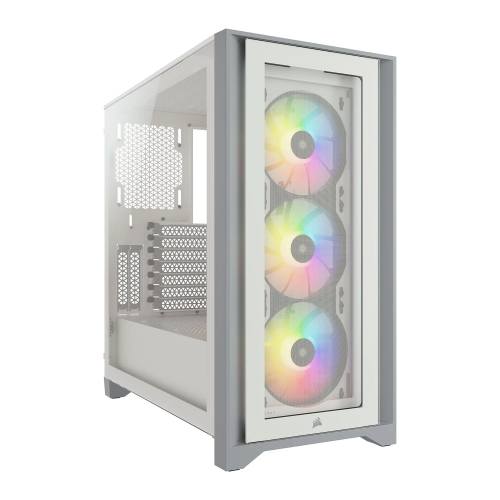
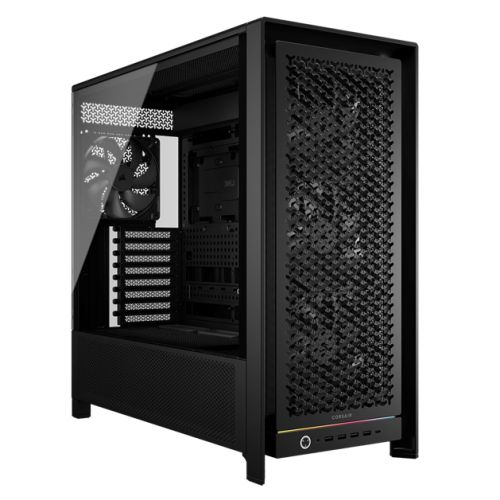
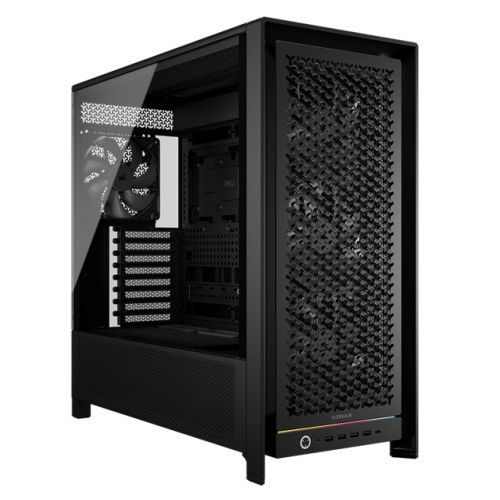
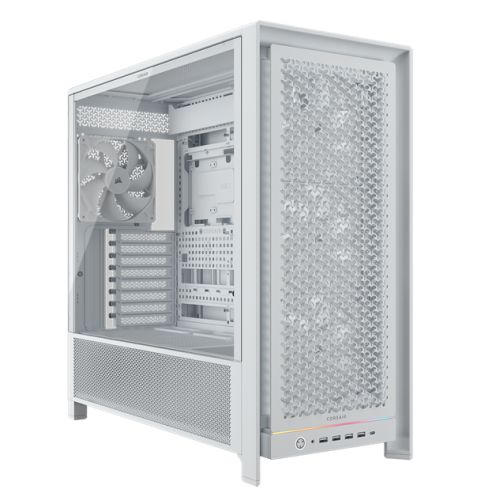
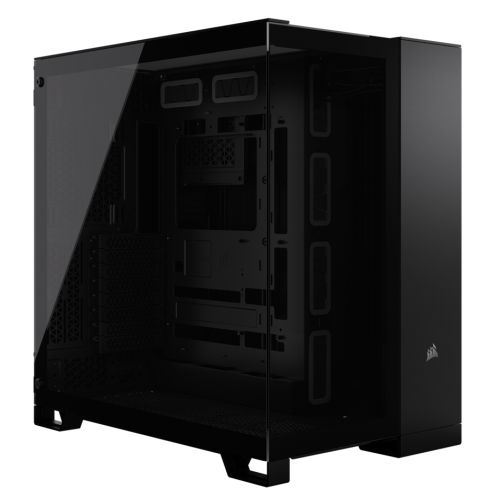
Corsair 5000D: the correct case for the RTX 5090
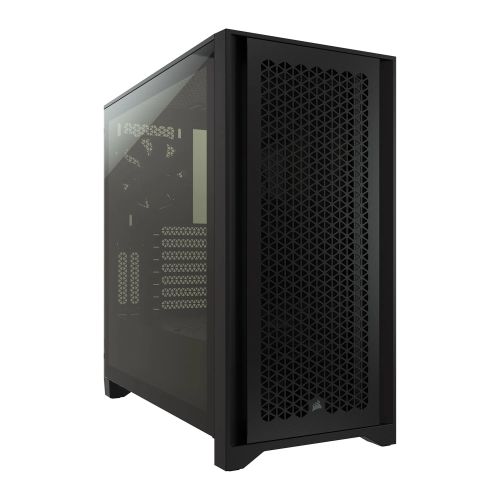
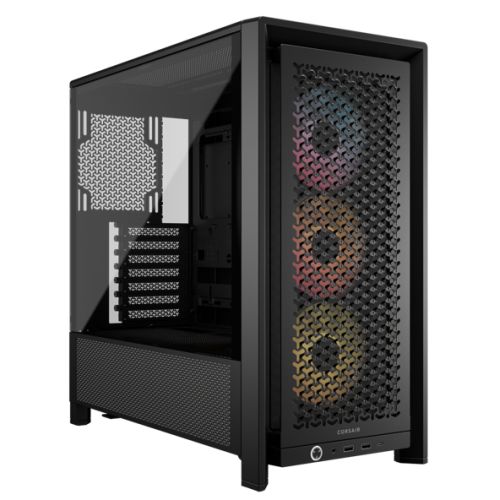
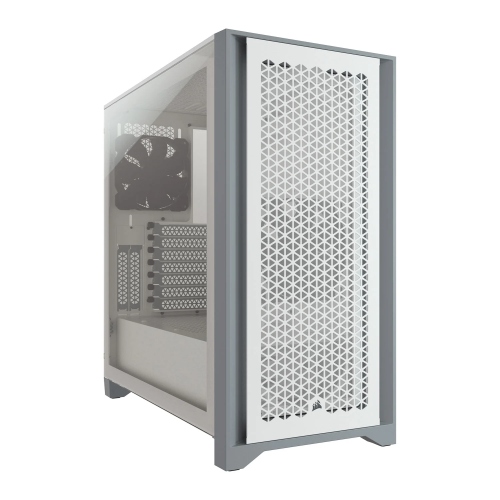
The RTX 5090 requires a case that provides adequate physical clearance for its length and airflow capacity for its 575W TDP under sustained load. The Corsair 5000D is the confirmed suitable case for this build. Fitting an RTX 5090 into a smaller case risks thermal restriction that reduces sustained performance during long training jobs — the Cobalt is built to run overnight, not just for short benchmarks.
What the G6 Cobalt Handles
Confirmed software performance at the G6 Cobalt specification. Workload scales based on Ryzen 9 9950X, 64GB DDR5, RTX 5090 32GB, and 2TB plus 4TB NVMe.
Performance descriptors are indicative. Actual performance depends on project complexity, settings, and system configuration. Kevin can advise on the right spec for your specific workflow.
32GB VRAM Removes the Quantisation Decision. That Matters for Training Quality.
Training a 13B parameter model with LoRA in fp16 requires approximately 24 to 28GB of VRAM for the model weights, the LoRA adapters, the optimiser states, and the activations at a workable batch size. On a 16GB card, that job requires QLoRA — 4-bit quantisation of the base model weights — which reduces VRAM footprint but also reduces the fidelity of gradient updates during training. For researchers where that quantisation compromise is acceptable, a 16GB card works. For researchers where full-precision training quality matters — because the downstream task is sensitive to subtle quality differences, or because the researcher prefers to eliminate quantisation as a variable in the training setup — 32GB VRAM removes the decision entirely.
The distinction between the Cobalt and the G6 Cobalt Max is a single question: does your training pipeline use DeepSpeed ZeRO or PyTorch FSDP CPU offloading to train models that exceed 32GB VRAM? If yes, the Cobalt Max's 128GB system RAM is required — 64GB is not enough for the offloading process at that scale. If no, the Cobalt is the correct machine and the Cobalt Max adds cost without benefit for your specific workflow. Kevin's conversation before the order starts with your model architecture, your training framework, and your sequence lengths. The 3-year warranty covers parts and return postage, and Kevin is available after delivery — the same phone number in year one and in year three.
Tell Kevin:
- The software you use most and the version
- Your typical file sizes or project scales
- Whether you need to run multiple applications simultaneously — and which ones
- Your approximate budget and whether this is for one machine or a team
No charge for the conversation. No pressure to buy.
93% Five-Star Reviews on Trustpilot
93% of Ginger6 customers leave five-star reviews. A machine at this investment deserves support that is genuinely available after delivery. Kevin builds the Cobalt, stress-tests it at sustained GPU load, and is the person who picks up the phone when you call.
See all reviews"I upgraded my PC to one that was Windows 11 compatible. I have been using it for about 3 months with no problems. The service from Ginger 6 has been great."
"Placed order, and received it earlier than expected. Windows and drivers already installed so computer was good to go right out of the box. Runs perfectly, have no complaints, only good things to say! Recommended!!"
"I have been using Ginger 6 since 2014 for gaming PCs for wife and myself. That's 5 purchased in total. Never had a technical issue with any of the builds and the only reason for new purchases is technical obsolescence. Highly recommend them."
Built by Hand in Wolverhampton
Every G6 Cobalt is assembled, configured, and tested by Kevin's team. The 24-hour stress test runs the RTX 5090 under sustained training load — the same demand the machine faces during an overnight fine-tuning job at 575W GPU draw.
Before the build begins, the configuration is reviewed against your software and workload. If you have spoken to Kevin, the spec is confirmed against your model architecture, training method, whether CPU offloading is in your pipeline, and whether rendering or video work is a primary or secondary use. The Ryzen 9 9950X and X870 Eagle WIFI7 are verified for AM5 compatibility. RTX 5090 stock is confirmed before the build begins. Components are staged before assembly.
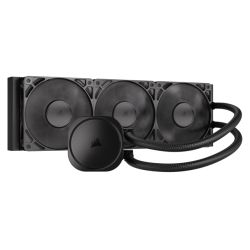
The Cobalt is assembled by hand in Wolverhampton. Inside the Corsair 5000D, cables are routed to maintain clear airflow paths to the RTX 5090 and the 360mm radiator, reduce dust build-up around both NVMe drives, and keep future maintenance accessible without disturbing the thermal configuration. BIOS settings and DDR5 memory profiles are confirmed before the 24-hour test begins. The 1000W PSU is verified for stable power delivery under the combined RTX 5090 and CPU load before the test starts. GPU drivers are updated and confirmed before dispatch.
Every Cobalt runs under sustained GPU load for a full day before it ships. The test replicates the demand of an overnight training run — the RTX 5090 held at sustained high utilisation at its 575W operating envelope, with the Ryzen 9 9950X handling CPU-side workloads simultaneously. This is the same demand profile the machine faces during a long training job. Stability under sustained load, confirmed power delivery from the 1000W PSU, and thermal behaviour over 24 hours are all verified before packaging. Windows 11 Pro, drivers, and both NVMe drives are confirmed before dispatch.
- Thermal behaviour under sustained RTX 5090 training load
- Processor and graphics stability during extended use
- Memory responsiveness and system stability
- Storage performance and consistency across both NVMe drives
- BIOS and firmware stability
- System stability under extended use
G6 Cobalt — Common Questions
Yes. Training a 13B parameter model with LoRA in fp16 on the RTX 5090 32GB is achievable within 32GB VRAM at workable batch sizes. In fp16, the 13B model weights alone occupy approximately 26GB — with LoRA adapters, optimiser states, and activations, total VRAM consumption at a batch size of 1 with short sequences sits in the 28 to 32GB range. At longer sequences or larger batch sizes, you may need gradient checkpointing to fit within 32GB, but the base model weights remain in fp16 throughout rather than being quantised. Full fp16 fine-tuning without any quantisation of the base weights is what 32GB VRAM enables at 13B scale. For models above 13B in fp16, or for long context fine-tuning at 13B where activations are large, call Kevin and describe your model size and sequence length before ordering.
Both machines use the same RTX 5090 32GB GPU and the same Ryzen 9 9950X processor. The single difference is system RAM: the Cobalt has 64GB DDR5, the G6 Cobalt Max has 128GB DDR5. The reason for 128GB is CPU offloading: DeepSpeed ZeRO-Offload and PyTorch FSDP move optimiser states, gradients, or full model parameters to system RAM to train models larger than 32GB VRAM on a single GPU. This process requires large amounts of system RAM — 64GB is insufficient for offloading at scale, and 128GB provides the capacity for the offloaded states alongside the rest of the system's memory requirements. If your workflow does not use CPU offloading and your model fits within 32GB VRAM, the Cobalt is the correct machine. If your workflow requires ZeRO or FSDP offloading, the Cobalt Max is required.
The RTX 5090 has a TDP of 575W. Under sustained GPU training or rendering load, the GPU draws close to that figure continuously. The Ryzen 9 9950X under sustained data loading and preprocessing workloads adds another 125 to 200W. Combined system draw approaches 800W under sustained training conditions. An 850W PSU would operate at approximately 94% of rated capacity under this load — beyond the safe working range for long-term reliability. The 1000W Corsair RM1000e operates at around 80% of rated capacity under peak load — within the efficient operating band for an 80+ Gold unit that runs overnight training jobs — with ATX 3.1 transient headroom for the RTX 5090's power spikes. Sustained operation near or above a PSU's safe working capacity reduces component longevity and increases instability risk during long jobs.
For researchers and practitioners who train regularly, the answer is usually yes over a medium-term horizon, though the calculation depends on usage patterns. Cloud GPU instances with 80GB HBM capacity — the type needed to train 13B models in fp16 without quantisation — typically cost between £2 and £4 per GPU-hour on major cloud platforms as of 2026. A training run of 10 hours costs £20 to £40 at that rate. If you run 10 such jobs per month, cloud costs reach £200 to £400 per month — £2400 to £4800 per year. The G6 Cobalt at around £4000 reaches the equivalent cloud spend in one to two years at this usage level, and you have the machine for five to seven years. The calculation shifts in cloud's favour for very occasional training runs, or where the flexibility of scaling to multi-GPU cloud instances is necessary. Neither answer is universal — call Kevin and describe your training frequency and typical job length, and he will give you an honest assessment.
Build time is 3 to 5 working days from order confirmation, including the 24-hour stress test at sustained RTX 5090 training load. Delivery to UK mainland addresses is free and fully tracked. RTX 5090 stock is subject to availability — call Kevin on 01902 714533 before ordering to confirm current stock and the build timeline. If you have a specific project start date, Kevin will tell you whether the timeline is achievable before you place the order.
Ready to Order the G6 Cobalt?
Ginger6 has been building custom workstations in Wolverhampton since 2001. Kevin confirms RTX 5090 stock and your spec before the build, stress-tests the machine at sustained GPU load, and is available after delivery. 93% five-star reviews. 3-year warranty with lifetime support.
Custom Options
£6,291.28
£5,905.00

















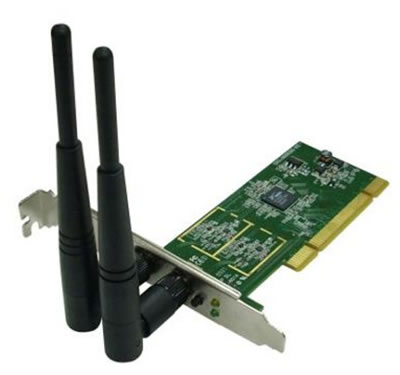


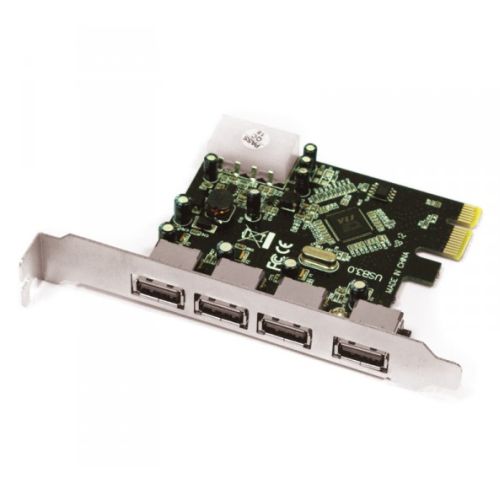







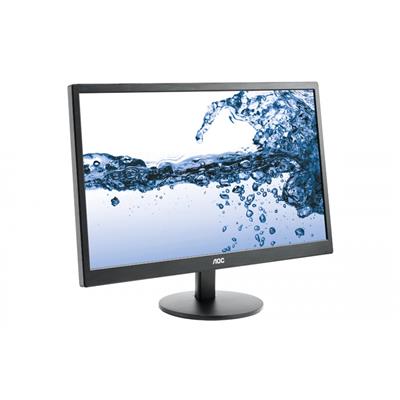
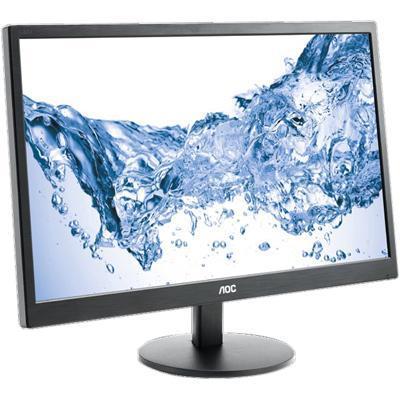
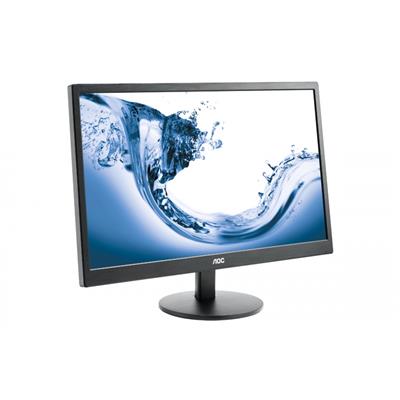
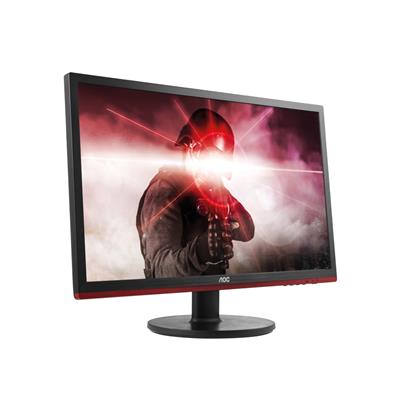
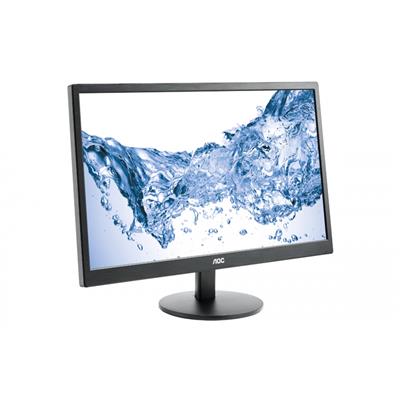
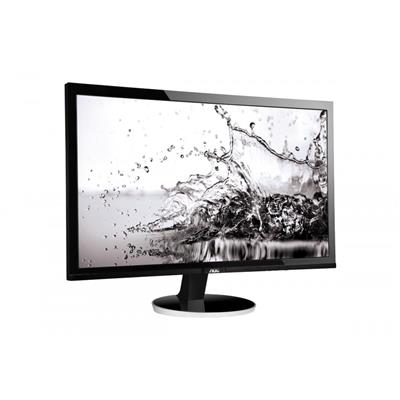
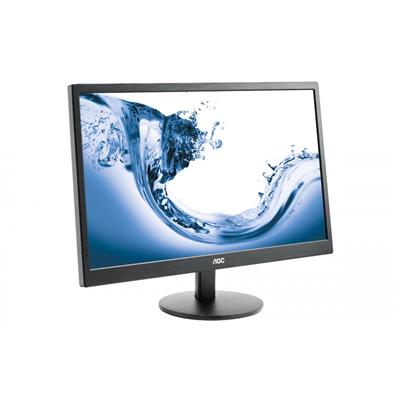


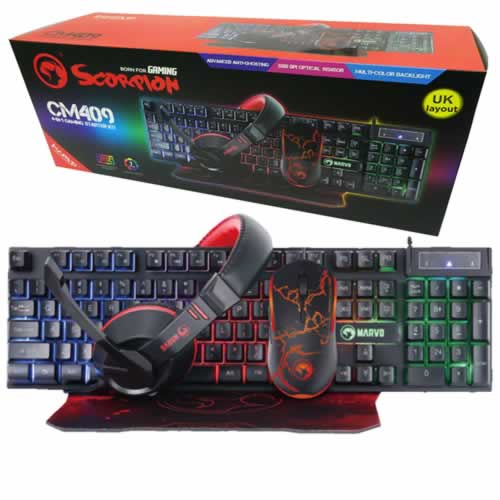




* Required Fields
Specifications
Additional Information
| Processor | AMD Ryzen 9 9950X |
|---|---|
| Processor Type | AMD Ryzen 9 |
| No of Cores | 16 |
| Max Core Speed | 5.70GHz |
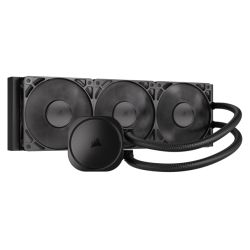
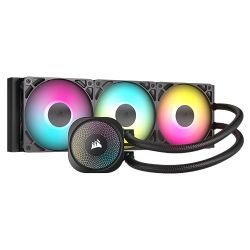
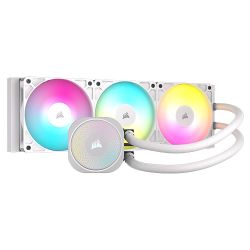
| CPU Cooler | 360mm ARGB AIO Liquid Cooler |
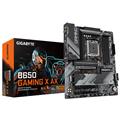
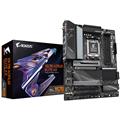
| Motherboard | Gigabyte X870 EAGLE WIFI7 |
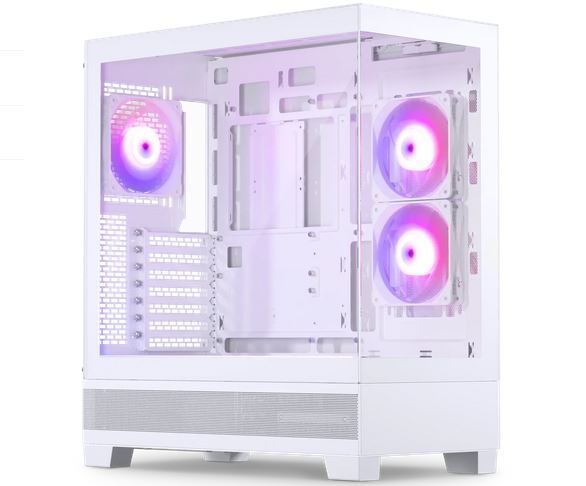
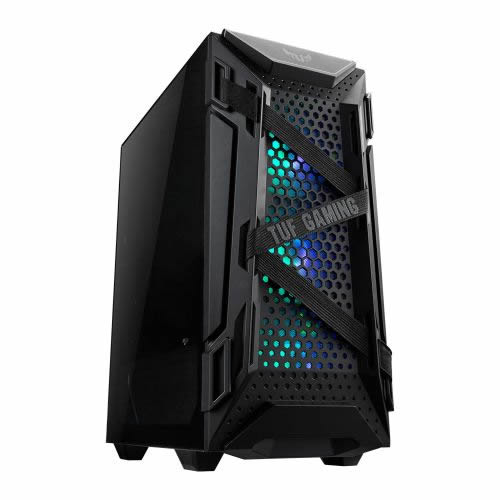
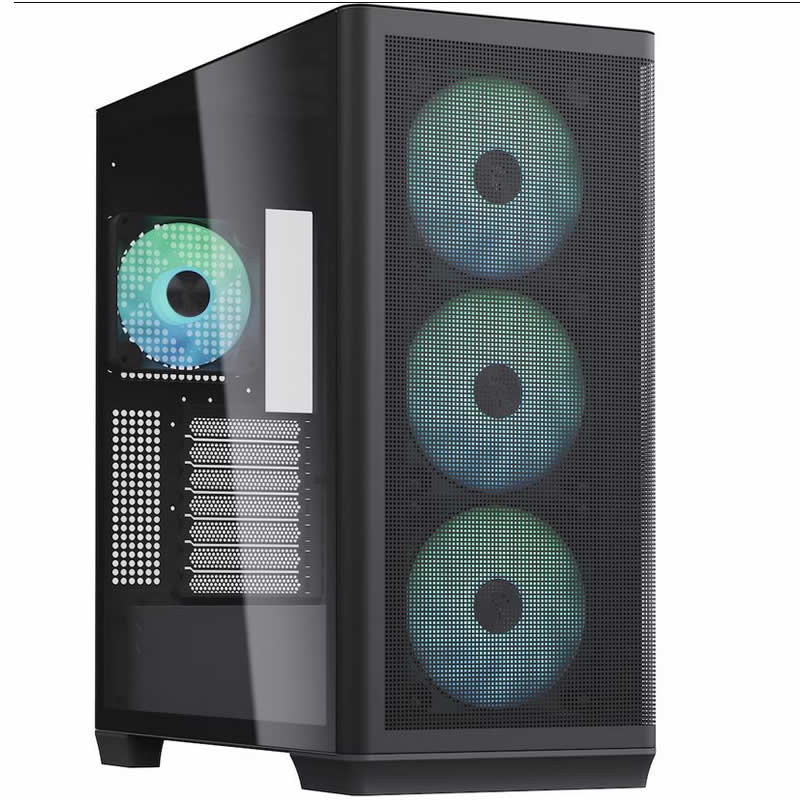
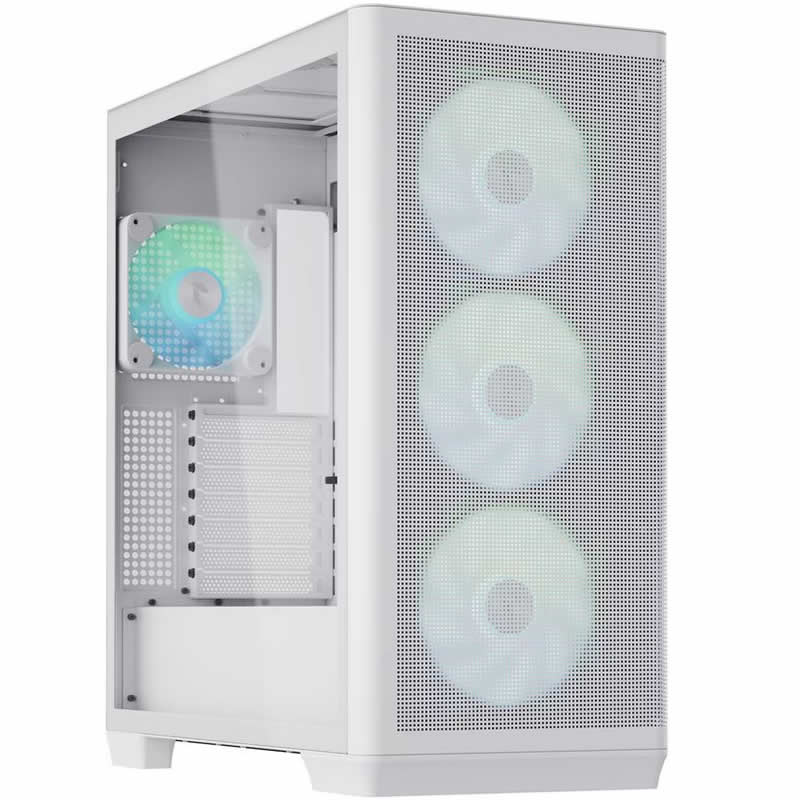
| Case | Corsair 5000D Black |
| Power Supply | Corsair 1000w RM1000e 80+ Gold Full Modular |
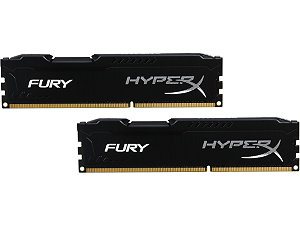
| Memory Size | 64GB |
| Solid State Drive Size | 2TB |
| 2nd SSD | 4TB |
| Graphics | Nvidia RTX 5090 32GB |
| Graphics Card Connections | Displayport (x3), HDMI |
| Audio | Realtek ALC (HD Audio) |
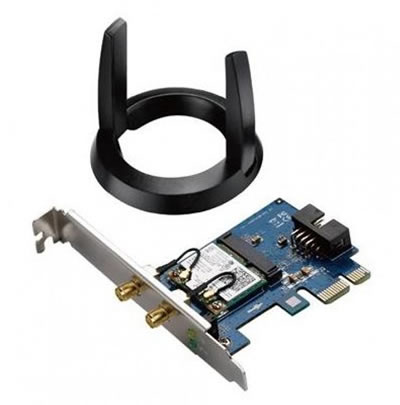
| LAN | 2.5GB LAN, Wi-Fi 7 |
| Ethernet | Realtek 2.5GbE |
| Wi-Fi | WiFi 7 (MediaTek MT7925 rev1.0 / Realtek RTL8922AE rev1.1) |
| Bluetooth | 5.4 |
| Connections | Rear: 2x USB-C, 1x USB 3.2 Gen2, 3x USB 3.2 Gen1, 4x USB 2.0 |
| Front Panel Connections | 2x USB-A 3.x, 1x USB-C, HD Audio + Mic |
| USB2 Ports | 4 |
| USB3 Ports | 6 |
| USB-C Ports | 3 |
| Operating System | Windows 11 Pro |
| Monitors | Optional (See Custom Options) |
| Warranty | 3 Year Bronze Warranty |
Reviews
- Be the first to review this product