




RTX 5090 for Content Creation in a custom built PC
Power your creative work with an RTX 5090 custom PC — or explore our custom workstations built for content creation.
The RTX 5090 for content creation is set to redefine expectations, promising lightning-fast rendering, advanced AI capabilities, and features that cater to every creative workflow. Whether you produce videos, edit high-res photos, or design 3D projects, understanding what this powerful GPU offers can be the edge you need.
At Ginger6, we break down the RTX 5090’s performance, highlight its unique features, and discuss the AI tools now at your fingertips, helping you decide if this is the next upgrade for your creative setup.
Why the RTX 5090 Matters for Content Creators Building a Custom PC
For content creators, performance, reliability, and future-proofing are essential. Working with large media files, advanced visual effects, 3D rendering, or AI-driven workflows demands a system that can keep pace.
The RTX 5090 delivers exactly that. Built on Nvidia’s latest architecture, it balances raw power with intelligent efficiency, accelerating everything from 4K video editing to real-time rendering. More importantly, it integrates seamlessly with modern AI tools, helping creators work faster and smarter.
At Ginger6, we’ve seen the shift: creative industries now value not only speed, but workflow integration and adaptability. The RTX 5090 fits perfectly into this evolving landscape, whether you’re a solo creator or running a professional studio.
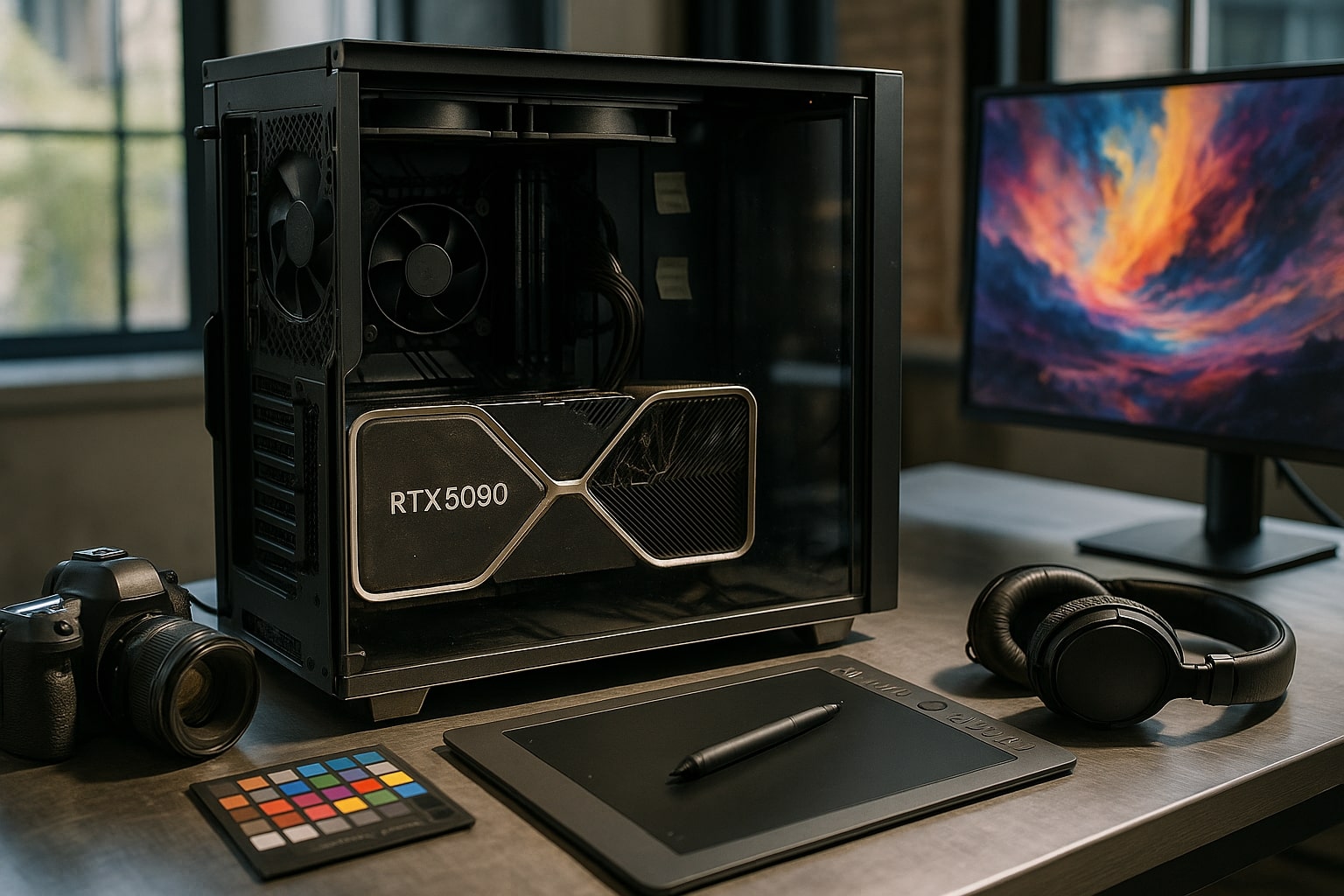
Expert Perspectives from Ginger6: Matching Power to Your Workflow
When it comes to creative workstations, one size never fits all.
At Ginger6, we start with your workflow, project type, and budget before recommending the RTX 5090. Why? Because the right GPU isn’t just about specs, it’s about how it enhances your daily work.
-
Video Production & Editing: Expect faster exports, smoother timelines, and fewer slowdowns with high-resolution footage.
-
3D & VFX Work: Expanded memory and improved ray tracing make complex rendering faster and more reliable.
-
AI-Enhanced Tasks: The RTX 5090’s AI cores automate repetitive work, from denoising to upscaling, freeing you to focus on creativity.
Balancing Performance and Budget
Powerful GPUs are an investment, but they must fit within your system and spending plan.
-
Smart Build Choices: We optimize every component, RAM, storage, CPU, and motherboard, to complement your RTX 5090 without overspending.
-
Right-Sized Recommendations: Sometimes a different RTX card suits your needs better; we’ll tell you if that’s the case.
Our aim is simple: maximize your return on investment, not your bill.
Personal Guidance, Not Guesswork
Every creative journey is different, and our approach is hands-on.
-
Direct Support: Talk to Kevin or our experienced builders for honest, practical advice.
-
Tailored Builds: Whether it’s hardware-accelerated encoding, AI-assisted editing, or multi-software workflows, we design systems around your goals.
-
Future-Ready: Our PCs are built to grow with you, not limit you.
If you’re wondering whether the RTX 5090 is right for your creative projects, let’s discuss your vision. Reach out to Ginger6 for a consultation, and we’ll craft a build that evolves with your ambitions, without breaking your budget.
AI Tools and Creative Features Unlocked by the RTX 5090
The leap from raw graphics power to intelligent creative tools is redefining content creation. The RTX 5090 extends its strength beyond visuals, delivering AI-assisted features and advanced driver support that remove workflow bottlenecks and let ideas flow freely.
With cutting-edge neural processing and dedicated AI cores, creators gain tools that save time, boost precision, and open new creative possibilities. At Ginger6, we believe the real value of high-end hardware lies not just in speed, but in how it empowers creators to work smarter, not harder.
What Content Creators Gain from AI Capabilities and Driver Support
Today’s creators have access to the most powerful digital tools yet, thanks to the RTX 5090’s AI hardware and driver ecosystem.
AI Features That Transform Workflows
-
Tensor Cores: Accelerate time-consuming tasks like image/video upscaling, render denoising, and automating edits.
-
DLSS 3.5: Boosts preview and output speeds for video and 3D projects, cutting turnaround time without sacrificing quality.
-
AI-Enhanced Creativity: Features like AI-assisted color grading, facial recognition, and scene reconstruction unlock workflows previously limited by time.
Studio-Grade Driver Support
-
NVIDIA Studio Drivers ensure applications like Adobe Premiere Pro, DaVinci Resolve, and Blender run seamlessly with RTX 5090 hardware.
-
Drivers are regularly updated and rigorously tested, keeping creative software stable, fast, and future-ready.
-
This means less troubleshooting, more creating, and confidence that your system can handle evolving demands.
Ginger6’s Approach: Building Confidence and Capability
For us, power alone isn’t enough. At Ginger6, we focus on integrating AI and driver support into custom PCs tailored to your workflow.
-
Personal Consultations: We match features like AI denoising or automated grading to your unique projects and budget.
-
Future-Ready Systems: Each build is optimized to stay relevant as AI tools and creative apps evolve.
-
Trusted Partnership: We ensure that when you invest in an RTX 5090, you’re also investing in stability, adaptability, and creative freedom.
Ready to explore AI-driven creativity? Whether you’re editing, animating, or experimenting with next-gen media, Ginger6 will guide you to a build that maximizes the RTX 5090’s potential. Let’s craft a workstation that grows with your vision.
Choosing the Right RTX 5090 Configuration
Finding the best RTX 5090 setup begins with understanding your real workload and matching it to your investment. At Ginger6, we know no two creators are alike, video editors, 3D animators, and graphic designers all push systems in different ways.
-
Video Professionals: Working with high-bitrate 4K or 8K footage? Pair the RTX 5090 with high-speed storage and 64GB+ of RAM to avoid editing or export slowdowns.
-
AI-Driven Workflows: If your focus is AI photo manipulation or procedural generation, prioritize GPU power and a motherboard with strong PCIe support to unlock every feature.
The Role of System Memory
The RTX 5090 thrives when supported by fast, high-capacity memory.
-
Multiple creative apps and large uncompressed projects demand more RAM.
-
We help find the sweet spot between speed, capacity, and budget, so your system stays responsive and cost-effective.
-
Every Ginger6 build aims to future-proof your investment, avoiding regrets a year down the line.
Power and Cooling Matter
This GPU is powerful and power-hungry.
-
We pair the RTX 5090 only with robust, efficient PSUs.
-
Advanced cooling keeps things quiet and stable during long creative sessions.
These details mean peace of mind, even when pushing your PC to its limits.
Expert Guidance, Tailored to You
At Ginger6, advice comes from real PC builders.
-
We’ll walk you through your options to ensure every component matches how you work.
-
Whether you’re editing, rendering, or experimenting with AI, your build will be precisely tuned to your projects.
The Takeaway
The RTX 5090 is redefining creative performance, offering unmatched power and AI tools that streamline demanding workflows.
Ready to build? Talk to the Ginger6 team today for personalized recommendations and a custom PC that balances power, budget, and future growth.