




What Makes Intel Processors Good for Gaming?
Intel processors are widely used in Intel Gaming PCs because they deliver fast response times, strong frame rate potential, and predictable behaviour under load. In most PC games, the processor’s role goes beyond raw computing power. Timing plays a major part. An Intel CPU must keep the graphics card supplied with data, manage game logic, handle physics and AI calculations, and support background processes without introducing stutter or uneven frame delivery. What makes Intel processors good for gaming comes down to how well Intel CPU architectures handle these tasks during real gameplay. Core layout, clock speed behaviour, boost response, and overall platform stability all influence how smooth and responsive a game feels. When these factors work together, Intel gaming performance remains consistent across both short matches and long play sessions.
Intel Core Count and How Games Use CPU Resources
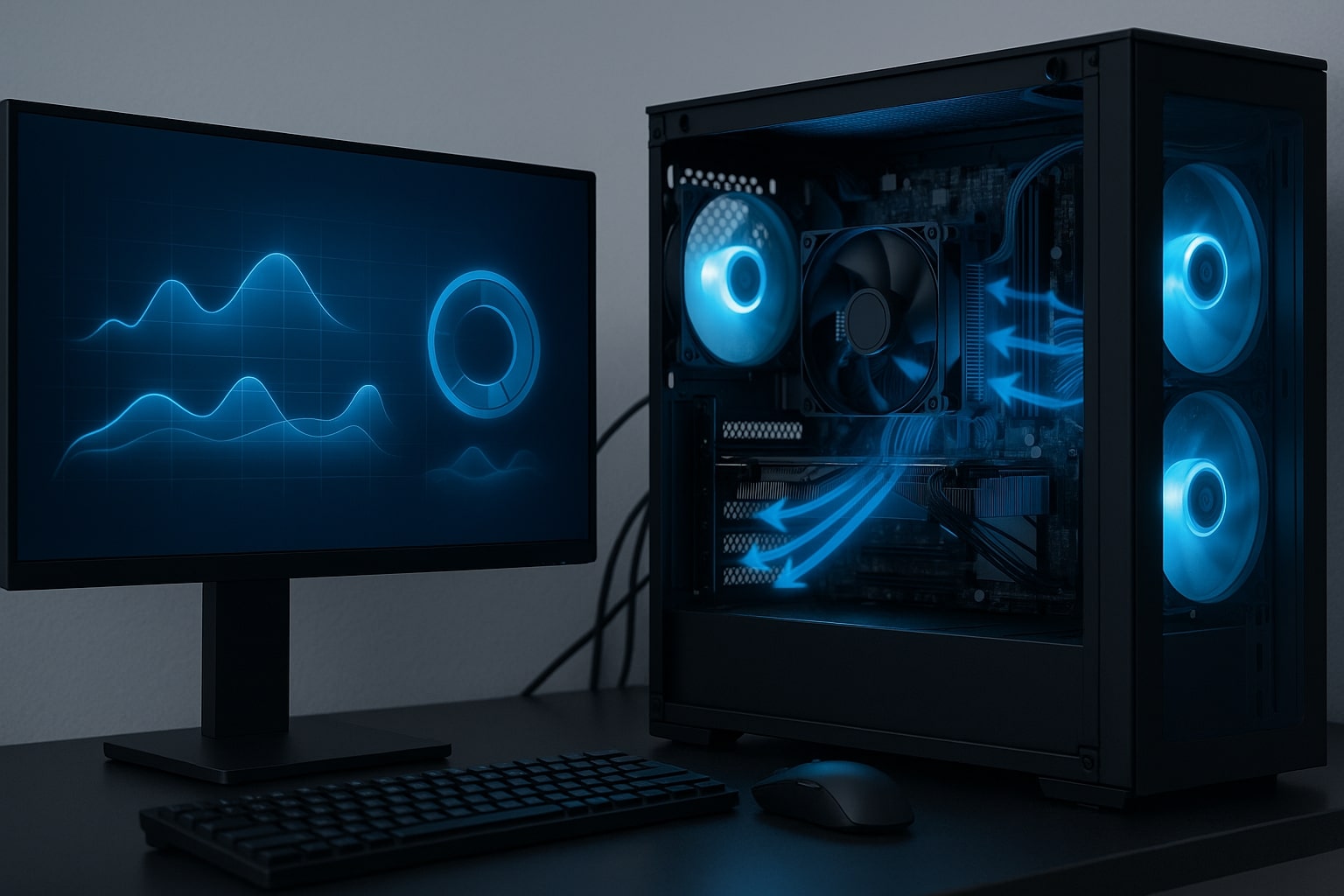
Intel core count matters in gaming, but not always in the way it is marketed. Many modern games can use multiple cores, yet overall performance still depends on how efficiently the Intel CPU handles the heaviest threads. A game may distribute tasks such as world simulation, audio processing, and background systems across several cores, while still relying on one or two main threads to drive the game loop.
Intel Core processors tend to perform well in this scenario because they balance fast single-thread execution with solid multi-thread support. This allows an Intel gaming CPU to handle demanding in-game tasks while still leaving room for background activity such as voice chat, capture software, or system services.
When Intel core count makes the biggest difference
Additional Intel CPU cores are most helpful when:
-
Playing newer titles that scale across multiple threads
-
Running background applications alongside gaming
-
Streaming or recording gameplay
-
Managing busy scenes with many active game systems
From a practical perspective, Intel core count contributes to stability under pressure. Having available Intel CPU resources reduces the chance of sudden performance drops when the game and other processes compete for processing time.
Intel CPU Clock Speed and Boost Behaviour During Gaming
Clock speed is one of the clearest reasons Intel processors are considered strong gaming CPUs. Measured in GHz, Intel CPU clock speed affects how quickly instructions are completed, which directly influences gameplay responsiveness. While Intel core count helps spread workload, clock speed helps complete critical tasks quickly.
Many games still include moments where a single thread limits performance. In these situations, higher and more consistent Intel CPU clock speeds can improve frame rates and reduce stutter. This is especially noticeable in competitive titles and fast-paced scenes where input response matters.
Intel boost behaviour also plays an important role. Gaming load changes constantly, with brief spikes followed by lighter moments. An Intel processor that boosts quickly and sustains higher speeds under load helps maintain smooth frame pacing rather than fluctuating performance.
What to observe with Intel CPUs during gameplay
When assessing Intel CPU behaviour during gaming, it helps to watch:
-
Whether Intel clock speeds remain stable during longer sessions
-
Whether Intel boost performance drops as temperatures increase
-
Whether frame rates stay consistent in demanding scenes
In real-world use, steady Intel CPU performance under load is often more valuable than brief peak speeds that cannot be maintained.
Real-World Intel Gaming Performance and System Stability
Intel gaming performance is best judged by how a system behaves during actual play rather than short benchmark runs. Benchmarks are useful for comparisons, but gameplay experience depends on stability, frame pacing, and how the Intel CPU responds as demands change over time.
An Intel gaming processor often feels strong when Intel scheduling and boost behaviour maintain consistent frame delivery and avoid sudden drops during CPU-heavy moments. These moments may include large NPC crowds, complex physics calculations, open-world streaming, or competitive multiplayer scenes with many effects on screen.
System stability also depends on how well the Intel CPU works with the rest of the hardware. Even a powerful Intel processor can underperform if memory settings are unstable, cooling is insufficient, or power limits restrict clock behaviour. A stable Intel platform allows the CPU to deliver performance reliably instead of fluctuating under load.
Using stress testing to confirm Intel CPU stability
Stress testing helps verify that an Intel gaming system can hold performance during sustained load. It can reveal:
-
Thermal throttling that reduces Intel CPU clock speeds
-
Unstable memory configurations that affect Intel platforms
-
Power settings that cap Intel processor performance
When stress testing is combined with real gameplay testing, it becomes easier to identify whether performance limitations are Intel CPU-related or caused by another component.
Choosing the Right Intel Core CPU for Your Gaming Needs
Intel Core processors are available in different tiers and configurations, and the best choice depends on how a gaming PC is used. Competitive players often prioritise high frame rates and low latency, where Intel single-thread performance plays a major role. Others focus on visual quality in single-player games, where the graphics card carries more of the workload. Some users need extra headroom from Intel CPUs for streaming, editing, or multitasking alongside gaming.
Matching the Intel CPU to the intended experience helps avoid overspending or underperforming, especially when finding Intel gaming PC parts that balance performance across different workloads. High-refresh gaming benefits from strong Intel single-thread performance and stable clock behaviour, while streaming and background workloads benefit from additional Intel cores and threads.
Intel platform considerations also matter. Motherboard support, memory stability, and modern connectivity such as PCIe influence how well an Intel CPU performs over time and how flexible the system remains for future upgrades.
Get Help Choosing an Intel CPU for a Gaming PC
Choosing the right Intel processor can be easier with guidance from an experienced custom PC builder. Ginger6 is a UK-based custom PC builder that supplies gaming systems and provides aftercare support for systems built and supplied by the company. Ginger6 can help customers select an Intel gaming CPU that matches performance goals, system configuration, and upgrade plans, with guidance focused on stable gaming performance and reliable long-term use.