




G6 Office i3 Desktop PC
Description
G6 Office i3 Desktop PC, the i3 12100 Office Desktop for UK Small Business Entry Workload
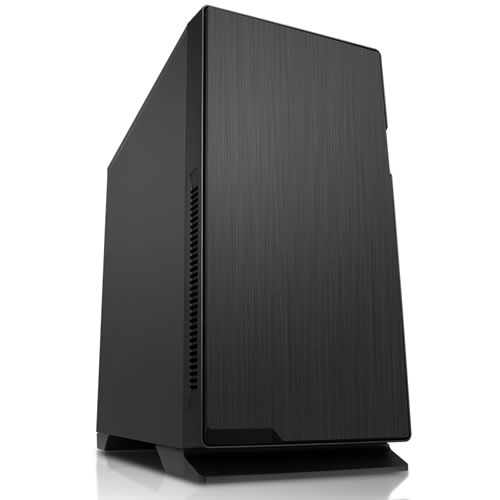
The G6 Office i3 Desktop PC pairs the Intel Core i3 12100, a 12-core (8 performance + 4 efficient, 20-thread) Alder Lake processor that boosts to 4.3GHz, with 16GB of DDR5 5200MHz dual-channel memory (2x8GB sticks), a 500GB M.2 NVMe SSD, and Intel integrated graphics in a quiet Vida Enterprise mid-tower. It is the i3 desktop pc for an office that runs Microsoft 365, accounting software, video calls, and 30+ browser tabs at the same time without the machine becoming the bottleneck. Hand-built in Wolverhampton against the same process Ginger6 has run since 2001, the Office i3 ships fully tested with a 3 year warranty and lifetime UK phone support.
Not certain whether this i3 entry desktop, the 6-core G6 Office i5 Desktop PC, or the fully configurable Intel Home & Office Custom Built PC fits the way your office actually works? Call Kevin on 01902 714533, he builds the machine, answers the phone, and gives a straight answer based on the software you run, not a sales tier.
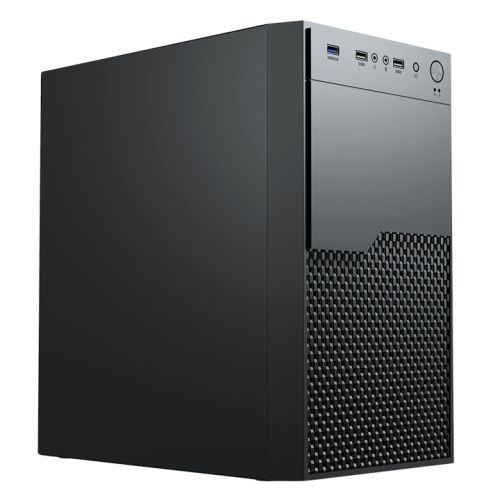
The i3 12100 is the workload-defining part. Four Performance cores running at 4.3GHz boost carry the foreground application reliably (the spreadsheet you are typing into, the video call you are on, the slide deck you are editing), and the chip handles background tasks (Outlook syncing, OneDrive uploading, Teams polling, Windows update, the antivirus scan that used to grind older office desktops to a halt) without dropping the foreground. 16GB of DDR5 5200MHz memory holds the working set of a busy office day, multiple Excel workbooks, a browser session with the accounts package and the supplier portals open, Microsoft Teams in the background, and the 500GB M.2 NVMe SSD opens files and boots the operating system in seconds rather than the long minutes a spinning hard drive used to take. The Office i3 is the entry-tier Intel office desktop in the Ginger6 range. It sits below the 6-core G6 Office i5 Desktop PC for buyers whose application list is too long for the i3 to feel comfortable, and below the 12-core G6 Office i7 Desktop PC for buyers running a fuller office stack with the antivirus and OneDrive working in the background. If your work depends on a discrete graphics card, CAD, 3D rendering, Photoshop, video editing, Lightroom, the workstations range is the better starting point. For everything else an office does, this intel core i3 desktop pc is the spec that just gets out of the way. Browse the full home and office PCs range, the basic office PCs sub-tier, or configure your own through the custom PC builder if a fixed spec does not match what you need.
What’s Inside the G6 Office i3 Desktop PC
Every component selected for concurrent office workload, quiet operation, and a five-year service life on a busy desk. The i3 12100 carries the thread count, DDR5 holds the working set, the NVMe SSD removes the wait, the case stays quiet at room temperature.
What the G6 Office i3 Desktop PC Runs
The office software a UK small business desk relies on day to day. The i3 12100, 16GB DDR5 dual channel, and 500GB NVMe hold these open together without the foreground stuttering.
Software behaviour varies by installed apps, file sizes, and concurrent users. If your work needs a discrete graphics card for CAD, 3D, video editing, or Photoshop, the workstations range is the right starting point instead.
An i3 12100 Office Desktop Sized for UK Small Business Entry Workload
The case for the i3 12100 at this tier rests on three comparisons. The first is the Intel-platform i3 against the AMD-platform G6 Office AMD Desktop PC at a near-identical price point. The Ryzen 5 8500G in the Office AMD has 6 cores at 5.0GHz and the Radeon 740M iGPU; the i3 12100 has 4 cores at 4.3GHz and the Intel UHD 730. If your office is standardised on the Intel ecosystem (specific Intel-optimised software, IT-policy preference, or workplace lock-in), the i3 12100 is the right Intel entry. If platform is open, the AMD sibling has the on-paper core/iGPU advantage at the same money. The second is the i3 desktop pc as a fixed-spec ready-to-ship build against the configurable Intel Home and Office Custom Built PC that starts on the same i3 12100 base. The custom build lets you choose every component (CPU step-up to i5/i7/i9, more memory, larger SSD, a discrete GPU); this fixed-spec Office i3 is for the buyer who would rather not configure, who wants the known-good Ginger6 entry combination on a known price. The third is the office argument against the workstation argument. A discrete graphics card costs money, draws power, adds noise, and changes nothing about how Excel or Outlook performs. If your work is browser, spreadsheet, document, mail, call, the integrated UHD 730 is the right answer. If your work is CAD, 3D, video, photo, the workstations range is the right answer instead.
In a working day, the spec mix shows up in moments specific enough to recognise. A Monday morning where Windows finishes its weekend update before you sit down rather than after, because the i3 12100 carries the install while the NVMe SSD writes at speed. A quarterly accounts run where the spreadsheet recalculates without the spinning hard drive pause the old desktop used to make, because the M.2 NVMe and DDR5 memory together remove the storage bottleneck. A video call where you screen-share a slide deck and the participants do not see your cursor stutter, because the integrated UHD 730 hardware-accelerates the video pipeline so the CPU is not double-tasked. A browser session with the accounts package, OneDrive, and a dozen tabs open and the foreground application stays responsive, because 16GB of dual-channel DDR5 has not paged to disk. These are the moments a small office buyer or a home-office professional has been thinking about for weeks before placing an order, and they are what this i3 desktop computer targets.
There is also the part of the argument that does not appear on a spec sheet. This is a desktop pc i3, and equally a desktop computer i3, hand-built in Wolverhampton by a workshop building office computers for the same buyer profile since 2001. The 3 year warranty on parts, postage, and labour stands against the 1 year cover supermarket-shelf i3 desktops ship with; lifetime UK phone support means a small business owner can call back in three years when the SSD fills up. Kevin answers the phone. The 24-hour stress test runs before dispatch, not after the desktop arrives at your desk. Some buyers come at this from the i3 business desktop angle, some from the basic office pc framing; the answer is the same machine.
Tell Kevin:
- The software you run most often (accounts package, CRM, design tools, anything specialist)
- How many monitors you use and at what resolution
- Whether you handle large spreadsheets, video calls, or both running at once
- Your approximate budget and whether you need finance or business invoicing
No charge for the conversation. No pressure to buy.
What Our Customers Say
Over 1,100 reviews on Trustpilot with a 93% five-star rating. The person who advises on your spec is the person who builds your Office i3 desktop and answers the phone after delivery. Read the reviews on Trustpilot directly, nothing here is curated.
Replaced an ancient office desktop with this Ginger6 build. The speed difference is night and day. Boots in seconds, applications launch instantly, network performance is rock solid. Highly recommended for any small business looking to upgrade.
Bought this for a home-office setup running QuickBooks, Outlook, and a busy browser session. The i3 chip is plenty for the workload, no stuttering, no slowdowns. Build quality is first-rate and the warranty terms are reassuring.
Fantastic value for money. Specified an entry-level Intel desktop for my consulting work, Ginger6 delivered exactly what I needed at a great price. Runs cool, runs quiet, runs everything I need.
Built by Hand in Wolverhampton
Every G6 Office i3 Desktop PC goes through the same three-stage workshop process. The 24-hour stress test is the gate that holds dispatch.
Before assembly begins, the configuration is reviewed against the software you actually run and the monitor count you actually use. If you have spoken to Kevin, the build sheet reflects that conversation. Components are verified against current stock, the Vida Enterprise chassis is checked for the H610 motherboard fit and the M.2 NVMe slot location, and the build is queued in the workshop schedule. No shortcuts on stock substitution, the part on the order is the part in the build.
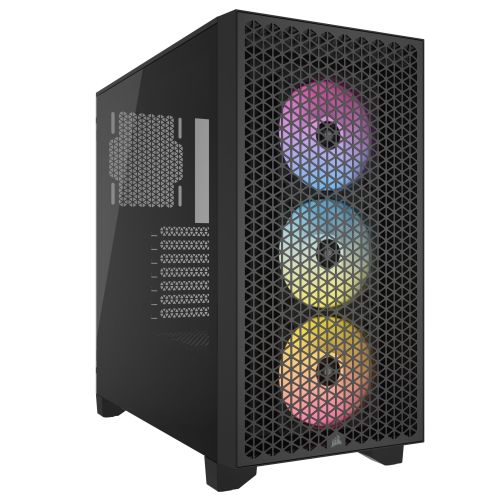
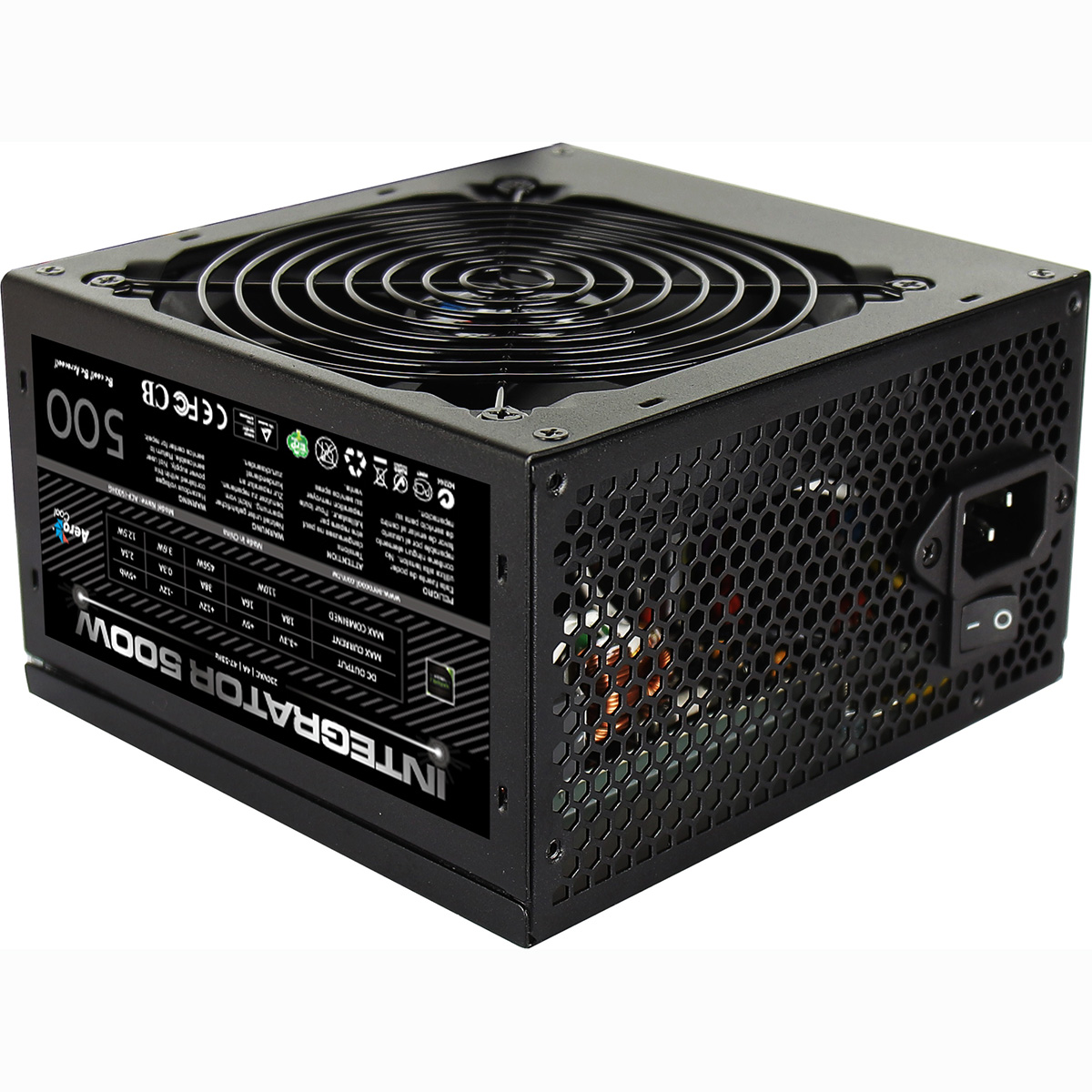
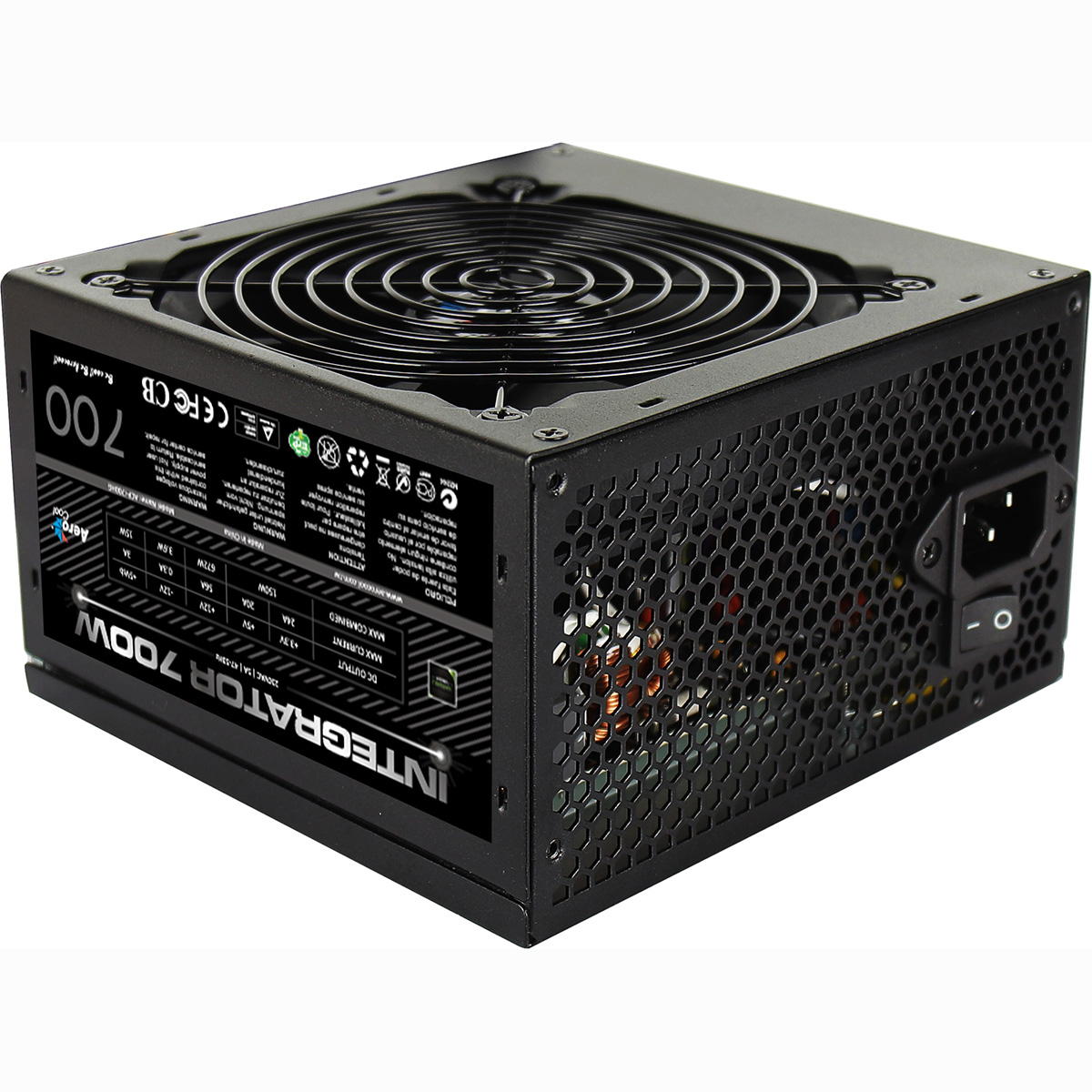
The Office i3 is assembled inside the Vida Enterprise mid-tower; the H610M K V2 motherboard is seated, the i3 12100 is fitted with its Intel stock cooler, the 16GB DDR5 5200MHz kit is installed as two 8GB sticks in dual-channel configuration across the matched DIMM slots so the i3 12100 memory controller runs at full bandwidth from the first boot, and the 500GB M.2 NVMe SSD is fitted into the on-board M.2 socket. The 500W G6 ATX Lite PSU is wired in with the cable run taken behind the motherboard tray so airflow at the front is unobstructed. BIOS settings, DDR5 5200MHz, integrated UHD 730 display outputs for both HDMI and DisplayPort, Gigabit Ethernet, and the wireless adapter are confirmed before the 24-hour test begins. Windows 11 Home 64-bit is installed, activated, and the latest critical updates applied so the desktop arrives ready to use.
Every G6 Office i3 Desktop PC runs sustained CPU and storage load for a full day before it ships. The test loop is built around the workload this i3 desktop computer is sized for: a multi-application concurrent stress that holds the i3 12100 at sustained load while the M.2 NVMe SSD reads and writes against a working-file pattern, with the integrated UHD 730 driving a dual-display output the whole time. The processor is monitored for thermal headroom under the stock cooler. The DDR5 memory is checked for stability at 5200MHz. The SSD is verified for sustained write performance. Boost behaviour, fan curves, and storage performance are all logged before dispatch. If any component drifts off-spec during the test, the part is replaced and the test starts again.
- Thermal behaviour of the i3 12100 under sustained office workload
- Processor and integrated graphics stability under extended multi-application load
- DDR5 memory responsiveness at 5200MHz
- M.2 NVMe SSD performance and consistency
- BIOS, firmware, and Windows 11 stability
- Whole-system stability over a sustained 24-hour run
Questions About the G6 Office i3 Desktop PC
For an entry-level office workload, yes. The i3 12100 has 4 cores, 8 threads, 4.3GHz boost, and pairs with 16GB DDR5 and a 500GB NVMe SSD on this build. That combination handles Microsoft 365 (Word, Excel, PowerPoint, Outlook), web-based accounts software, video calls, and a busy browser session with 15-20 tabs comfortably. Where the i3 starts to feel underneath is when you regularly run five or six concurrent always-open applications: Outlook, Teams, the accounts package, a browser session, OneDrive sync, the antivirus full-scan, and a PDF OCR batch all happening at once. At that workload, the 6-core i5 12400 office desktop or the 12-core i7 12700 office desktop are the right step up. If you would rather have the workload sizing question taken off your plate, call Kevin and he will talk it through.
The Intel UHD 730 integrated graphics on the i3 12100 drive two monitors at 4K 60Hz, hardware-accelerate the Microsoft 365 interface, play back 4K video on Teams calls, and handle every office workload that does not involve professional 3D, video editing, or CAD. Adding a discrete graphics card to an office build adds cost, power draw, noise, and heat without changing how Excel performs. If your work does require a discrete card (AutoCAD, SolidWorks, Adobe Premiere, DaVinci Resolve, Photoshop with heavy filters), the better starting point is the workstations range, which is built around discrete professional graphics cards from the ground up. Call Kevin if you are not sure which side of the line your work sits on.
Yes. The Gigabyte H610M K V2 motherboard carries one HDMI output and one DisplayPort output, both wired to the Intel UHD 730 integrated graphics. Connect one monitor to each, and Windows 11 detects the dual-display configuration on first boot. The UHD 730 supports 4K at 60Hz on each output, so two 4K monitors at full resolution and refresh rate is fully supported with no add-in card needed. If you need three or four monitors, a separate USB-C or DisplayPort multi-stream adapter can extend the configuration; ring Kevin on 01902 714533 to talk through the right adapter before you order.
Build time is typically 5 to 7 working days from order confirmation, including the full 24-hour stress test before dispatch. Delivery is free, fully tracked, UK mainland. If you have a specific arrival date in mind (a new starter, a desk-replacement project, a closed-period accounts run), call Kevin on 01902 714533 before you order and he will tell you whether the workshop queue can fit the timeline.
Yes, both. The 16GB DDR5 is fitted as 2x8GB dual-channel across the two DIMM slots on the H610M K V2; a future upgrade is a like-for-like swap to a 32GB (2x16GB) dual-channel kit so the memory controller keeps full bandwidth after the upgrade. The Vida Enterprise chassis has a 2.5-inch and 3.5-inch drive bay free for a second SSD or a larger archive HDD when your working library outgrows the 500GB NVMe. Kevin handles upgrades in the workshop too; ship the desktop to Wolverhampton when you are ready and he does the install, BIOS check, and re-test before it goes back. If you want a higher starting spec from day one (CPU step-up to i5/i7/i9, 32GB RAM, 1TB or 2TB SSD, a second drive pre-installed, a discrete graphics card), the Intel Home and Office Custom Built PC lets you configure all of that before the order ships.
We supply a full printed VAT invoice with all orders.
Ready to Order Your G6 Office i3 Desktop PC?
Use the configure button above or call Kevin on 01902 714533, he’ll talk through the software you actually run, the monitor setup you actually use, and whether this i3 desktop computer or stepping down to the Office i5 is the right spec for your office. Hand-built in Wolverhampton, 24-hour stress tested, 3 year warranty, lifetime UK phone support. The way Ginger6 has built desktop PCs since 2001.
Custom Options
£749.99
£709.99

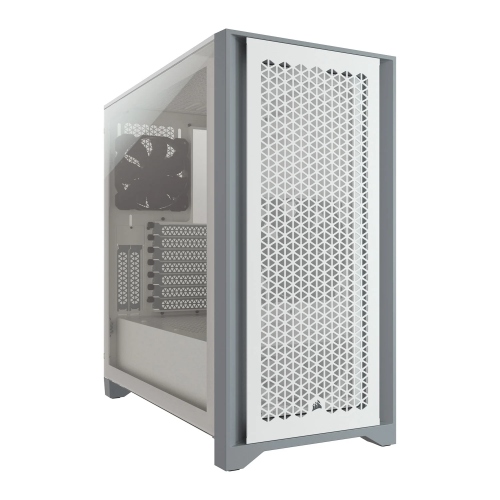
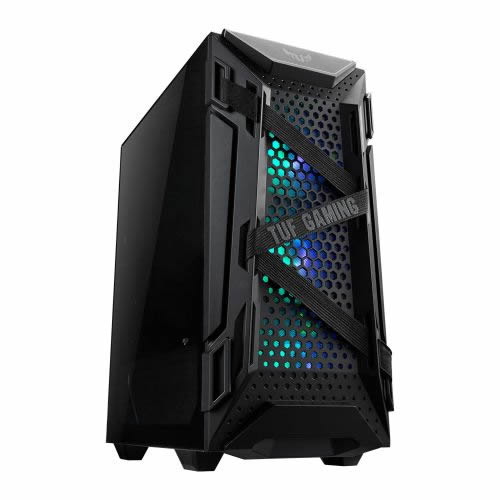


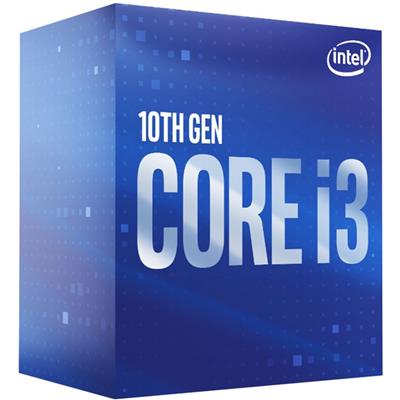

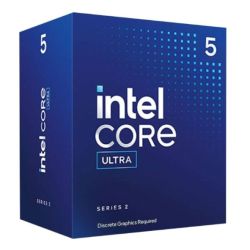




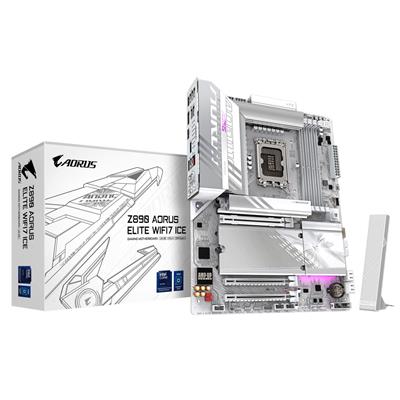
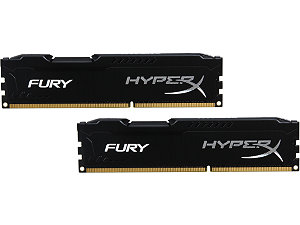
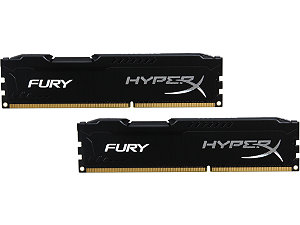
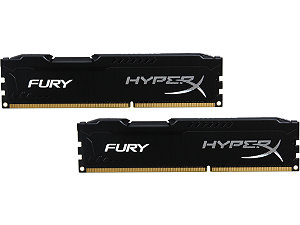



























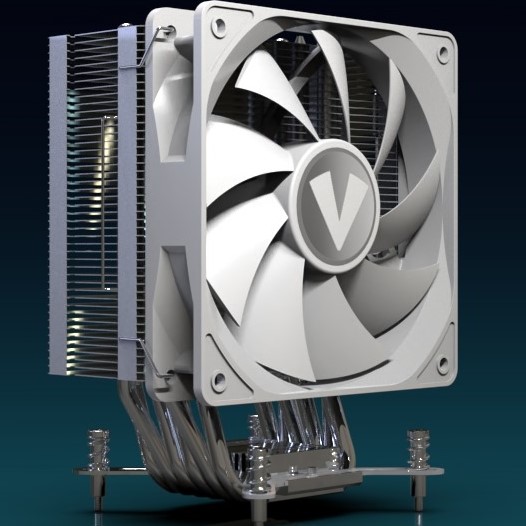


















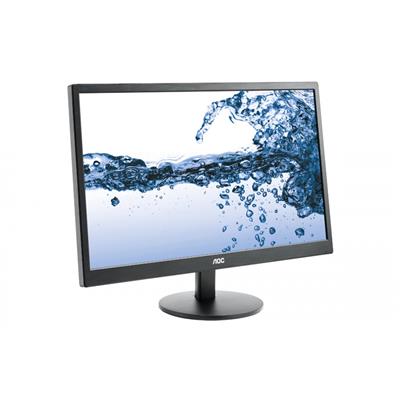




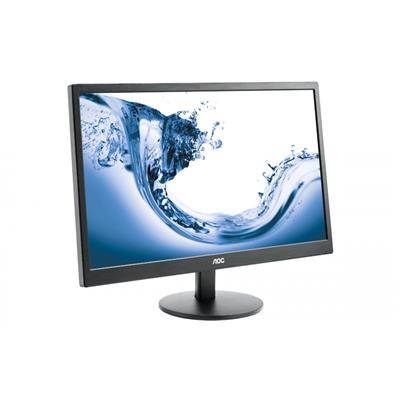









* Required Fields
Specifications
Additional Information
| Processor | Intel Core i3 12100 |
|---|---|
| Processor Type | Intel Core i3 |
| No of Cores | 4 |
| Max Core Speed | 4.30GHz |
| CPU Cooler | Intel Stock Cooler |
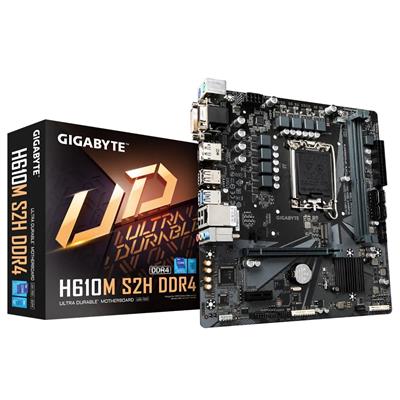
| Motherboard | Gigabyte H610M K V2 |
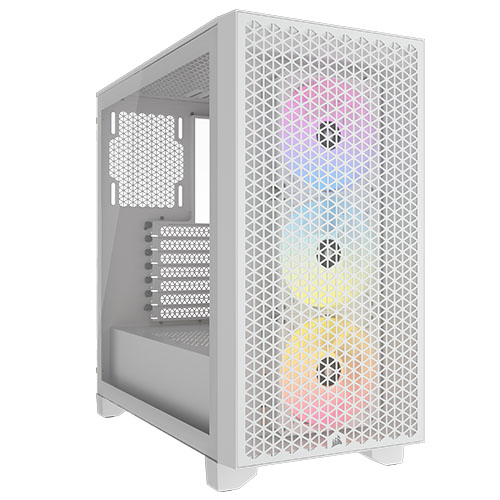
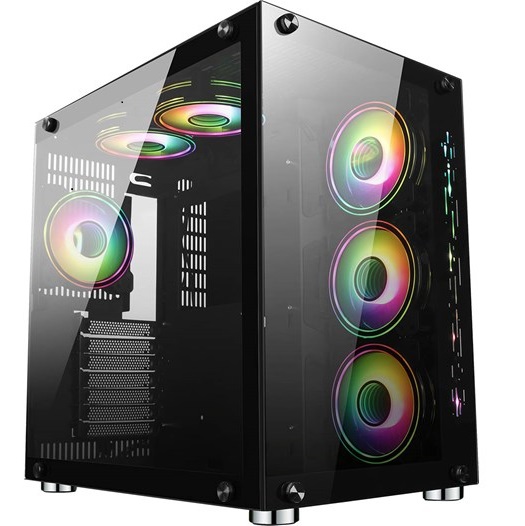
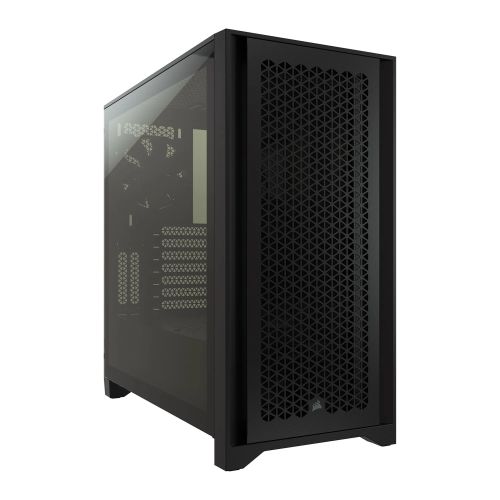
| Case | Vida Enterprise |
| Power Supply | 500w G6 ATX Lite PSU |
| Memory Size | 16GB |
| Solid State Drive Size | 500GB |
| Graphics | Integrated Graphics |
| Graphics Card Connections | HDMI |
| Audio | 8-Channel High Definition Audio |
| LAN | 10/100/1000 Gigabit LAN Port |
| USB2 Ports | 4 |
| USB3 Ports | 3 |
| Operating System | Windows 11 Home 64 bit |
| Monitors | Optional (See Custom Options) |
| Warranty | 3 Year Bronze Warranty |
Reviews
-
simple to setup Review by Tom
Price Value Quality Customer Service So simple to setup and worked first time perfectly. Hardest part was loading all my stuff back on!
Lesson, make sure you have good backups! (Posted on 04/04/2023) -
Fantastic service Review by Chris
Quality Price Value Customer Service Fantastic service. No problems with delivery. Slight issue with the fan I ordered was resolved over one phone call. Website was easy to use. Though I would've preferred it if you could save your customised order to your wishlist, instead of the basic PC package your building it on. However, simply leaving the custom order in the basket until I was ready to order did what I wanted, though it felt a little counter intuitive.
Very happy with my new PC, and the price I paid for it. No major complaints. Just the one very minor quirk of web design mentioned above. Would unconditionally recommend. (Posted on 05/12/2018)