




Intel Core i9 12900KF Nvidia RTX 5080 Gaming PC - G6 Typhoon X6
Description
G6 Typhoon X6: Top of the Range, i9 12900KF Paired with the RTX 5080
The G6 Typhoon X6 pairs Intel’s 16-core Core i9 12900KF (8 Performance cores + 8 Efficiency cores, 5.10 GHz Performance-core Turbo) with the Nvidia RTX 5080 16GB for 4K Ultra ceiling, DLSS 4 frame-generation gaming. The 12900KF was the chip that introduced the P-core/E-core hybrid layout to the desktop, and three years on it remains the i9 most gaming buyers should be looking at: a mature, proven 16-core platform that sits structurally below the 14th-gen K-series price band without giving up the i9 cache, the i9 thread count, or the i9 single-thread Turbo for the games that still need it. Hand-built in Wolverhampton against the same workshop process Ginger6 has run since 2001, the G6 Typhoon X6 ships fully tested with a 3-year warranty and lifetime UK phone support.
The whole Typhoon range shares the same i9 12900KF. The only thing that changes from G6 Typhoon X6 up or down the ladder is the GPU, the case, and the cooling and PSU sized to match. That is the range design: i9 horsepower at the price the GPU you actually need can justify. One rung below sits the G6 Typhoon X5 with the RTX 5070 Ti 16GB, the same i9 paired with the next GPU tier down. Not certain which Typhoon is the right one for your monitor and the games you play? Call Kevin on 01902 714533. He builds the machine, answers the phone, and gives a straight answer based on your setup, not a sales tier.
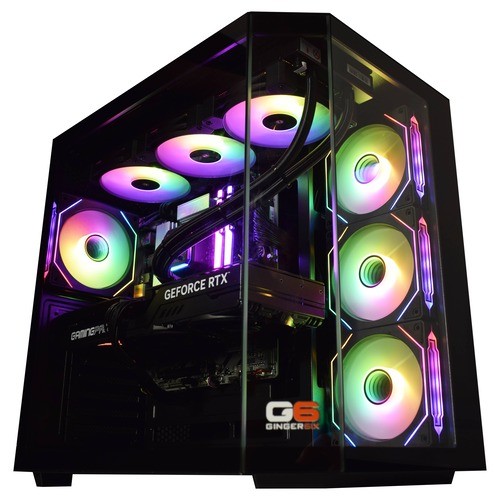
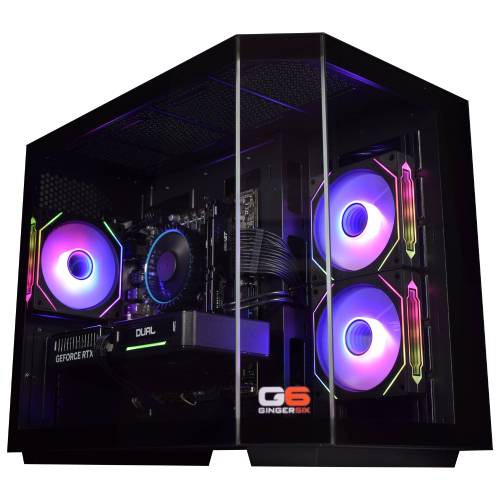
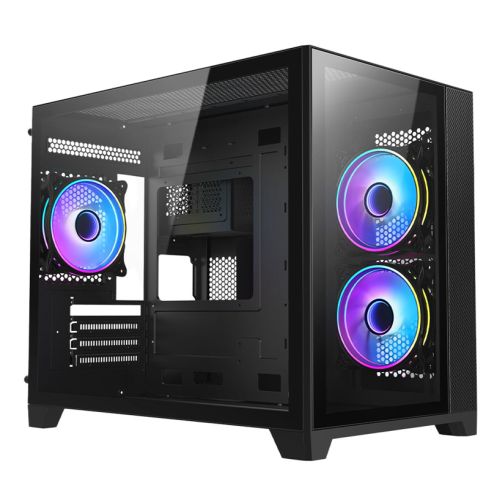
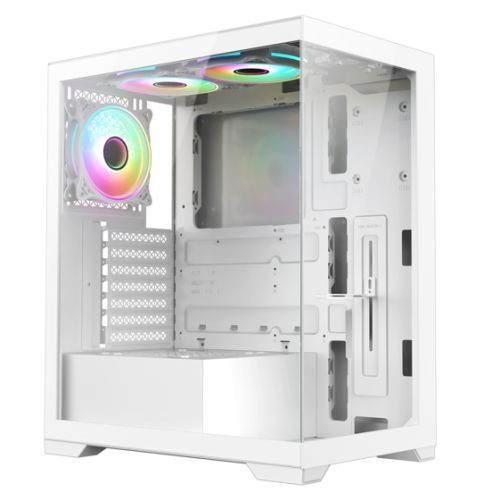
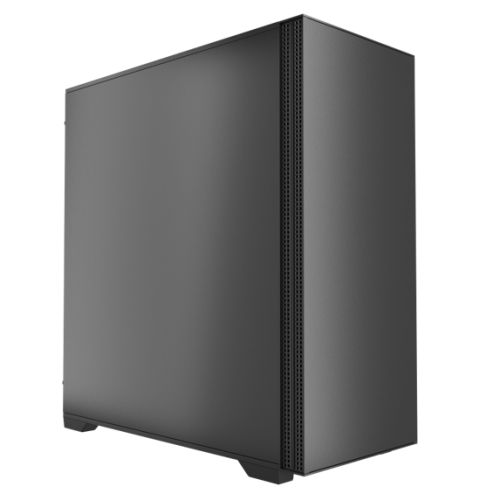
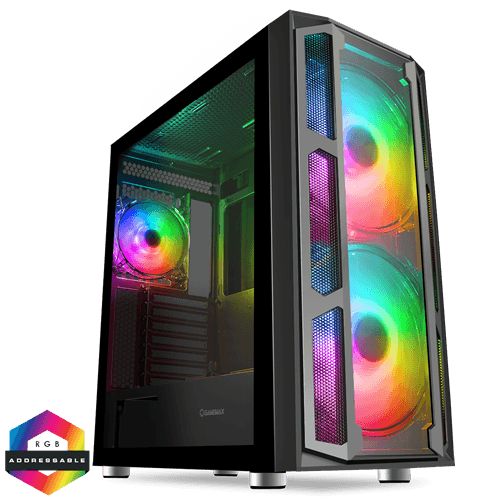
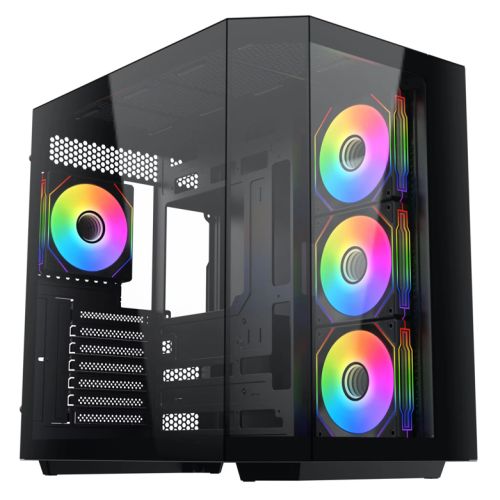
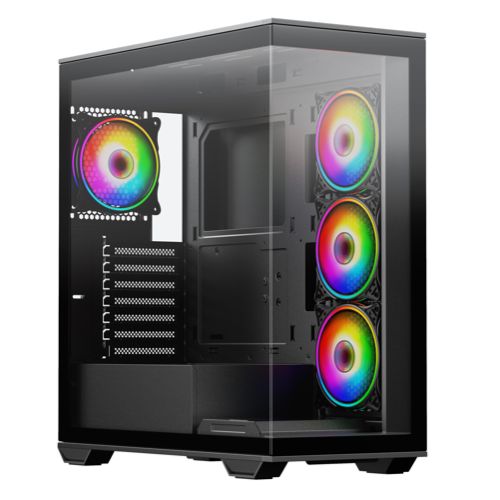
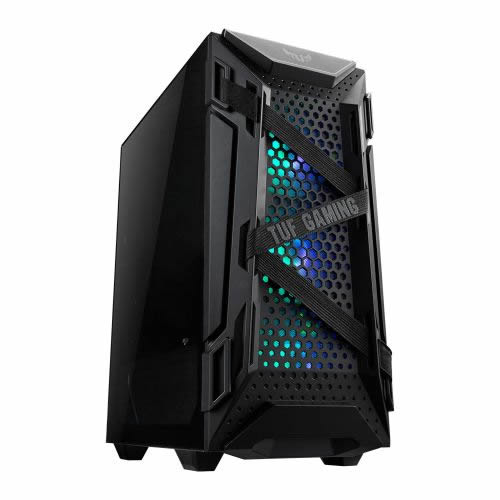
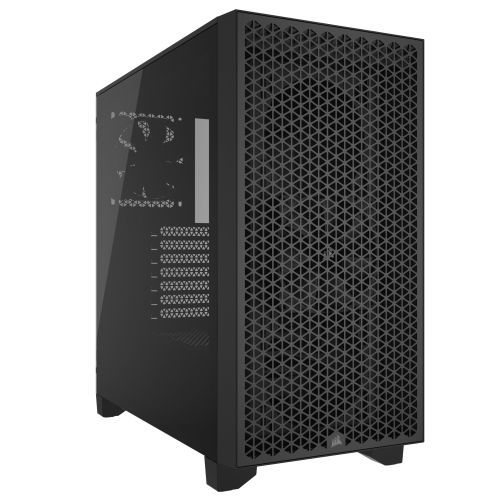
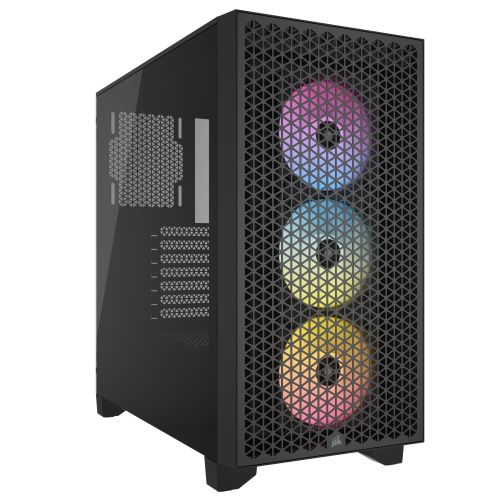
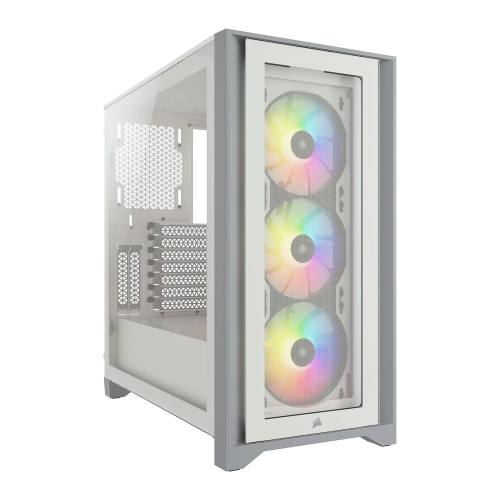
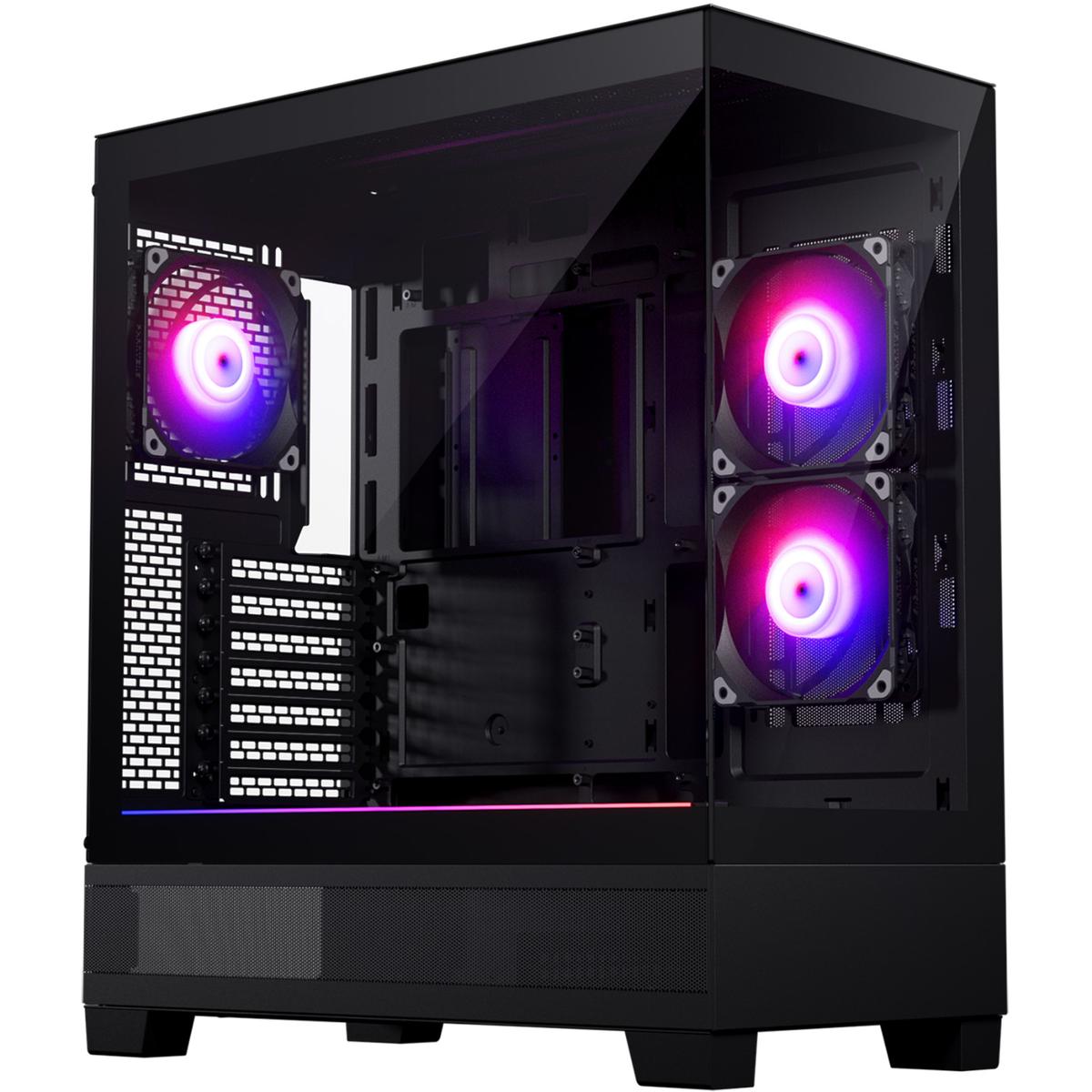
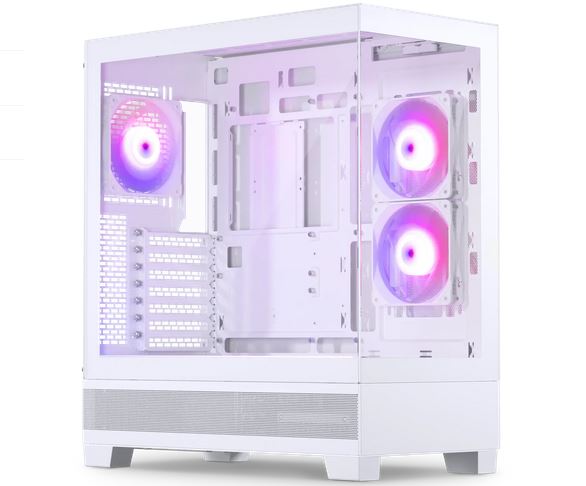
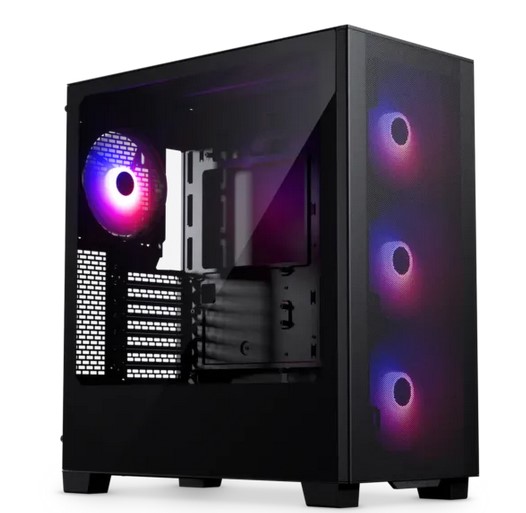
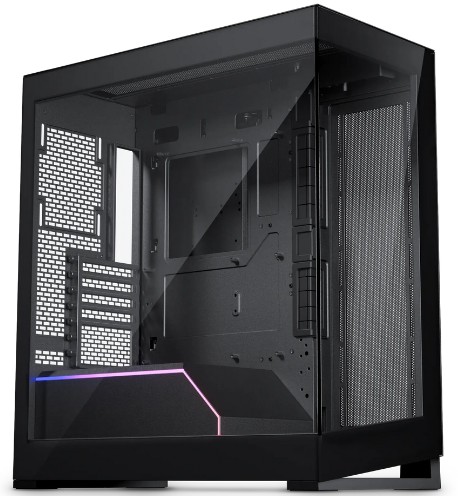
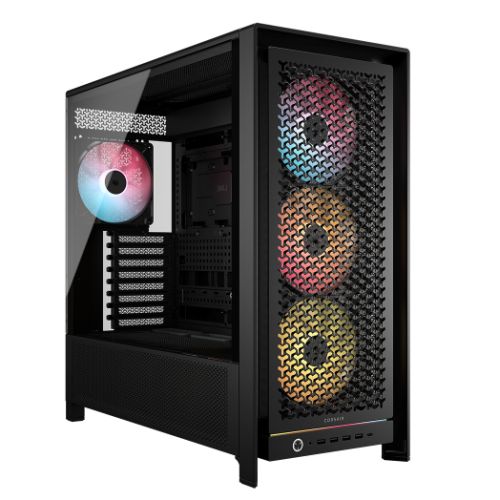
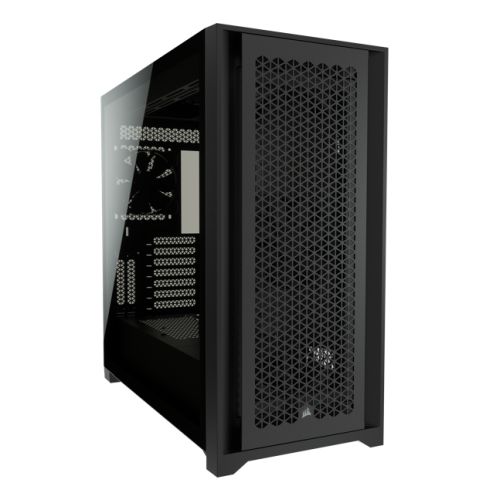
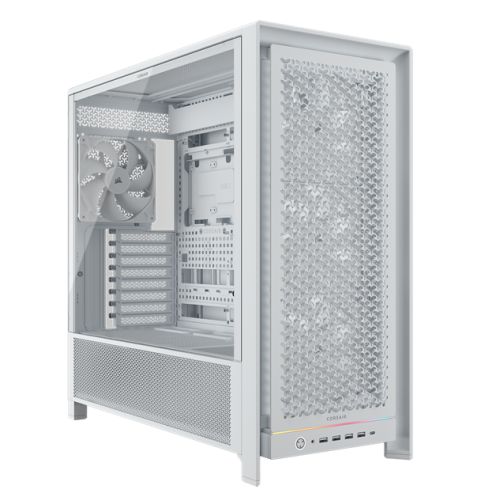
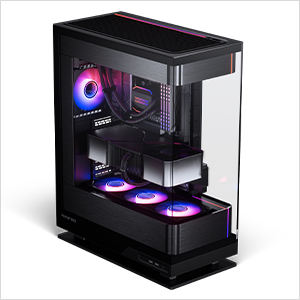
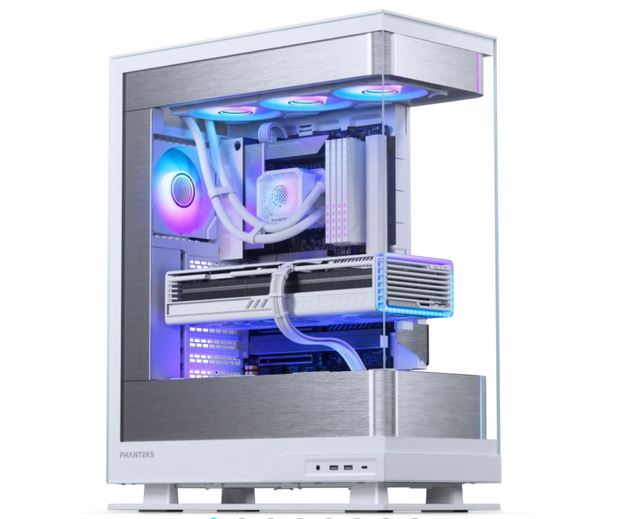
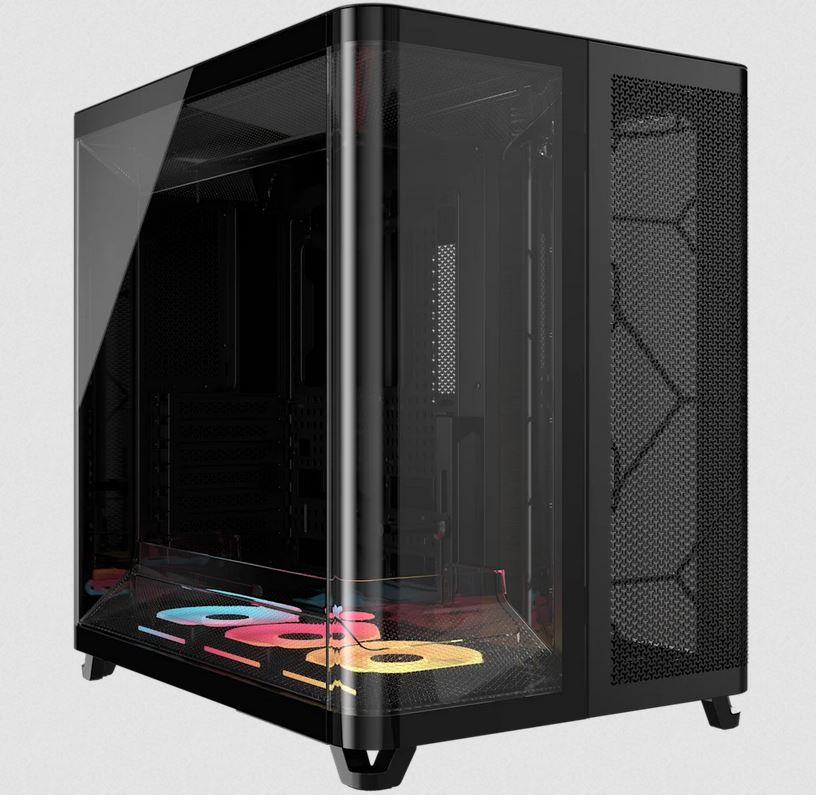
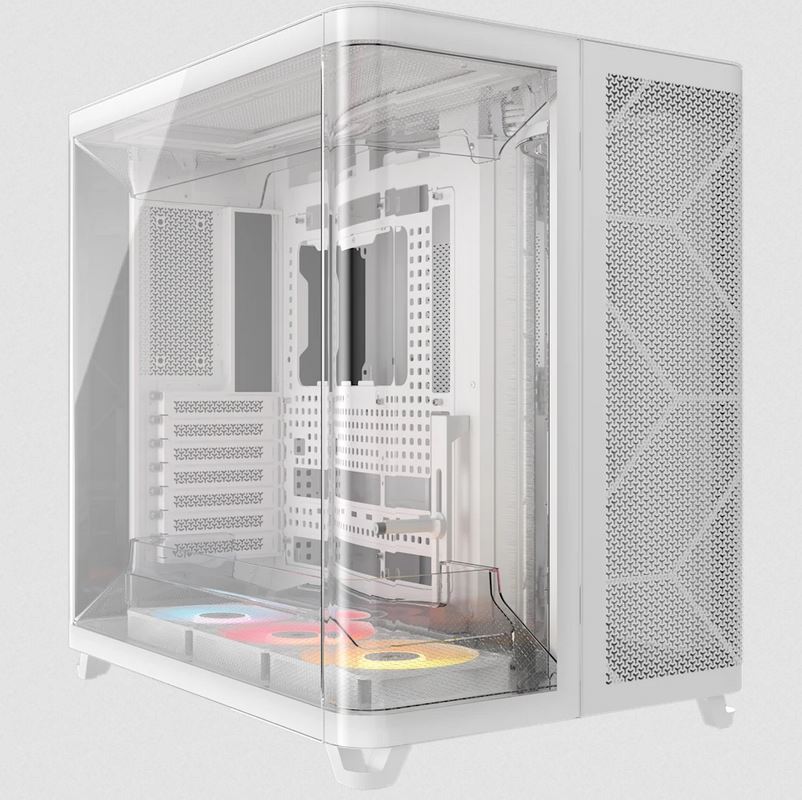
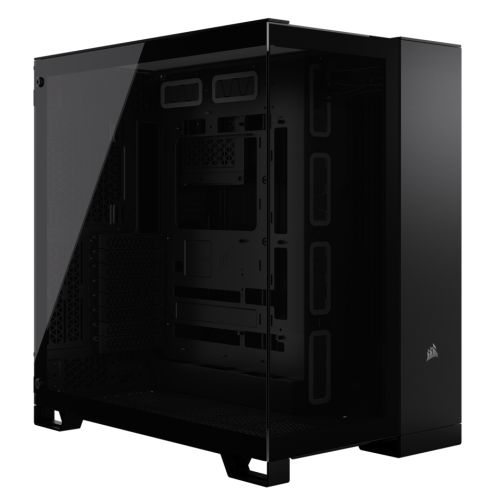
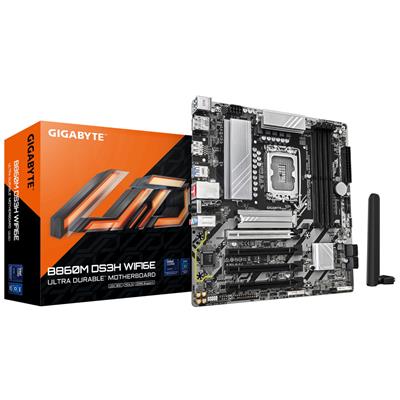
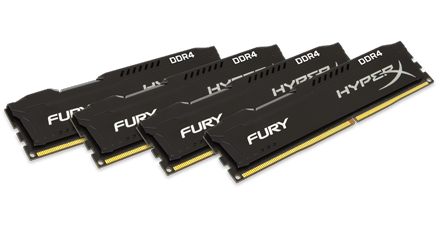
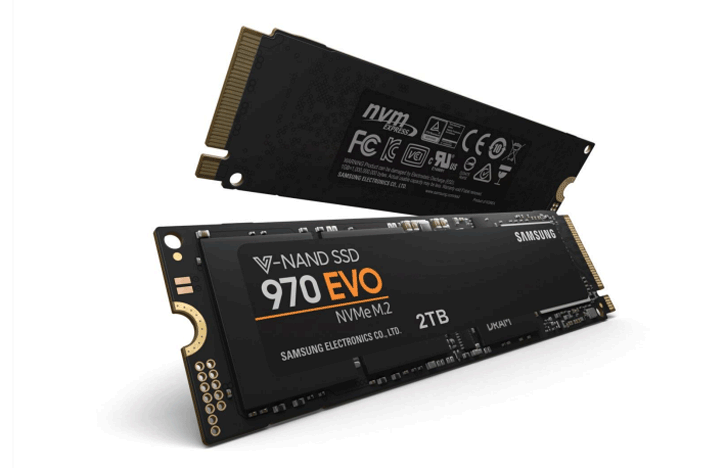
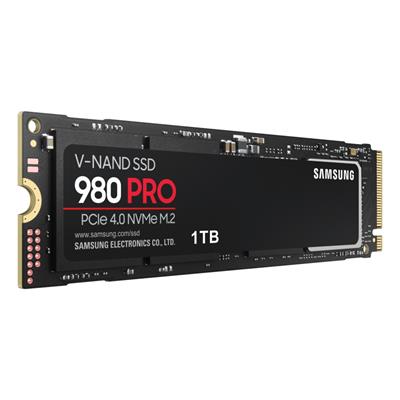
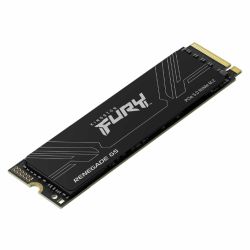
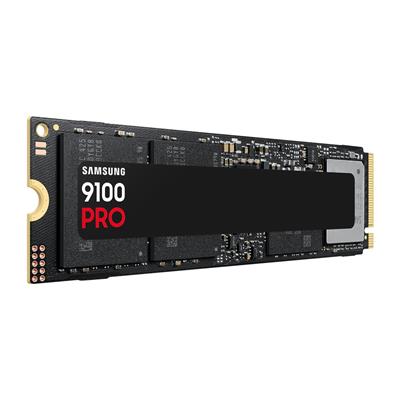
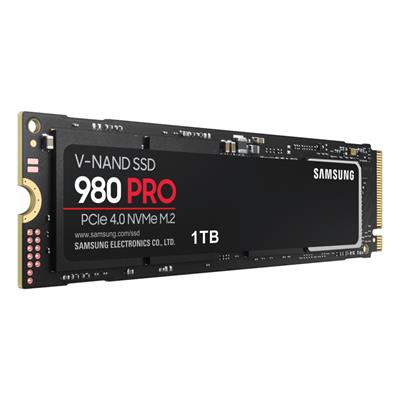
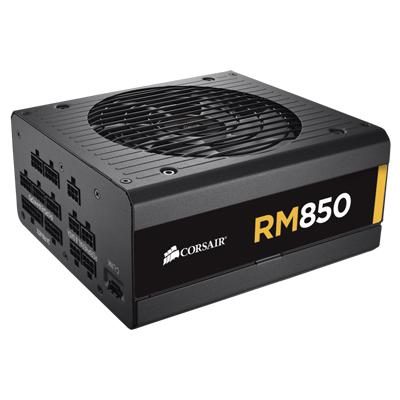
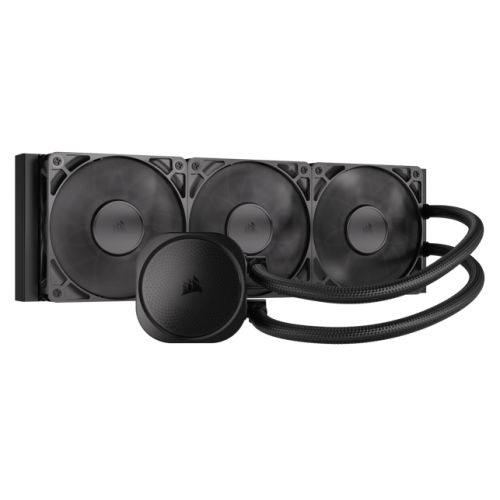
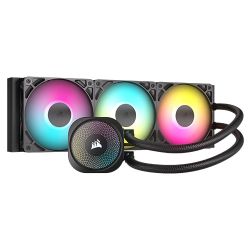
Inside the Vida Edge mid-tower, the 12900KF runs under a 360mm ARGB AIO Liquid Cooler with ARGB fans on the radiator (the same airflow pattern Ginger6 uses on every i9 build at this tier). The Gigabyte B760M D3HP WIFI6 carries the LGA1700 socket with the B760M chipset, four DDR5 DIMM slots populated with 16GB DDR5 5200MHz (2x8GB) Dual Channel memory in dual-channel mode, an M.2 NVMe slot for the included 1TB Gen 4 SSD, and Wi-Fi 6 with Bluetooth 5.3 onboard. Power comes from the Corsair RM850e 850W 80+ Gold Full Modular PSU, sized with sustained-load headroom above the 12900KF plus RTX 5080 combination. The G6 Typhoon X6 sits in our £2500 gaming PC tier and inside the wider Intel Core i9 gaming PC range. Browse the full Ginger6 gaming PC catalogue, the RTX 5080 gaming PC range, or the 4K gaming PC range for context.
What’s Inside the G6 Typhoon X6
Every component selected for 4K Ultra ceiling, DLSS 4 frame-generation gaming on the i9 12900KF platform. Dual-channel DDR5 in the canonical 2x8GB kit, NVMe Gen 4 storage, full ARGB cooling on the AIO fans, and the PSU sized with the headroom the RTX 5080 actually needs under load.
The i9 + RTX 5080 4K Sweet Spot
Three reasons the G6 Typhoon X6 is the build that lands on this spec.
i9 Cache, i9 Threads, i9 Turbo
The 12900KF carries 30MB of Intel Smart Cache and the 5.10 GHz P-core Turbo that single-threaded engines still rely on. 16 total cores (8P + 8E) cover the gaming thread, the streaming stack, the chat, the launcher, and the patch download at the same time. The 4K game runs on the P-cores, everything else lives on the E-cores, the simulator does not notice.
4K Ultra Ceiling on the i9 Platform
The RTX 5080 with 16GB GDDR7 is the ceiling of the i9 12900KF platform. Native 4K Ultra in modern AAA with comfortable headroom, ray-traced and path-traced workloads handled, DLSS 4 frame-generation extending the demanding edge cases. The 12900KF holds the CPU side without throttling the GPU at 4K.
Mature 12th-Gen Platform, Structurally Lower Price
The 12900KF is the i9 the gaming buyer should be looking at. Three years on from launch it is still a 16-core part with 5.10 GHz Turbo and 30MB cache, the silicon is mature, the BIOS is settled, the LGA1700 socket has the upgrade path, and the cost of the 12900KF plus a B760M board lands the build at a price the RTX 5080 can justify. The latest K-series buys you a small gaming uplift on a far more expensive platform.
What the G6 Typhoon X6 Plays
Four workloads the RTX 5080 16GB on the i9 12900KF is sized for at 4K.
The RTX 5080 is the ceiling of the i9 12900KF platform. Native 4K Ultra in the modern AAA rotation including Cyberpunk 2077, Black Myth: Wukong, the anticipated GTA VI, the wider open world and RPG games rotation, and the action and adventure games catalogue led by Doom: The Dark Ages: ray-traced and path-traced scenes handled with DLSS 4 quality, frame rates comfortably above 60 fps across the catalogue, and DLSS 4 Multi Frame Generation pushing the demanding edge cases above 100 fps. 16GB GDDR7 carries every modern texture pool at 4K.
CS2, Valorant, Apex Legends, Fortnite, Overwatch 2, and the rest of the competitive shooters rotation run at frame rates well into the high hundreds at 4K on the RTX 5080. For 4K 240 Hz OLED users, the RTX 5080 is the GPU sized to feed the panel, and the 12900KF holds 1% lows tight with the network thread, capture stack, and recording engine on the E-cores.
OBS NVENC encoding on the RTX 5080, browser, chat, voice, recording, and the game thread can all run at the same time without the 12900KF blinking. The 8 Performance cores own the game; the 8 Efficiency cores carry every background workload. For YouTube, Twitch, and Discord-stream-with-friends use, the i9 12900KF is more CPU than the workload needs, which is the headroom you bought it for.
Fourth-generation NVIDIA RT cores on the RTX 5080 carry hardware ray-traced lighting in the modern AAA rotation. DLSS 4 quality upscaling and DLSS 4 Multi Frame Generation are the difference between a playable RT scene and a comfortable one. Where path tracing is available, the RTX 5080 runs it where DLSS 4 frame-generation is engaged; native path tracing without upscaling is the workload for the 5080-class GPU above.
The G6 Typhoon X6, Photographed Front to Back
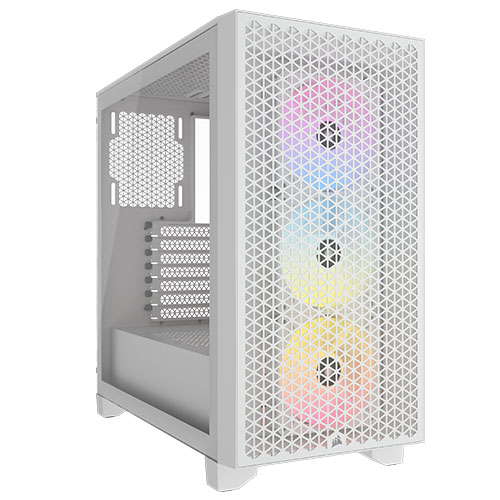
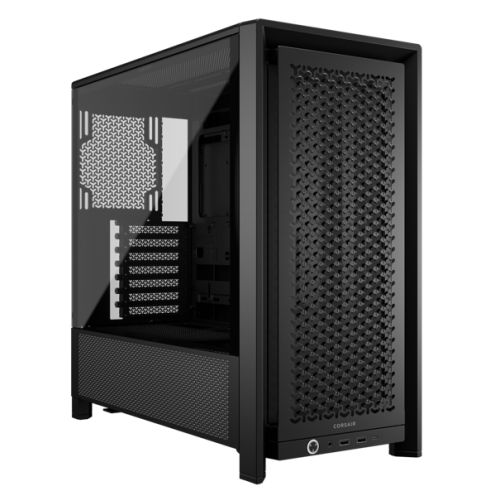
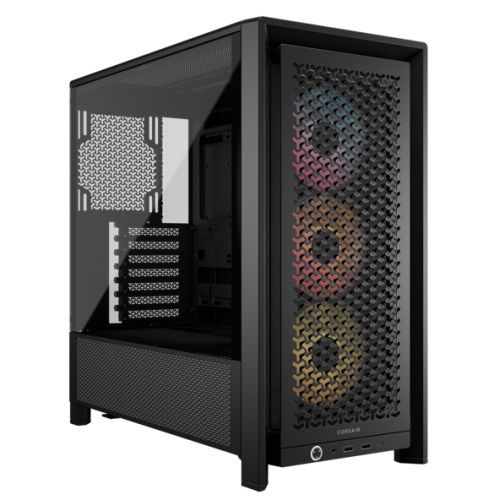
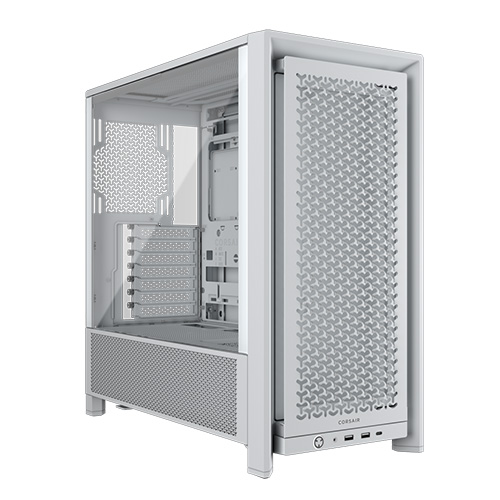
Hand-built in Wolverhampton in the Vida Edge mid-tower with the 360mm AIO and the RTX 5080 16GB. Every cable managed, every component seated correctly, photographed in the workshop after the 24-hour stress test passes.
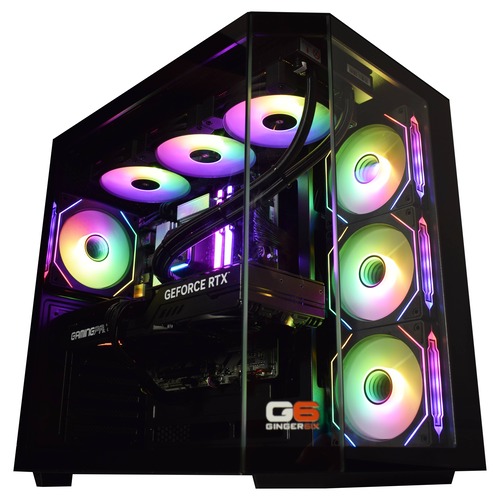
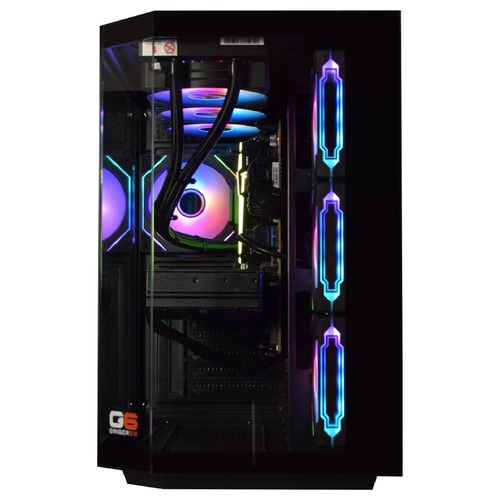
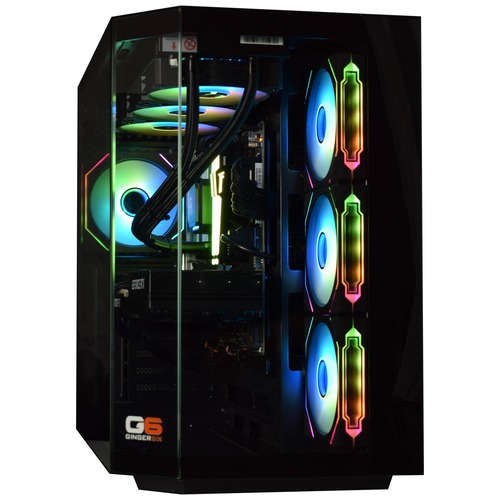
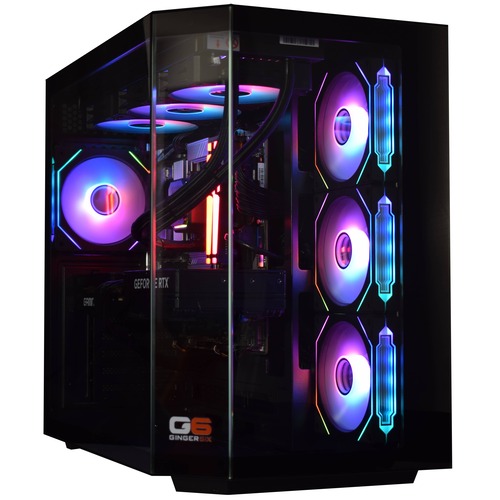
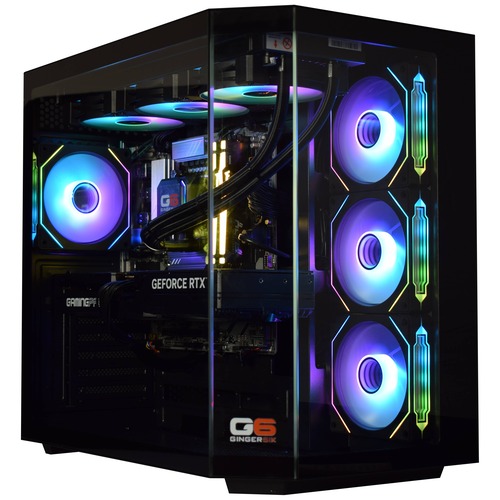
Every machine photographed in the workshop after the 24-hour stress test passes. Browse the full workshop process.
Where the Typhoon X6 Sits in the i9 Stack
The Typhoon X6 is the top of the Typhoon range, the i9 12900KF paired with the RTX 5080 16GB. The 5080 is the GPU that lands on the right side of the 4K Ultra performance curve in modern AAA. Native 4K Ultra with comfortable headroom, ray tracing engaged in the modern catalogue, path tracing handled where DLSS 4 frame generation is available, and the 16GB GDDR7 pool sized to carry every modern texture tier without compromise.
Below the X6 sits the Typhoon X5 with the RTX 5070 Ti 16GB on the same Corsair Gold 850W PSU. The split between the two flagship Typhoon builds is GPU only: the X6 carries the 5080, the X5 carries the 5070 Ti. Both share the i9 12900KF, the Corsair Gold modular cabling, the 360mm AIO, the Gigabyte B760M D3HP WIFI6 board, the 16GB DDR5 dual-channel kit, and the 1TB Gen 4 NVMe drive.
The X6 also covers the simulation titles catalogue, including the flight-sim flagship DCS World, where the 12900KF main-thread headroom and the RTX 5080 frame budget hold up at 4K Ultra.
Above the X6 sits the i9 platform ceiling on the 12th-gen line. For buyers chasing the next GPU tier (5090) or the 14th-gen K-series CPU platform, the Galactic range is the natural step across; for buyers staying on the 12900KF, the X6 is the highest GPU you should pair with this CPU.
Tell Kevin:
- The games you play most often
- Your monitor resolution and refresh rate
- Whether you stream, record, or edit alongside gaming
- Your approximate budget
No charge for the conversation. No pressure to buy.
Who the G6 Typhoon X6 Is For
Four buyer profiles where the G6 Typhoon X6 is the right answer. If your situation matches one of these, the build fits.
Your monitor is 4K (27", 32", or larger; OLED preferred) and you want the highest-tier GPU that the i9 12900KF will pair sensibly with. The RTX 5080 16GB is exactly that: 4K Ultra in modern AAA with comfortable headroom, ray tracing engaged in titles that support it, path-traced workloads handled with DLSS 4 quality and Multi Frame Generation. The 12900KF carries the CPU side at 4K without bottleneck across the rotation.
Cyberpunk 2077 with full path tracing, Alan Wake 2 path traced, Indiana Jones path traced, and the next path-traced AAA release are the workloads you want the GPU sized for. The RTX 5080 16GB with DLSS 4 quality and Multi Frame Generation holds these workloads at 4K with the frame rates the engine was built for. Native path tracing without upscaling is the workload for the 5090-class GPU above; for path tracing with DLSS 4 quality the 5080 is the right sweet spot.
You stream to Twitch or YouTube at 1080p60 or 1440p60 while gaming at 4K, you record gameplay for editing later, you cut video in Premiere or DaVinci Resolve, and you want all of that to run on the same machine without compromise. The 12900KF carries 8 P-cores plus 8 E-cores for exactly this multi-workload pattern; the 5080 has NVENC encoding on board for the OBS pipeline and CUDA acceleration for the editor.
You have looked across the Typhoon ladder, you have decided that the i9 12900KF is the CPU you want, and you have decided that the RTX 5080 is the GPU that matches your monitor and your gaming rotation. The X6 is the top of the range. The X5 below drops to the RTX 5070 Ti 16GB on the same Corsair Gold PSU; above the X6, the next step is across to the Galactic range on the 14th-gen K-series CPU platform if you want the newer Intel silicon, or up to the Apex range on AMD X3D if you want the gaming-cache lead. The X6 is the i9 12900KF ceiling.
What Our Customers Say
Over 1,100 reviews on Trustpilot with a 93% five-star rating. The person who advises on your spec is the person who builds your G6 Typhoon X6 and answers the phone after delivery. Read the reviews on Trustpilot directly, nothing here is curated.
I have purchased two different systems from Ginger6. One a games machine for my son and the other a desktop for myself. Both came as described, no hassle and prompt as soon as payment was received. I would gladly use this company again when the need arises.
I bought a gaming PC from Ginger6. And honestly, if I was going to buy a PC again, I'd definitely choose them. Quick service, great quality and the customer service is excellent. Can't recommend enough!
I had ordered a PC from another well reviewed company and my assured 1 month waiting period got extended to 3 months. Ginger6 was one of my other options and they delivered. Got my beast PC in ten days and saved around £100. For all of you looking for a custom build PC, Ginger6 is the way to go!
Built by Hand in Wolverhampton
Every G6 Typhoon X6 goes through the same three-stage workshop process. The 24-hour stress test is the gate that holds dispatch.
Before assembly begins, the configuration is reviewed against the games you play, the monitor you own, and any creative work or streaming you run alongside gaming. If you have spoken to Kevin, the build sheet reflects that conversation. Components are verified against current stock, the 360mm ARGB AIO Liquid Cooler orientation is confirmed for the Vida Edge, and the build is queued in the workshop schedule. No shortcuts on stock substitution: the part on the order is the part in the build.
The G6 Typhoon X6 is assembled inside the Vida Edge. The radiator mounts at the top with the fans drawing fresh air through the front mesh; the 12900KF’s P-core/E-core hybrid layout responds well to direct intake to the radiator, and the cold plate seating is verified before BIOS-level tuning begins. The RTX 5080 is seated with the anti-sag bracket. Cable management routes the high-current GPU cable behind the cable shroud, away from the front intake. BIOS settings, DDR5 5200MHz dual-channel mode, NVMe boot order, and on-board firmware updates are confirmed before the 24-hour test begins.
Every G6 Typhoon X6 runs sustained CPU plus GPU load for a full day before it ships. The test loop covers thermal behaviour under sustained boost, memory stability under DDR5 5200MHz dual-channel timing, NVMe storage performance under sustained read/write, and frame-pacing behaviour in modern AAA at the resolution this build is sold for. The 12900KF is monitored for thermal headroom across all 16 cores; the RTX 5080 is held at sustained boost. Boost behaviour, fan curves, AIO pump speed, and storage performance are all logged before despatch. Your G6 Typhoon X6 ships free to mainland UK addresses, fully insured and tracked.
- Thermal behaviour under sustained load
- Processor and graphics stability during extended use
- Memory responsiveness and system stability
- Storage performance and consistency
- BIOS and firmware stability
- Frame pacing in modern AAA at the build’s target resolution
Where the G6 Typhoon X6 Sits in the Range
Five sibling tiers around the G6 Typhoon X6 in the Typhoon range, from the £1450 1080p starter to the £2575 4K ceiling. The G6 Typhoon X6, the page you are on, sits at the 4K Ultra ceiling, DLSS 4 frame-gen sweet spot with the i9 12900KF paired to the RTX 5080. Every Typhoon ships with the same 16-core i9, the same 16GB DDR5 5200MHz dual-channel kit, the same 1TB M.2 NVMe SSD, and the same Wolverhampton 24-hour stress test.
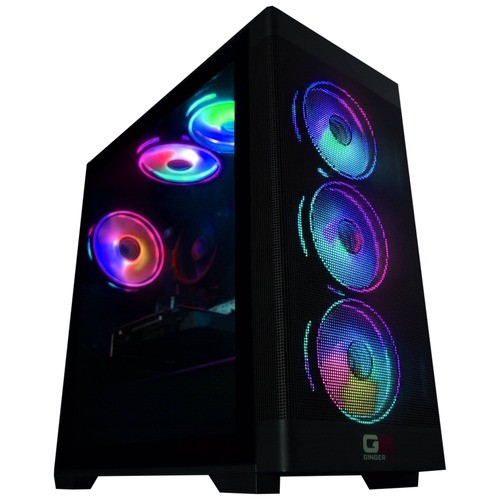


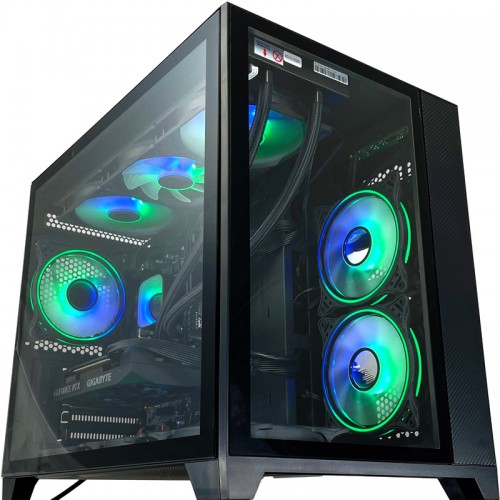

Browse the full Intel i9 gaming PC range for every i9 build in the workshop, or jump back to the complete gaming PC catalogue for the full picture.
Questions About the G6 Typhoon X6
Yes. The RTX 5080 16GB on the i9 12900KF is the GPU sized for native 4K Ultra in the modern AAA rotation with ray tracing engaged. Path-traced titles like Cyberpunk 2077 and Alan Wake 2 are handled with DLSS 4 quality and Multi Frame Generation engaged. The 16GB GDDR7 pool carries the 4K texture demand without compromise.
The X5 carries the RTX 5070 Ti 16GB; the X6 carries the Nvidia RTX 5080 16GB. Both share the i9 12900KF, the Corsair RM850e 850W 80+ Gold modular PSU, the 360mm AIO, the Gigabyte B760M D3HP WIFI6 board, the 16GB DDR5 5200MHz (2x8GB) Dual Channel kit, and the 1TB Gen 4 NVMe drive. The split is GPU only. For 4K Ultra users who want the 5080 ceiling, the X6 is the buy; for 4K with DLSS quality on a budget, the Typhoon X5 is the right tier.
The 12900KF is the i9 most gaming buyers should be looking at. Three years on from launch, it is still a 16-core part with 24 threads, 5.10 GHz P-core Turbo, 30MB Smart Cache, and the same P-core/E-core hybrid layout the 14th-gen K-series uses. In modern gaming workloads the gap between the 12900KF and the 14th-gen K-series is smaller than the price gap suggests. The Typhoon range is built around the 12900KF because it lands the i9 cache and thread count at a price the GPU you actually need can justify. For buyers who specifically want the 14th-gen K-series on a Z790 platform, the Galactic range is the natural step across.
For modern AAA at the resolution this build is sold for, yes. 16GB DDR5 5200MHz arrives as a 2x8GB dual-channel kit (the canonical Ginger6 form, never a single stick) so the memory controller runs at full bandwidth from boot. The LGA1700 platform supports up to 128GB total across the four DIMM slots; if your workload scales into video editing or heavier creator work, the upgrade path is open. A like-for-like step up to 32GB (2x16GB) dual-channel is the obvious first move if you start streaming and recording while gaming heavily.
Yes. The LGA1700 socket supports current-generation Intel chips; the Gigabyte B760M D3HP WIFI6 has four DDR5 DIMM slots supporting up to 128GB, an additional M.2 slot for a second NVMe drive, and the Corsair RM850e 850W 80+ Gold Full Modular PSU has the headroom for a one-tier GPU upgrade in future. The 1TB Gen 4 NVMe drive is the boot drive; a 2TB or 4TB Gen 4 second drive is the obvious first upgrade as your library grows. Call Kevin when you are ready to upgrade, and he will quote the parts and the labour for a workshop installation if you would prefer not to swap them yourself.
The standard Bronze warranty covers 1 year of parts and labour plus 2 additional years of labour-only cover. The Silver option extends parts and labour cover to 2 years. The Gold option provides full parts and labour cover for all 3 years, giving complete peace of mind for the lifetime of the warranty. All options include lifetime free UK phone support. For a machine of this specification, Gold cover is worth considering against the price difference.
Ready to Configure Your G6 Typhoon X6?
Use the options above or call Kevin on 01902 714533. He will help you configure the right spec for your monitor, your gaming rotation, and your budget. Lifetime UK phone support, 3-year warranty, free mainland UK delivery, available on 0% finance via PayPal Pay In 3 for orders above £500.
Custom Options
£2,739.42
£2,574.99












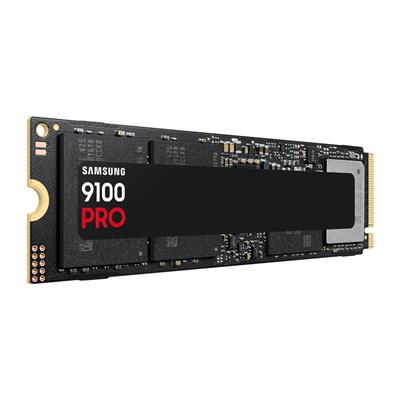


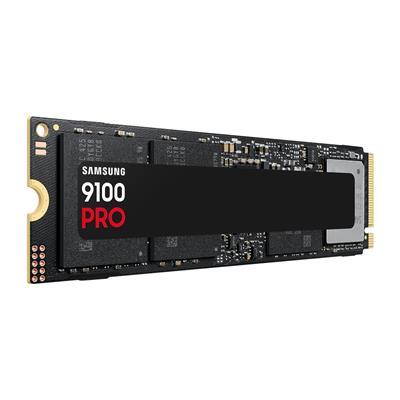


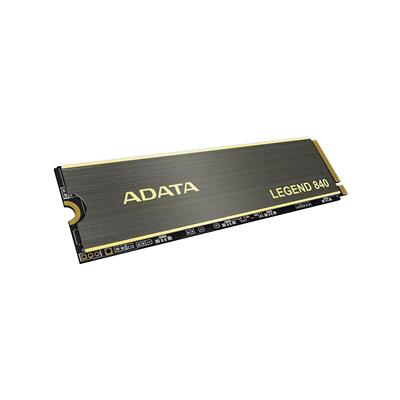

























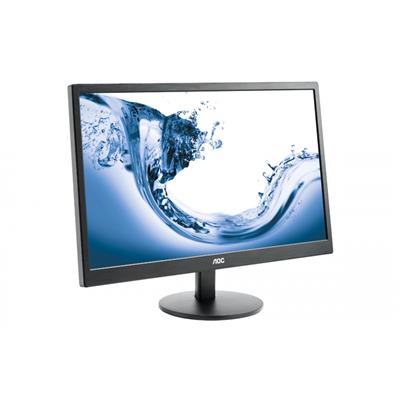
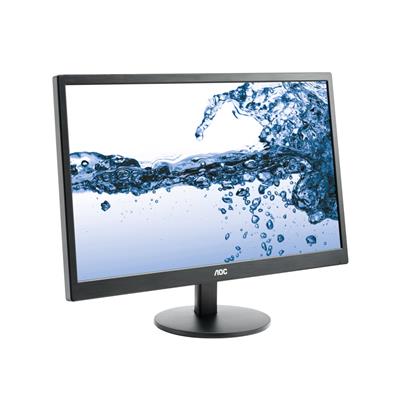
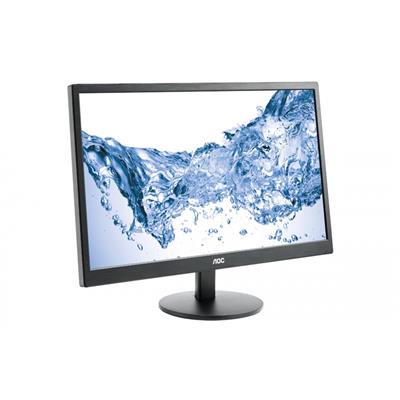







* Required Fields
Specifications
Additional Information
| Processor | Intel Core i9 12900KF |
|---|---|
| Processor Type | Intel Core i9 |
| No of Cores | 16 |
| Max Core Speed | 5.10GHz |
| CPU Cooler | 360mm ARGB AIO Liquid Cooler |
| Motherboard | Gigabyte B760M D3HP WIFI6 |
| Case | Vida Edge |
| Power Supply | Corsair 850w RM850e 80+ Gold Full Modular |
| Memory Size | 16GB |
| Solid State Drive Size | 1TB |
| Graphics | Nvidia RTX 5080 16GB |
| Graphics Card Connections | Displayport (x3), HDMI |
| Audio | 8-Channel High Definition Audio |
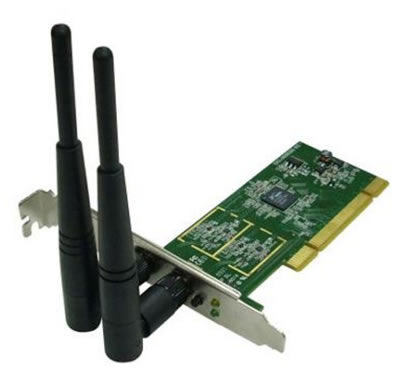
| LAN | 10/100/1000 Gigabit LAN Port, 300mbps Wireless LAN |
| Ethernet | Realtek GbE 1 Gbps |
| Wi-Fi | WiFi 6 (Realtek RTL8851BE) |
| Bluetooth | 5.3 |
| Connections | Rear: 3x USB 3.2 Gen1, 2x USB 2.0 |
| Front Panel Connections | 1x USB-A 3.x, 2x USB-A 2.0, HD Audio/Mic combo jack |
| USB2 Ports | 4 |
| USB3 Ports | 4 |
| USB-C Ports | 0 |
| Operating System | Windows 11 Home |
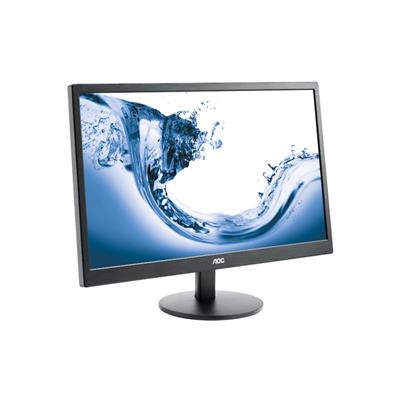
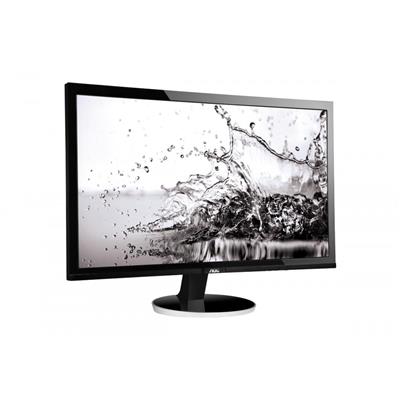
| Monitors | Optional (See Custom Options) |
| Warranty | 3 Year Bronze Warranty |
Reviews
-
Excellent product. Review by Clive Voller
Value Quality Price Customer Service There was some slight bent-in damage to the HDMI port but easliy straightened with a screw driver. Every thing worked well so I didn't need to ask for help. Getting used to Windows 11. This is sent from it. I would use the company again and certainly recommend Ginger6. (Posted on 24/03/2025)
-
excellent service Review by Mike
Value Quality Price Customer Service excellent service from start to finish .... we will be highly recommending you to my family and friends. i have purchased 3 computers now and a graphics card all with different specs and very well built ...thankyou (Posted on 13/03/2023)
-
definitely shop with Ginger 6 again Review by JJ
Value Quality Price Customer Service When I first found Ginger 6 during my search for a gaming PC I was uncertain whether to trust a small company I'd never heard of before. I read large numbers of reviews and as the majority of them were overwhelmingly positive, decided to give them a go. I was not disappointed. I have had absolutely no issues, either with the construction & delivery time, their customer services when I rang to enquire about speeding up the process, nor with the product itself. You could not find this kind of power for the money without building the unit yourself, I am very pleased and would definitely shop with Ginger 6 again.
My PC was delivered by the Caerphilly depot and while the drivers were obviously in a bit of rush (long day!) it arrived on the expected day with no problems. (Posted on 11/03/2023) -
Excellent service and communication Review by dennis sansome
Value Quality Price Customer Service Excellent service and communication skills from the staff, hassan has to be commended. The build time and delivery time was exactly as agreed. (Posted on 18/04/2022)
-
Review for pc Review by Caroline
Value Quality Price Customer Service Amazing pc, good comunication, and fast delivery. Would recommend (Posted on 22/10/2020)