




Intel Core i9 12900KF Nvidia RTX 5070 Ti Gaming PC - G6 Typhoon X5
Description
G6 Typhoon X5: The 4K Flagship with the Corsair Gold Headroom
The G6 Typhoon X5 pairs Intel’s 16-core Core i9 12900KF (8 Performance cores + 8 Efficiency cores, 5.10 GHz Performance-core Turbo) with the Nvidia RTX 5070 Ti 16GB for 4K Ultra with DLSS 4 gaming. The 12900KF was the chip that introduced the P-core/E-core hybrid layout to the desktop, and three years on it remains the i9 most gaming buyers should be looking at: a mature, proven 16-core platform that sits structurally below the 14th-gen K-series price band without giving up the i9 cache, the i9 thread count, or the i9 single-thread Turbo for the games that still need it. Hand-built in Wolverhampton against the same workshop process Ginger6 has run since 2001, the G6 Typhoon X5 ships fully tested with a 3-year warranty and lifetime UK phone support.
The whole Typhoon range shares the same i9 12900KF. The only thing that changes from G6 Typhoon X5 up or down the ladder is the GPU, the case, and the cooling and PSU sized to match. That is the range design: i9 horsepower at the price the GPU you actually need can justify. Step up to the G6 Typhoon X6 with the RTX 5080 16GB when your monitor pulls higher than this build is sized for. One rung below sits the G6 Typhoon X4 with the RTX 5070 12GB, the same i9 paired with the next GPU tier down. Not certain which Typhoon is the right one for your monitor and the games you play? Call Kevin on 01902 714533. He builds the machine, answers the phone, and gives a straight answer based on your setup, not a sales tier.

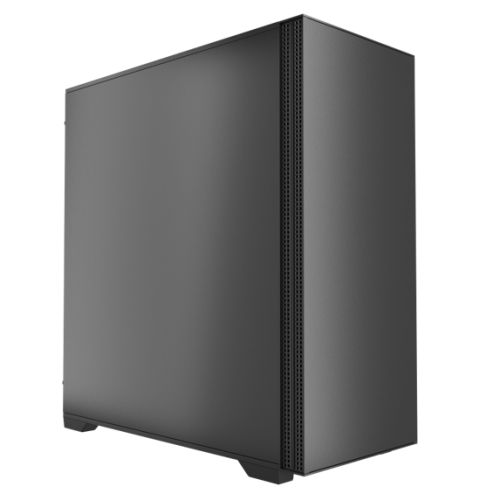
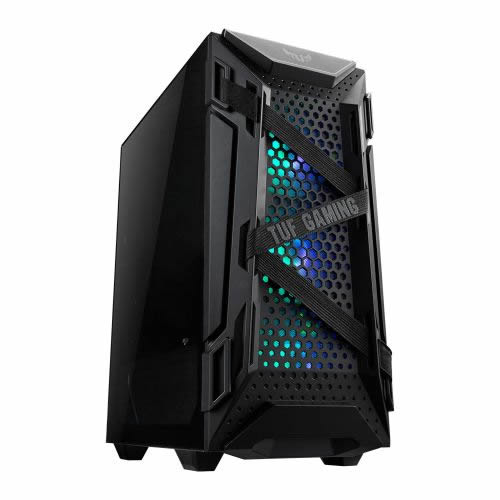
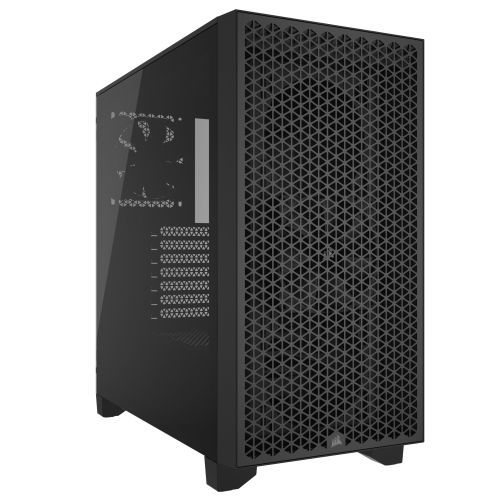
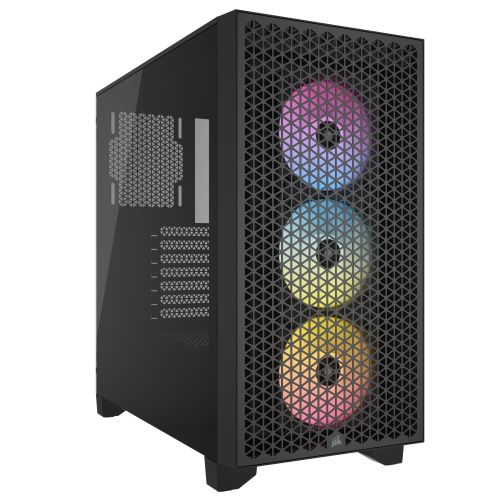
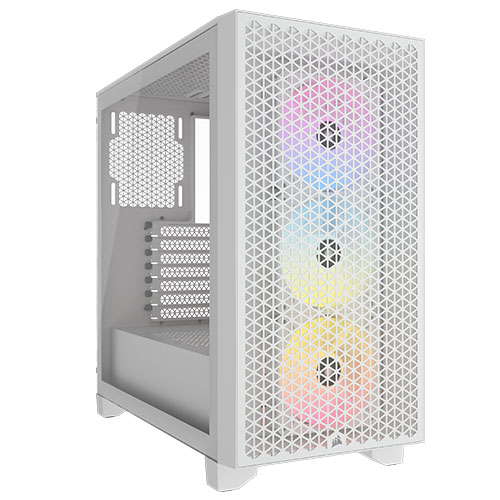
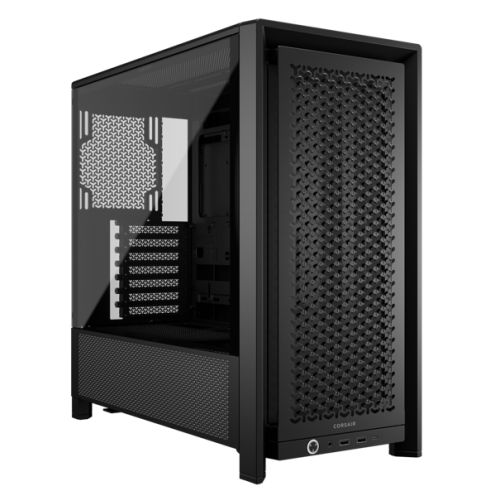
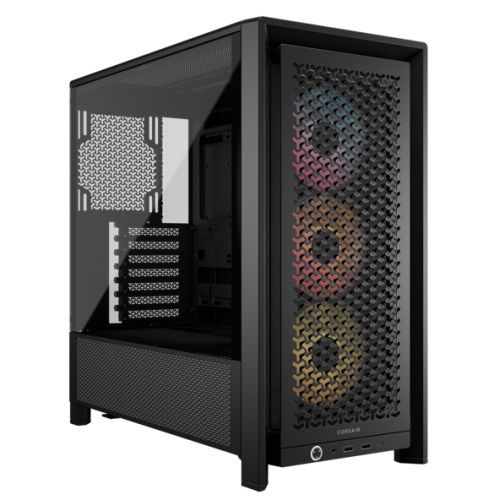
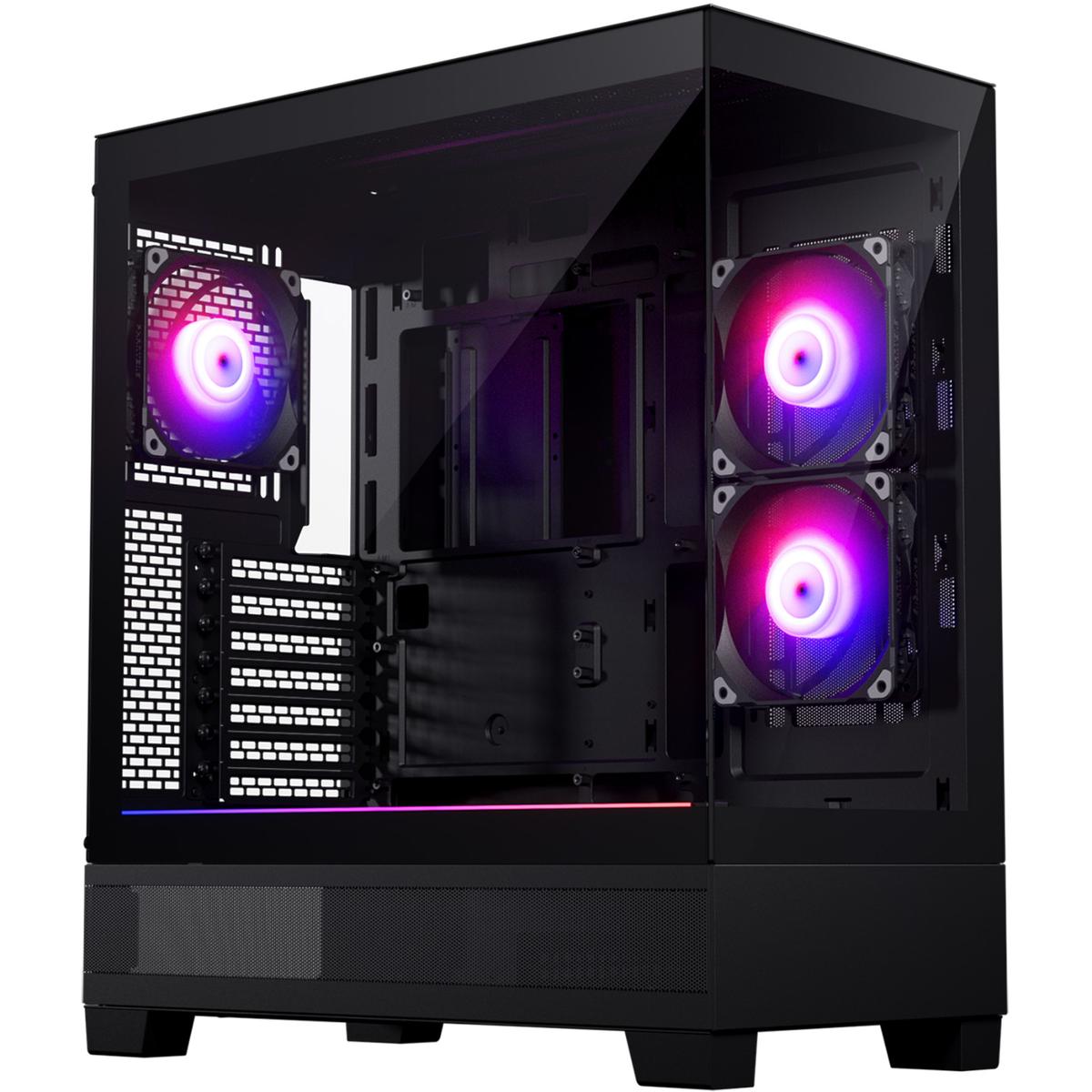
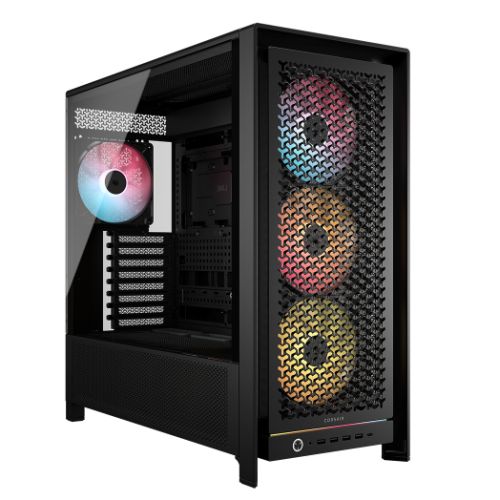
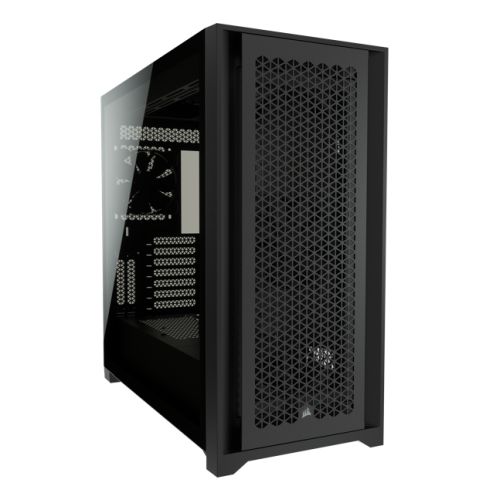
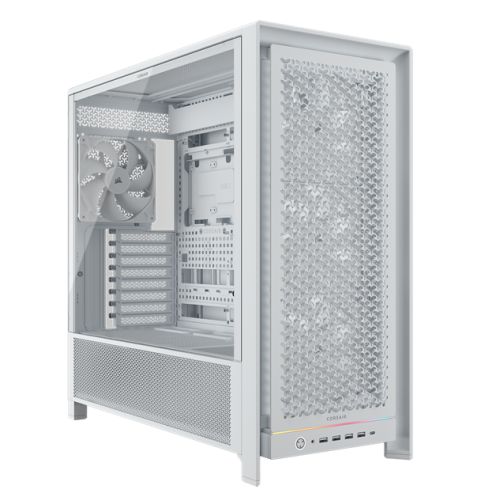
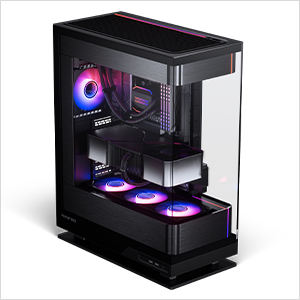
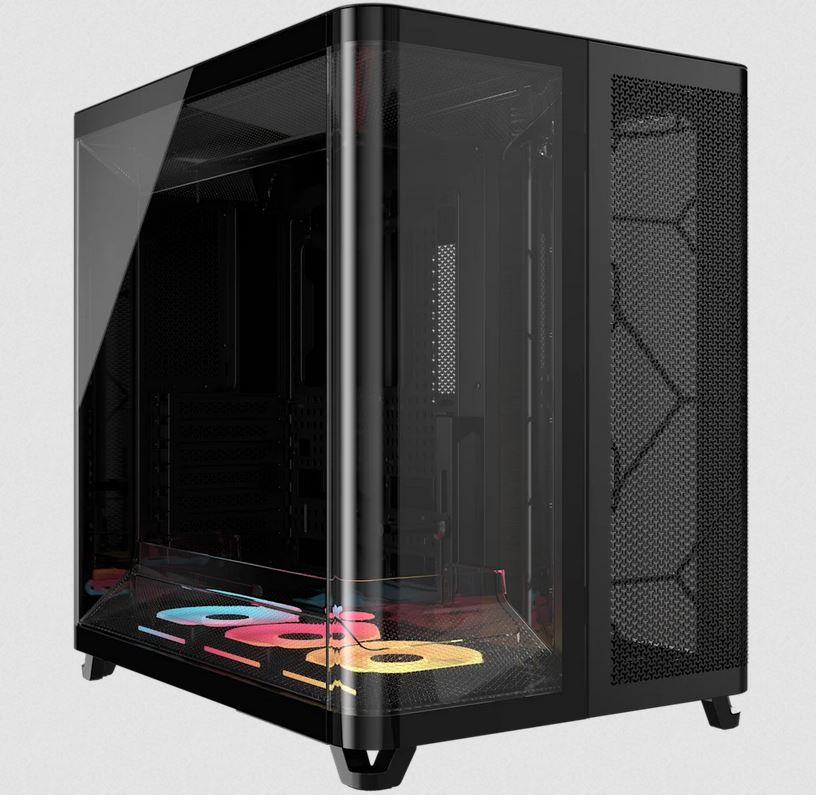
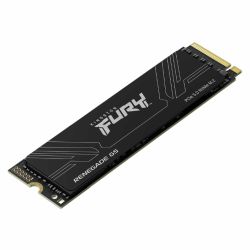
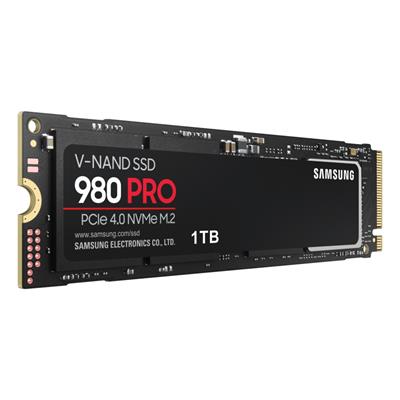
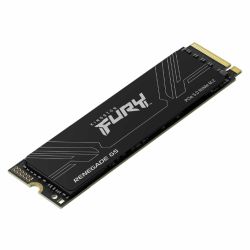
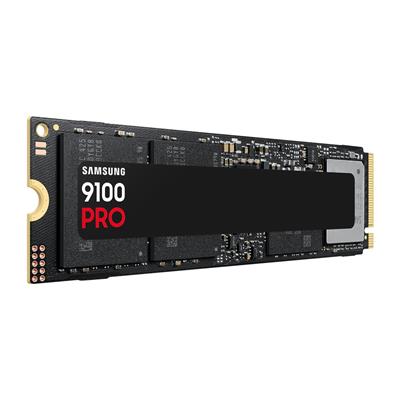
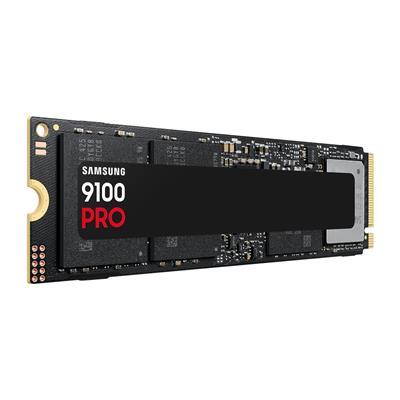
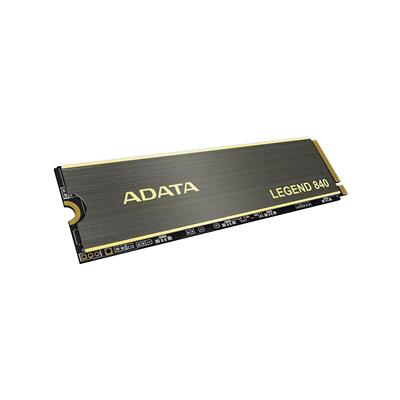
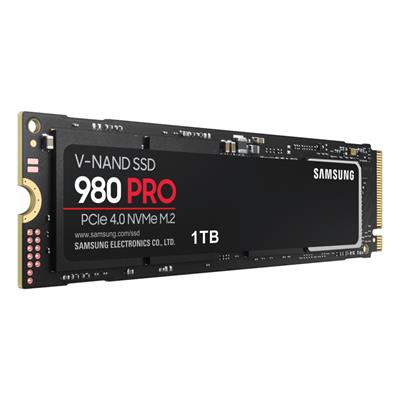
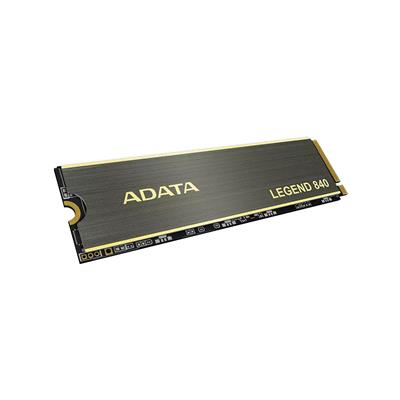
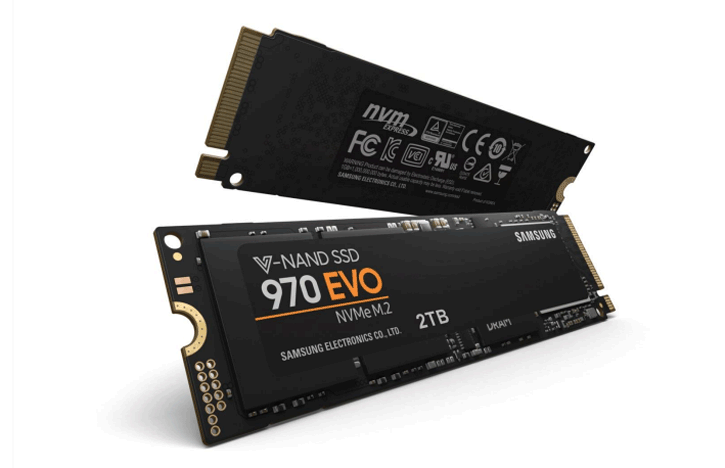
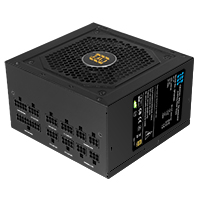
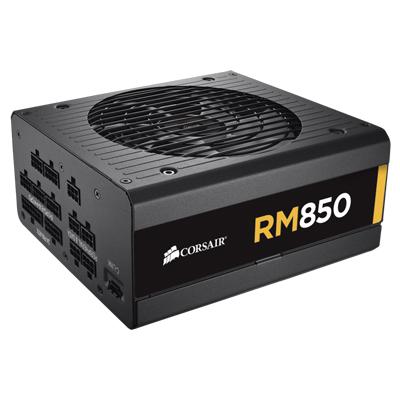
Inside the Vida Akira Black mid-tower, the 12900KF runs under a 360mm ARGB AIO Liquid Cooler with ARGB fans on the radiator (the same airflow pattern Ginger6 uses on every i9 build at this tier). The Gigabyte B760M D3HP WIFI6 carries the LGA1700 socket with the B760M chipset, four DDR5 DIMM slots populated with 16GB DDR5 5200MHz (2x8GB) Dual Channel memory in dual-channel mode, an M.2 NVMe slot for the included 1TB Gen 4 SSD, and Wi-Fi 6 with Bluetooth 5.3 onboard. Power comes from the Corsair RM850e 850W 80+ Gold Full Modular PSU, sized with sustained-load headroom above the 12900KF plus RTX 5070 Ti combination. The G6 Typhoon X5 sits in our £2000 gaming PC tier and inside the wider Intel Core i9 gaming PC range. Browse the full Ginger6 gaming PC catalogue, the wider Intel Gaming Computer range, the RTX 5070 Ti gaming PC range, or the 4K gaming PC range for context.
What’s Inside the G6 Typhoon X5
Every component selected for 4K Ultra with DLSS 4 gaming on the i9 12900KF platform. Dual-channel DDR5 in the canonical 2x8GB kit, NVMe Gen 4 storage, full ARGB cooling on the AIO fans, and the PSU sized with the headroom the RTX 5070 Ti actually needs under load.
The i9 + RTX 5070 Ti 4K Sweet Spot
Three reasons the G6 Typhoon X5 is the build that lands on this spec.
i9 Cache, i9 Threads, i9 Turbo
The 12900KF carries 30MB of Intel Smart Cache and the 5.10 GHz P-core Turbo that single-threaded engines still rely on. 16 total cores (8P + 8E) cover the gaming thread, the streaming stack, the chat, the launcher, and the patch download at the same time. The 4K game runs on the P-cores, everything else lives on the E-cores, the simulator does not notice.
4K Ultra in Modern AAA
The RTX 5070 Ti with 16GB GDDR7 carries 4K Ultra in the modern AAA rotation, comfortably above 60 fps in most titles with DLSS 4 quality engaged, and DLSS 4 Multi Frame Generation lifts the demanding scenes higher still. The 12900KF feeds the GPU without bottleneck across all of that.
Mature 12th-Gen Platform, Structurally Lower Price
The 12900KF is the i9 the gaming buyer should be looking at. Three years on from launch it is still a 16-core part with 5.10 GHz Turbo and 30MB cache, the silicon is mature, the BIOS is settled, the LGA1700 socket has the upgrade path, and the cost of the 12900KF plus a B760M board lands the build at a price the RTX 5070 Ti can justify. The latest K-series buys you a small gaming uplift on a far more expensive platform.
What the G6 Typhoon X5 Plays
Four workloads the RTX 5070 Ti 16GB on the i9 12900KF is sized for at 4K.
4K Ultra in the modern AAA rotation: Cyberpunk 2077, Black Myth Wukong, Hogwarts Legacy, Indiana Jones and the Great Circle, Alan Wake 2, and the latest releases. The wider open world and RPG games catalogue sits in scope too, with titles like Elden Ring, Starfield, and The Witcher 4. Frame rates sit comfortably above 60 fps with DLSS 4 quality engaged in most titles, and DLSS 4 Multi Frame Generation lifts the path-traced scenes higher. The 16GB GDDR7 pool carries the 4K texture demand without compromise.
CS2, Valorant, Apex, Fortnite, Black Ops 7, Warzone, and Overwatch 2 hold frame rates well above 240 fps at 4K on the RTX 5070 Ti across the wider competitive shooters rotation. For pilots running OLED 4K 240 Hz panels, the RTX 5070 Ti is the GPU sized to feed it. The 12900KF carries 1% lows tight under the network and capture stack.
OBS NVENC encoding on the RTX 5070 Ti, browser, chat, voice, recording, and the game thread can all run at the same time without the 12900KF blinking. The 8 Performance cores own the game; the 8 Efficiency cores carry every background workload. For YouTube, Twitch, and Discord-stream-with-friends use, the i9 12900KF is more CPU than the workload needs, which is the headroom you bought it for.
Fourth-generation NVIDIA RT cores on the RTX 5070 Ti carry hardware ray-traced lighting in the modern AAA rotation. DLSS 4 quality upscaling and DLSS 4 Multi Frame Generation are the difference between a playable RT scene and a comfortable one. Where path tracing is available, the RTX 5070 Ti runs it where DLSS 4 frame-generation is engaged; native path tracing without upscaling is the workload for the 5080-class GPU above.
The G6 Typhoon X5, Photographed Front to Back
Hand-built in Wolverhampton in the Vida Akira Black mid-tower with the 360mm AIO and the RTX 5070 Ti 16GB. Every cable managed, every component seated correctly, photographed in the workshop after the 24-hour stress test passes.
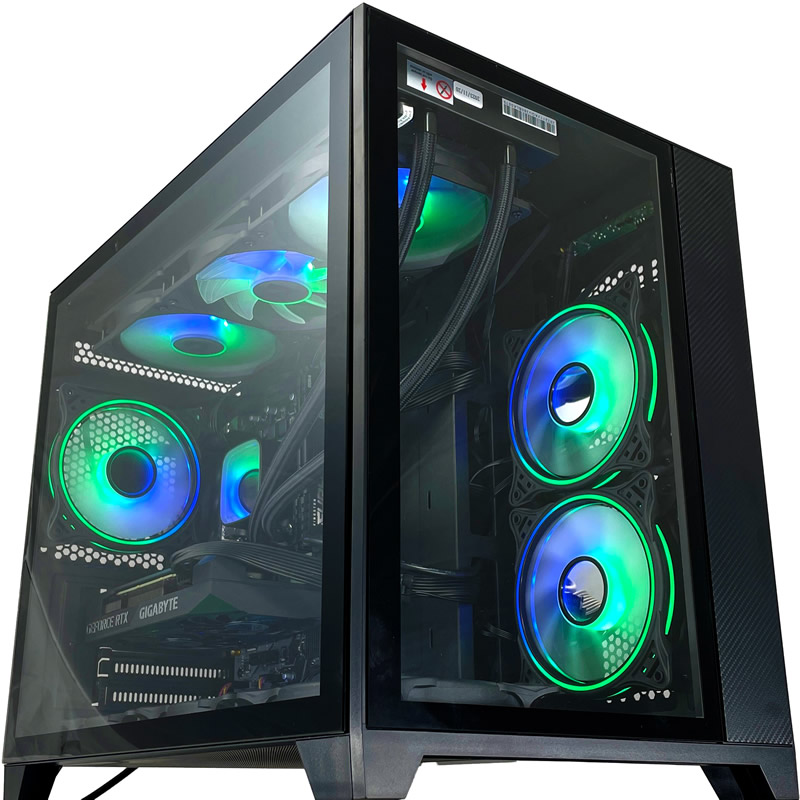
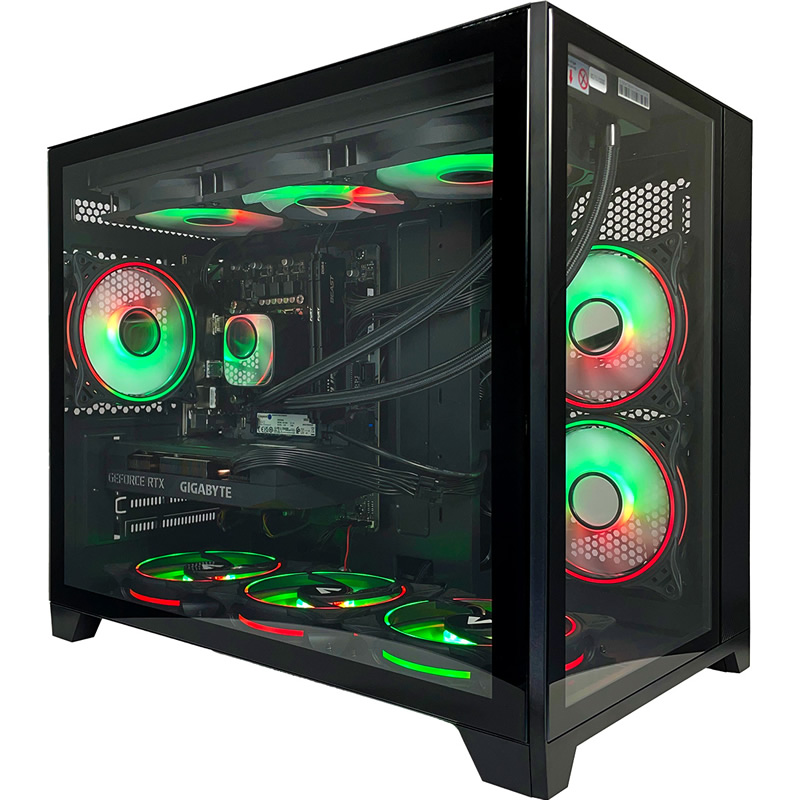
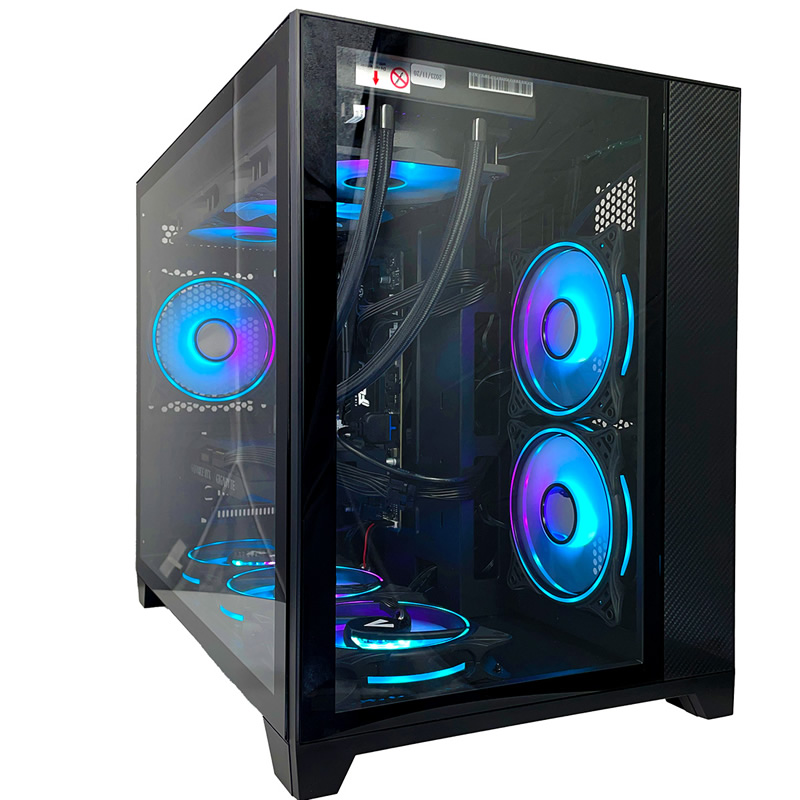
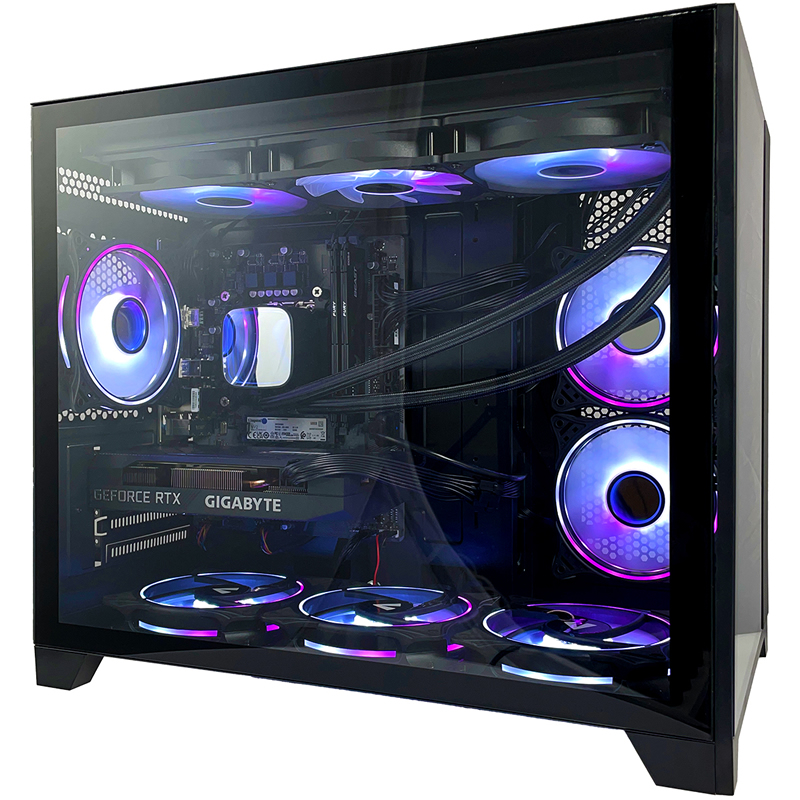
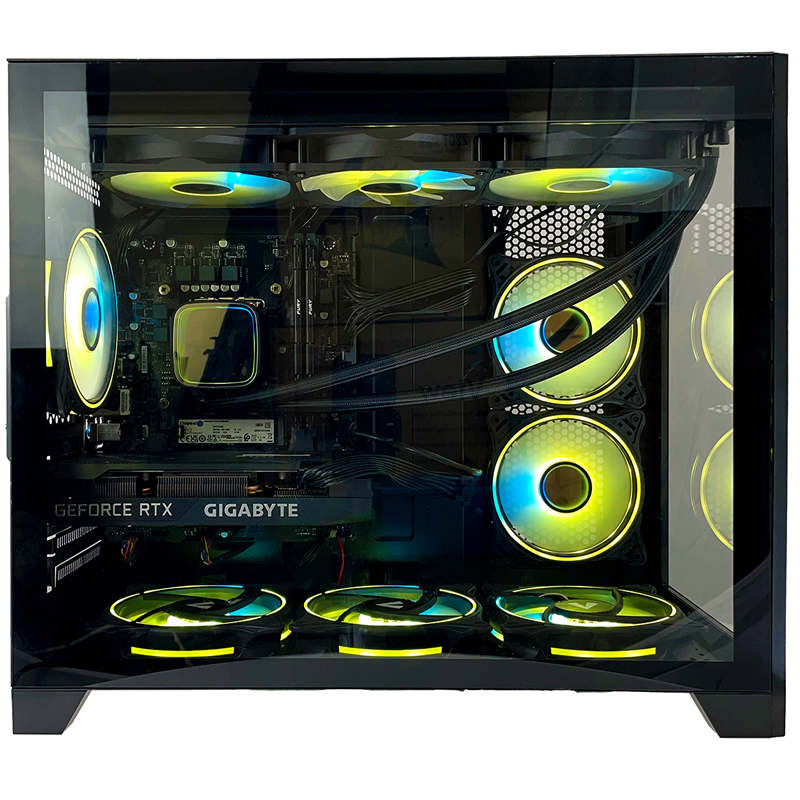
Every machine photographed in the workshop after the 24-hour stress test passes. Browse the full workshop process.
Where the Typhoon X5 Sits in the i9 Stack
The Typhoon X5 is the first 4K flagship in the Typhoon range. The RTX 5070 Ti with 16GB GDDR7 is the GPU that lifts modern AAA into 4K Ultra territory with comfortable headroom on DLSS 4 quality, and the upgrade to the Corsair RM850e 850W 80+ Gold fully-modular PSU is the platform decision that makes the X5 a genuinely flagship build rather than a stretched mid-range one.
Below the X5 sits the X4 with the RTX 5070 12GB on the G6 Bronze 750W PSU; above sits the Typhoon X6 with the next-tier RTX 5080 16GB on the same Corsair Gold 850W modular PSU. The X5 is the natural buy for the 4K user who wants the Corsair Gold modular cabling, the 16GB GDDR7 pool, and the 360mm AIO without paying for the 5080-class GPU above. The Corsair PSU also leaves the door open to a 5080 upgrade later without a PSU swap.
The 12900KF carries the CPU side at 4K without bottleneck across the modern AAA rotation. The Corsair RM850e is the same PSU that powers the X6 above; the 12900KF is the same chip across the whole Typhoon range. Step up from the X4 to the X5 and you get the GPU tier, the PSU tier, and the modular cabling that flagship buyers expect.
Tell Kevin:
- The games you play most often
- Your monitor resolution and refresh rate
- Whether you stream, record, or edit alongside gaming
- Your approximate budget
No charge for the conversation. No pressure to buy.
Who the G6 Typhoon X5 Is For
Four buyer profiles where the G6 Typhoon X5 is the right answer. If your situation matches one of these, the build fits.
Your monitor is 4K (typically a 27" or 32" 4K OLED, or a high-end 4K IPS panel). You play modern AAA at Ultra settings at 4K with DLSS 4 quality, and you expect frame rates comfortably above 60 fps in the modern rotation. The RTX 5070 Ti on the i9 12900KF holds Cyberpunk 2077, Black Myth Wukong, Hogwarts Legacy, Indiana Jones, Alan Wake 2, and the latest 4K releases at exactly that bar, with DLSS 4 Multi Frame Generation lifting the demanding scenes higher.
You have done your reading on PSUs. You know that fully-modular cabling is what separates a flagship build from a stretched mid-range one, that 80+ Gold efficiency keeps the system cool and quiet under sustained load, and that the headroom of an 850W rated PSU leaves room for a one-tier GPU upgrade in future without a PSU swap. The Corsair RM850e is the same PSU that powers the Typhoon X6 above and several other flagship builds in the Ginger6 catalogue.
Your current monitor is 1440p and you are planning a 4K upgrade in the next 12-24 months. The Typhoon X5 is the build sized for both today (where it carries 1440p high-refresh with significant headroom) and tomorrow (where it carries 4K Ultra when the new monitor arrives). The 16GB VRAM, the Corsair Gold modular PSU, and the 360mm AIO are all sized for the upgrade you have planned.
The X5 carries the RTX 5070 Ti 16GB; the X6 above carries the RTX 5080 16GB. Both share the i9 12900KF, the Corsair RM850e Gold 850W modular PSU, the 360mm AIO, the Gigabyte B760M D3HP WIFI6 board, the 16GB DDR5 dual-channel kit, and the 1TB Gen 4 NVMe drive. The split is GPU only. If 4K Ultra with DLSS 4 quality is your target, the X5 is the buy. If you want the 5080 ceiling and the path-tracing headroom, step up to the X6.
What Our Customers Say
Over 1,100 reviews on Trustpilot with a 93% five-star rating. The person who advises on your spec is the person who builds your G6 Typhoon X5 and answers the phone after delivery. Read the reviews on Trustpilot directly, nothing here is curated.
Needed help with CPU running hot and very noisy when playing a game on PC. Phoned up to get help, took PC to them as they are local, they replaced the part and answered any questions, very helpful and friendly, and tested the PC to make sure it ran fine. Got home, tried out the game that was running hot and it has been fine ever since.
Bought computers from here for a while and custom PCs always come highest quality. Gaming PC I bought from them 6 years ago was still going strong with one or two part replacements at the 5 year point until I got a newer one. Great choice and customer service.
I had made a custom PC which I thought I was quite happy with. The following day I received a phone call from Ginger 6 asking about the PC I wanted. After 5-10 minutes on the phone with one of the customer service staff I realised I had ordered things I didn't really need. They suggested better graphics cards and now I'm playing at much quicker speeds than before.
Built by Hand in Wolverhampton
Every G6 Typhoon X5 goes through the same three-stage workshop process. The 24-hour stress test is the gate that holds dispatch.
Before assembly begins, the configuration is reviewed against the games you play, the monitor you own, and any creative work or streaming you run alongside gaming. If you have spoken to Kevin, the build sheet reflects that conversation. Components are verified against current stock, the 360mm ARGB AIO Liquid Cooler orientation is confirmed for the Vida Akira Black, and the build is queued in the workshop schedule. No shortcuts on stock substitution: the part on the order is the part in the build.
The G6 Typhoon X5 is assembled inside the Vida Akira Black. The radiator mounts at the top with the fans drawing fresh air through the front mesh; the 12900KF’s P-core/E-core hybrid layout responds well to direct intake to the radiator, and the cold plate seating is verified before BIOS-level tuning begins. The RTX 5070 Ti is seated with the anti-sag bracket. Cable management routes the high-current GPU cable behind the cable shroud, away from the front intake. BIOS settings, DDR5 5200MHz dual-channel mode, NVMe boot order, and on-board firmware updates are confirmed before the 24-hour test begins.
Every G6 Typhoon X5 runs sustained CPU plus GPU load for a full day before it ships. The test loop covers thermal behaviour under sustained boost, memory stability under DDR5 5200MHz dual-channel timing, NVMe storage performance under sustained read/write, and frame-pacing behaviour in modern AAA at the resolution this build is sold for. The 12900KF is monitored for thermal headroom across all 16 cores; the RTX 5070 Ti is held at sustained boost. Boost behaviour, fan curves, AIO pump speed, and storage performance are all logged before despatch. Your G6 Typhoon X5 ships free to mainland UK addresses, fully insured and tracked.
- Thermal behaviour under sustained load
- Processor and graphics stability during extended use
- Memory responsiveness and system stability
- Storage performance and consistency
- BIOS and firmware stability
- Frame pacing in modern AAA at the build’s target resolution
Where the G6 Typhoon X5 Sits in the Range
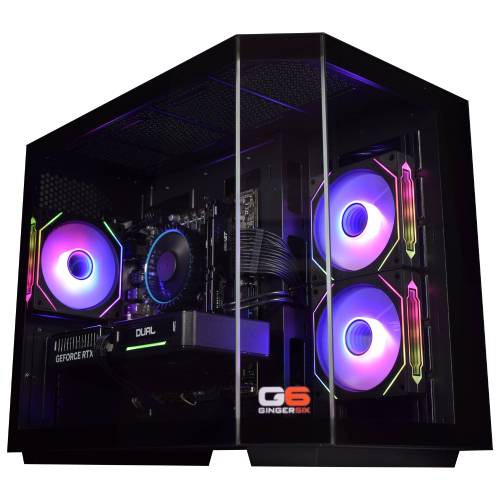
Five sibling tiers around the G6 Typhoon X5 in the Typhoon range, from the £1339 1080p starter to the £2459 4K ceiling. The G6 Typhoon X5, the page you are on, sits at the 4K Ultra with DLSS 4 sweet spot with the i9 12900KF paired to the RTX 5070 Ti. Every Typhoon ships with the same 16-core i9, the same 16GB DDR5 5200MHz dual-channel kit, the same 1TB M.2 NVMe SSD, and the same Wolverhampton 24-hour stress test.
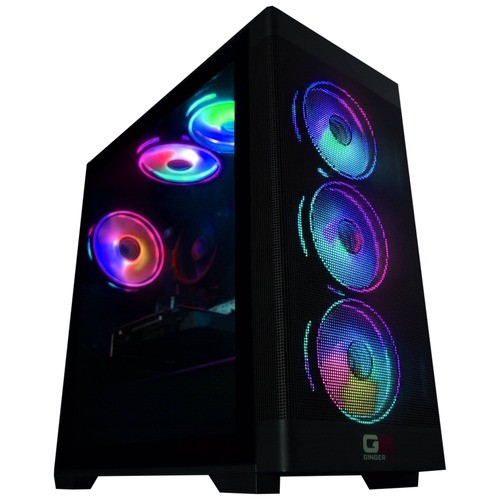


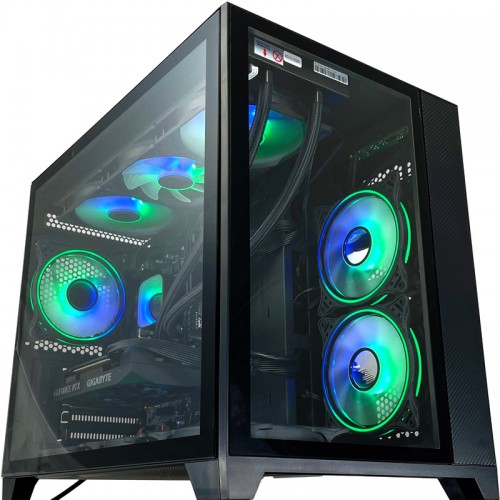

Browse the full Intel i9 gaming PC range for every i9 build in the workshop, or jump back to the complete gaming PC catalogue for the full picture.
Questions About the G6 Typhoon X5
Yes. The RTX 5070 Ti on the i9 12900KF holds modern AAA at 4K Ultra comfortably above 60 fps in most titles with DLSS 4 quality engaged, and DLSS 4 Multi Frame Generation lifts the demanding scenes higher. For absolute peak 4K Ultra including path-traced workloads at native 4K, the Typhoon X6 with the RTX 5070 12GB sibling above (RTX 5080) has the additional headroom.
The G6 Typhoon X4 sits one rung below with the RTX 5070 12GB; the G6 Typhoon X6 sits one rung above with the RTX 5080 16GB. Every Typhoon shares the i9 12900KF, the same 16GB DDR5 5200MHz dual-channel memory kit, and the same 1TB Gen 4 NVMe SSD. The only thing that changes from tier to tier is the GPU and the cooling and PSU sized to match. Pick the GPU that matches your monitor and your gaming rotation.
The 12900KF is the i9 most gaming buyers should be looking at. Three years on from launch, it is still a 16-core part with 24 threads, 5.10 GHz P-core Turbo, 30MB Smart Cache, and the same P-core/E-core hybrid layout the 14th-gen K-series uses. In modern gaming workloads the gap between the 12900KF and the 14th-gen K-series is smaller than the price gap suggests. The Typhoon range is built around the 12900KF because it lands the i9 cache and thread count at a price the GPU you actually need can justify. For buyers who specifically want the 14th-gen K-series on a Z790 platform, the Galactic range is the natural step across.
For modern AAA at the resolution this build is sold for, yes. 16GB DDR5 5200MHz arrives as a 2x8GB dual-channel kit (the canonical Ginger6 form, never a single stick) so the memory controller runs at full bandwidth from boot. The LGA1700 platform supports up to 128GB total across the four DIMM slots; if your workload scales into video editing or heavier creator work, the upgrade path is open. A like-for-like step up to 32GB (2x16GB) dual-channel is the obvious first move if you start streaming and recording while gaming heavily.
Yes. The LGA1700 socket supports current-generation Intel chips; the Gigabyte B760M D3HP WIFI6 has four DDR5 DIMM slots supporting up to 128GB, an additional M.2 slot for a second NVMe drive, and the Corsair RM850e 850W 80+ Gold Full Modular PSU has the headroom for a one-tier GPU upgrade in future. The 1TB Gen 4 NVMe drive is the boot drive; a 2TB or 4TB Gen 4 second drive is the obvious first upgrade as your library grows. Call Kevin when you are ready to upgrade, and he will quote the parts and the labour for a workshop installation if you would prefer not to swap them yourself.
The standard Bronze warranty covers 1 year of parts and labour plus 2 additional years of labour-only cover. The Silver option extends parts and labour cover to 2 years. The Gold option provides full parts and labour cover for all 3 years, giving complete peace of mind for the lifetime of the warranty. All options include lifetime free UK phone support. For a machine of this specification, Gold cover is worth considering against the price difference.
Ready to Configure Your G6 Typhoon X5?
Use the options above or call Kevin on 01902 714533. He will help you configure the right spec for your monitor, your gaming rotation, and your budget. Lifetime UK phone support, 3-year warranty, free mainland UK delivery, available on 0% finance via PayPal Pay In 3 for orders above £500.
Custom Options
£2,384.52
£2,239.99






















































* Required Fields
Specifications
Additional Information
| Processor | Intel Core i9 12900KF |
|---|---|
| Processor Type | Intel Core i9 |
| No of Cores | 16 |
| Max Core Speed | 5.10GHz |
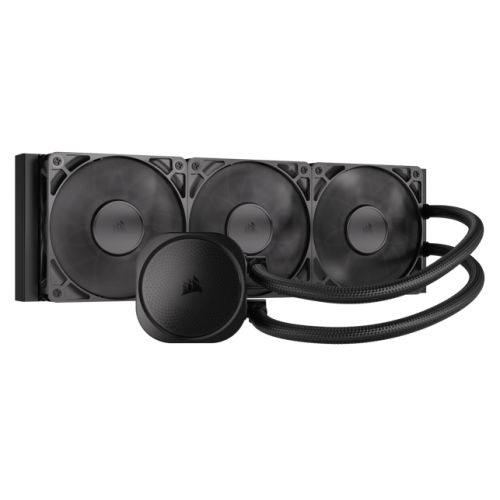
| CPU Cooler | 360mm ARGB AIO Liquid Cooler |
| Motherboard | Gigabyte B760M D3HP WIFI6 |
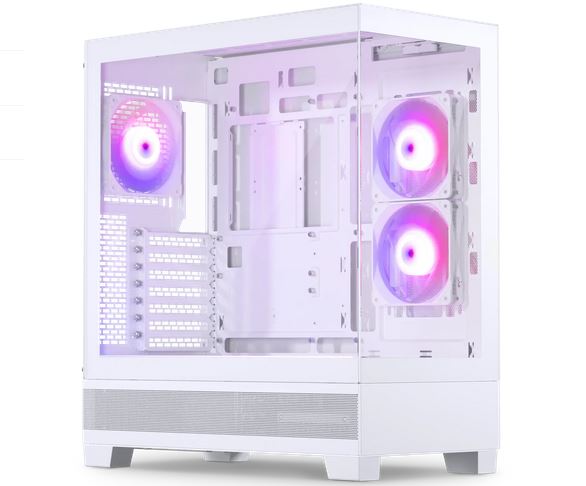
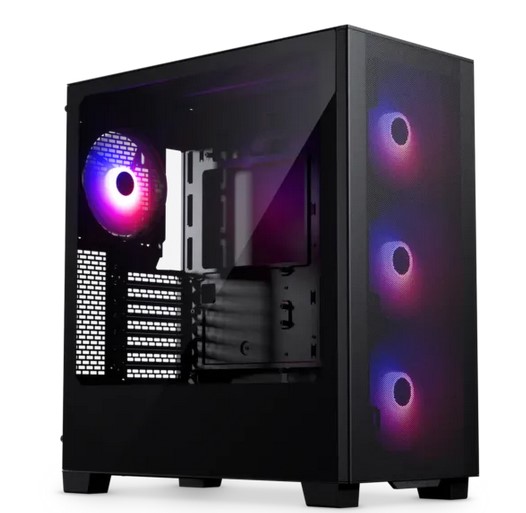
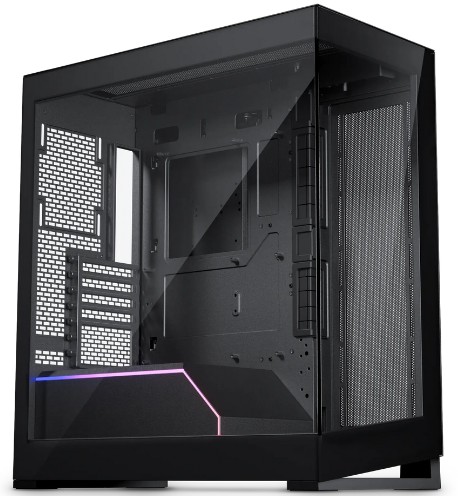
| Case | Vida Akira Black |
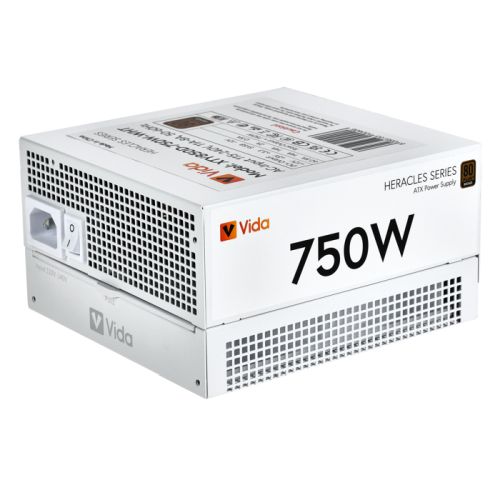
| Power Supply | Corsair 850w RM850e 80+ Gold Full Modular |
| Memory Size | 16GB |
| Solid State Drive Size | 1TB |
| Graphics | Nvidia RTX 5070 Ti 16GB |
| Graphics Card Connections | Displayport (x2), HDMI |
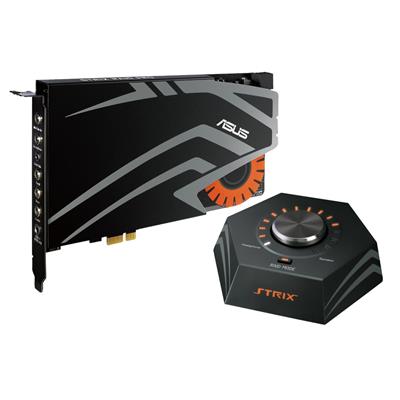
| Audio | 8-Channel High Definition Audio |
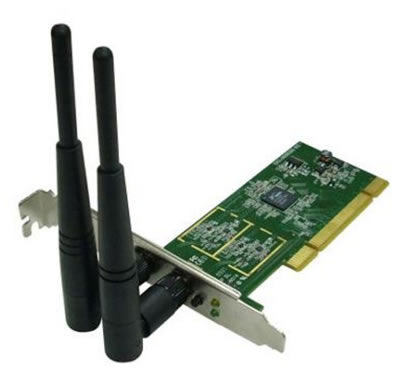
| LAN | 10/100/1000 Gigabit LAN Port, 300mbps Wireless LAN |
| Ethernet | Realtek GbE 1 Gbps |
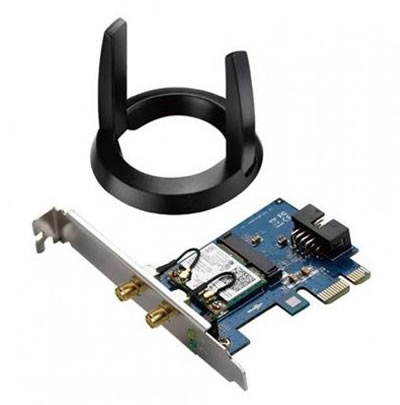
| Wi-Fi | WiFi 6 (Realtek RTL8851BE) |
| Bluetooth | 5.3 |
| Connections | Rear: 3x USB 3.2 Gen1, 2x USB 2.0 |
| Front Panel Connections | 1x USB-A 3.x, 1x USB-A 2.0, HD Audio + HD Mic |
| USB2 Ports | 3 |
| USB3 Ports | 4 |
| USB-C Ports | 0 |
| Operating System | Windows 11 Home |
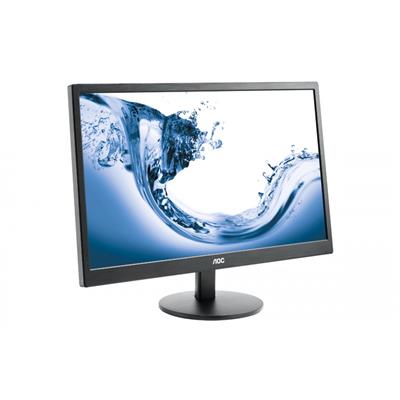
| Monitors | Optional (See Custom Options) |
| Warranty | 3 Year Bronze Warranty |
Reviews
-
Great Customer Service for a wickedly… Review by Tom Harris
Value Quality Price Customer Service Great Customer Service for a wickedly good system!
Ginger6 have been an absolute pleasure to work with at every stage of my order which I messed up twice. They worked with me to resolve and were swiftly able to sort everything.
Thank you Kevin! (Posted on 22/11/2024) -
Great Review by DAN SPARE
Value Quality Price Customer Service Great. Ordered on the Monday. Delivered on the Wednesday with no hassle. Coming from Dell Alienware which took three months to get a refund, this experience with G6 has illustrated that there are still good companies out there.
I researched for a good while and G6 consistently won on price for the same hardware and reviews from customers. I'd recommend them. (Posted on 21/11/2024) -
Great Customer Service for a wickedly Review by Tom Harris
Value Quality Price Customer Service Great Customer Service for a wickedly good system!
Ginger6 have been an absolute pleasure to work with at every stage of my order which I messed up twice. They worked with me to resolve and were swiftly able to sort everything.
Thank you Kevin! (Posted on 20/11/2024) -
Great Review by DAN SPARE
Value Quality Price Customer Service Great. Ordered on the Monday. Delivered on the Wednesday with no hassle. Coming from Dell Alienware which took three months to get a refund, this experience with G6 has illustrated that there are still good companies out there.
I researched for a good while and G6 consistently won on price for the same hardware and reviews from customers. I'd recommend them. (Posted on 19/11/2024)