




AMD Ryzen 9 7900 RTX 5060 Ti 16GB Gaming PC - G6 Fusion 1200 X1
Description
G6 Fusion 1200 X1, the Ryzen 9 7900 RTX 5060 Ti 16GB gaming PC
The G6 Fusion 1200 X1 is the value entry into the Fusion 1200 range. AMD Ryzen 9 7900, 12 cores and 24 threads at 5.4GHz boost, paired with the Nvidia GeForce RTX 5060 Ti 16GB. 16GB GDDR7 VRAM, the same frame the higher-tier RTX 5070 Ti carries, on a card targeted at 1440p high-refresh play. DLSS 4 multi-frame generation, ray tracing acceleration, and the NVENC encoder for stream offload. Hand-built in Wolverhampton against the same process Ginger6 has run since 2001, with a 3 year warranty and lifetime UK phone support.
Weighing the X1 (RTX 5060 Ti 16GB VRAM ceiling) against the X2 (RTX 5070 12GB raster step) at the same price band, or the F800 X4 (same GPU, Ryzen 7 at a lower CPU tier)? Call Kevin on 01902 714533, he builds the machine, answers the phone, and gives a straight answer based on your setup, not a sales tier.
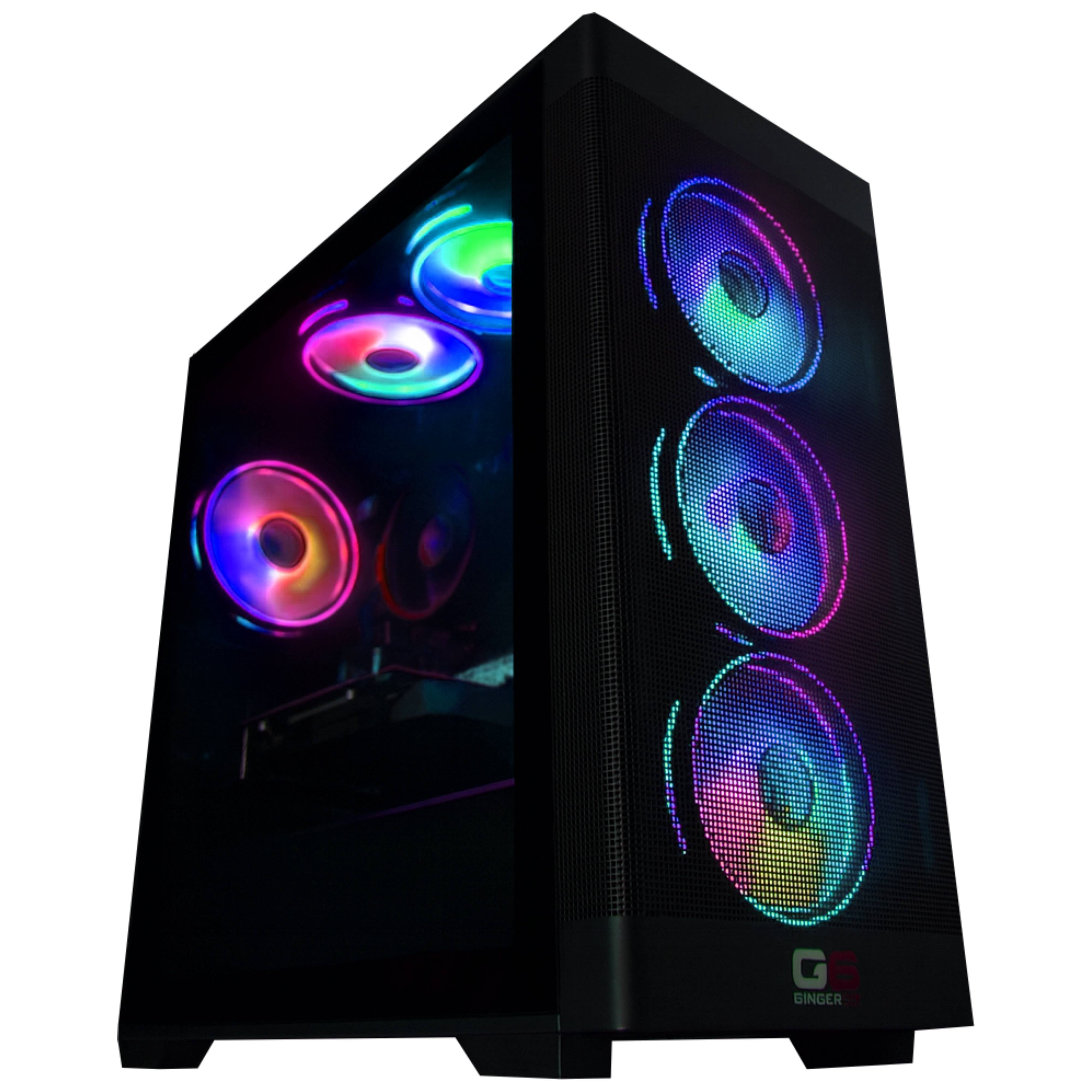
The RTX 5060 Ti 16GB is the VRAM-ceiling variant of the RTX 5060 Ti at 1440p. The same 16GB GDDR7 frame the higher-tier RTX 5070 Ti carries up at the X5 tier, on a card targeted at 1440p high-refresh play. Paired with the Ryzen 9 7900’s 12 cores, the X1 takes 1440p Ultra in modern AAA at 75-100 fps with DLSS 4 quality engaged, holds the texture pool comfortably where the 8GB variant of the RTX 5060 Ti swaps, and at 1080p competitive presets pushes well past 240Hz in the esports library. The Fusion 1200 X1 is the value entry into the Fusion 1200 stack, the lowest-priced Ryzen 9 7900 build in the Ginger6 catalogue. It sits across from the G6 Fusion 1200 X2 (RTX 5070 12GB) at a similar price point on the raster-step-up side, across from the G6 Fusion 1200 X3 (RX 9070) on the AMD vendor side, and one platform up from the G6 Fusion 800 X4 (same RTX 5060 Ti 16GB GPU, Ryzen 7 8700F) for the lower CPU tier option. Browse the full gaming PCs range, the AMD Ryzen gaming PC UK tier, the RTX 5060 Ti gaming PC band, the 1440p gaming PCs tier, or configure your own inside our custom PCs hub. The RTX 5060 Ti 16GB runs competitive shooters well above any 144Hz panel and handles 1440p modern AAA including CS2, Fortnite, the open world and RPG rotation led by Baldur’s Gate 3, the survival stack with 7 Days to Die, and the broader modern AAA library at 1440p Ultra with DLSS 4 quality engaged.
What’s Inside the G6 Fusion 1200 X1
Every component selected for the value entry into the Fusion 1200 range. Ryzen 9 7900 cores sit comfortably above what a 1440p RTX 5060 Ti needs, the 16GB VRAM frame is the ceiling-step that sets this Ti variant apart from the 8GB sibling.
Built Specifically for 16GB VRAM at the F1200 Entry
Four decisions define the Fusion 1200 X1. Each ties to a real outcome on a 1440p panel and inside the Nvidia driver stack.
Ryzen 9 7900 12 cores at F1200 entry pricing
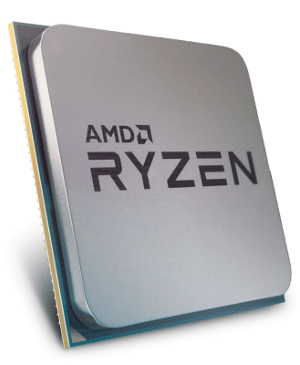
The X1 is the lowest-priced Ryzen 9 7900 in the Ginger6 catalogue. Twelve cores and 24 threads of Zen 4 silicon sit substantially above what a 1440p RTX 5060 Ti needs at the gaming level, the surplus lands on streaming, recording, the second-monitor stack, and the open-world engine traffic the 7900 handles cleanly. AM5 socket holds a future Ryzen 9 X3D drop-in open.
RTX 5060 Ti 16GB VRAM ceiling at 1440p
The 16GB GDDR7 frame is the spec that defines this Ti variant. At 1440p Ultra the texture pool stays resident on the GPU silicon where the 8GB RTX 5060 Ti variant swaps to system memory. DLSS 4 multi-frame generation lifts native frame rates in supporting titles, the RT cores handle ray tracing acceleration cleanly at 1440p with DLSS Performance on, and NVENC takes the stream encode load off the CPU.
Long-horizon future-proofing on VRAM and AM5
The 16GB VRAM ceiling on the X1 future-proofs the build for the engines on the horizon that will lean harder on memory capacity, where the 8GB cards on the same GPU silicon will be the first to fall off the playable list. AM5 socket holds the CPU upgrade lane open through the platform lifecycle, the configurator 850W Gold PSU step-up clears the path to a future GPU step up later.
A620M platform efficiency at F1200 entry
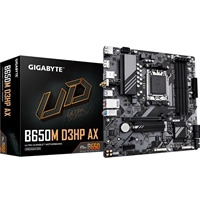
The Gigabyte A620M H is the entry AM5 chipset for the 7900. Tighter feature set than B650 or X670, lower BOM cost, and the savings reach the GPU and the platform value pricing at the entry to the Fusion 1200 stack. AM5 socket means a drop-in CPU upgrade path stays open, the 7900 today, a 9000-series or future Zen later on the same board.
What the G6 Fusion 1200 X1 Delivers
RTX 5060 Ti 16GB plus Ryzen 9 7900. At 1440p Ultra with DLSS 4 quality engaged the build holds 75-100 fps in modern AAA. At 1080p competitive presets, well above any 240Hz panel ceiling.

Baldur’s Gate 3
CS2

Black Myth Wukong

Fortnite

7 Days to Die

Cyberpunk 2077
Figures are estimates based on benchmarks at . Actual performance depends on settings, drivers, and system configuration. DLSS 4 multi-frame generation available in supporting titles on the RTX 5060 Ti 16GB.
The Ryzen 9 12-Core VRAM-Ceiling Entry to the Fusion 1200
The case for the Fusion 1200 X1 at this tier rests on two comparisons. The first sits at the same price band within the Fusion 1200 range. The X2 carries the Nvidia RTX 5070 12GB on the same Ryzen 9 7900 platform, more raster horsepower with 4GB less VRAM. The X1 carries the RTX 5060 Ti 16GB, lower raster but the 16GB VRAM ceiling. For most current 1440p modern AAA the X2 wins on raster, but for the engines on the horizon that will lean harder on VRAM capacity, and for heavy texture-mod and creator workflows, the X1’s 16GB frame is the long-horizon future-proof. The other same-band sibling is the X3 (AMD RX 9070 16GB) for the all-AMD vendor stack with more raster than either X1 or X2.
The second comparison sits across platforms. The F800 X4 carries the same RTX 5060 Ti 16GB GPU paired with the Ryzen 7 8700F instead of the Ryzen 9 7900, at a meaningfully lower inc-VAT price. If you don’t need the 12-core multi-thread headroom (you don’t stream or run heavy concurrent creator workloads), the F800 X4 is the right buy. If you want the 12-core Ryzen 9 platform with the long upgrade horizon on AM5 and the Ryzen 9 X3D drop-in path open later, the X1 is the right tier at the lowest possible Fusion 1200 entry price.
In a session, the spec mix shows up in moments specific enough to recognise. A 1440p Baldur’s Gate 3 Act 3 city scene where the 16GB GDDR7 frame absorbs the texture pool comfortably while the 12-core 7900 keeps frame pacing inside the panel refresh window. A long CS2 server rotation at 1080p where the panel becomes the ceiling well past 240 fps. A 1440p Cyberpunk 2077 scene with ray-traced reflections engaged at DLSS 4 quality where the RT cores deliver and the GPU sits inside playable refresh. A heavily modded skyrim or survival-game session where the VRAM-ceiling frame stays resident across the texture mod stack where 8GB sibling cards begin to stutter.
Tell Kevin:
- The games you play most often
- Your monitor resolution and refresh rate
- Whether you stream, record, or edit alongside gaming
- Your approximate budget
No charge for the conversation. No pressure to buy.
Who the G6 Fusion 1200 X1 Is For
Three buyer profiles where the Fusion 1200 X1 is the right answer. If your situation matches one of these, the build fits.
You game at 1440p Ultra on a 144Hz panel and you value VRAM ceiling over raw raster. The 16GB GDDR7 frame holds modern AAA texture pools comfortably and future-proofs the build against the engines on the horizon that will lean harder on memory capacity. DLSS 4 multi-frame generation extends the useful life of the card materially as titles grow heavier.
12 cores and 24 threads on the Ryzen 9 7900 handle game plus OBS plus browser plus Discord without dropping frames at 1440p. NVENC on the RTX 5060 Ti takes the stream encode load off the CPU. The 16GB VRAM frame leaves room for the encoder overhead alongside the game world, single-PC streaming at this tier is genuinely viable.
You want the 12-core Ryzen 9 7900 platform value for the long upgrade horizon, but you also want the lowest possible F1200 entry price. The X1 is the value entry into the Fusion 1200 range. AM5 socket holds the future Ryzen 9 X3D drop-in upgrade open, the 16GB VRAM card keeps the GPU side relevant across several engine release cycles, and the platform value pricing means the X3D and GPU upgrades both stay within reach as configurable spend later.
What Our Customers Say
Over 1,100 reviews on Trustpilot with a 93% five-star rating. The person who advises on your spec is the person who builds your Fusion 1200 X1 and answers the phone after delivery. Read the reviews on Trustpilot directly, nothing here is curated.
Ordered a system from these guys recently. Had a phone call from a member of the team who explained that I had ordered fans of a different colour to the rest of the case so he replaced them with ones of the same colour.
Having used Windows 10 PCs at Citizens Advice, I keep willing them to be as fast as my home one. Thank you Ginger6 for making me impatient with other PCs that aren’t mine.
Computer arrived well packed and worked OK as soon as set up. No problems with it over the first week. Very quiet and efficient machine.
Built by Hand in Wolverhampton
Every Fusion 1200 X1 goes through the same three-stage workshop process. The 24-hour stress test is the gate that holds dispatch.
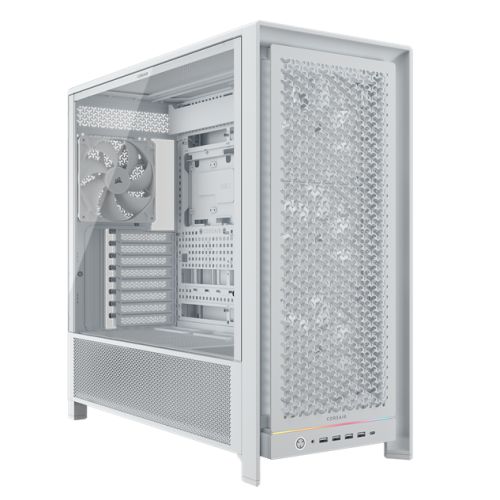
Before assembly begins, the configuration is reviewed against the games you play and the monitor you own. If you have spoken to Kevin, the build sheet reflects that conversation. Components are verified against current stock, the Vida Zephyr case orientation is confirmed for the RTX 5060 Ti 16GB, and the build is queued in the workshop schedule. No shortcuts on stock substitution, the part on the order is the part in the build.
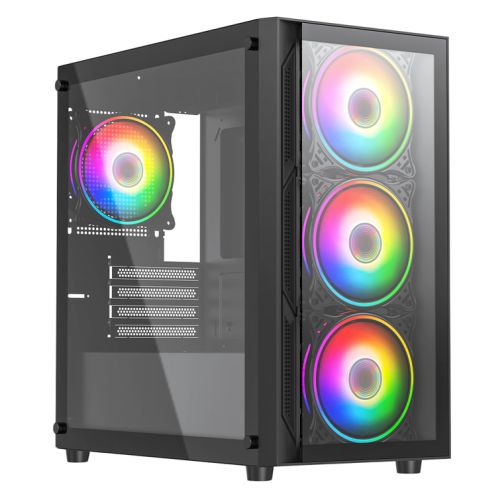
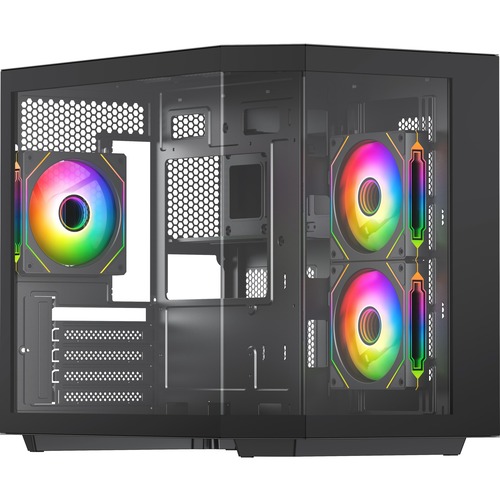
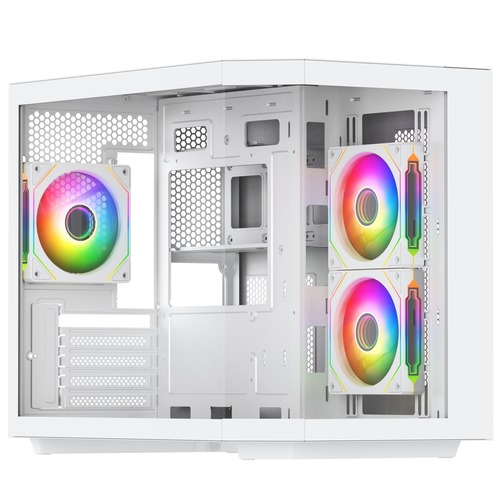
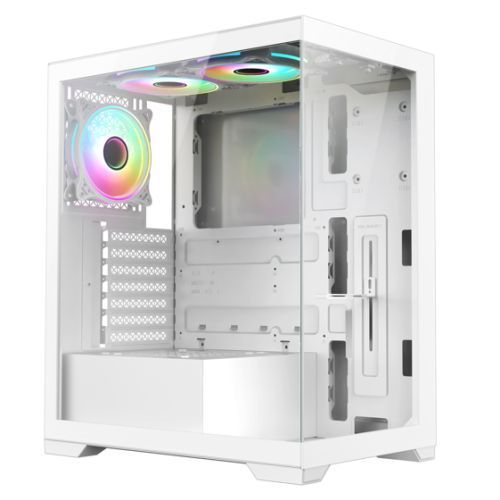
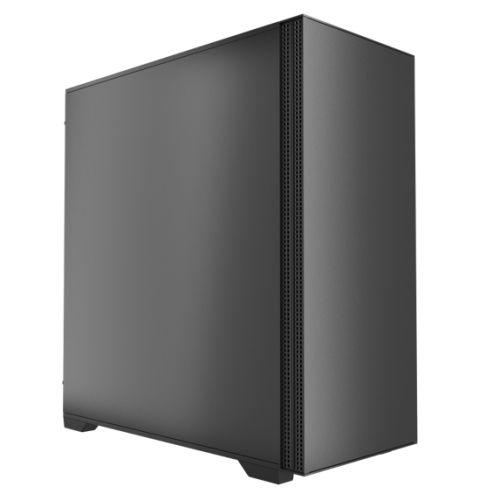
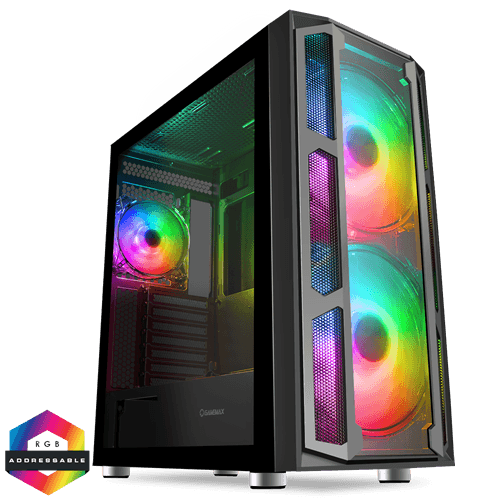
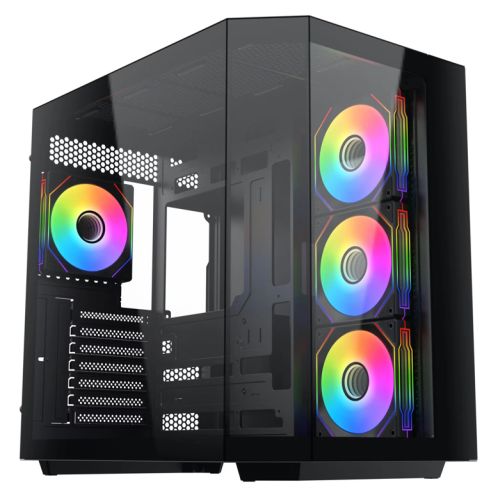
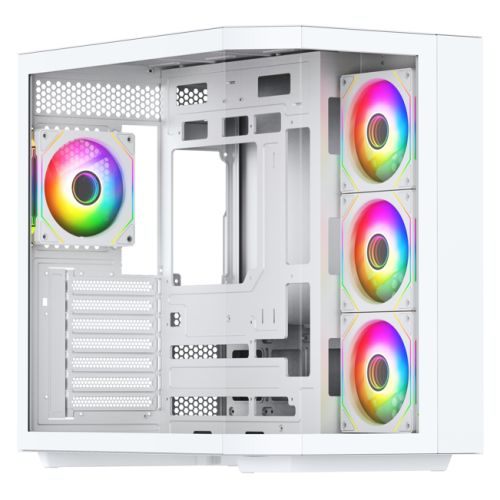
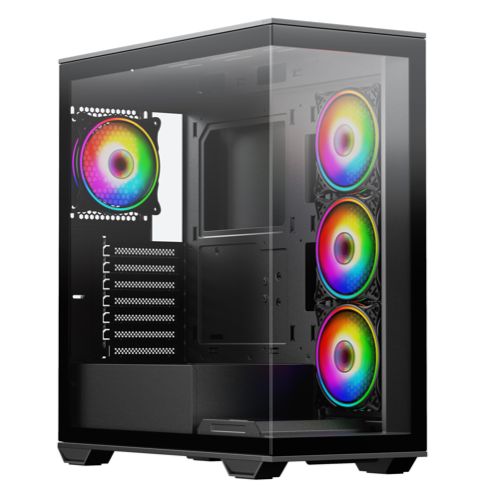
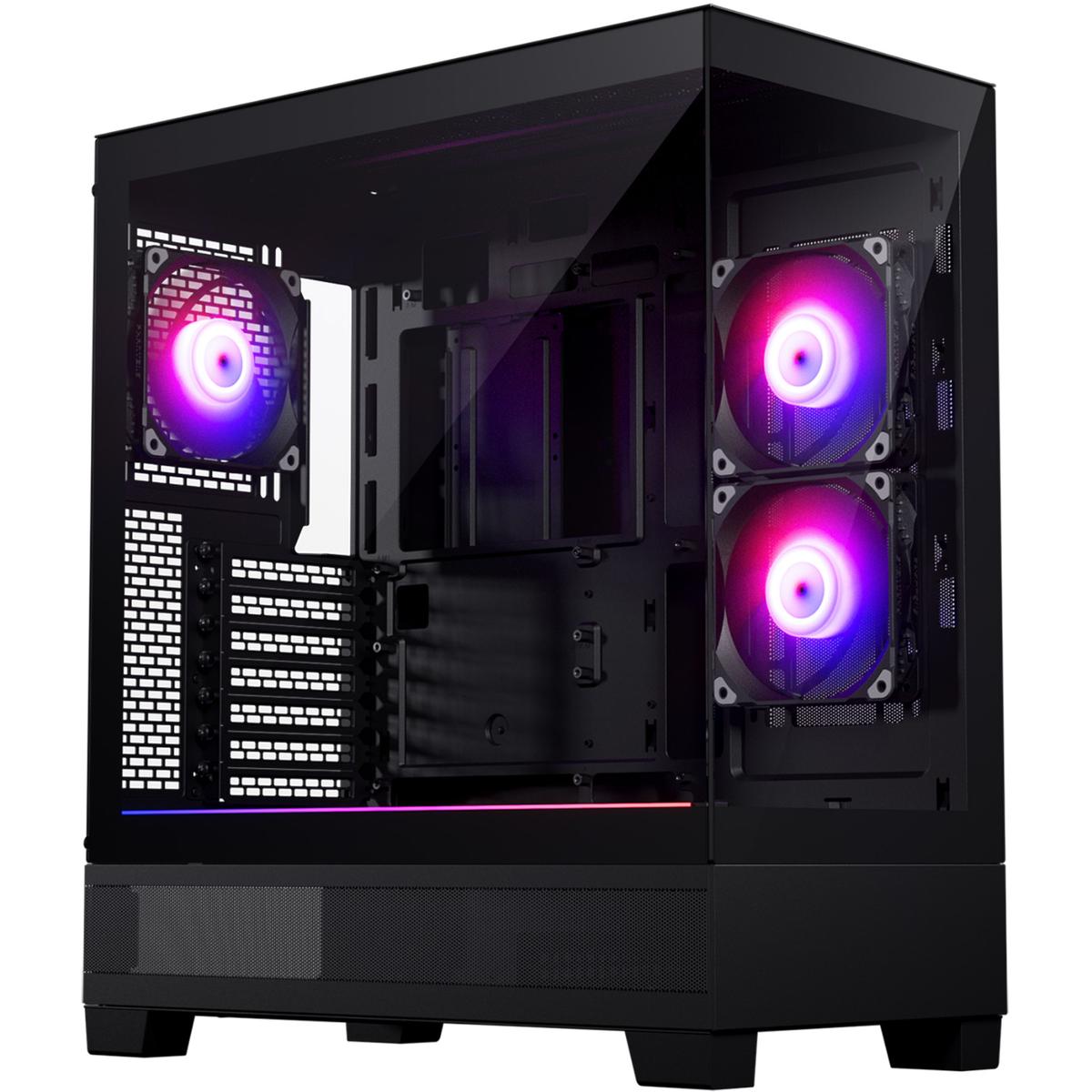
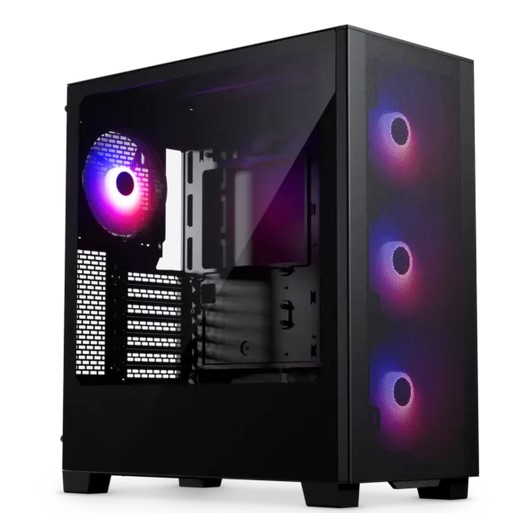
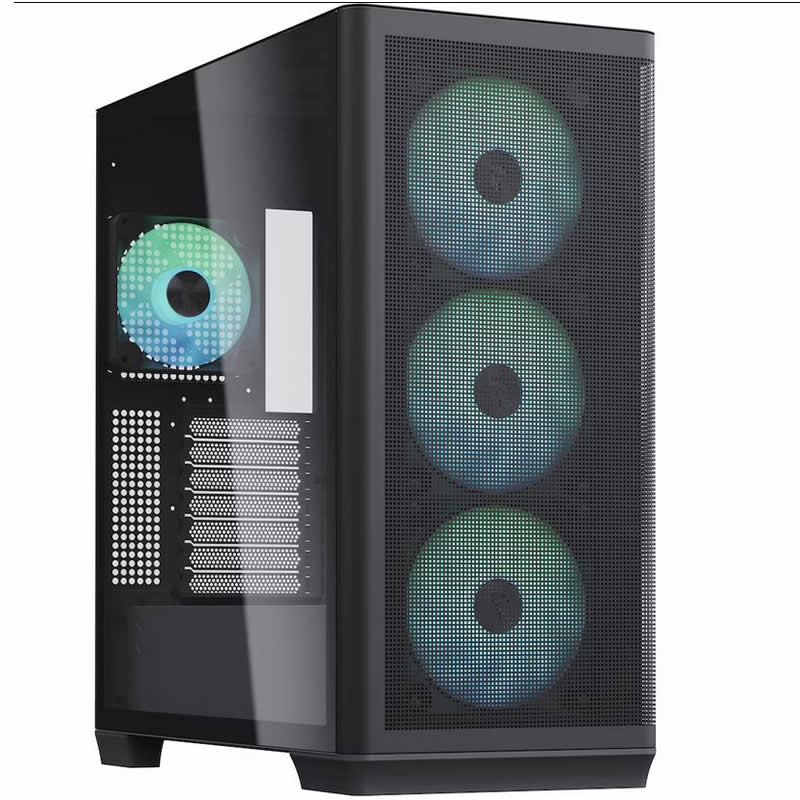
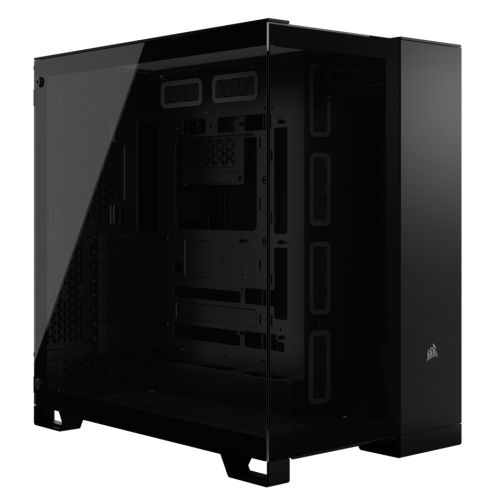
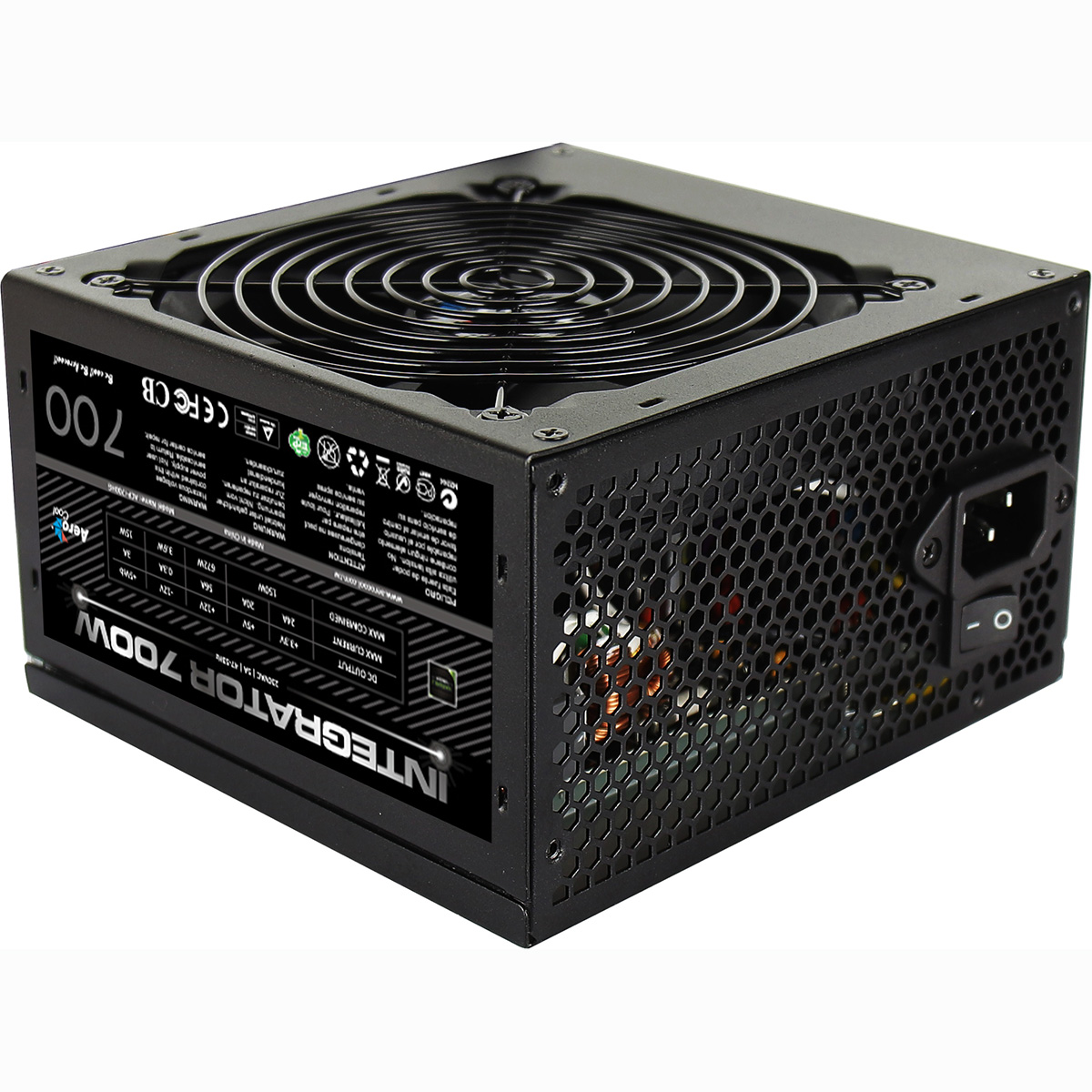
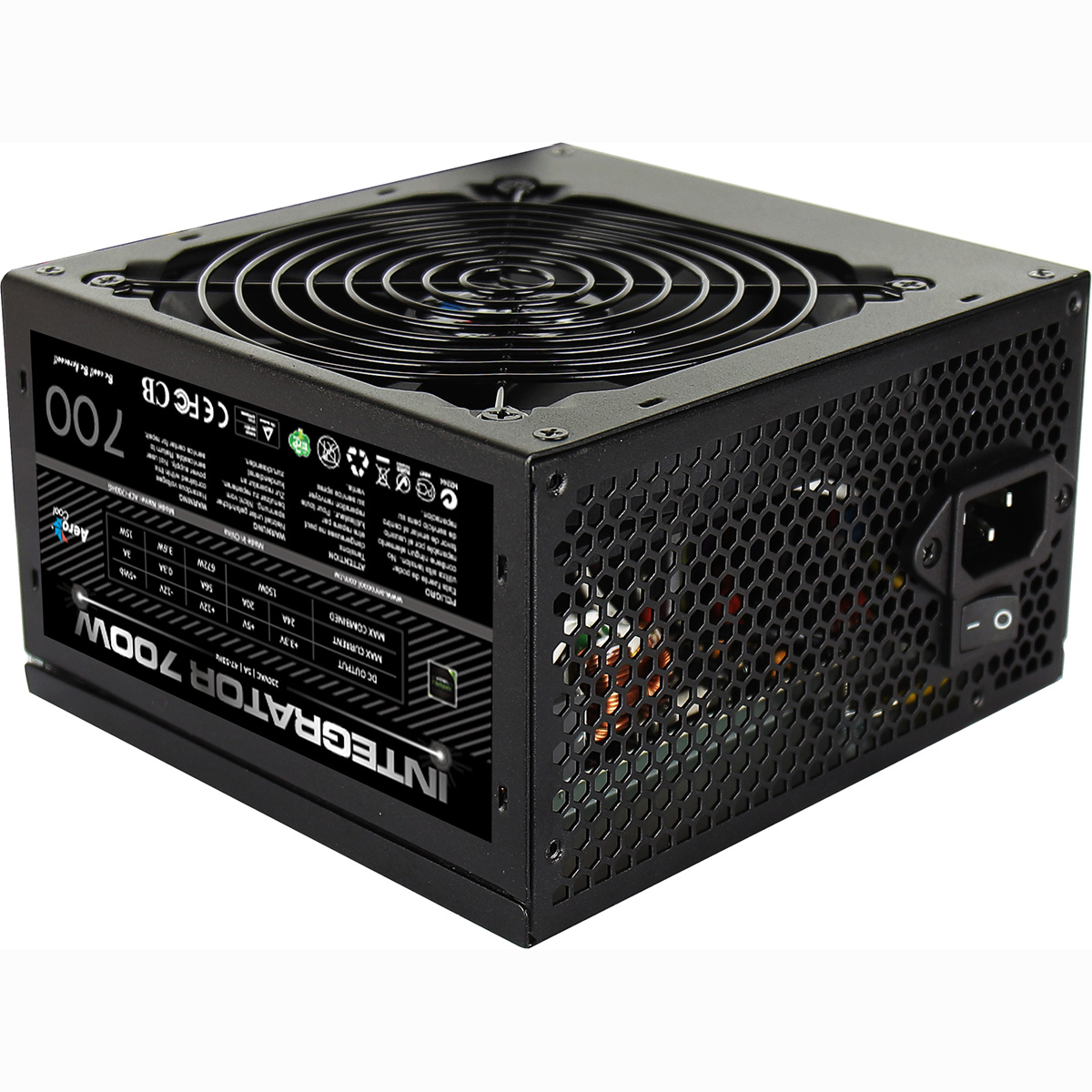
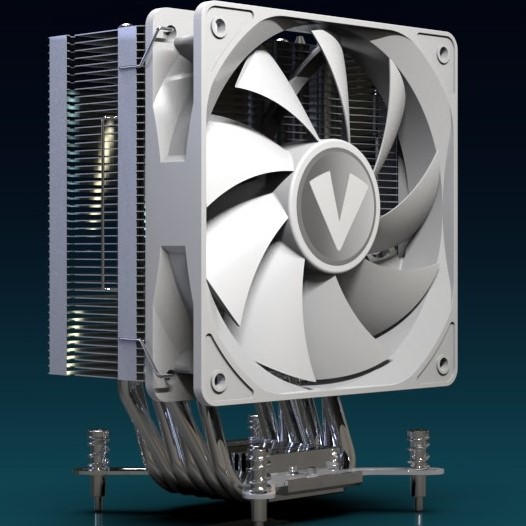
The Fusion 1200 X1 is assembled inside the Vida Zephyr mid-tower, the RTX 5060 Ti seated with the PCIe anti-sag bracket secured so the 16GB GDDR7 modules clear the side-panel glass. The Wraith cooler is mounted on the Ryzen 9 7900 with fresh paste, the 750W G6 Bronze rail handles the GPU plus CPU stack with comfortable margin, and the cable run behind the motherboard tray takes the high-current PCIe lines out of the airflow path. BIOS settings, DDR5 5200MHz dual-channel mode, current Nvidia drivers with DLSS 4 ready, and the 433Mbps USB Wi-Fi adapter are all confirmed before the 24-hour test begins.
Every Fusion 1200 X1 runs sustained CPU plus GPU load for a full day before it ships. The test loop is built around the 1440p VRAM-ceiling identity, a 1440p Baldur’s Gate 3 Ultra loop with the texture pool verified resident in the 16GB GDDR7 frame, a 1080p CS2 competitive loop that puts the 12-core 7900 inside the panel refresh window, and a Cyberpunk 2077 1440p High loop with DLSS 4 quality + RT engaged to validate the RT cores. Boost behaviour, fan curves, thermal headroom on the 7900 under the Wraith cooler, and storage performance are all logged before dispatch.
- Thermal behaviour under sustained 1440p load
- Ryzen 9 7900 stability across 12 cores under extended use
- RTX 5060 Ti sustained boost behaviour and 16GB GDDR7 responsiveness
- DLSS 4 quality + RT stability under sustained load
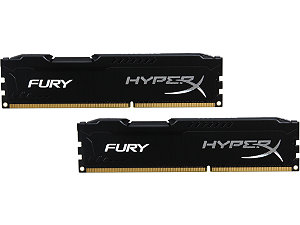
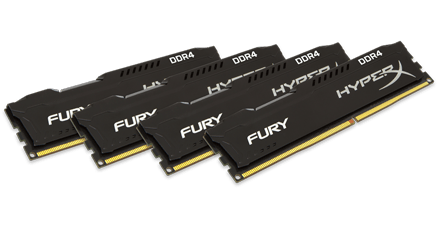
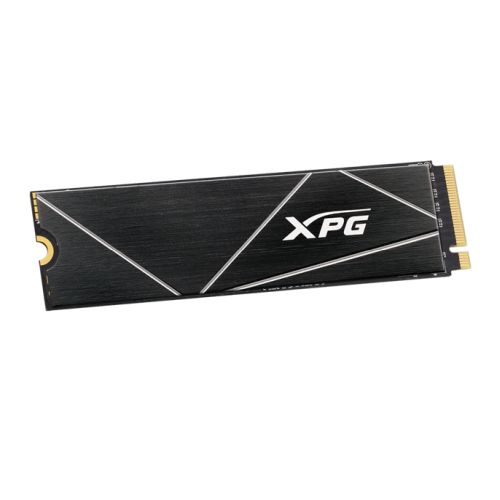
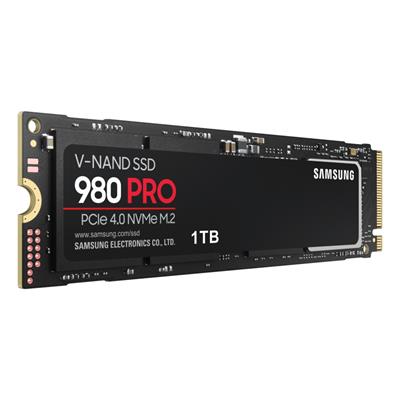
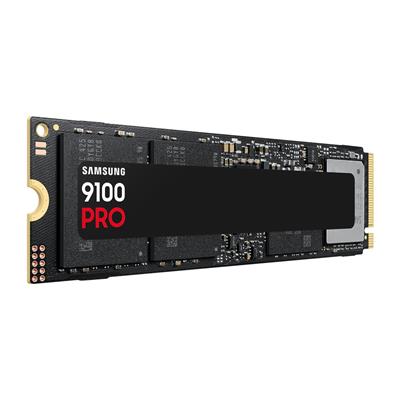
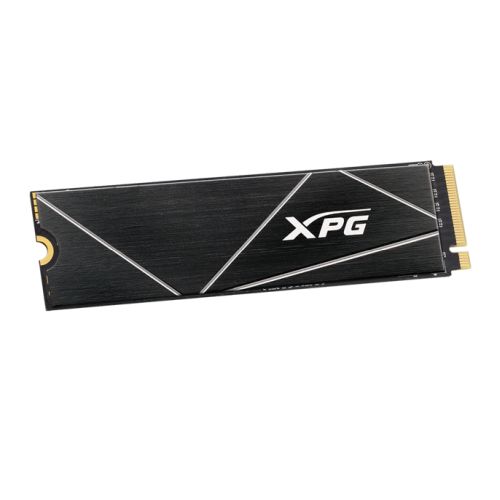
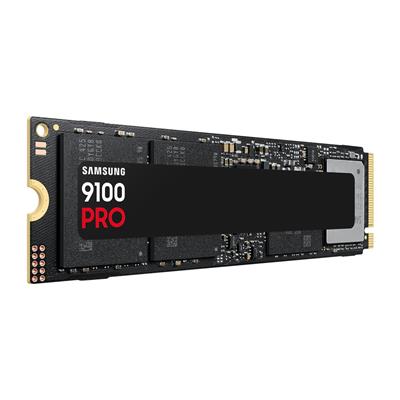
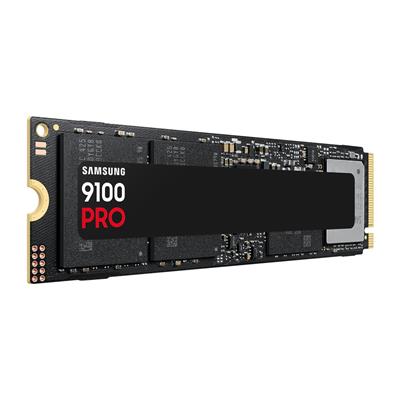
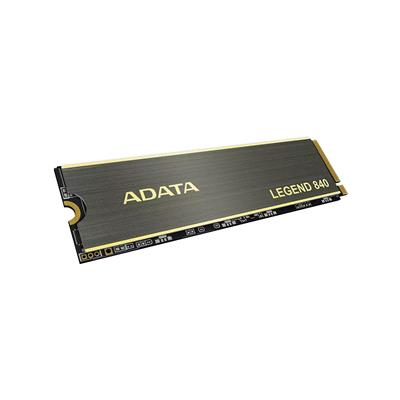
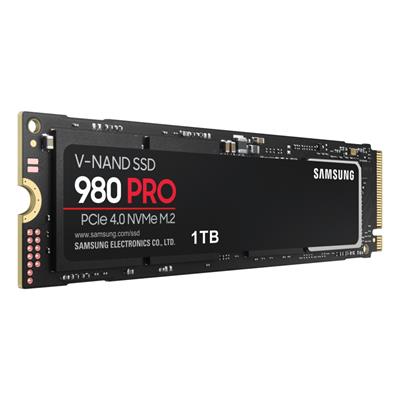
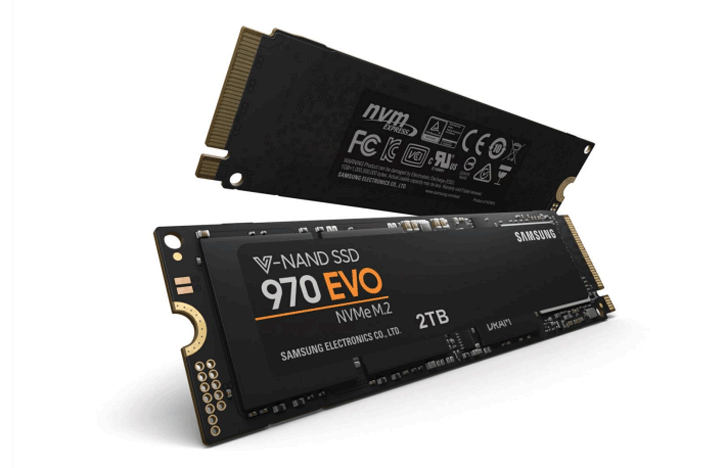
- DDR5 5200MHz dual-channel memory and 1TB NVMe stability
- BIOS, AGESA, and Nvidia driver stability
Where the G6 Fusion 1200 X1 Sits in the Range
Six sibling tiers in the G6 Fusion 1200 range, from the £1629.99 RTX 5060 Ti 16GB 1440p build to the £2425 RTX 5080 top of the stack. The G6 Fusion 1200 X1, the page you are on, sits at the 1440p RTX 5060 Ti 16GB sweet spot position. Every Fusion 1200 ships with the same Ryzen 9 7900 (12c / 24t), the same 16GB DDR5 5200MHz dual-channel kit, the same 1TB M.2 NVMe SSD, and the same Wolverhampton 24-hour stress test.
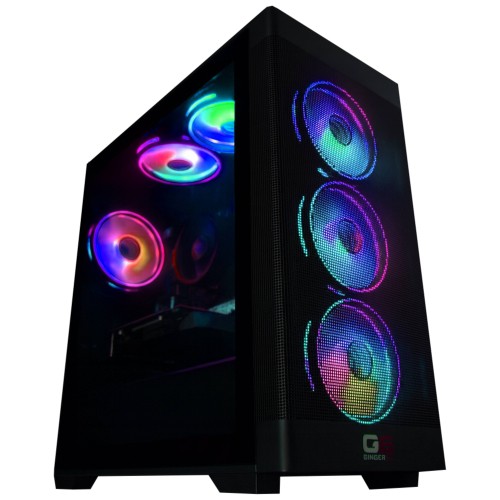
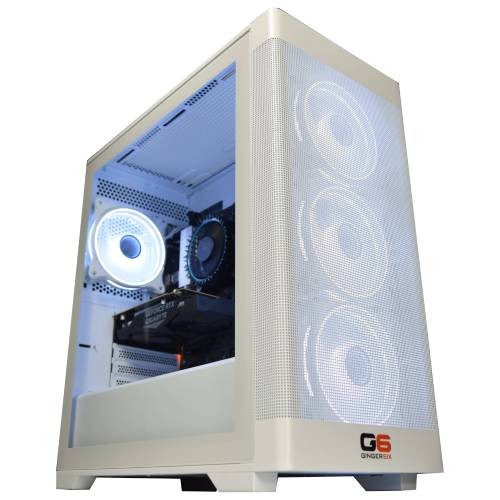
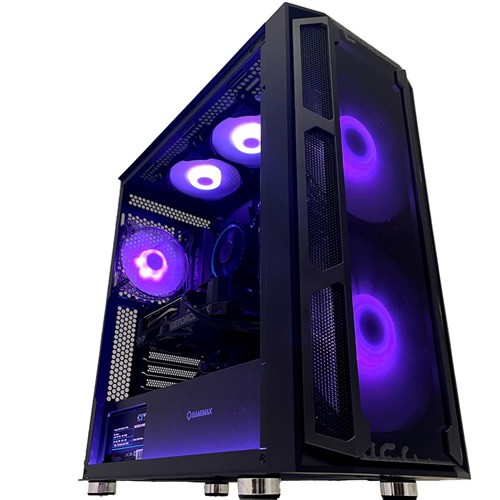

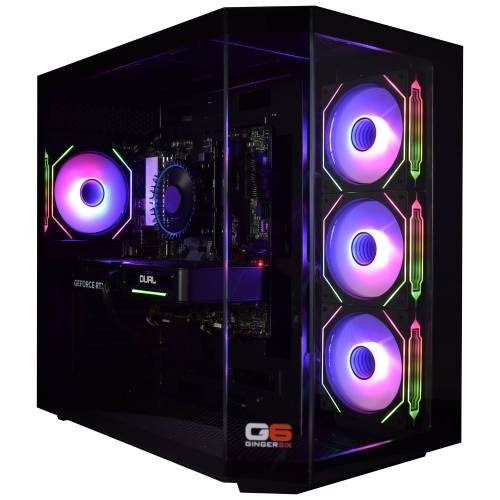

Browse the full AMD gaming PCs range, the Ryzen 9 7900 tier, or configure your own in the custom PC builder.
Questions About the G6 Fusion 1200 X1
Yes. The RTX 5060 Ti 16GB with DLSS 4 multi-frame generation hits 75 to 100 fps at 1440p Ultra in modern AAA depending on title. The 16GB GDDR7 frame holds 1440p texture pools comfortably where the 8GB variant of the same Ti silicon swaps. At 1080p competitive presets the build pushes well past 240Hz in CS2, Fortnite, and the wider esports library.
VRAM headroom. Modern AAA at 1440p Ultra with ray tracing on, or at 4K with DLSS Performance on, commonly pushes past the 8GB frame, the 8GB card swaps to system memory and the frame rate drops sharply. The 16GB frame keeps the entire texture pool resident on the GPU silicon, the build holds smooth frame pacing where the 8GB sibling stutters. Heavily modded titles (Skyrim, Fallout 4, Cyberpunk with texture packs) widen the gap further.
Same RTX 5060 Ti 16GB GPU. The F800 X4 pairs it with the Ryzen 7 8700F, an 8-core Zen 4 silicon at a meaningfully lower inc-VAT price. The X1 pairs it with the Ryzen 9 7900, a 12-core silicon with more multi-thread budget for streaming, recording, and creator workloads. The X1 is the right call if multi-thread headroom matters or you want the long upgrade horizon on the 12-core platform. The F800 X4 is the right call if the priority is the lowest entry price on this GPU.
Yes. The 750W G6 Bronze PSU has headroom for a step up within the same class. A future GPU upgrade to the RTX 5070 Ti or RX 9070 XT class is best paired with a configurator-time step-up to the Corsair RM850e 850W Gold full-modular for the additional rail headroom. AM5 socket also keeps the CPU upgrade path open for a future Ryzen 9 X3D drop-in.
Build time is 5 to 7 working days from order confirmation, including the full 24-hour stress test. Delivery is free, fully tracked, UK mainland. Call Kevin on 01902 714533 if you need the timeline aligned with a specific arrival date.
Ready to Configure Your G6 Fusion 1200 X1?
Use the options above or call Kevin on 01902 714533, he’ll talk through your monitor, the games you play, and whether the Fusion 1200 X1, the X2 (RTX 5070 raster step), or the F800 X4 (same GPU, Ryzen 7 platform) is the right spec. The Ryzen 9 7900 plus RTX 5060 Ti 16GB pairing on the X1 is the value entry into the Fusion 1200 stack.
Want a different CPU, GPU, or case configuration? The full custom PC builder covers Intel and AMD platforms with the same workshop, the same 24-hour stress test, and the same warranty cover as the Fusion 1200 range.
Custom Options
£1,733.07
£1,629.99












































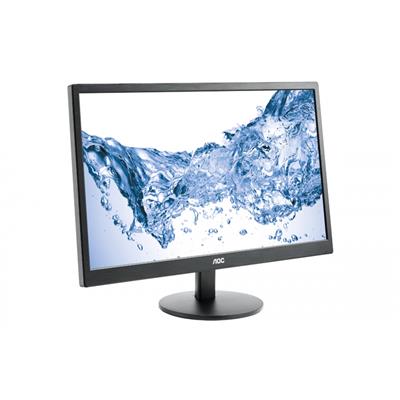

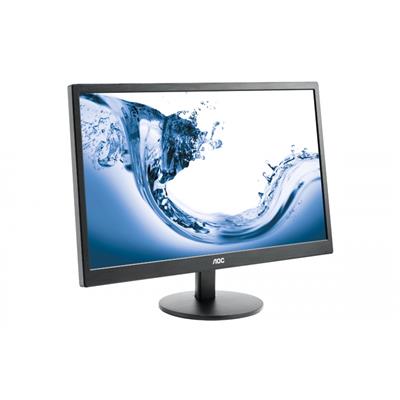


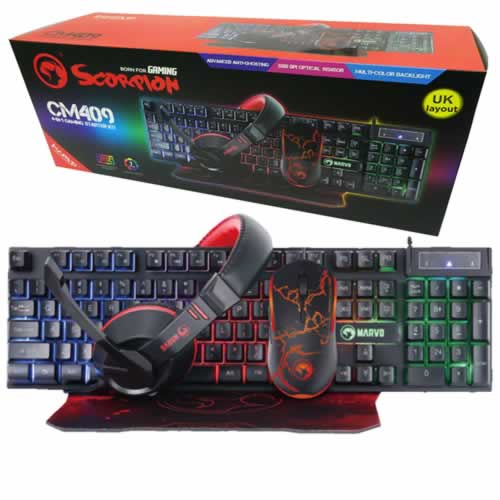
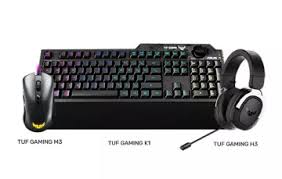




* Required Fields
Specifications
Additional Information
| Processor | AMD Ryzen 9 7900 |
|---|---|
| Processor Type | AMD Ryzen 9 |
| No of Cores | 12 |
| Max Core Speed | 5.40GHz |
| CPU Cooler | AMD Wraith Stock Cooler |
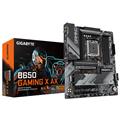
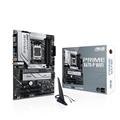
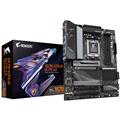
| Motherboard | Gigabyte A620M H |
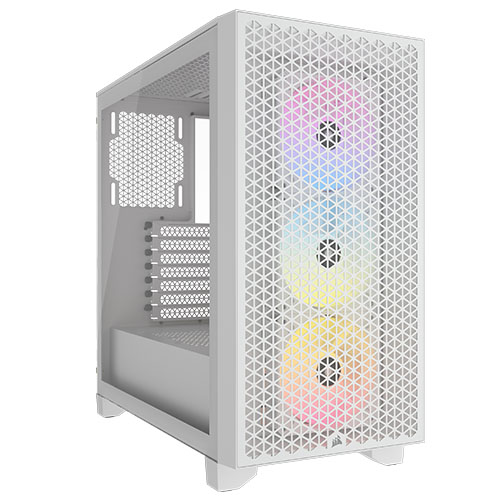
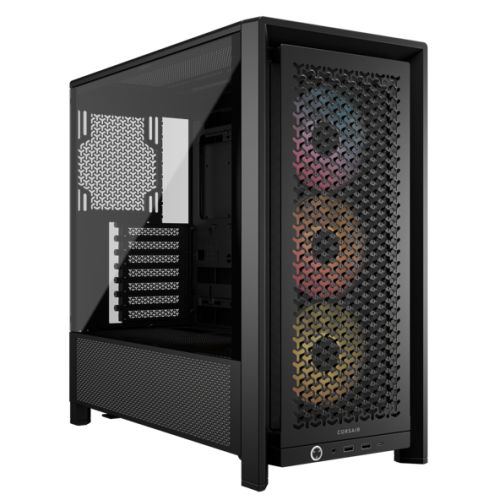
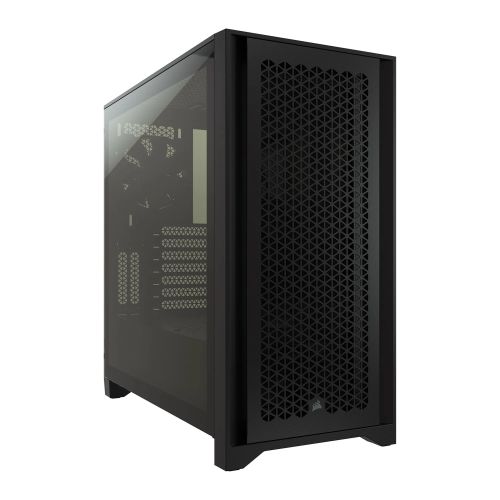
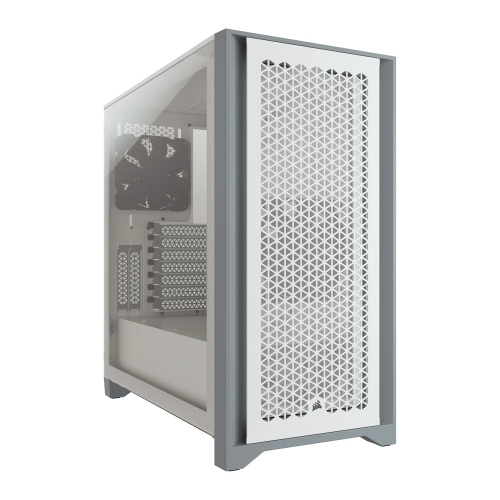
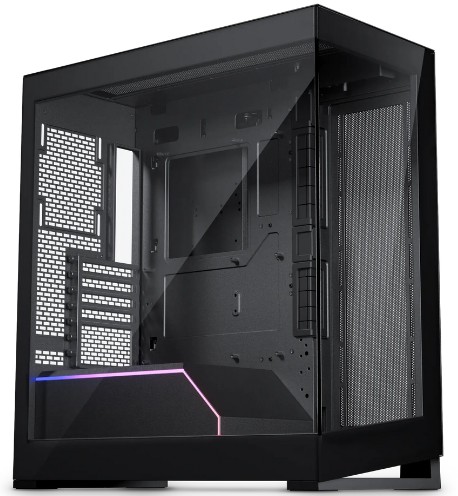
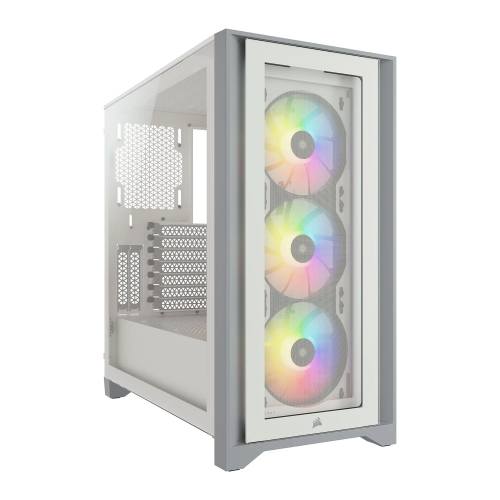
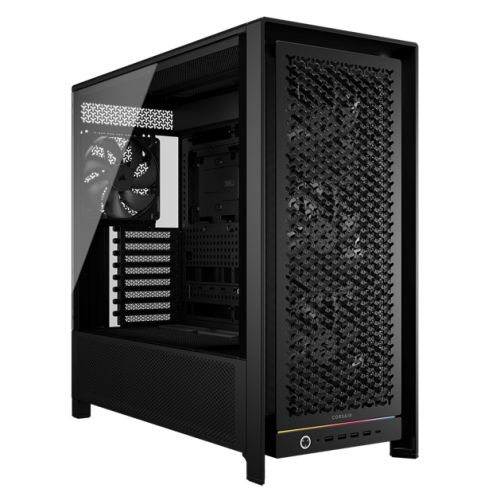
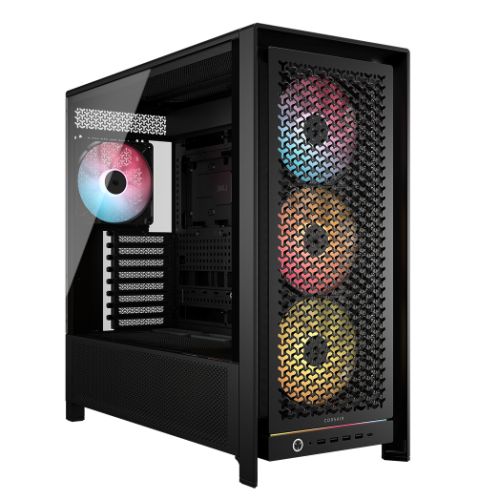
| Case | Vida Zephyr |
| Power Supply | 750w G6 80+ Bronze PSU |
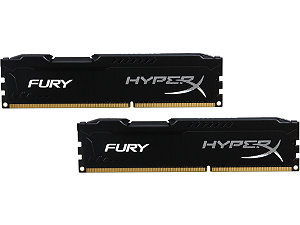
| Memory Size | 16GB |
| Solid State Drive Size | 1TB |
| Graphics | Nvidia RTX 5060 Ti 16GB |
| Graphics Card Connections | Displayport, HDMI |
| Audio | 8-Channel High Definition Audio |
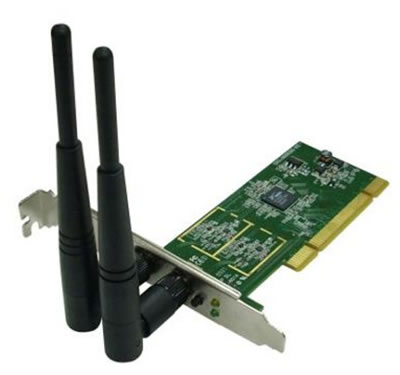
| LAN | 10/100/1000 Gigabit LAN Port, 300mbps Wireless LAN |
| Ethernet | Realtek GbE 1 Gbps |
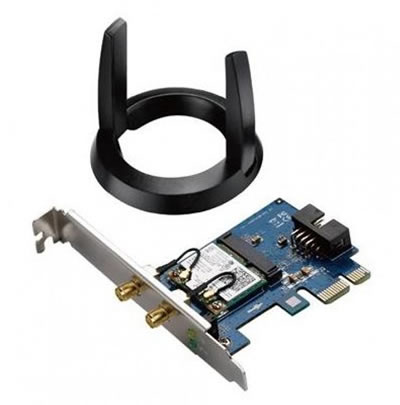
| Wi-Fi | 433Mbps USB Wifi Adapter |
| Bluetooth | None |
| Connections | Rear: 2x USB 3.2 Gen1, 4x USB 2.0 |
| Front Panel Connections | 1x USB-A 3.x, 2x USB-A 2.0, HD Audio/Mic combo jack |
| USB2 Ports | 6 |
| USB3 Ports | 3 |
| USB-C Ports | 0 |
| Operating System | Windows 11 Home |
| Monitors | Optional (See Custom Options) |
| Warranty | 3 Year Bronze Warranty |
Reviews
-
Five Stars Review by Carlos
Price Value Quality Customer Service Highly Recommended (Posted on 30/06/2026)