




How Resolution Affects Design Workspace
Choosing the right screen resolution has a big impact on how comfortable and productive you feel while designing. High resolution displays change how much you can see, how you arrange tools, and how clearly you view details. Understanding how resolution affects design workspace helps you match your monitor setup and PC specification so design tools stay smooth and your layout space feels natural to use.
Ginger6 builds custom PCs for designers who work on branding, illustration, digital art and 3D, so the team sees every day how the combination of resolution, hardware and window management affects real projects
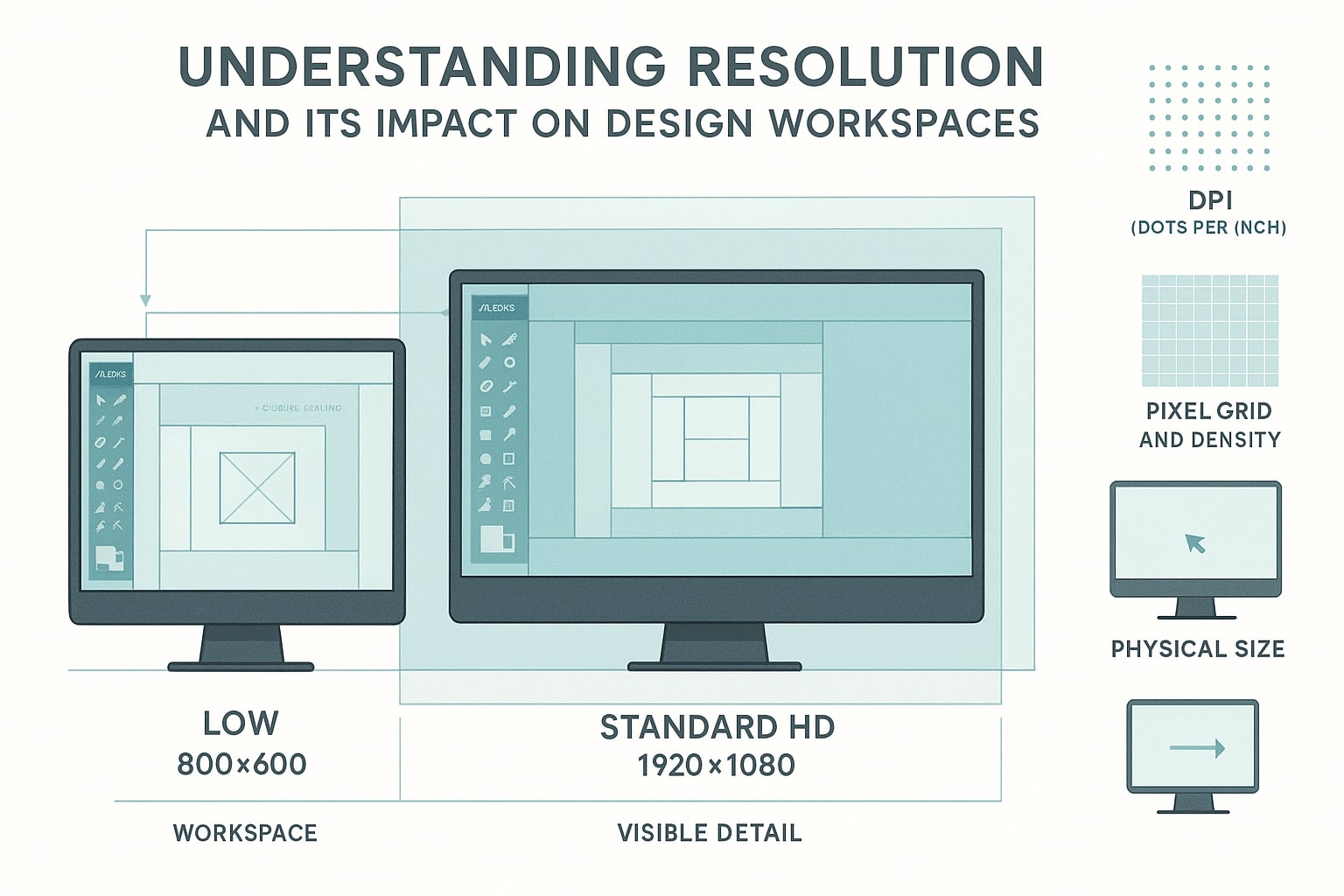
What Screen Resolution Means for Your Design Workspace
Screen resolution describes how many pixels your display can show. In simple terms, it controls both clarity and how much you can fit on the screen at once. Higher resolutions such as 2560 x 1440 or 3840 x 2160 (4K) can show more interface elements, more of your canvas and more reference material without feeling cramped.
In a design context, resolution affects:
-
How easily you can judge fine details such as typography and line work
-
How many panels, toolbars and canvases you can keep open simultaneously
-
How often you need to zoom and pan to assess work accurately
-
How comfortable your neck and eyes feel during long sessions
On a low resolution screen, you may find yourself constantly hiding and unhiding panels, moving windows around and zooming in and out. A higher resolution display offers more display area, so palettes, layers and artboards can all stay in view while you work.
For designers, the choice is rarely only about sharpness. It is about organising a digital desk that mirrors a tidy physical one, with tools, sketches and references positioned where you expect them, ready whenever inspiration strikes.
Large High-Resolution Displays and Creative Productivity
Larger, high-resolution monitors change the feel of your workspace. Instead of a single crowded window, you gain a wide canvas where several applications and documents can stay visible.
More Room for Tools and References
On a large high-resolution screen you can keep your main design canvas centred, dock colour, layers and type panels around the edges without hiding them, place reference images or style guides beside your active document, and even open multiple views of the same project so you can check fine details and the overall layout at the same time.
This arrangement reduces window shuffling and helps you maintain focus. You can compare colour options, check alignment across pages and switch between artboards with fewer interruptions.
Better Window Management
High resolution displays also work well with modern window management tools, allowing you to snap applications to each half or quadrant of the screen, reserve one region for chat, email or asset browsers, and spread your design software across a larger central area.
This structure feels similar to working at a large desk with neatly arranged materials, instead of a small table where everything overlaps. Ginger6 takes these behaviours into account when recommending displays for custom PCs, so your workspace feels organised as soon as your new system is set up.
Matching Hardware to High-Resolution Design Work
High resolutions place extra demands on your PC. Driving more pixels, handling larger files and keeping several applications open at once all require suitable hardware. That is where a custom-built system from a specialist like Ginger6 can make a noticeable difference.
Why High Resolution Needs Strong Hardware
Large displays and high resolutions affect:
-
Graphics performance
The GPU must refresh a large number of pixels smoothly, especially when panning, zooming and using GPU-accelerated effects. -
Processor load
Layout engines, preview renders and background processes work harder when documents contain detailed imagery and multiple artboards. -
Memory use
High-resolution assets, multiple canvases and many open applications consume significant RAM. -
Storage speed
Big image files, complex layouts and 3D-scenes benefit from NVMe SSDs, keeping open and save times under control.
A generic off-the-shelf PC may cope well with everyday tasks, yet start to lag when handling several high-resolution displays or very detailed projects. Designers then see stuttering when moving around their canvas or delays when switching between windows.
Why Custom-Built Systems Help
Ginger6 systems are assembled by experienced builders who understand the demands of design work at high resolution. Components are chosen so that processor, memory, graphics card and storage support each other rather than leaving a single weak point.
Every PC is also stress-tested before shipping. This involves extended testing with design and gaming monitor resolutions in mind, so the system can drive one or more large displays without unexpected slowdowns or crashes. If you need a workstation that runs a 4K or ultrawide display plus a secondary screen, Ginger6 can size the GPU and power supply accordingly and check real behaviour before the unit leaves the workshop.
Thinking about adding a 4K or ultrawide monitor to your studio? Speak to Ginger6 about a specification that supports your preferred resolution and layout without introducing lag.
Designing for Multiple Display Environments
Modern projects rarely live on a single type of screen. You might start on a desktop monitor, review on a laptop, then see the finished work on clients’ devices. Understanding how resolution affects design workspace across these environments helps you create layouts that stay readable and consistent.
Moving between Resolutions
When work moves between displays, you may notice:
-
Elements that looked neatly spaced on a high-resolution monitor feel cramped at lower resolutions
-
Text that seemed clear in the studio feels too small on a laptop
-
Interface components for digital products shift or wrap differently on narrower screens
Designing with several resolutions in mind means checking work on different displays where possible. A high-resolution desktop monitor is ideal for fine-tuning details, yet a second display or device at a lower resolution can reveal spacing issues early.
Window Management across Several Screens
Multi-monitor setups are common in agencies and home studios. With the right hardware and system configuration you can:
-
Place your primary canvas on a central high-resolution monitor
-
Keep email, chat and file browsers on a side display
-
Reserve another screen for previewing projects at client-like resolutions
Ginger6 custom PCs are built with these workflows in mind. They support multiple displays, varied resolutions and gaming monitor refresh rates where useful, so you can preview work across several environments without straining the system. Good window management and thoughtful hardware go hand in hand, giving you a flexible workspace that adapts to different project types.
Choosing a Ginger6 System That Fits Your Workspace
Understanding how resolution shapes your workspace puts you in a stronger position when choosing or upgrading a design PC. The remaining step is matching those needs to a system that feels smooth today and still confident as your work develops.
When you speak to Ginger6, it helps to share the resolutions of your current monitors and any changes you are planning, the design tools you use most and the types of projects you handle, whether you expect to move to dual or triple displays in the near future, and how important silence, compact cases or heavy 3D workloads are in your setup.
With that information, the team can recommend combinations of CPU, GPU, RAM and storage that support your chosen screen resolution and display layout. For example, a single QHD monitor for illustration has different demands from a pair of 4K screens running layout, video editing and 3D side by side.
Ginger6 draws on over two decades of building and testing custom PCs, selecting components that work reliably with high resolution displays and colour sensitive workflows. Systems are checked with multi-display performance in mind, so your workspace feels smooth from the first login rather than requiring guesswork and repeated upgrades.
Ready to align your monitors, resolution and hardware with the way you design? Contact Ginger6 with your display setup and favourite tools, and the team will help you choose a custom PC that supports a comfortable, efficient design workspace.