




Gaming PCs Built for
Doom: The Dark Ages
id Tech 8 requires hardware ray tracing to run at any settings tier — it is a minimum specification, not a visual option. Beyond that, Doom: The Dark Ages is one of the best-optimised PC titles of 2025: demanding at maximum settings, but significantly more accessible from mid-range than comparable action games. Find the right build below.
Browse the builds below or call Kevin on 01902 714533. Tell him your monitor resolution, your frame rate target, and your budget — he will confirm the right build for the way you play.


Grid List
4 Item(s)
-
 Intel Core i5 12400F Nvidia RX 9060 XT Gaming PC - G6 Infinity X5
Intel Core i5 12400F 6 core
H610M Motherboard
16GB+ DDR5 5200MHz
1TB+ M.2 NVMe SSD
AMD Radeon RX 9060 XT 8GB Graphics
300mbps Wifi
Windows 11 Home£1,287.47
£1,209.99
Intel Core i5 12400F Nvidia RX 9060 XT Gaming PC - G6 Infinity X5£1,287.47
£1,209.99
Intel Core i5 12400F 6 core
H610M Motherboard
16GB+ DDR5 5200MHz
1TB+ M.2 NVMe SSD
AMD Radeon RX 9060 XT 8GB Graphics
300mbps Wifi
Windows 11 Home
-
 Intel Core i7 12700F Nvidia RTX 5070 Gaming PC - G6 Storm X6
Intel Core i7 12700F 12 core
H610 Motherboard
16GB+ DDR5 5200MHz
1TB+ M.2 NVMe SSD
12GB Nvidia RTX 5070 Graphics
300mbps Wifi
Windows 11 Home£1,786.42
£1,679.99
Intel Core i7 12700F Nvidia RTX 5070 Gaming PC - G6 Storm X6£1,786.42
£1,679.99
Intel Core i7 12700F 12 core
H610 Motherboard
16GB+ DDR5 5200MHz
1TB+ M.2 NVMe SSD
12GB Nvidia RTX 5070 Graphics
300mbps Wifi
Windows 11 Home
-
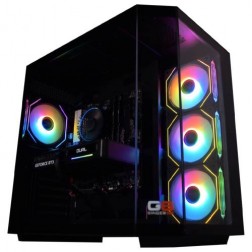 AMD Ryzen 7 8700f Nvidia RTX 5070 Gaming PC - G6 Fusion 800 X5
AMD Ryzen 7 8700f 8 core
A620M Motherboard
16GB+ DDR5 5200MHz
FAST 1TB M.2 NVMe SSD
12GB Nvidia RTX 5070 Graphics
433mbps Wifi
Windows 11 Home£1,735.41
£1,629.99
AMD Ryzen 7 8700f Nvidia RTX 5070 Gaming PC - G6 Fusion 800 X5£1,735.41
£1,629.99
AMD Ryzen 7 8700f 8 core
A620M Motherboard
16GB+ DDR5 5200MHz
FAST 1TB M.2 NVMe SSD
12GB Nvidia RTX 5070 Graphics
433mbps Wifi
Windows 11 Home
-
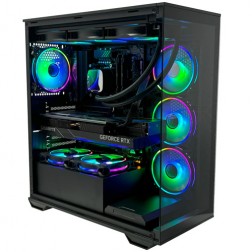 Intel Core Ultra 7 265Kf Nvidia RTX 5080 Gaming PC - G6 Galactic U2
Intel Core Ultra 7 265Kf 20 core
Z890 Motherboard
32GB+ DDR5 5200MHz
FAST 1TB+ M.2 NVMe SSD
16GB Nvidia RTX 5080 Graphics
FAST Wifi & Bluetooth
Windows 11 Home£2,933.95
£2,754.99
Intel Core Ultra 7 265Kf Nvidia RTX 5080 Gaming PC - G6 Galactic U2£2,933.95
£2,754.99
Intel Core Ultra 7 265Kf 20 core
Z890 Motherboard
32GB+ DDR5 5200MHz
FAST 1TB+ M.2 NVMe SSD
16GB Nvidia RTX 5080 Graphics
FAST Wifi & Bluetooth
Windows 11 Home
Grid List
4 Item(s)
What Hardware Does Doom: The Dark Ages Need?
Official system requirements from id Software and Bethesda. All GPUs must support hardware ray tracing — this applies at every tier, including minimum. Any GPU from 2020 onwards from NVIDIA or AMD includes ray tracing hardware.
Specifications sourced from the official Bethesda support article. All GPUs require hardware ray tracing support. Performance at specific settings varies by CPU and RAM pairing, driver version, and in-game configuration. Kevin will confirm the right pairing for your setup before you order.
What Each Budget Delivers in Doom: The Dark Ages
Four honest assessments of what each hardware tier delivers in Doom: The Dark Ages. id Tech 8 is exceptionally well-optimised — mid-range hardware achieves results that would require high-end hardware in less efficient engines.
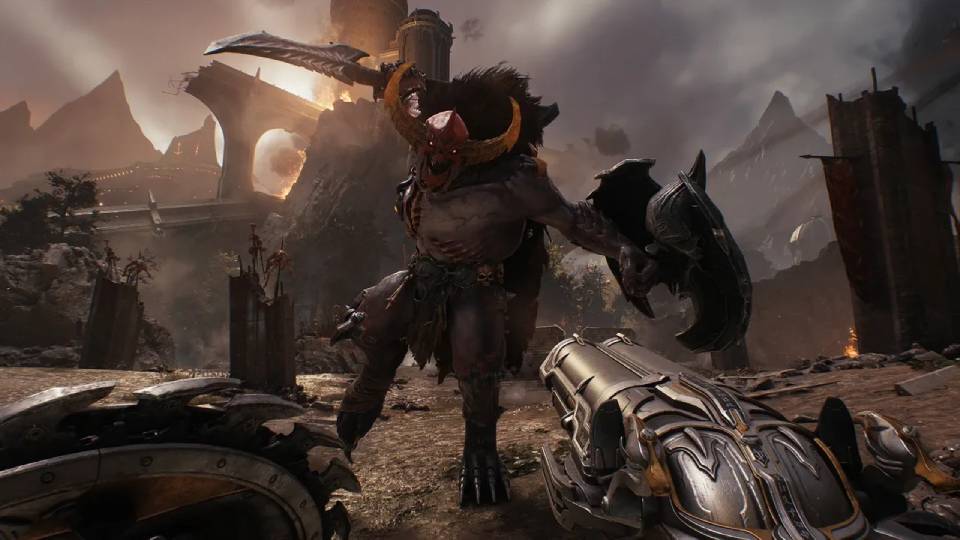
1080p at high settings with consistent frame rates above 100fps. id Tech 8's optimisation means this tier performs noticeably better than comparable budget hardware in less efficient engines. DLSS or FSR quality mode provides additional headroom if needed. Ray tracing is active by default — you cannot disable it, but id Software has engineered the engine to carry it efficiently even at this tier. The right starting point for buyers on a tighter budget who want the full game without a compromised experience.
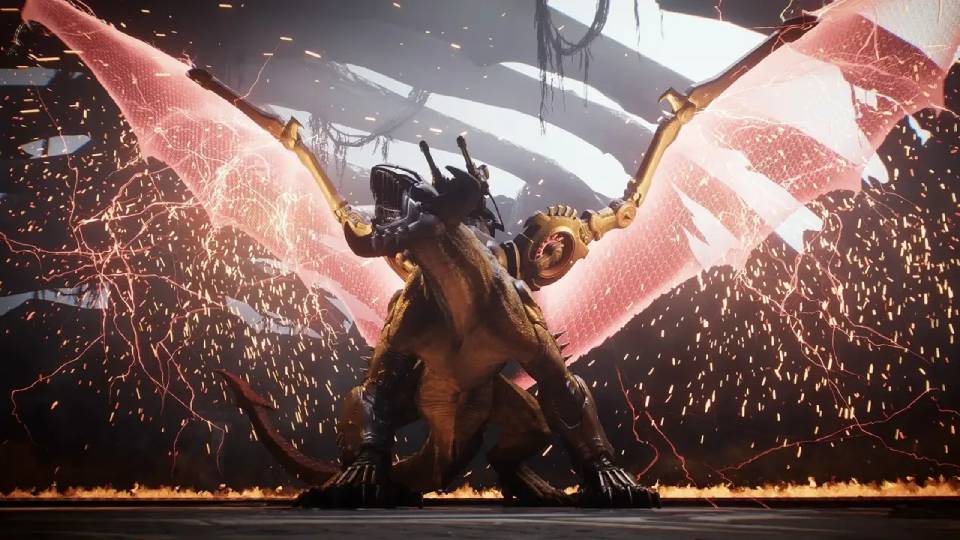
1440p at ultra settings with frame rates well above 60fps, and headroom for 144Hz gameplay with DLSS quality mode engaged. This is the tier where id Tech 8's optimisation shows most clearly — what requires a high-end GPU in Unreal Engine 5 titles is achievable at mid-range here. The Core i7 keeps the CPU from becoming a bottleneck in the most intense combat sequences, where frame time consistency matters as much as raw fps. For buyers with a 1440p 144Hz or 165Hz monitor, this is the recommended tier.
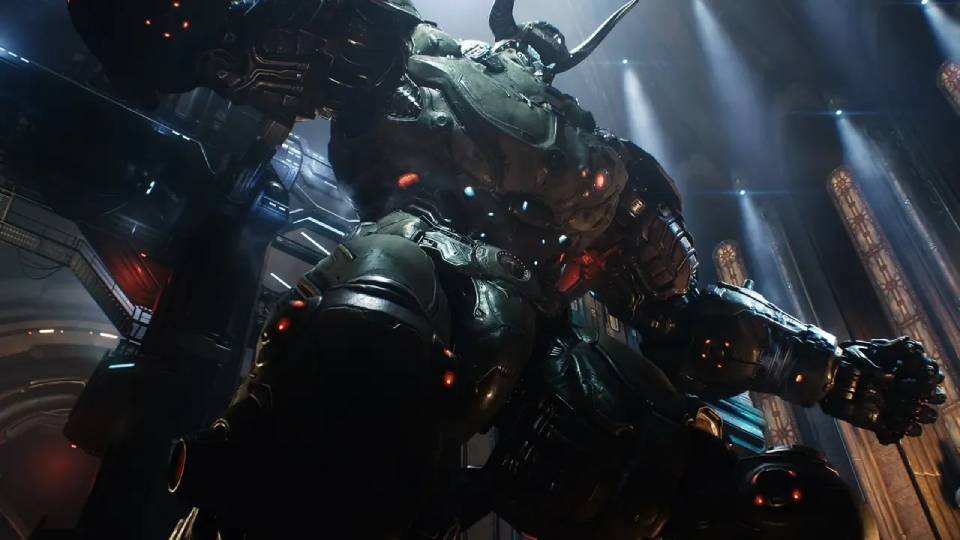
4K at ultra settings with DLSS quality mode delivering strong frame rates above 60fps consistently. The 16GB VRAM provides full headroom for maximum texture resolution at 4K — id Tech 8's asset streaming at ultra settings is efficient, but 4K textures at maximum quality benefit from the headroom. For buyers with a 4K display who want sustained high frame rates at maximum fidelity, this is the right tier. Also covers 1440p ultra natively at frame rates suited to a 240Hz display without upscaling required.
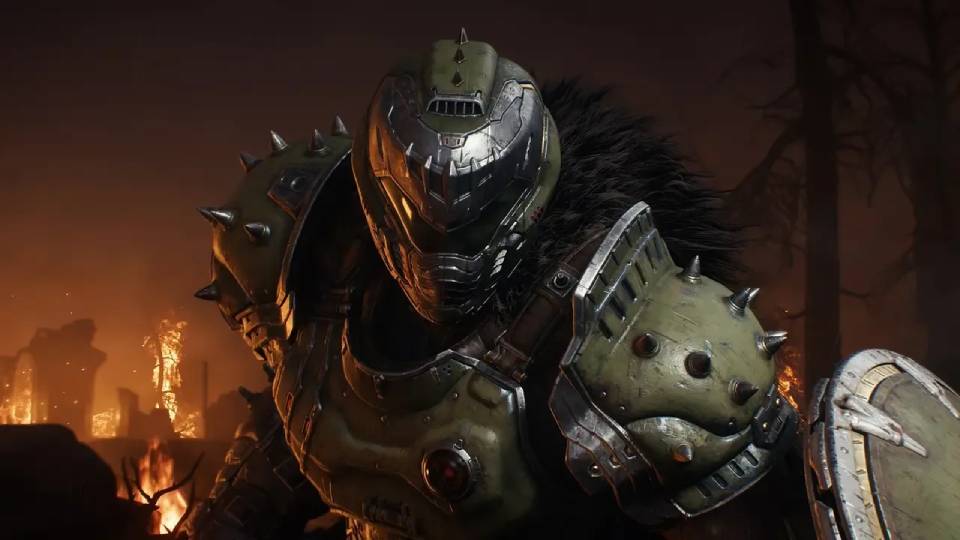
4K at ultra settings with native rendering — no DLSS or FSR required to sustain high frame rates. id Tech 8's efficiency means the RTX 5080 delivers a proportionally larger gain at this tier in Doom: The Dark Ages than it would in comparable UE5 titles. Worth considering for buyers who want native 4K at maximum settings without upscaling, or who play other demanding titles alongside Doom that benefit from the additional GPU headroom. For Doom alone, the RTX 5070 Ti tier is sufficient for most buyers.
id Tech 8, Ray Tracing, and the Right GPU Choice
The single most important hardware fact about Doom: The Dark Ages is one that most buyers miss before purchasing: hardware ray tracing is a minimum system requirement. id Tech 8 is built around ray-traced dynamic lighting and shadows from the ground up — the engine does not have a rasterisation fallback. Any GPU that does not include ray tracing hardware cannot run the game regardless of its compute power. This affects buyers with older cards from before 2020, but it is a straightforward check. Every NVIDIA RTX card and every AMD RX 6000 series card onwards supports hardware ray tracing.
Beyond that, Doom: The Dark Ages sits within the action and adventure category for a specific reason: the GPU is under sustained load throughout play in a way that competitive shooters are not. The environments are dense, lighting is fully dynamic, and combat scenarios involve large numbers of enemies with individual AI and particle effects. The CPU is involved — fast single-core performance helps frame time consistency during intense sequences — but the GPU is the primary hardware constraint at every settings tier.
Where Doom: The Dark Ages genuinely surprises is efficiency. id Software has a 30-year history of optimising GPU workloads to deliver visual quality that other engines cannot match at the same hardware tier. At 1440p ultra, a mid-range GPU with DLSS engaged delivers a better and more consistent experience in Doom: The Dark Ages than in many comparable UE5 titles on the same hardware. The game is demanding at maximum settings, but the curve between minimum and ultra is gentler than most titles of comparable visual ambition. Every frame of the game is doing more per GPU cycle — which is why the frame rate numbers are as strong as they are relative to the visual output.
High vs Ultra — What the Difference Looks Like
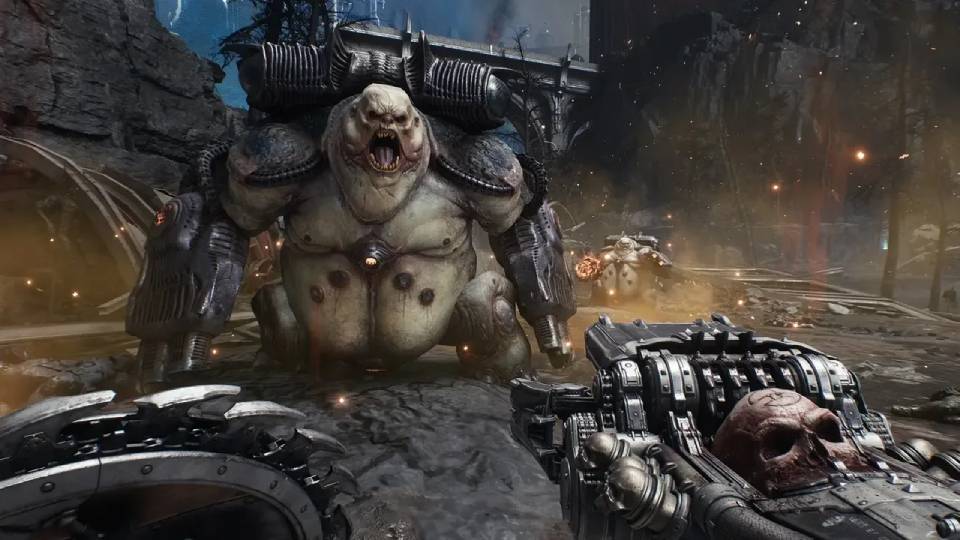
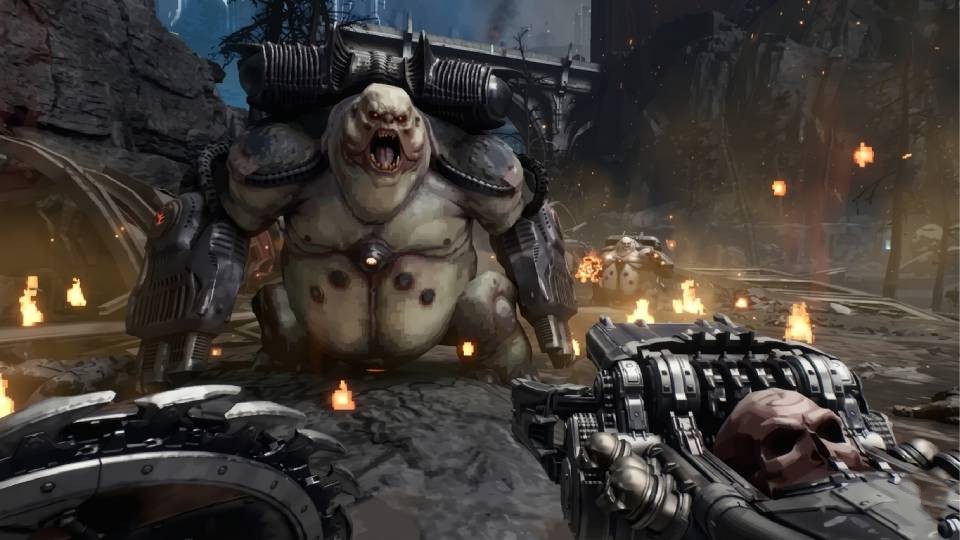
Drag the slider to compare high and ultra settings in Doom: The Dark Ages. Shadow quality, surface reflection depth, and lighting precision are the most visible differences. The gap is meaningful but narrower than in less efficient engines at equivalent tier spacing.
Three Types of Doom: The Dark Ages Buyer
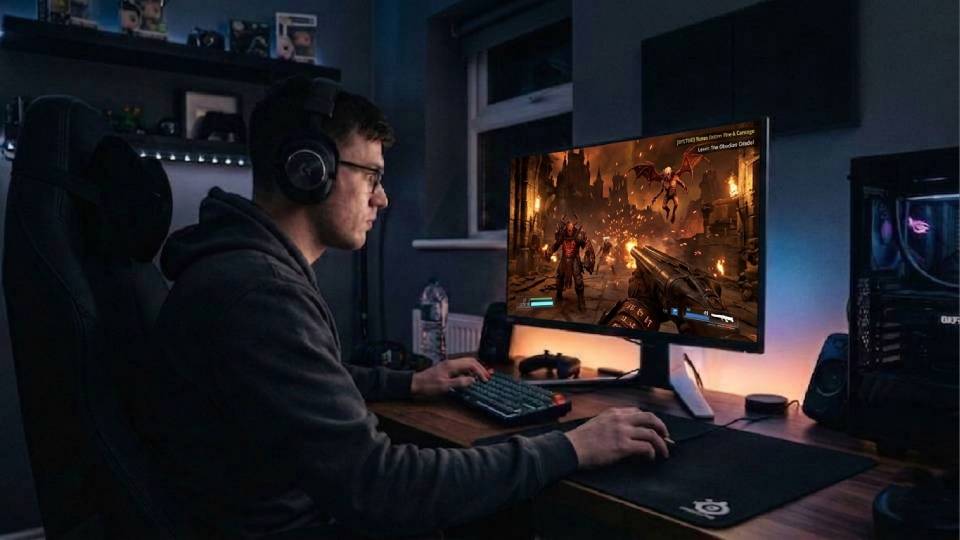
The High-fps Action Buyer
You play Doom for the pace. Your monitor runs at 144Hz or 240Hz and you want frame rates that match it — not averages, but consistent delivery that holds up during the most intense encounters. A mid-range build with an RTX 5070 and a Core i7 delivers 1440p ultra at well above 100fps with DLSS quality mode, and sustains that rate during combat rather than dropping on particle effects. The Core i7 keeps frame time tight where the CPU would otherwise become a bottleneck. This is the tier that matches the game the way id Software intended it to run.
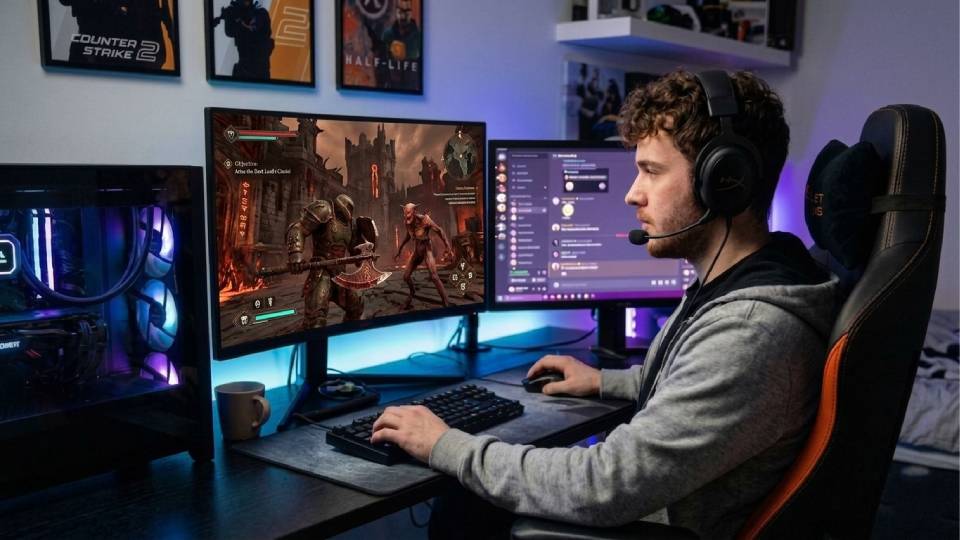
The 4K Ultra Buyer
You have a 4K display and you want to use it at maximum settings. Doom: The Dark Ages at 4K ultra with DLSS quality mode on an RTX 5070 Ti is genuinely impressive — id Tech 8's dynamic lighting and shadow quality at this resolution is what makes the visual argument for 4K clear rather than marginal. The 16GB VRAM handles maximum texture quality at 4K without compression artefacts during sustained play. If you also play Crimson Desert or other demanding action titles, this build covers all of them without compromise.
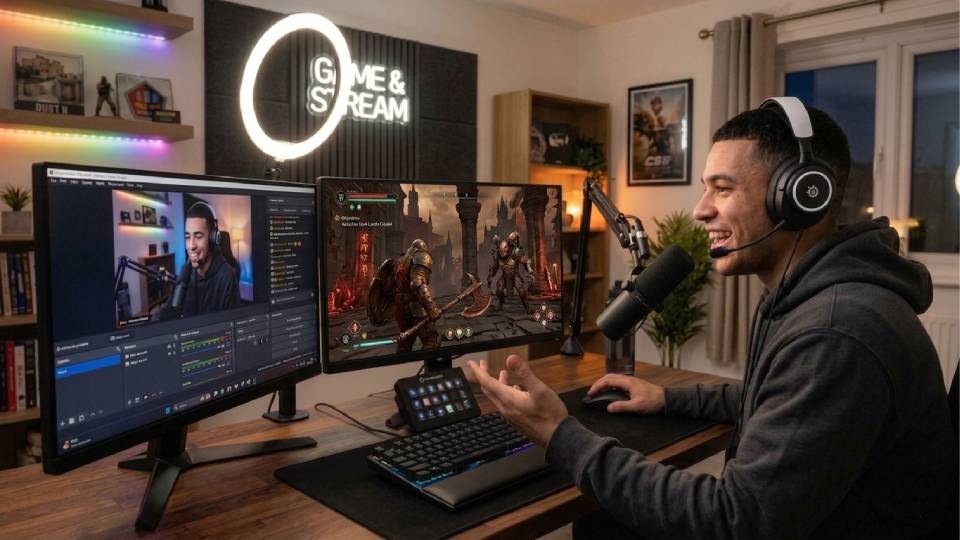
The Budget Action Buyer
You want a capable PC for Doom: The Dark Ages and you want to spend as little as possible while still running the game properly. id Tech 8's optimisation works in your favour here — 1080p at high settings with frame rates well above 60fps is achievable at £800 to £999 on a modern GPU. The game looks significantly better than the console version at high settings on a calibrated 1080p monitor. The one thing to confirm before you buy: your GPU must support hardware ray tracing. Call Kevin and tell him your budget — he will confirm the right build and verify compatibility.
Not Sure Which Tier Is Right?
Call Kevin on 01902 714533 or email [email protected]. No charge for the conversation. Tell him:
- The games you play most often alongside Doom: The Dark Ages
- Your monitor resolution and refresh rate
- Whether you stream, record, or edit alongside gaming
- Your approximate budget
How Doom: The Dark Ages Compares to Similar Titles
Ginger6 Builds for Doom: The Dark Ages
Three builds selected for Doom: The Dark Ages across 1080p, 1440p, and 4K. All include ray tracing-capable GPUs — a requirement of id Tech 8 at every settings tier.
Entry Doom Build
RTX 5060 Ti + Core i5. 1080p at high settings above 100fps. Ray tracing hardware included. The right starting point for buyers on a tighter budget who want the full game experience. Confirmed spec on request.
G6 Storm X3Mid-Range Doom Build
RTX 5070 + Core i7. 1440p ultra with frame rates suited to a 144Hz or 165Hz display. The recommended tier — id Tech 8 delivers maximum settings at this tier in a way that UE5 cannot match. Confirmed spec on request.
Core i7 RTX 5070High-End Doom Build
RTX 5070 Ti + Core i7. 16GB VRAM. 4K at ultra settings with DLSS quality mode. Covers Doom: The Dark Ages at 4K and handles Crimson Desert and other demanding action titles at the same resolution. Confirmed spec on request.
Core Ultra 9 RTX 5070 Ti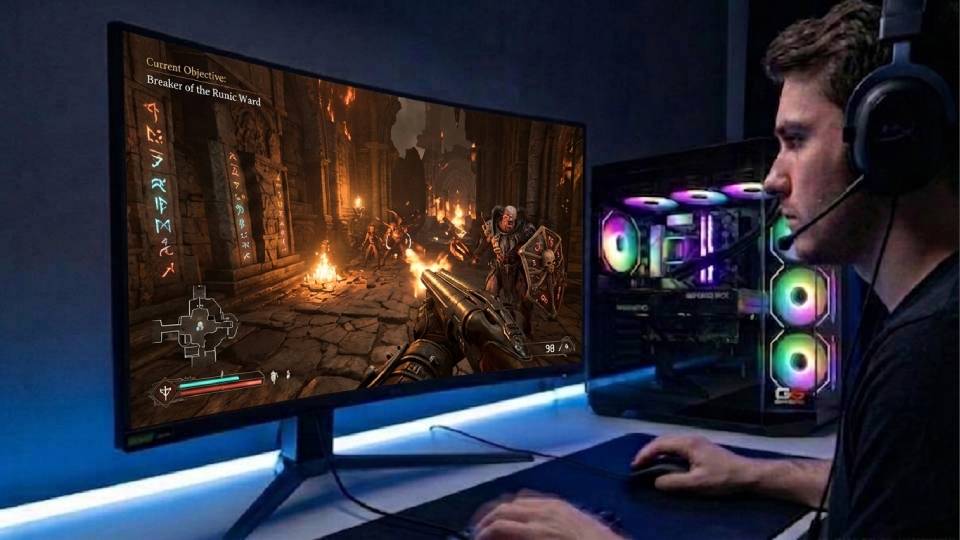
Built for Sustained GPU Performance
Doom: The Dark Ages keeps the GPU at near-maximum load throughout combat — and the combat is almost constant. Ray tracing active at all settings tiers means the GPU is calculating dynamic lighting and shadows every frame, without the performance relief that disabling it would provide in other titles. Ginger6 routes cables inside the case to support airflow around the GPU cooler. In a game with this load profile, thermal headroom under sustained conditions determines whether the GPU holds its boost clock or throttles quietly by the end of a long session. The difference is visible in frame rate consistency, not just peak numbers.
BIOS settings and XMP memory profiles are confirmed before dispatch. A 24-hour test runs covering GPU thermal behaviour under sustained load — the kind of load Doom: The Dark Ages actually places on the hardware, not just a synthetic benchmark peak. System stability, storage consistency, and firmware are all confirmed stable before the machine leaves Wolverhampton.
Kevin is reachable after delivery. The 3-year warranty covers parts and labour. If you have a question about settings, frame rate configuration, or anything needs attention, you speak to the person who built the machine.
What Do Ginger6 Customers Say?
Over 1,100 verified reviews with a 93% five-star rating.
Customers highlight build quality, the honesty of Kevin's advice on which spec to choose, and after-sale support that remains accessible long after delivery. Hand-built in Wolverhampton. Free UK delivery.
Read All Trustpilot ReviewsPC is in excellent condition running as intended and slightly better. Very professional place and extremely happy with how everything turned out. Would order from these guys again.
If I was going to buy a PC again, I'd definitely choose Ginger6. Quick service, great quality and the customer service is excellent. Can't recommend enough.
2nd PC I have purchased from Ginger6. Price was fair, excellently built and speedy delivery.
Common Questions About Doom: The Dark Ages on PC
id Tech 8 is built around hardware ray tracing from the ground up. The engine calculates dynamic lighting and shadows using ray tracing in real time rather than relying on pre-baked approximations — and there is no rasterisation fallback. This means a GPU that does not include dedicated ray tracing hardware simply cannot run the game, regardless of its compute power. The requirement applies at minimum settings, not only at ultra. Any NVIDIA RTX card (RTX 2000 series and above) and any AMD RX 6000 series card and above includes the necessary hardware. Call Kevin if you are unsure whether your existing GPU qualifies — he will confirm before you buy.
For 1440p at high settings with 60fps minimum, the official recommended spec points to a GPU with 10GB or more VRAM and hardware ray tracing support. In Ginger6's current range, the RTX 5060 Ti or RX 9060 XT handles this tier well, with DLSS or FSR quality mode providing additional headroom. For 1440p at ultra settings with frame rates suited to a 144Hz display, the RTX 5070 is the right choice. id Tech 8's optimisation means these targets are achievable at lower hardware tiers than comparable UE5 titles require.
Black Myth: Wukong on Unreal Engine 5 is significantly more demanding at equivalent settings. Nanite's continuous geometry processing and Lumen's dynamic global illumination place a heavier sustained load on the GPU than id Tech 8 does at comparable visual output. A mid-range GPU that delivers Doom: The Dark Ages at 1440p ultra will run Black Myth: Wukong at 1440p high with DLSS engaged — not at the same settings tier. If you play both, size the build for Black Myth: Wukong and Doom: The Dark Ages will run with headroom at your target resolution.
More than in most genres. Doom: The Dark Ages is built around fast movement, reactive enemy AI, and timing-based parry mechanics. Frame time consistency — not just average fps — affects how responsive controls feel during intense sequences. A stable 100fps in Doom: The Dark Ages is a measurably different experience to 100fps average with spikes down to 60fps during combat. Input latency also reduces at higher frame rates, which affects how quickly your inputs register on screen. id Tech 8's frame time consistency across hardware tiers is one of the reasons the game reviews so well — the engine delivers stable frame delivery rather than high averages with inconsistent frame times.
At quality mode, the difference between native and DLSS is minimal in most scenes. DLSS quality mode renders the game at approximately 67% of your target resolution and reconstructs it using NVIDIA's AI upscaling — at 1440p, that means an internal resolution of around 960p being upscaled to 1440p. During fast-moving action sequences, the difference is not perceptible. At quality mode on a 4K display the result is visually indistinguishable from native 4K for the vast majority of play. Performance mode introduces more visible softness and is not recommended for buyers who want maximum image quality. Quality mode is the practical choice at 4K; native rendering is best used only when the GPU has the headroom to sustain it above 60fps.
Every Ginger6 gaming PC carries a 3-year warranty covering parts and labour. Kevin is reachable by phone and email after the machine arrives. For a build sized for sustained GPU-intensive action gaming, that direct post-sale access is a meaningful part of what you are buying — you are speaking to the person who built the machine, not a call centre. Every machine goes through a 24-hour test before dispatch, including sustained GPU load testing relevant to a title like Doom: The Dark Ages.
Yes — with one check required. id Tech 8's optimisation makes the game genuinely accessible from mid-range hardware, and 1080p at high settings above 100fps is achievable at £800 to £999. The one thing to confirm is ray tracing hardware support — any modern GPU includes it, but if you are considering a very budget card, Kevin will verify compatibility before you order. Beyond that, Doom: The Dark Ages is one of the best first gaming PC titles available: the visual difference over console is dramatic at high settings on a 1080p monitor, and the frame rate consistency is exactly what makes the move from console to PC worthwhile.
Ready to Build for Doom: The Dark Ages?
Browse the gaming PC range or call Kevin. Tell him your monitor resolution, your frame rate target, and your budget. He will confirm the right GPU tier and verify ray tracing compatibility for your setup.